



Monitors For Streaming And Gaming
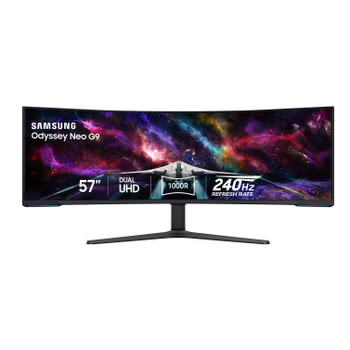
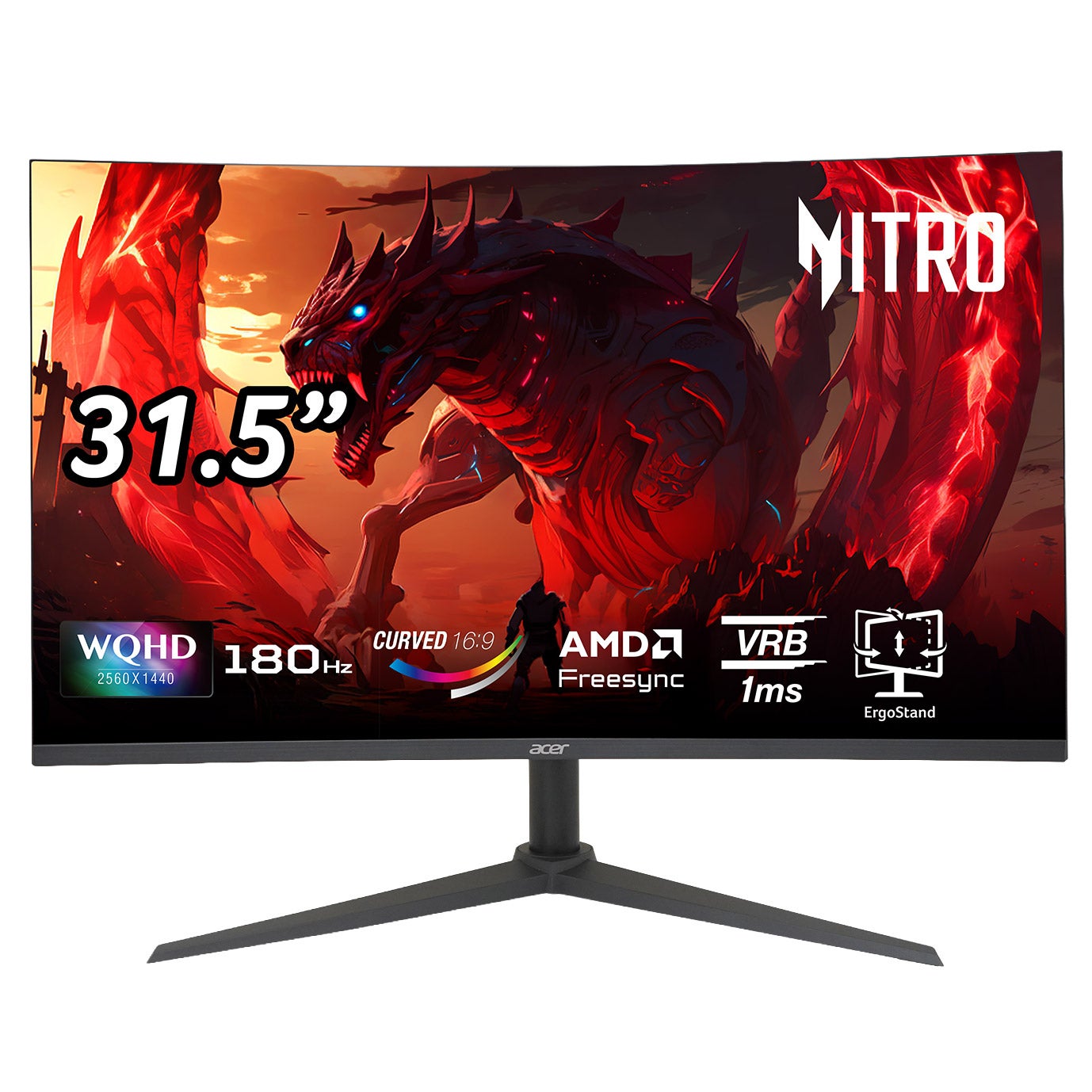
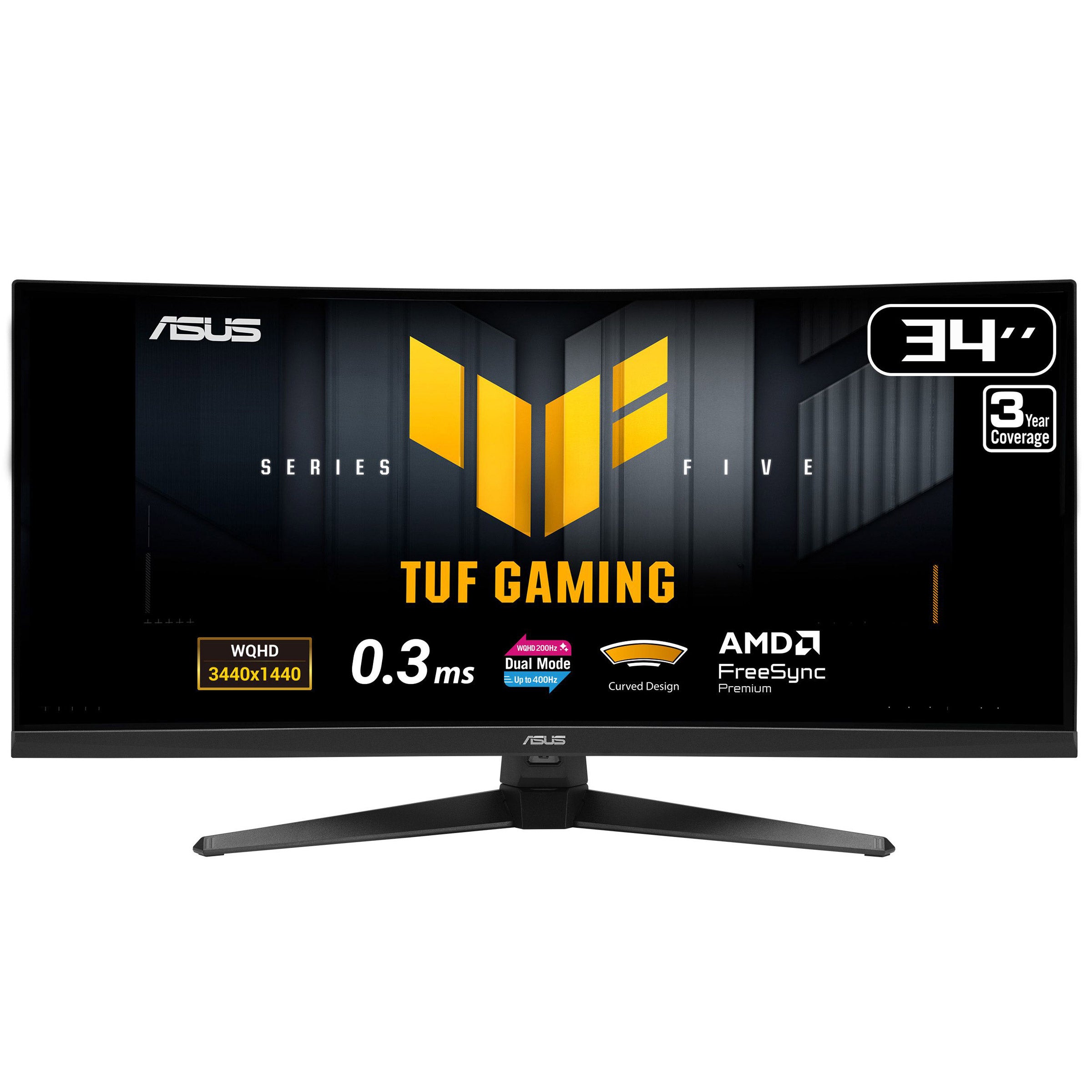
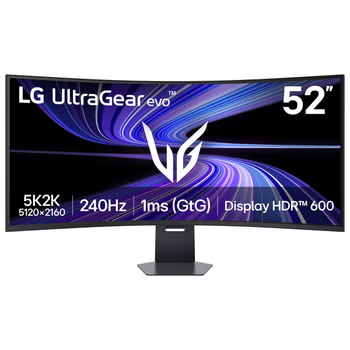
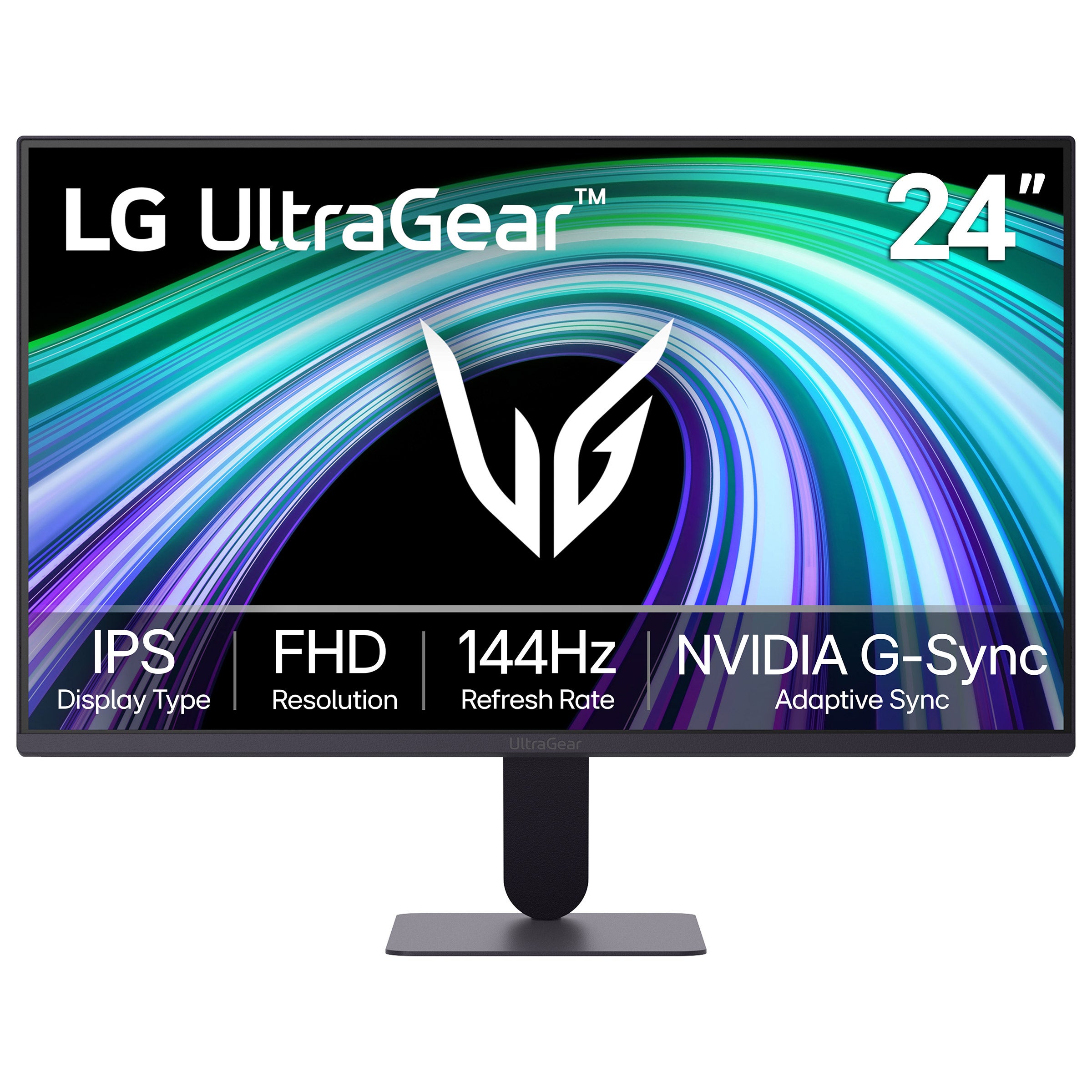
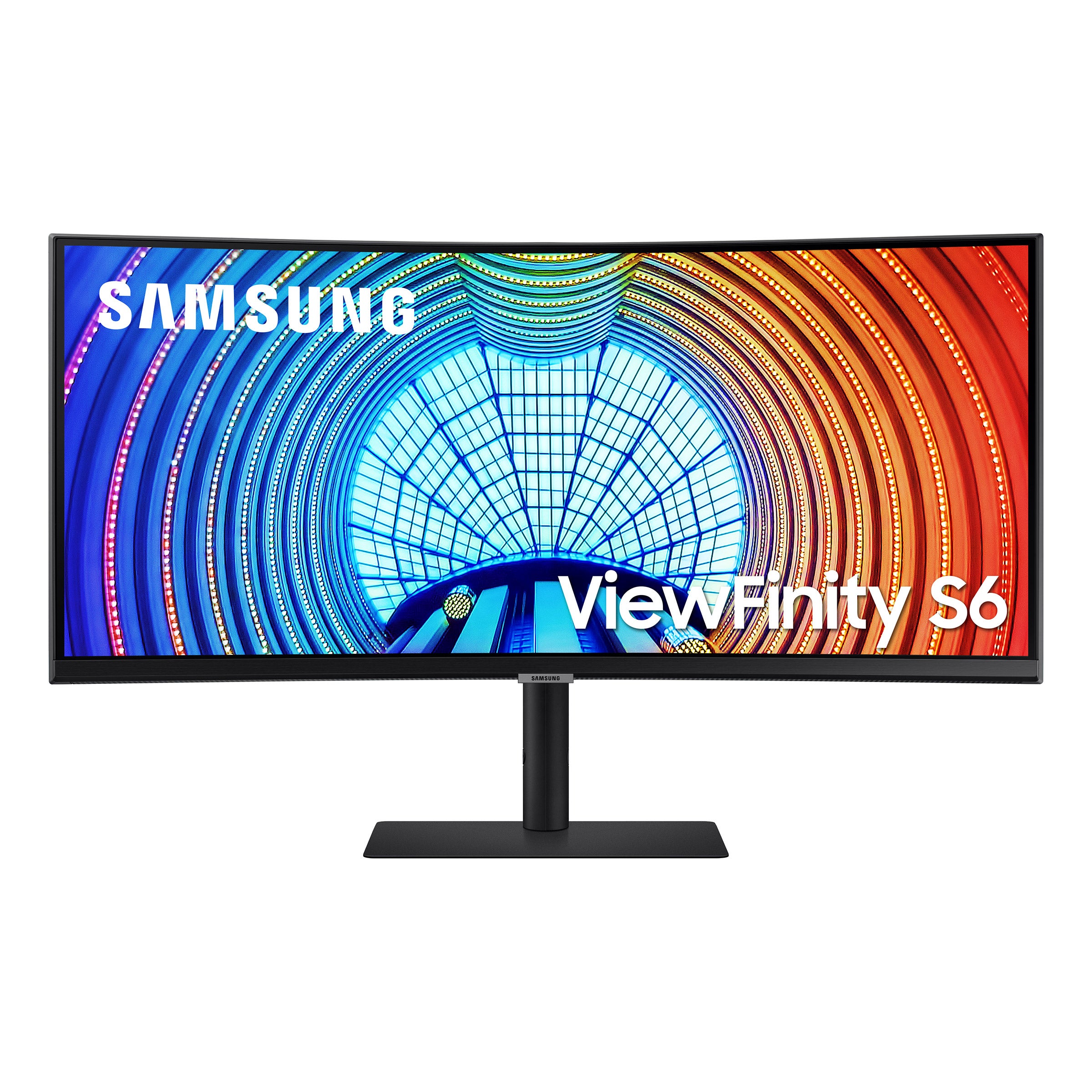
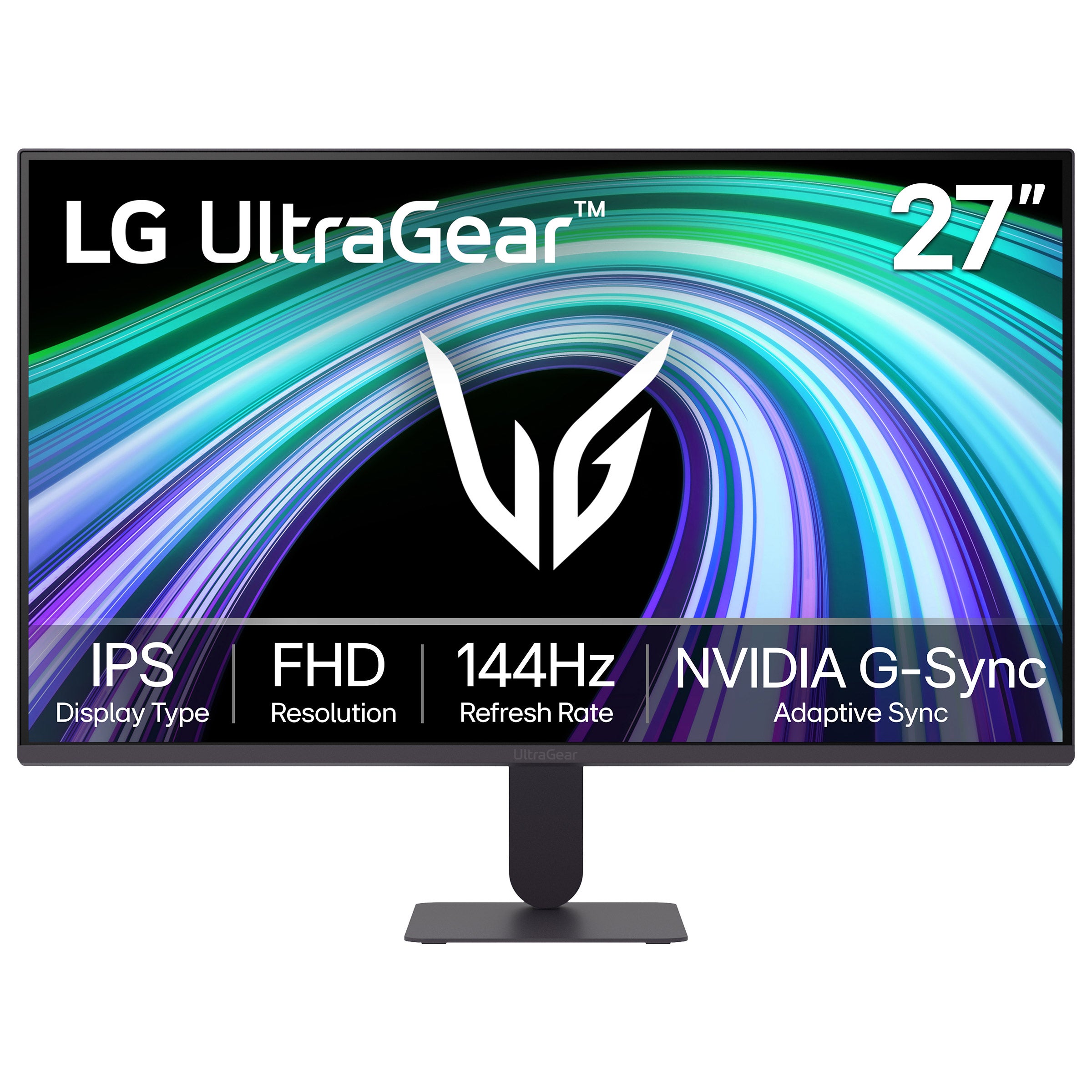
Find monitors for streaming and gaming at Costco, whether you’re watching your favorite shows or setting up for your next match. Compare screen size, resolution, refresh rate, and connection options to choose a computer monitor that fits your space and works with your setup.

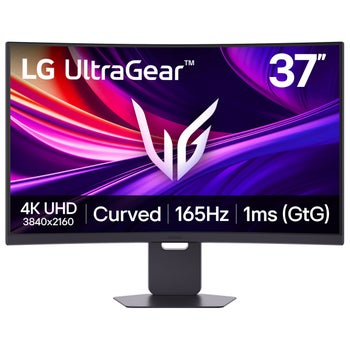


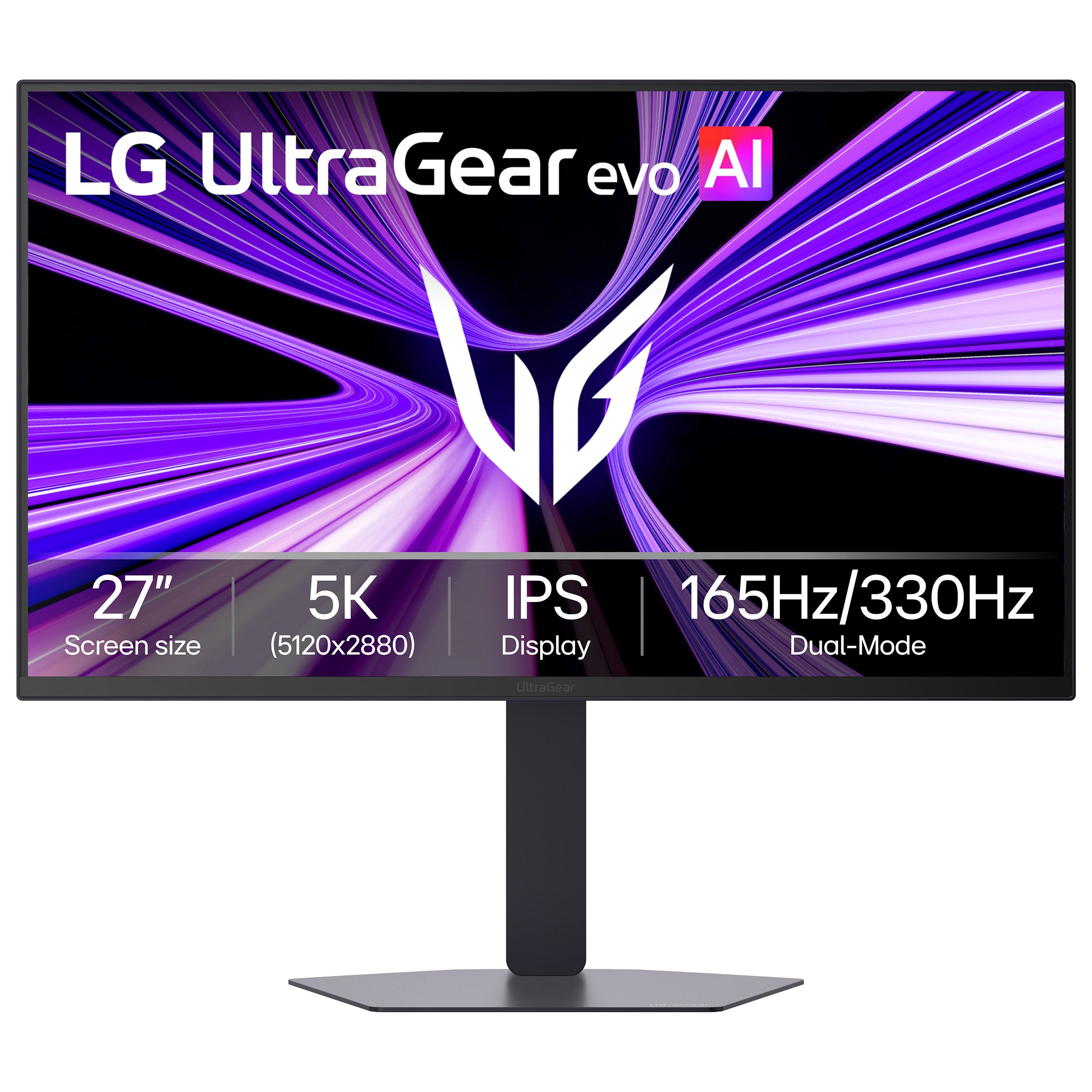
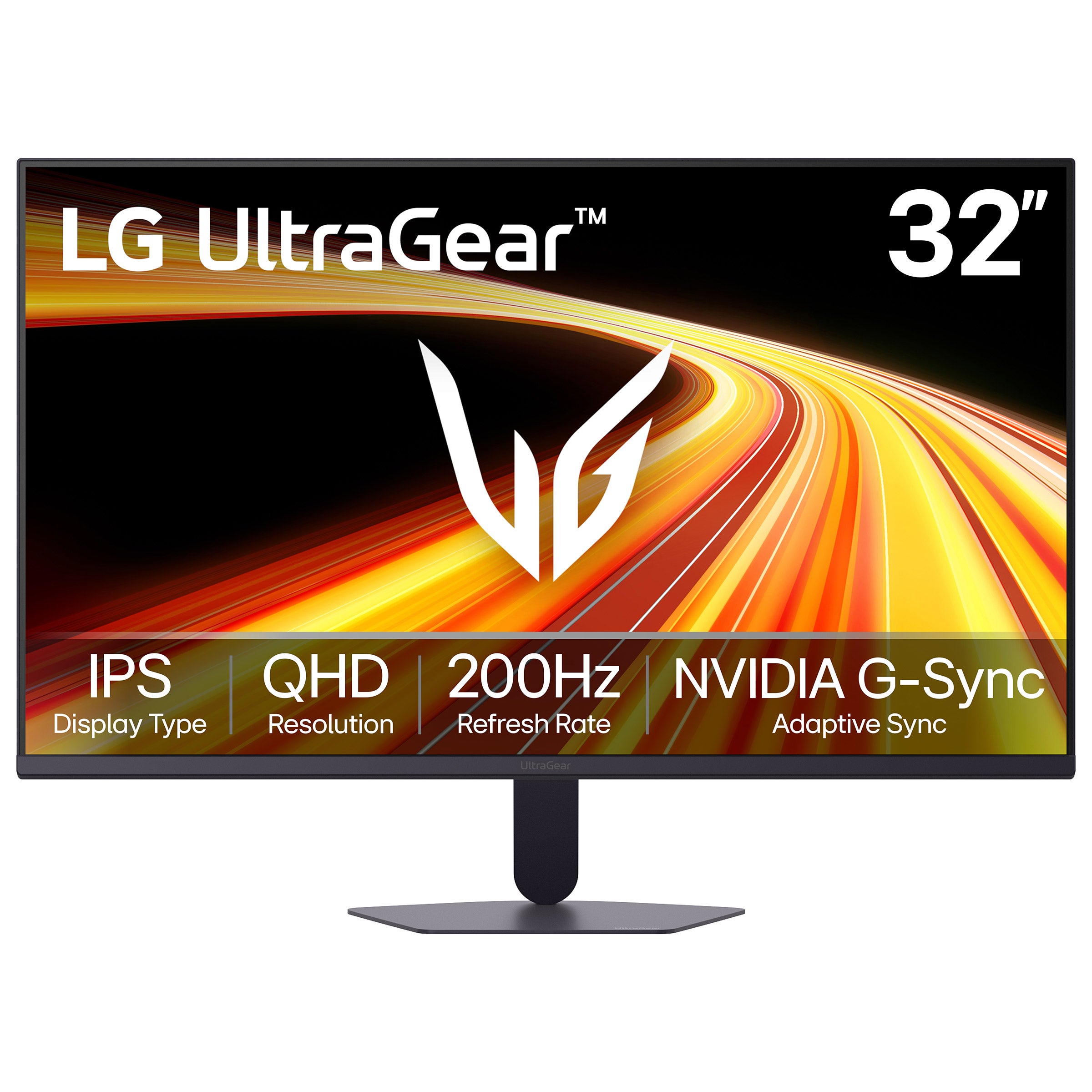

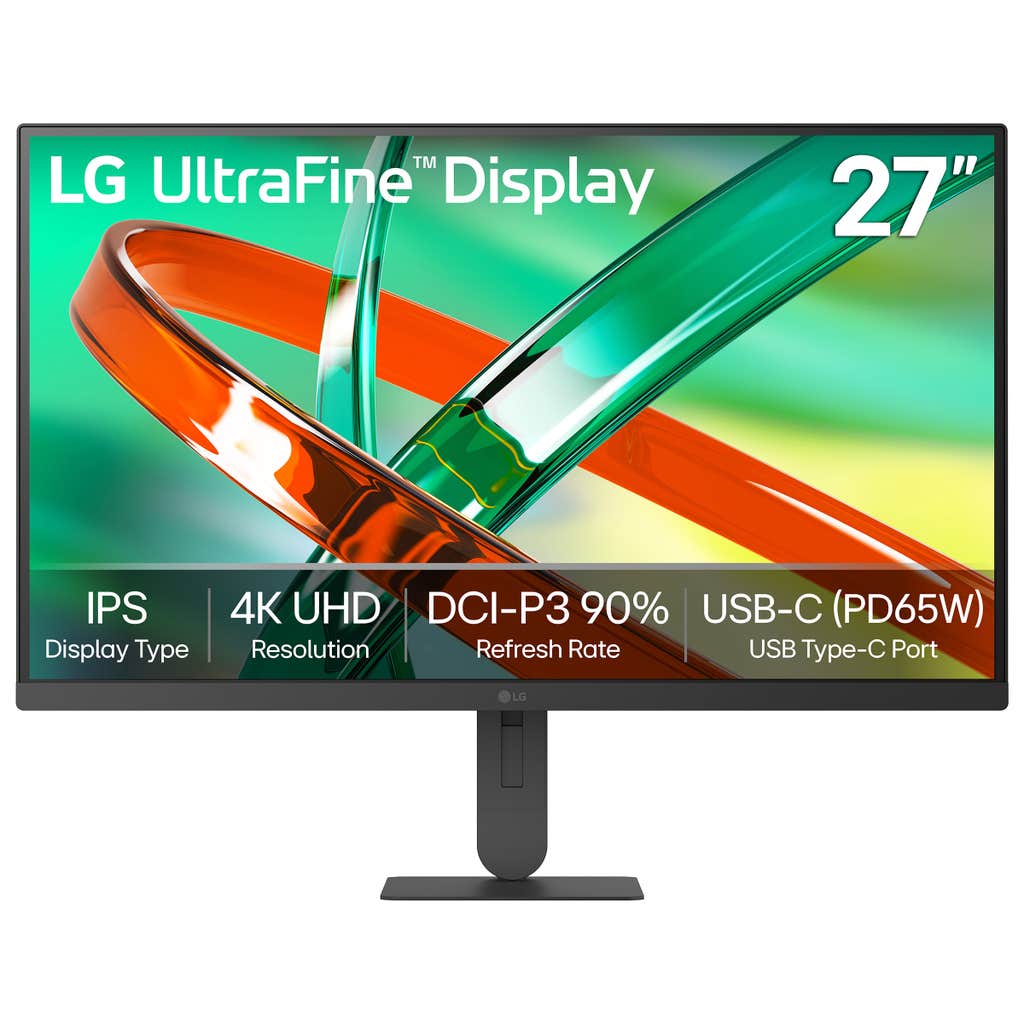
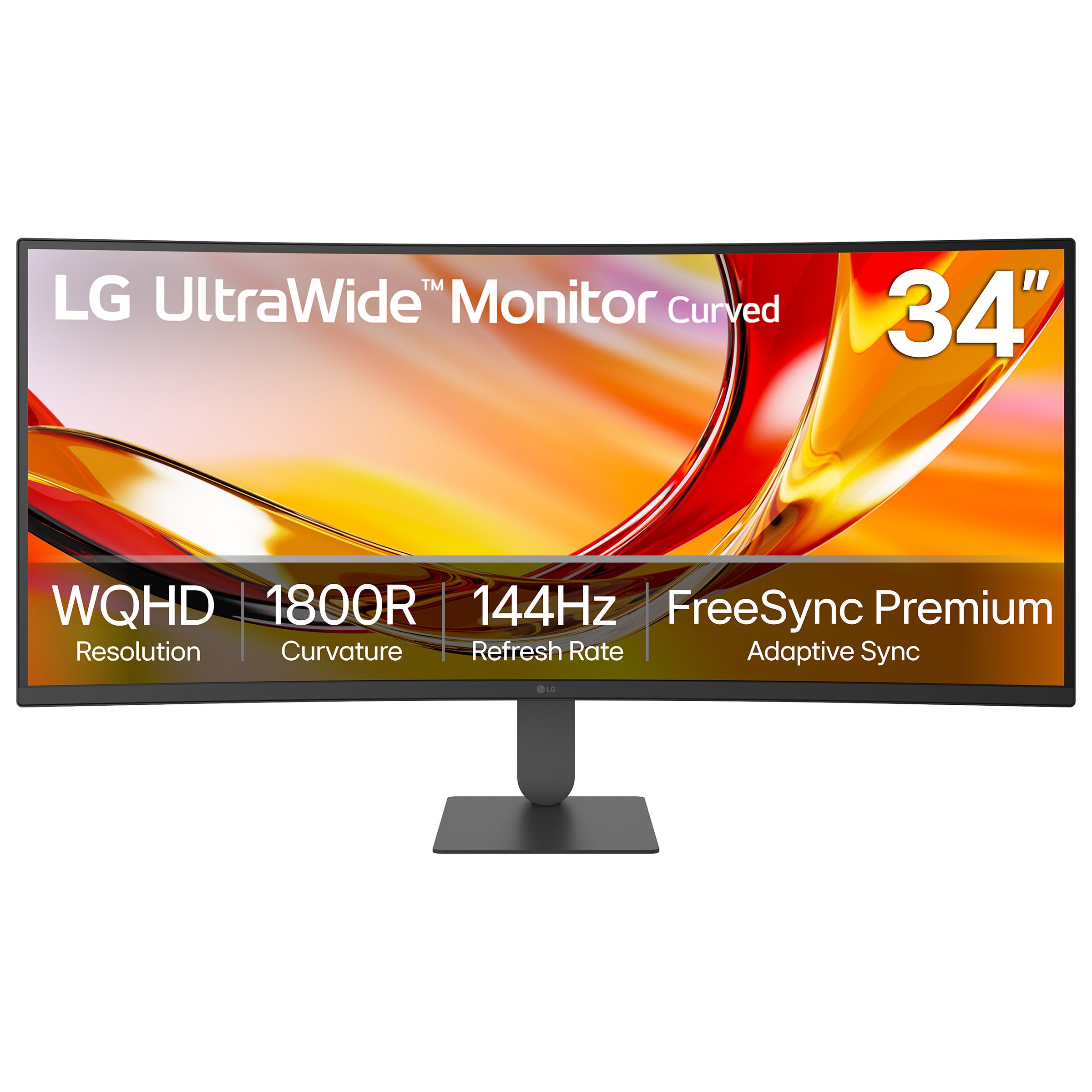
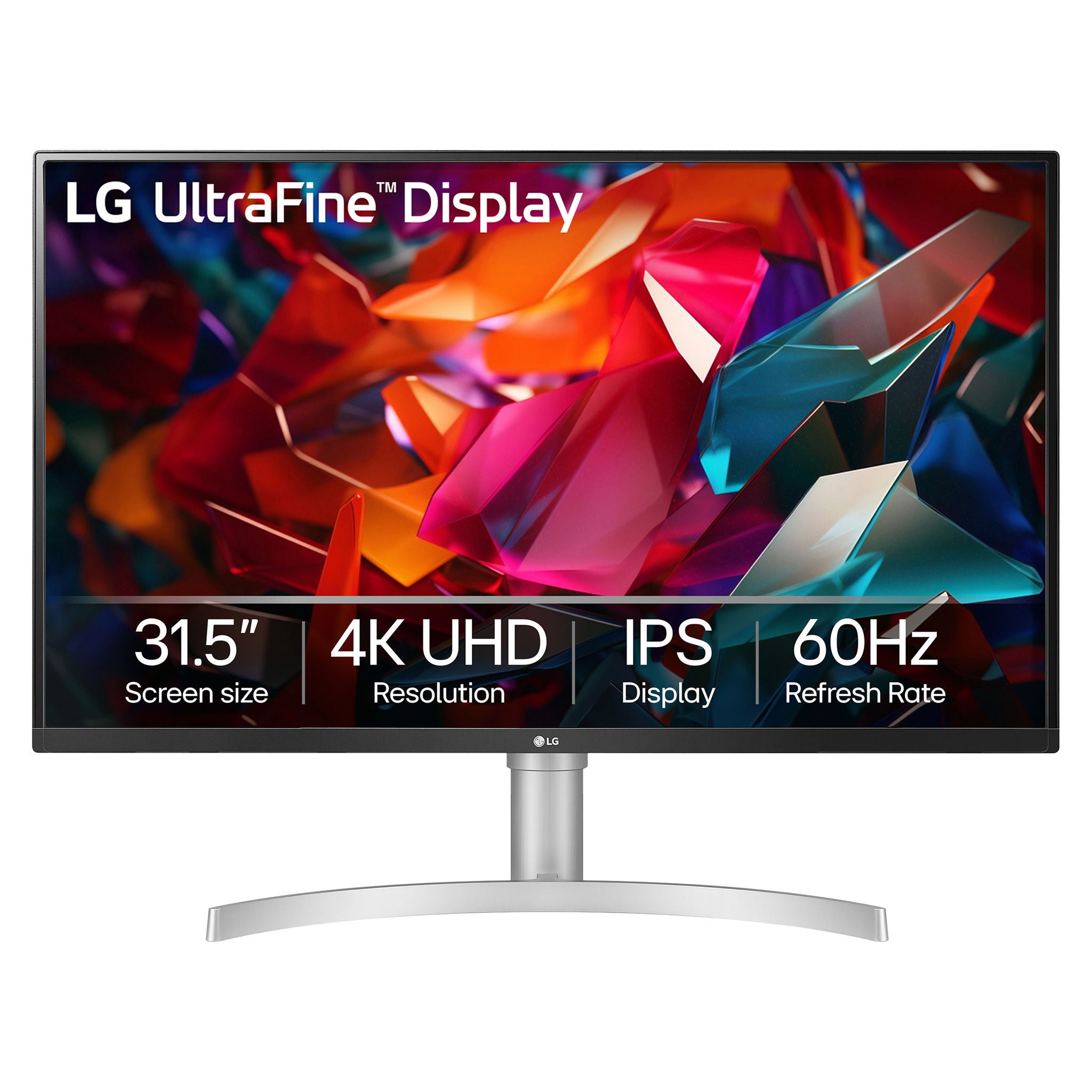
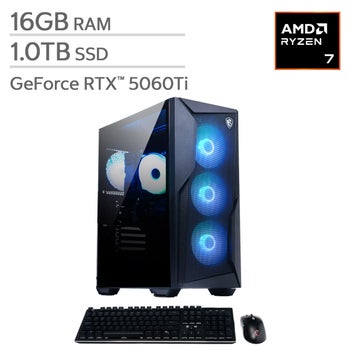
Monitors For Streaming And Gaming
FAQs
-
Consider resolution, refresh rate, response time, panel type, and connectivity. Higher resolutions can show more detail, while higher refresh rates can make gameplay look smoother. Your computer or console, preferred games, and streaming content can help guide your choices.
-
Refresh rate, measured in hertz (Hz), describes how often a monitor updates its image each second. Response time describes how quickly pixels transition between colors or shades. A higher refresh rate can make motion look smoother, while a faster response time can reduce trails behind moving objects.
-
HDMI and DisplayPort are common connections for video and audio. Some monitors also support video through USB-C when paired with a compatible device and cable. Check the connection specifications on both your monitor and source device to confirm support for your intended resolution and refresh rate.
-
High dynamic range, or HDR, can show a wider range of brightness and color in supported content. The result depends on the monitor's brightness, contrast, and color capabilities, along with the game or video source. To use HDR, your display, source device, and content must support it.
-
Yes. A monitor can serve both purposes when it supports the connections and display settings your devices need. For watching streams, consider resolution, contrast, and color reproduction. For gaming, also look at refresh rate and adaptive sync compatibility, which can help reduce screen tearing with supported hardware.