



Gaming PCs For Streaming
Explore gaming PCs for streaming at Costco, and compare options for playing games while broadcasting live. Consider processor performance, graphics capabilities, RAM, and storage when choosing a PC for your games, streaming software, and multitasking needs.

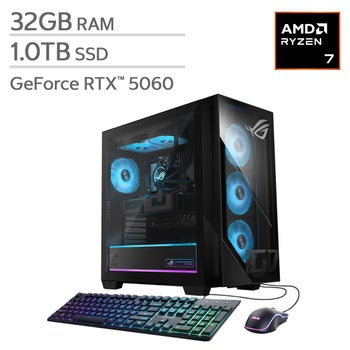
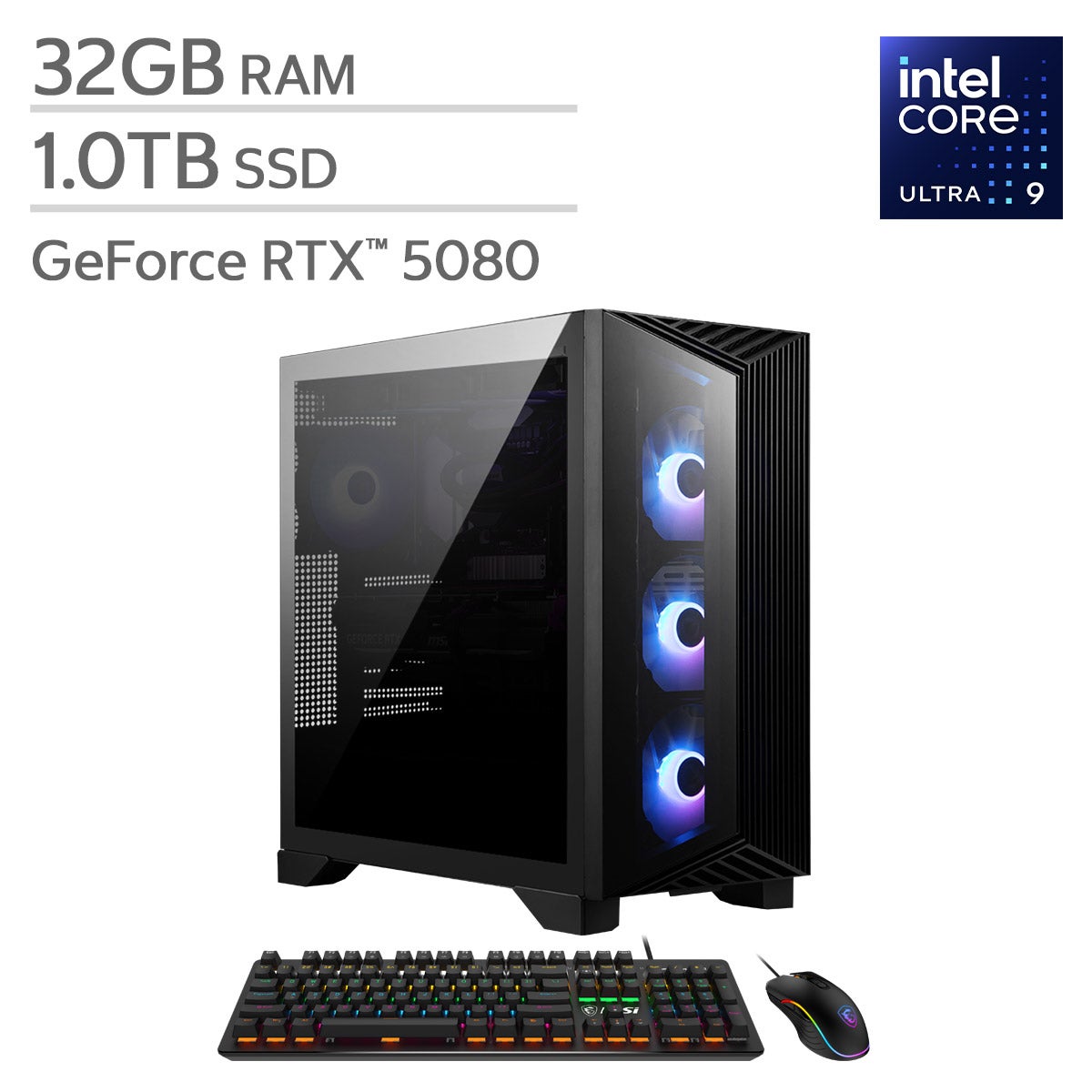

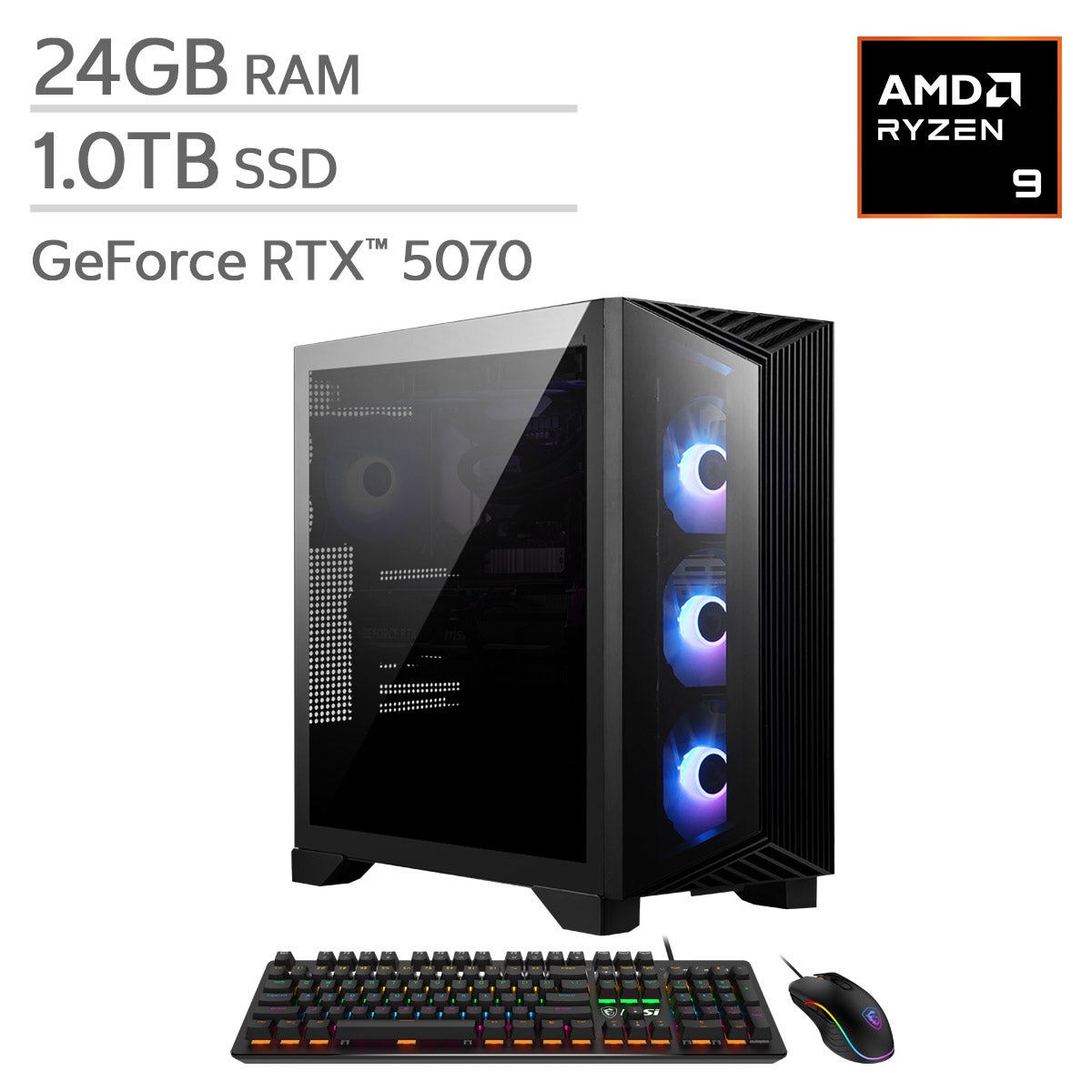
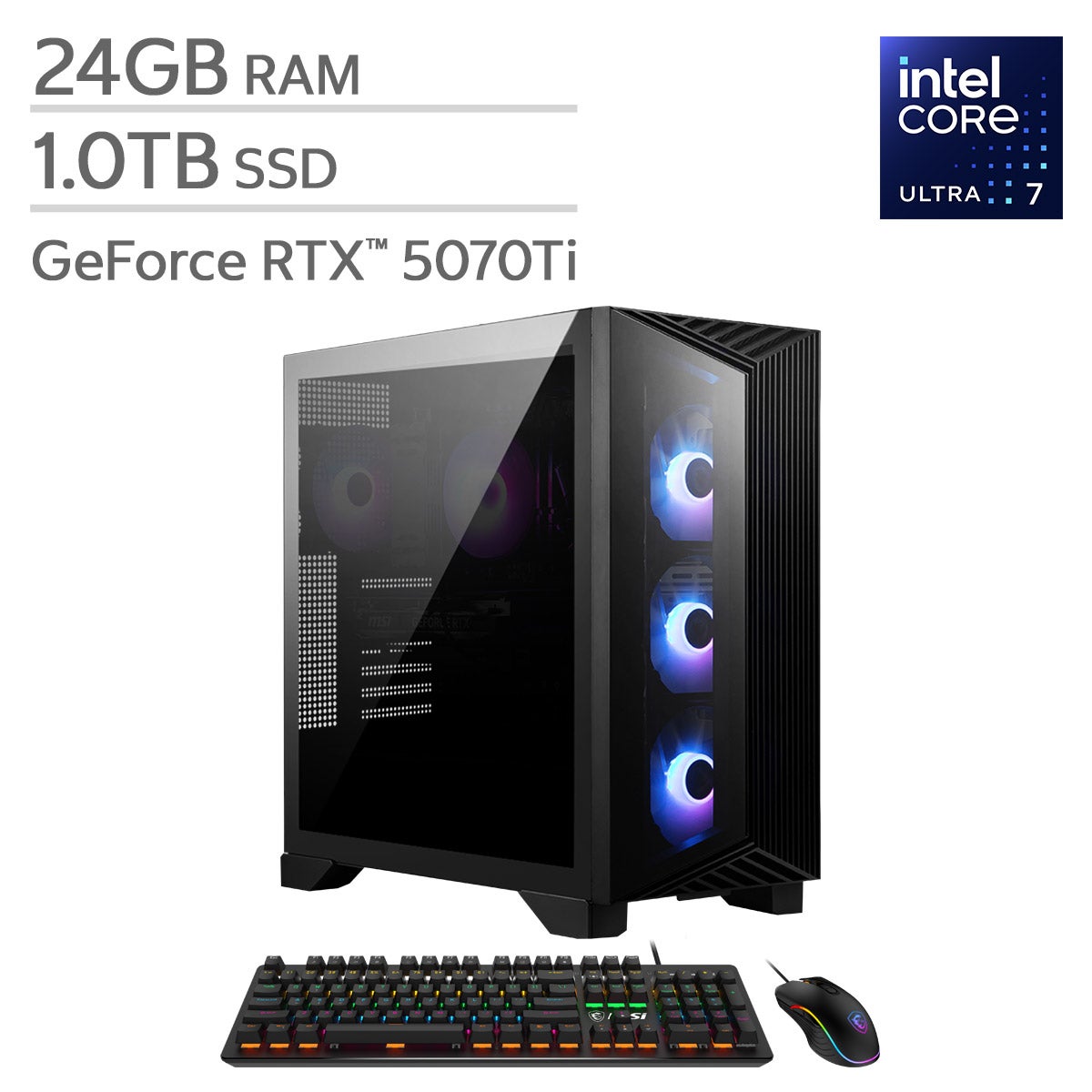

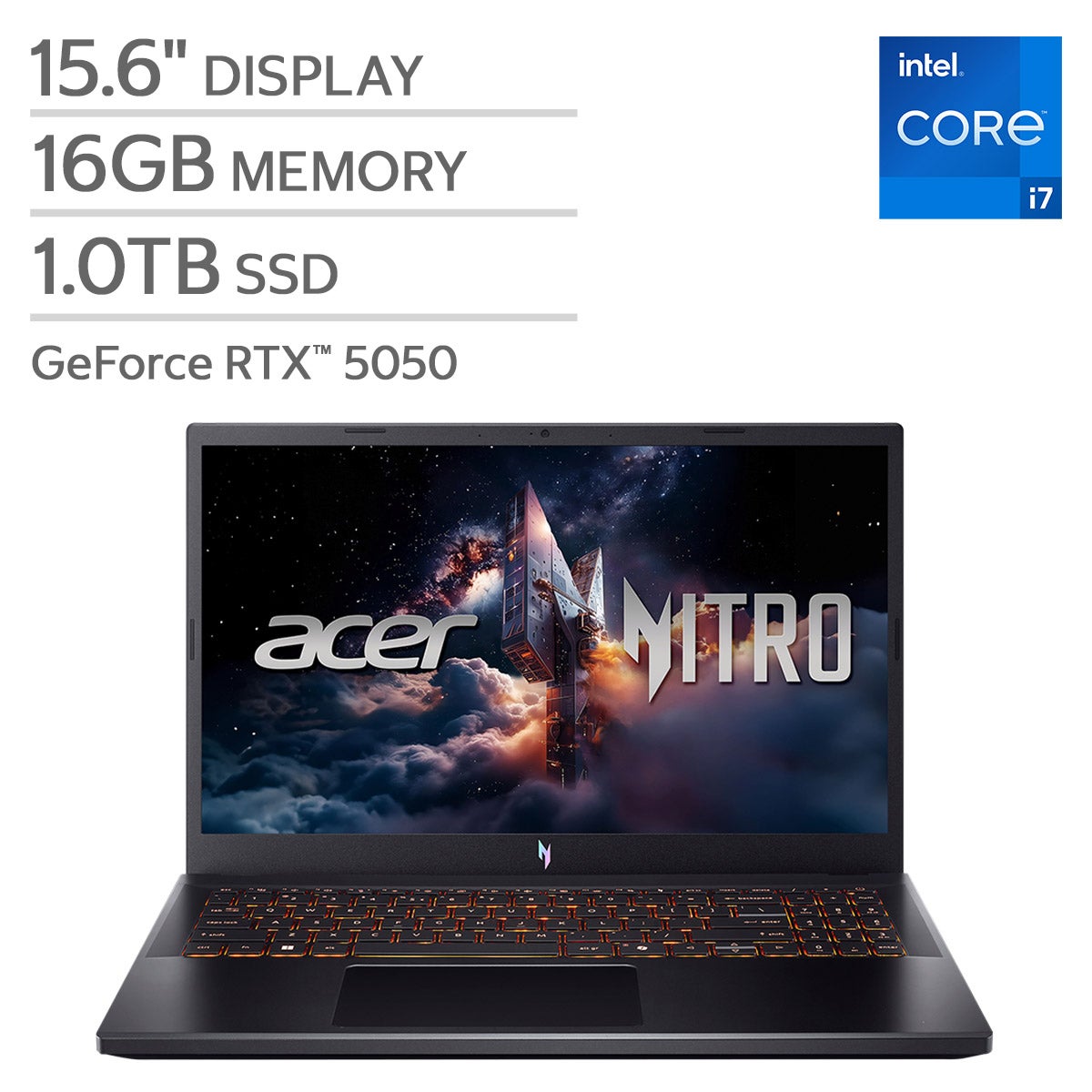
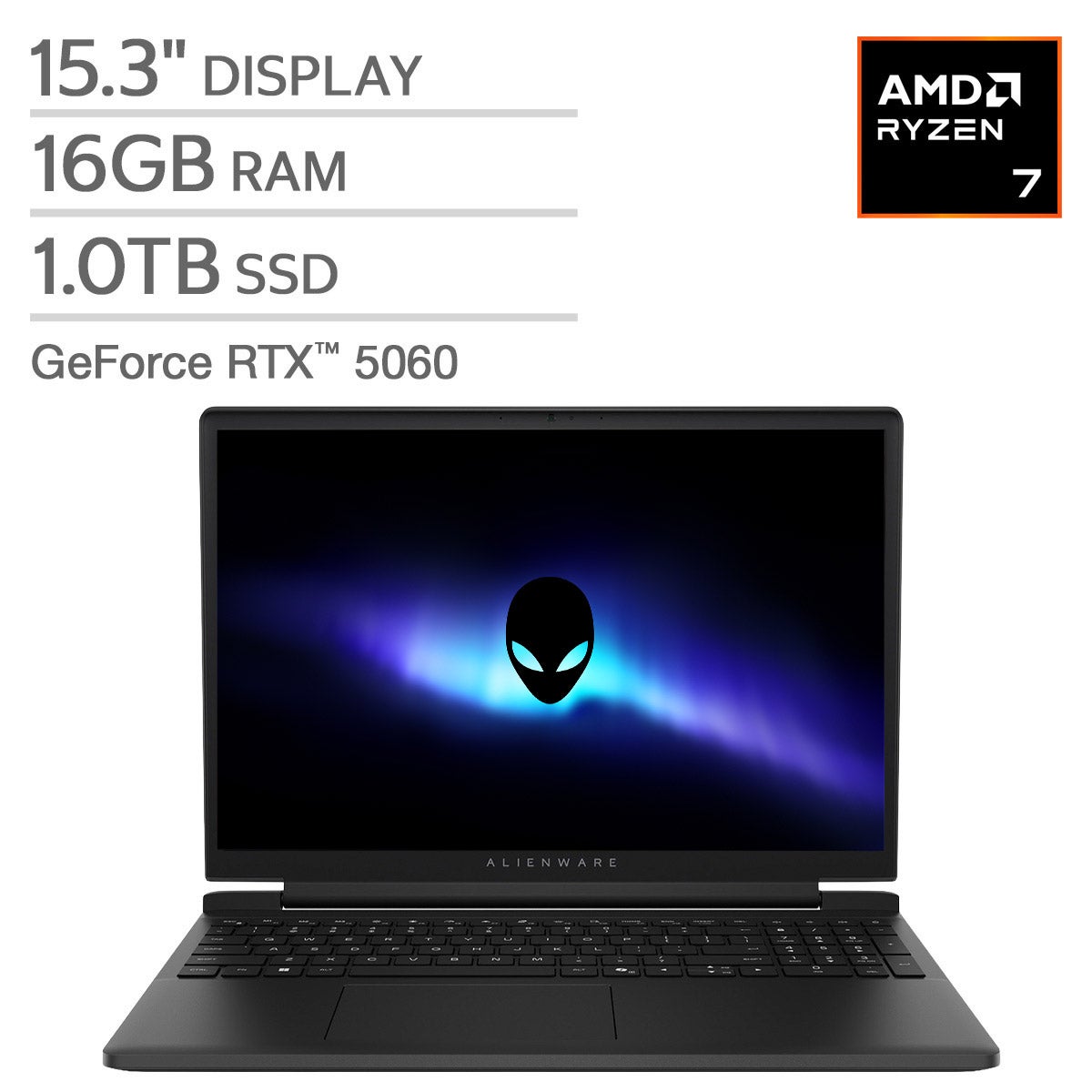

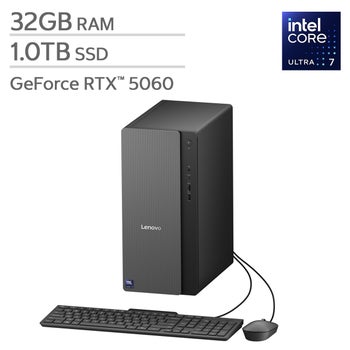
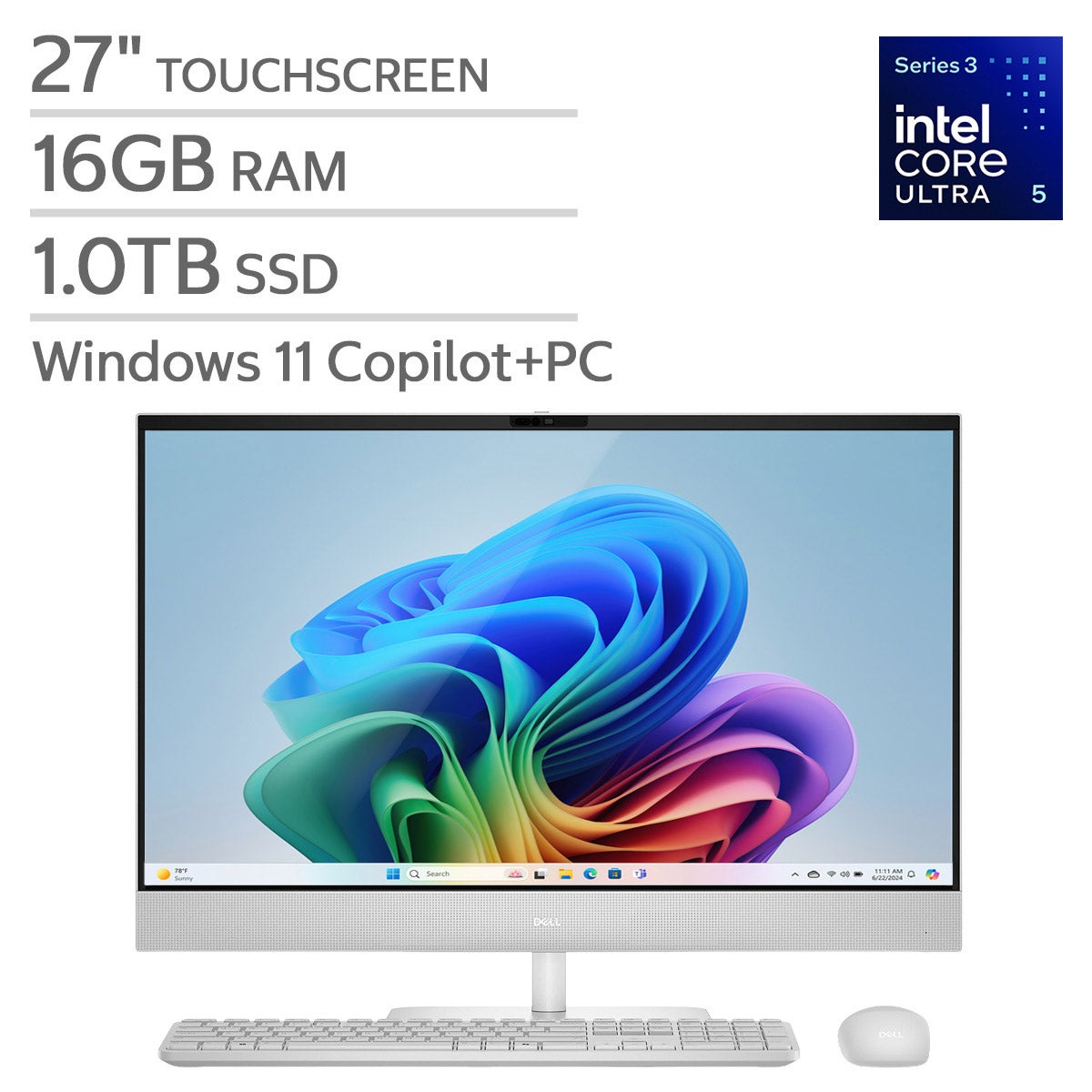
Top Rated Items
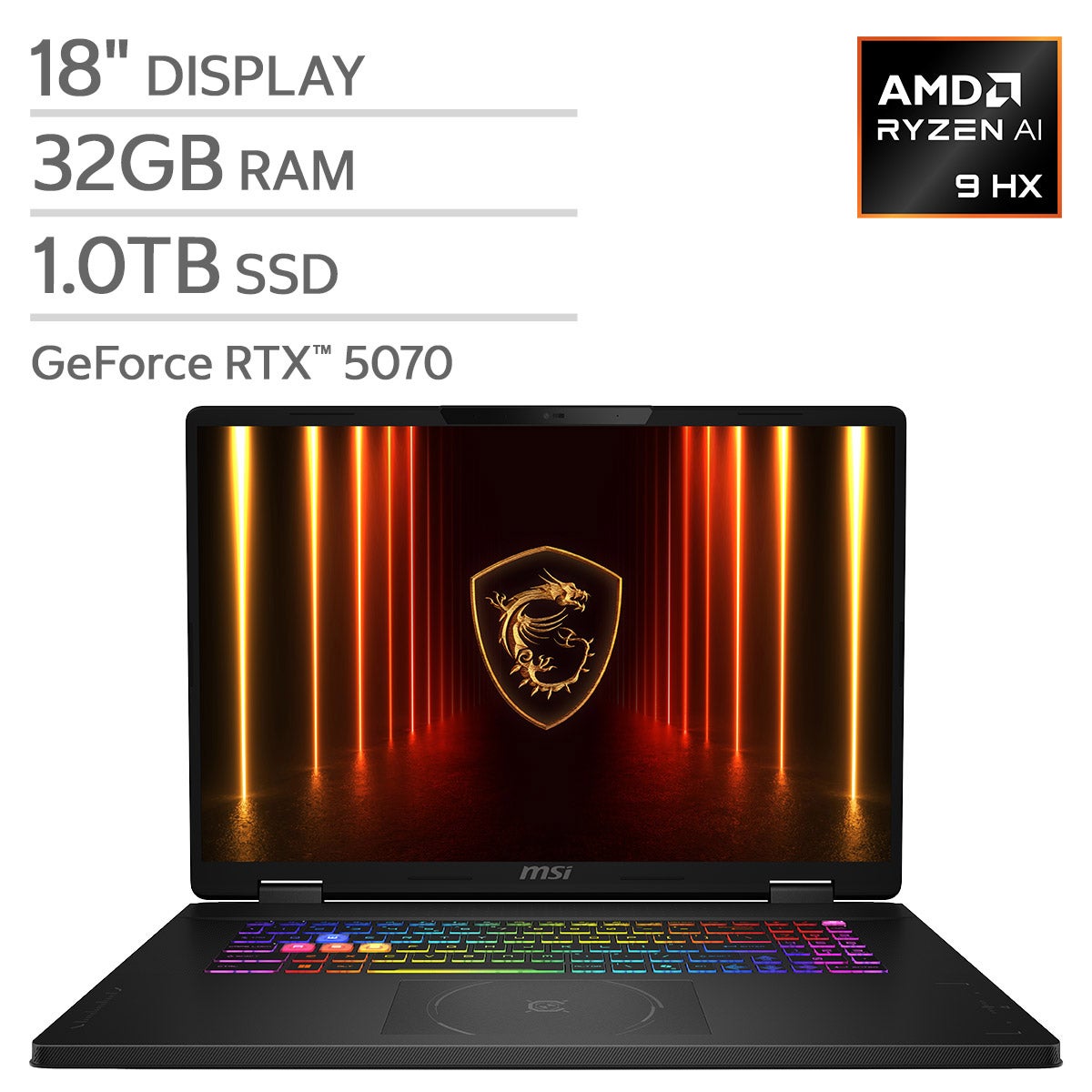
Gaming PCs For Streaming
FAQs
-
Look for a modern multicore processor, a dedicated graphics card with hardware video encoding, ample memory, and solid-state storage. These components support gameplay, streaming software, and background apps running together. Ethernet connectivity and multiple USB ports are also useful for connecting your streaming setup.
-
Hardware video encoding uses a dedicated encoder on a compatible graphics card or processor to prepare video for your stream. This reduces the encoding workload on the CPU, leaving more processing resources available for your game and other applications. Check that your streaming software supports your chosen encoder.
-
Yes, a gaming PC can handle gameplay and streaming on the same system. A multicore processor and a graphics card with a compatible hardware encoder are helpful for this setup. Your game settings, stream resolution, and frame rate all affect the computing resources required.
-
A capture card is generally not needed when you play and stream on the same PC, since streaming software can capture the game directly. A capture card is commonly used to bring video from a gaming console or a separate gaming PC into the computer running your streaming software.
-
USB ports connect accessories such as microphones, webcams, and external capture devices. HDMI or DisplayPort outputs connect monitors for viewing your game, chat, and streaming controls. An Ethernet port provides a wired network connection, while compatible audio connections support headphones and other audio equipment.