



Gaming Monitors For XBOX Series X
Find gaming monitors for XBOX Series X at Costco and compare options for your console setup. Check screen size, resolution, refresh rate, and HDMI compatibility to choose a display that fits your space and supports the gaming settings you want to use.
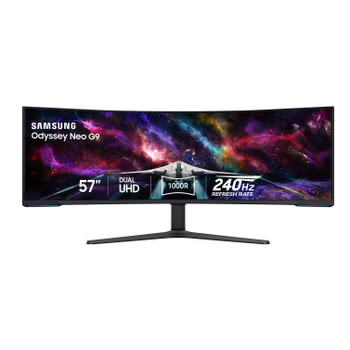
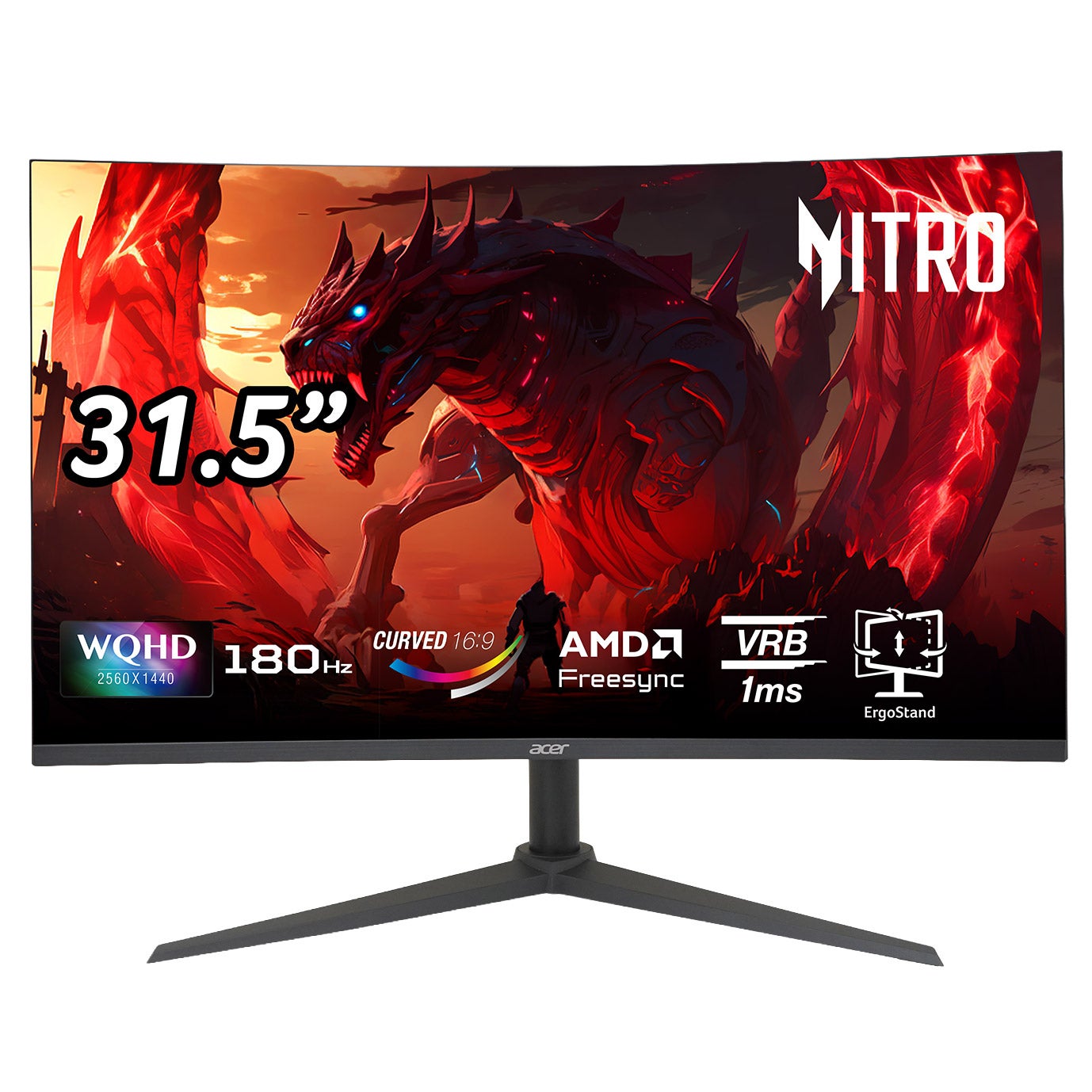
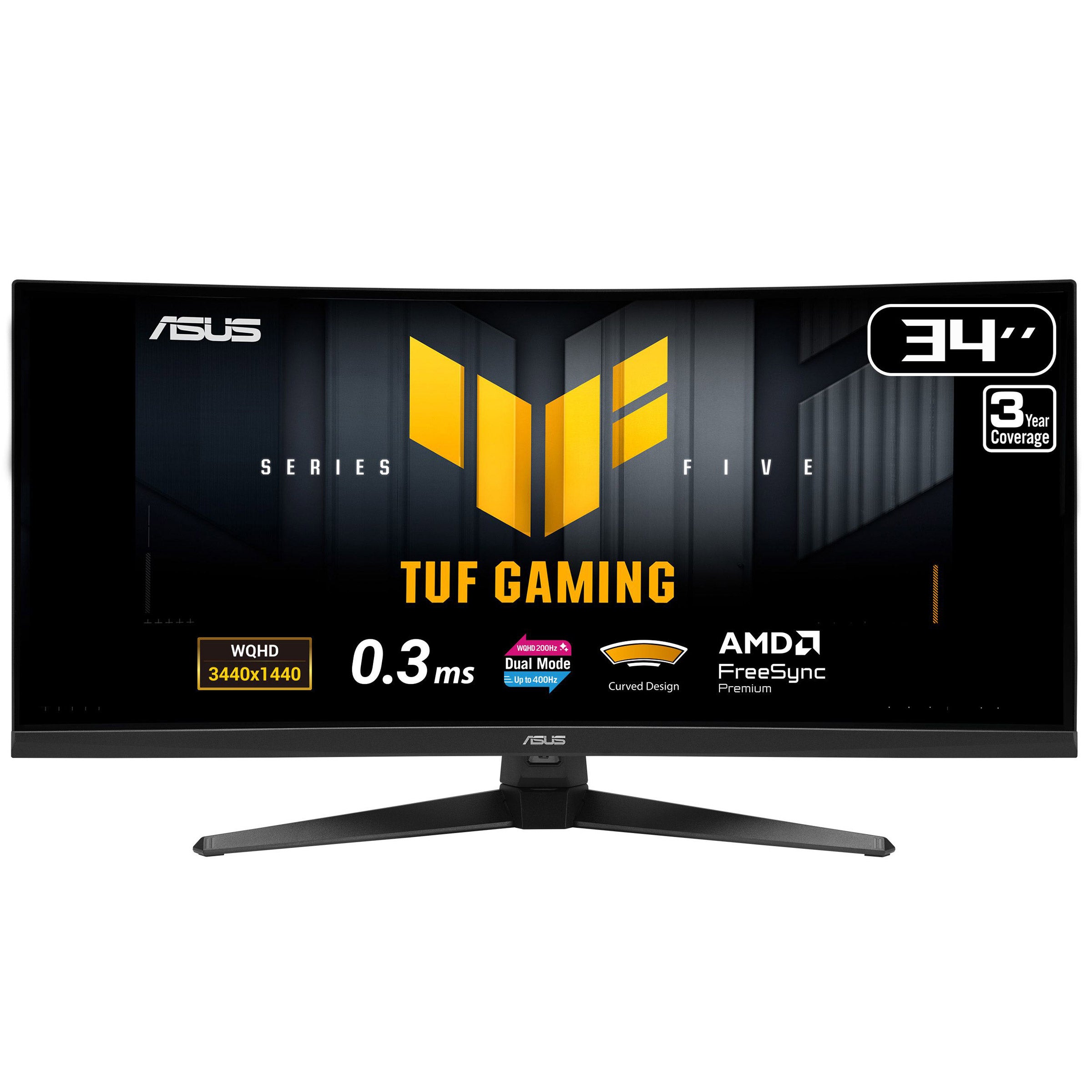
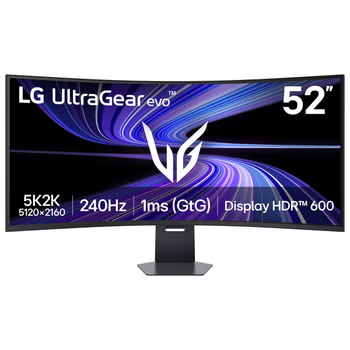

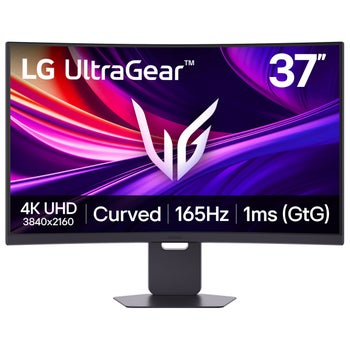


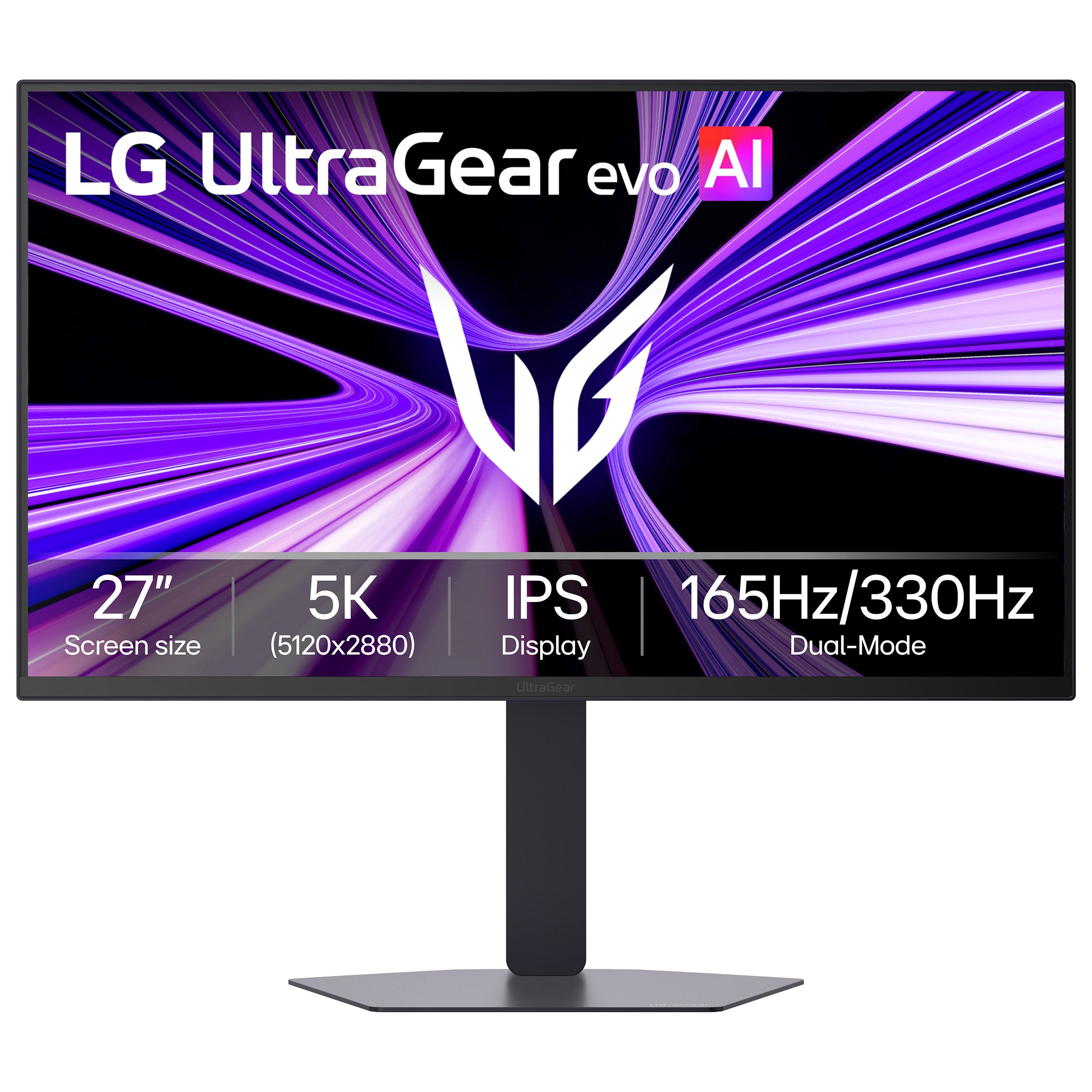
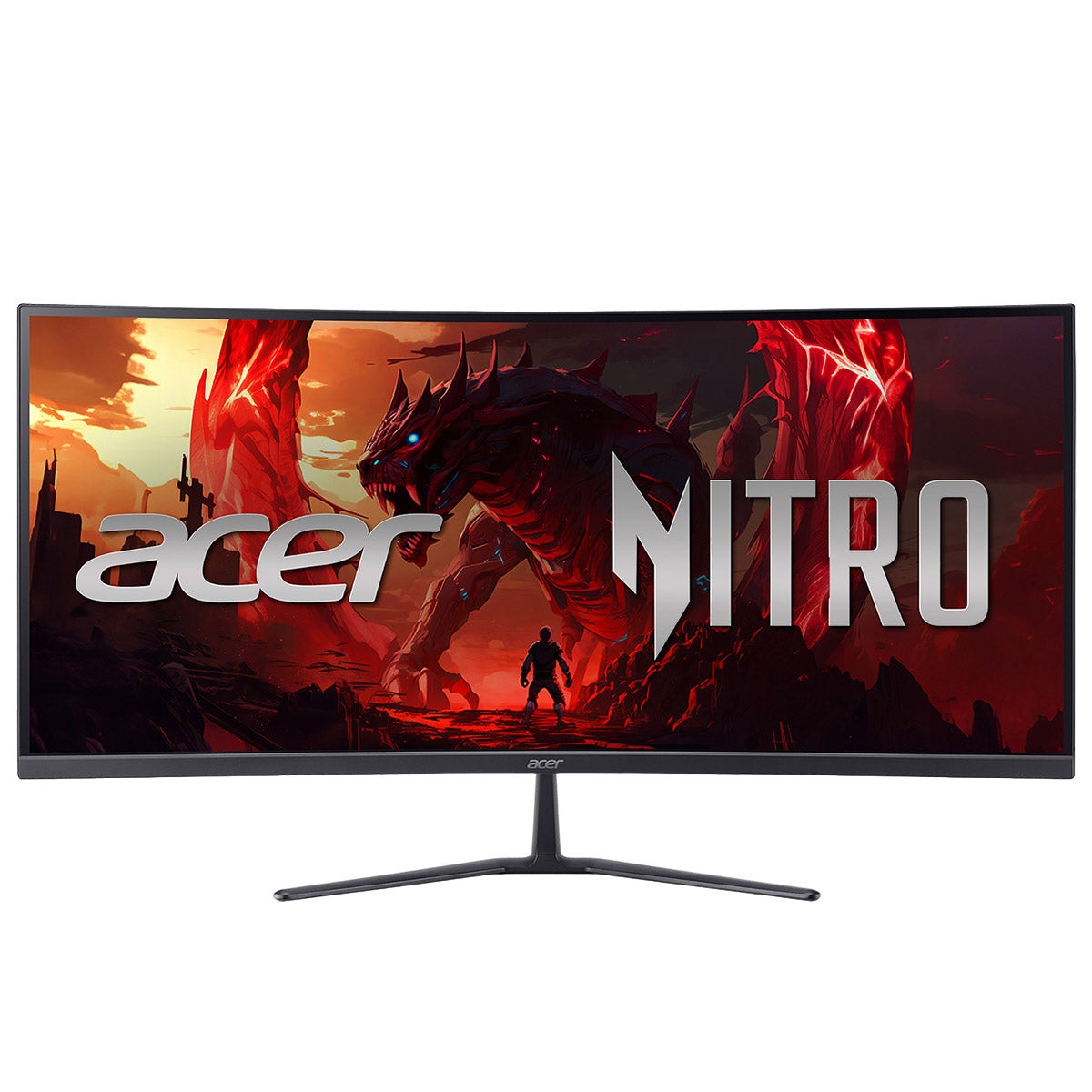
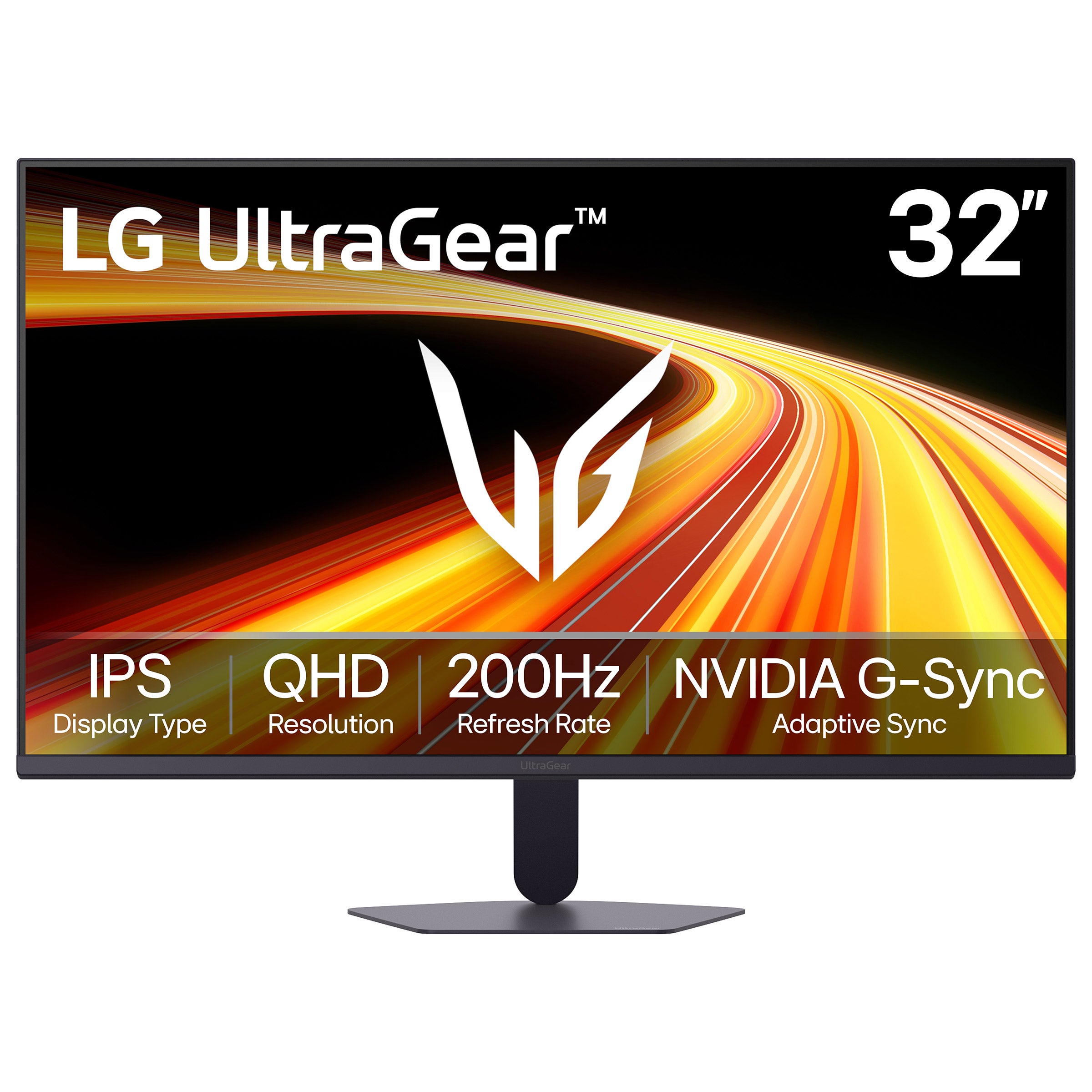
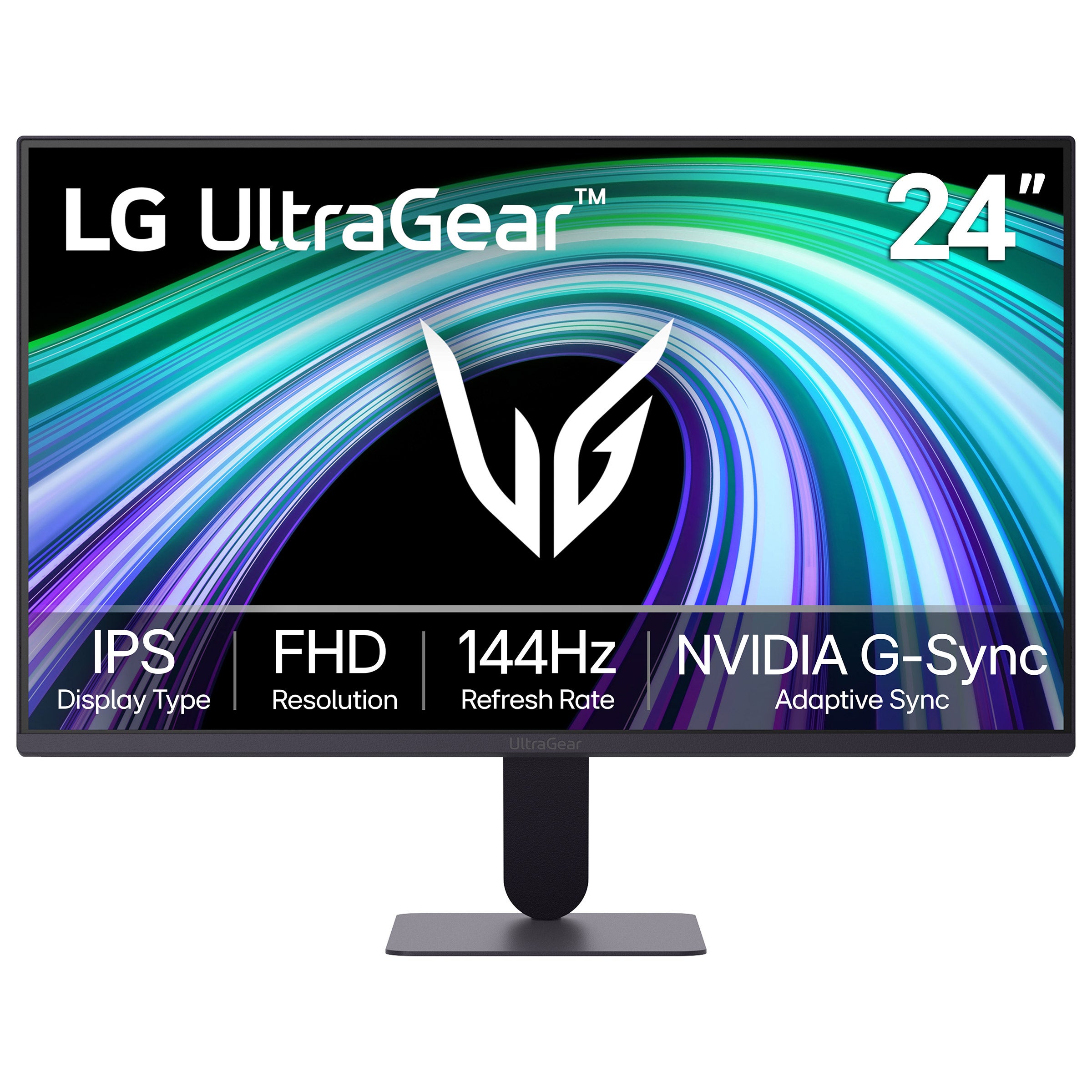

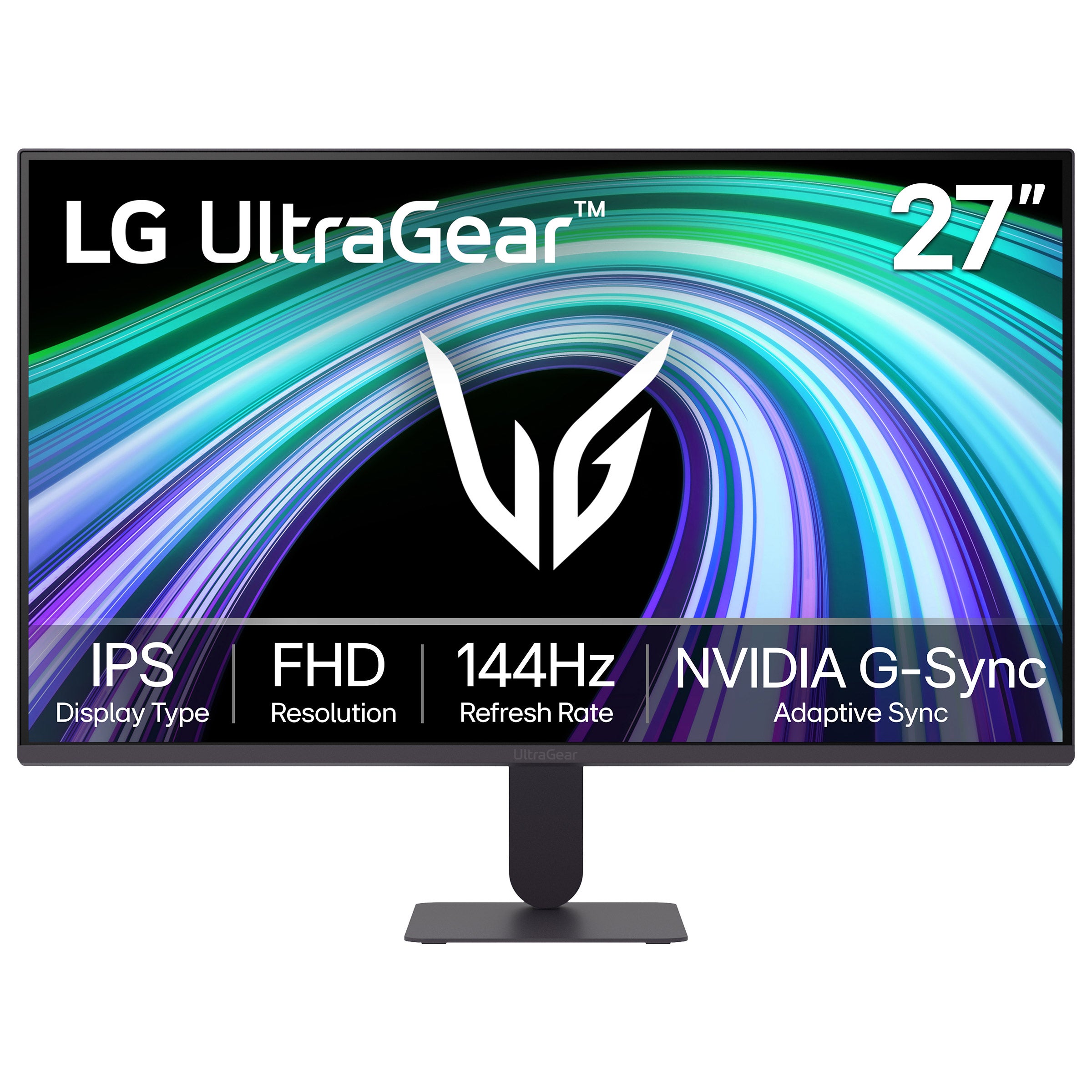
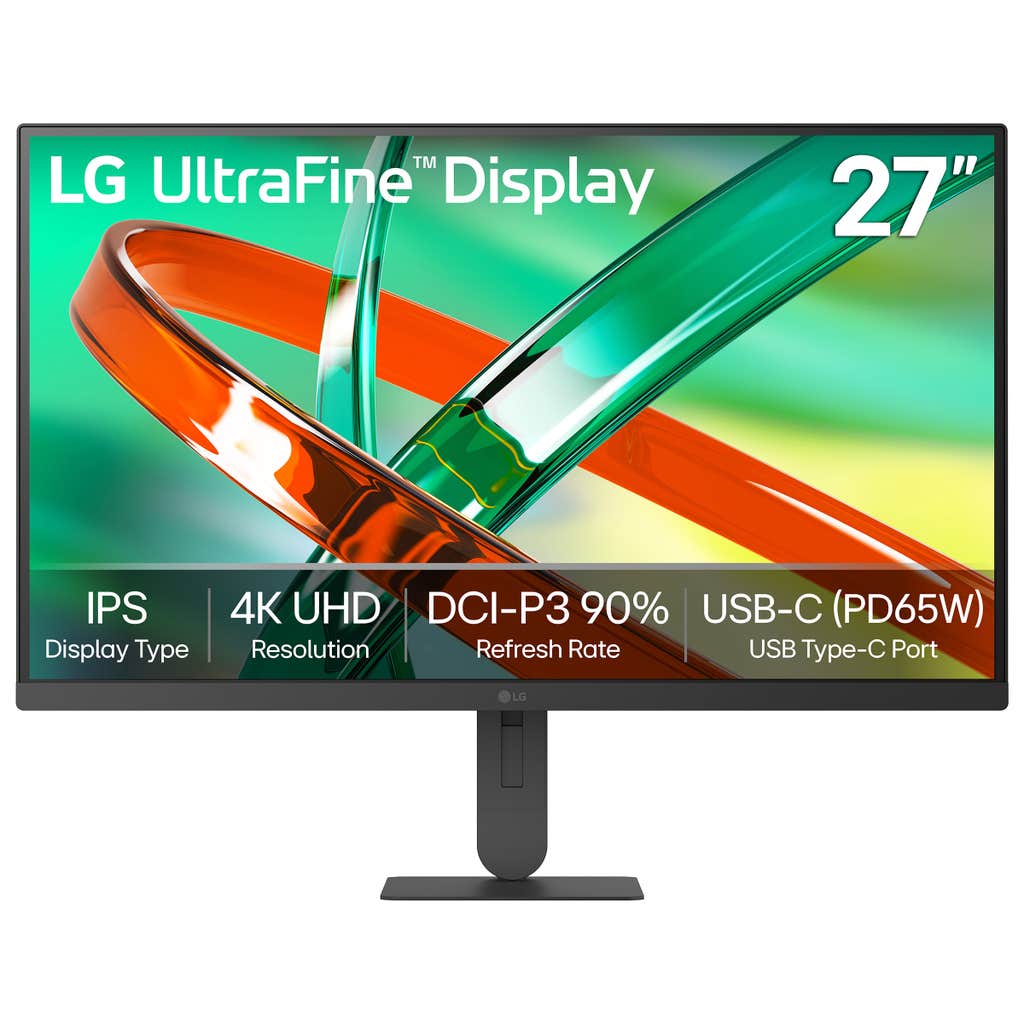
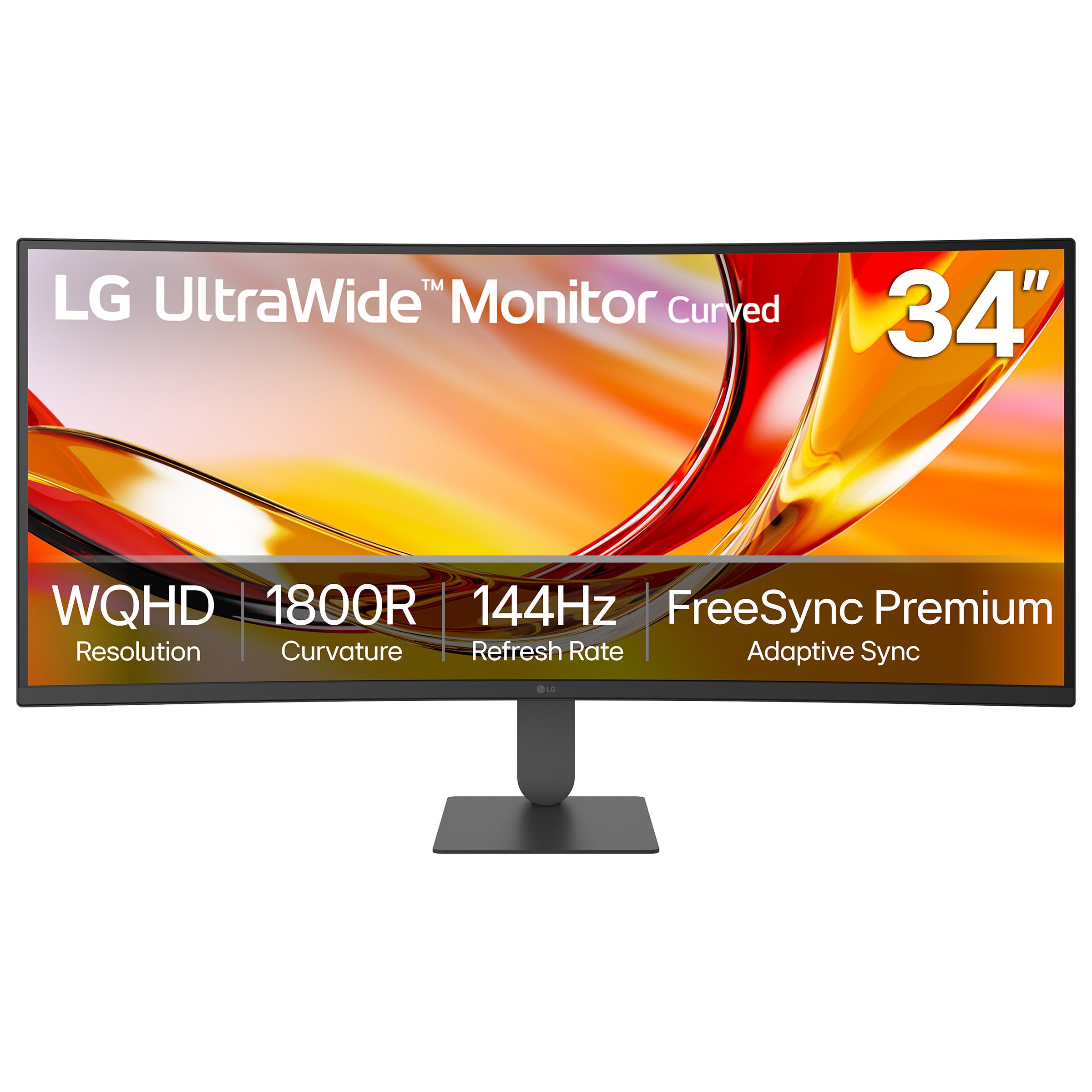
Gaming Monitors For XBOX Series X
FAQs
-
Look for a monitor with HDMI connectivity, a resolution and refresh rate that match your gaming preferences, and support for variable refresh rate (VRR). To play supported games at 4K and up to 120 frames per second, choose a monitor that explicitly supports 4K at 120Hz over HDMI with Xbox Series X.
-
HDMI 2.1 is needed for 4K gaming at 120Hz on Xbox Series X. A monitor with HDMI 2.0 can still support options such as 4K at 60Hz or 1440p at 120Hz, depending on its capabilities and console compatibility. Check the supported resolutions and refresh rates for the monitor's HDMI inputs, rather than relying only on its advertised maximum refresh rate.
-
Yes, but Xbox Series X outputs a maximum of 120Hz, so it won't use the monitor's full 144Hz or 165Hz refresh rate. Confirm that the monitor accepts a 120Hz signal over HDMI at your preferred resolution. Frame rates also depend on the game and the graphics mode selected.
-
Variable refresh rate (VRR) lets a compatible monitor adjust its refresh timing to match the console's changing frame output. This can reduce screen tearing and stuttering for smoother-looking gameplay. Both the monitor and Xbox Series X must have compatible VRR support enabled.
-
Xbox Series X outputs games in a 16:9 aspect ratio rather than native ultrawide formats such as 21:9. An ultrawide monitor may display the console's image with bars on either side or stretch it, depending on its settings. Choose an aspect-ratio setting that preserves 16:9 to keep the image's proportions accurate.