



Gaming Monitors
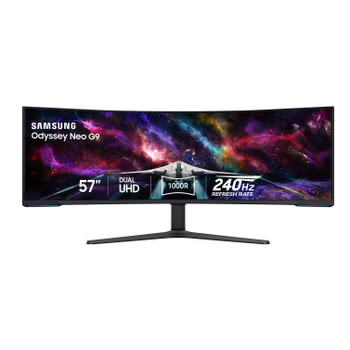
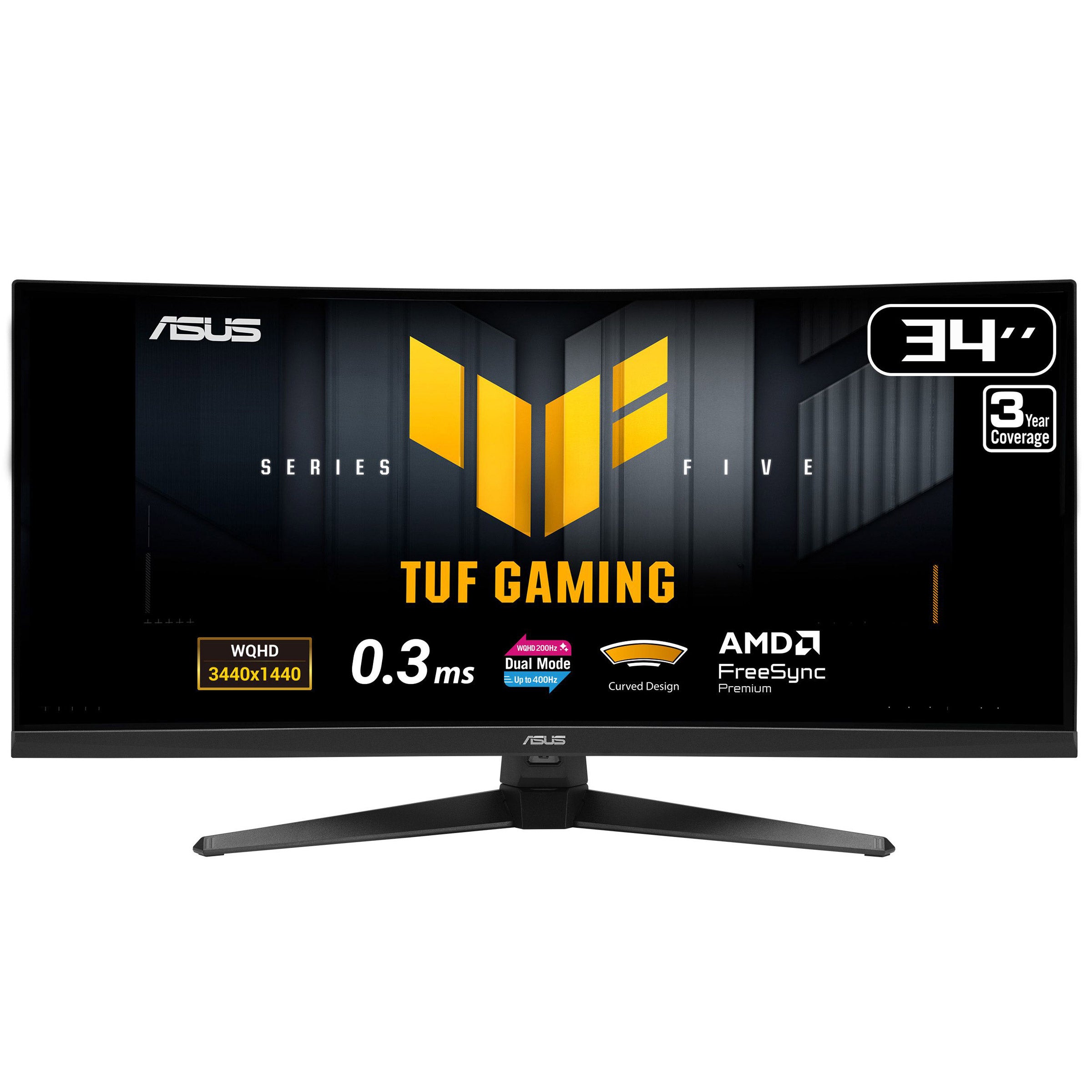
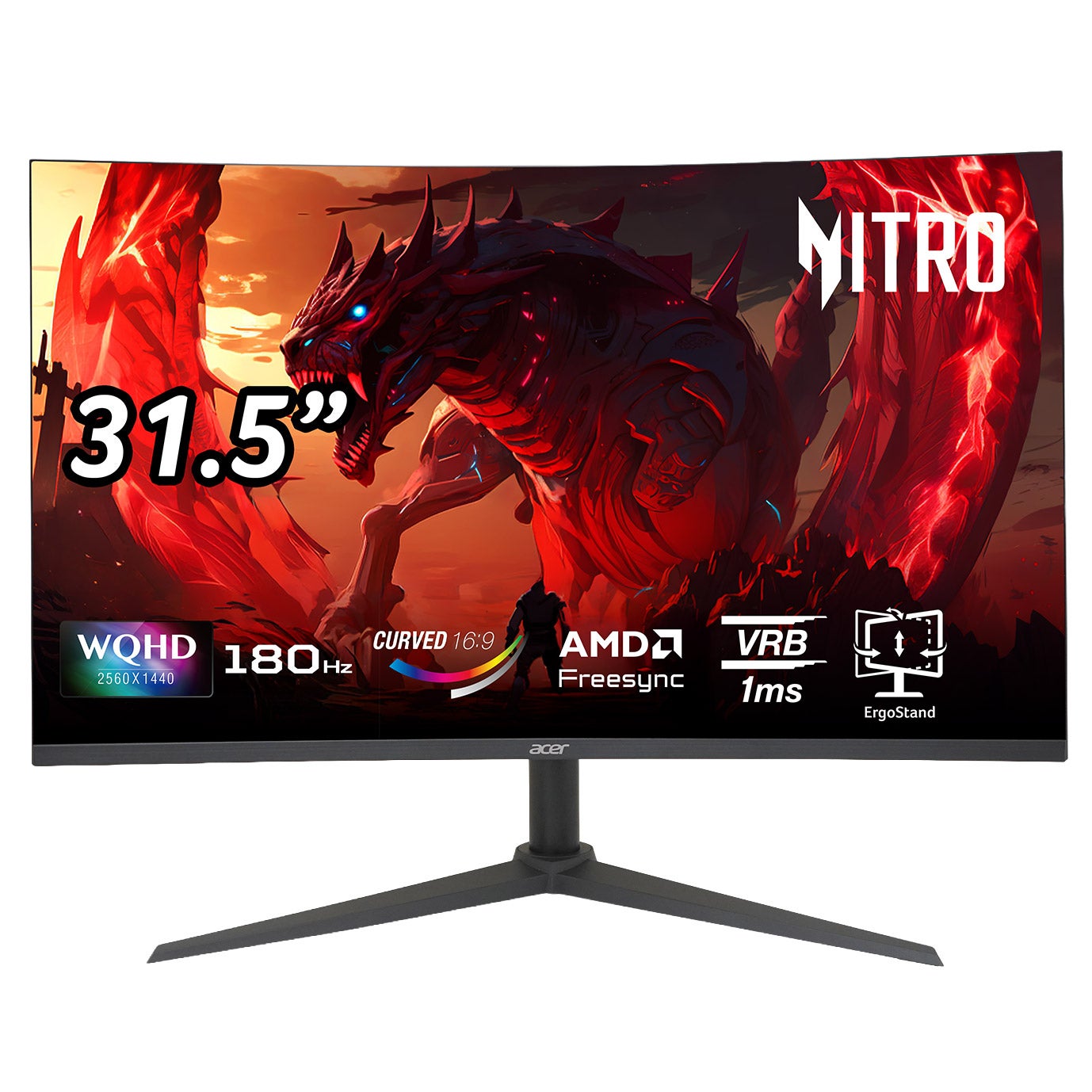
Shop gaming monitors at Costco to find a display that fits your setup and the way you play. Compare screen size, resolution, refresh rate, and response time, and check connections for compatibility with your PC or console. Consider your desk space and viewing distance when choosing the right fit.


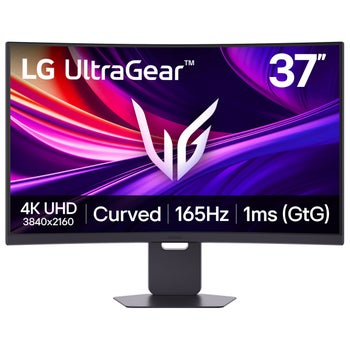

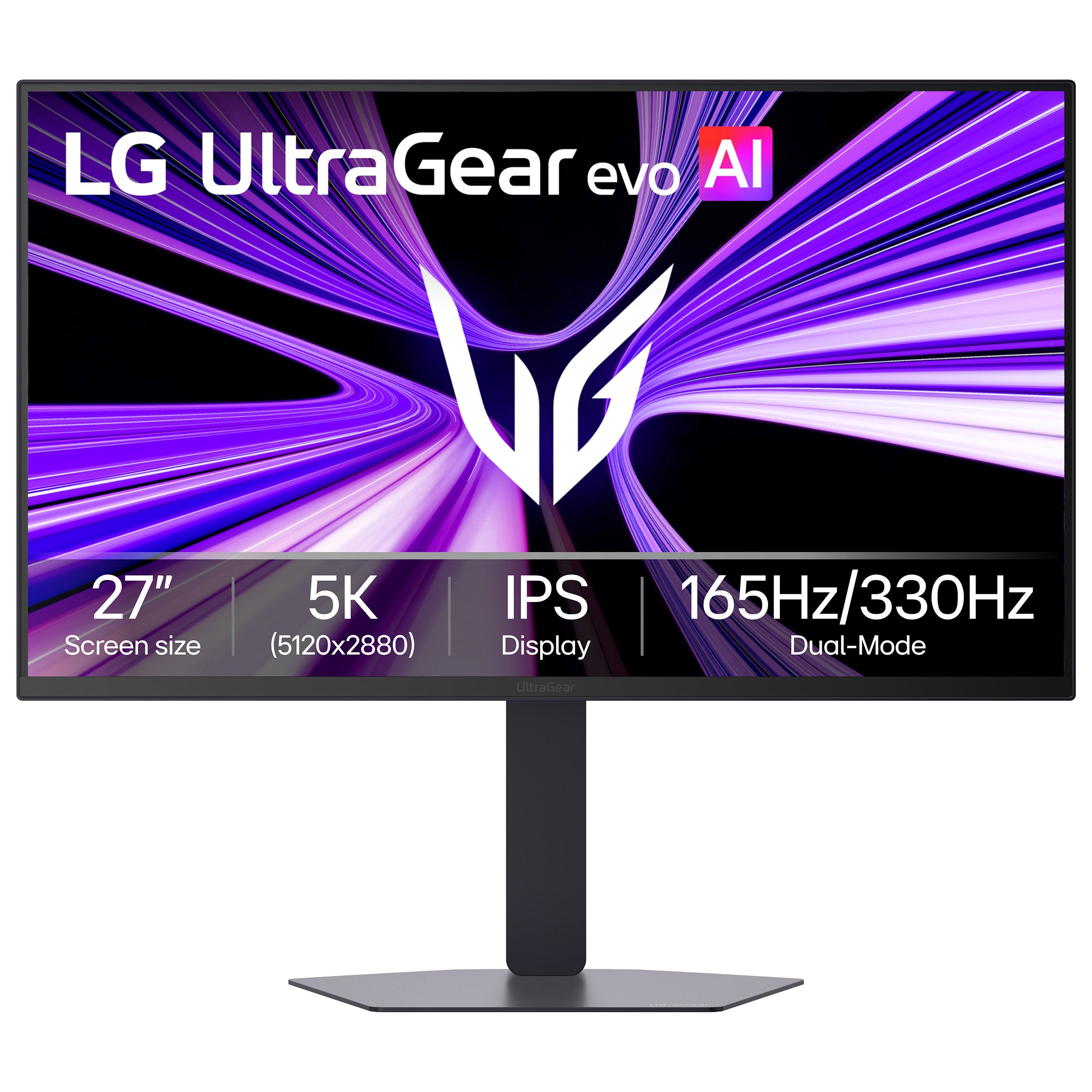
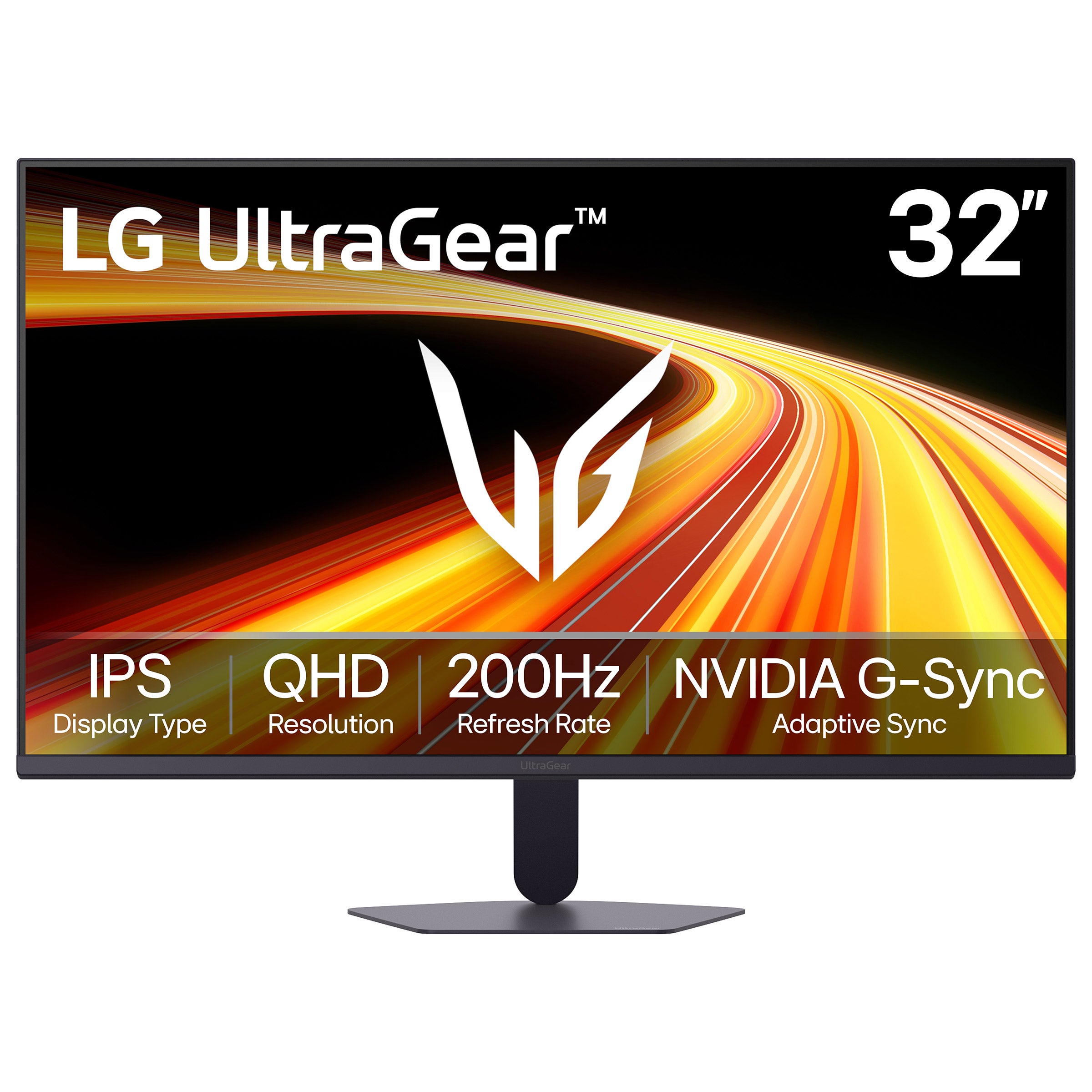
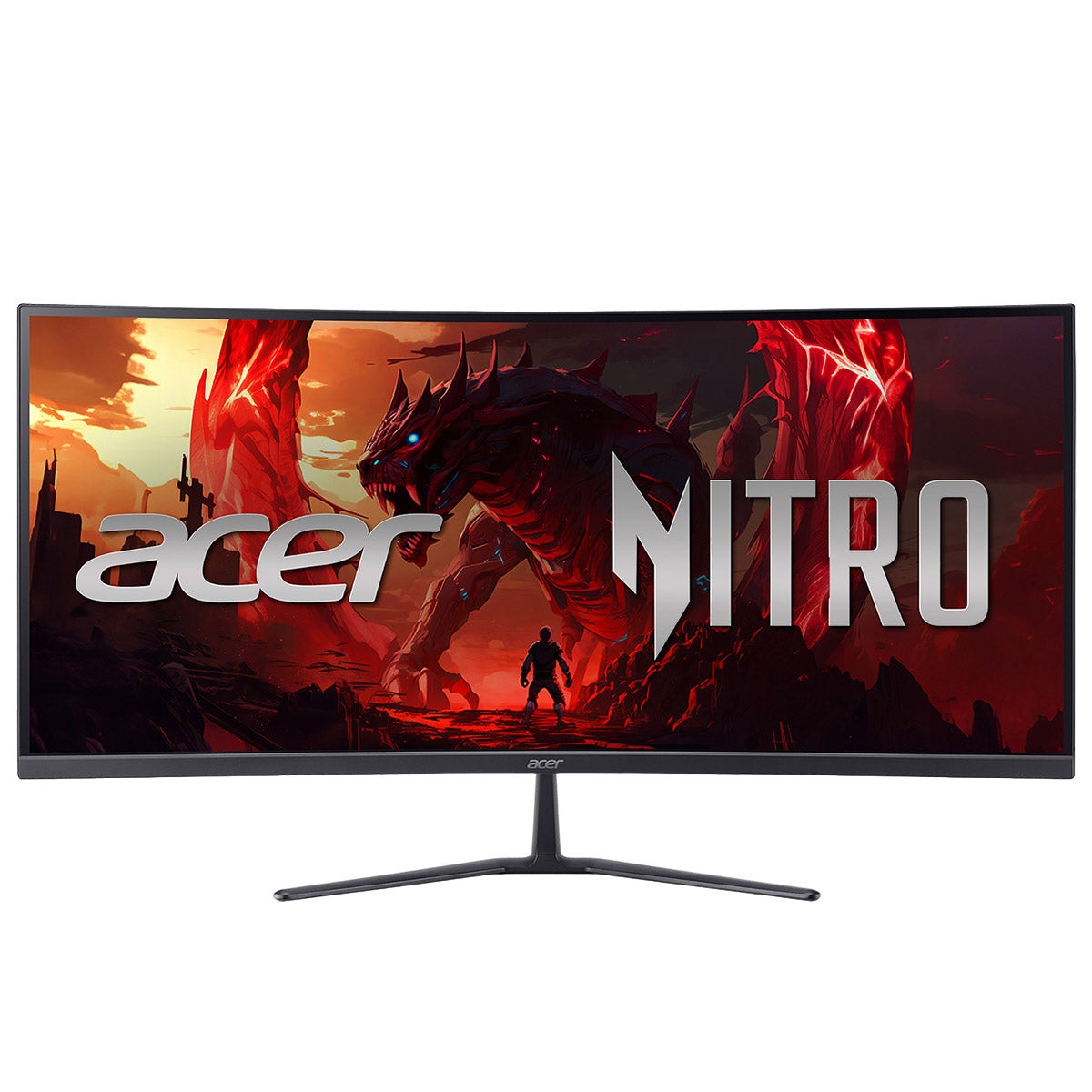

Gaming Monitors
FAQs
-
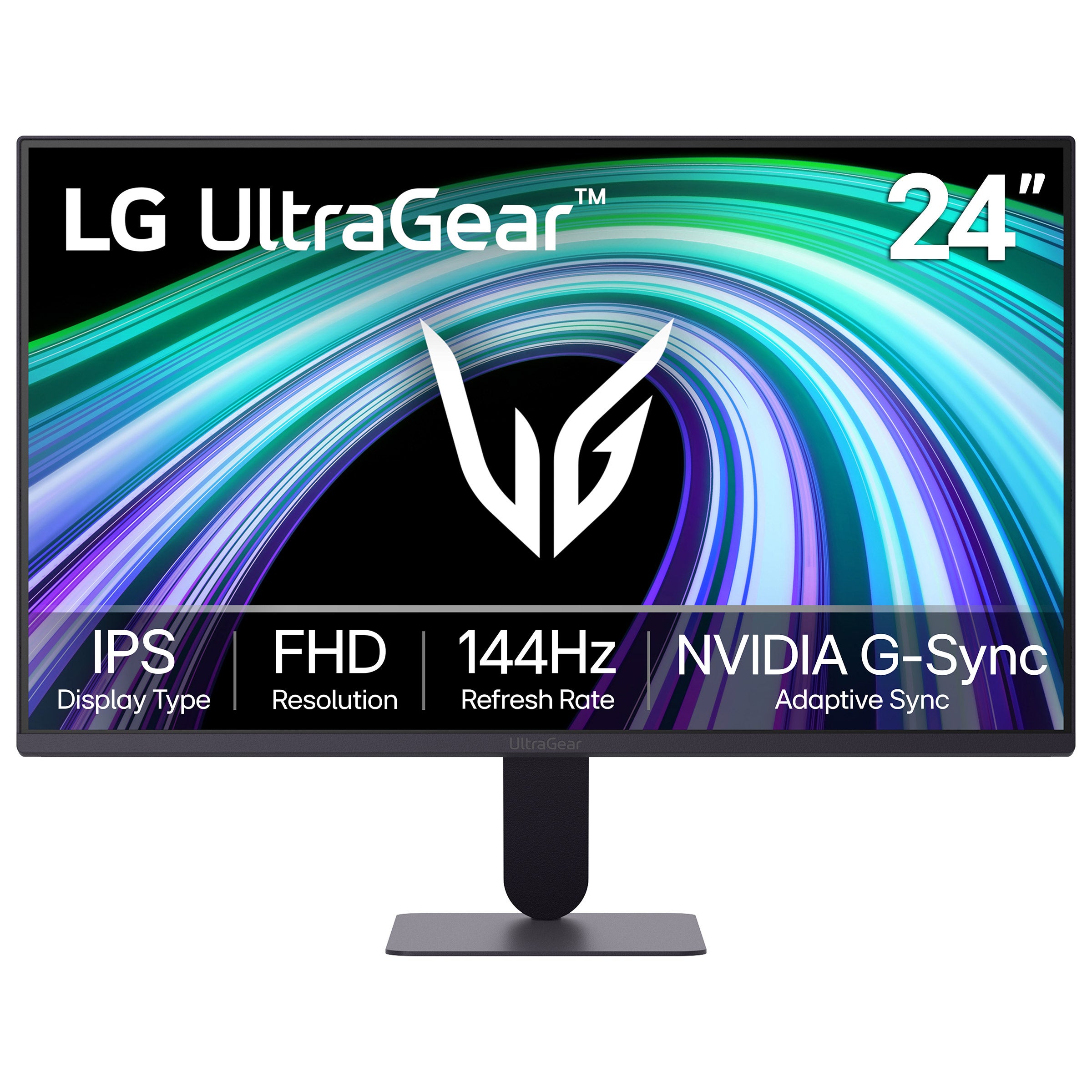
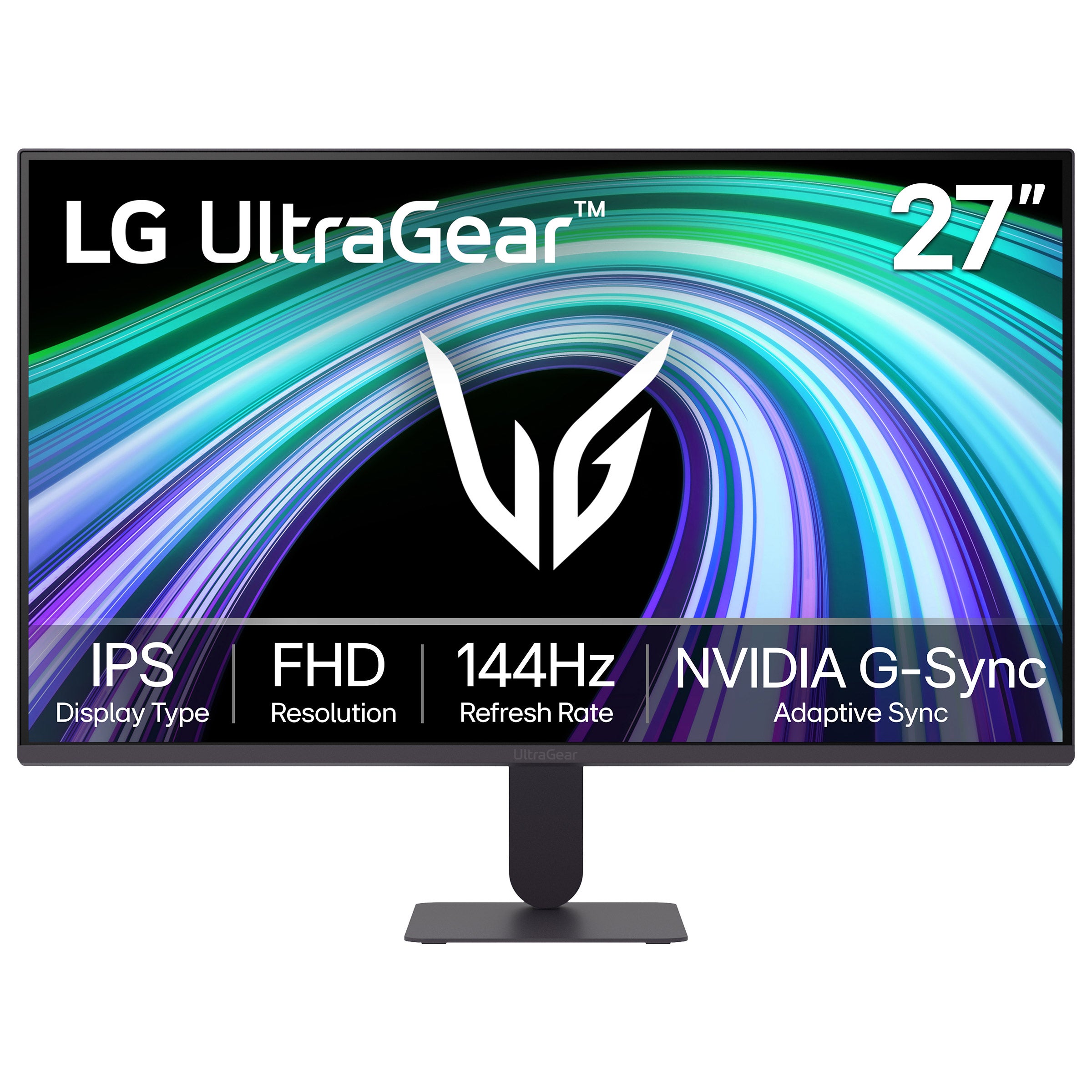
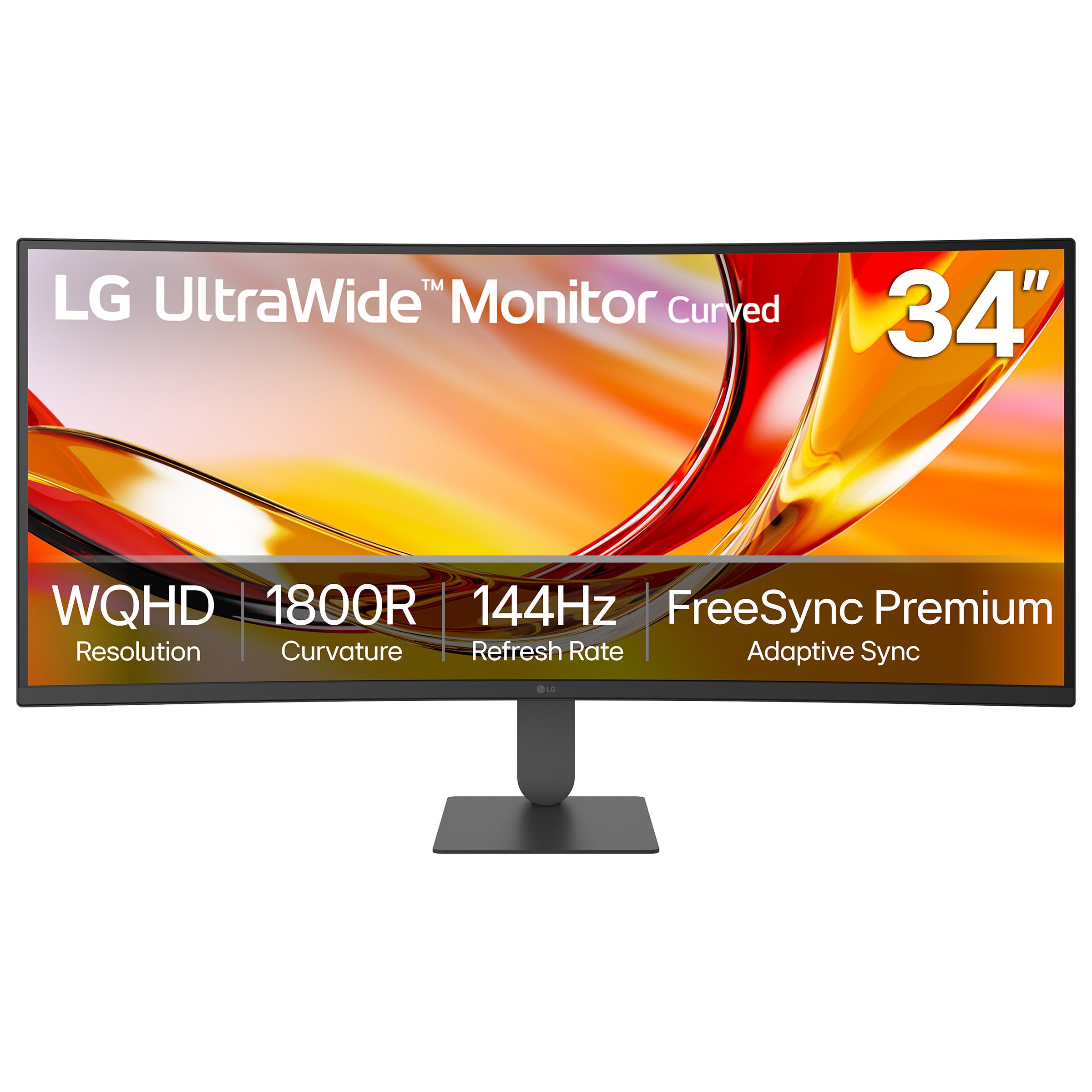
Refresh rate, measured in hertz (Hz), describes how many times a display updates each second. A 144Hz or higher refresh rate is a common choice for fast-paced gaming, while 60Hz can suit more relaxed play. Consider the frame rates your computer or console can deliver when comparing options.
-
Resolution refers to the number of pixels on the screen. Common options include Full HD (1080p), QHD (1440p), and 4K. Higher resolutions can show finer detail but typically require more graphics processing power. Choose a resolution that fits your gaming system and preferred graphics settings.
-
Adaptive sync coordinates a monitor's refresh rate with a compatible graphics source to help reduce screen tearing and stuttering. AMD FreeSync and NVIDIA G-SYNC are common options. Check compatibility with your graphics hardware and the connection you plan to use.
-
IPS panels generally offer consistent colors and wide viewing angles, while VA panels typically provide strong contrast. OLED panels feature individually lit pixels for deep blacks and fast pixel transitions. TN panels often emphasize fast pixel transitions, though colors and viewing angles may be more limited. These characteristics vary by display.
-
HDMI and DisplayPort are common connections for gaming. Some monitors also support video through USB-C. Confirm that the monitor, gaming system, and cable support your preferred resolution and refresh rate together. Additional USB ports can be useful for connecting compatible peripherals.