

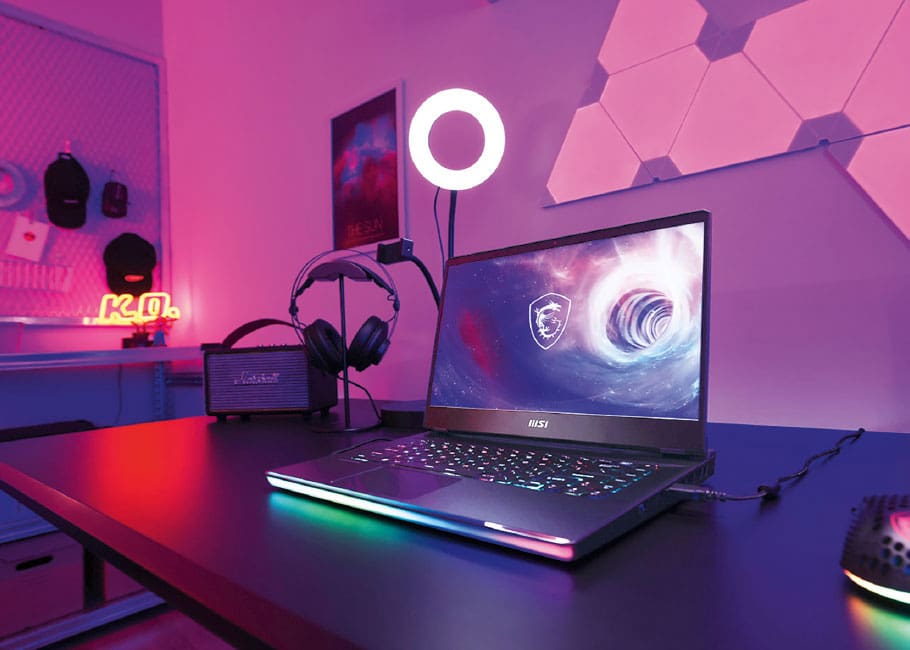
Let the games begin
Specs to look for in a gaming laptop
Specs to look for in a gaming laptop
by MARC SALTZMAN
For many years, gaming laptops were extremely heavy machines notorious for overheating. Their battery life was measured in minutes rather than hours. How things have changed. Today's gaming laptops are thin, light and powerful, and they can run cool for many hours on a single charge.
The following guidelines can help you pick a great machine for yourself or a loved one this holiday season.
The power plant
The power plant
The central processing unit (CPU), or processor, is the engine that drives your laptop's performance. As such, it's one of the most important considerations.
I suggest a model with an Intel Core i5 at a minimum; better yet is a Core i7, and even better than that is a Core i9. An AMD Ryzen R7 or R9 is also a strong CPU choice. With both Intel and AMD, the higher the CPU number, the more powerful it is.
The big picture
The big picture
When it comes to rendering video game visuals, a powerful graphics processing unit (GPU) is critical. Most games are GPU-dependent, and you can't upgrade these units in laptops. Therefore, it's wise to invest in a good one, such as an NVIDIA GeForce RTX (or GTX at a minimum) or an AMD Radeon RX, out of the gate. Doing so will ensure several years of play. As with CPUs, larger numbers in the GPU name denote better performance.
Making memories
Making memories
Random-access memory (RAM), also called system memory, is a computer's short-term memory. RAM stores the info your laptop is actively using so that it can be accessed quickly. The more programs your system is running, the more memory you'll need. I recommend at least 12 or 16 gigabytes (GB) of RAM, but 32GB is even better. RAM can usually be upgraded in laptops, should you want to add more later.
For long-term memory, I suggest a solid-state drive (SSD), as opposed to a hard-disk drive (HDD). SSDs are faster, smaller, lighter, quieter and more durable, since there are no moving parts. Again, speed is especially important for gamers.
The more storage you have (think 1 terabyte instead of 512GB), the more apps and files your PC can hold. This is especially important if you will want to install several popular game titles (or if you plan on doing some serious video editing).
Finally, also look for a gorgeous wide screen, fast Wi-Fi 6/6e wireless speeds and several ports along the side of the laptop.