



Laptops For High Performance Computing
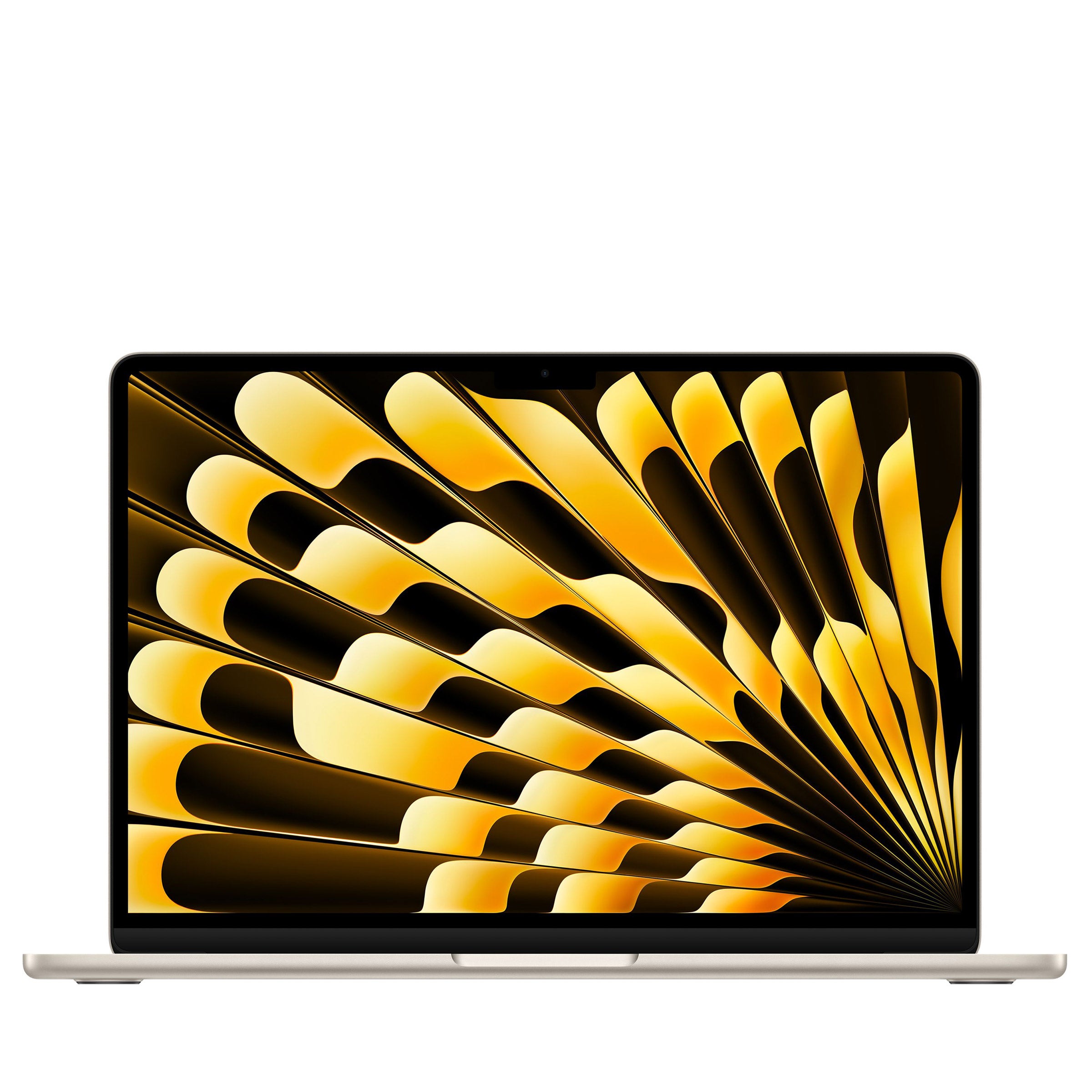
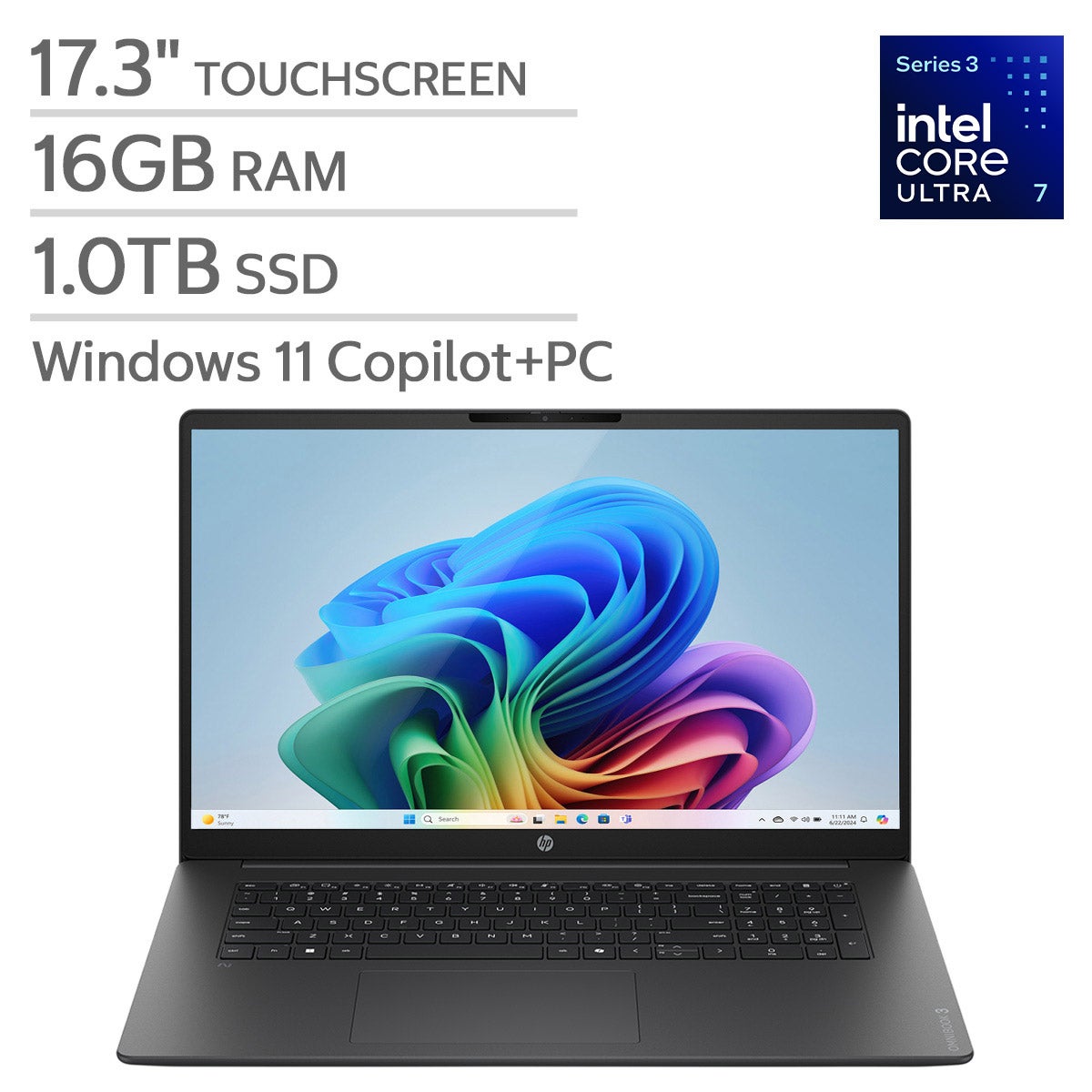
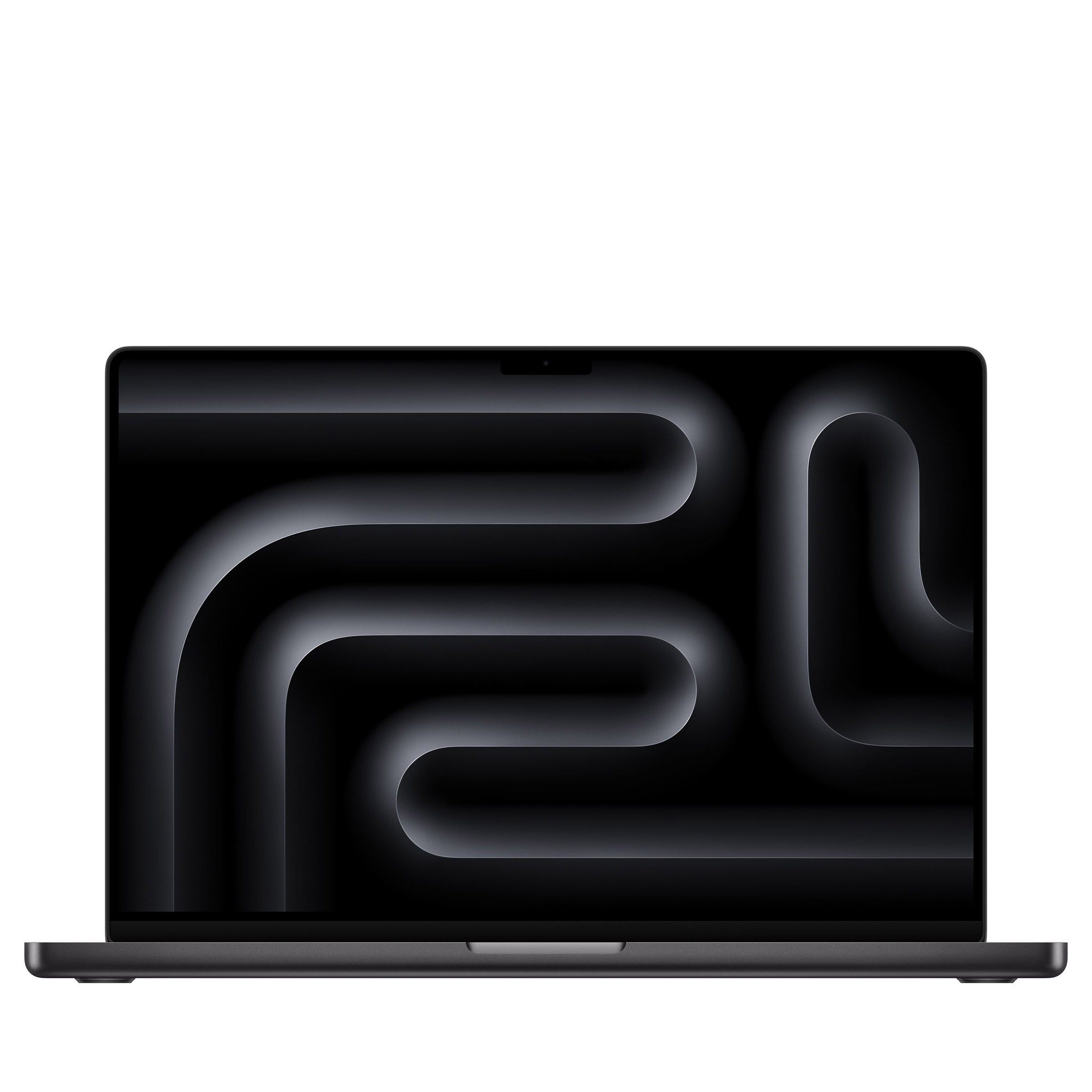
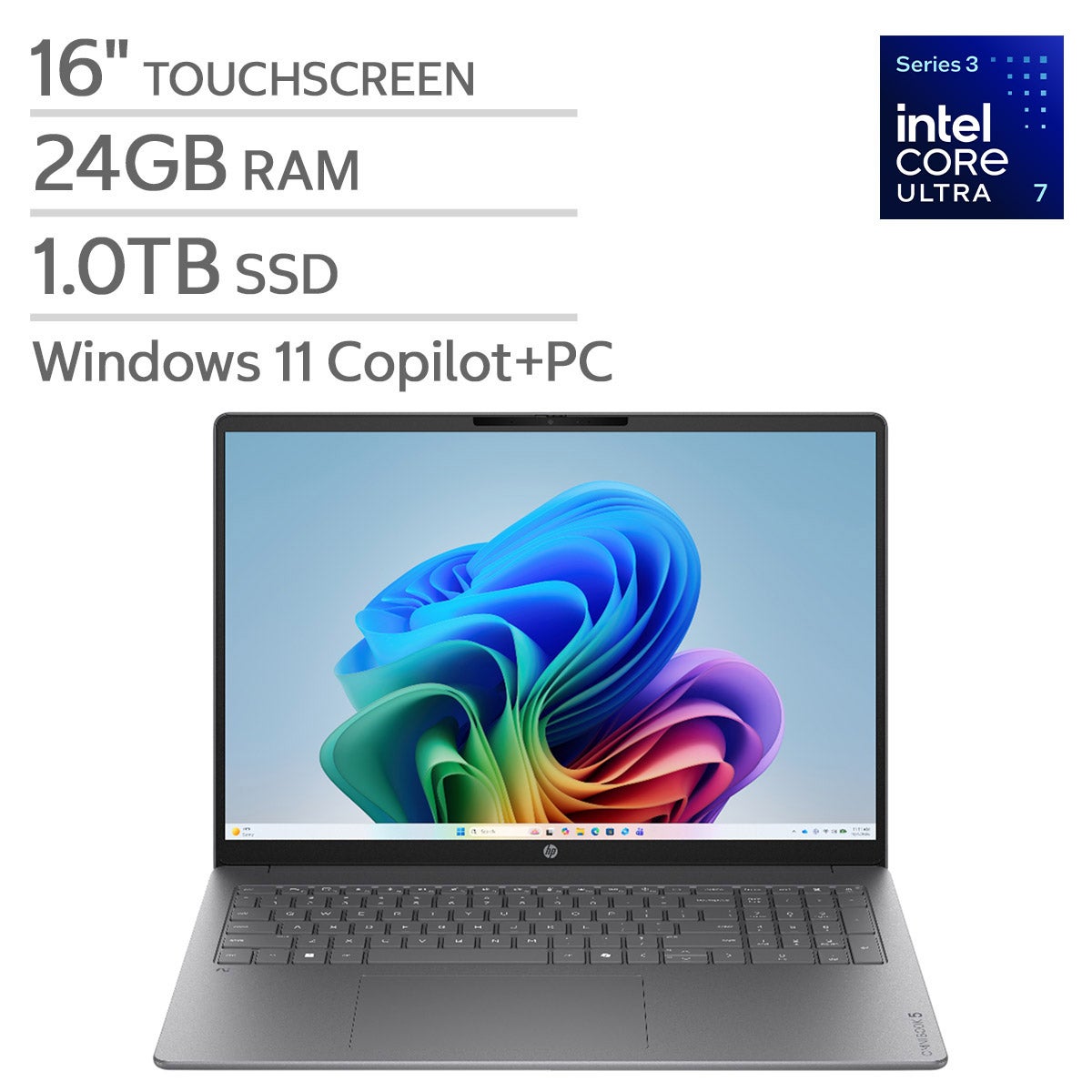
Explore laptops for high performance computing at Costco for demanding tasks like data analysis, software development, and complex modeling. Compare processor capabilities, RAM, graphics, and storage to find a laptop that matches your software requirements, workload, and portability needs.
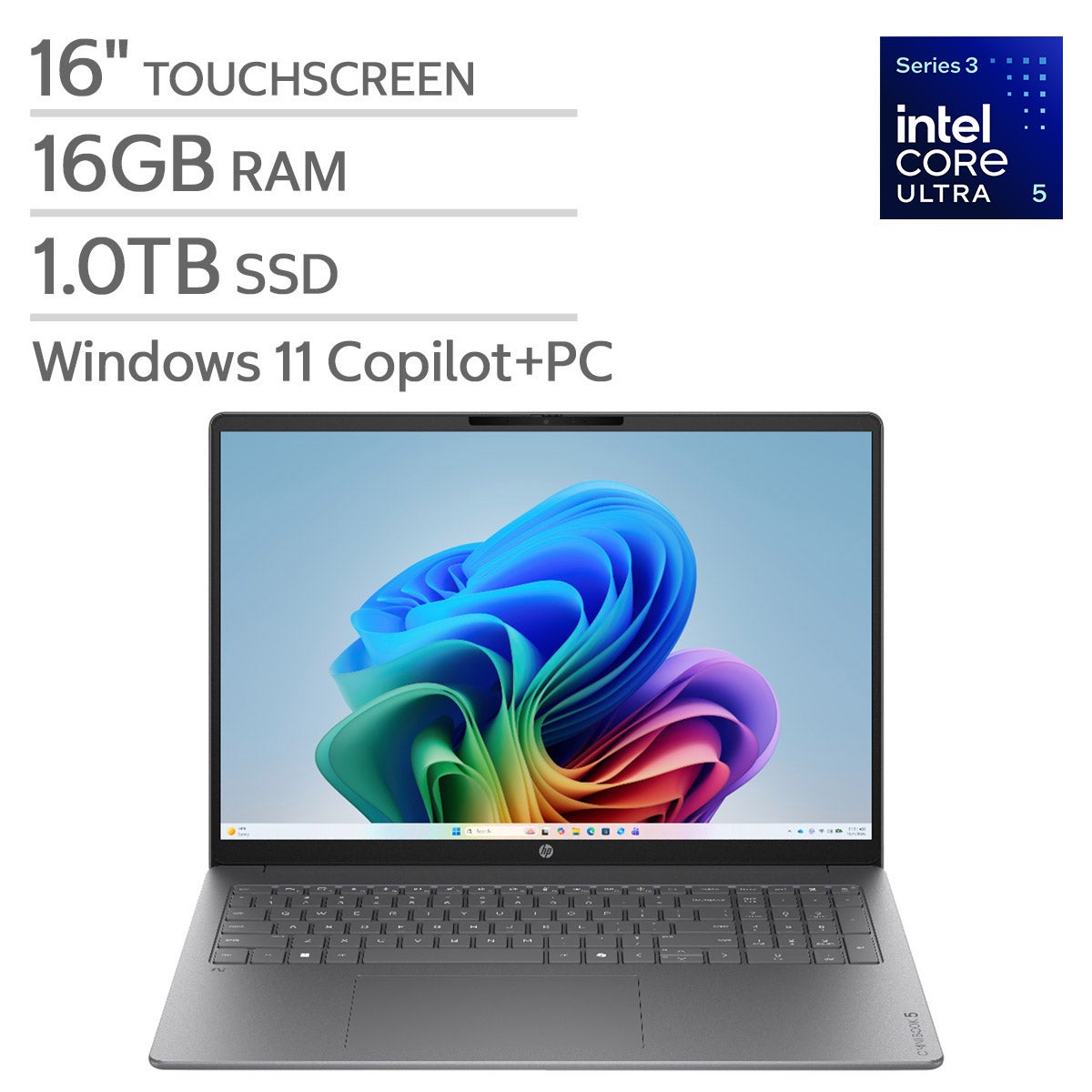
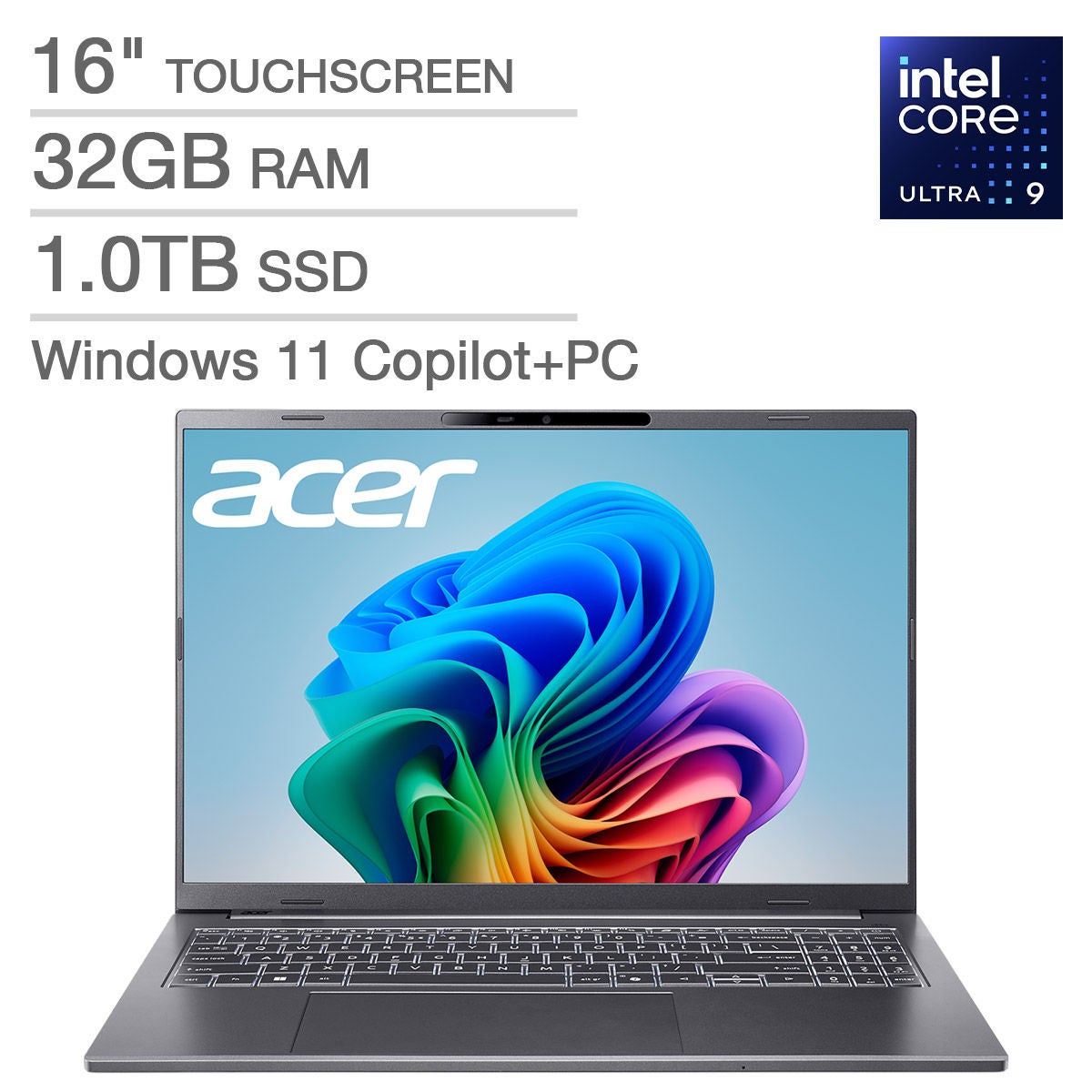
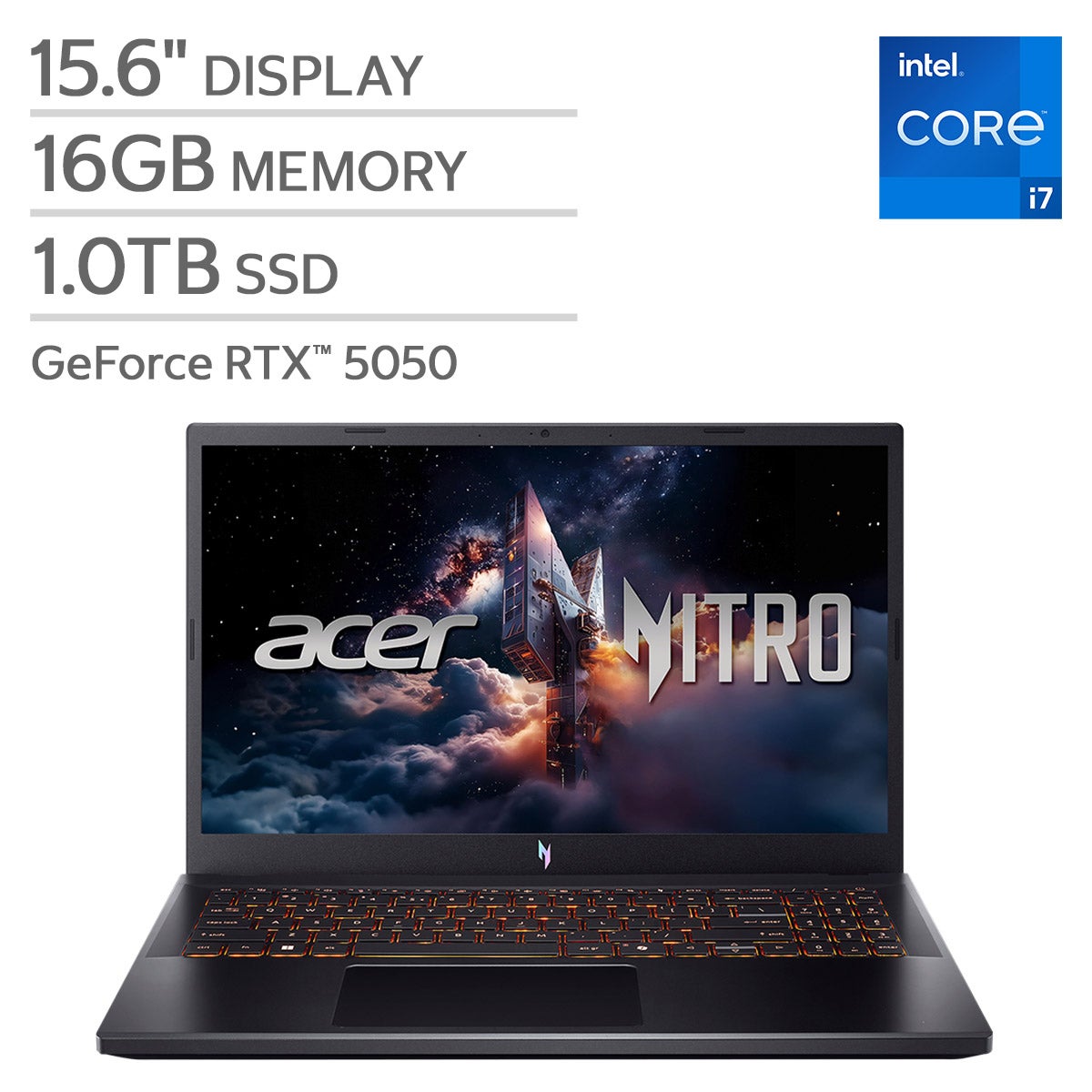

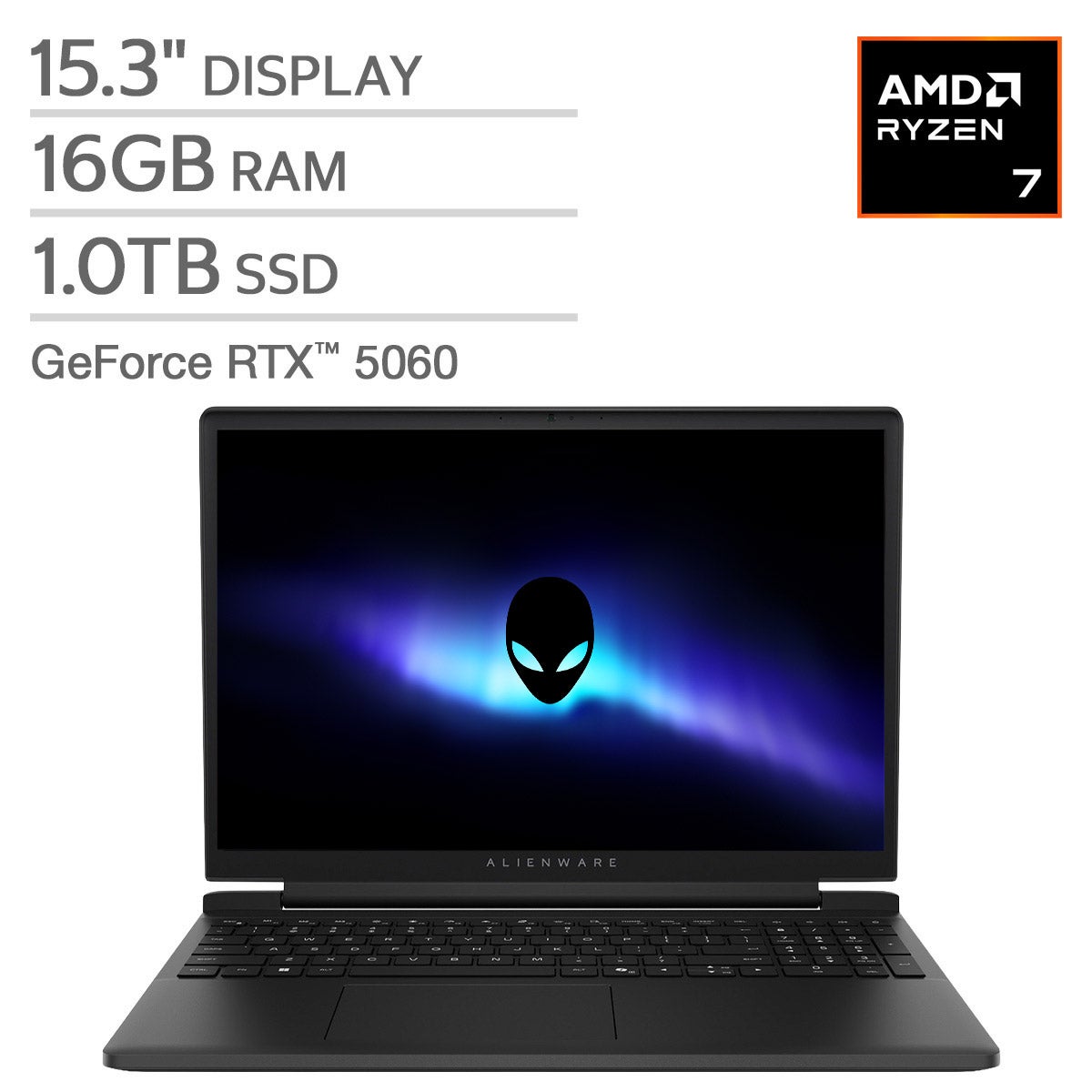
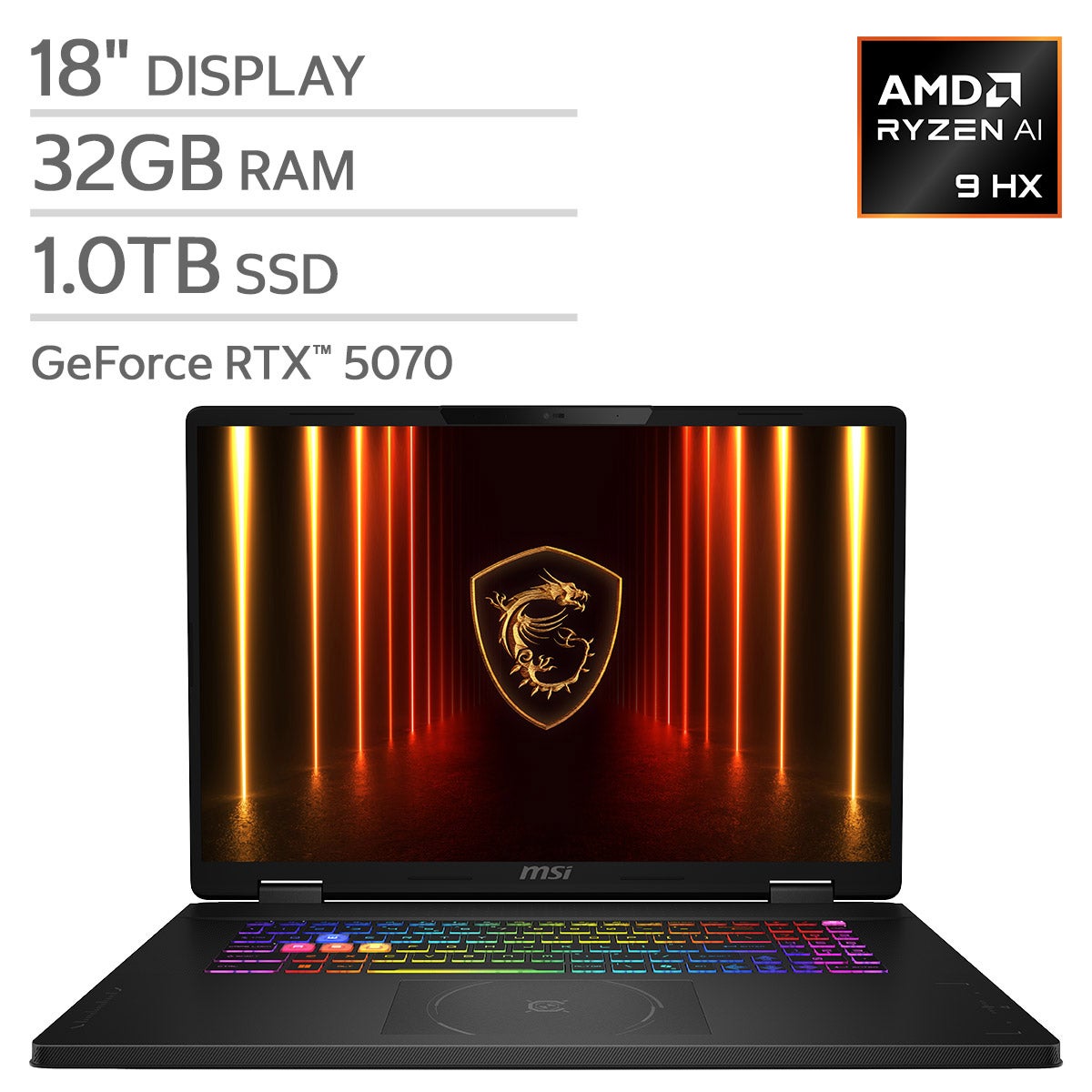
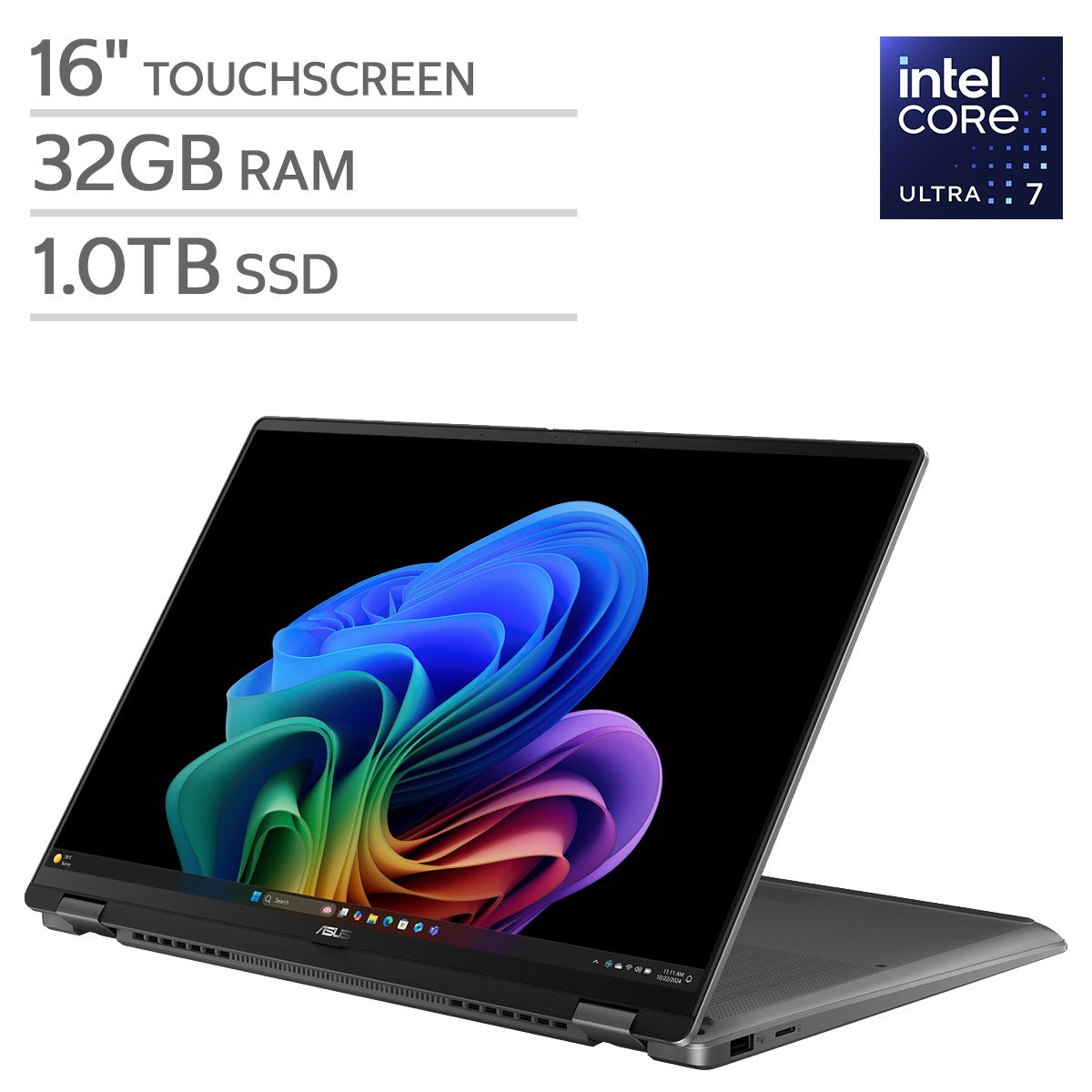
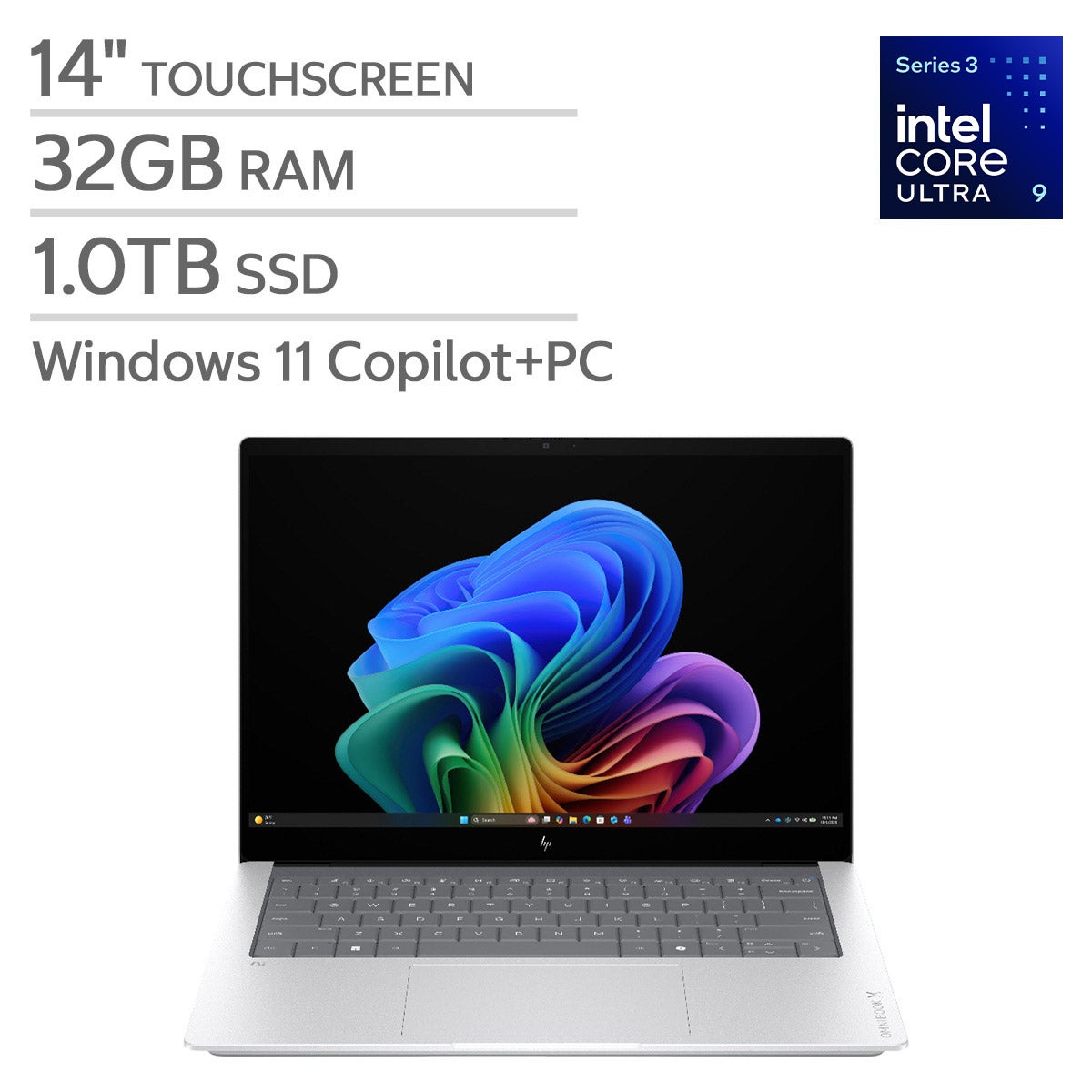





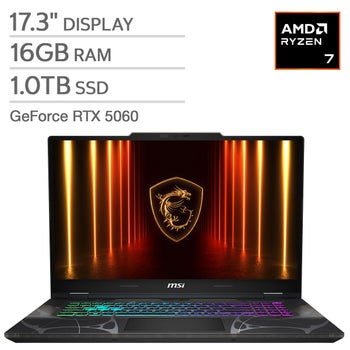
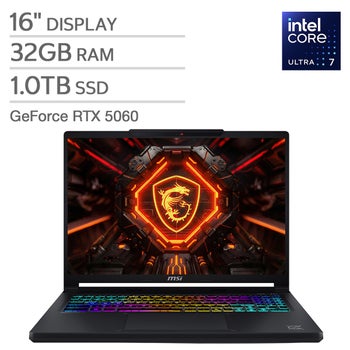
Top Rated Items
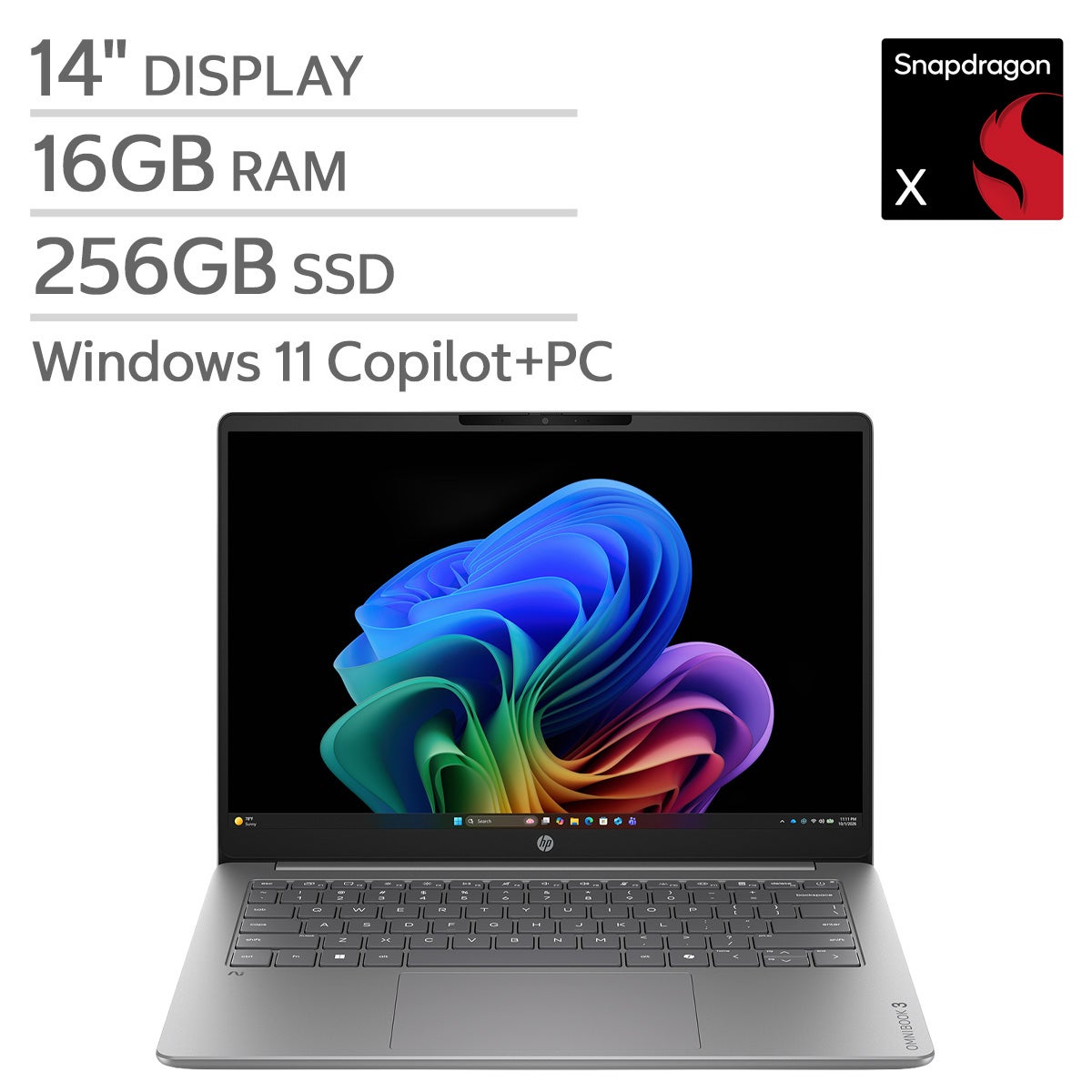

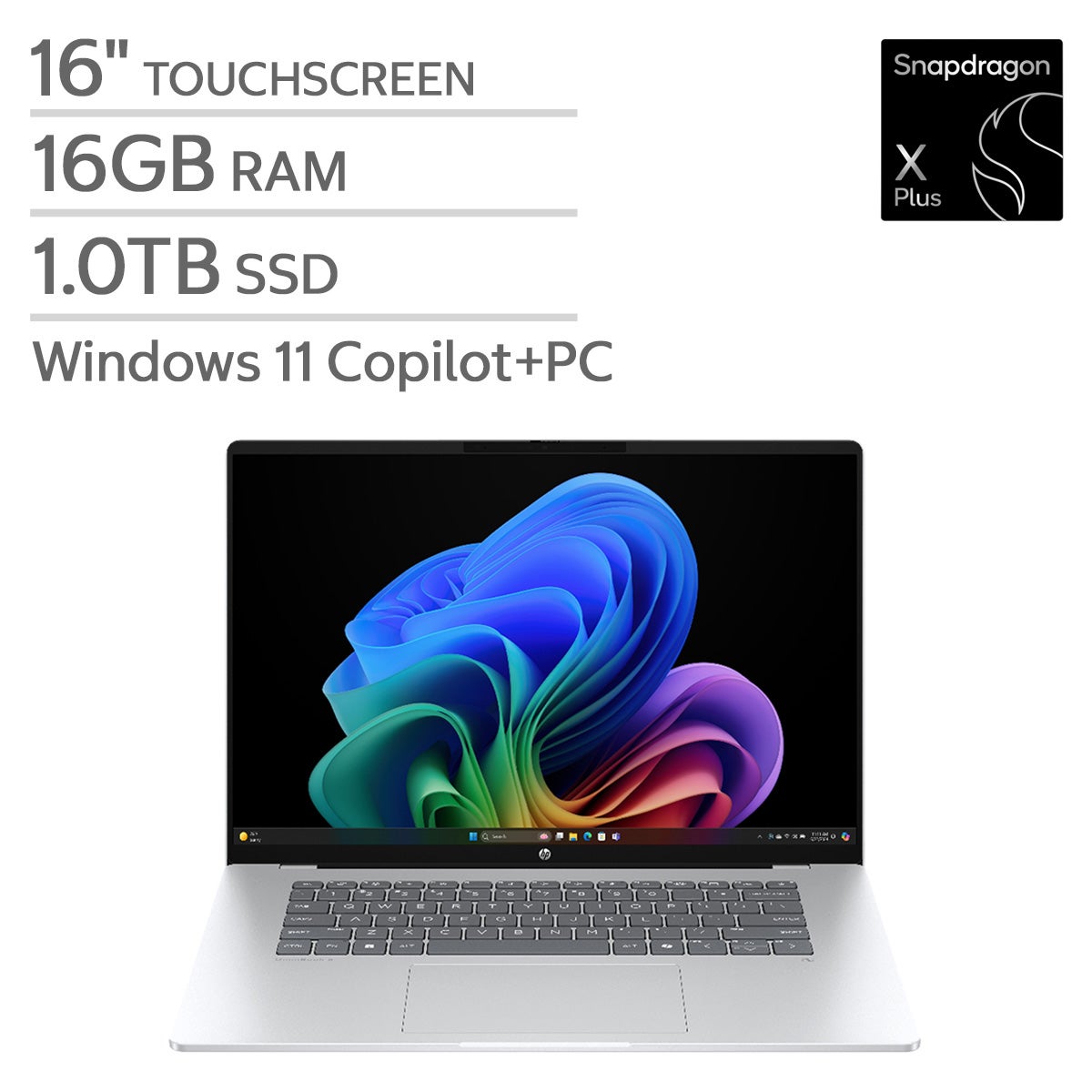
Laptops For High Performance Computing
FAQs
-
Compare the processor architecture, dedicated graphics options, memory configuration, SSD storage, and thermal management design. Also review operating system compatibility, available ports, and manufacturer documentation for the applications you plan to use.
-
The CPU handles general instructions and coordinates system operations, while a GPU processes many calculations in parallel. Some simulation, rendering, and data analysis applications support GPU acceleration, but others rely primarily on the CPU. Check your software's hardware requirements before choosing a configuration.
-
RAM holds data that applications are actively using, while an SSD stores software, project files, and saved results. Review the memory generation, storage interface, and whether either component is user-upgradable. Some laptops have soldered memory or limited internal expansion options.
-
Review each application's supported operating systems, processor architectures, graphics drivers, and required computing frameworks. For specialized software, check the developer's hardware certification list and licensing requirements. Linux users should also verify driver support for the laptop's components.
-
USB4 or Thunderbolt connections can support compatible docks and external storage, while HDMI or DisplayPort connections accommodate external monitors. Ethernet provides a wired network option for accessing remote computing resources and transferring project files. Check each port's documented capabilities, since connector shape alone does not indicate its supported functions.