



Laptops For Scientific Computing
Explore laptops for scientific computing with your software requirements and workload in mind. Compare processor capabilities, RAM, and storage for tasks such as data analysis, numerical modeling, and running simulations, and check whether your applications require a dedicated GPU or a specific operating system.
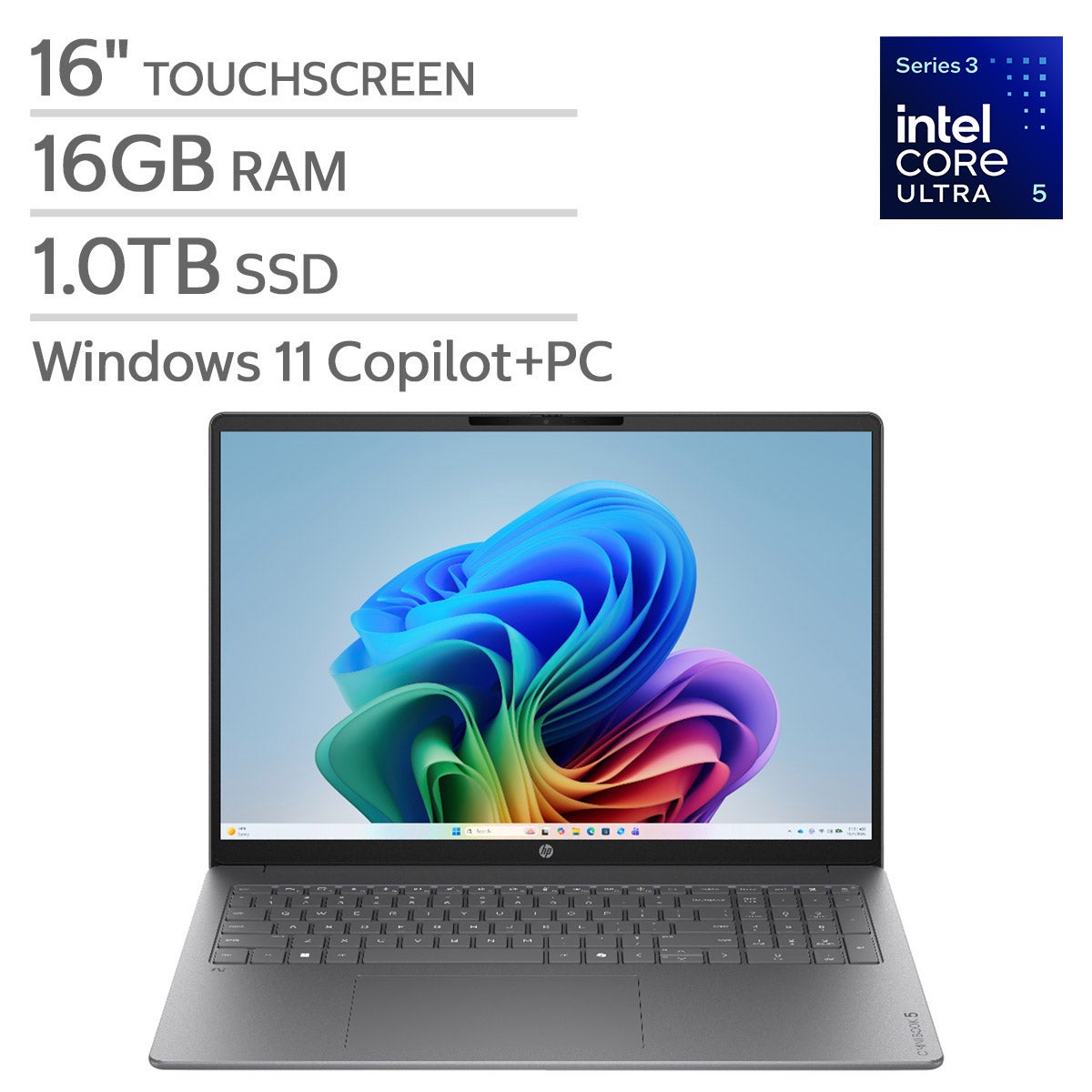

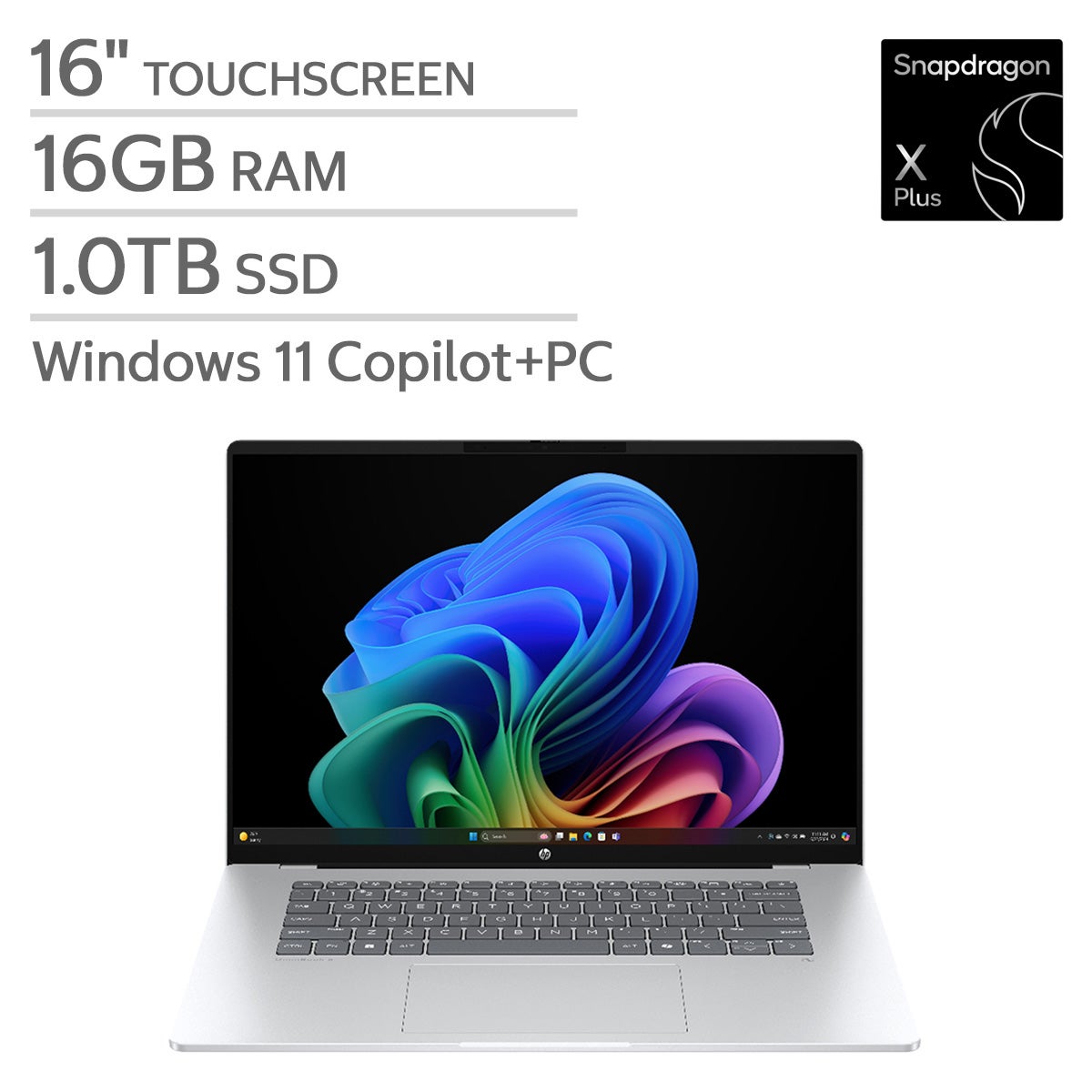
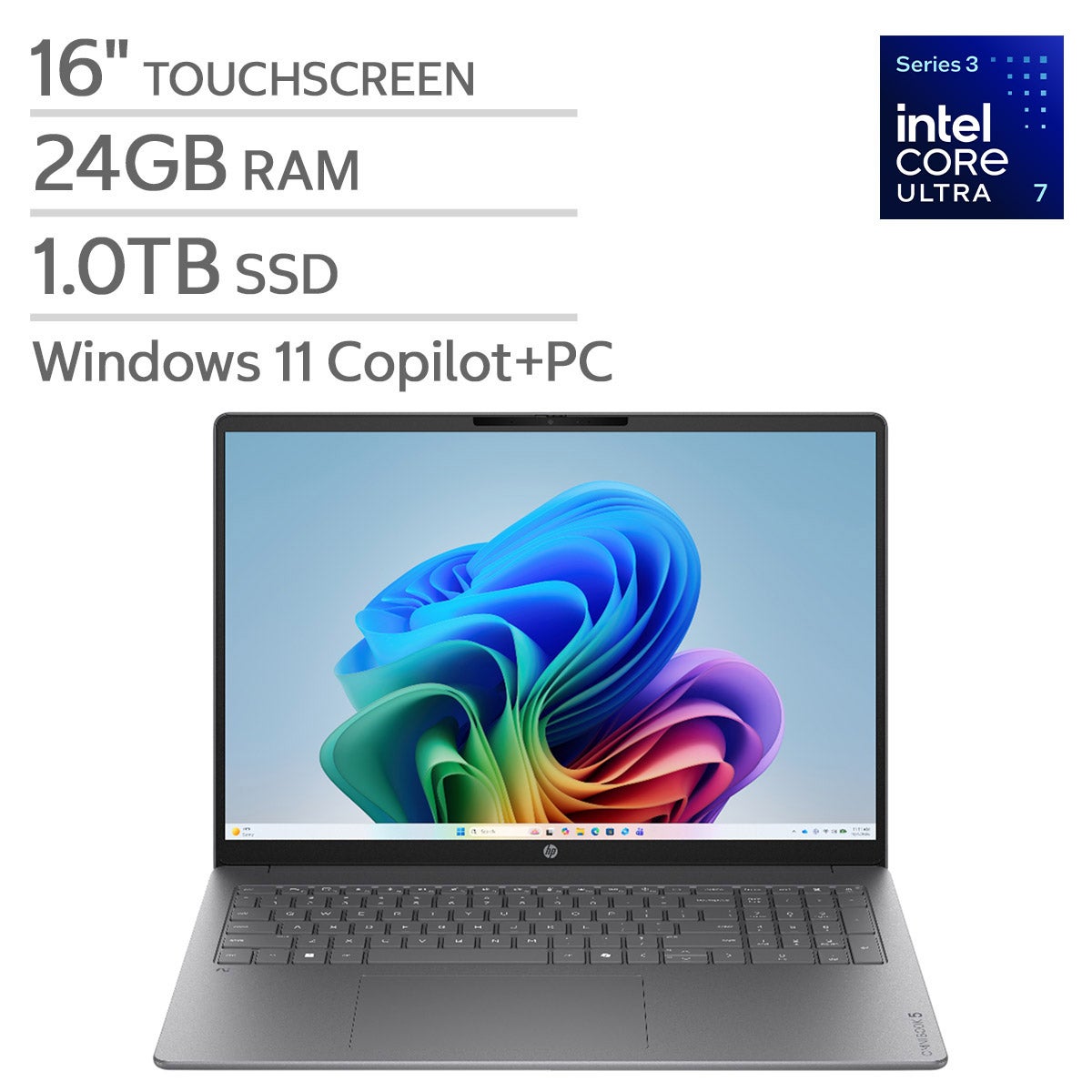
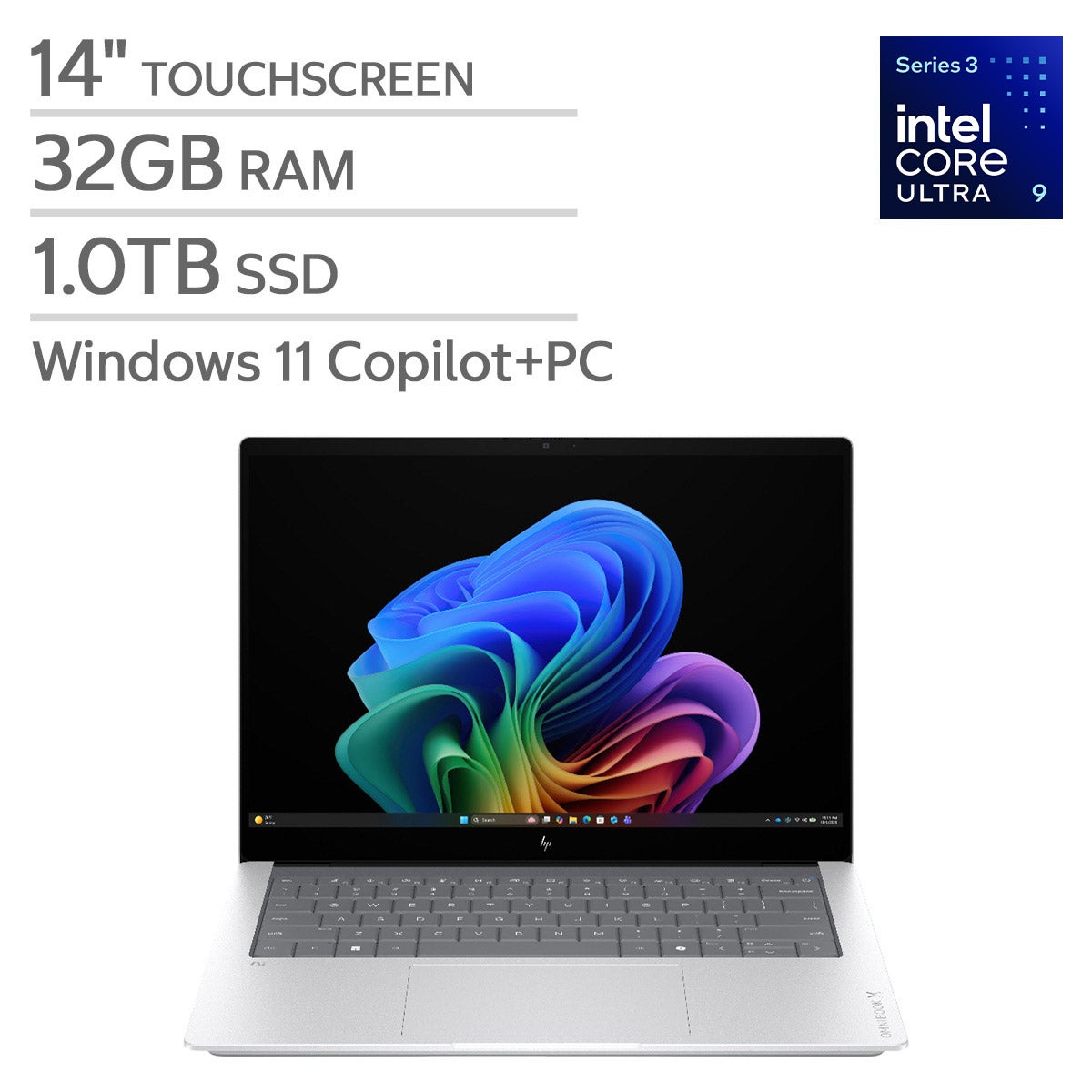


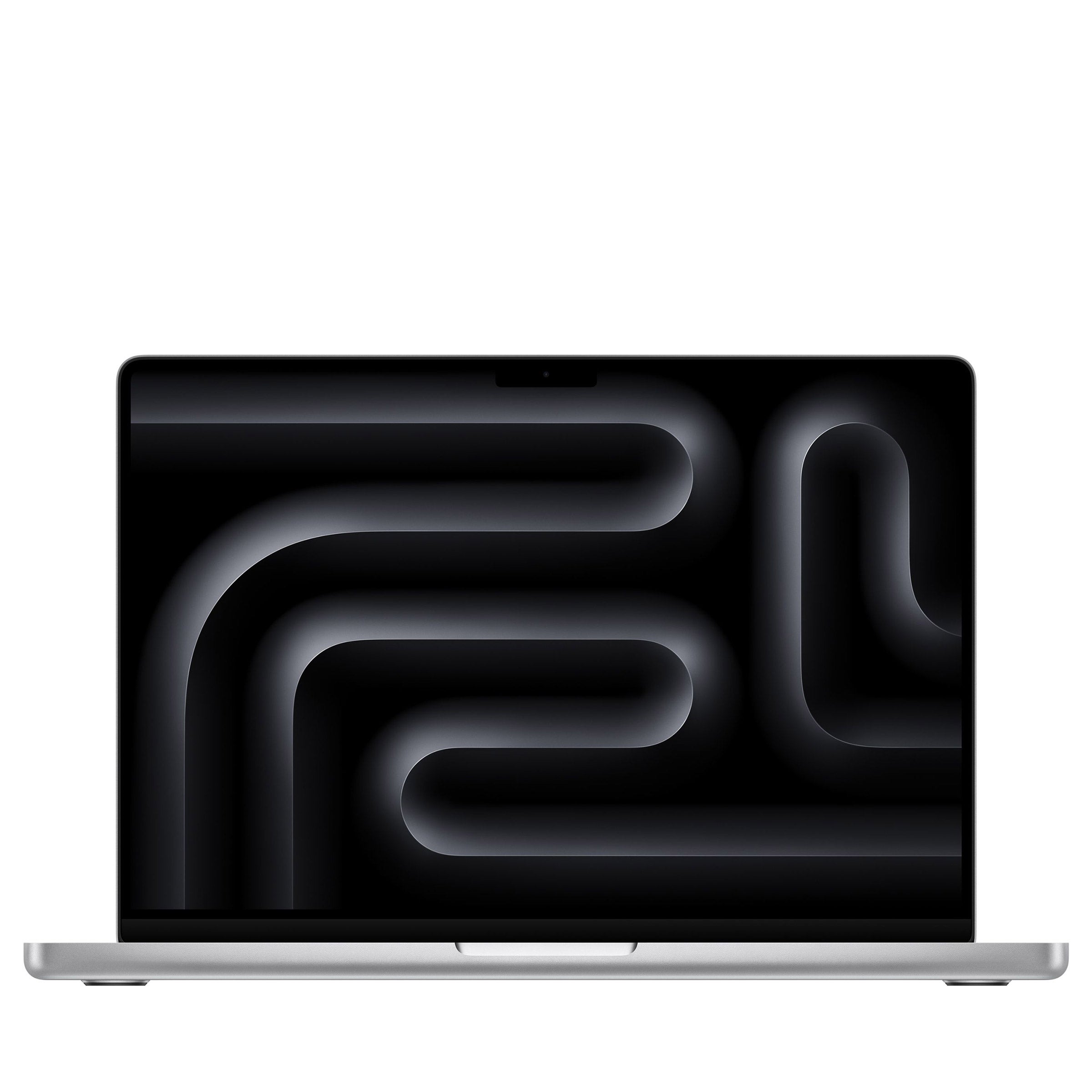
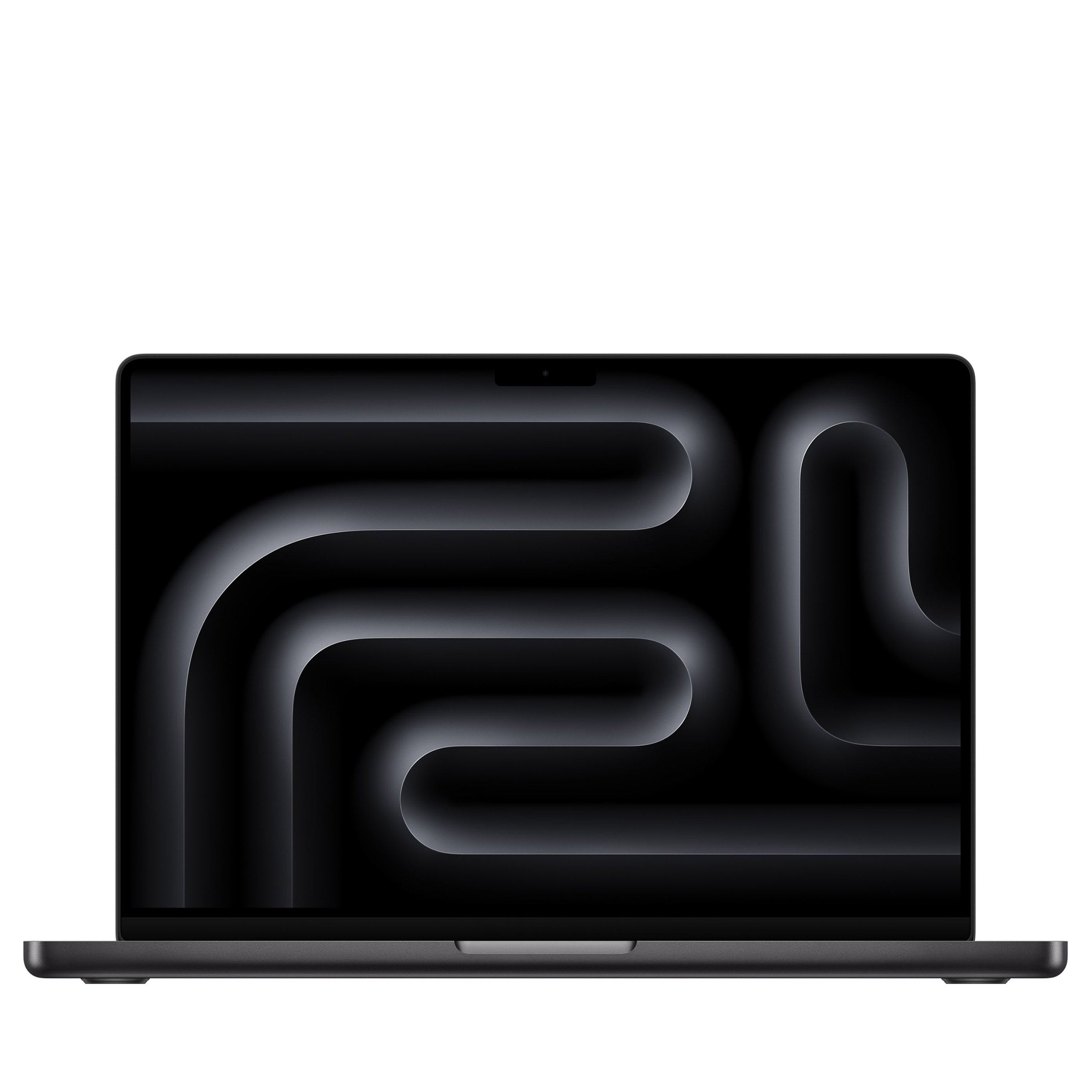

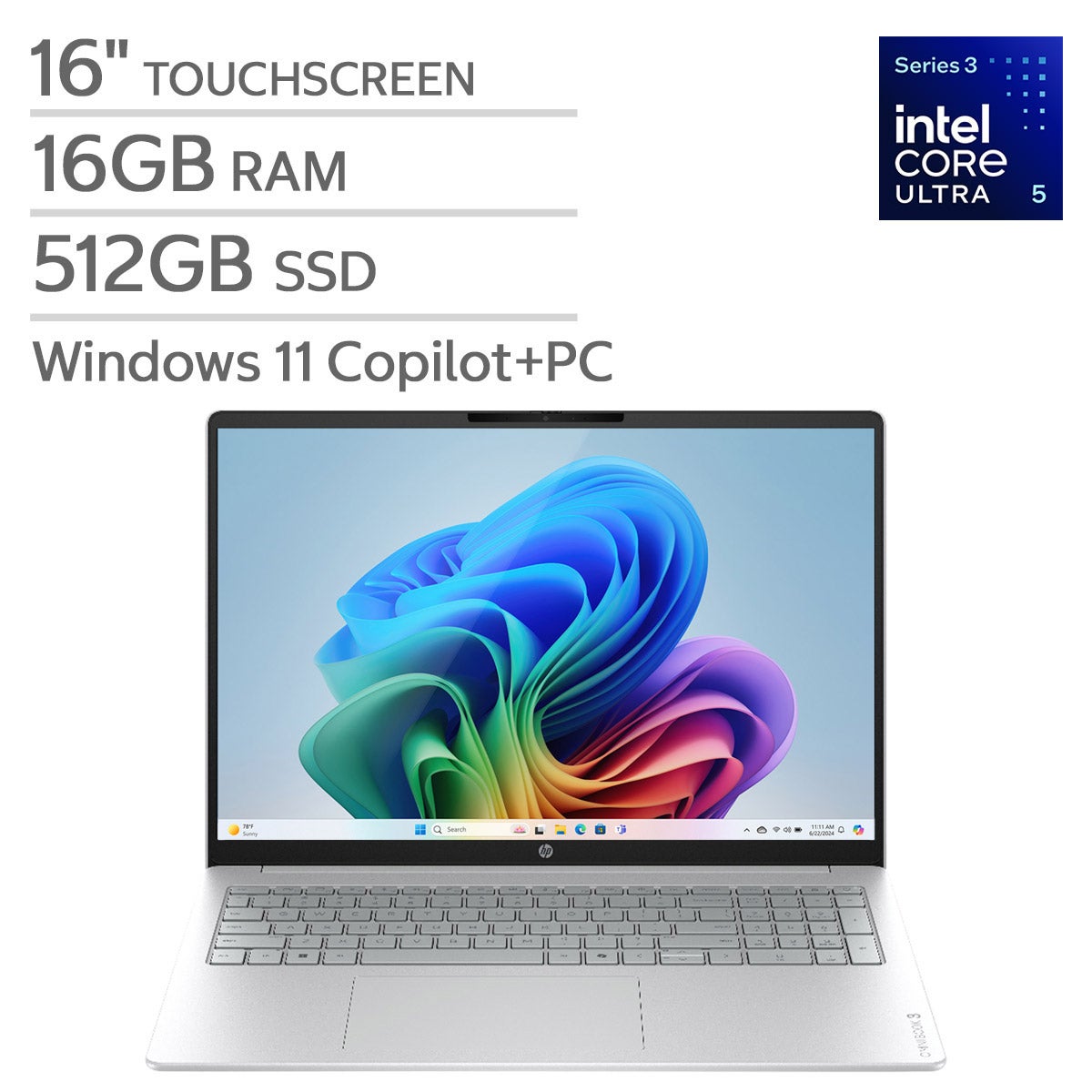
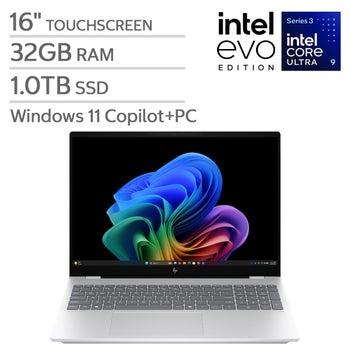



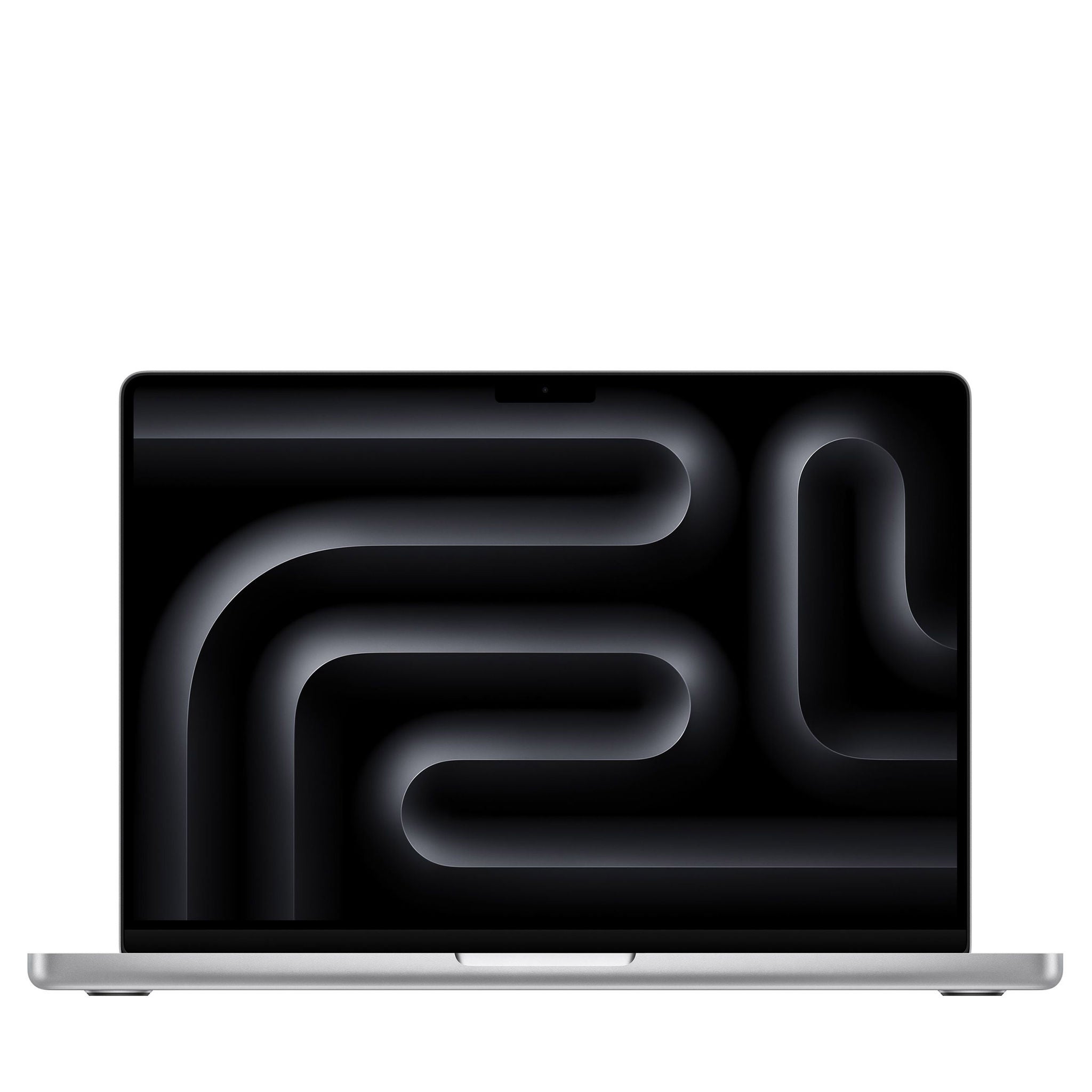
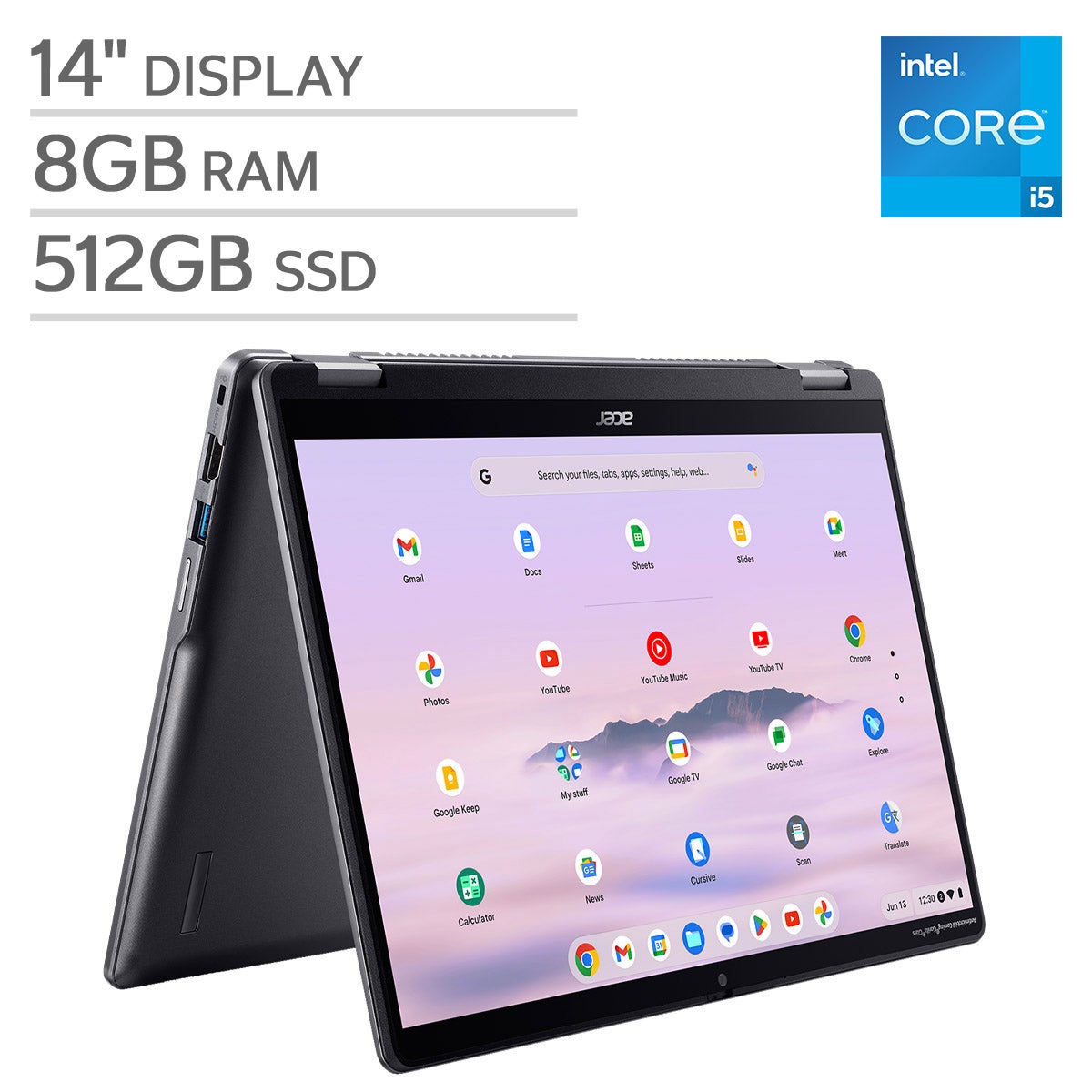


Top Rated Items


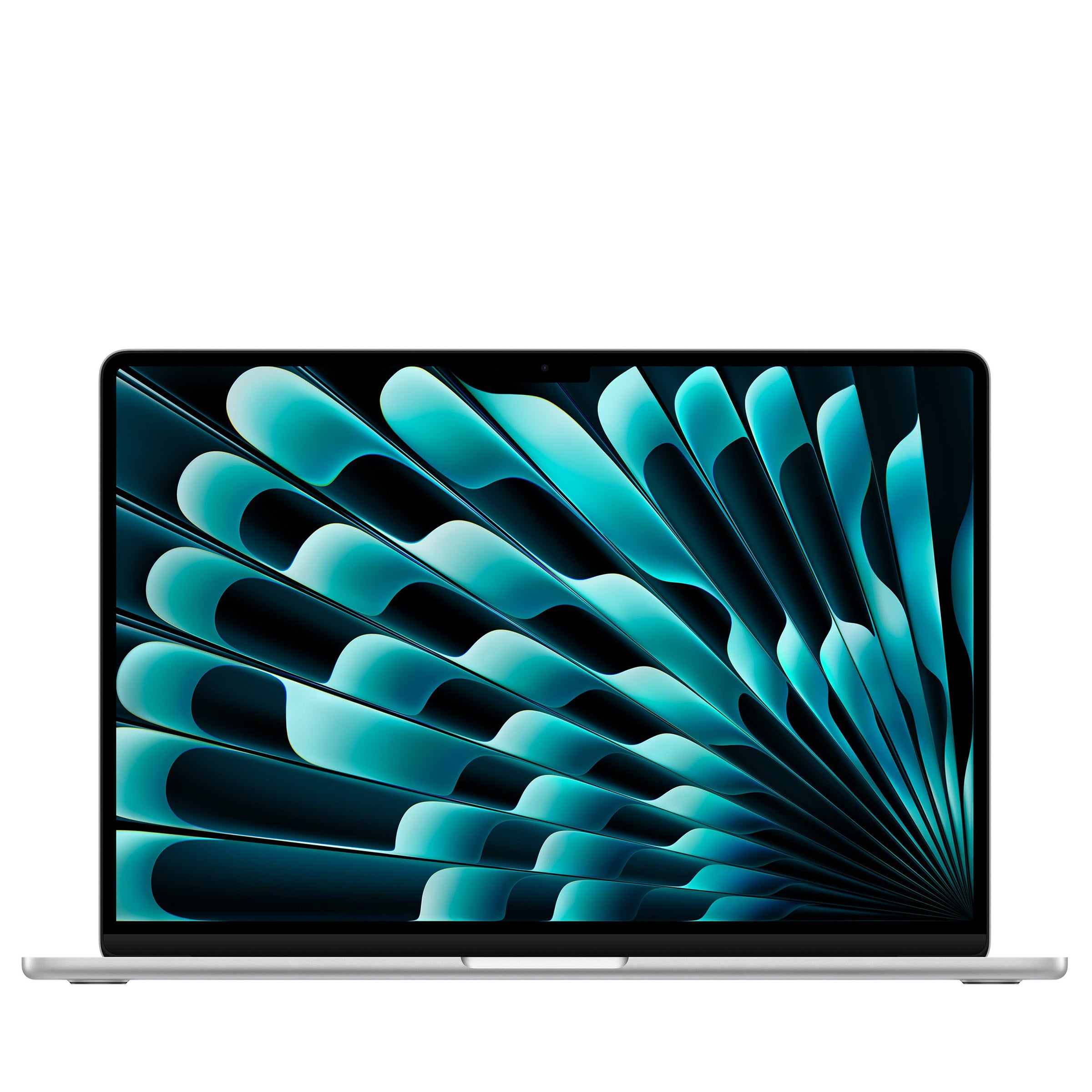
Laptops For Scientific Computing
FAQs
-
Start with the requirements of your scientific software. Consider processor architecture, support for multithreaded workloads, dedicated graphics requirements, and available connections for external equipment. Check whether your workflow calls for local computing, remote access to a research cluster, or both.
-
A dedicated GPU is relevant when your applications support GPU computing, such as certain numerical simulations, machine learning frameworks, and visualization tools. Some workloads run primarily on the CPU. Check your software's supported GPU architectures and driver requirements before choosing a laptop.
-
Choose an operating system supported by your required applications, libraries, and device drivers. Windows, macOS, and Linux each support scientific computing tools, but some specialized programs require a particular platform. Your team's computing environment and any remote systems you use may also guide your choice.
-
USB connections can support external drives and research equipment, while HDMI or compatible USB-C ports can connect external displays. Ethernet connectivity may be useful for accessing network resources. Check each port's supported functions, since USB-C ports can differ in their data, video, and charging capabilities.
-
Common tools include Python, R, Julia, MATLAB, and Jupyter notebooks. Depending on your work, you may also need compilers, package managers, version control software, or container tools. Confirm operating system and processor compatibility, and check licensing requirements for commercial applications.