



Laptops For Deep Learning
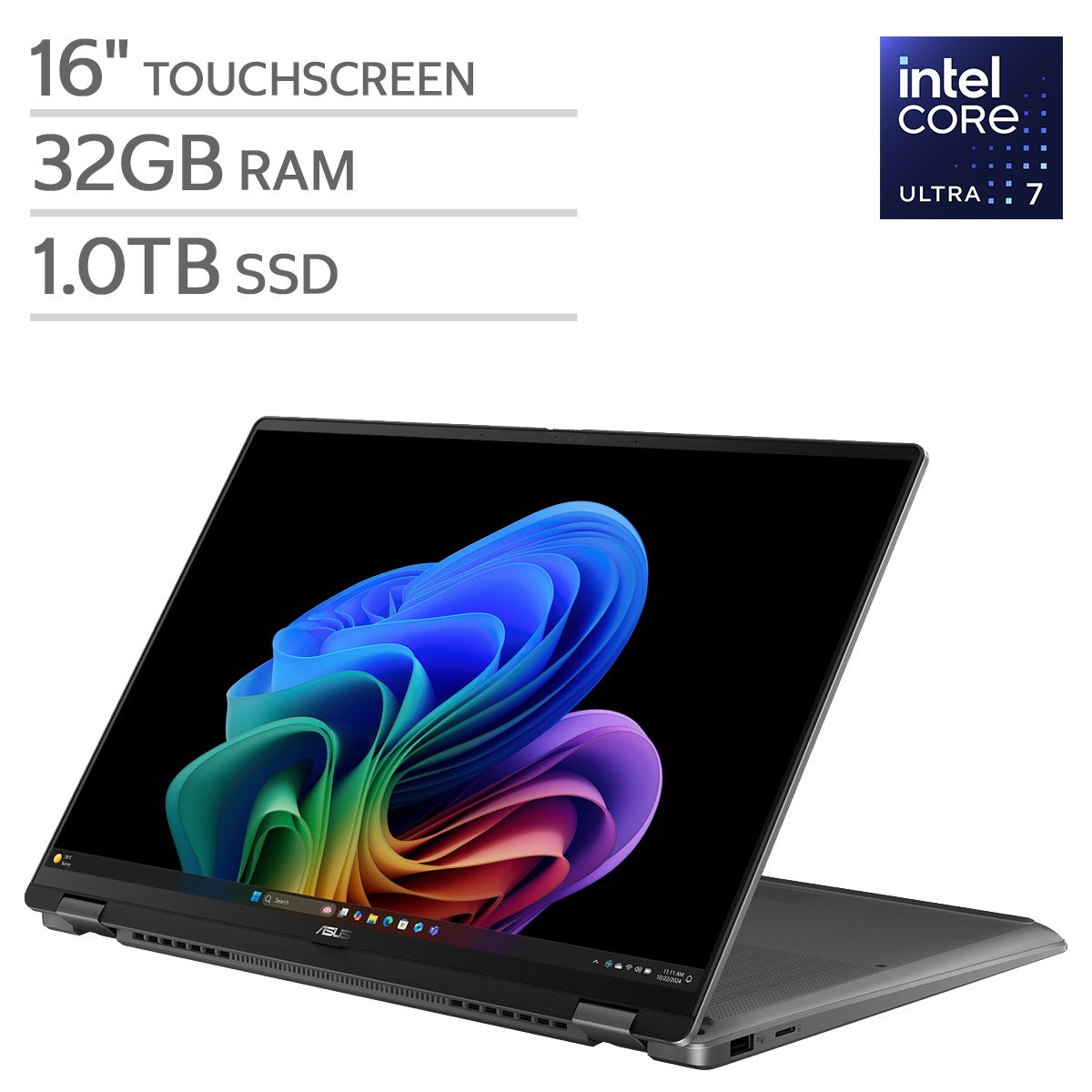
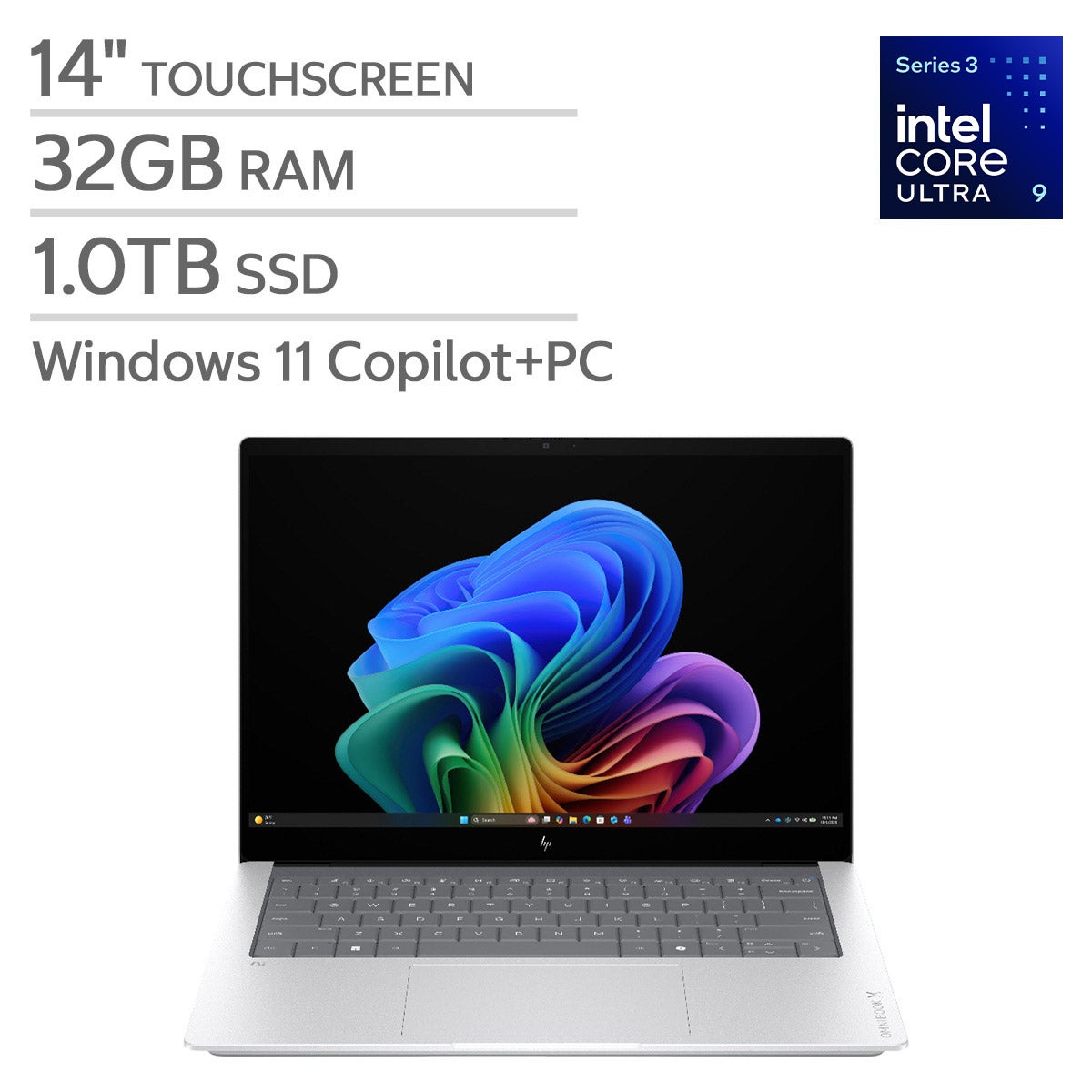
Explore laptops for deep learning at Costco with your machine learning workflow in mind. Compare GPU capabilities, RAM, and storage to find a configuration that fits your datasets and software requirements, and consider whether you’ll run models locally or use cloud-based computing.

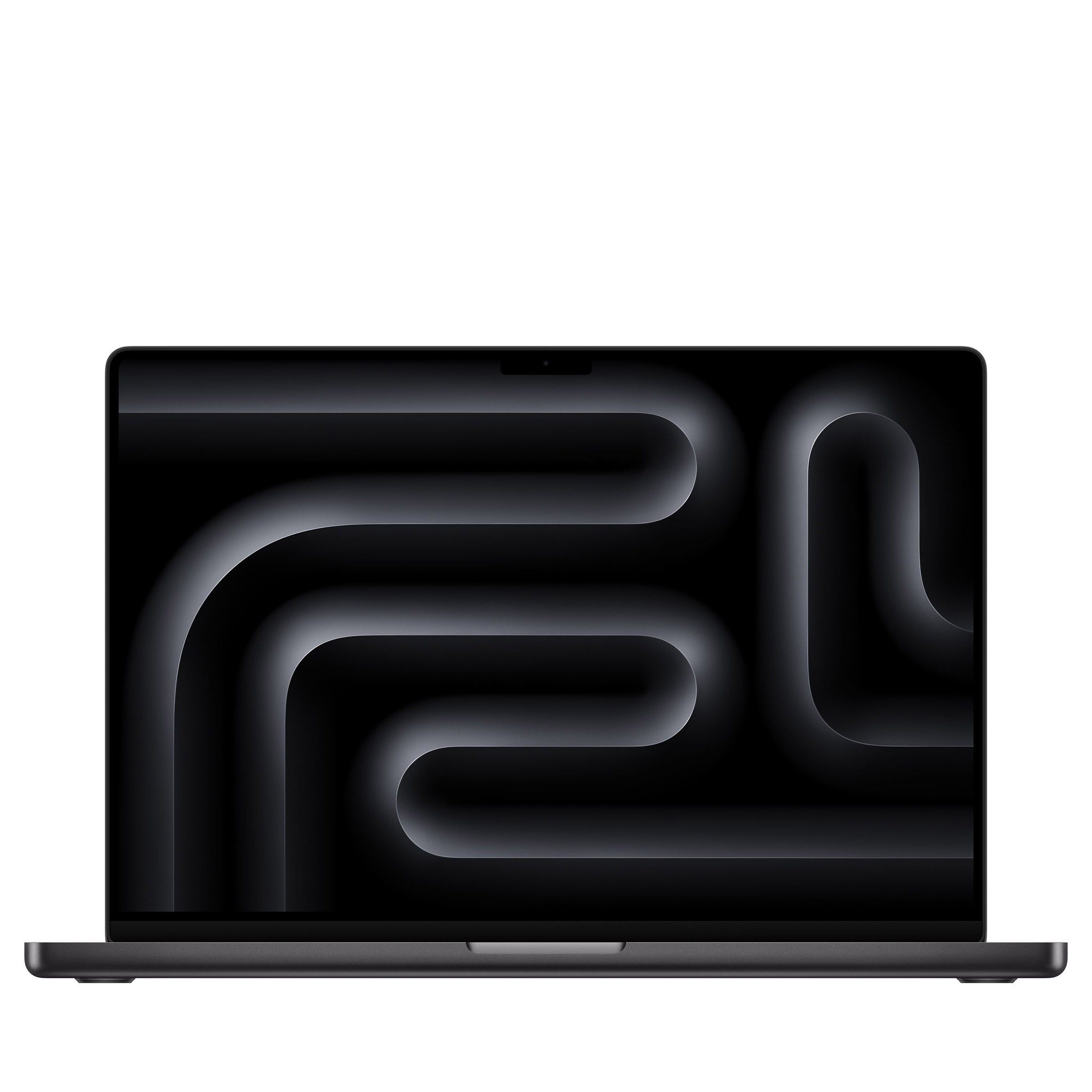
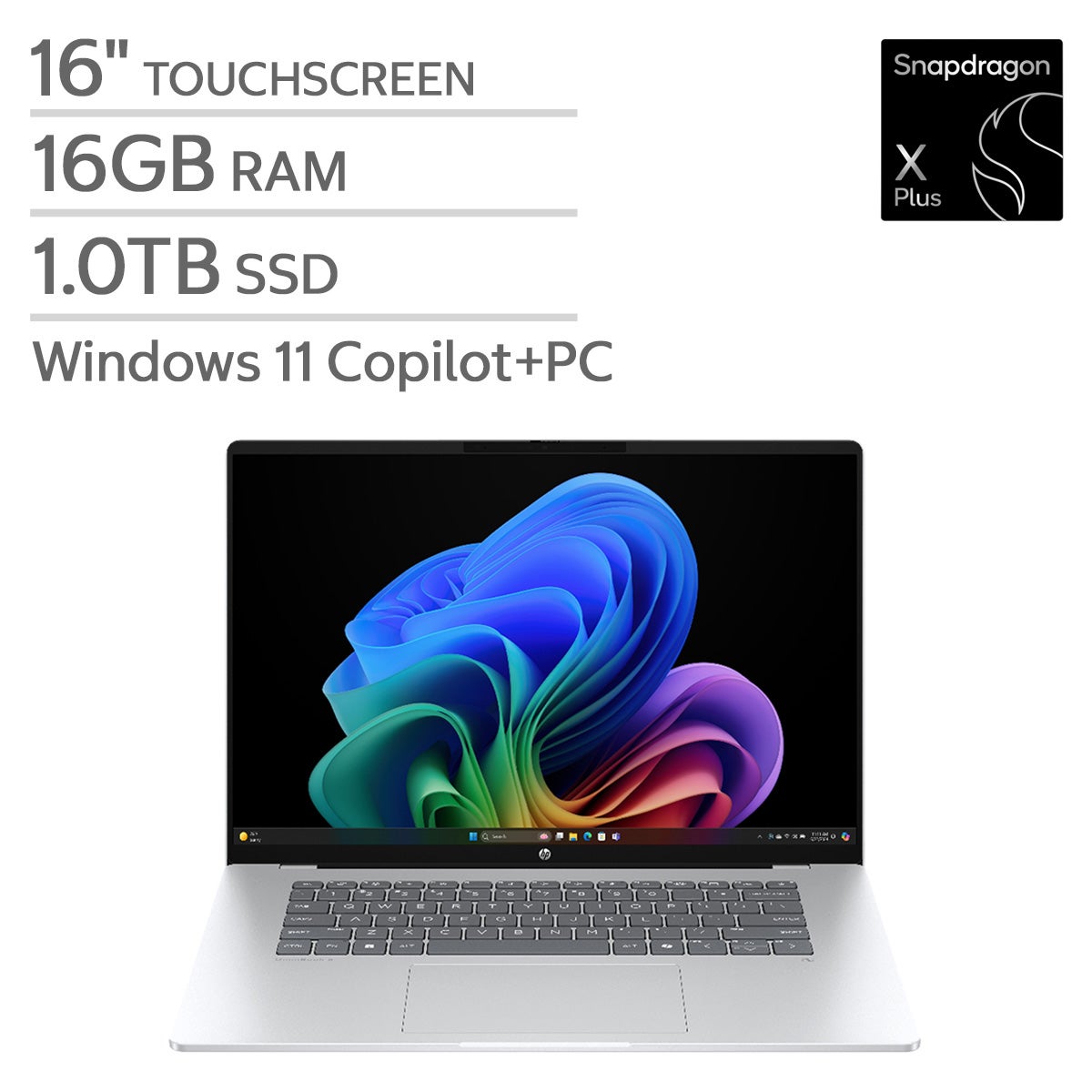
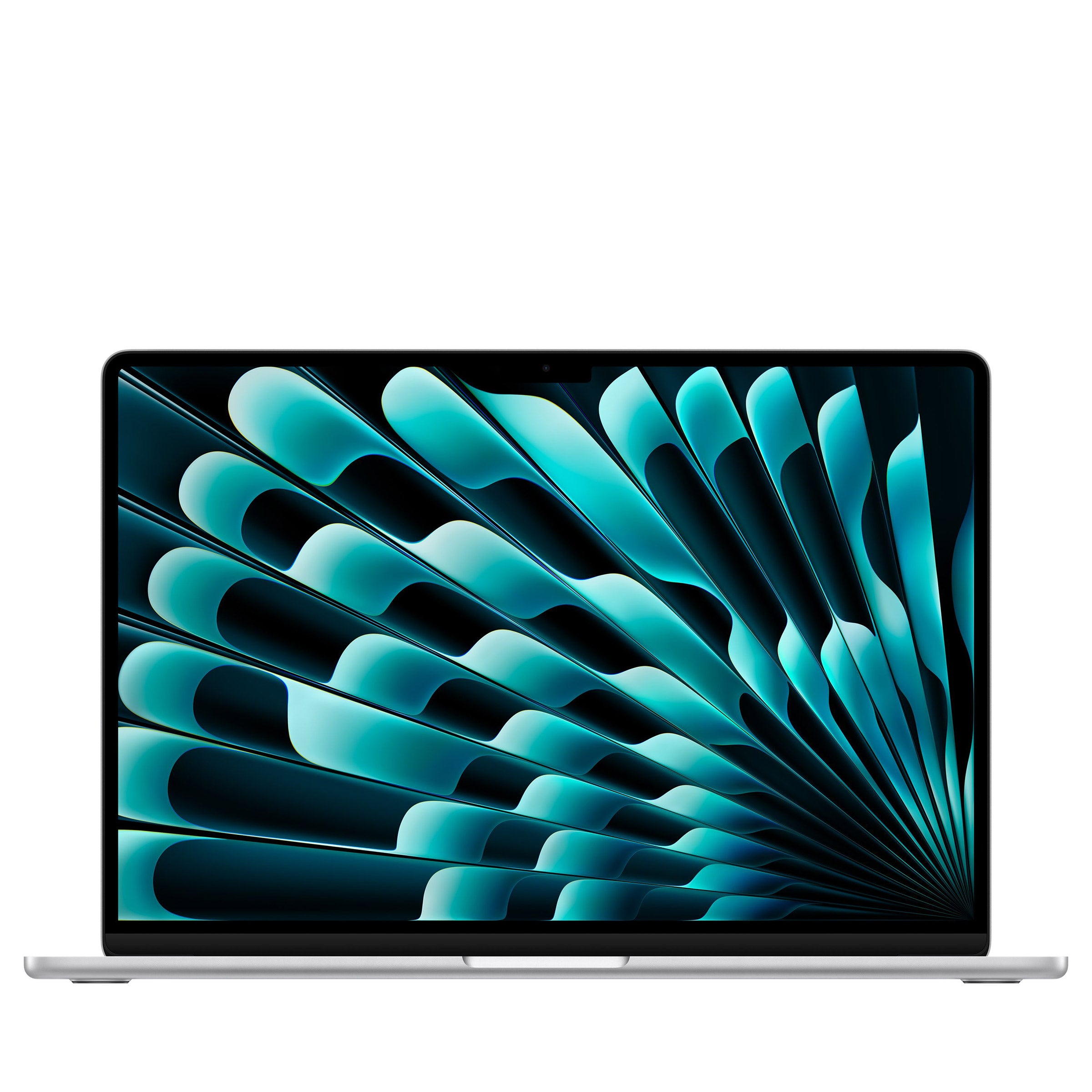
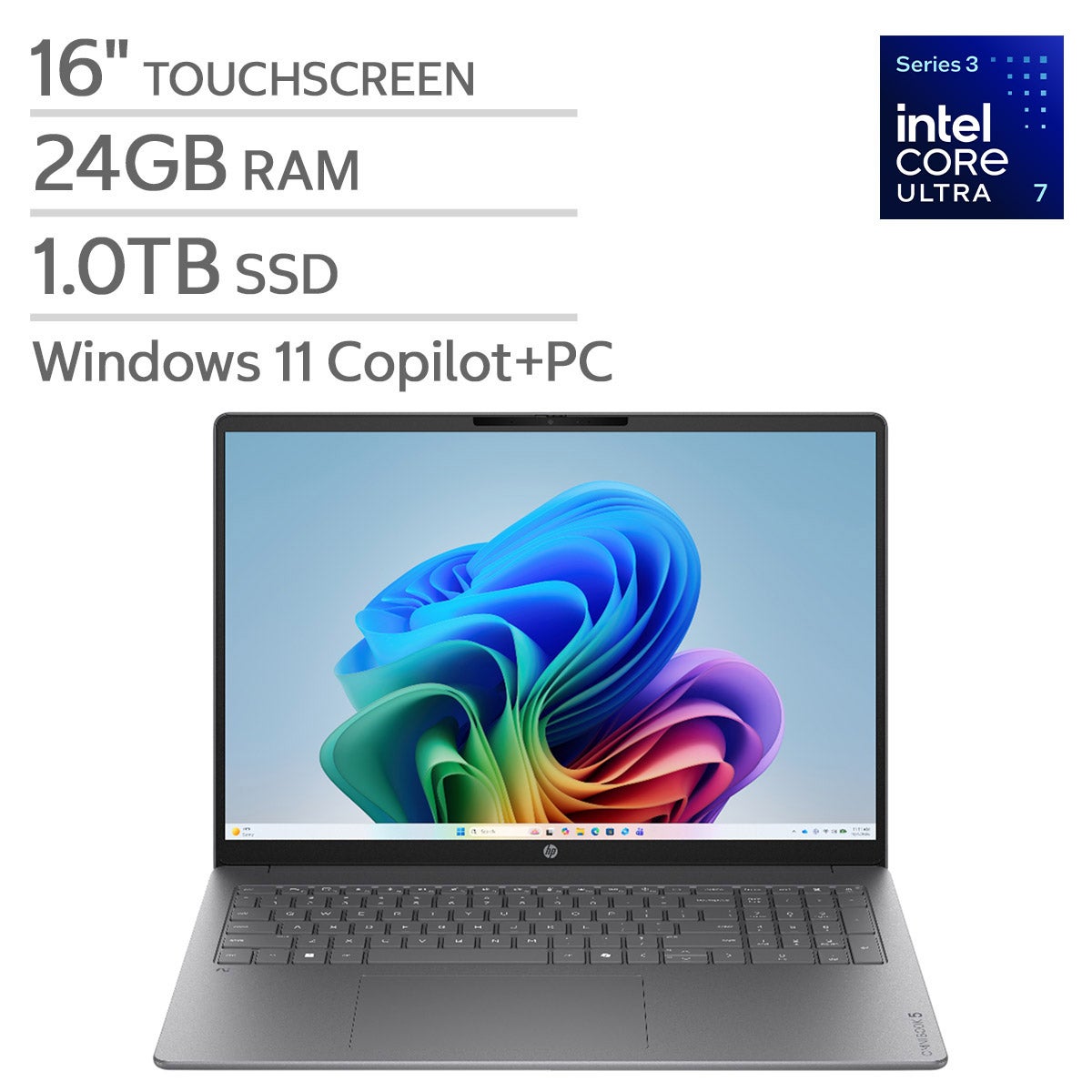


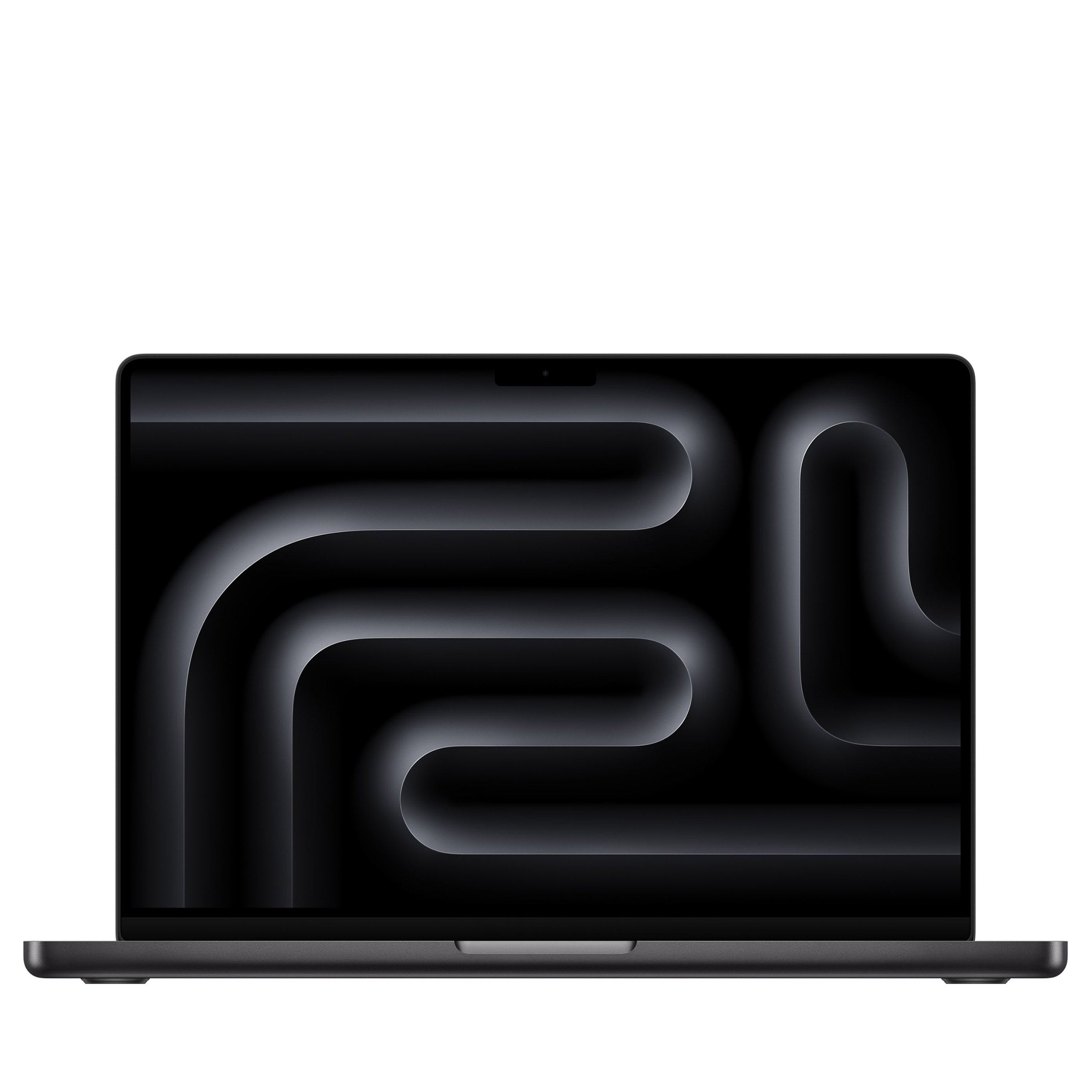
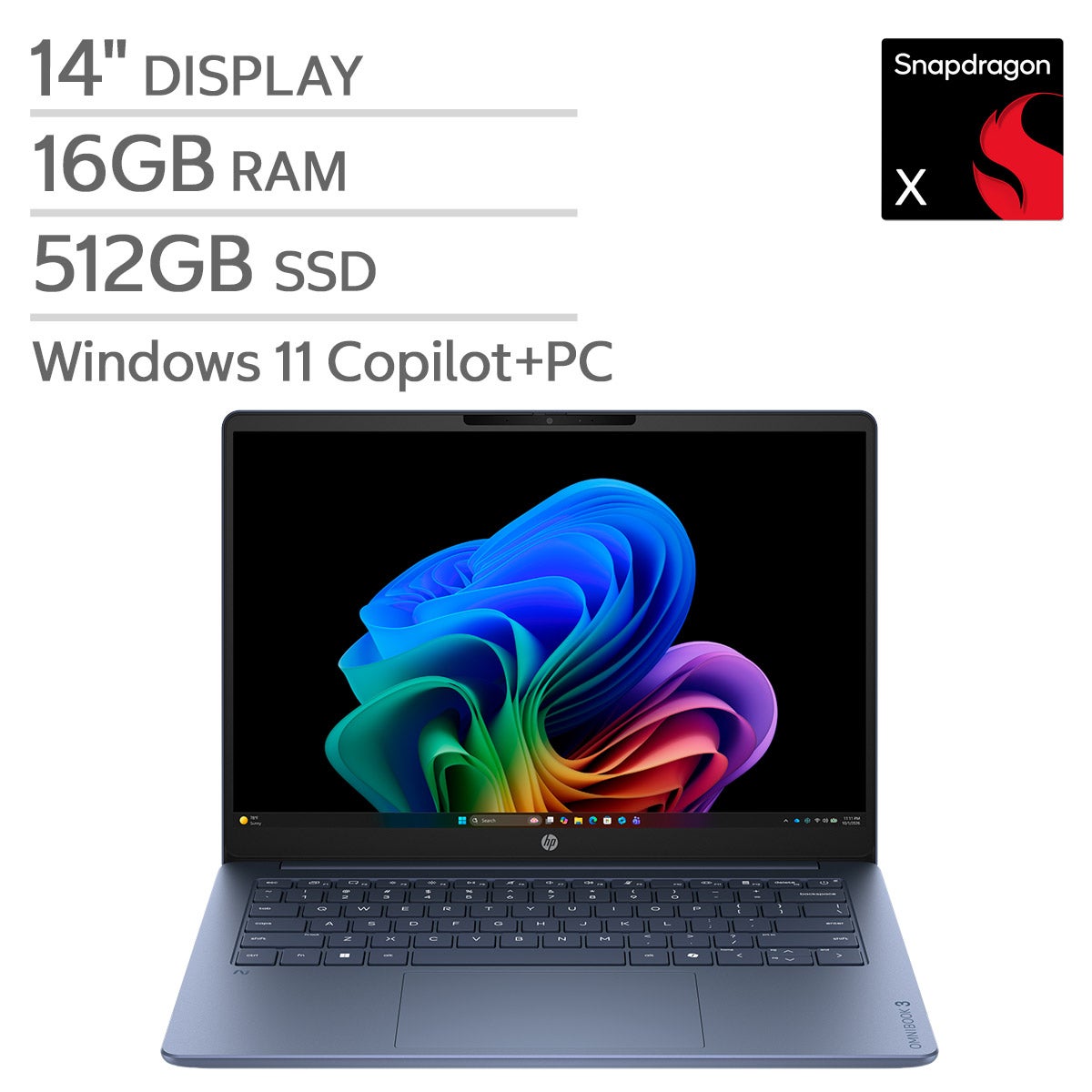

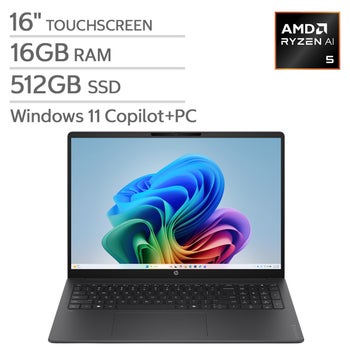
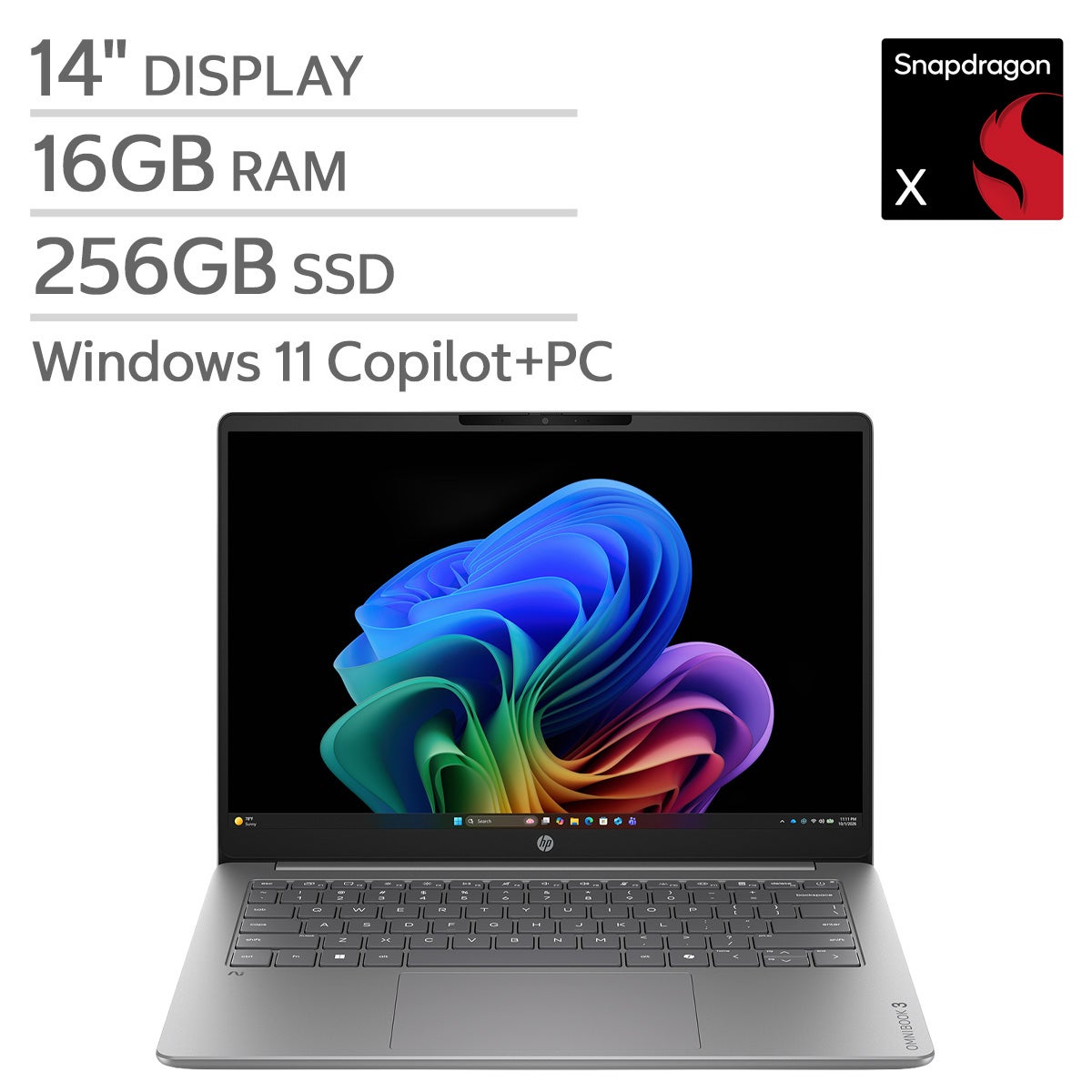
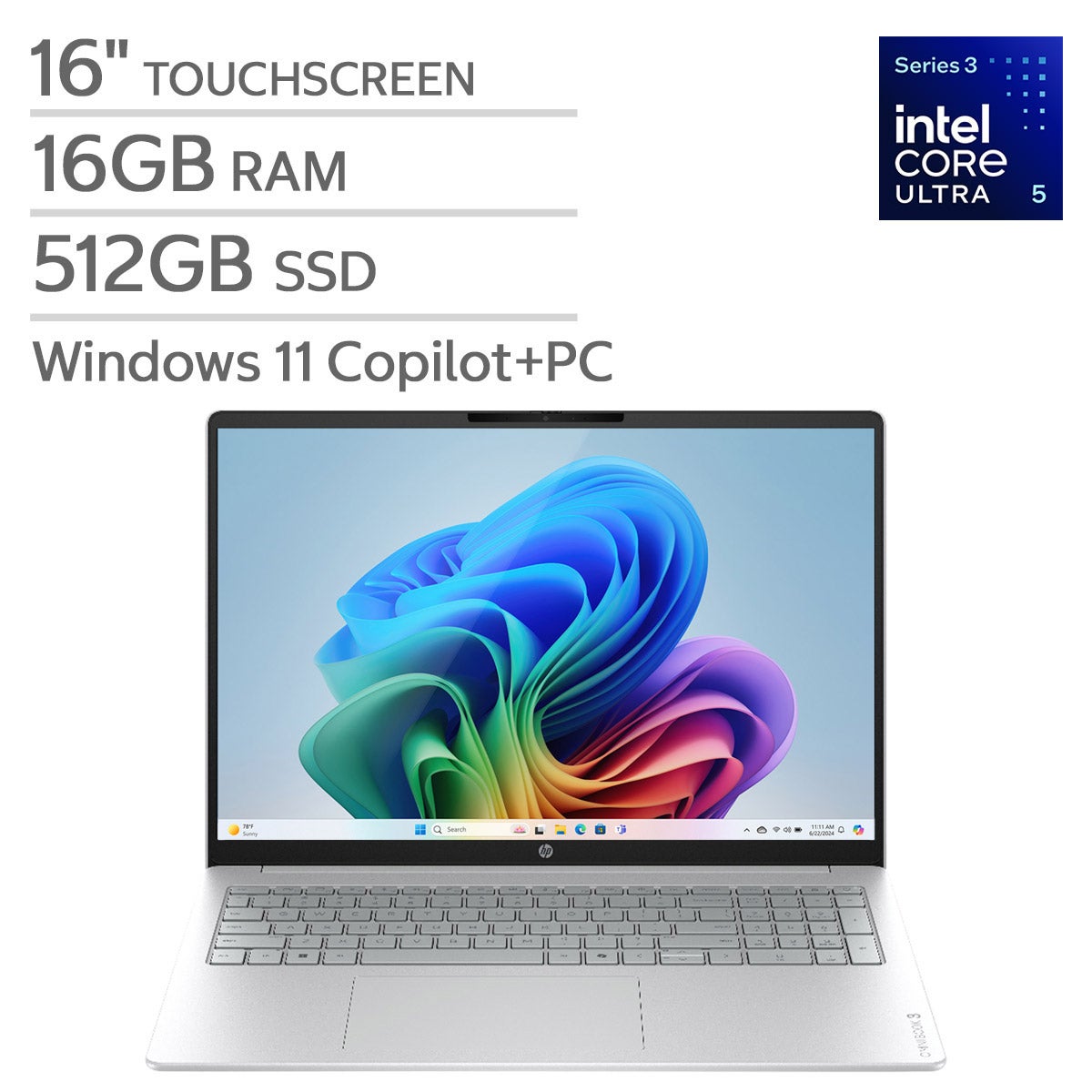

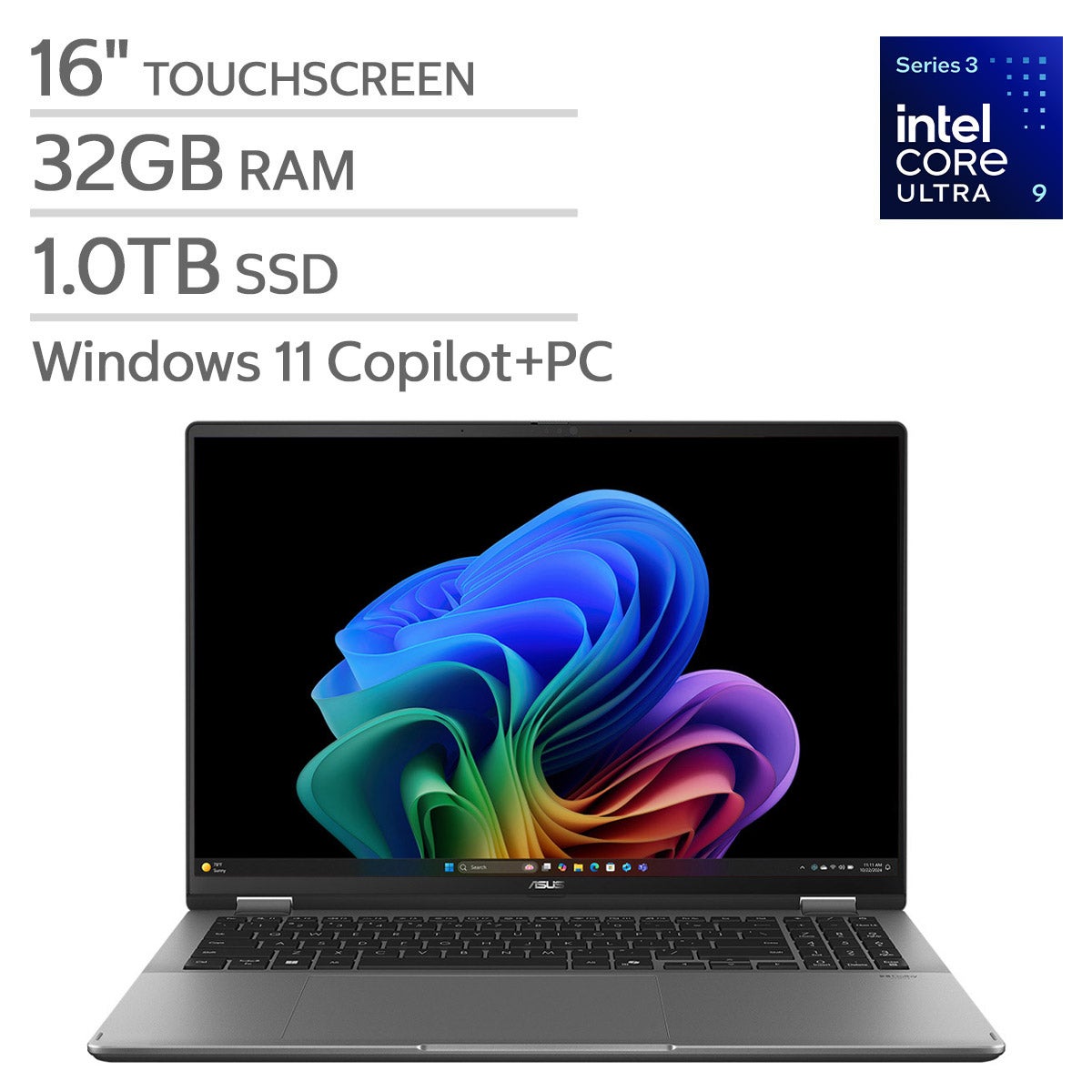
Top Rated Items
Laptops For Deep Learning
FAQs
-
Check which GPUs your preferred deep learning framework supports. Many workflows use NVIDIA GPUs with CUDA, while other frameworks support different GPU platforms. Confirm compatibility among the GPU, its drivers, and the framework version you plan to use.
-
Windows, Linux, and macOS support deep learning tools, but GPU support and installation steps vary. Some Windows workflows use Windows Subsystem for Linux, while macOS workflows may use Apple’s Metal platform. Review your framework’s operating system requirements before choosing a laptop.
-
Yes. A laptop can serve as a workspace for writing code, preparing datasets, and accessing remote GPU resources through a browser or development application. For this setup, look for reliable network connectivity and compatibility with your preferred cloud platform.
-
Consider connections for external storage, monitors, and networking accessories. USB-C and Thunderbolt capabilities vary by laptop, so check whether each port supports your intended accessories. Wi-Fi and Ethernet connectivity can also be useful when working with remote servers or transferring datasets.
-
Common tools include Python, frameworks such as PyTorch or TensorFlow, and coding environments such as JupyterLab or Visual Studio Code. Virtual environments help keep project dependencies separate, while version control tools help track code changes. Check each tool’s hardware and operating system requirements before installation.