



Game Cards
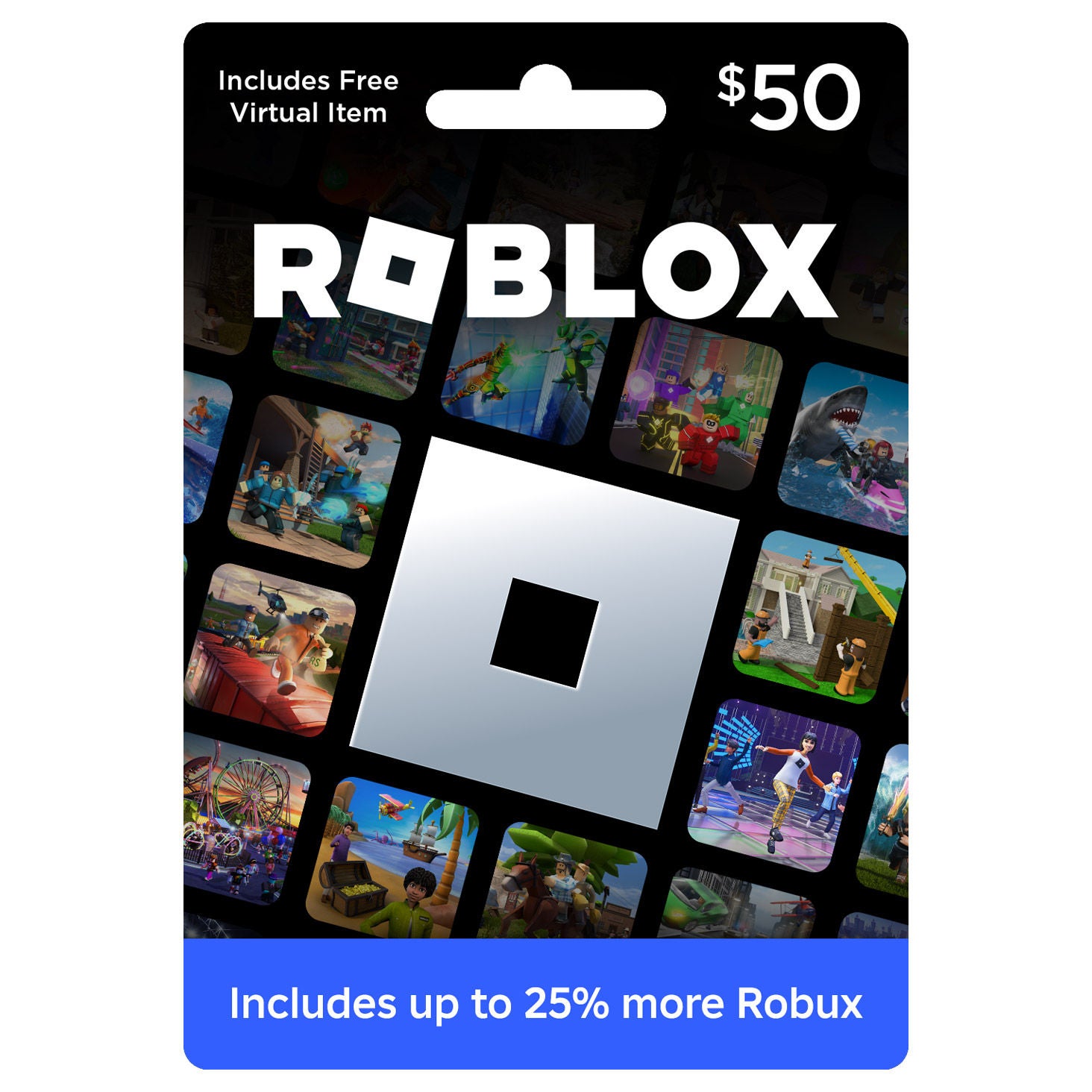
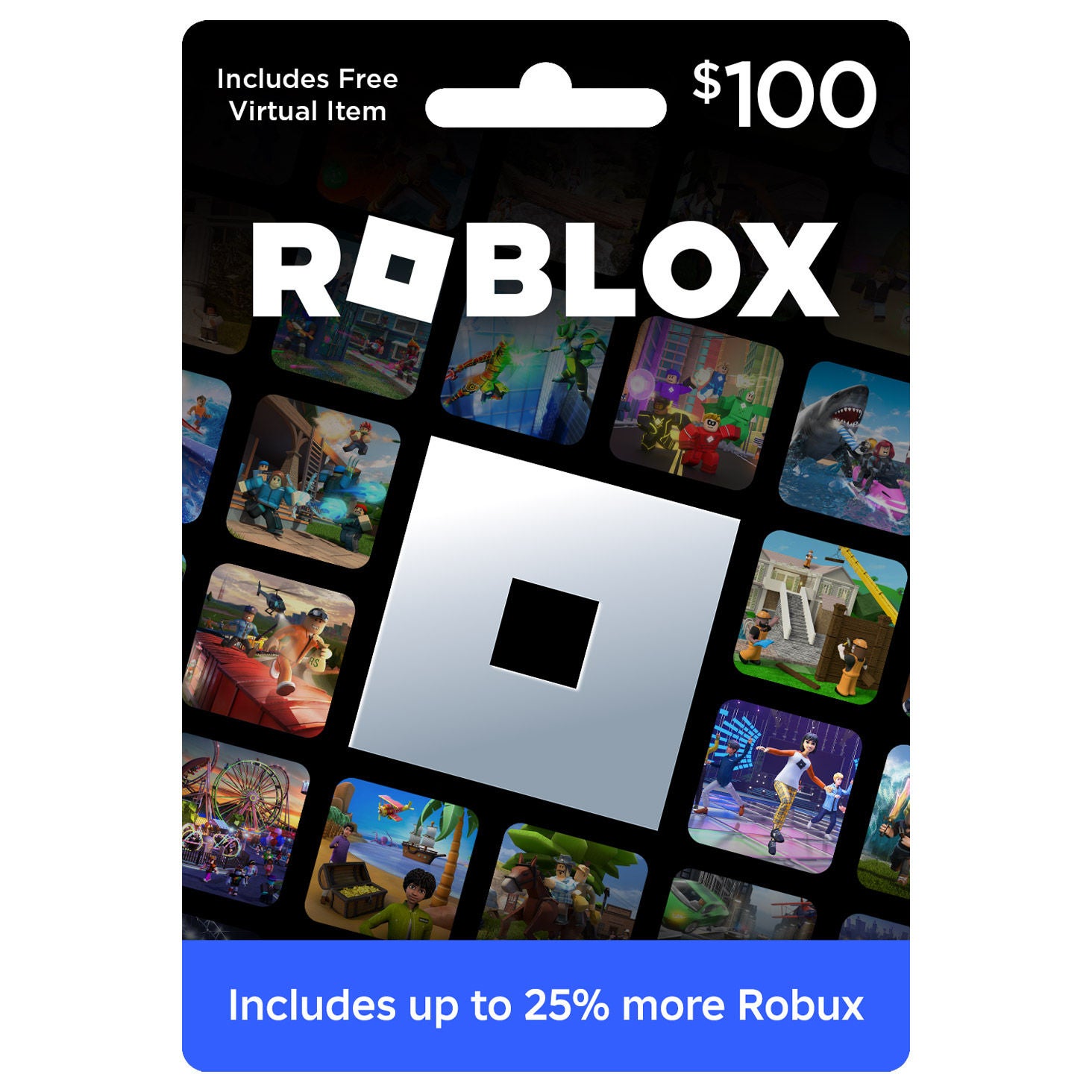
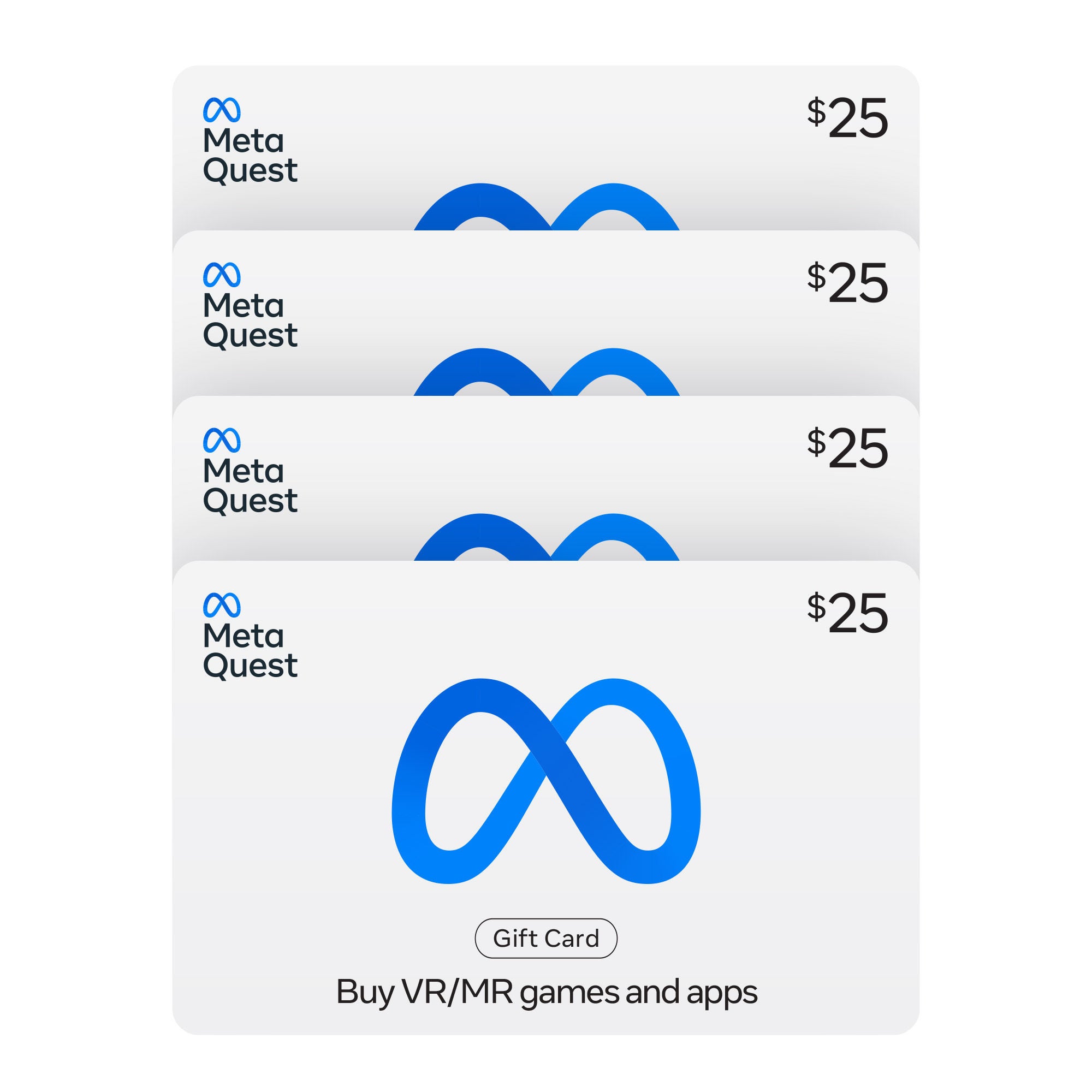
Shop game cards at Costco and compare available options for your preferred gaming platform. Check each listing for card value, compatibility, and redemption details to help you choose an option that fits how you play.
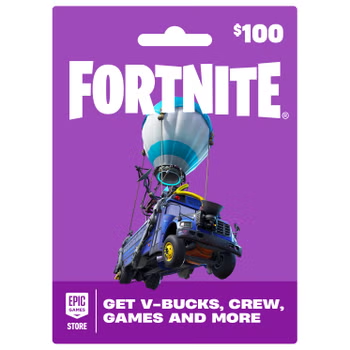
Shop Related Pages
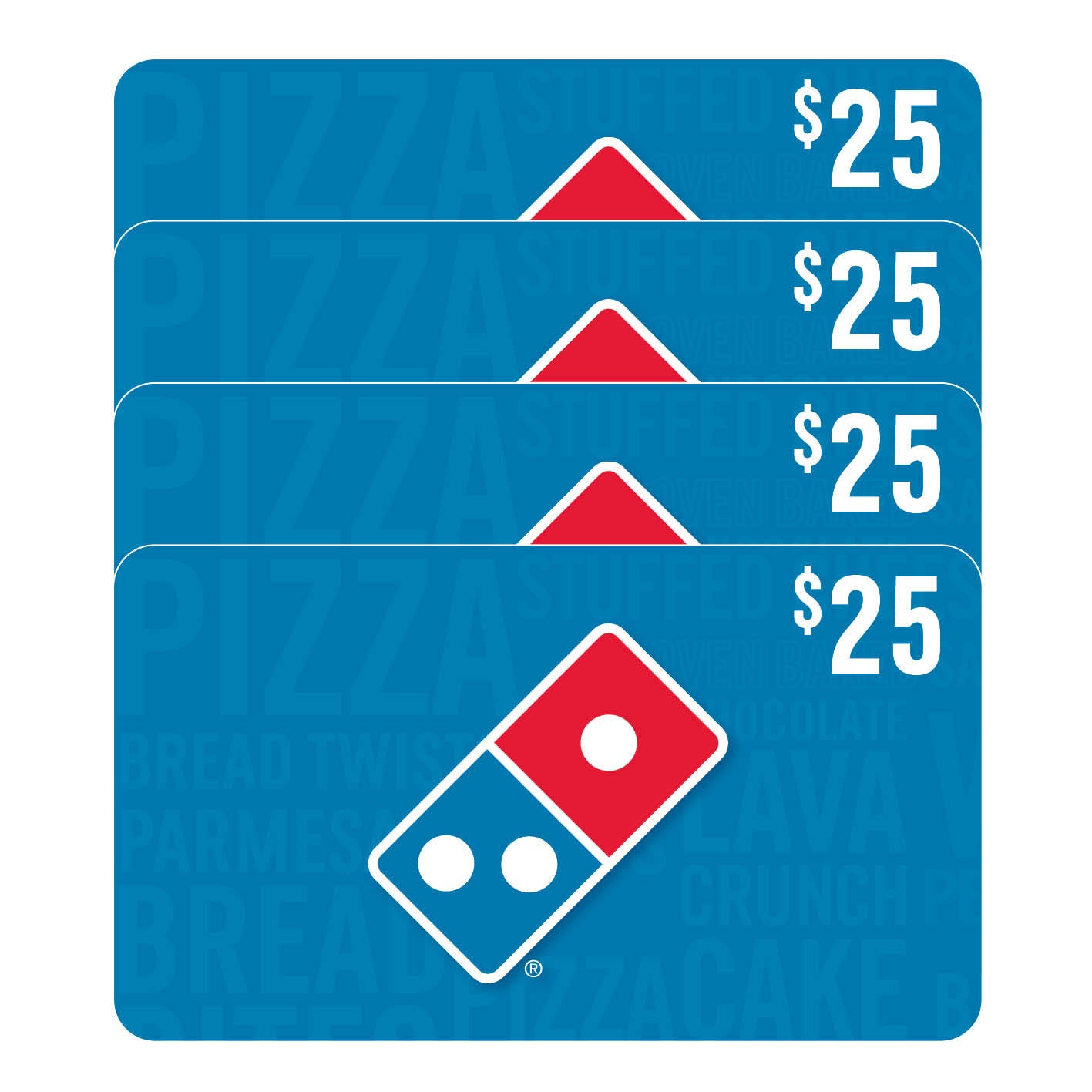
Game Cards
FAQs
-
Game cards can provide account credit, access to digital games, or gaming subscriptions. Their purpose depends on the card type, so check whether a card adds funds to a gaming account or unlocks specific content.
-
Match the card to the recipient's gaming platform and account region. Game cards are generally tied to a particular platform or digital store, so a card for one service may not work with another.
-
Sign in to the gaming account where you want to use the card, open the platform's code redemption page or menu, and enter the redemption code. Review the account details before confirming, since redeemed content or credit is typically linked to that account.
-
A physical game card carries a redemption code on a tangible card, while a digital game card provides the code electronically. Both may add credit or unlock content, depending on the card's terms.
-
Start with the recipient's preferred gaming platform and whether they would enjoy choosing their own content or accessing a particular game or subscription. Check the card's account, region, and redemption requirements to make sure it fits how they play.