



Gaming Gift Cards
Find gaming gift cards at Costco for the gamer on your list. Browse available options and check each card’s value, platform requirements, and redemption terms to choose a gift that works with the recipient’s preferred gaming platform.
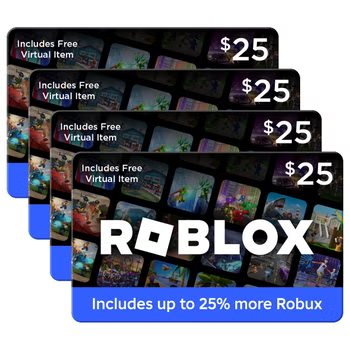
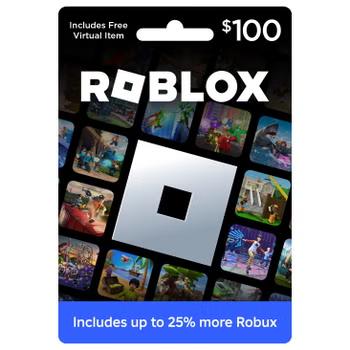
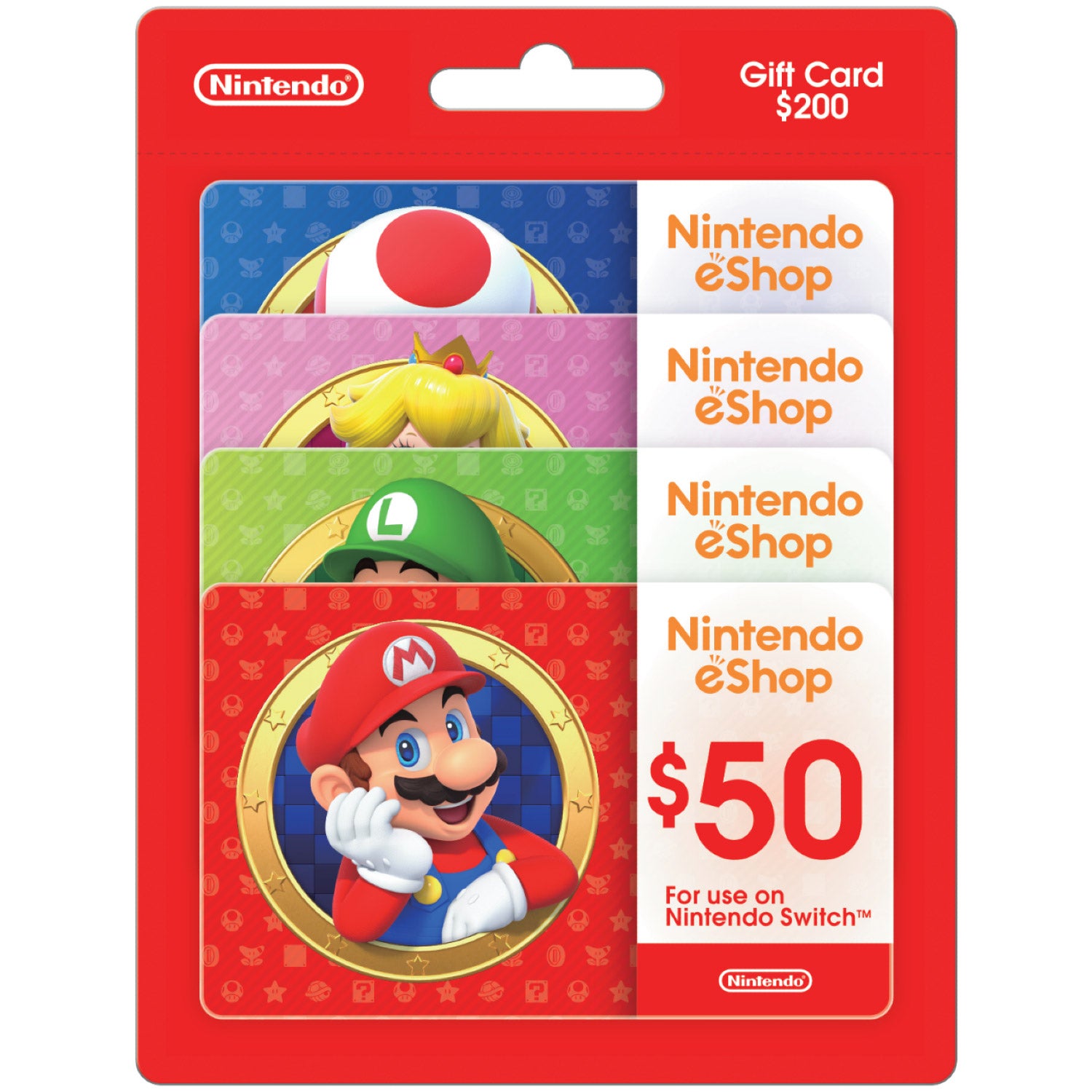
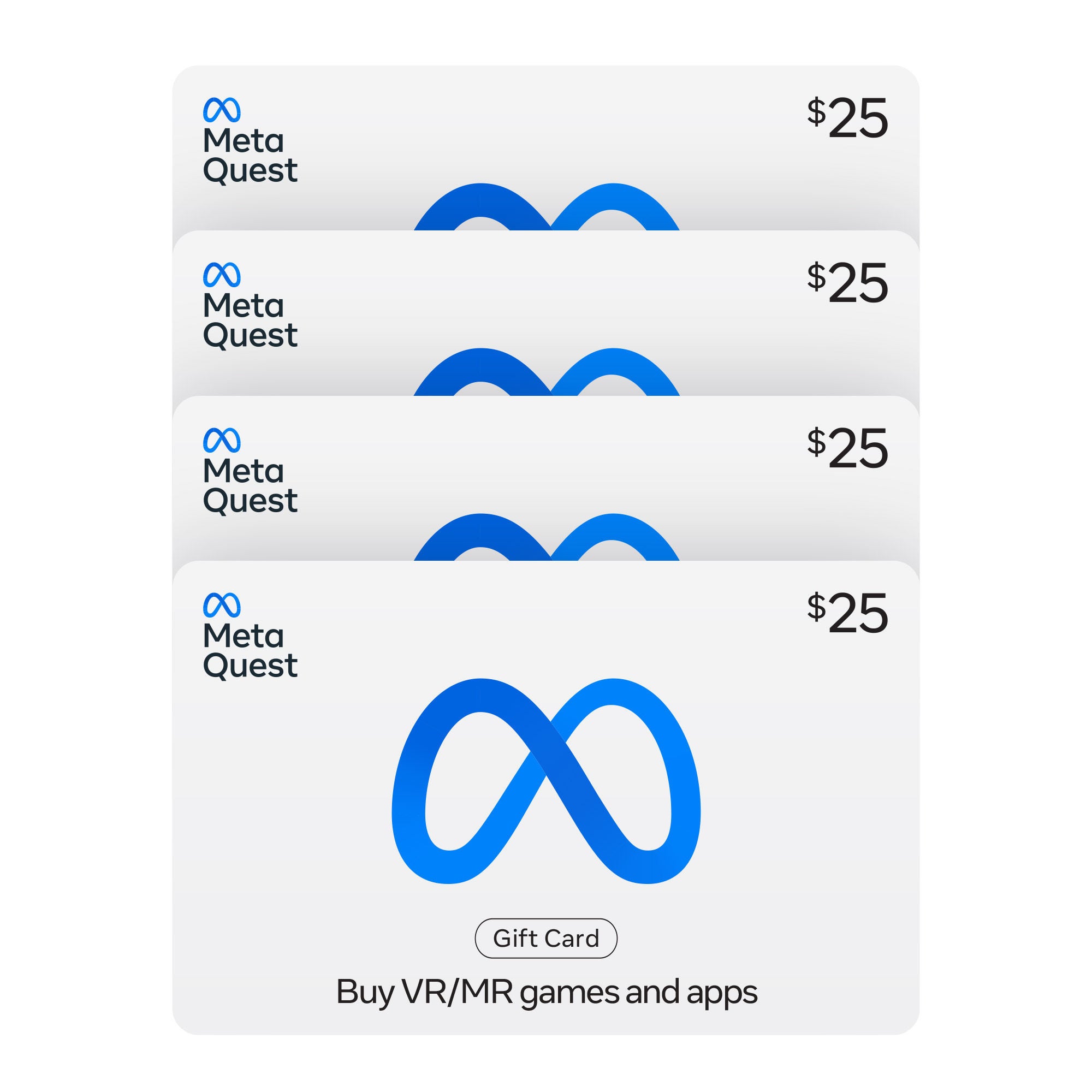
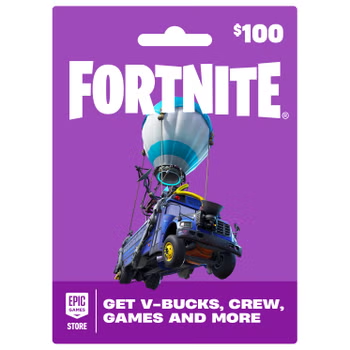
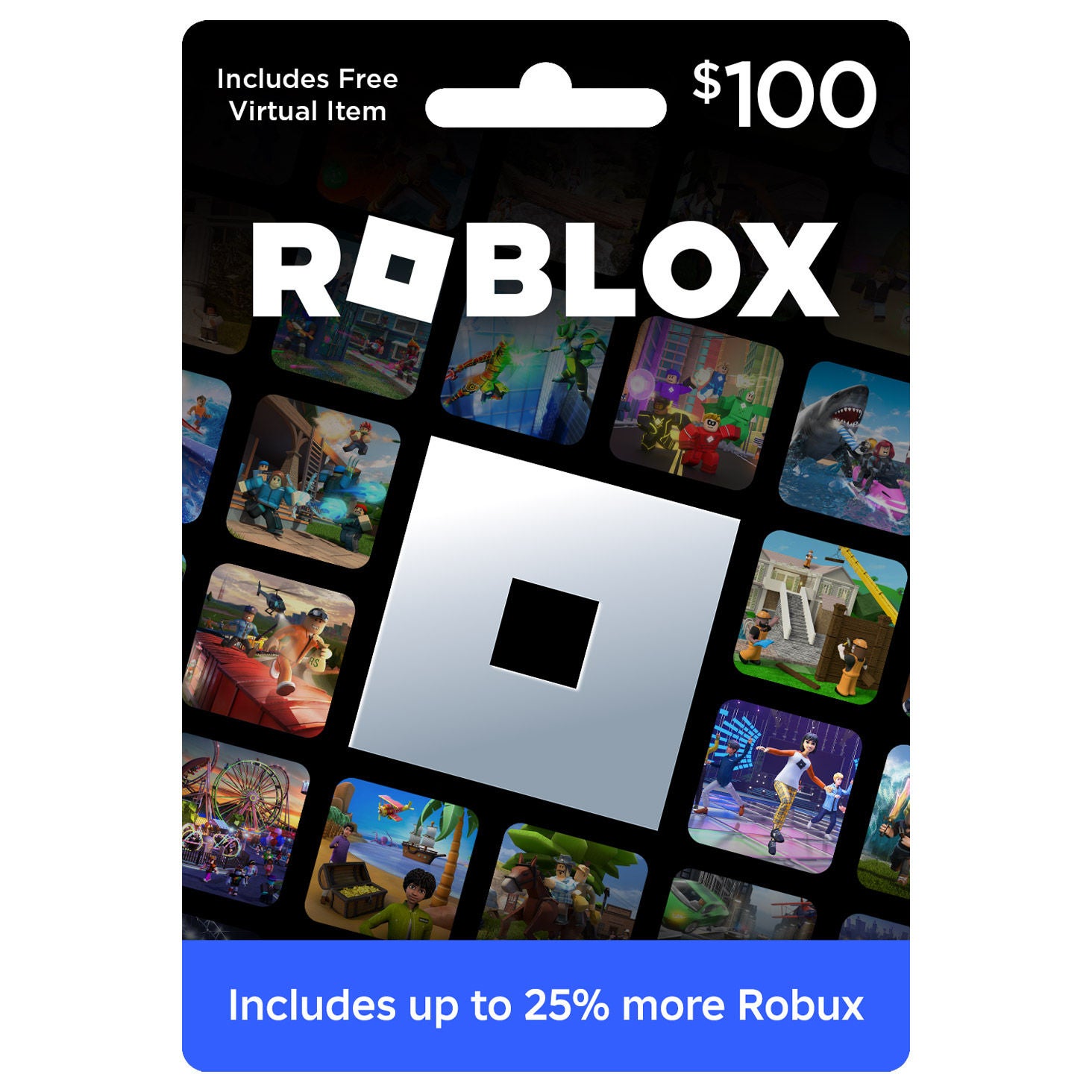
Shop Related Pages

Gaming Gift Cards
FAQs
-
Gaming gift cards can add funds to a compatible gaming account or unlock a specified subscription or digital item. Depending on the card, funds may be used for digital games, downloadable content, in-game currency, or memberships. Check the card's terms for eligible uses.
-
Start by identifying the recipient's gaming platform and preferred digital store. Choose a card that matches their account's platform and region, then check whether it provides store credit, a subscription, or content for a particular game.
-
Sign in to the intended gaming account, open the platform's digital store or redemption page, and enter the gift card code. Review the details before confirming. Redemption steps vary by platform, so follow the instructions included with the card.
-
Most gaming gift cards are tied to a particular platform, digital store, or game. A card for one platform generally cannot fund an account on another. Some game-specific cards may support multiple platforms, but compatibility depends on the card's terms and account requirements.
-
A gaming gift card typically adds a balance to a digital store account, letting the recipient choose eligible content. A gaming subscription card generally provides access to a membership for a specified period. Membership features vary and may include online multiplayer access or a library of games.