



Wireless Routers
Shop wireless routers at Costco to find an option that fits your home’s Wi-Fi needs. Compare coverage, supported speeds, and connection options with your space and connected devices in mind, whether you’re setting up a network or upgrading for streaming, gaming, and everyday browsing.

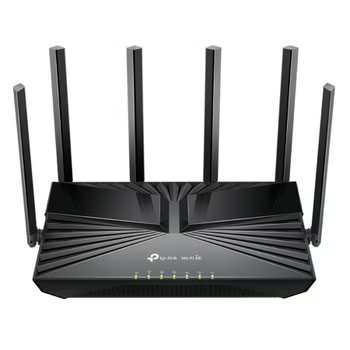
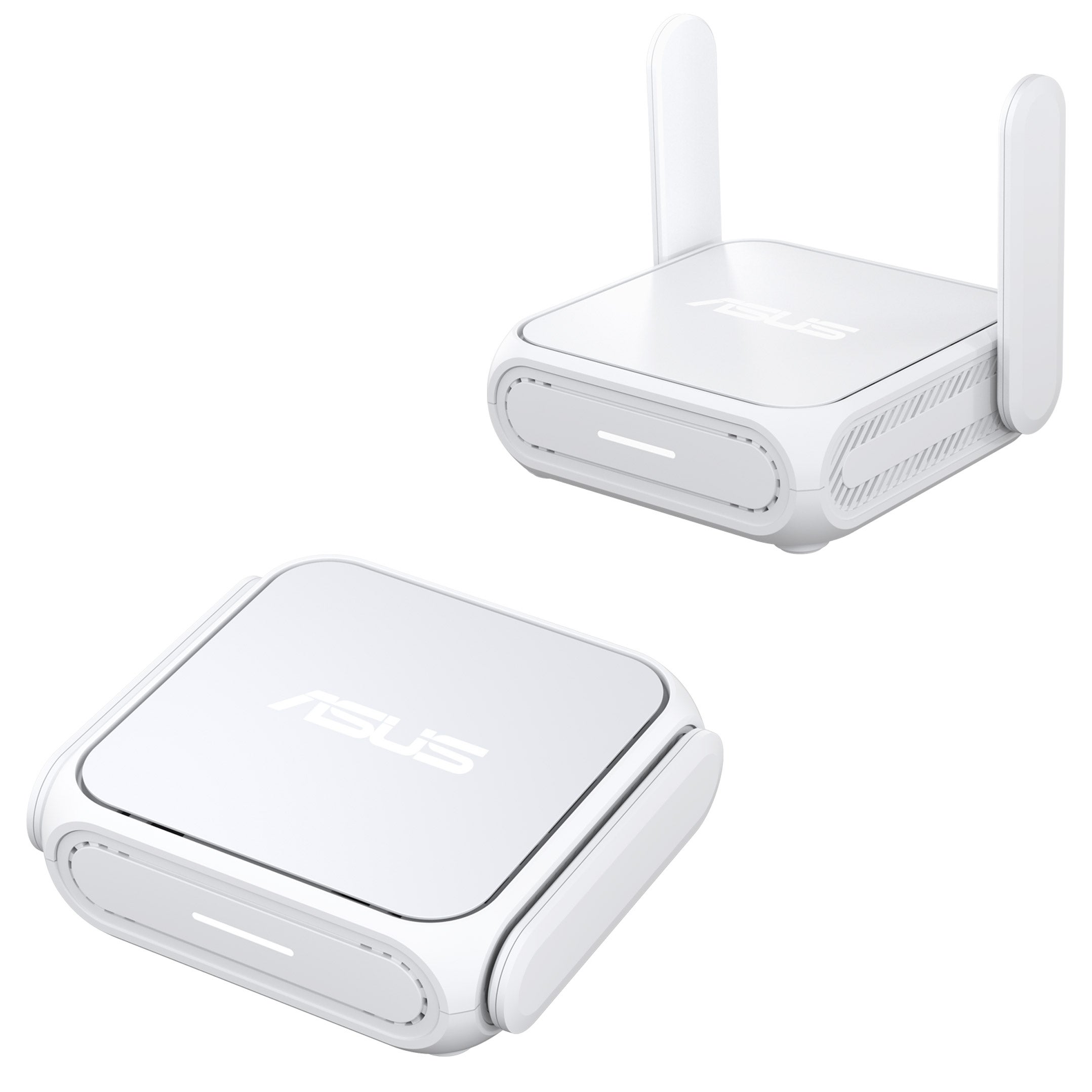
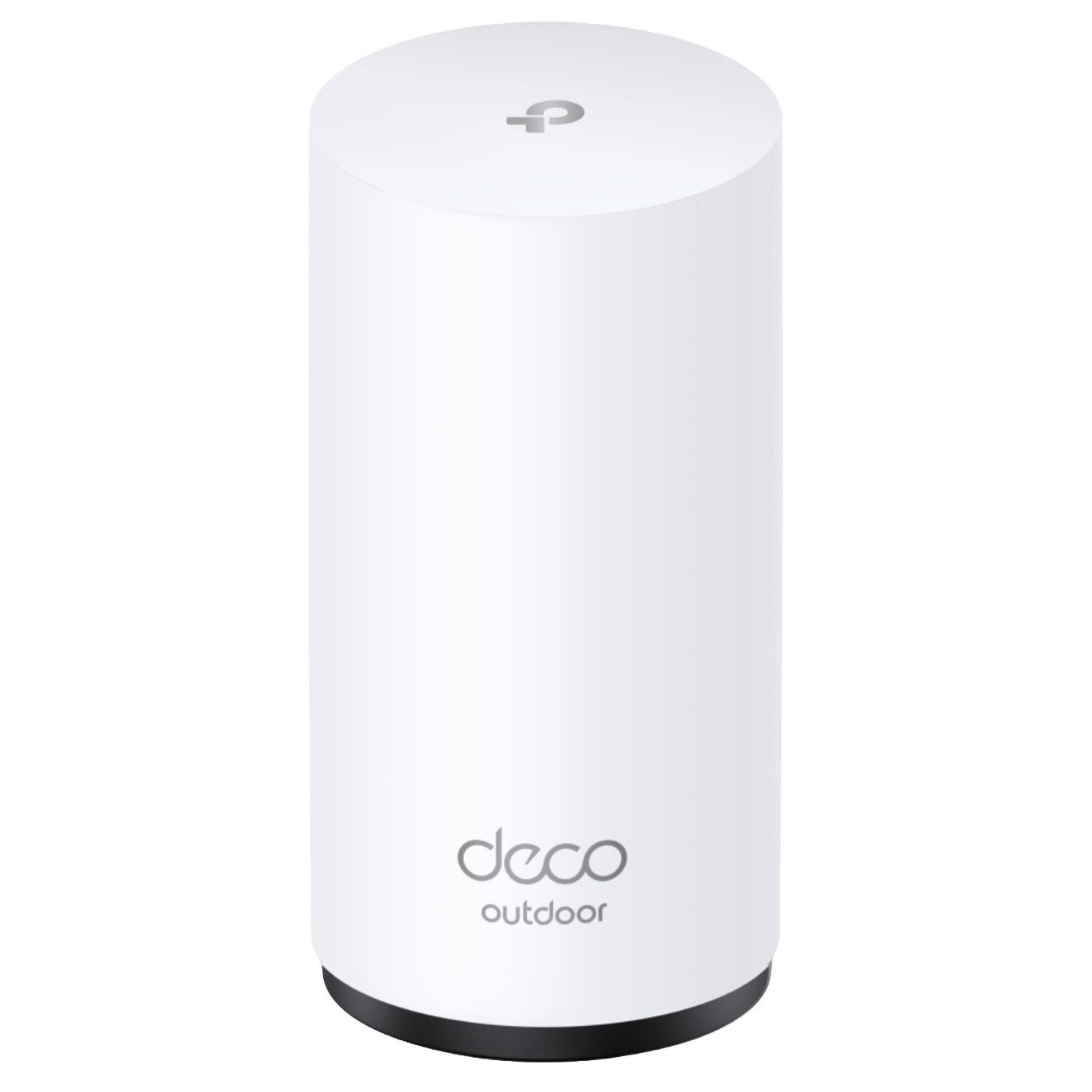
Shop Related Pages

Wireless Routers
FAQs
-
A modem connects your home to your internet service provider. A wireless router creates a local network so devices can connect through Wi-Fi or Ethernet and share that internet connection. Some devices combine a modem and router in one unit.
-
Dual-band routers typically use the 2.4 GHz and 5 GHz frequency bands. Tri-band routers add a third band, which may be another 5 GHz band or a 6 GHz band, depending on the model. Devices must support a frequency band to connect to it.
-
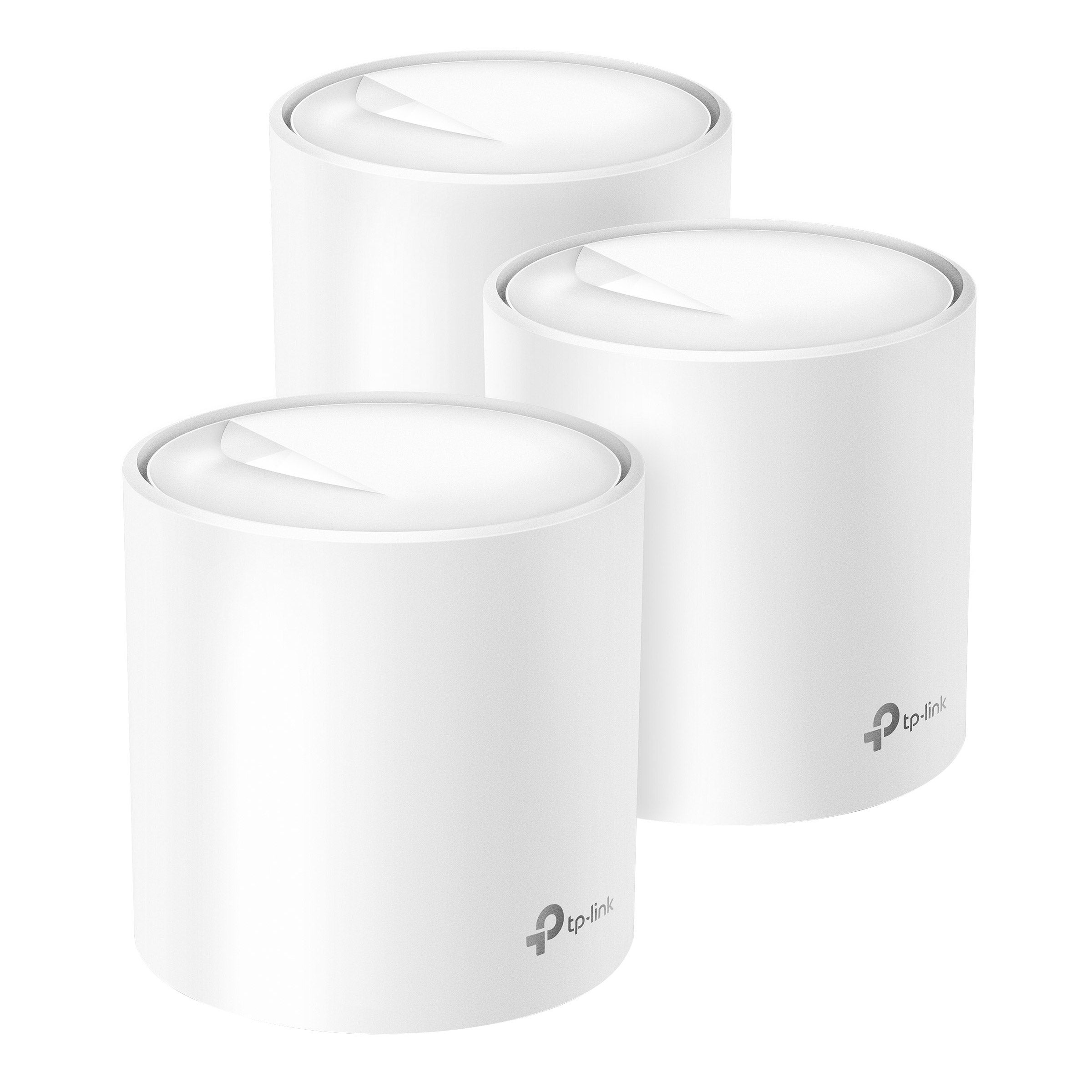
A mesh Wi-Fi system uses a main router and additional units, often called nodes, to create one coordinated wireless network. The nodes work together under a shared network name and are typically managed through a single app or interface.
-
The WAN or internet port typically connects the router to a modem or another internet source. LAN ports connect wired devices, such as computers, gaming consoles, or network switches, to your local network. Port functions and connection standards vary by router.
-
An SSID is the name of a Wi-Fi network that appears in your device's list of available connections. You can typically customize it in the router's settings. Depending on the router, frequency bands may share one network name or use separate names.