



WiFi Routers For Multiple Devices
Explore WiFi routers for multiple devices to find an option for your household’s connected laptops, phones, TVs, and more. Compare routers by supported device count, coverage, and wireless speed to help narrow your search for streaming, gaming, and everyday browsing across your home.

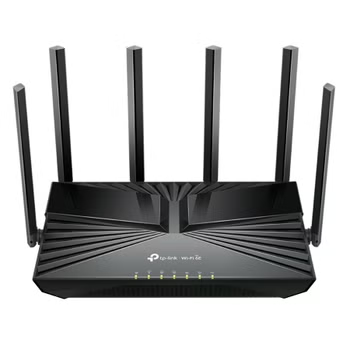
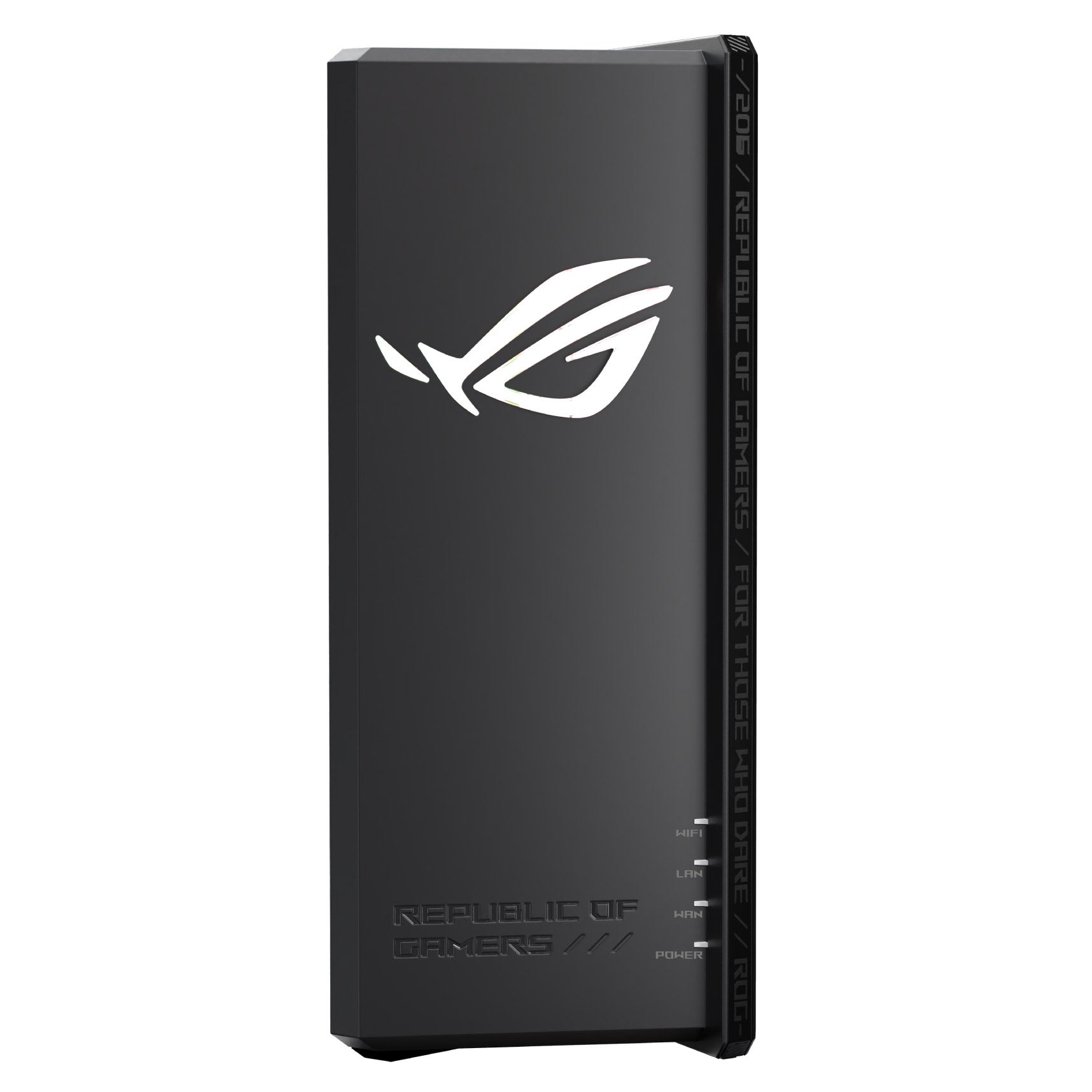
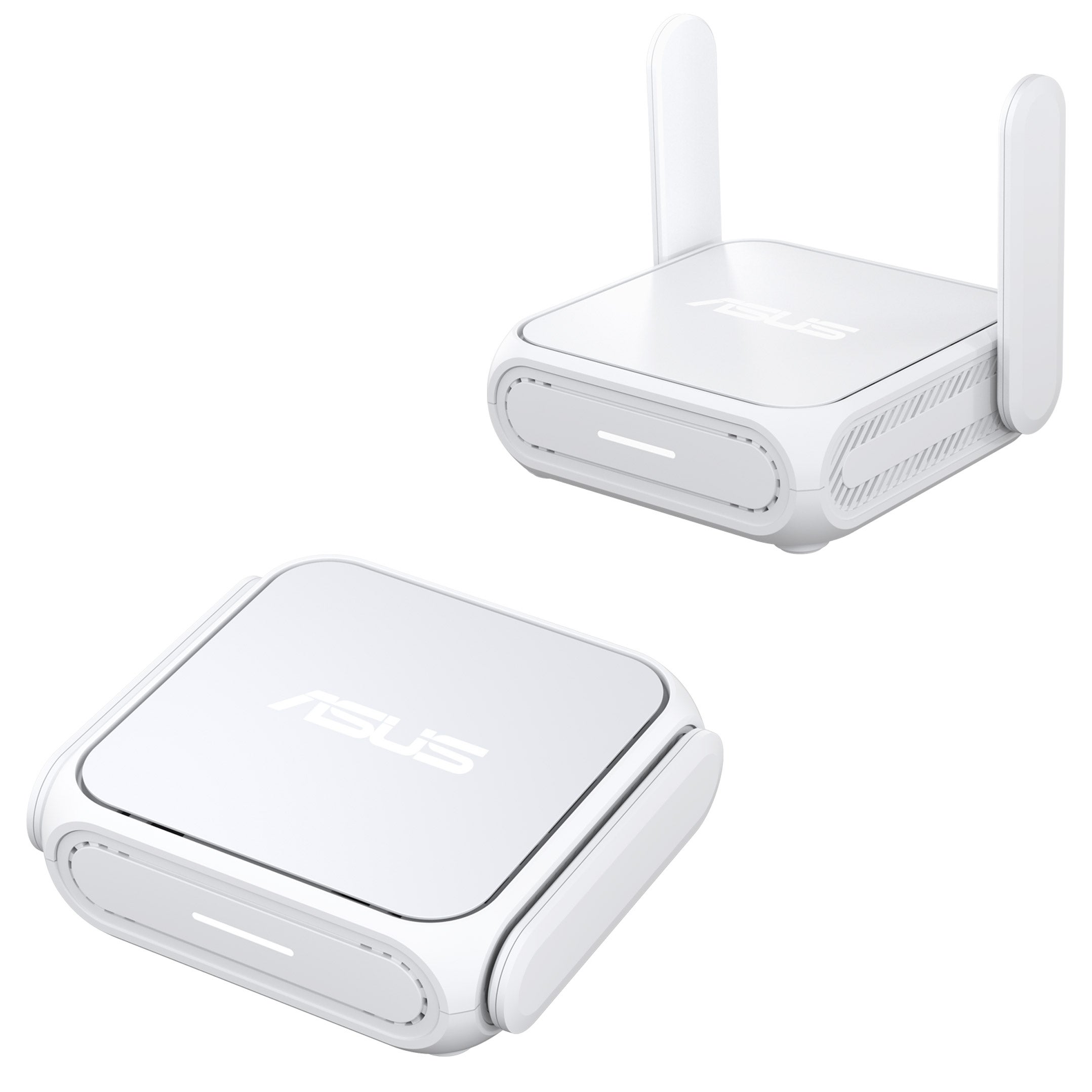
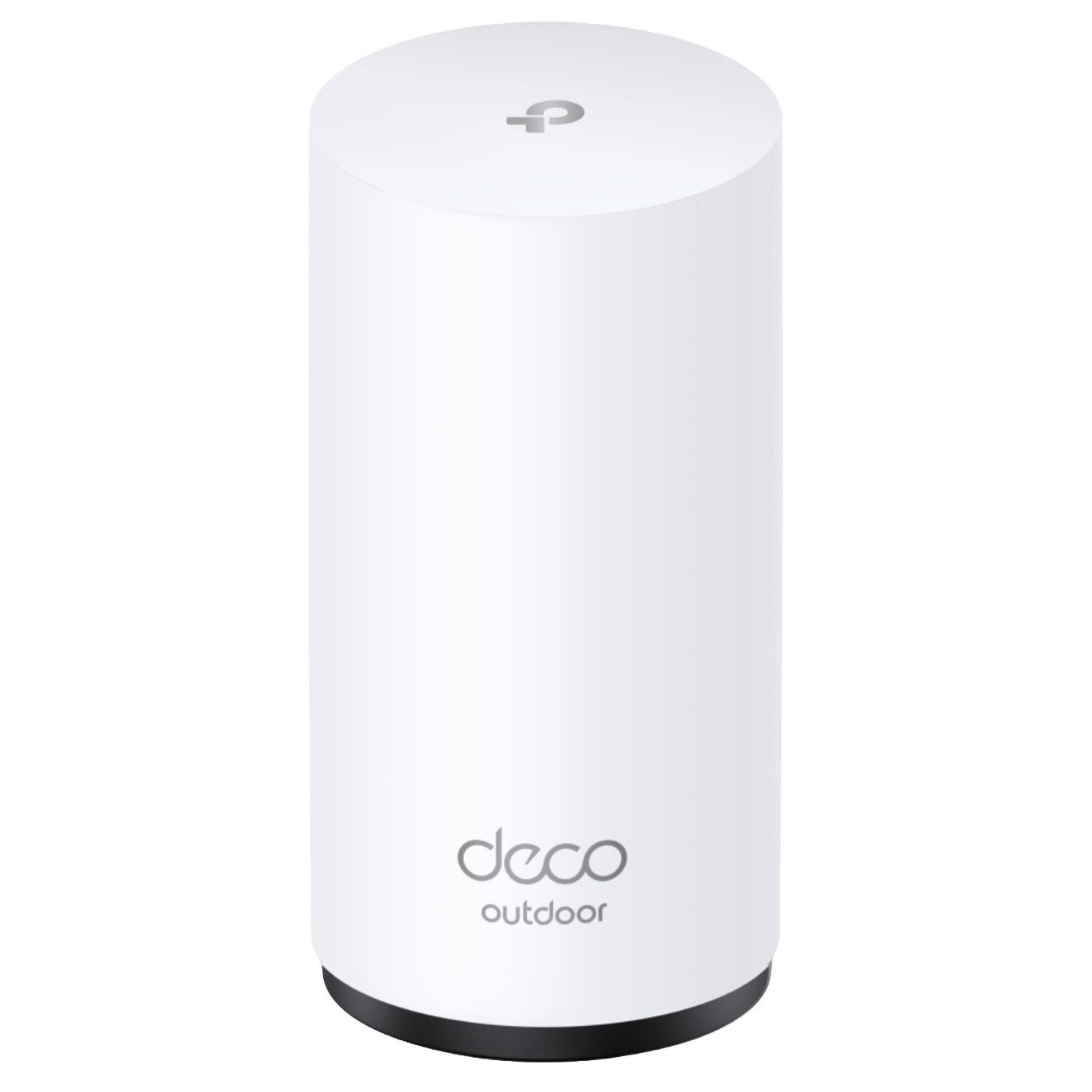


Shop Related Pages
WiFi Routers For Multiple Devices
FAQs
-
Dual-band routers typically offer 2.4 GHz and 5 GHz bands. Tri-band routers add a third band, which may be another 5 GHz band or a 6 GHz band, depending on the model. Compatible devices can connect to the bands the router supports.
-
Many WiFi routers let you use a single network name, called an SSID, across multiple bands. Some also let you assign separate names to each band so you can choose which one a device joins. Available options depend on the router's settings.
-
Depending on the router, its app or browser-based dashboard may let you view connected devices, assign recognizable device names, group devices into profiles, and set connection schedules. Check the listed management features when comparing routers.
-
A guest network is an additional WiFi network with its own name and typically its own password. It gives visitors a separate connection option without requiring you to share your main network's login details. Some routers let you turn guest access on or off or set an access schedule.
-
Yes. Routers with Ethernet LAN ports can connect compatible wired devices while also hosting WiFi devices. For example, a desktop computer can use Ethernet while phones and laptops use WiFi. The number and type of ports vary by router.