



Windows Laptops For Graphic Design
Explore Windows laptops for graphic design at Costco, and compare options with your creative software and workflow in mind. Consider display resolution, RAM, graphics capabilities, and storage when choosing a laptop for photo editing, illustration, or layout work, and check specifications against your software’s requirements.
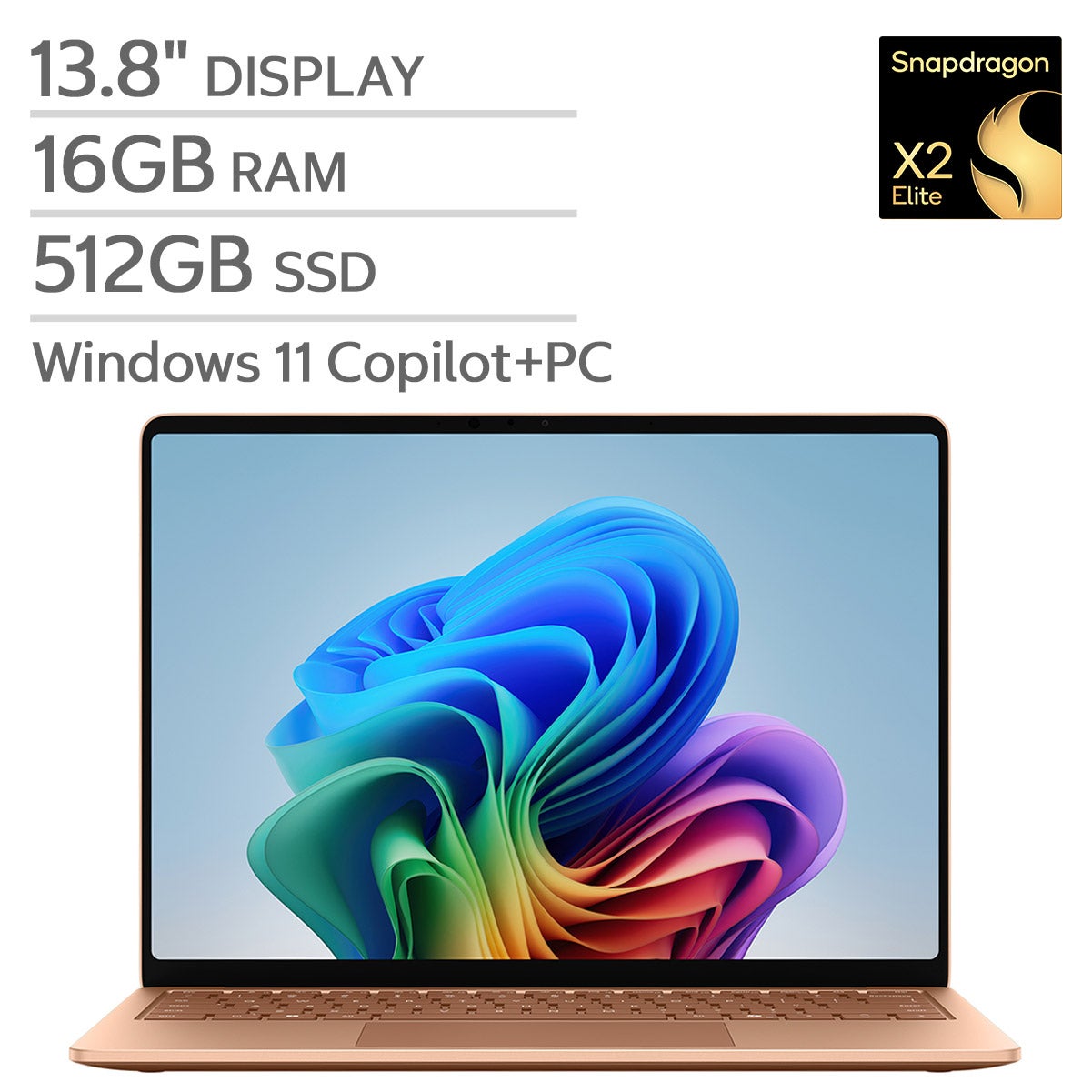
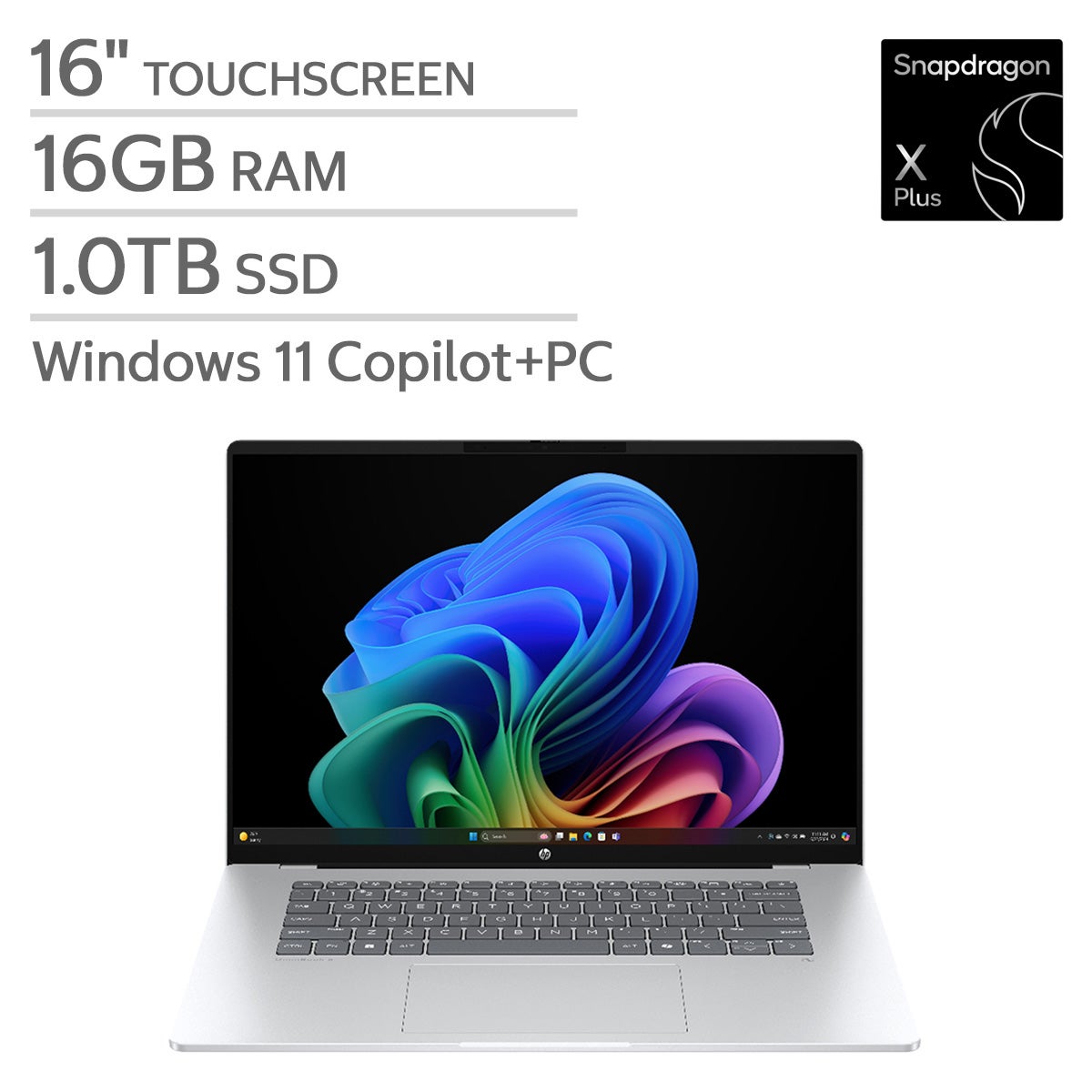
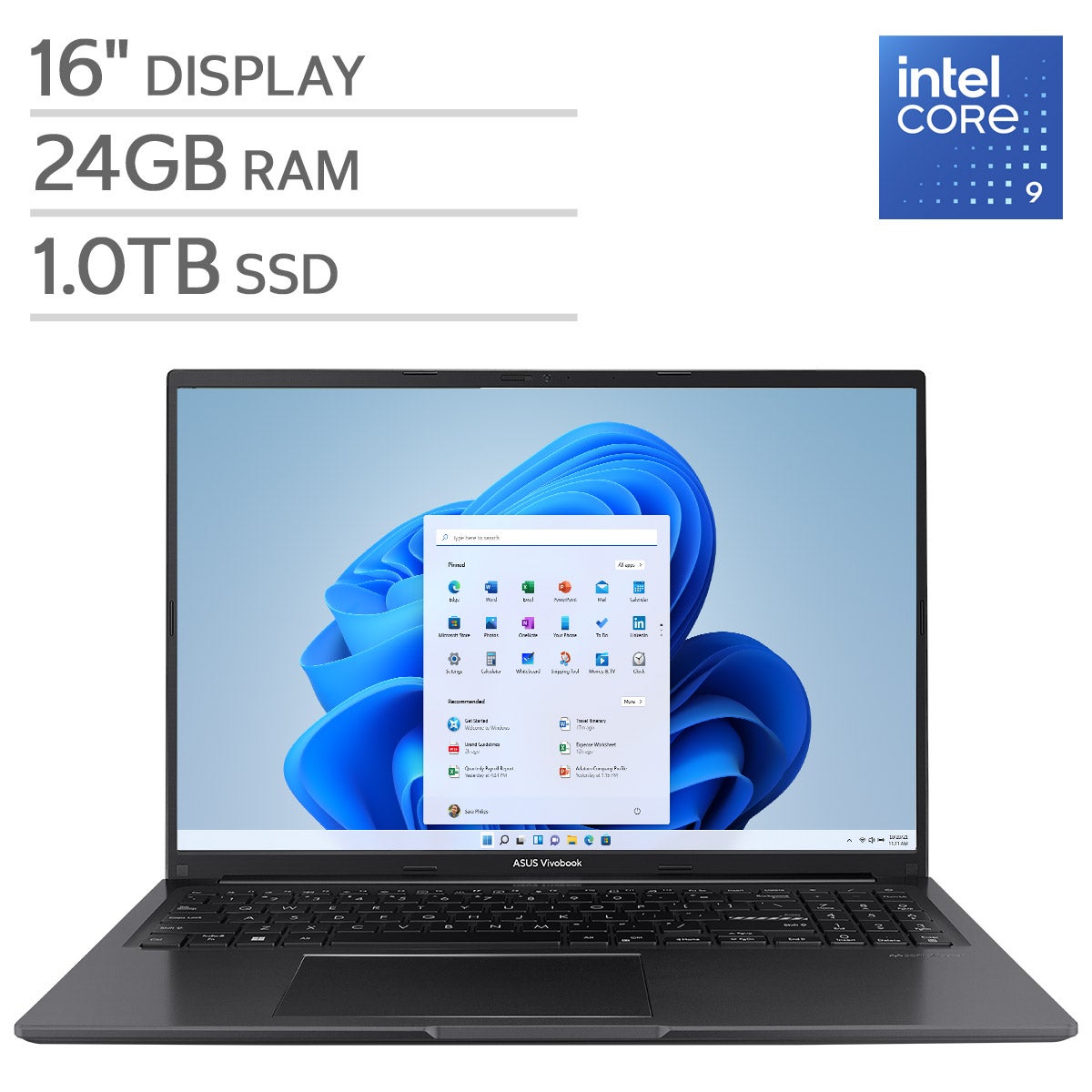
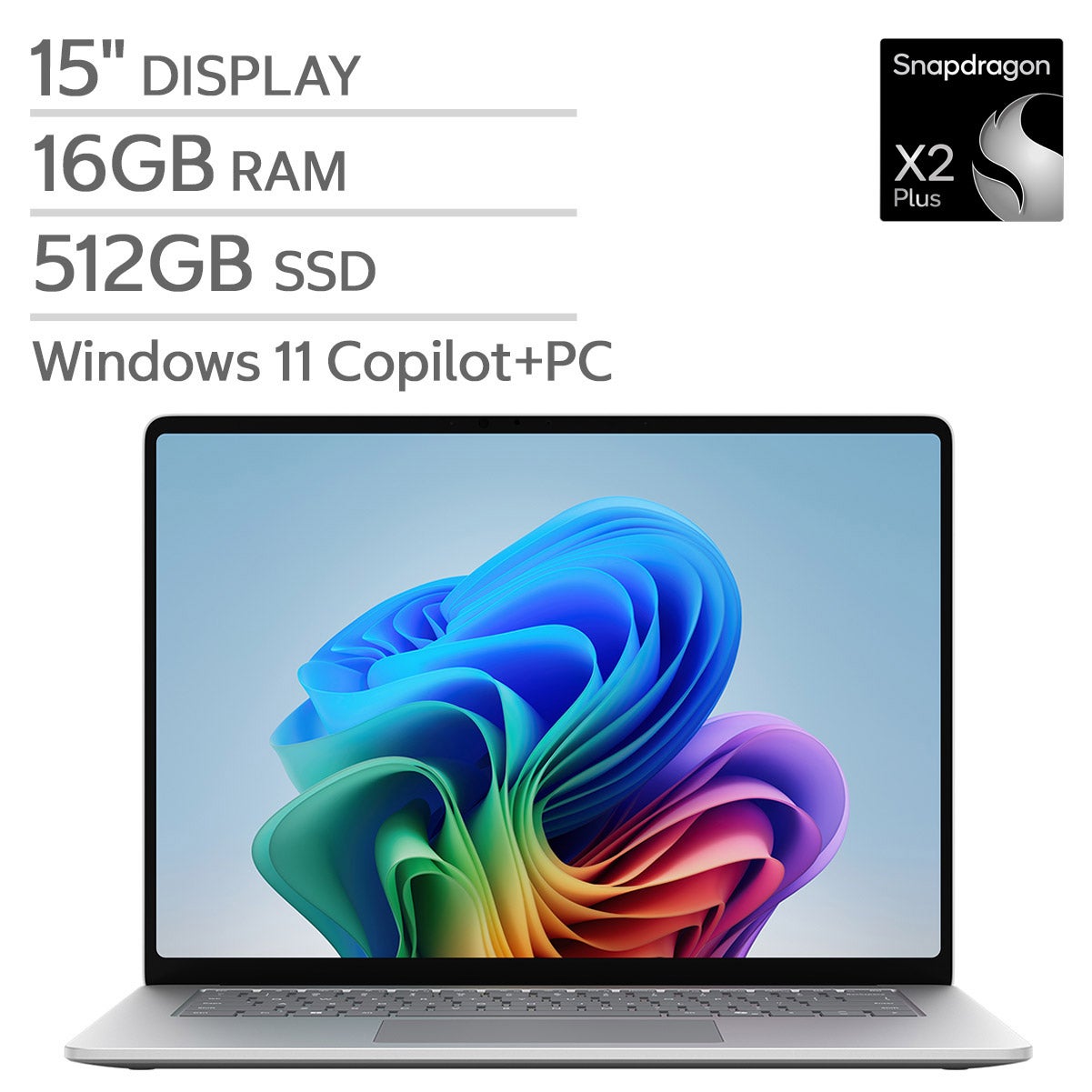
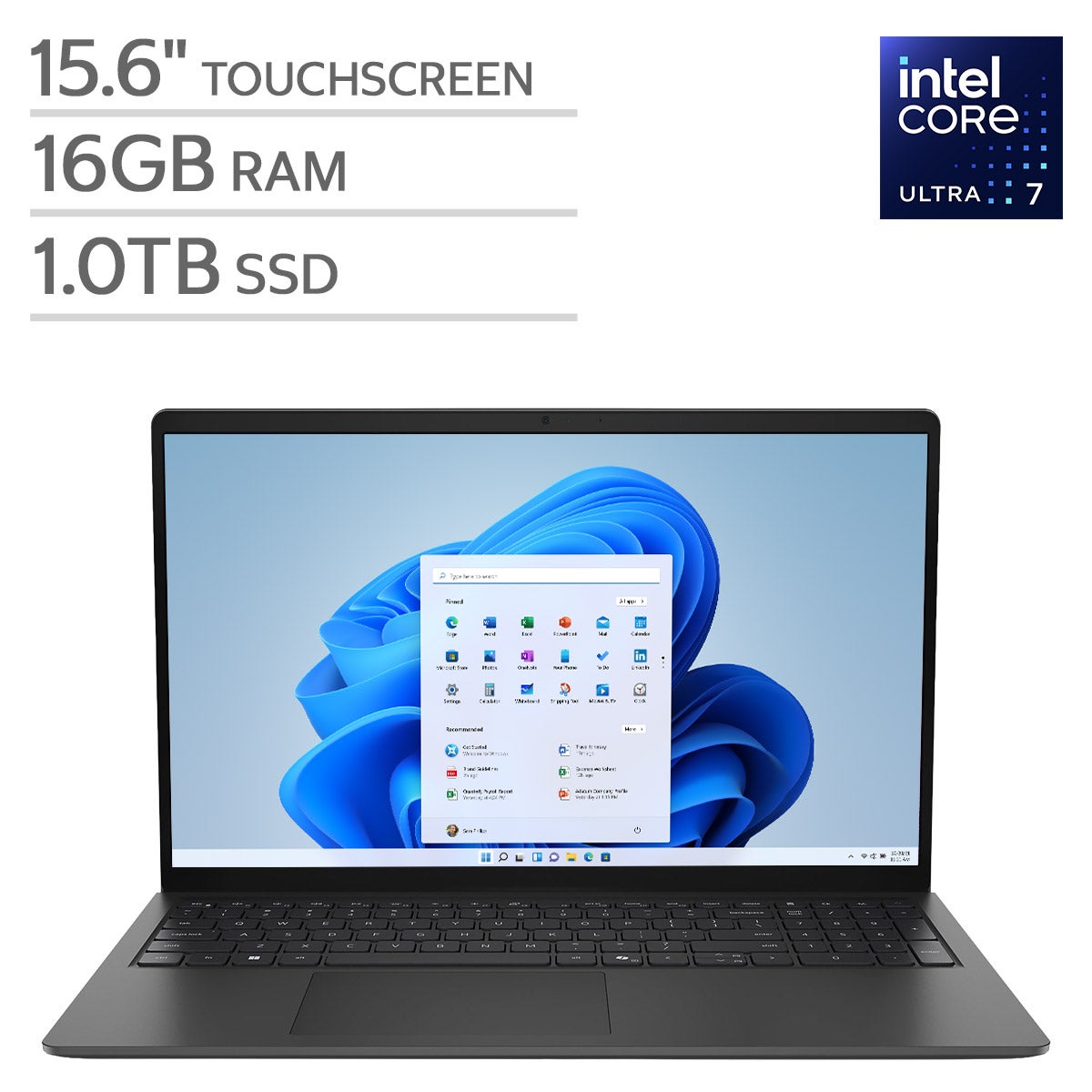
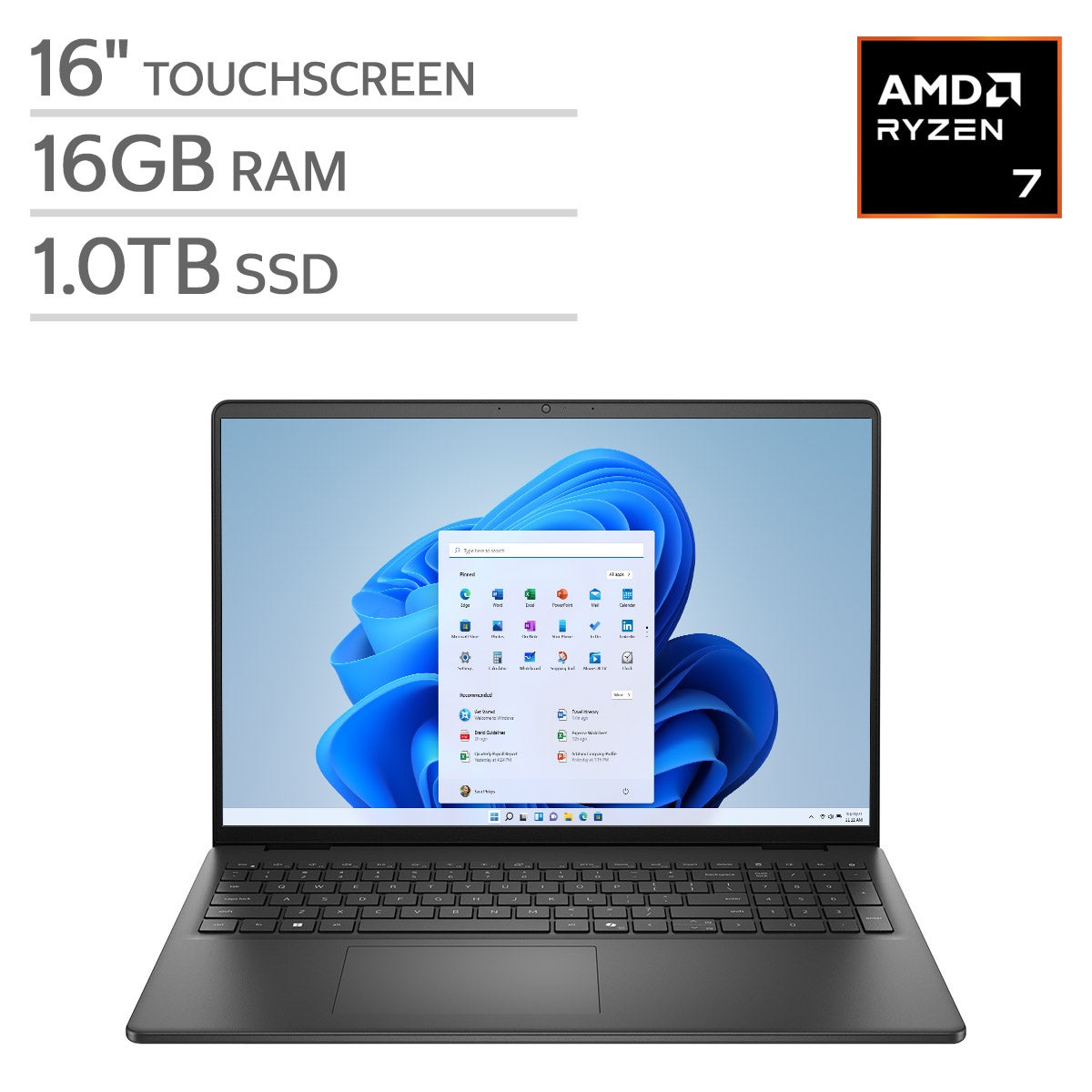
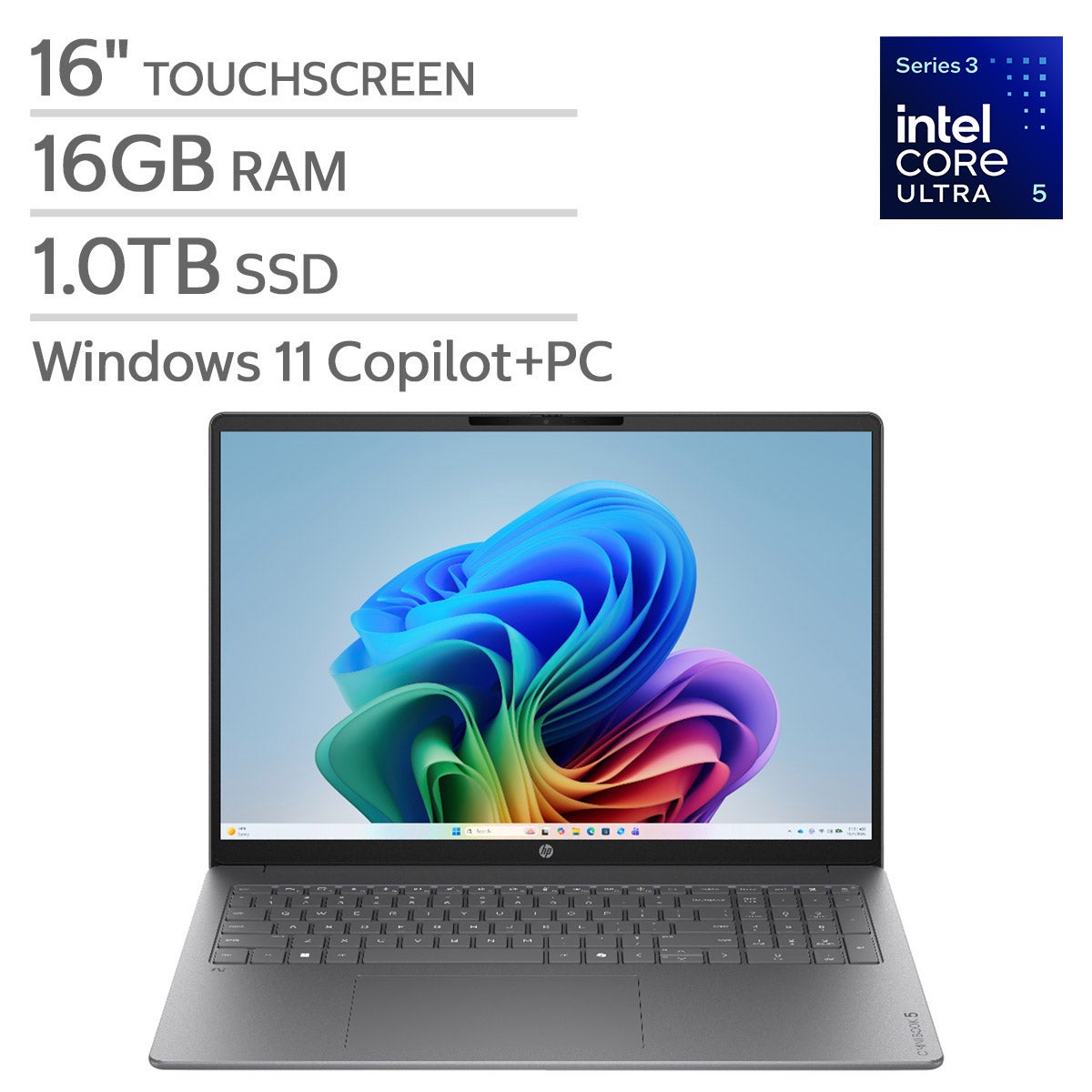
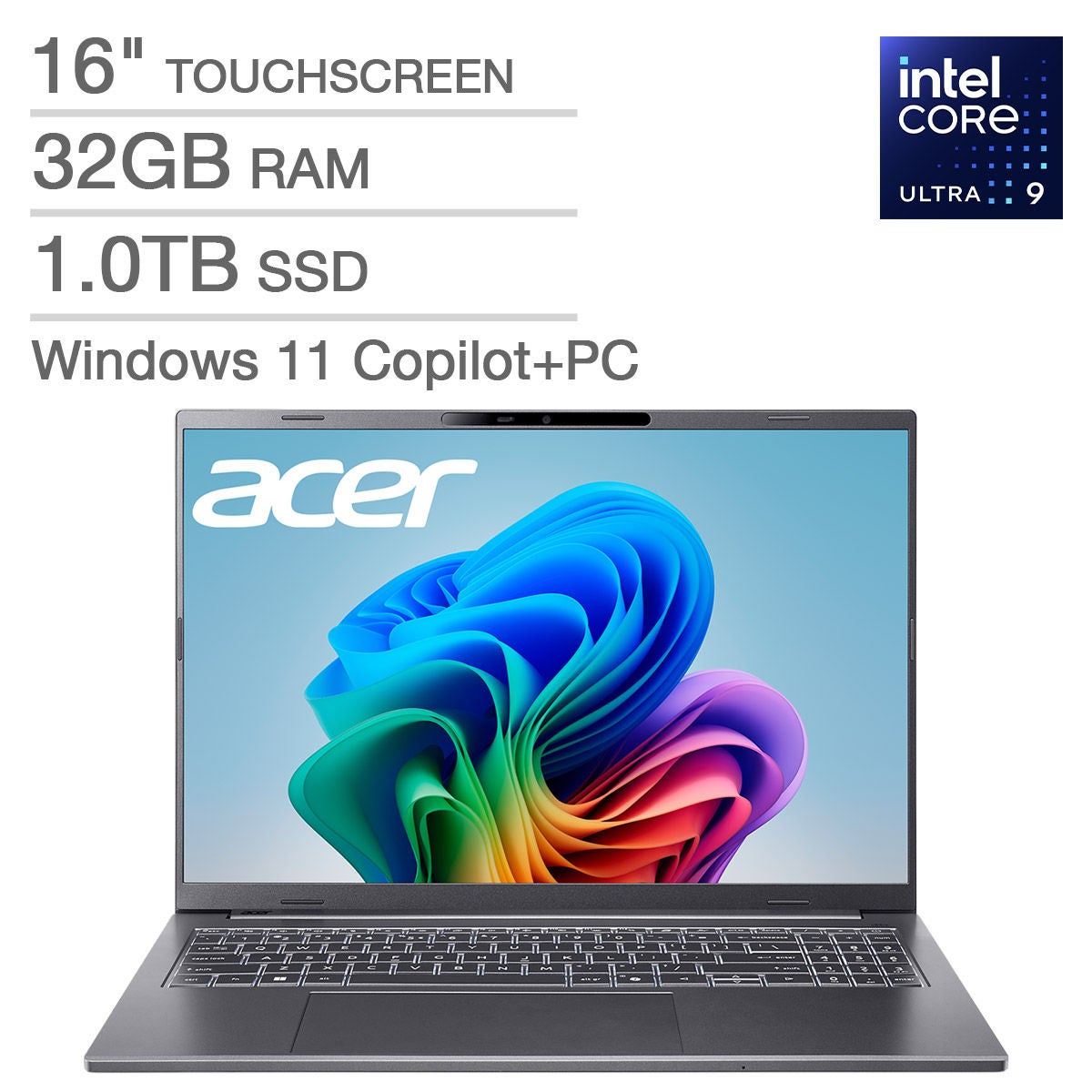
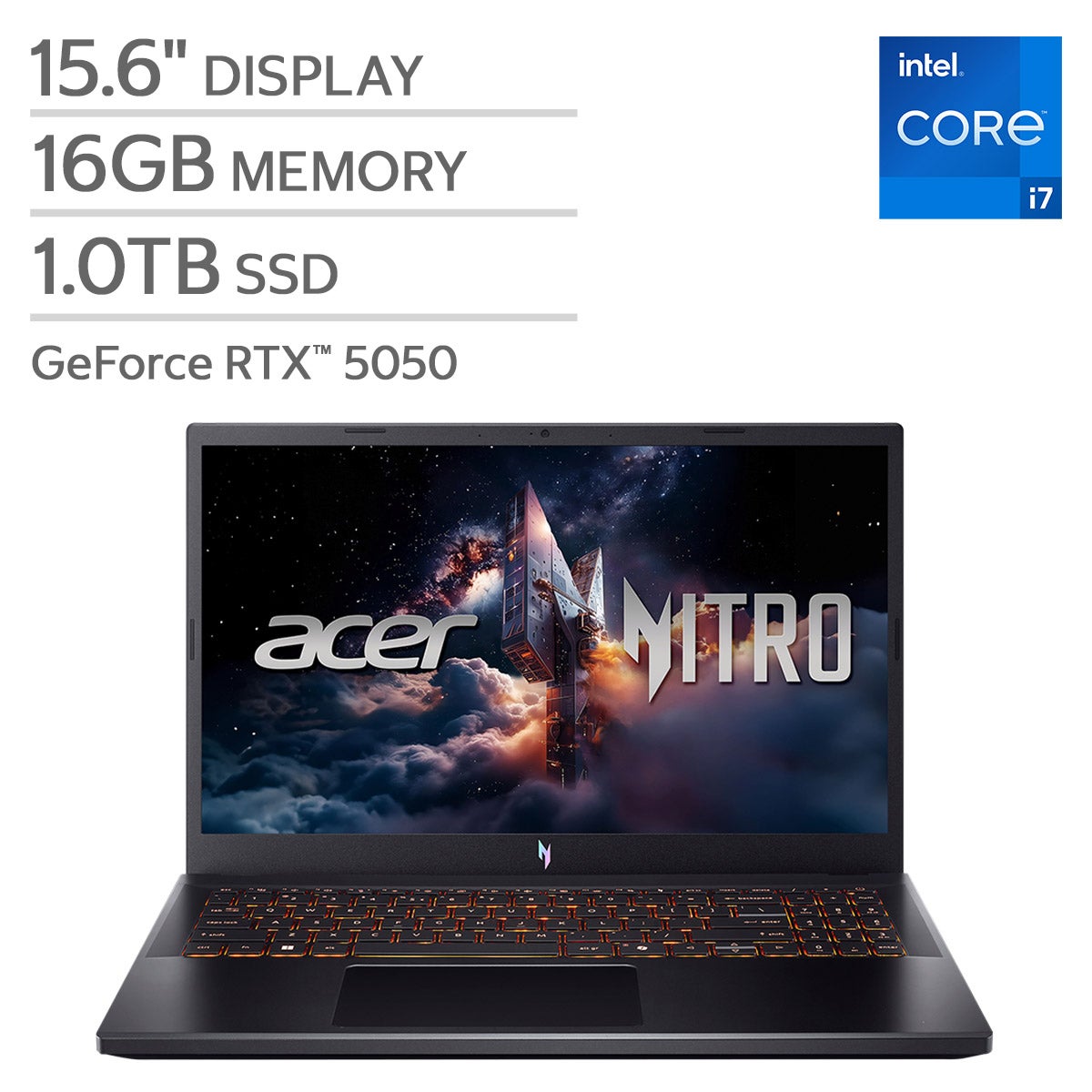
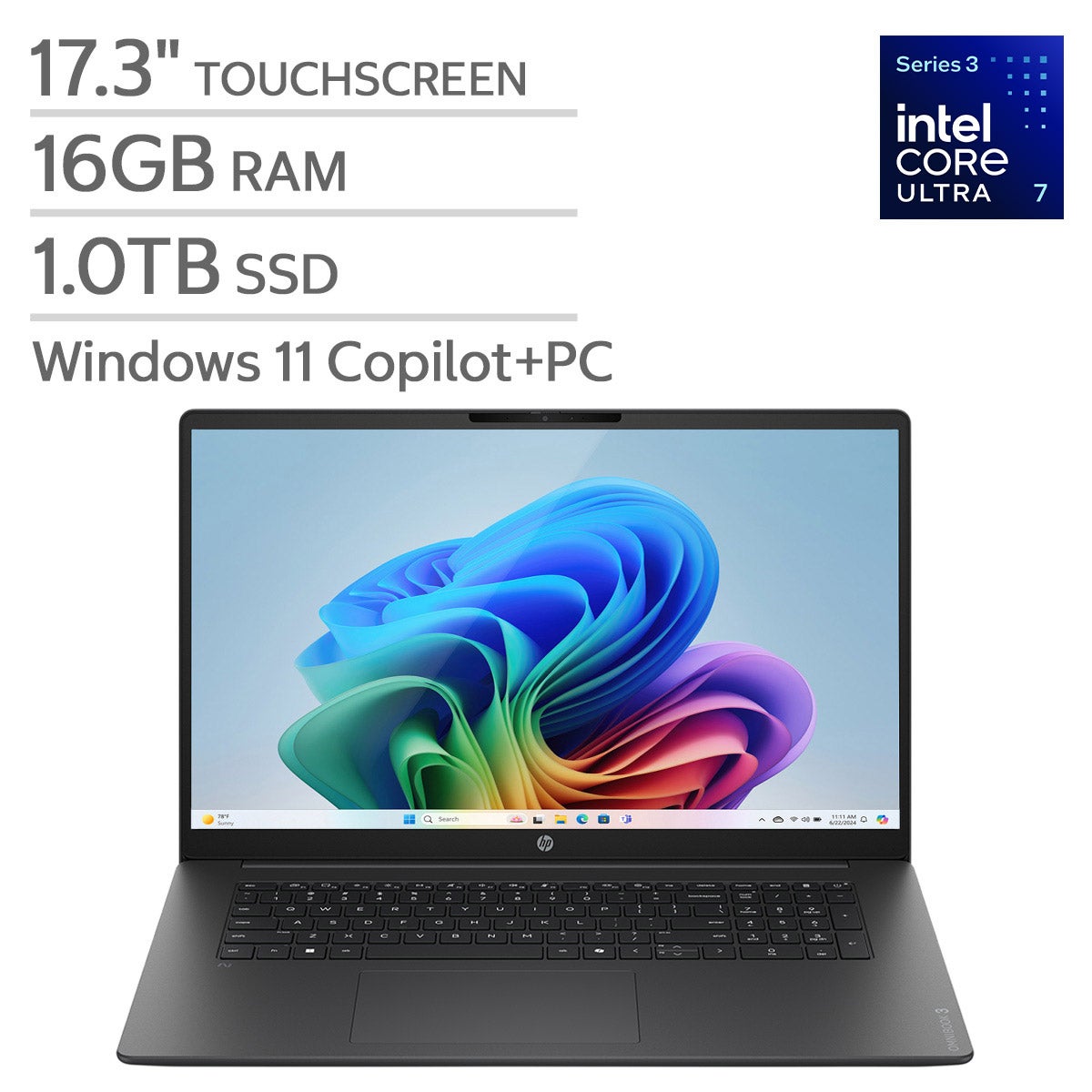
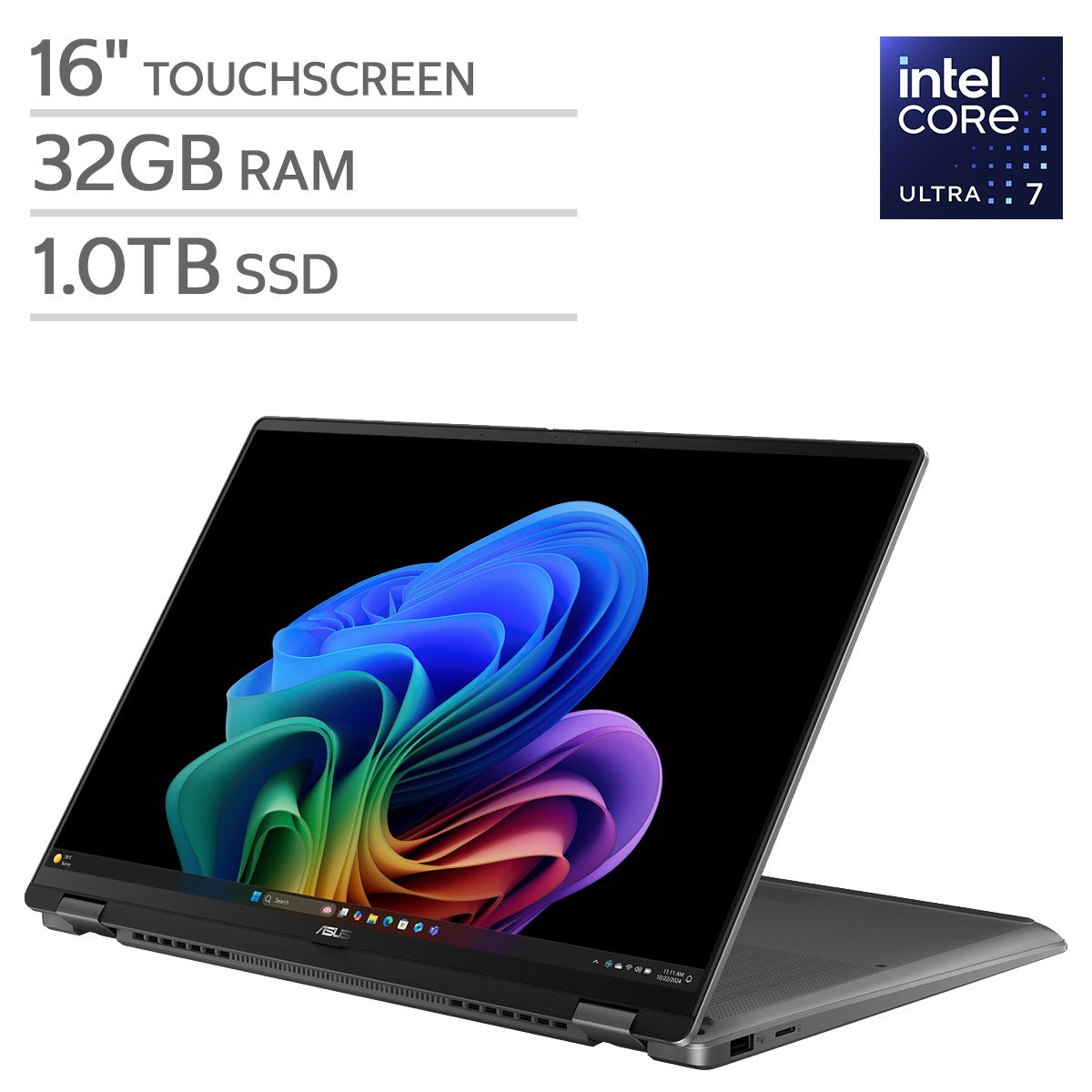
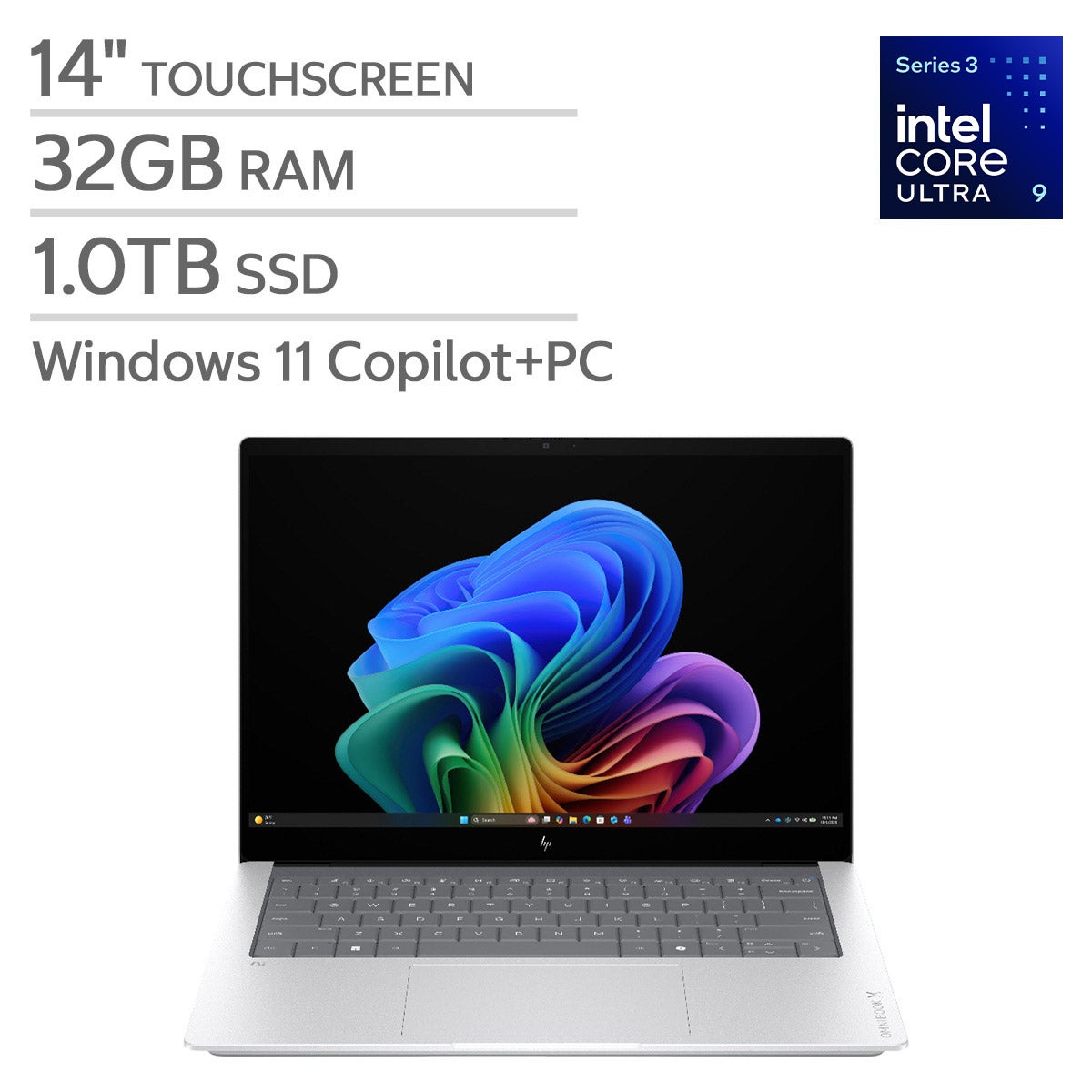



Top Rated Items

Windows Laptops For Graphic Design
FAQs
-
Compare the processor, memory, storage type, and graphics hardware with the requirements of your preferred design software. A multicore processor, ample RAM, and solid-state storage are common considerations for workflows involving layered artwork, photo editing, and multiple open applications.
-
Integrated graphics are built into the processor and typically share system memory. Dedicated graphics use a separate graphics processor, usually with its own memory. Your choice should reflect your software's requirements, especially if your work includes 3D modeling, animation, or GPU-accelerated tools.
-
Look at color gamut coverage, color accuracy specifications, panel technology, and calibration options. sRGB is a common reference for web graphics, while Adobe RGB and DCI-P3 may be relevant to print and video workflows. Match the display's specifications to the color standards used in your projects.
-
Depending on the model, Windows laptops may support a touchscreen, an active stylus, or a convertible design. External drawing tablets offer another input option. If you plan to draw directly on the screen, check active pen compatibility, pressure sensitivity support, and whether your design software supports those features.
-
Consider connections for an external monitor, drawing tablet, external drive, and other workspace accessories. HDMI, USB-A, USB-C, and Thunderbolt are common options to compare. USB-C capabilities vary, so check whether a port supports data transfer, video output, and charging, along with any docking station requirements.