



Laptops For Animation Work
Explore laptops for animation work at Costco with your creative workflow in mind, from 2D design to 3D modeling and rendering. Compare processor performance, graphics capabilities, RAM, and storage against your software’s requirements, and consider screen size and portability for working at a desk or on the go.

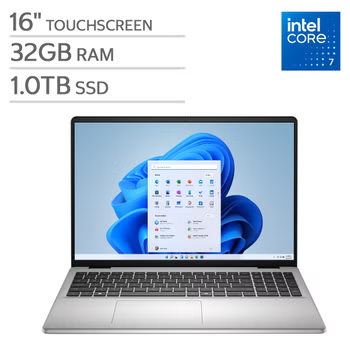

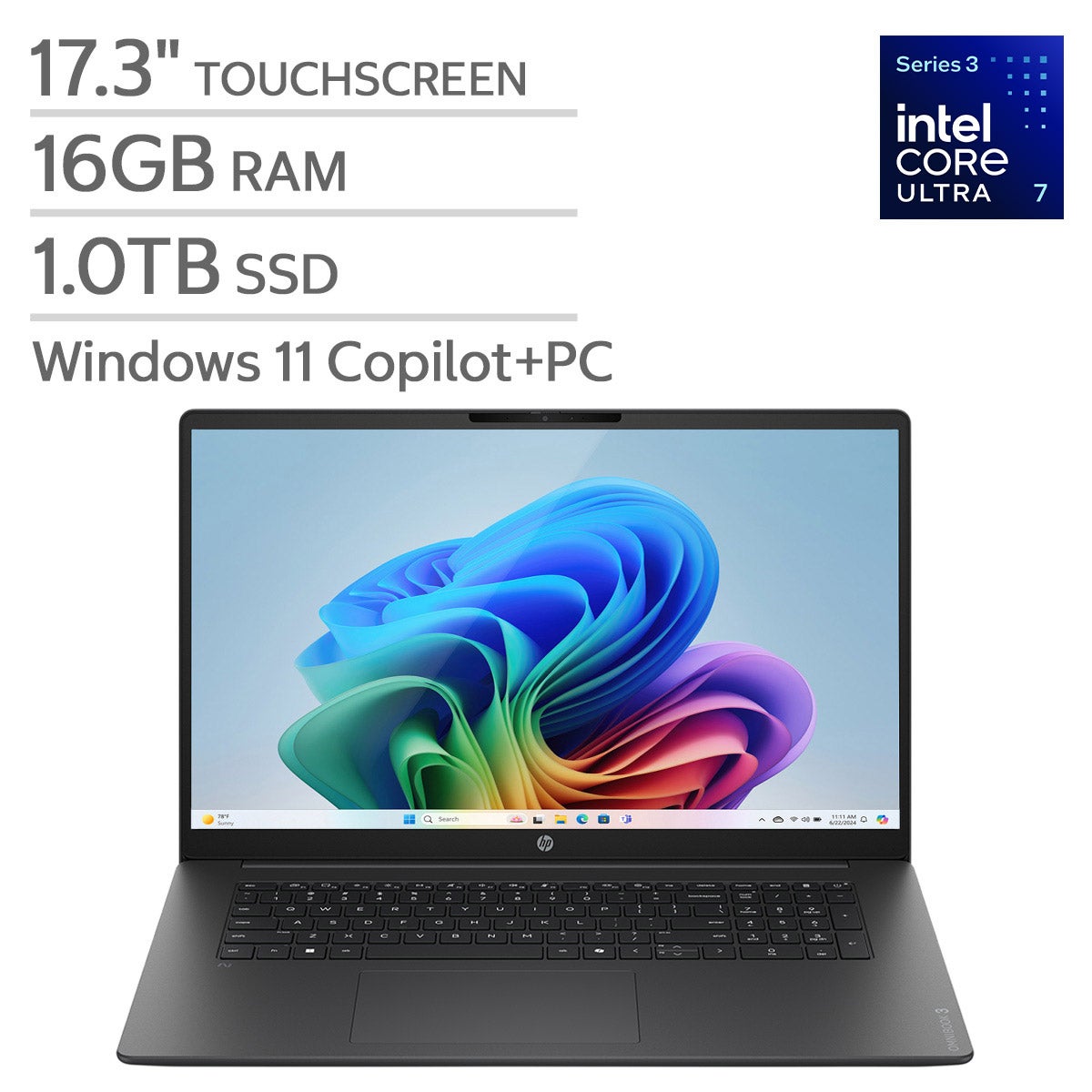
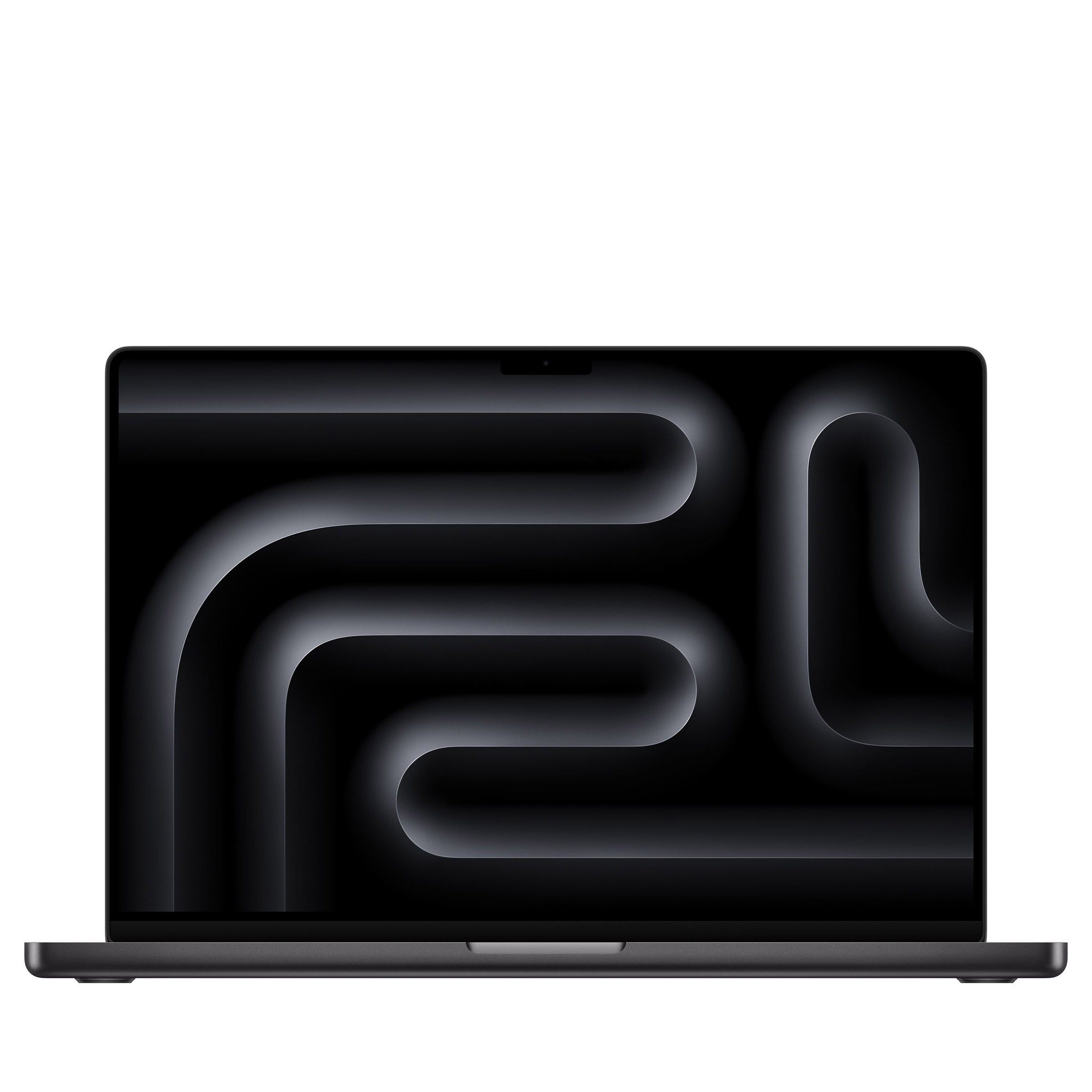
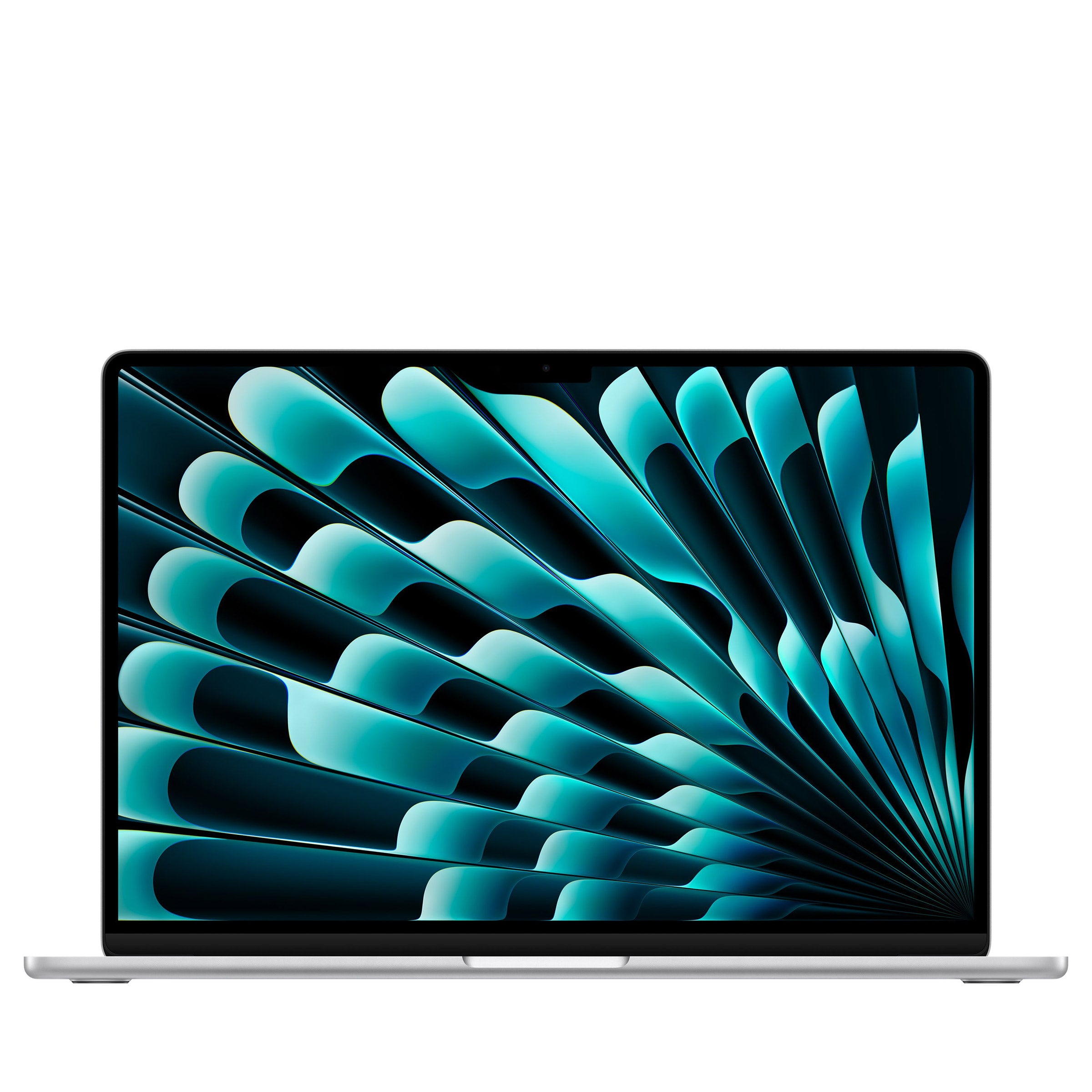
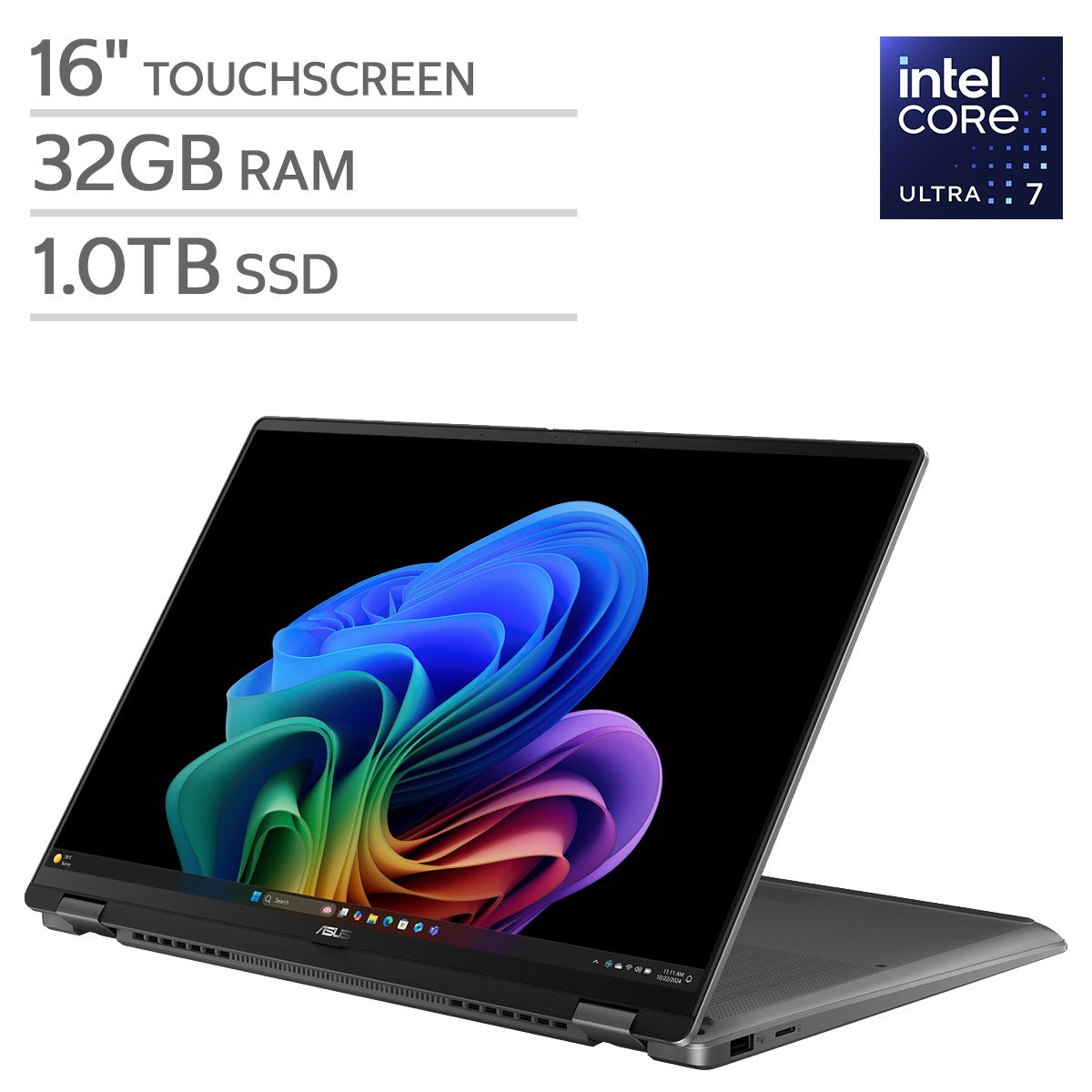
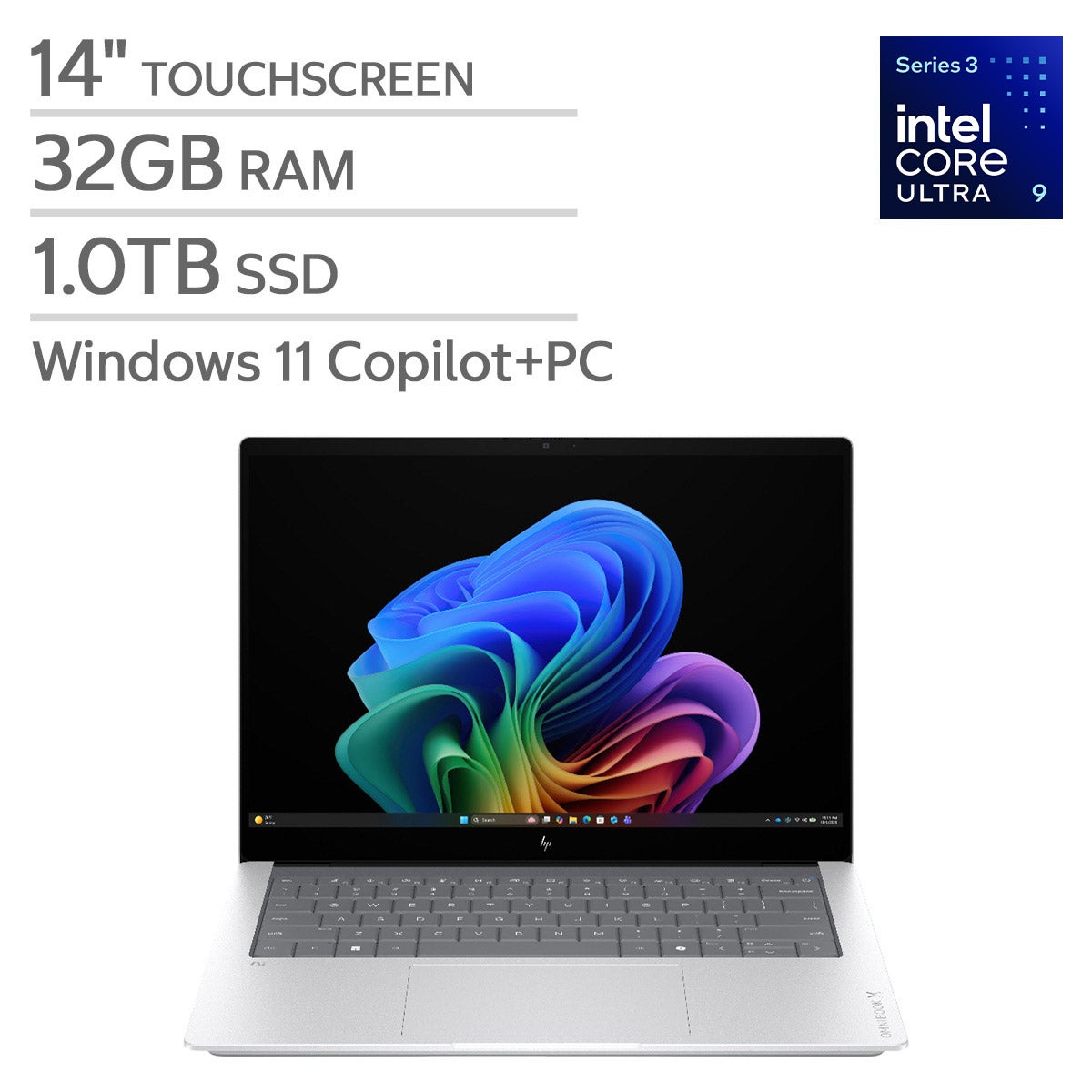



Top Rated Items

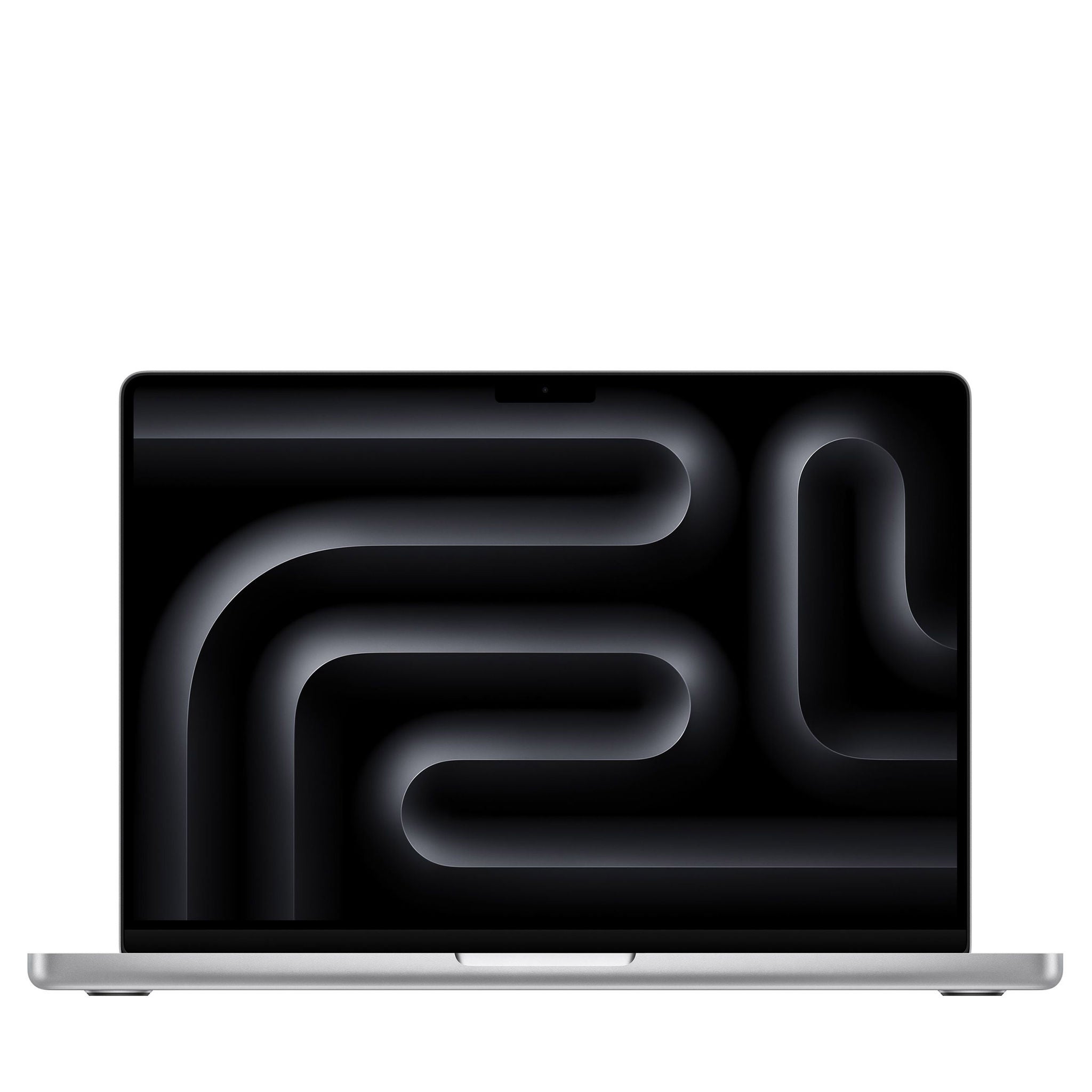
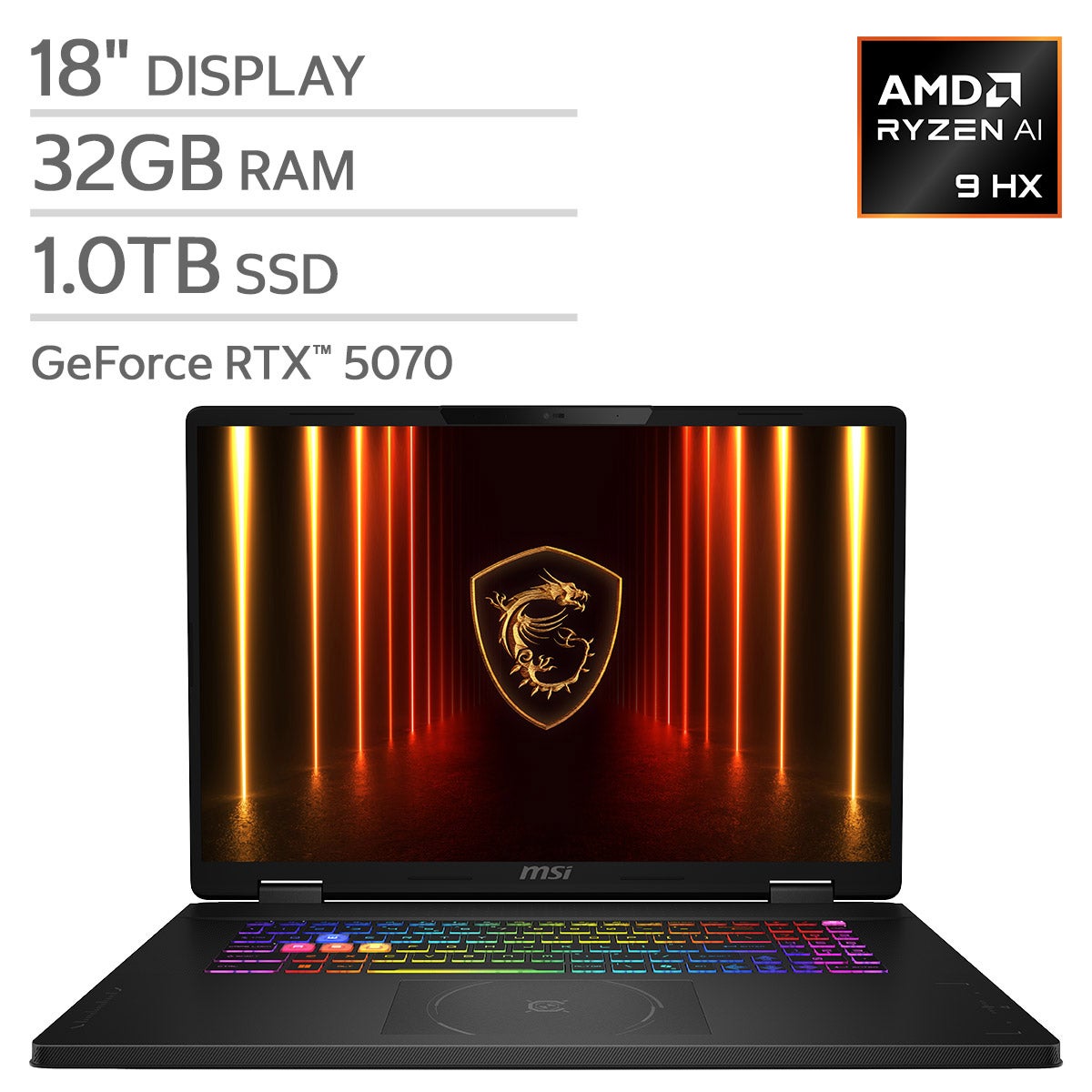
Laptops For Animation Work
FAQs
-
Start with your animation software's recommended specifications. Compare the processor, graphics hardware, memory, and storage type. A multicore processor, dedicated graphics, and an SSD are useful considerations for demanding projects, while display color accuracy and peripheral connections support creative workflows.
-
Many 2D animation workflows emphasize processor performance and memory for drawing, layers, and timeline editing. 3D workflows often place additional demands on graphics hardware for modeling, viewport navigation, and GPU-based rendering. Requirements vary by application and project complexity.
-
Some 2D applications can use integrated graphics, while many 3D applications recommend dedicated graphics for certain features. Check whether your software and rendering engine support GPU acceleration, and verify their graphics hardware and driver requirements before choosing a laptop.
-
Look for color accuracy, coverage of the color space used in your projects, and consistent viewing angles. Resolution affects how clearly you can view artwork and interface details. If you use an external monitor, confirm that the laptop supports its connection type and intended display settings.
-
Consider connections for a drawing tablet, external monitor, external storage, and other creative tools. USB-A, USB-C, HDMI, and Thunderbolt may be useful depending on your setup. Port capabilities vary, so check support for video output, data transfer, and charging rather than relying on connector shape alone.