



Ultra High Resolution Computer Monitors
Explore ultra high resolution computer monitors at Costco for a sharper view of your work and entertainment. Compare screen size, display resolution, and connectivity to find a monitor that fits your desk, connects to your computer, and gives you room for the content you use most.
Top Rated Items

Ultra High Resolution Computer Monitors
FAQs
-
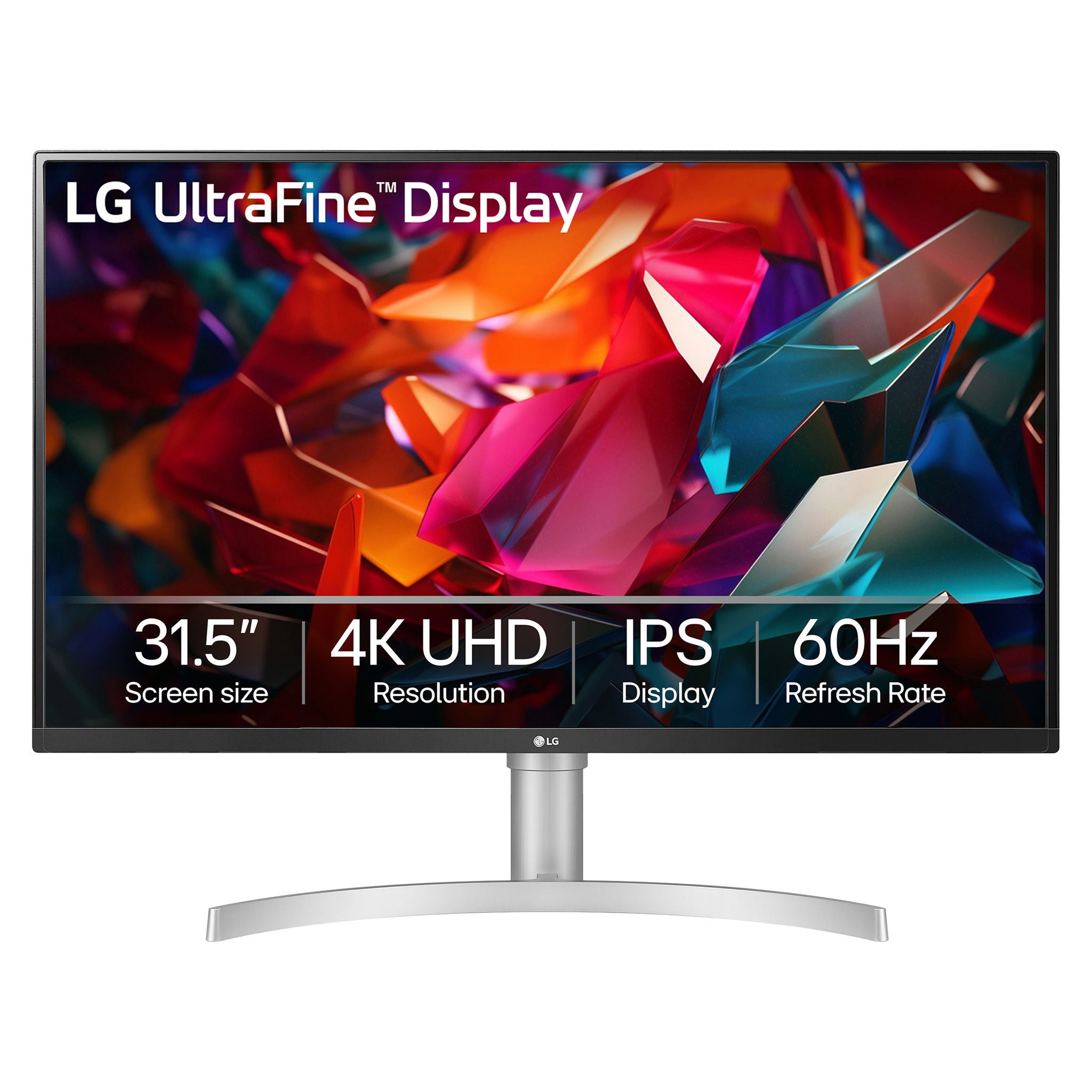
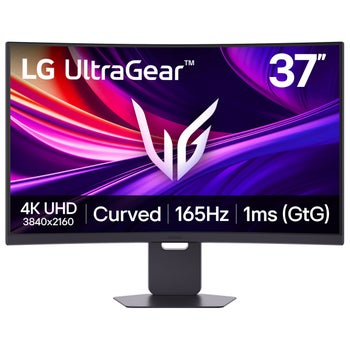
An ultra high resolution computer monitor typically refers to a display with 4K resolution or higher. A standard 4K UHD monitor has 3840 × 2160 pixels, offering more detail than Full HD for text, photos, videos, and other on-screen content.
-
Check that your computer’s graphics hardware, video port, and cable support the monitor’s resolution at your preferred refresh rate. HDMI, DisplayPort, and USB-C connections have different capabilities, and not every USB-C port supports video output. If you use a dock or adapter, check its supported output specifications too.
-
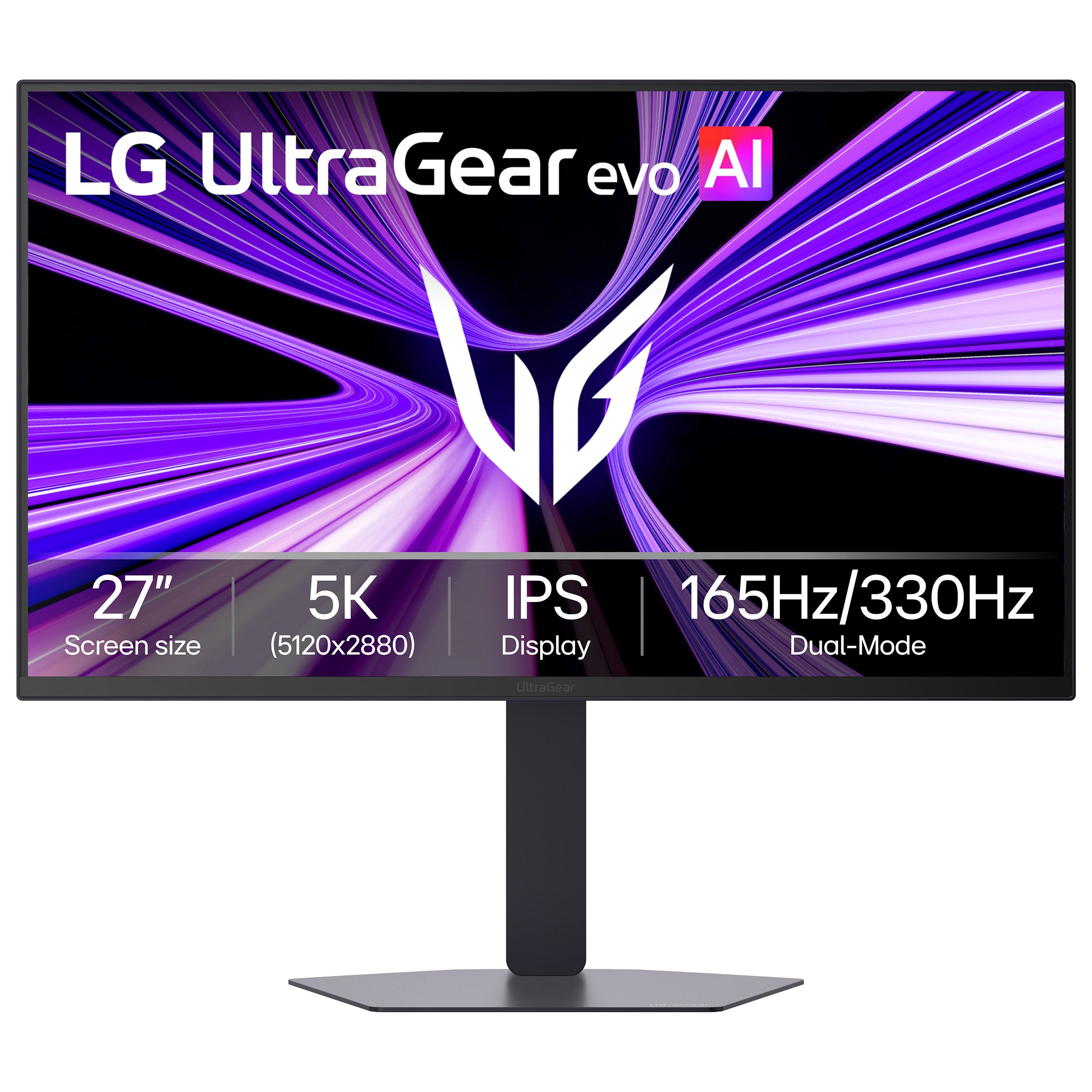
Resolution describes how many pixels a display uses to create an image, while refresh rate describes how many times the display updates each second. Higher resolution adds image detail, while a higher refresh rate can make scrolling and motion look smoother. Running both at higher settings requires compatible graphics hardware and connections.
-
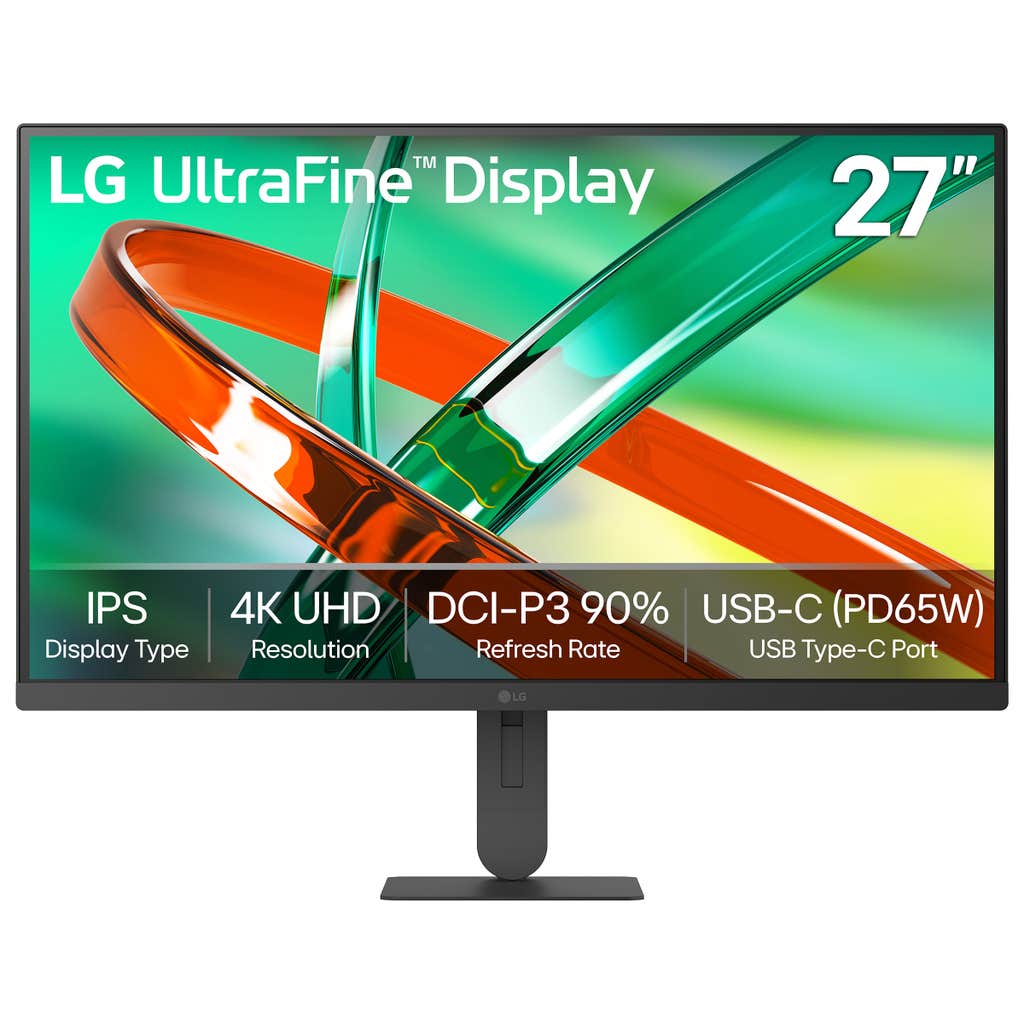
Along with resolution, compare color gamut coverage, color accuracy, and calibration options. sRGB is commonly used for web content, while other workflows may call for Adobe RGB or DCI-P3 coverage. For HDR video work, also review HDR format support, brightness, and contrast rather than relying on resolution alone.
-
Display scaling adjusts how text, icons, and interface elements appear while keeping the monitor at its native resolution. Windows and macOS offer scaling settings that let you tailor your desktop layout. Results can vary by application, especially with older software that was not designed for high-resolution displays.