



High Refresh Rate Ultrawide Monitors
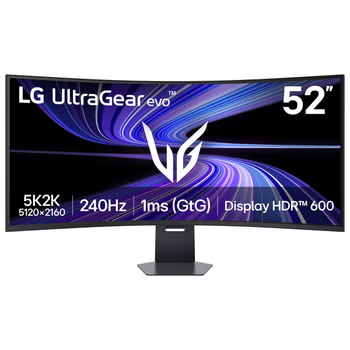
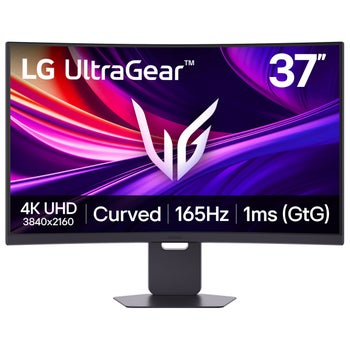
Shop high refresh rate ultrawide monitors at Costco for smooth on-screen motion and a wide workspace for gaming and multitasking. Compare refresh rate, resolution, screen size, and connectivity to find a monitor that fits your desk and works with your computer.
Top Rated Items


High Refresh Rate Ultrawide Monitors
FAQs
-
Refresh rate, measured in hertz (Hz), describes how many times a monitor updates its image each second. A higher refresh rate can make movement look smoother during gaming, scrolling, and other fast-moving content. The visible difference also depends on the frame rate your computer delivers.
-
Refresh rate describes how often the screen updates, while response time describes how quickly pixels transition between colors or shades. A high refresh rate supports smoother motion, and a fast response time can help reduce visible trails behind moving objects. Both specifications are useful when comparing ultrawide gaming monitors.
-
Check your graphics hardware, available ports, and cable specifications against the monitor's resolution and refresh rate requirements. The full signal path must support your preferred settings. After connecting, you may also need to select the higher refresh rate in your computer's display settings.
-
Adaptive sync allows the monitor's refresh rate to follow the frame rate produced by a compatible graphics processor within a supported range. This can reduce screen tearing and stuttering during gameplay. Check compatibility among the monitor, graphics hardware, and connection type before enabling the feature.
-
Ultrawide support varies by game. Some games display gameplay across the full screen, while others use black bars or offer limited aspect ratio options. Check each game's display settings and ultrawide support, especially if you want menus, cutscenes, and gameplay to use a consistent layout.