



Laptops With Bluetooth 5.0
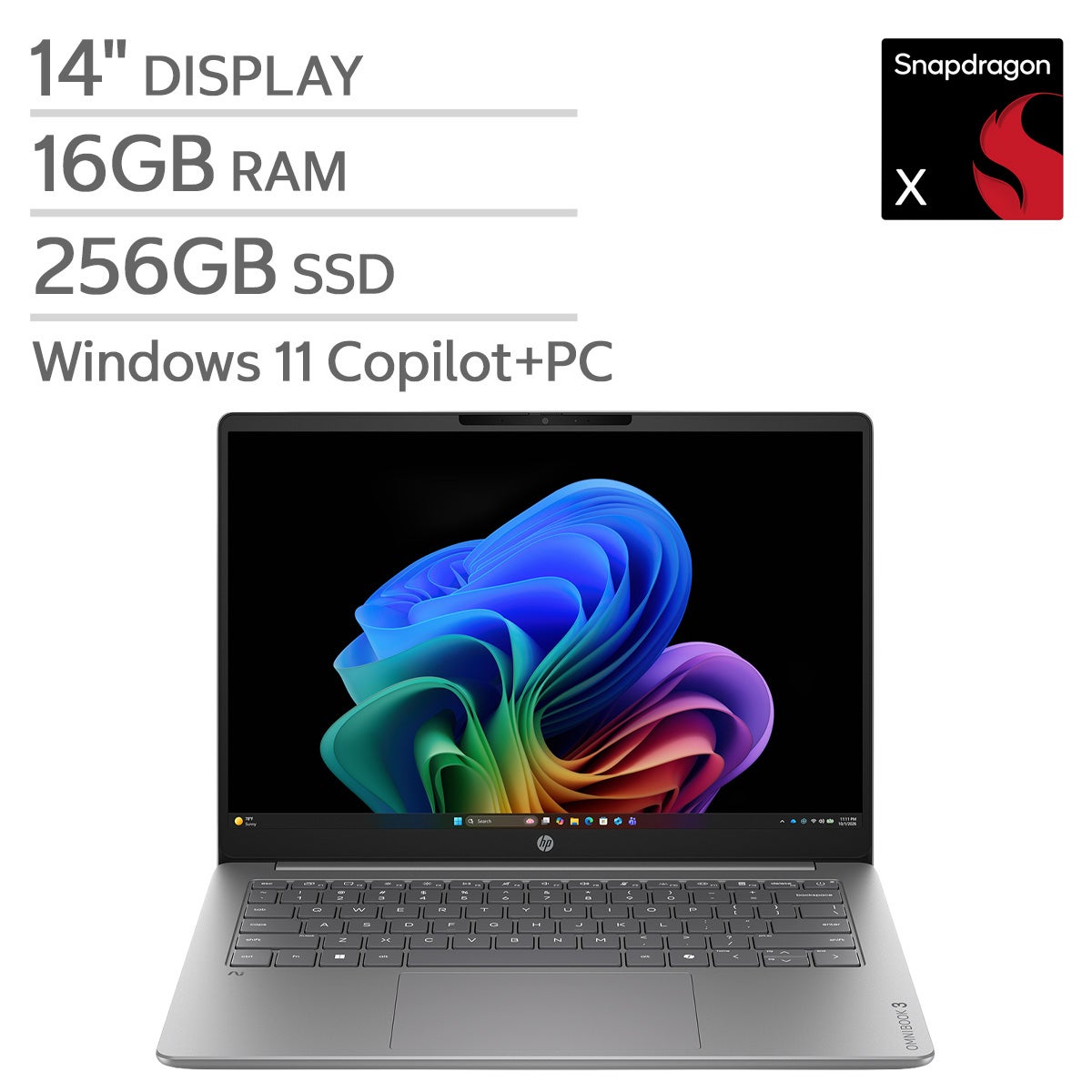
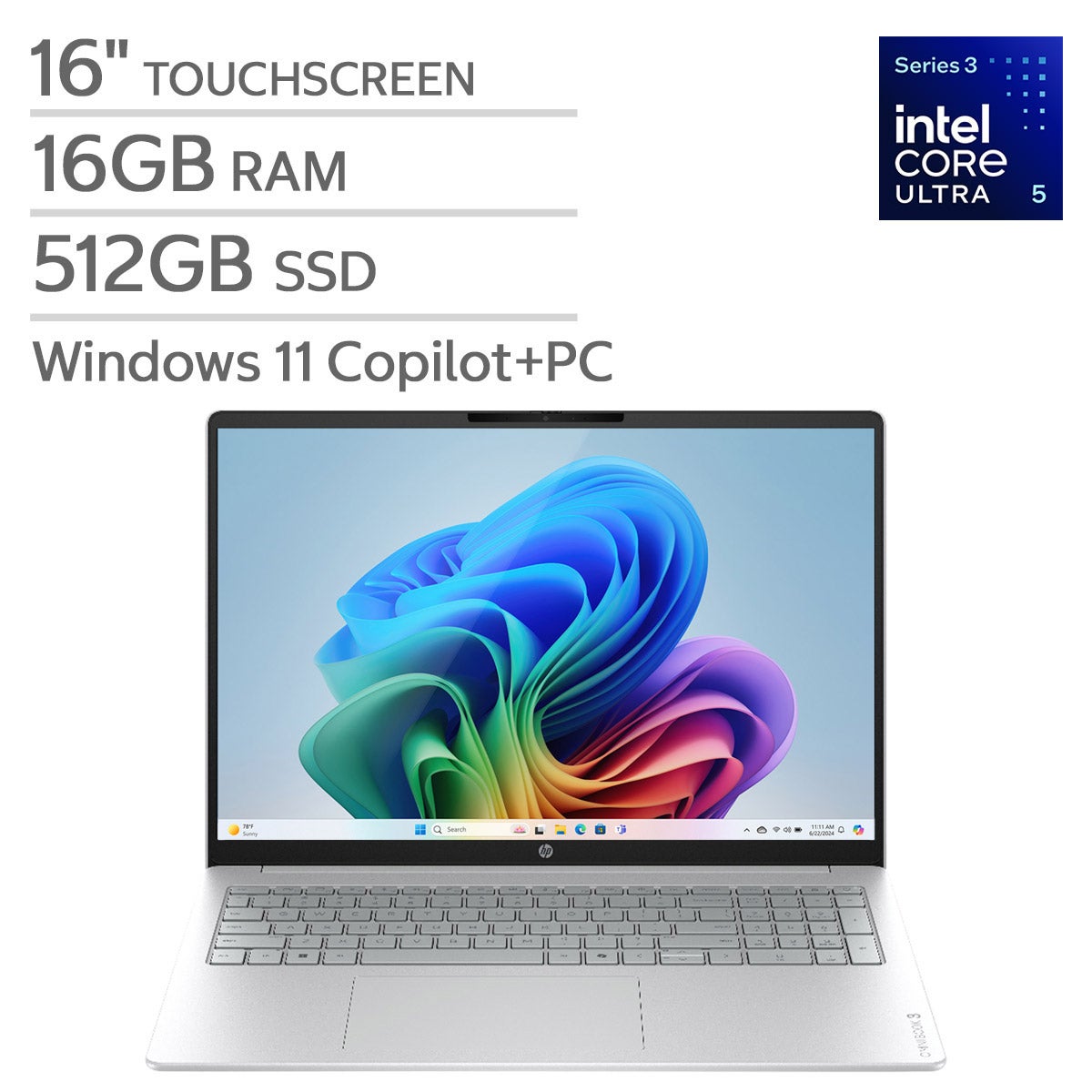
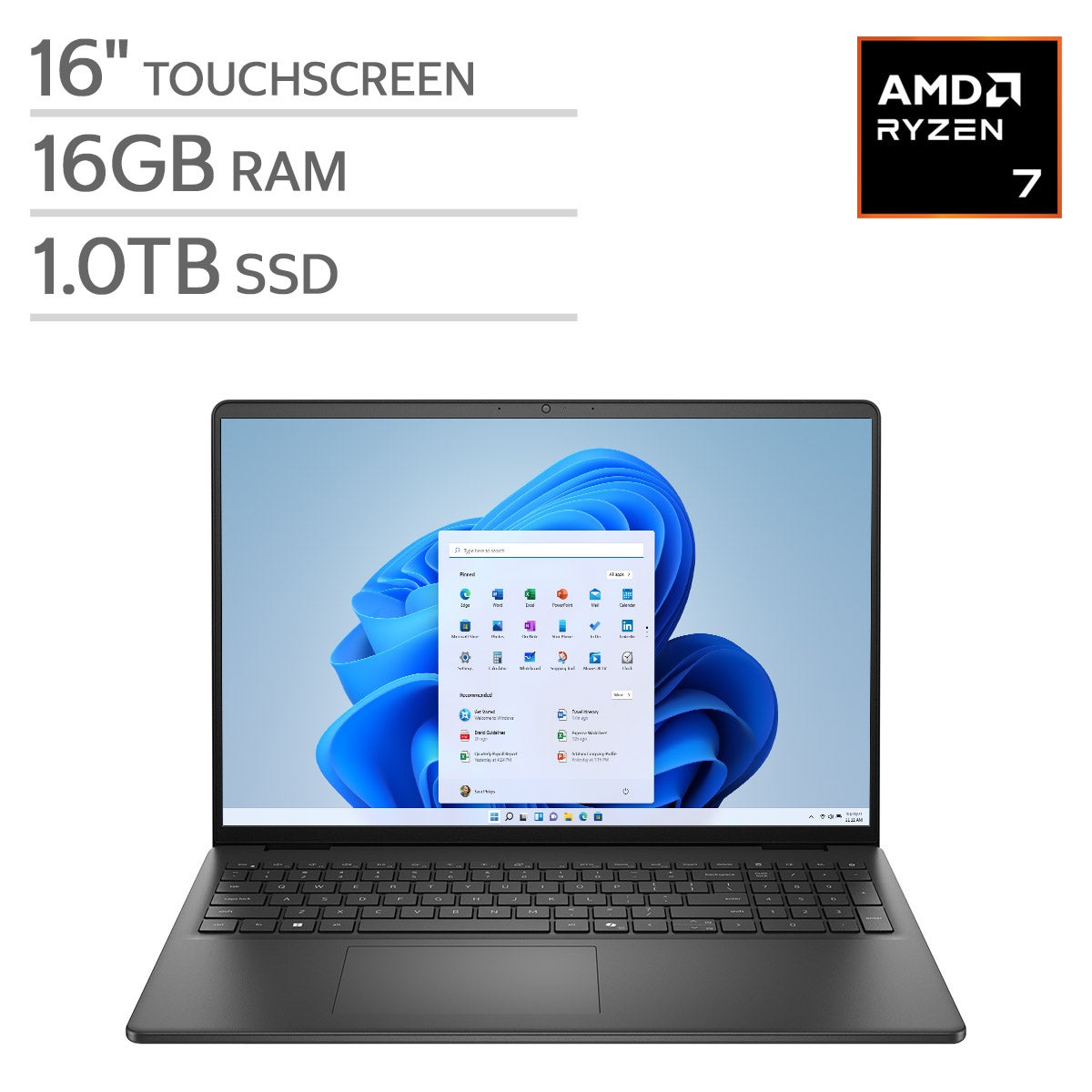
Shop laptops with Bluetooth 5.0 for wireless connections to compatible accessories. Compare processor, memory, storage, and screen size to find a laptop that fits your everyday tasks, and check each model’s specifications for the ports and connectivity options you need.
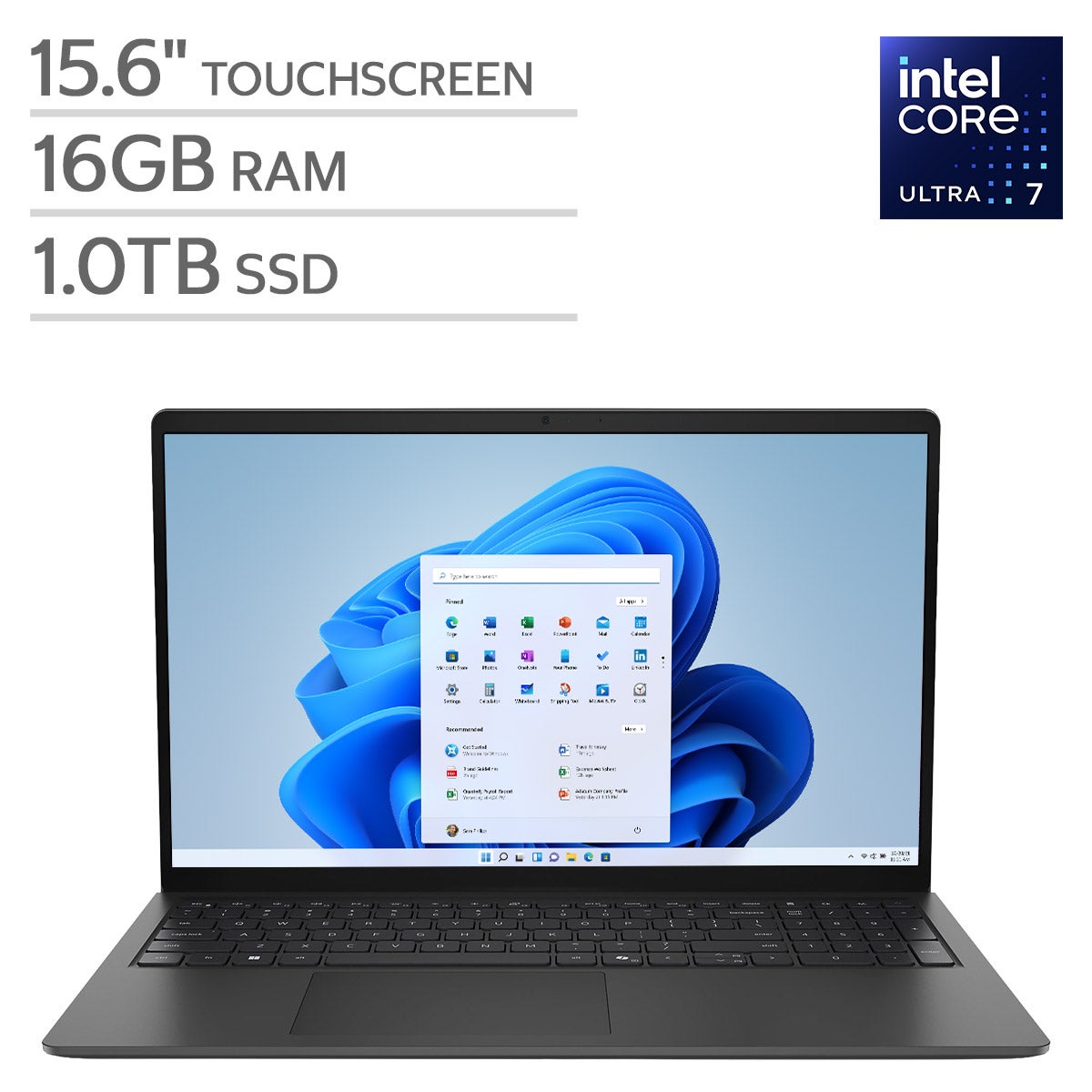
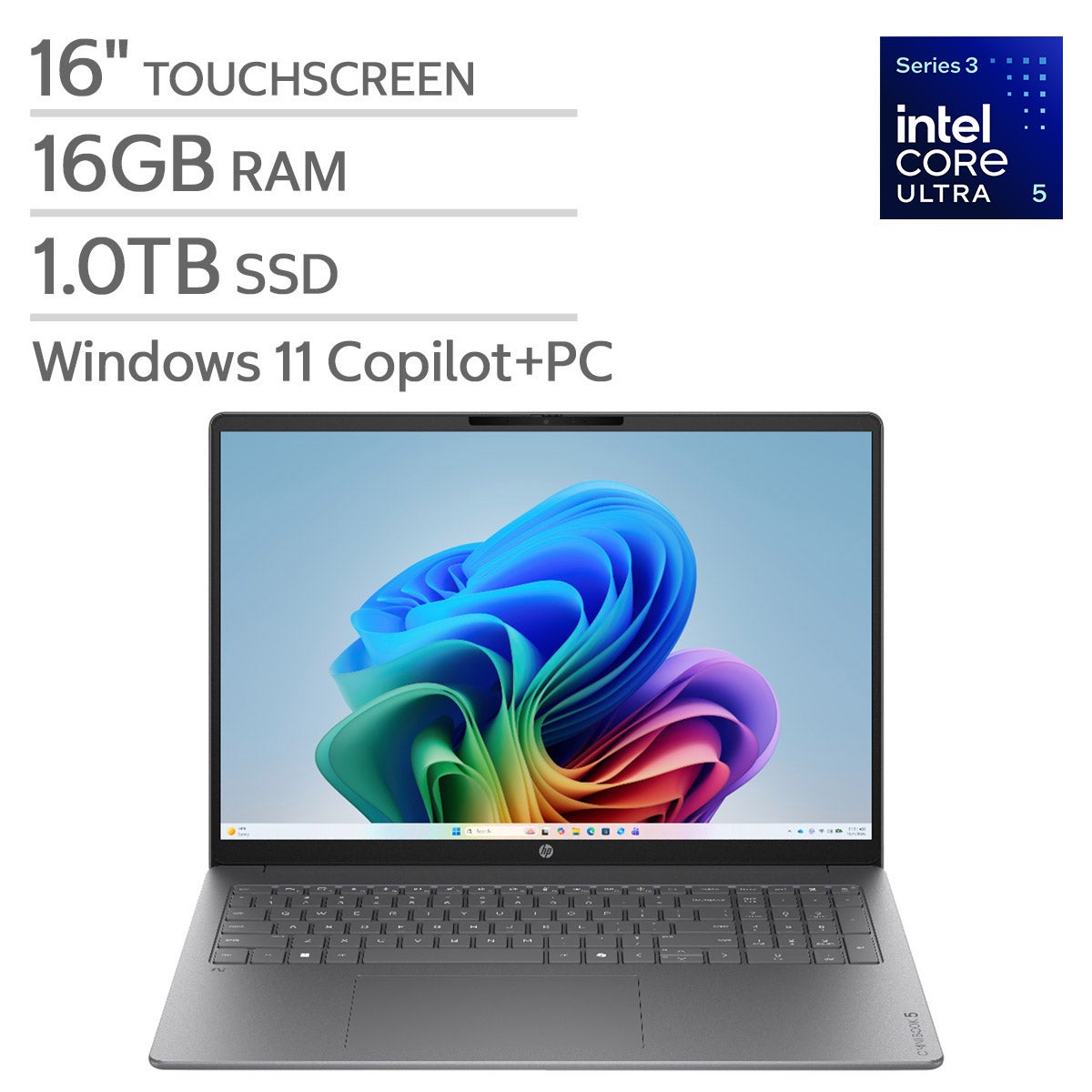
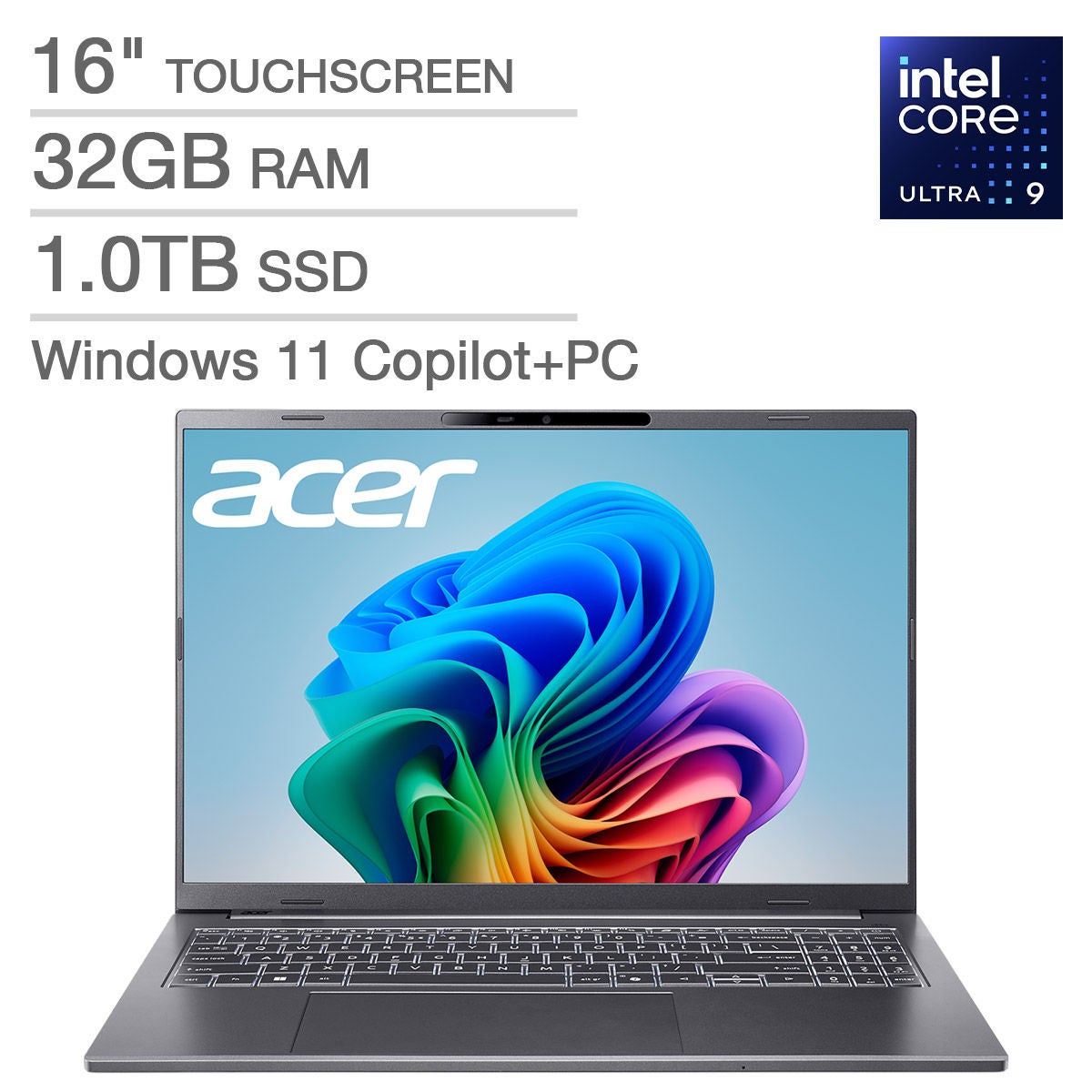
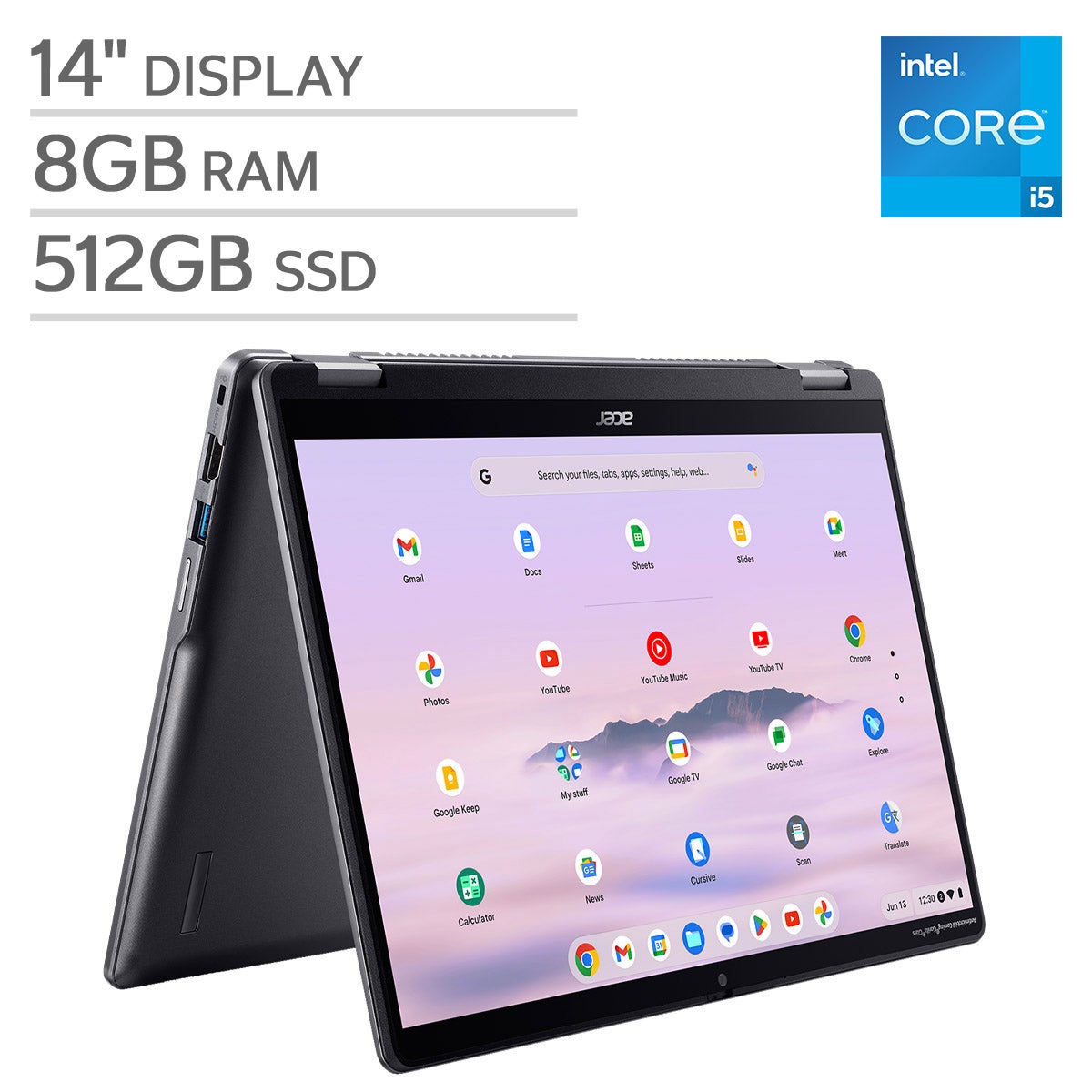

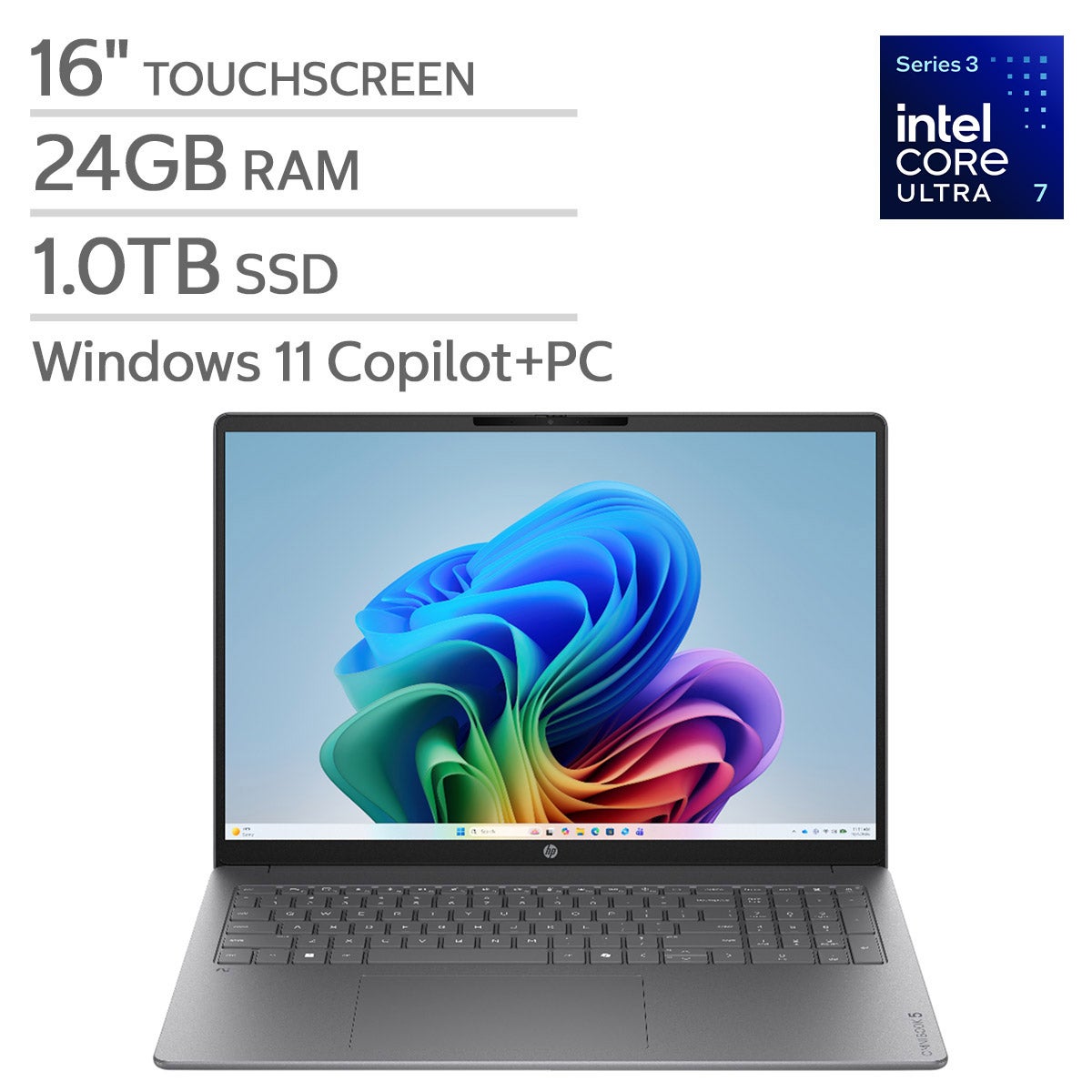
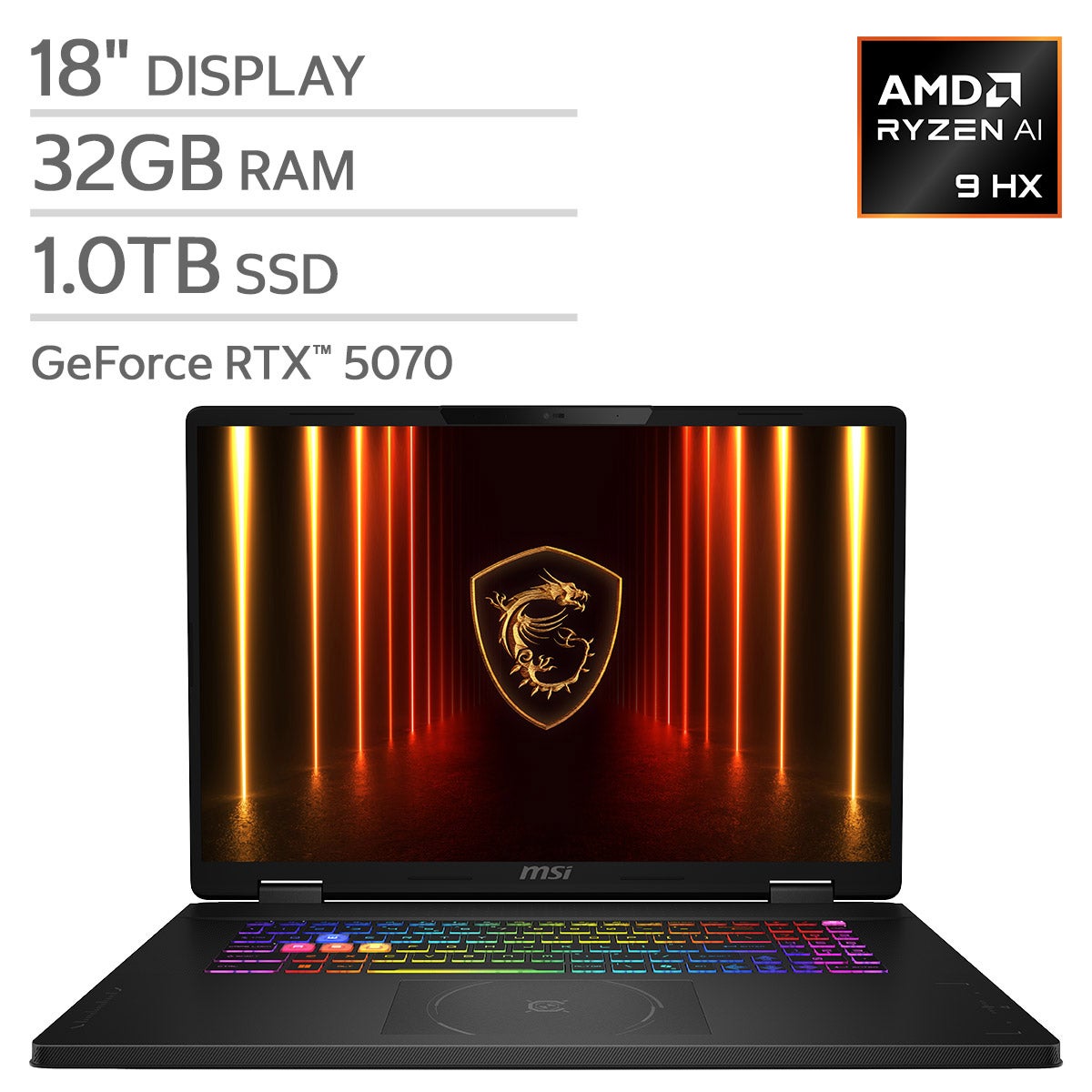
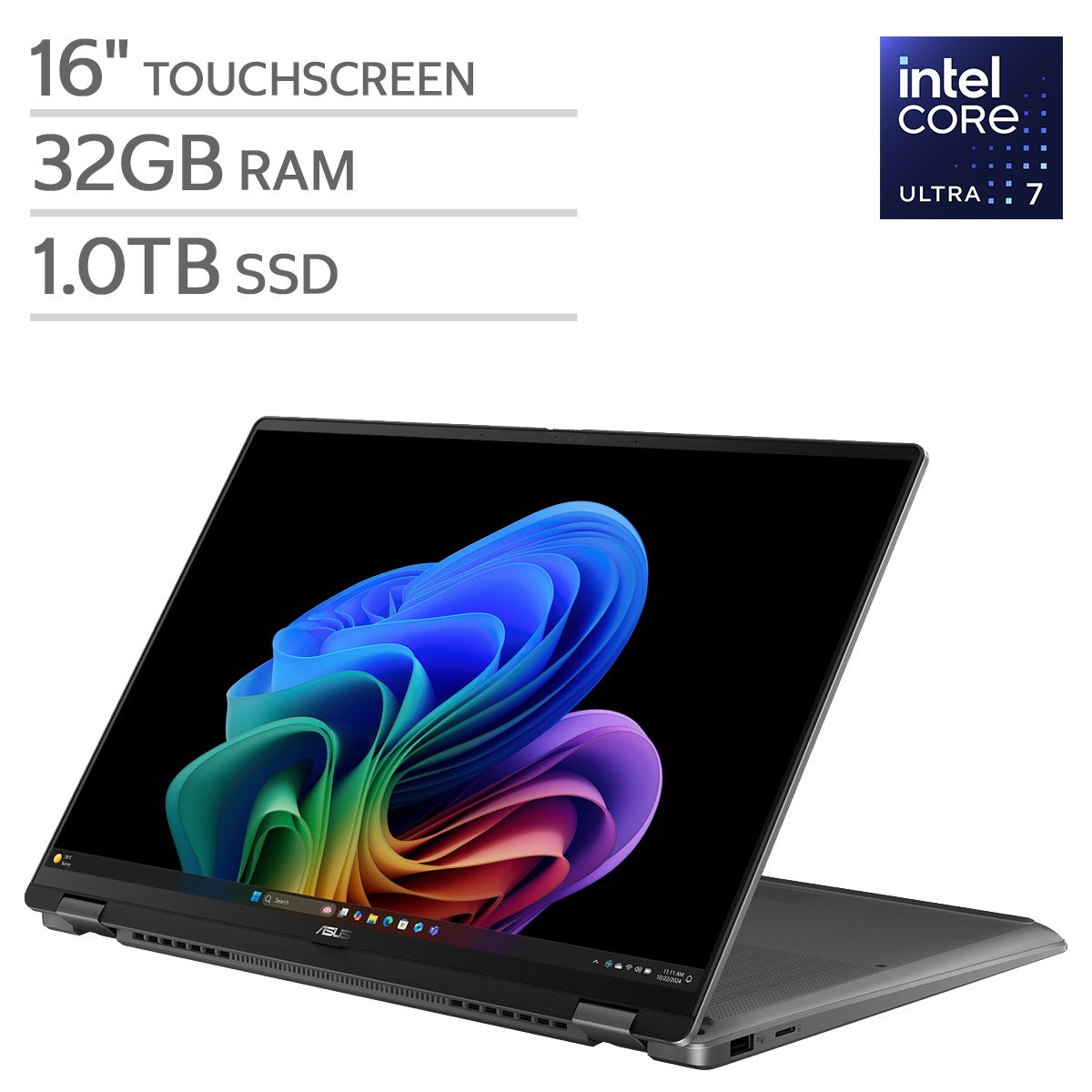
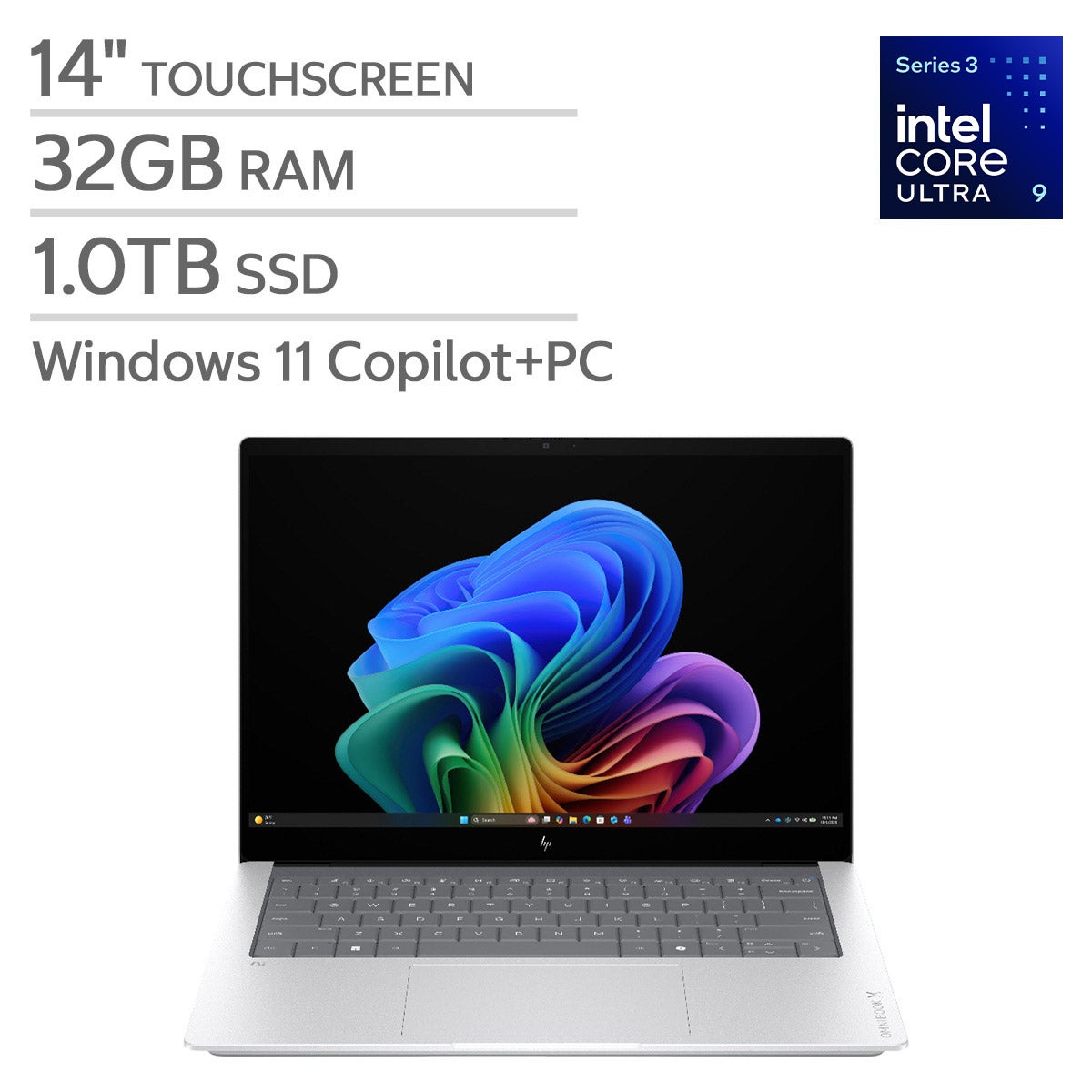
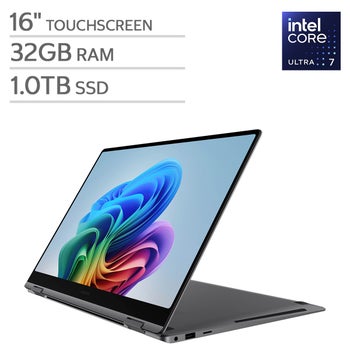
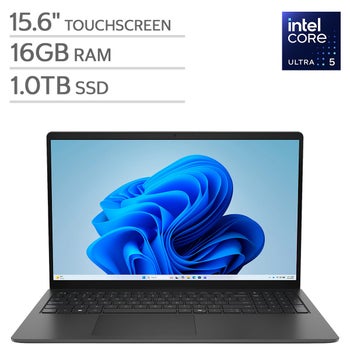

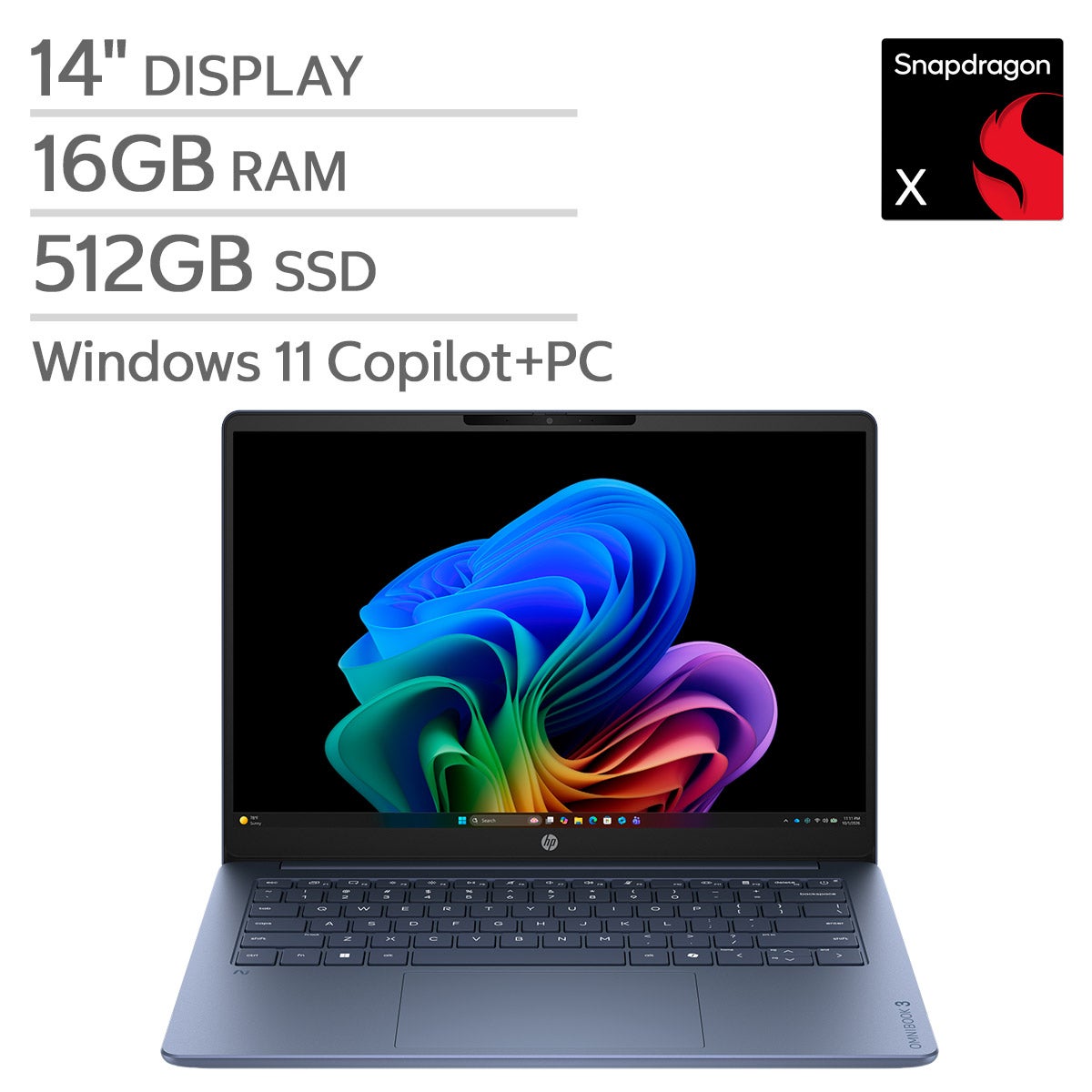


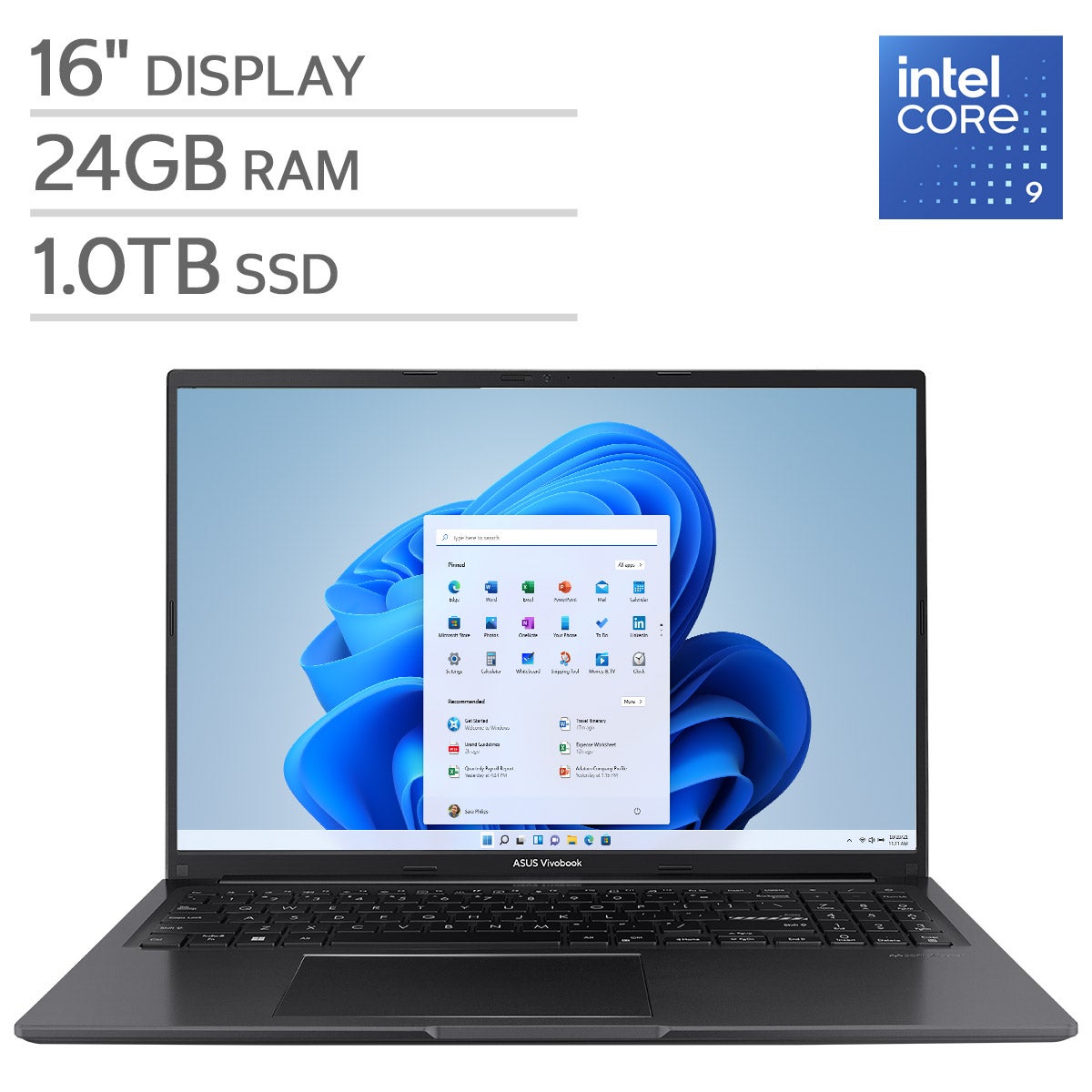

Top Rated Items

Laptops With Bluetooth 5.0
FAQs
-
Bluetooth 5.0 lets a laptop connect wirelessly to compatible accessories such as headphones, speakers, keyboards, mice, and game controllers. Available features depend on the laptop, its operating system, and the connected accessory.
-
Bluetooth 5.0 generally supports accessories that use earlier Bluetooth versions, provided both devices support the required Bluetooth profiles. The connection uses features supported by both devices, so an older accessory does not gain Bluetooth 5.0 features simply by pairing with a newer laptop.
-
A laptop can typically connect to several Bluetooth accessories at the same time, such as a mouse, keyboard, and headset. Supported combinations depend on the laptop’s hardware, operating system, and accessories. Playing audio through multiple Bluetooth speakers or headphones at once may require additional software or specific device support.
-
Put the accessory in pairing mode, then open the laptop’s Bluetooth settings and turn Bluetooth on. Choose the option to add a device, select the accessory, and follow any prompts. Once paired, many accessories reconnect automatically when they are powered on and within range.
-
Yes. Bluetooth creates a direct wireless connection between a laptop and a compatible accessory, so pairing and basic accessory use do not require Wi-Fi or internet access. Online activities, such as streaming music from a service, still require an internet connection.