



Windows 11 Laptops
Shop Windows 11 laptops at Costco for work, school, and everyday tasks. Compare processor, memory, storage, and display specifications to find a laptop that fits the programs you use, your budget, and how often you take your computer on the go.
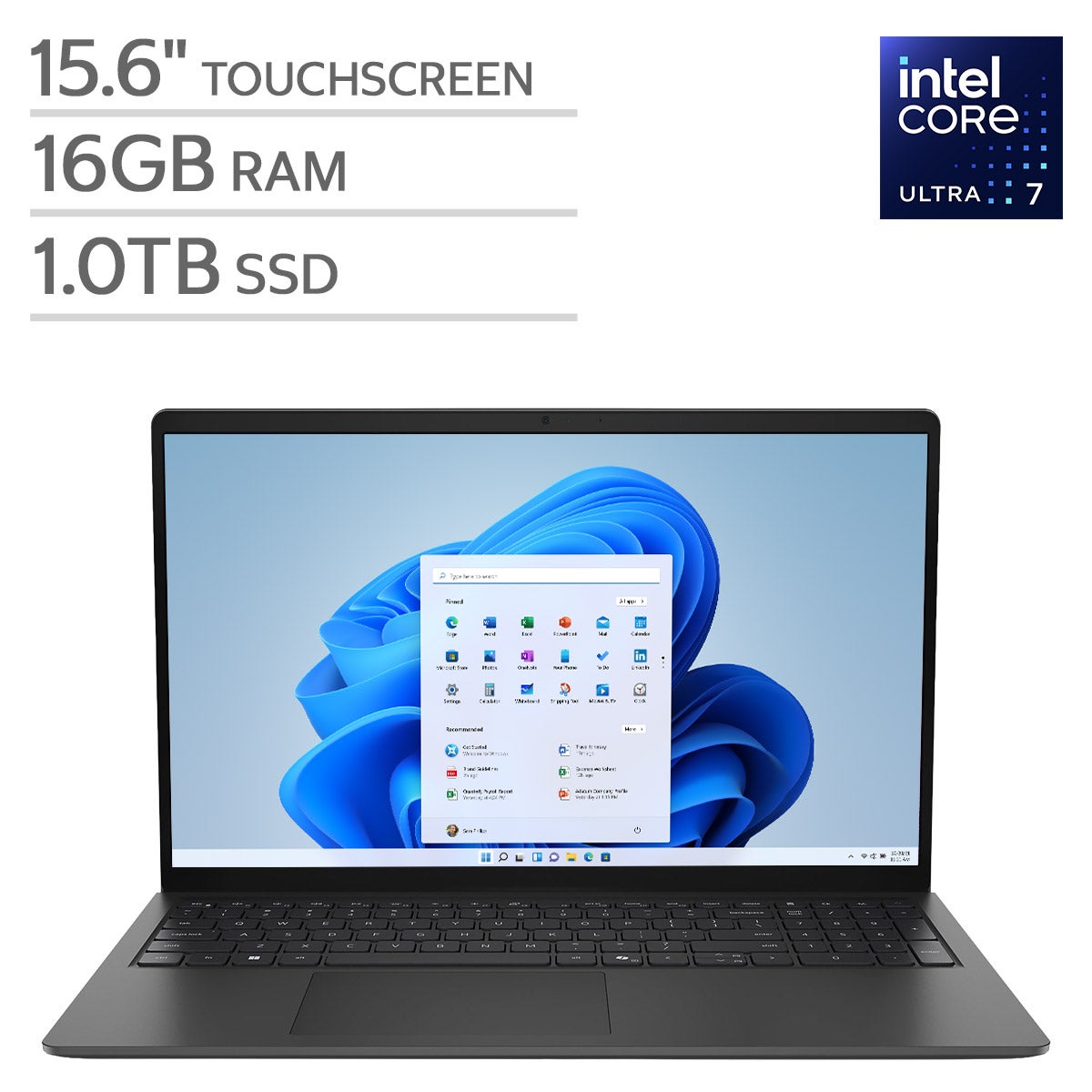
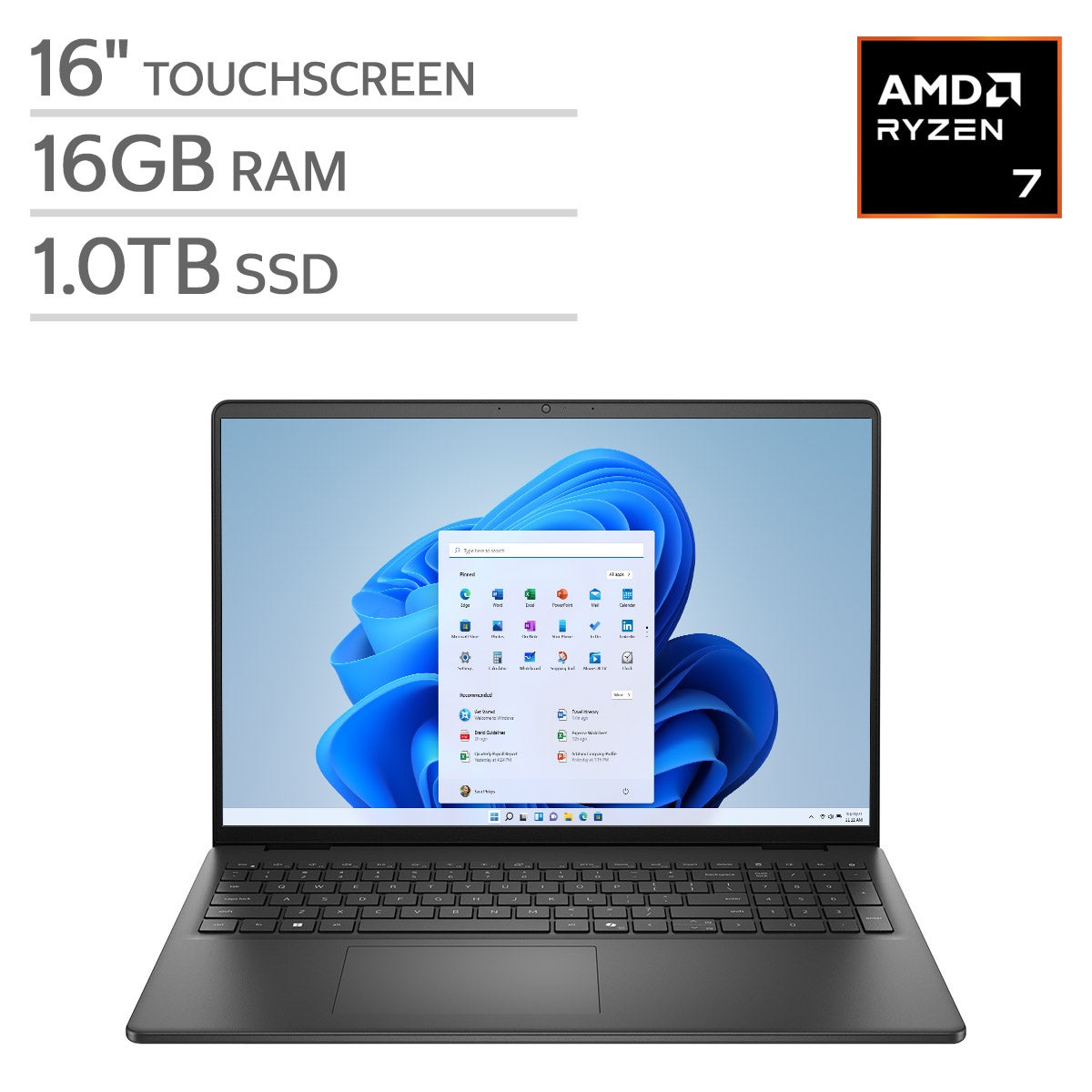
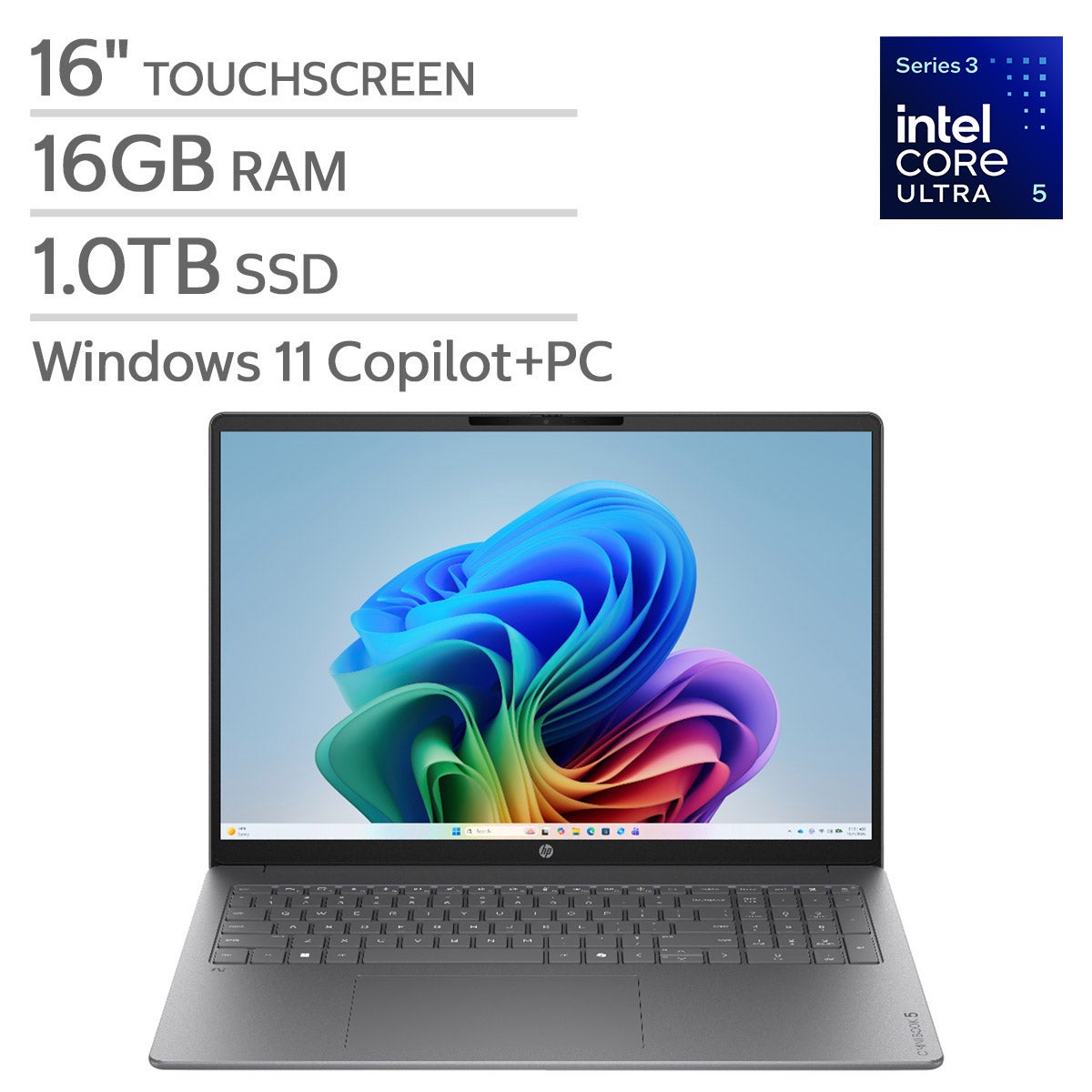
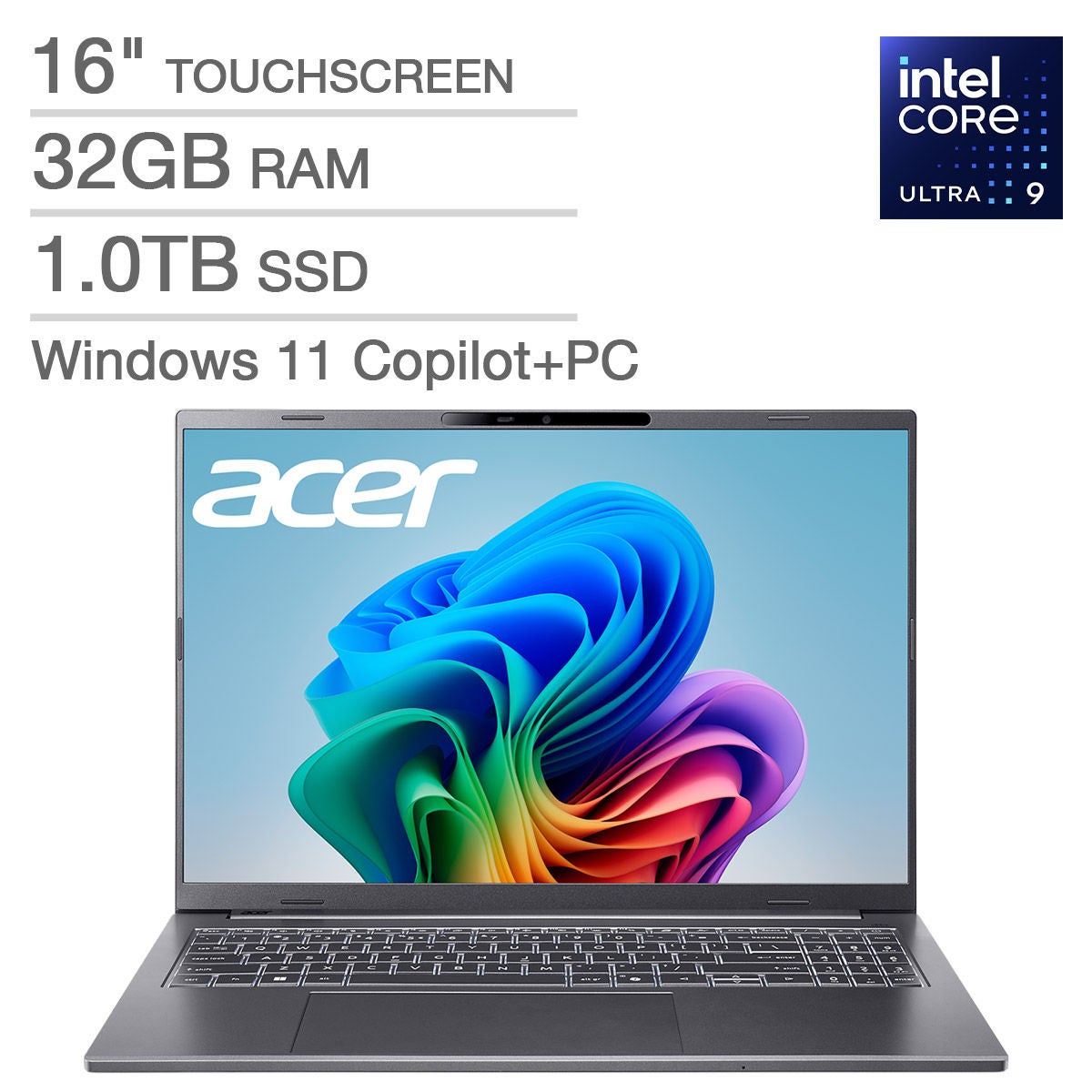
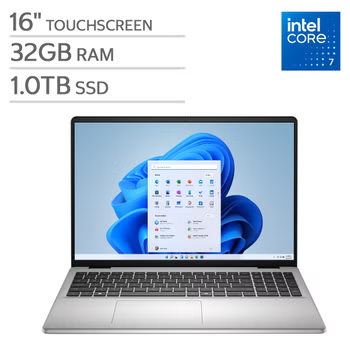
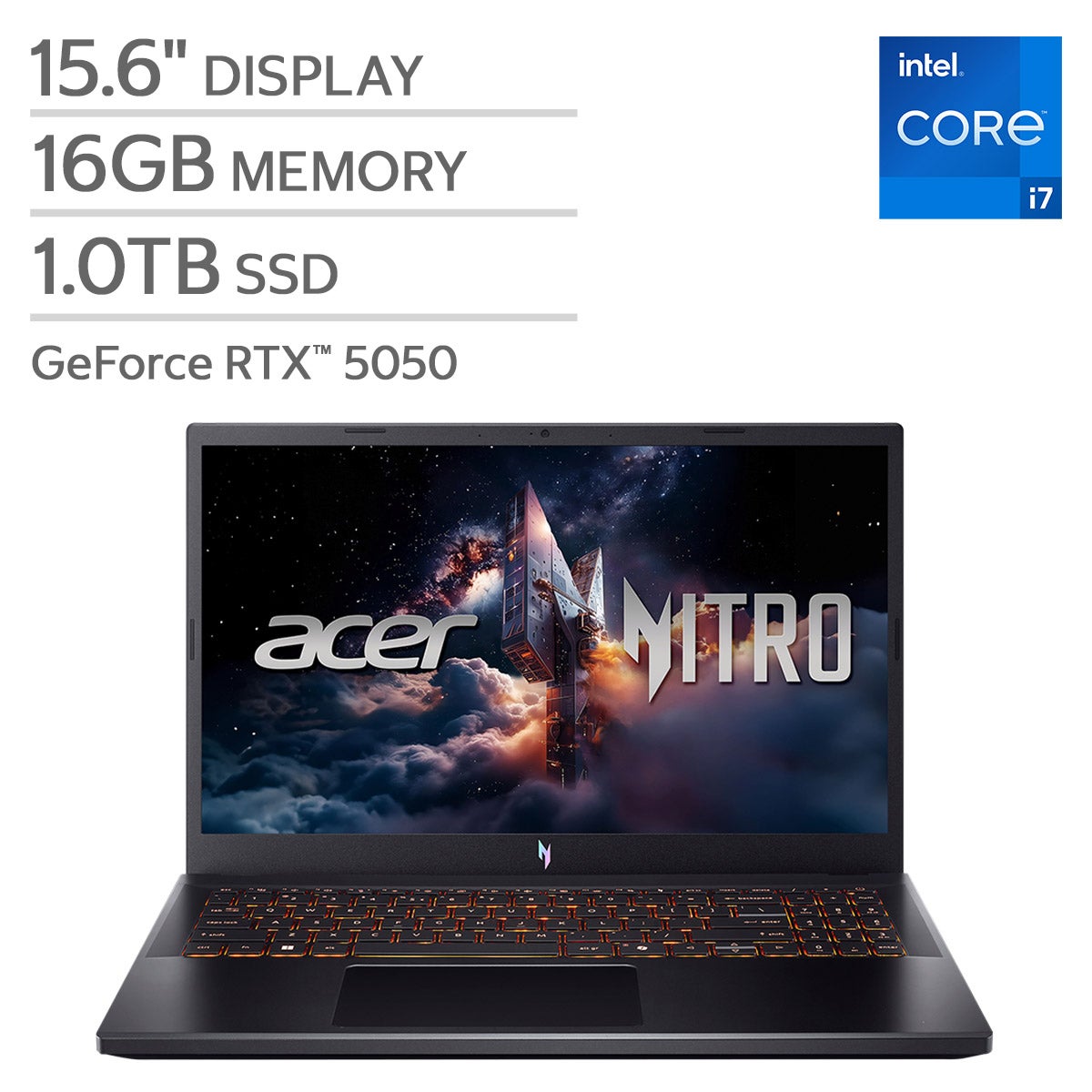
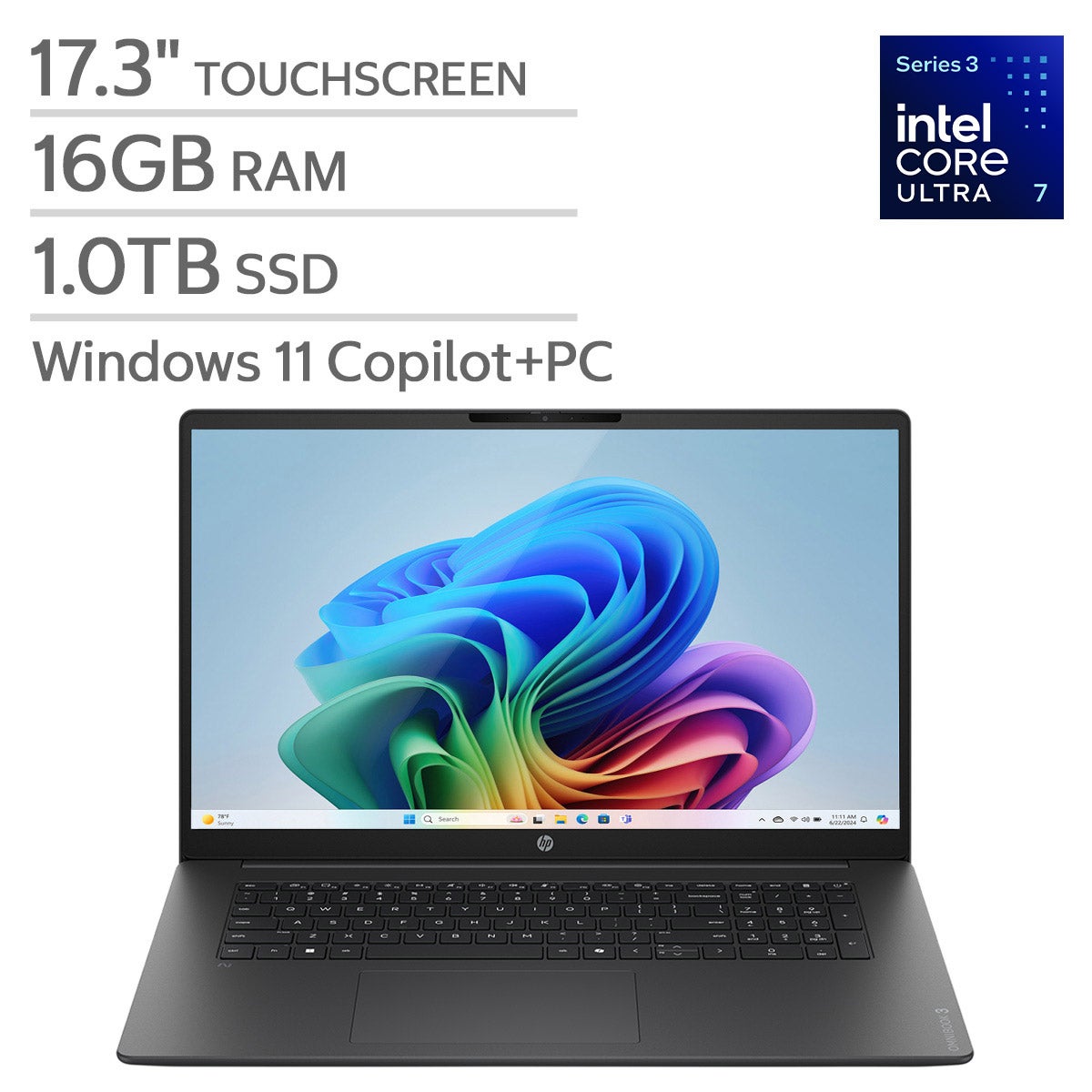
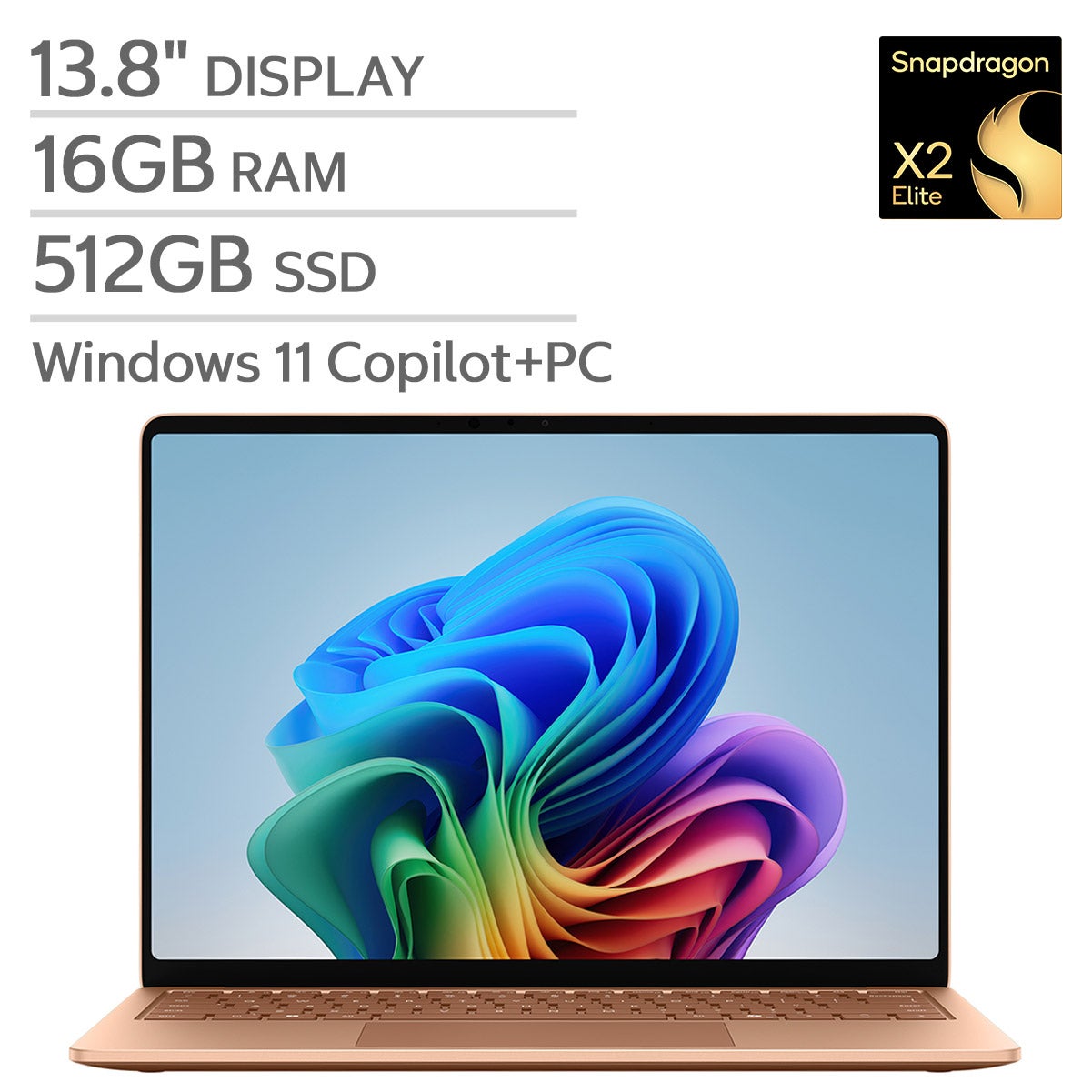
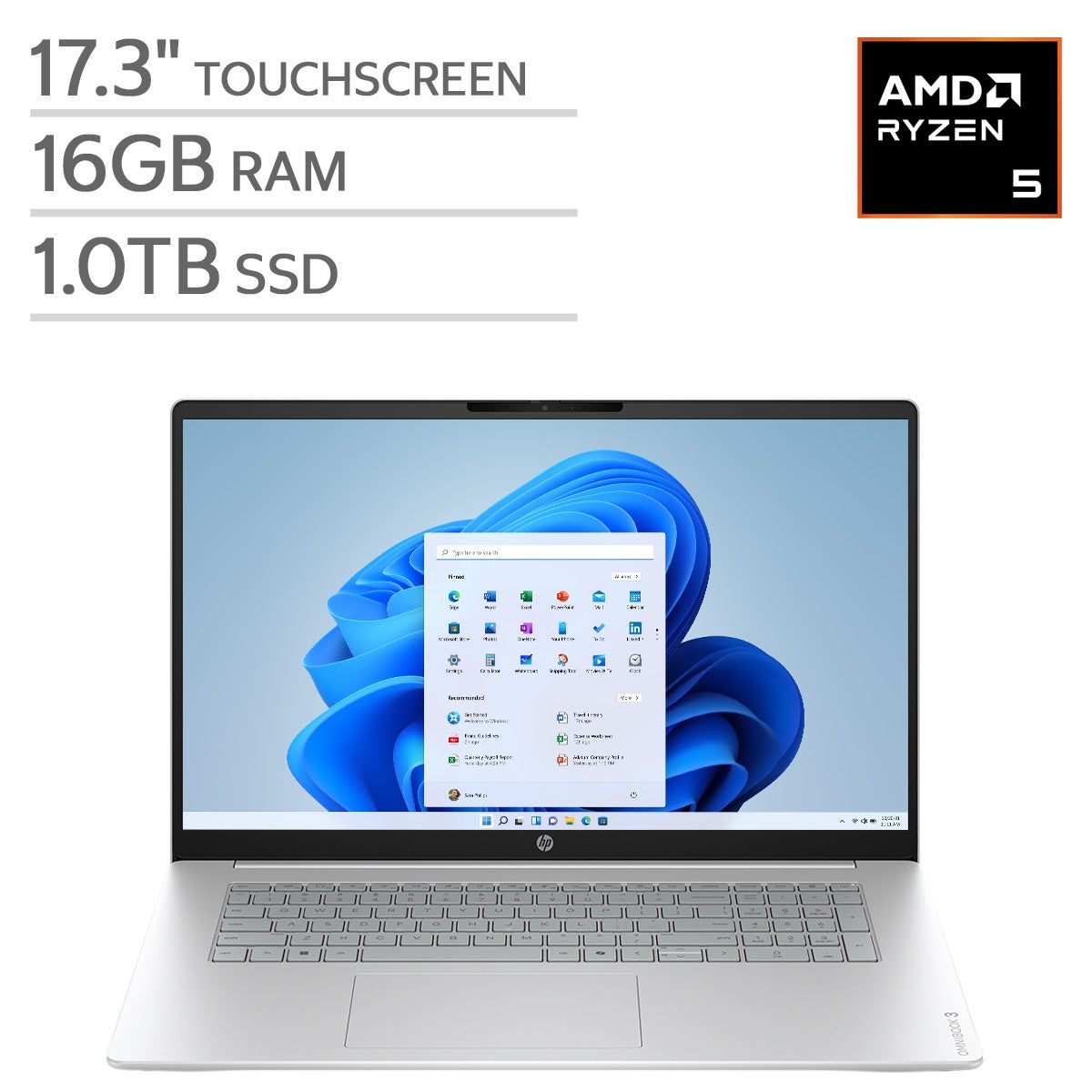
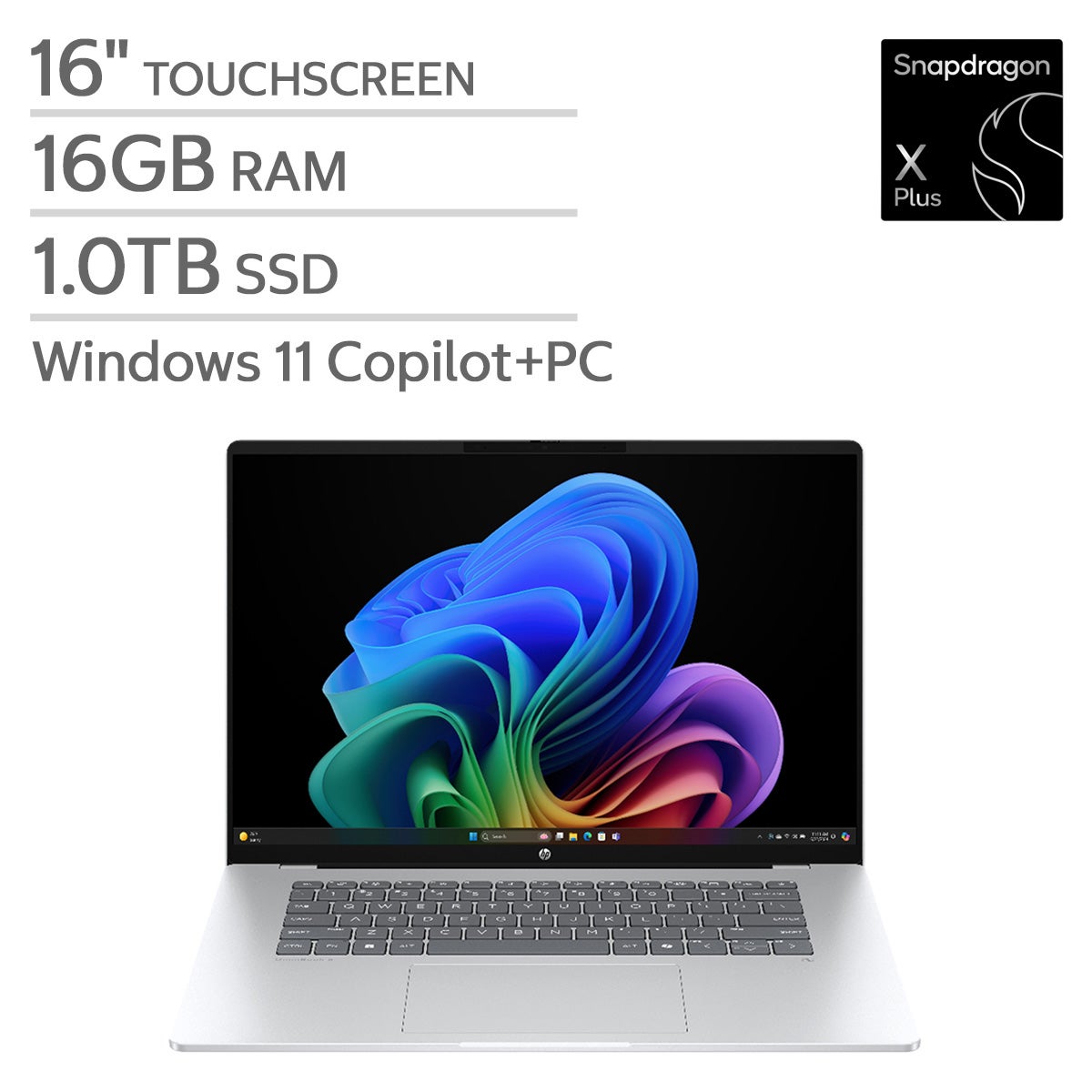
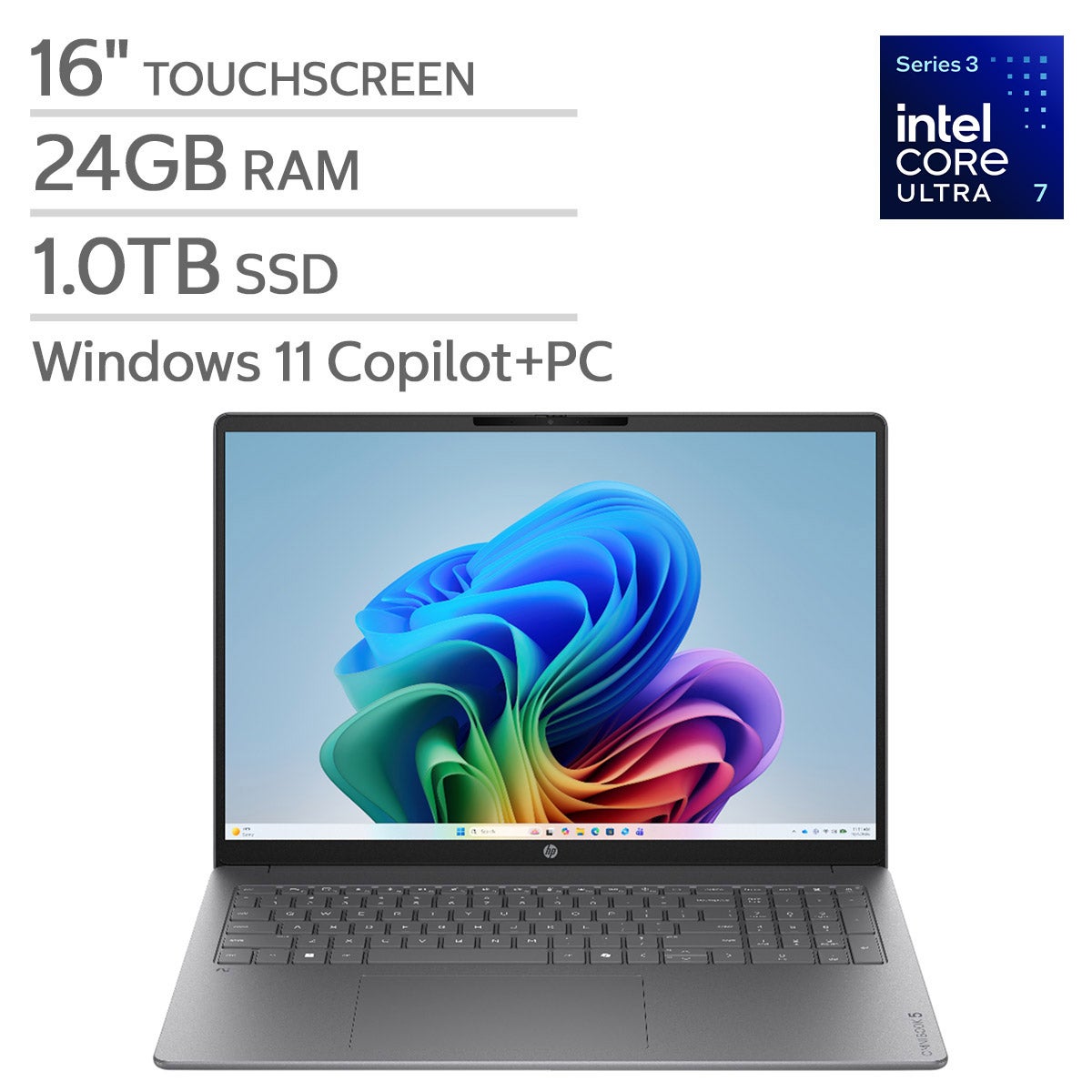
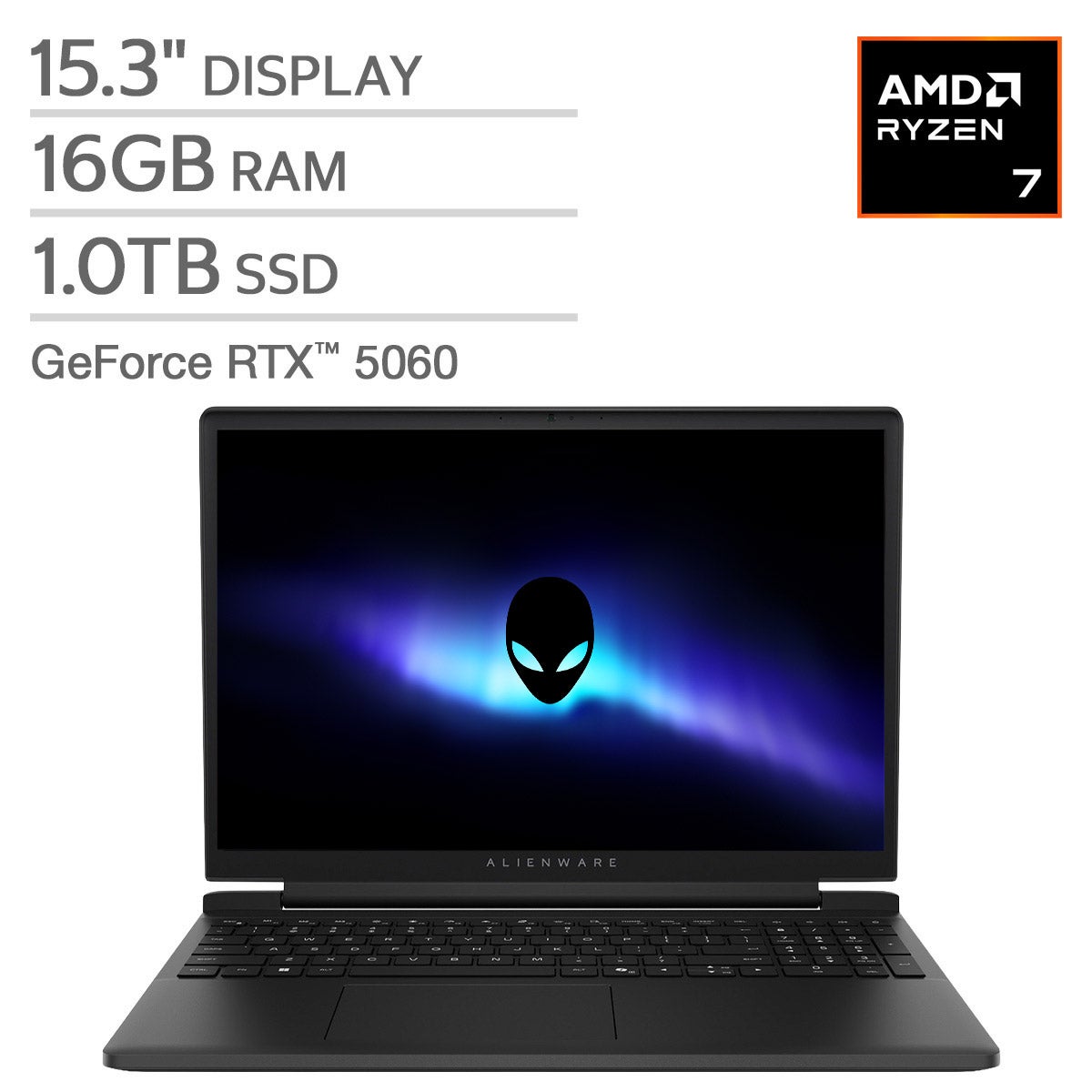
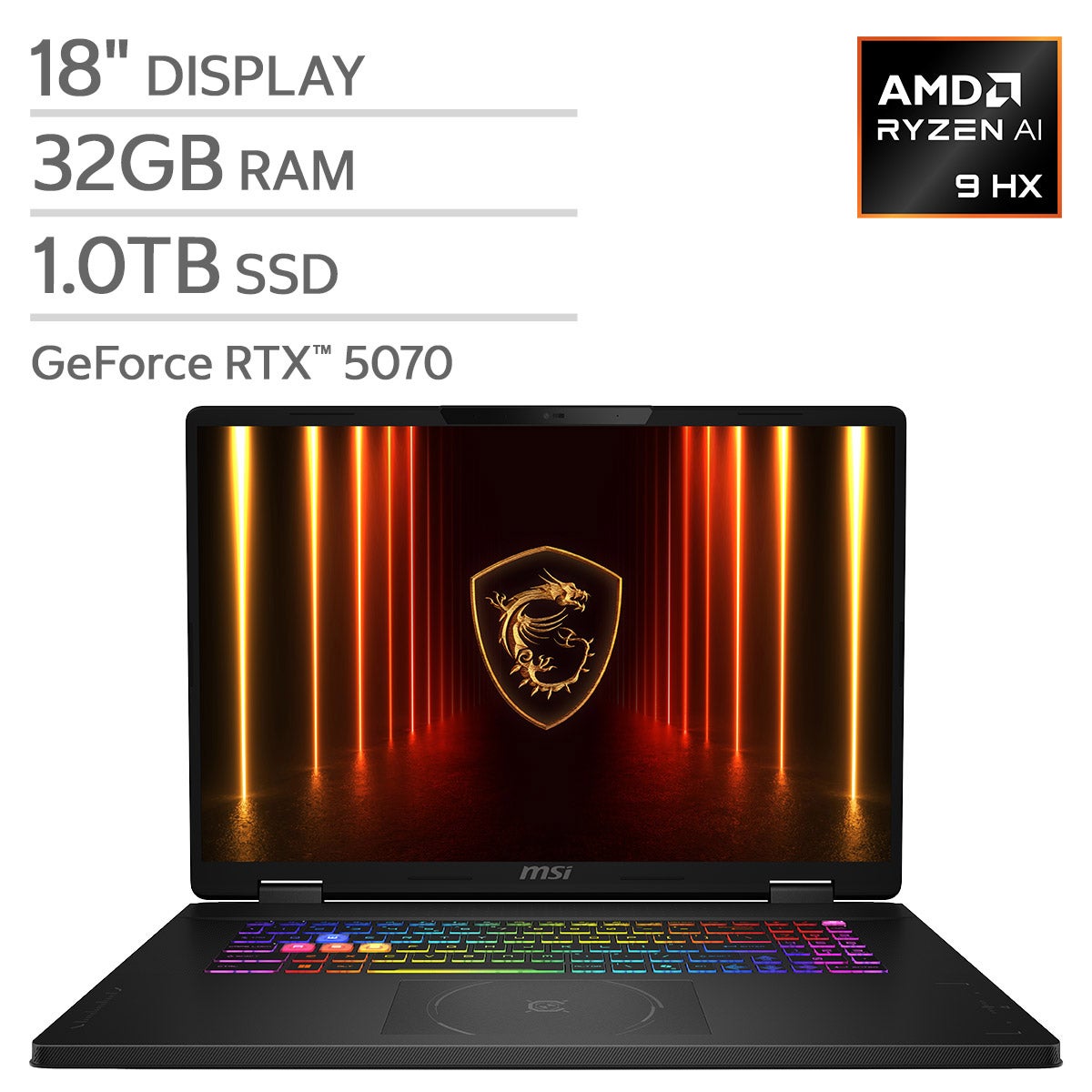
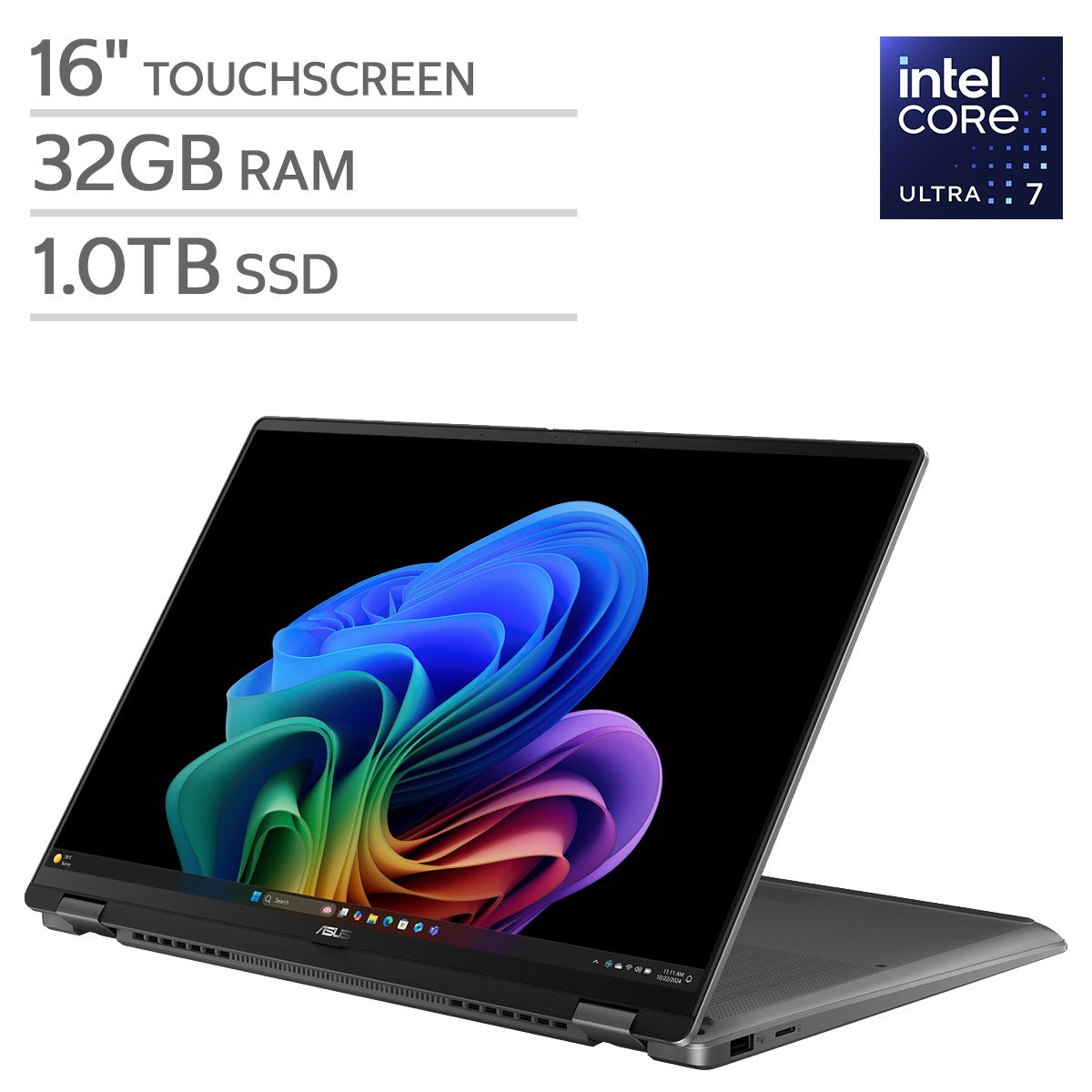
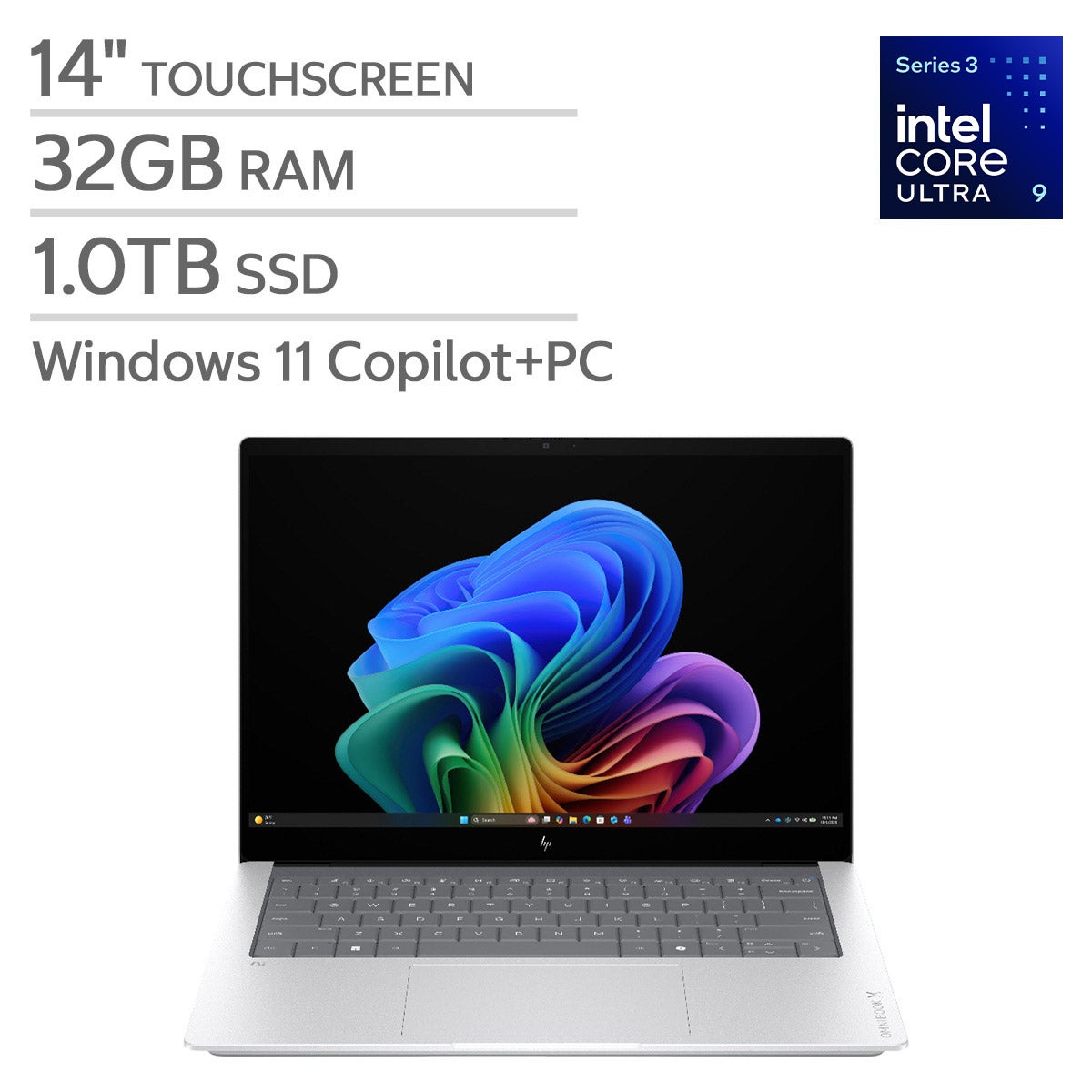
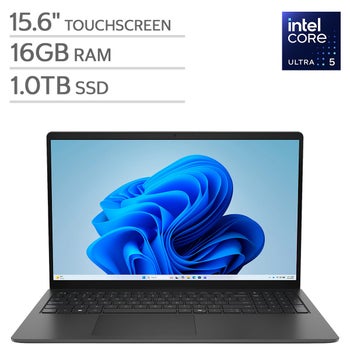

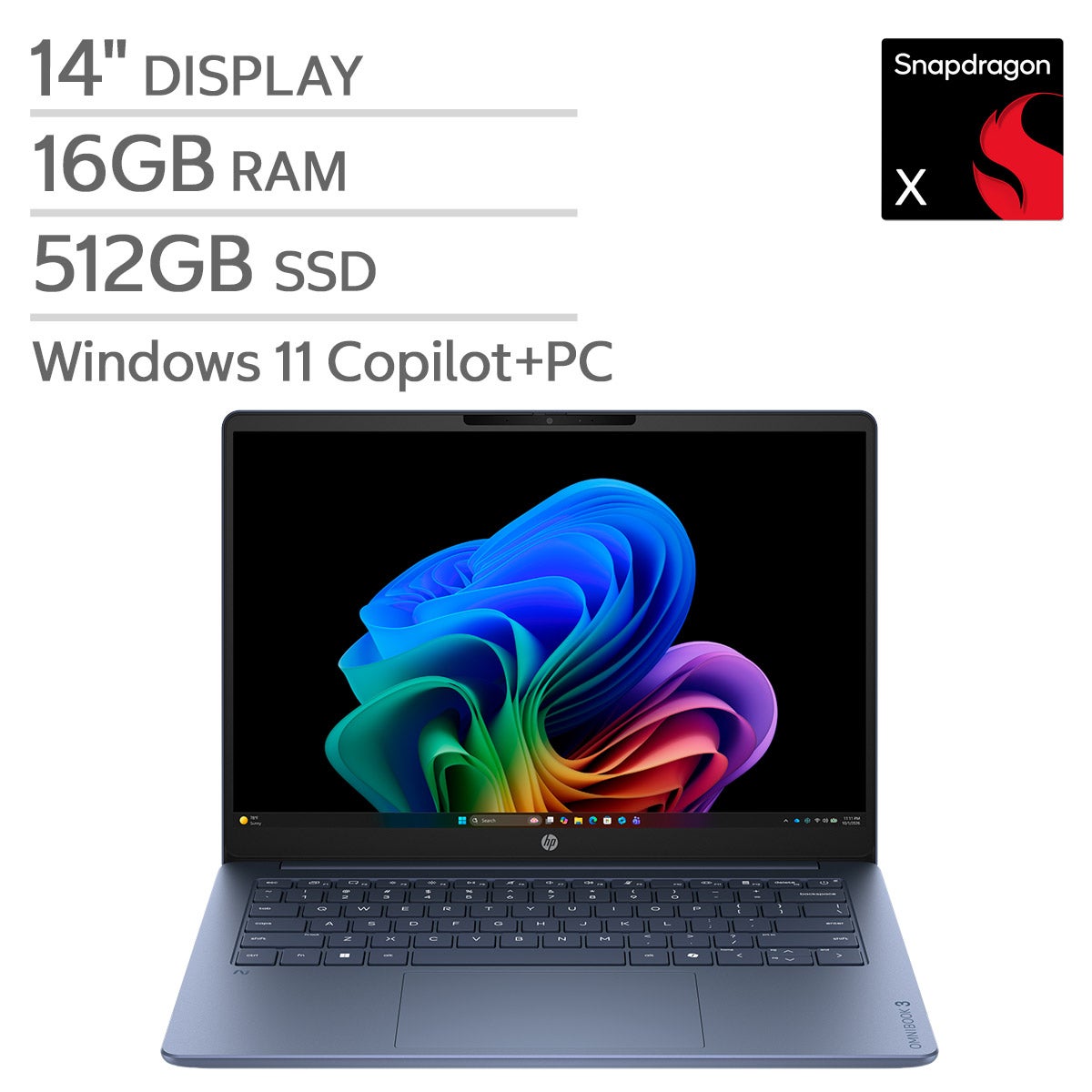


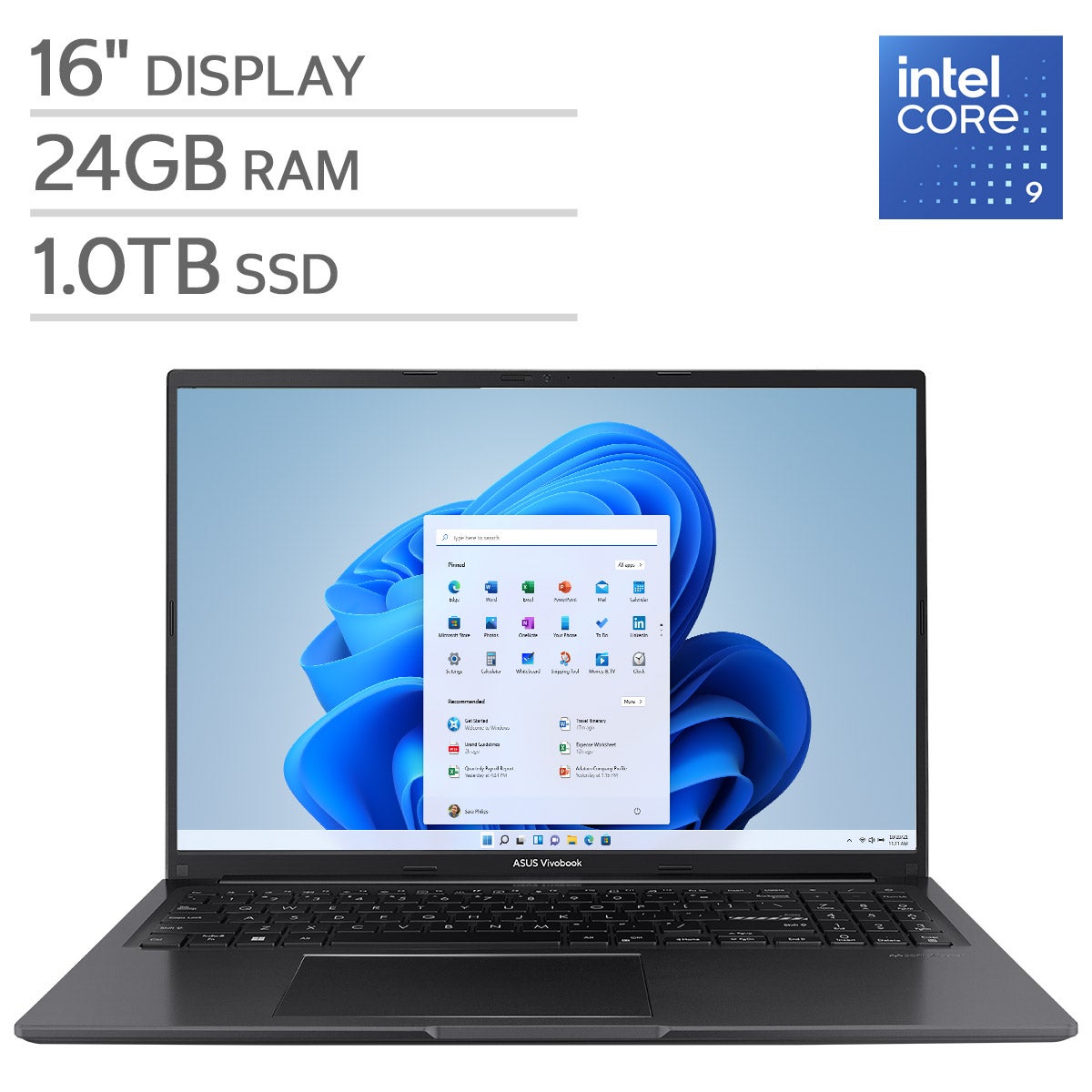
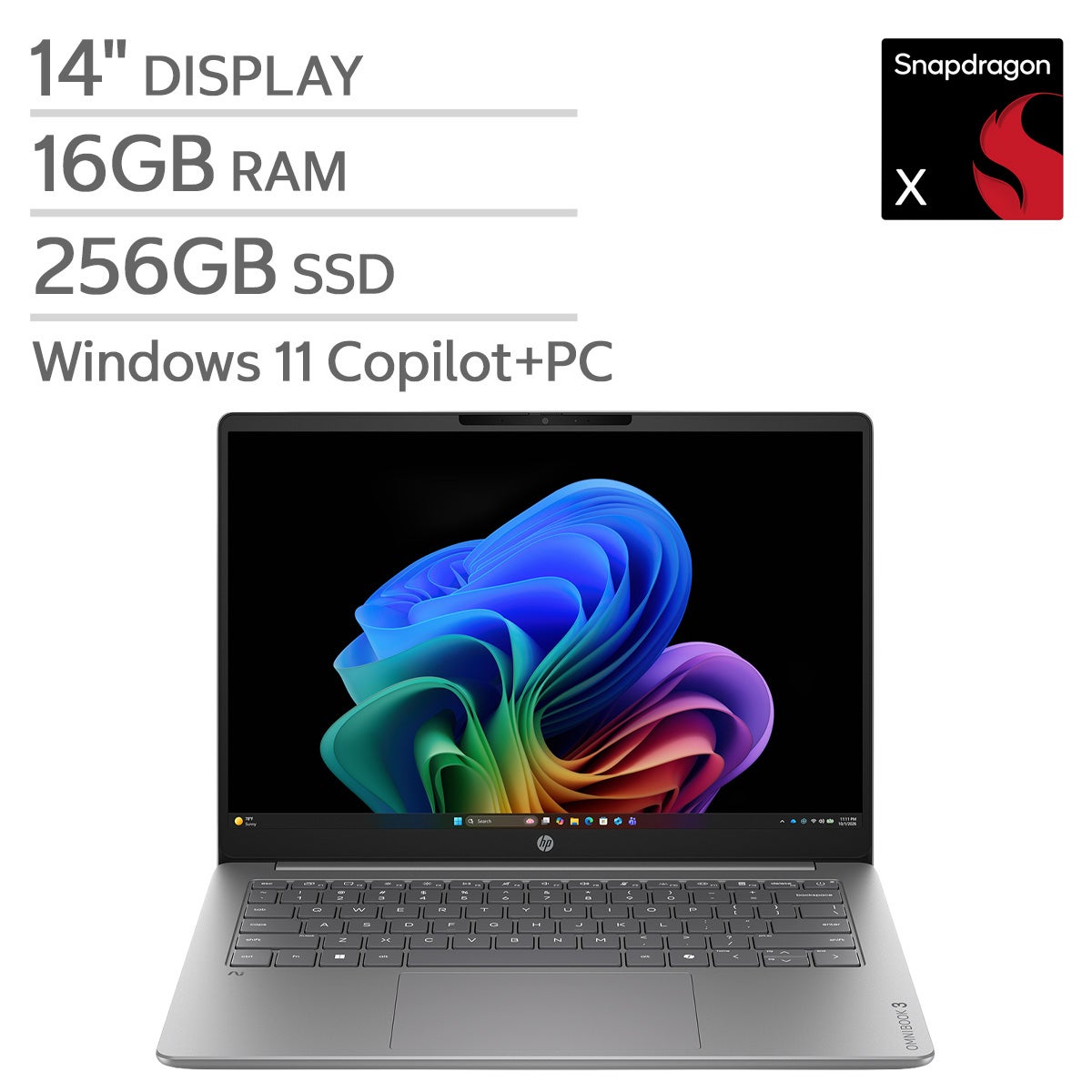
Top Rated Items

Windows 11 Laptops
FAQs
-
Consider the processor, memory, storage type, display resolution, battery life, and available ports. Match these features to your everyday activities, whether you browse the web, work on documents, edit photos, or play games.
-
Windows 11 Home includes features for everyday computing, entertainment, and personal use. Windows 11 Pro adds business-oriented tools, including domain joining, Group Policy management, and the ability to host Remote Desktop connections. The right edition depends on how you plan to use and manage your laptop.
-
Many apps designed for Windows 10 also work with Windows 11, though compatibility varies by app and version. Check the software publisher’s Windows 11 support information and system requirements, especially for older or specialized programs.
-
Snap Layouts help you arrange supported app windows, while Snap Groups let you return to grouped windows from the taskbar. You can also create separate desktops to organize different projects or keep work and personal activities apart. Available layouts can vary with display settings.
-
Windows 11 supports external monitors and many accessories, including keyboards, mice, printers, and webcams. Connection options depend on the laptop’s ports and wireless capabilities. For a monitor or docking station, check that the laptop supports the required connection type and display output.