



Laptops For Photo Editing And Gaming
Find laptops for photo editing and gaming at Costco, and compare the features that matter for creative work and gameplay. Consider processor performance, graphics capabilities, RAM, and storage alongside display resolution and color accuracy to choose a laptop that fits your editing workflow and favorite games.
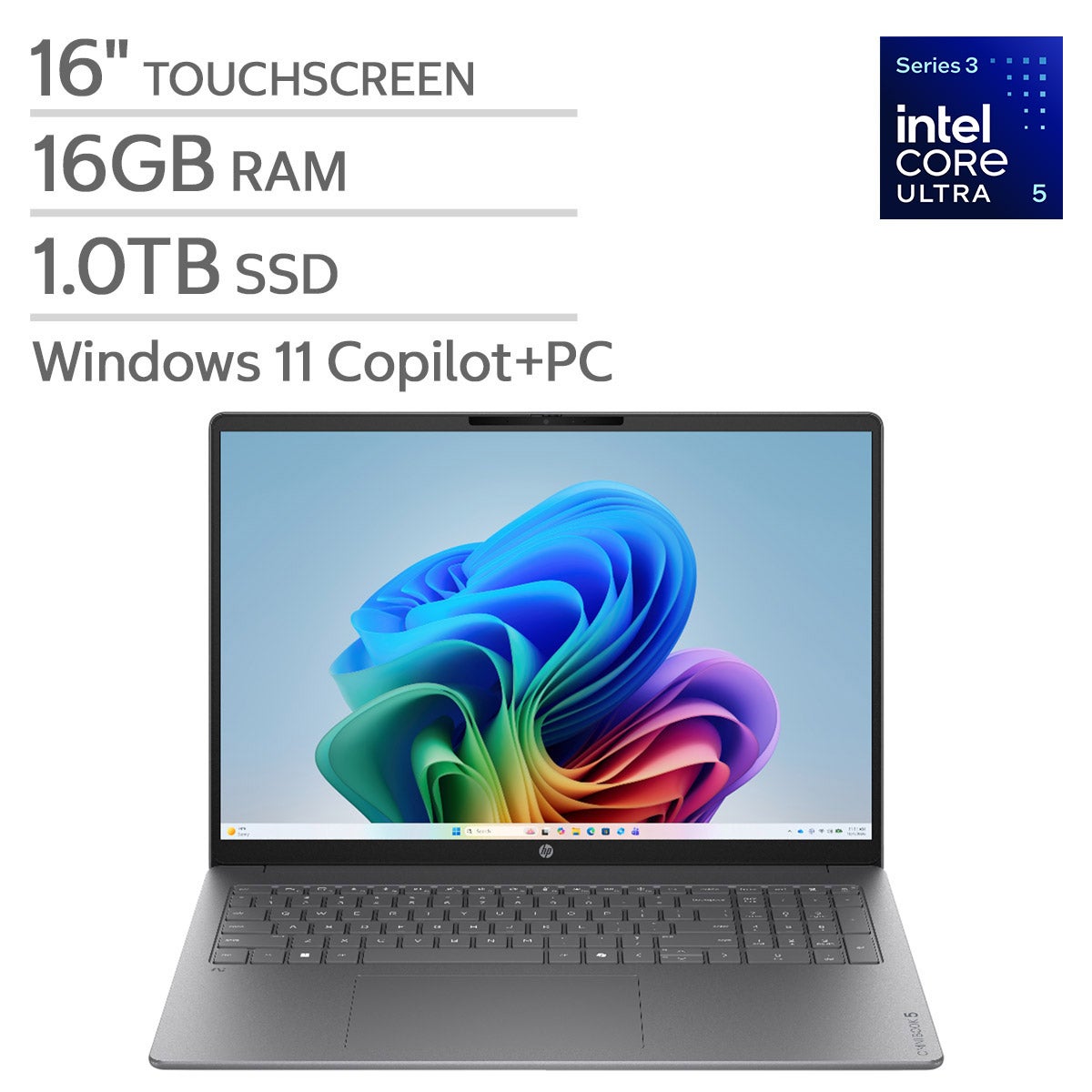
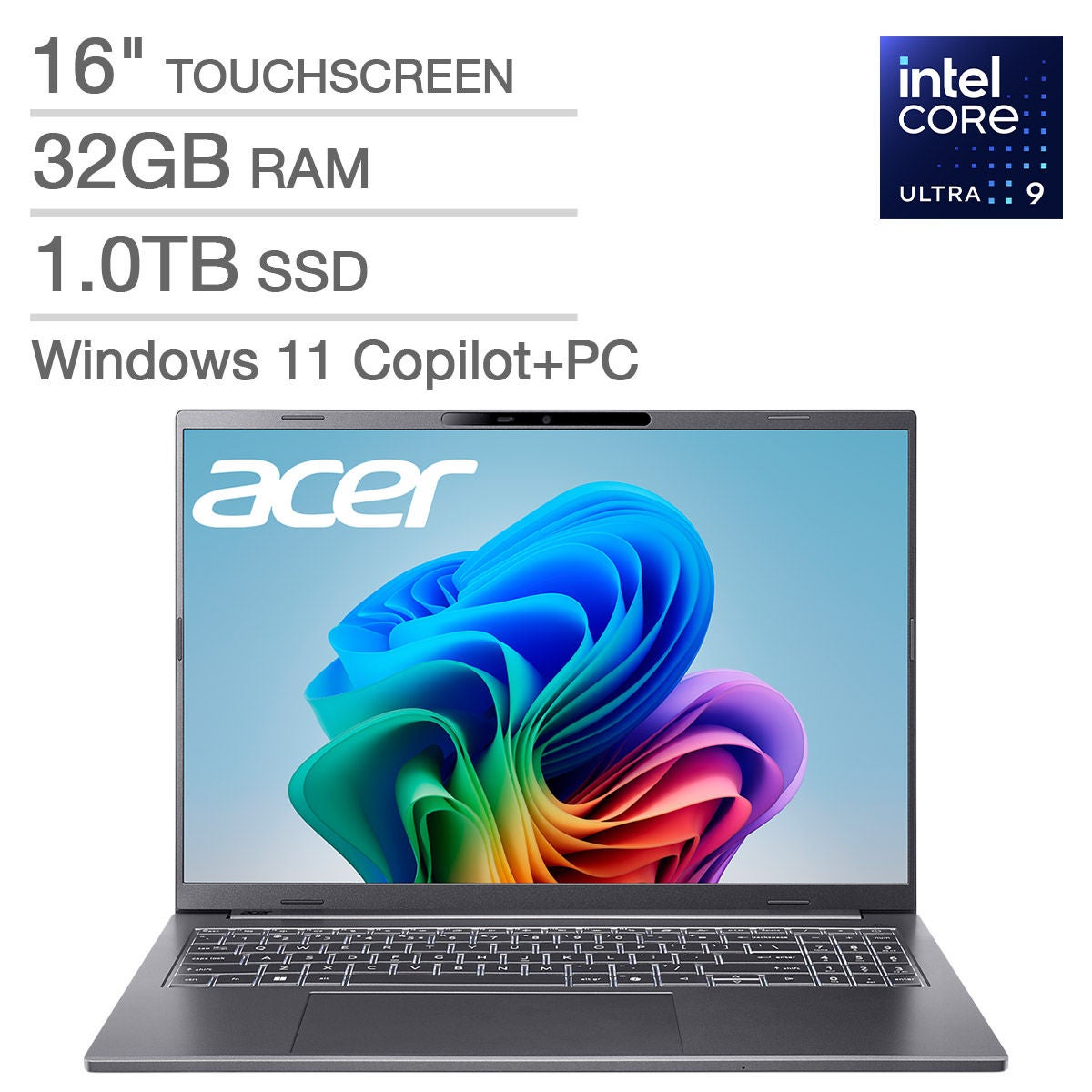
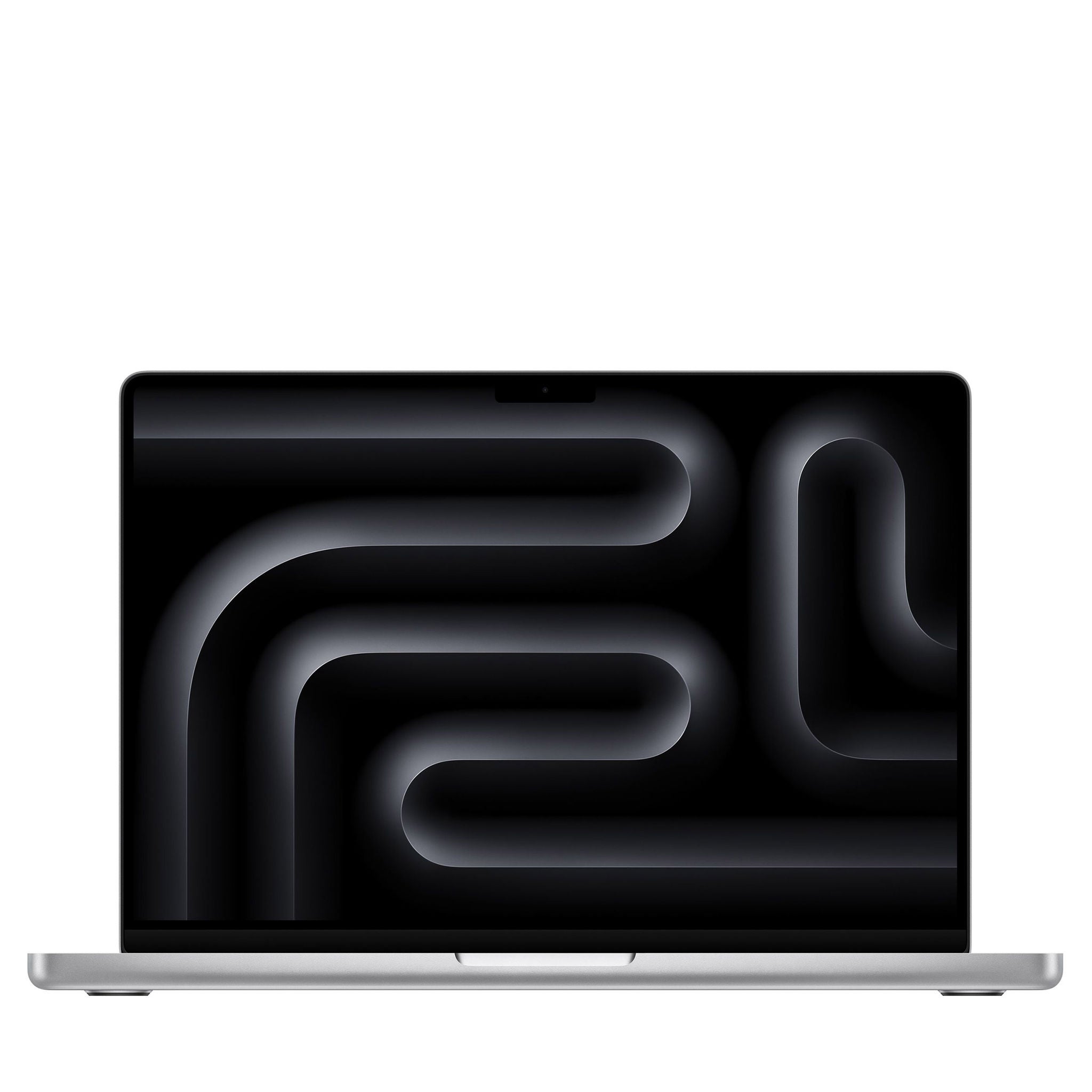
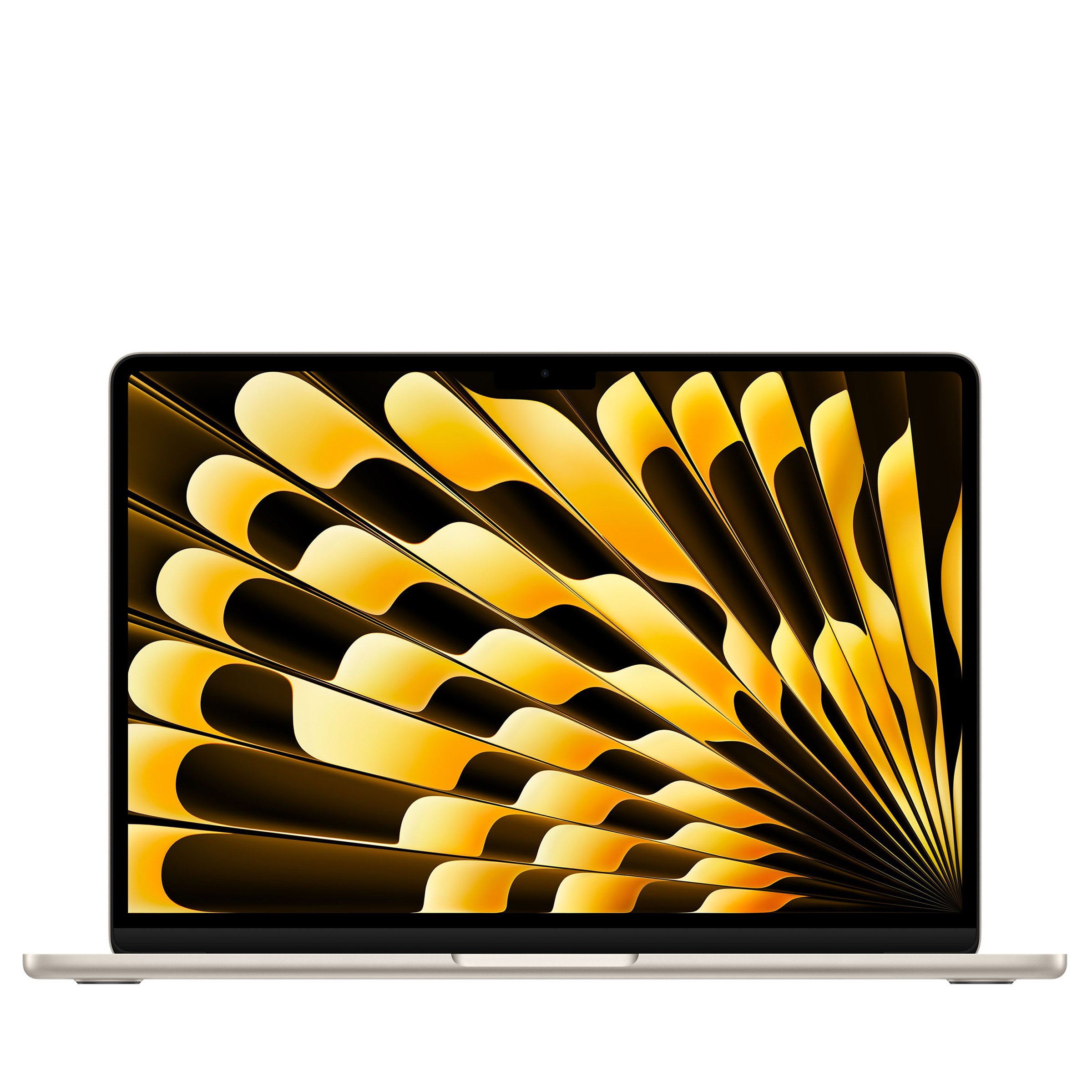

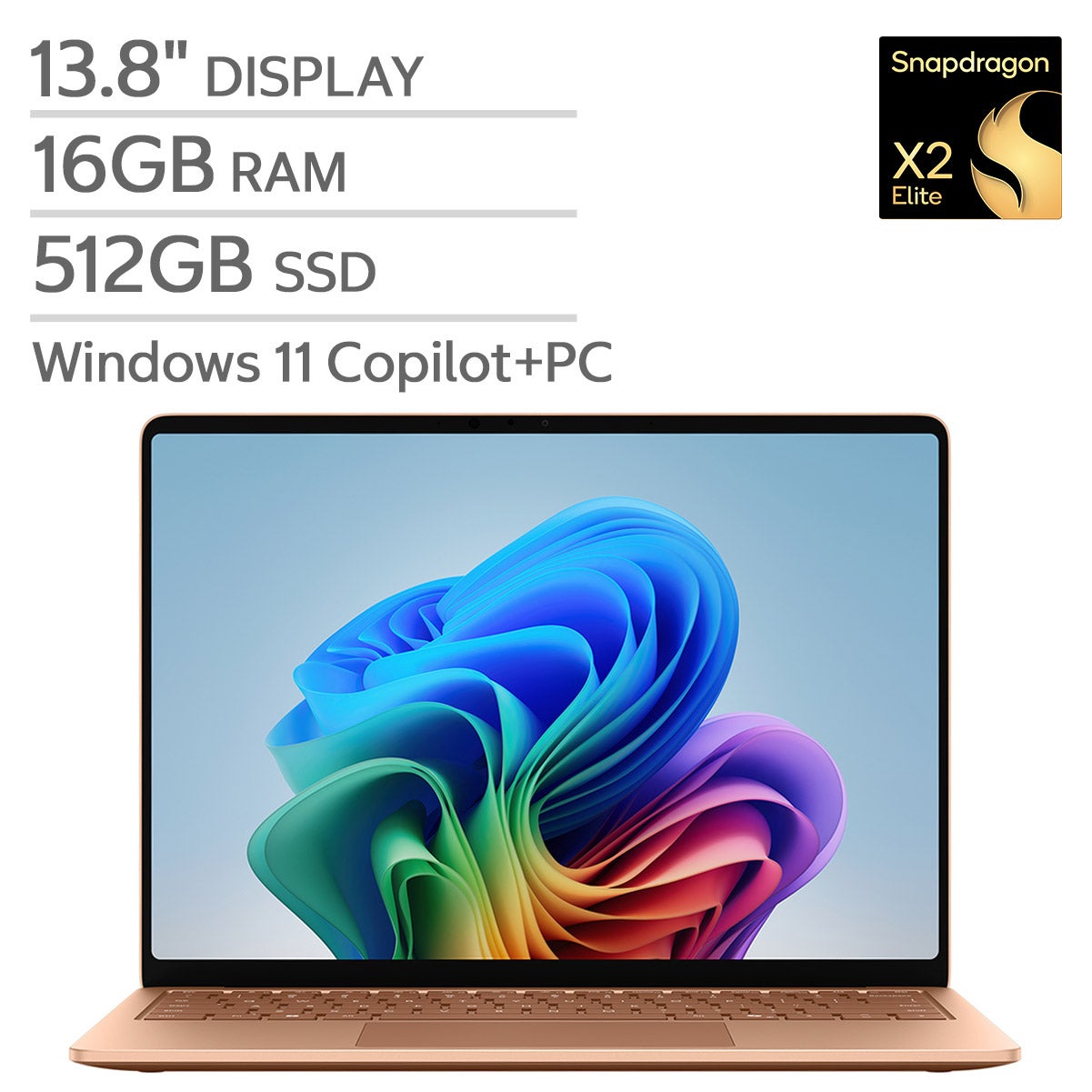
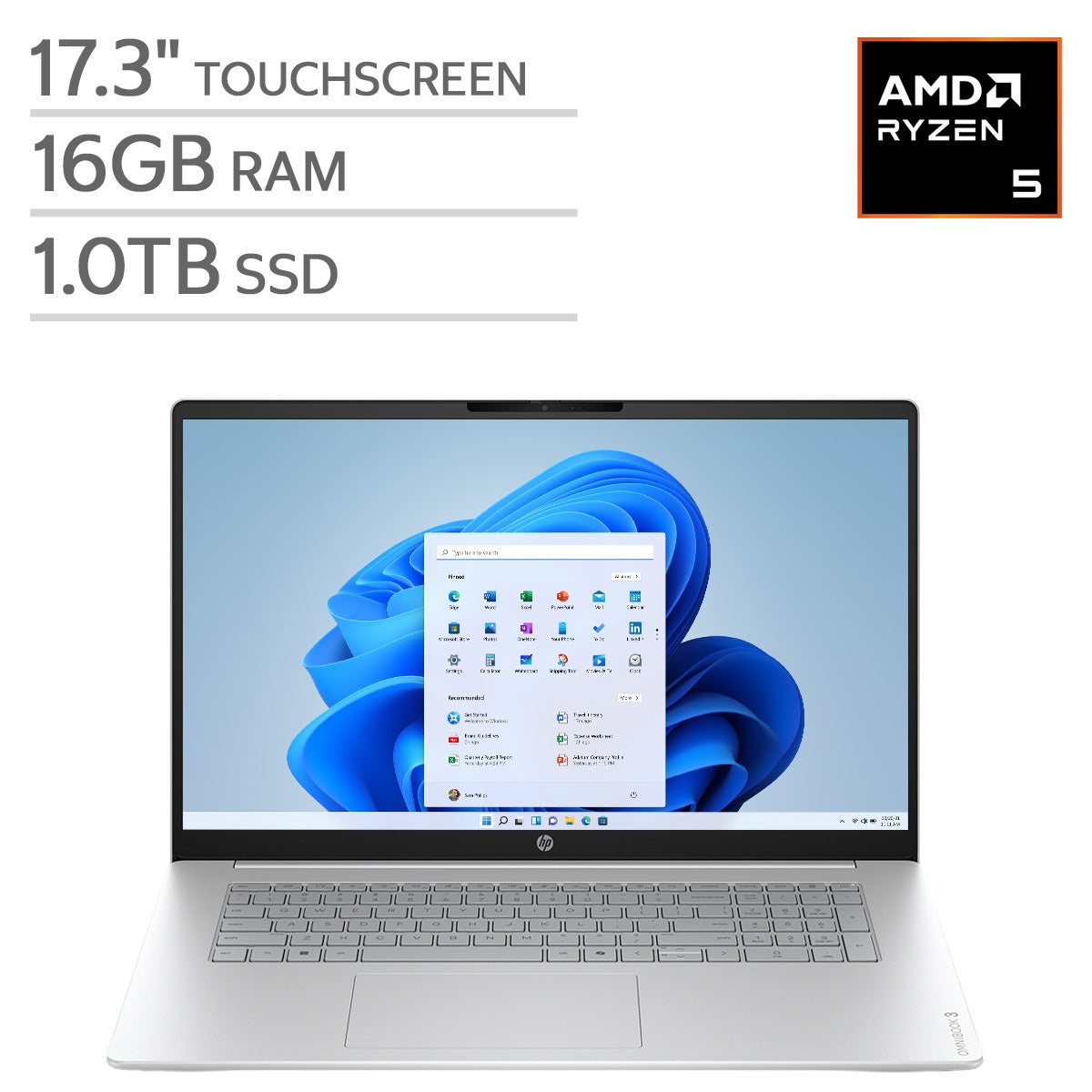
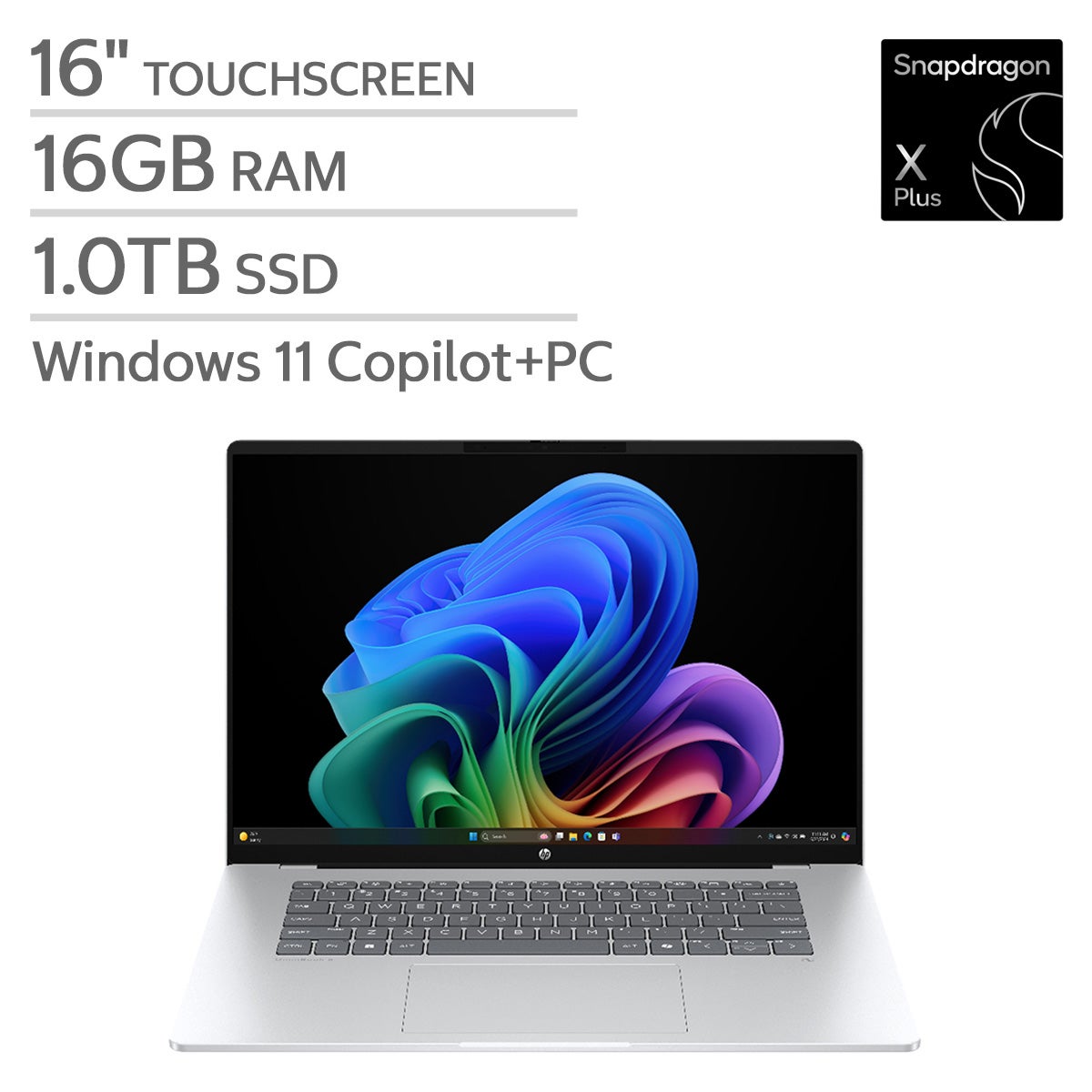
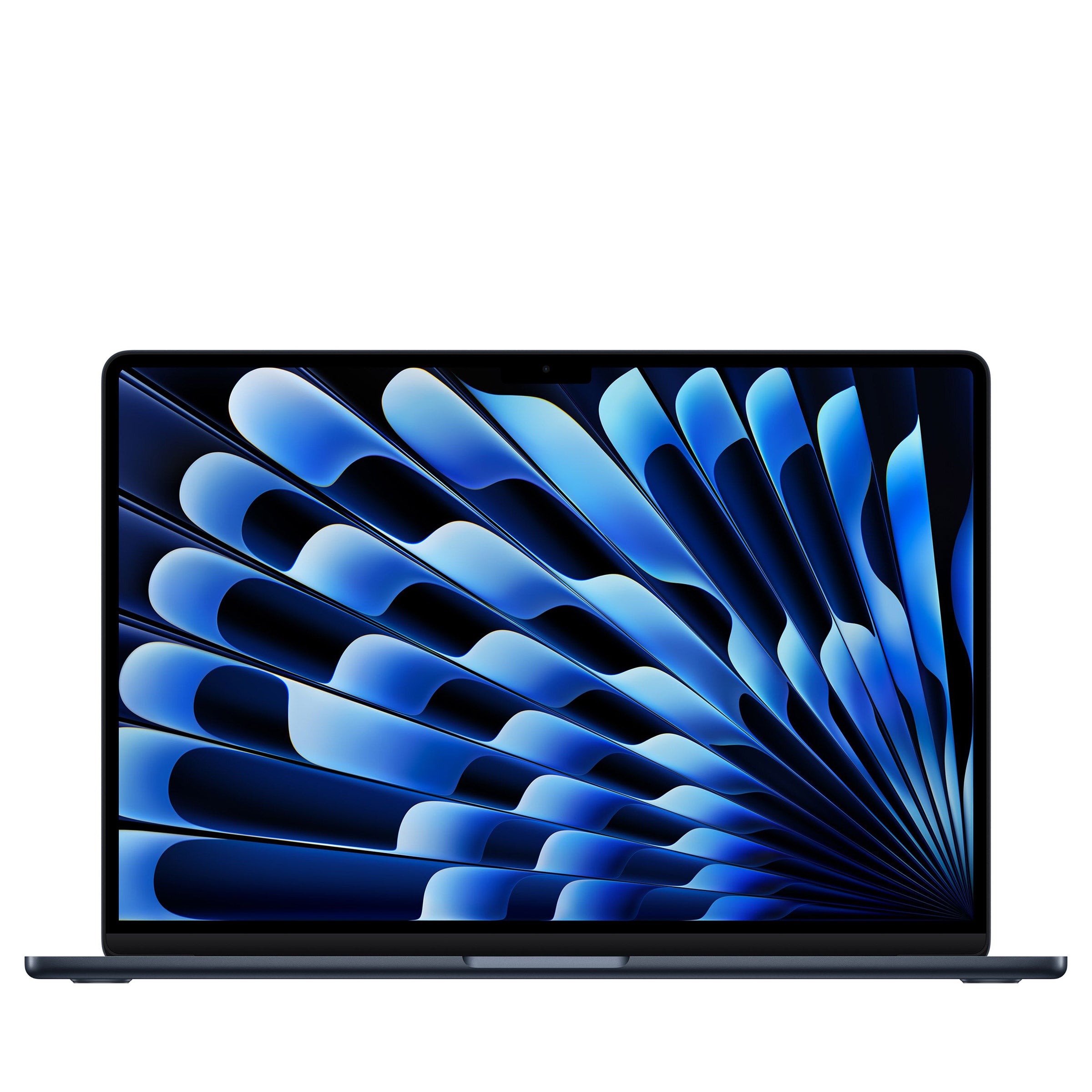
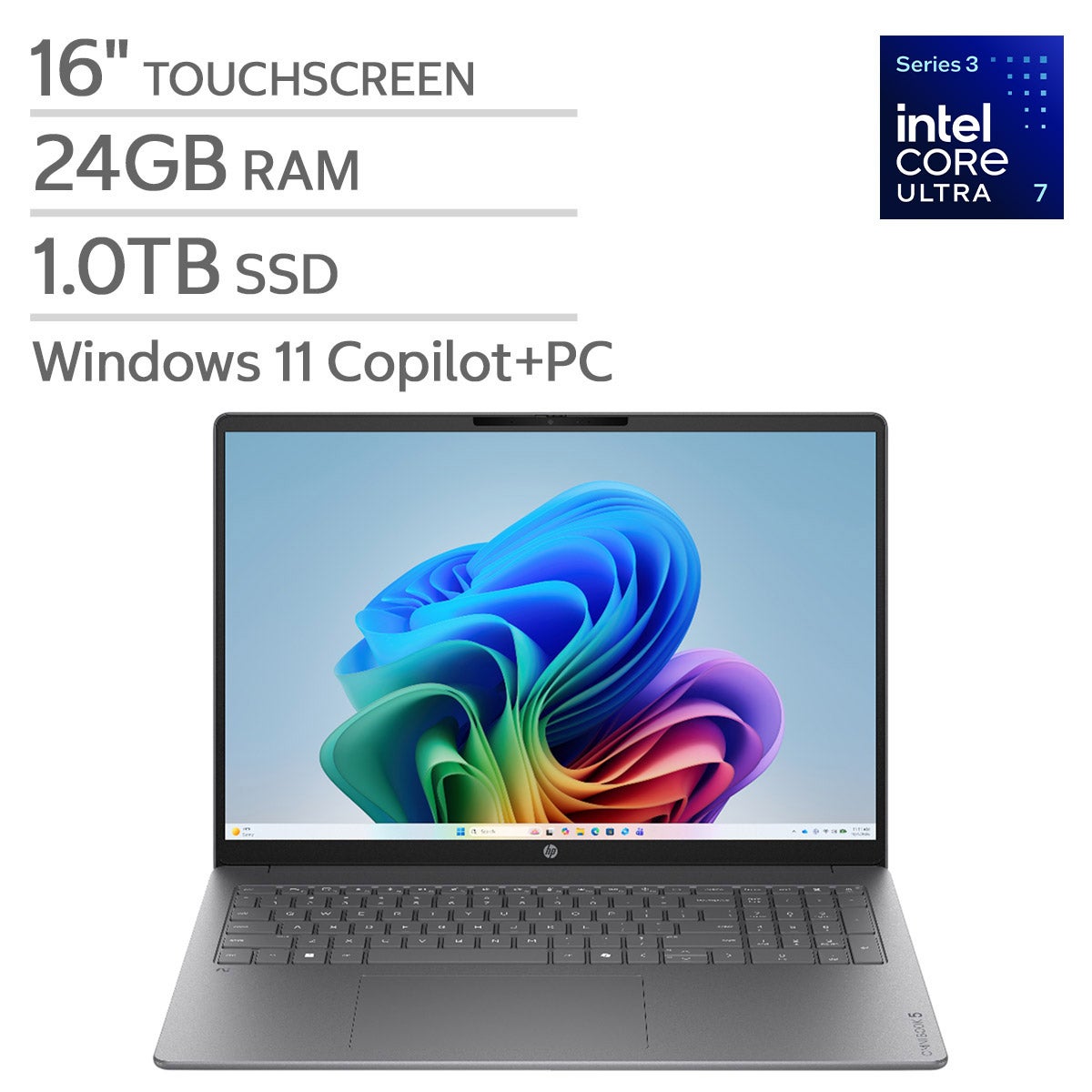
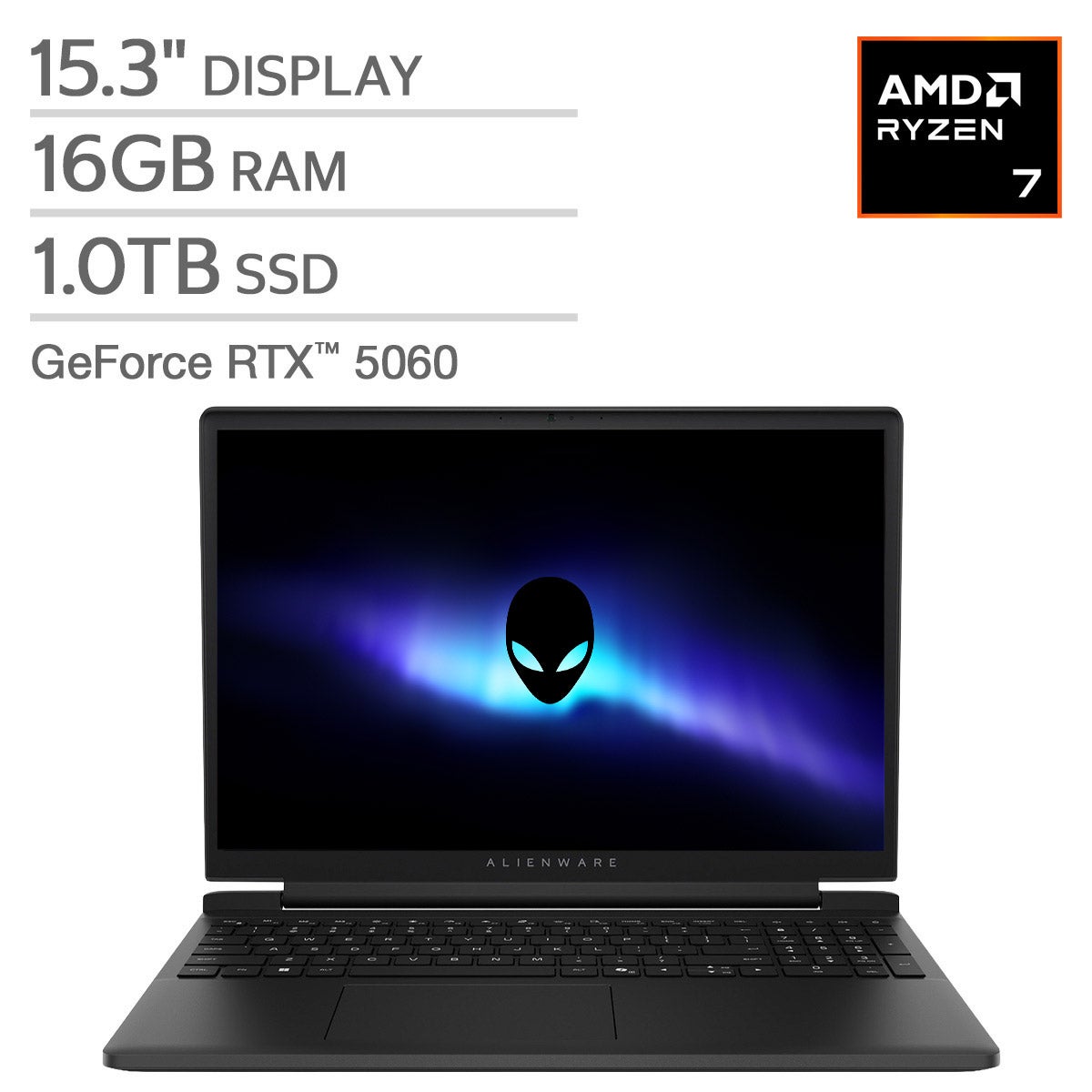
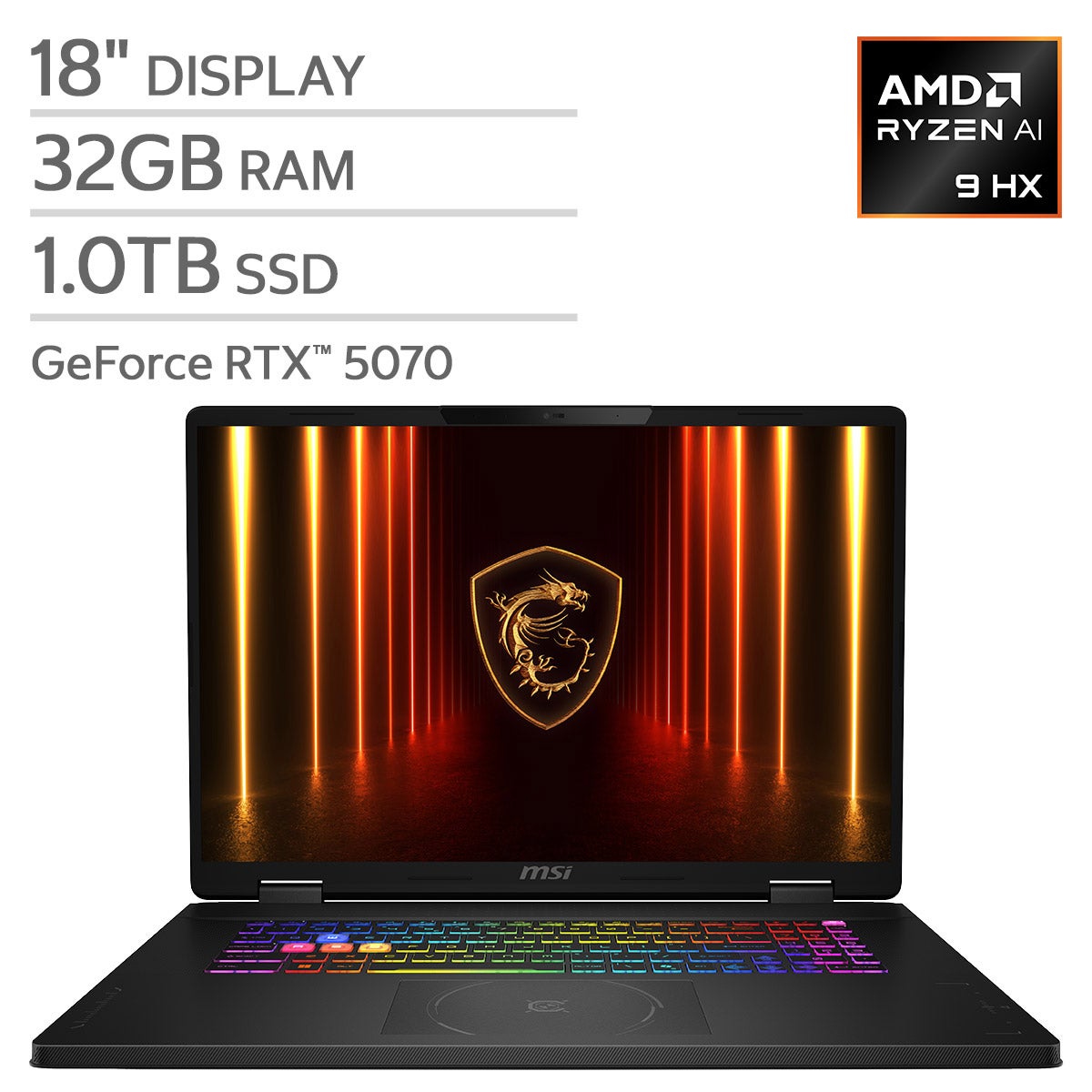
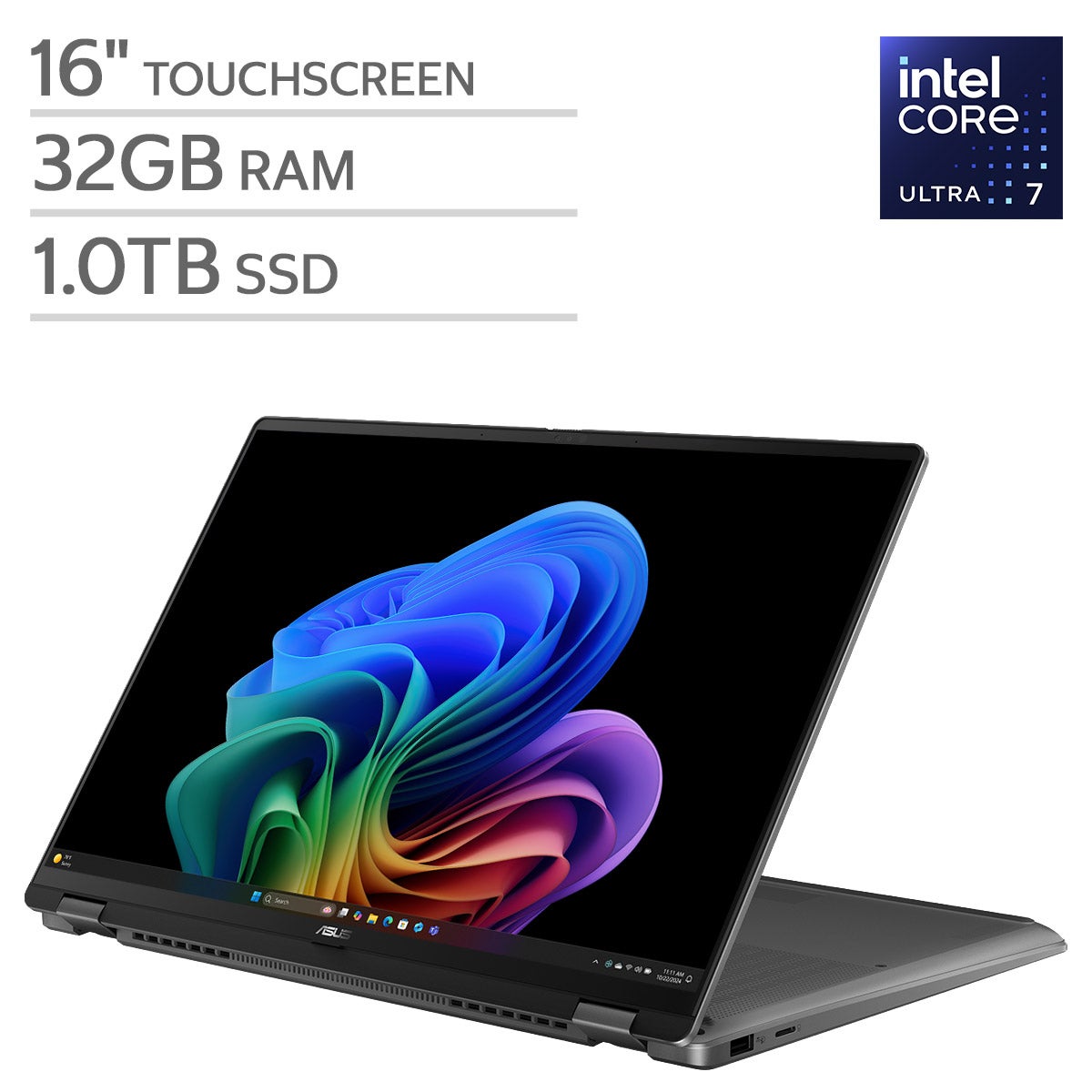
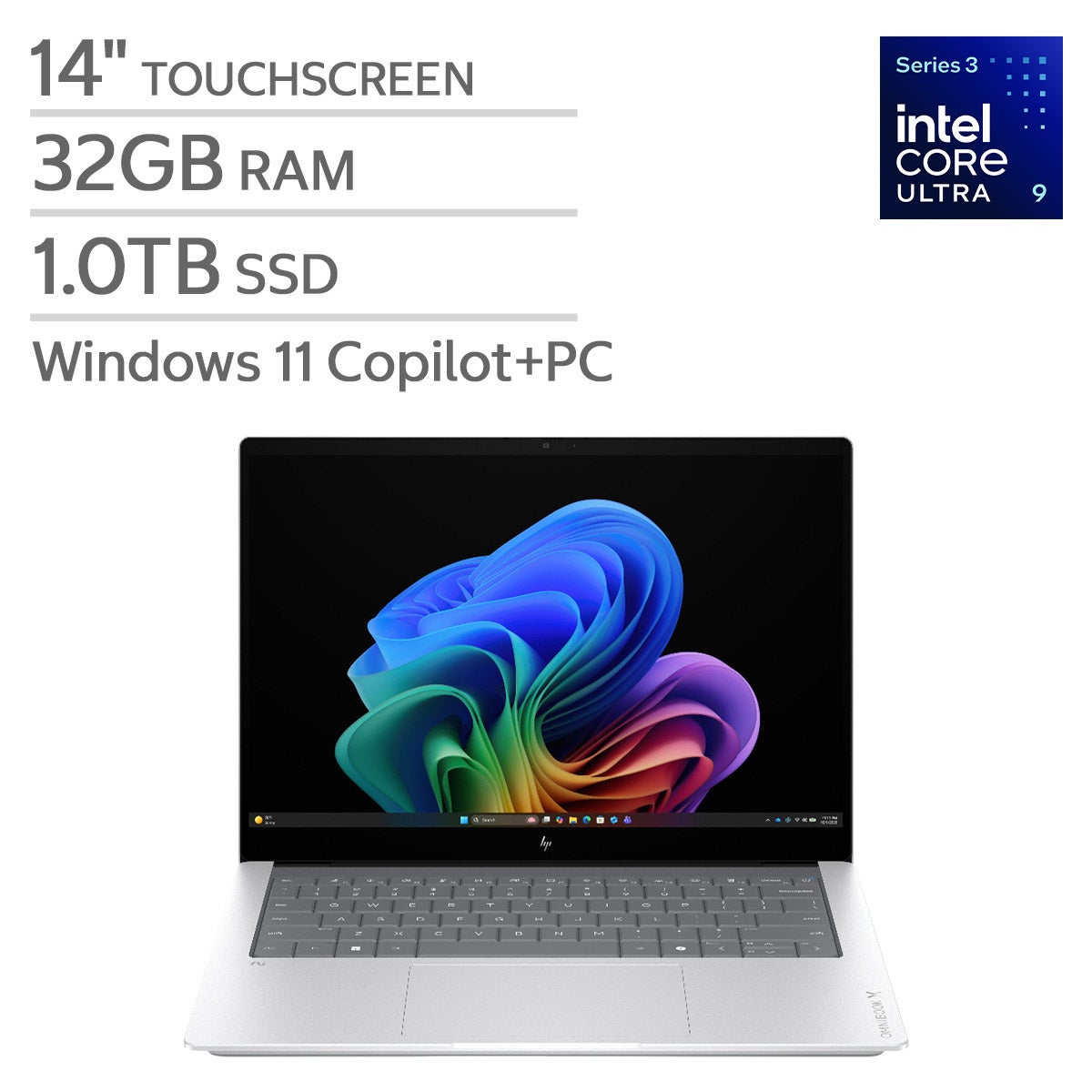
Top Rated Items

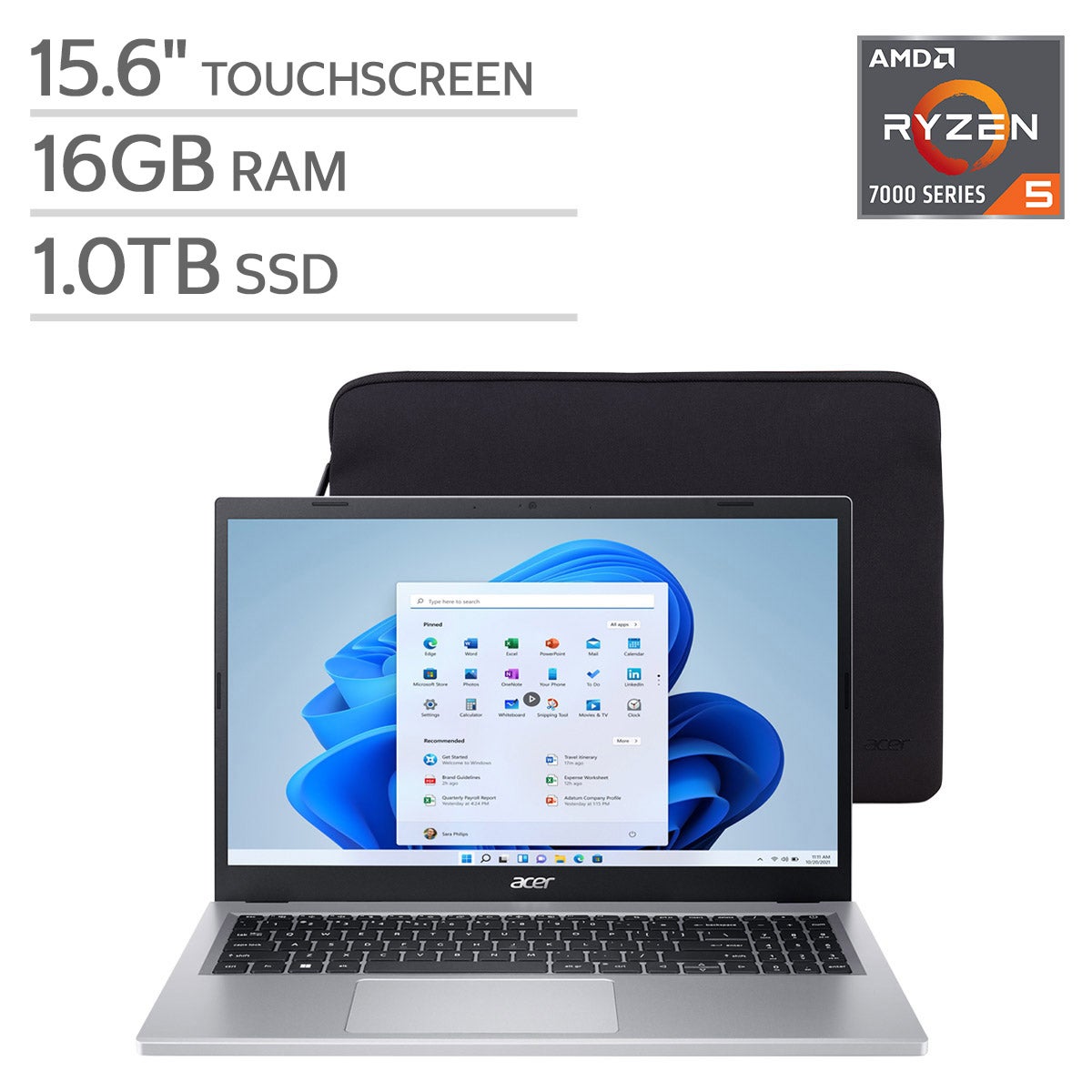
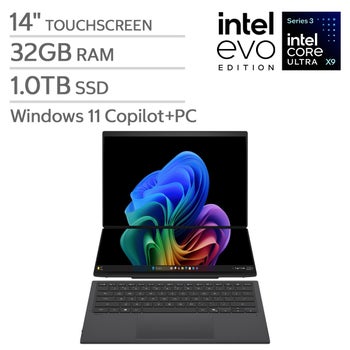
Laptops For Photo Editing And Gaming
FAQs
-
Look for a modern multicore processor, dedicated graphics, an SSD, and a display with accurate color reproduction. Check the recommended system requirements for your editing software and favorite games to help guide your choice.
-
The processor handles many editing tasks, file exports, and game calculations. A dedicated graphics card handles game visuals and supports GPU-accelerated features in compatible photo editing software. The balance between the two depends on the applications and games you use.
-
For photo editing, consider color accuracy, color gamut coverage, and calibration options. For gaming, refresh rate and adaptive sync support are useful considerations. Compare both sets of features when choosing a display for these activities.
-
An SSD is a useful choice for your operating system, editing applications, and games because it supports quick file access. External drives can provide a separate place for photo archives and backups. Check the laptop's connection types if you plan to use external storage.
-
An SD card reader can simplify transferring photos from compatible cameras. USB ports connect accessories such as a mouse, keyboard, or external drive, while HDMI or a USB-C port with video support can connect an external monitor. Check each port's specifications, since not every USB-C port supports the same features.