



Computers For Photo Editing
Explore computers for photo editing at Costco and compare options for organizing image libraries and working with editing software. Consider processor performance, RAM, storage capacity, and display resolution to find a computer that fits your workflow, whether you’re making quick adjustments or editing large RAW files.
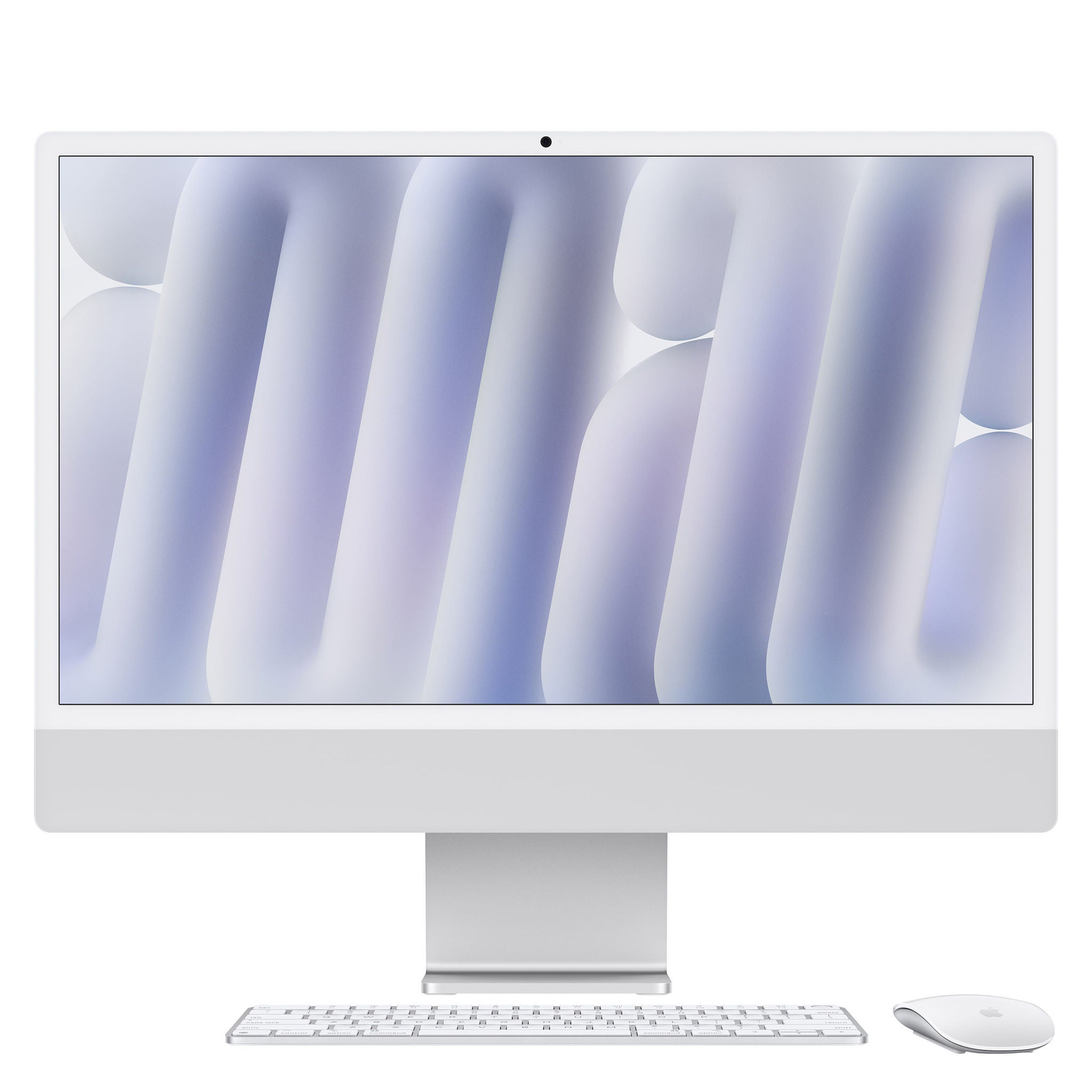
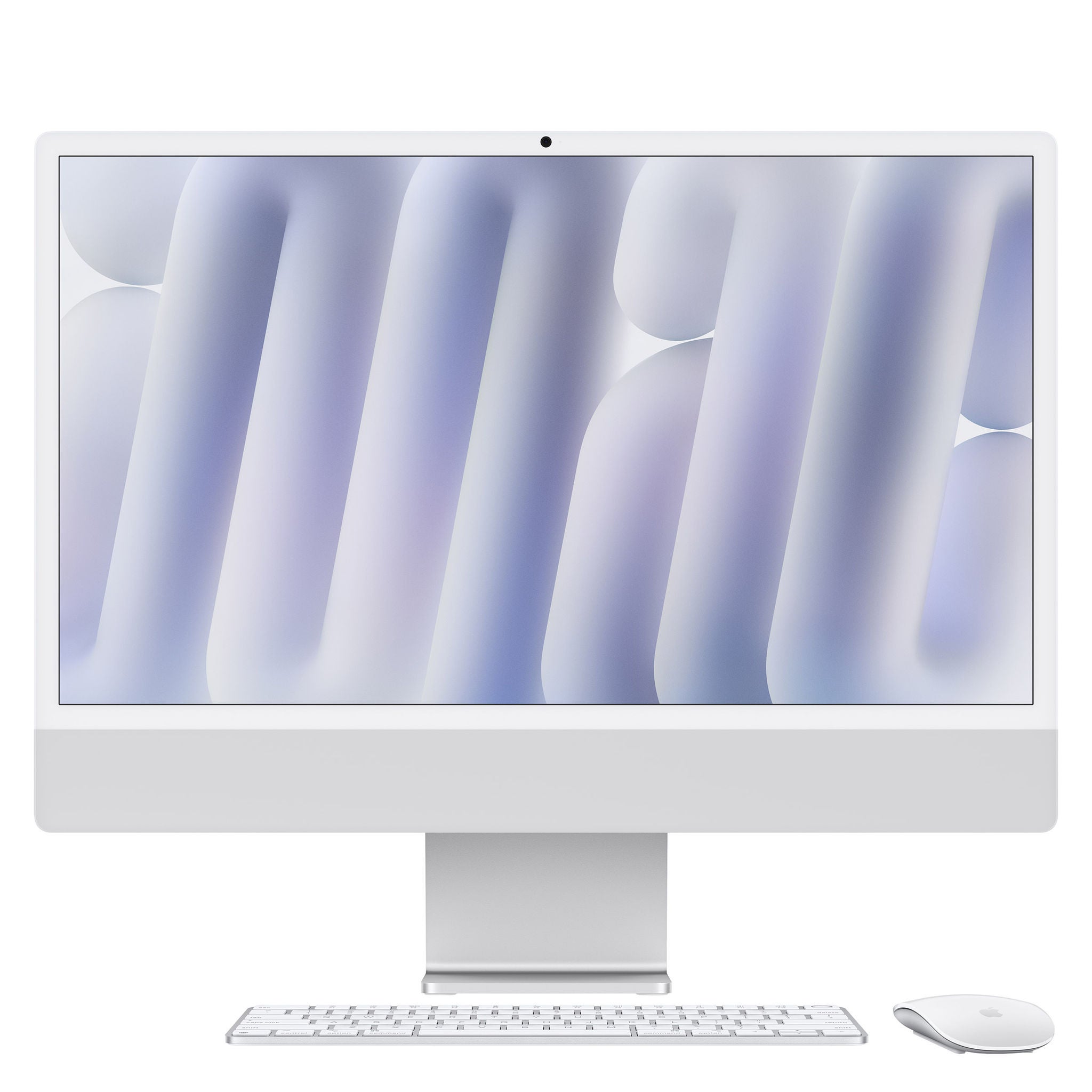
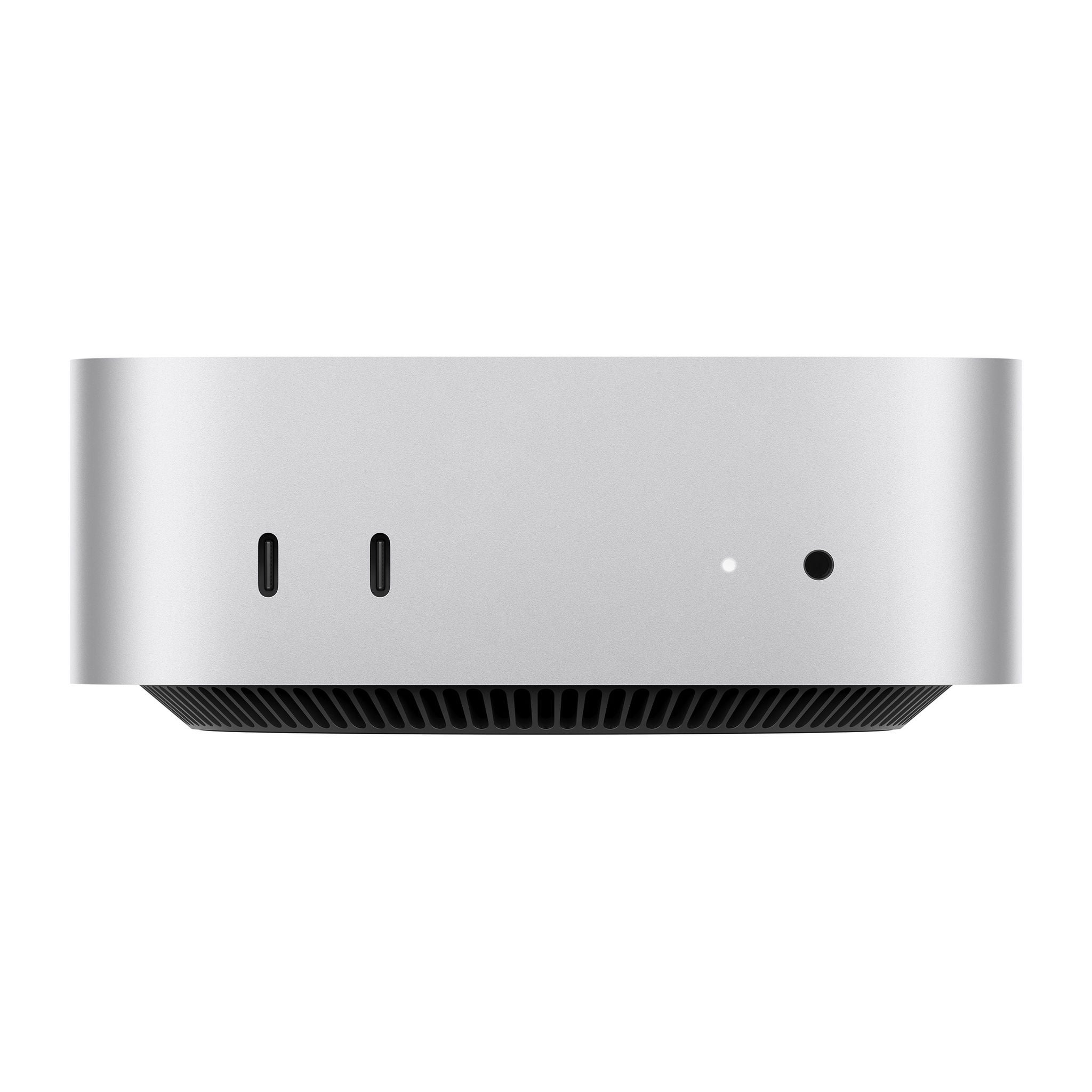
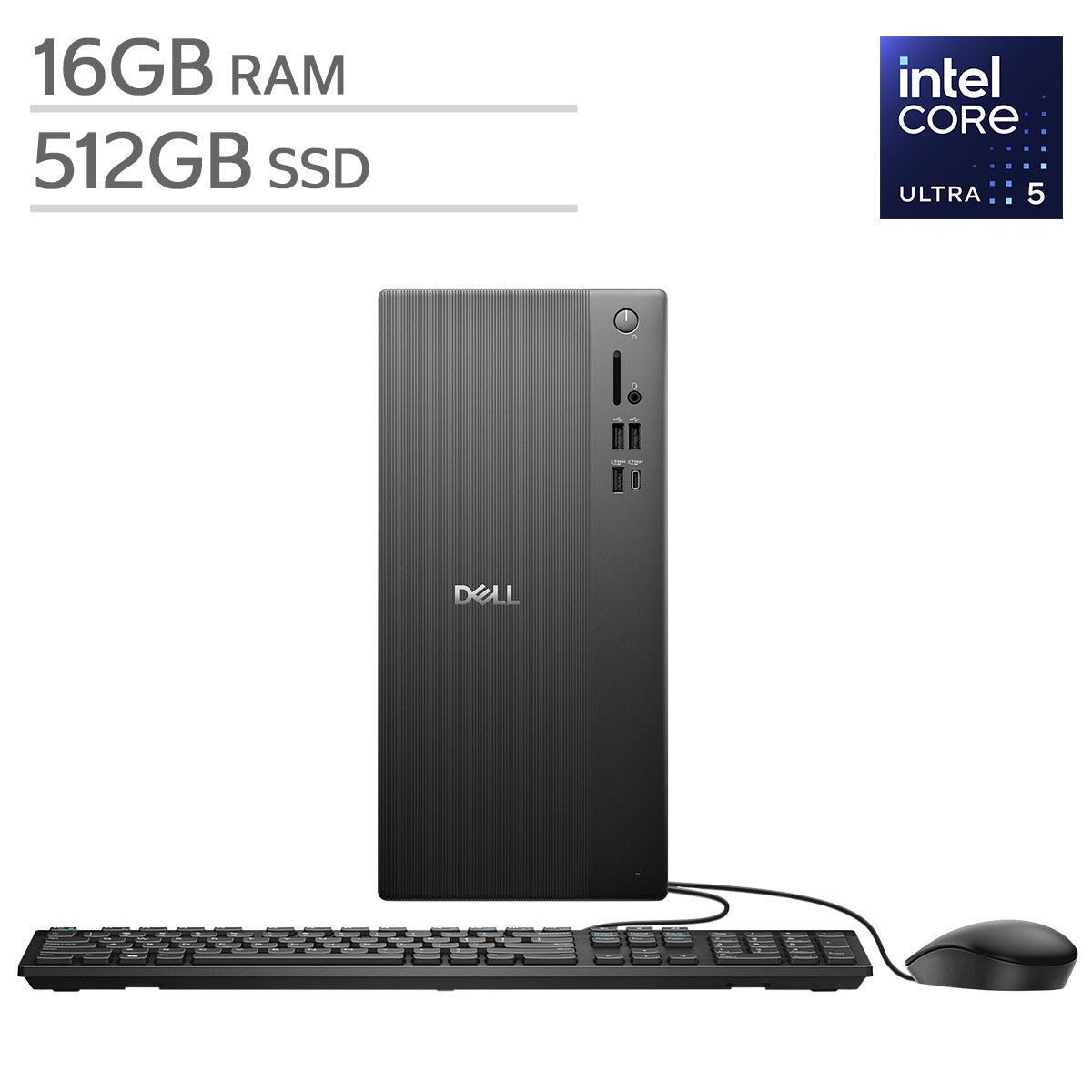
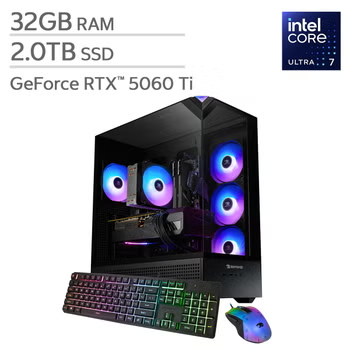
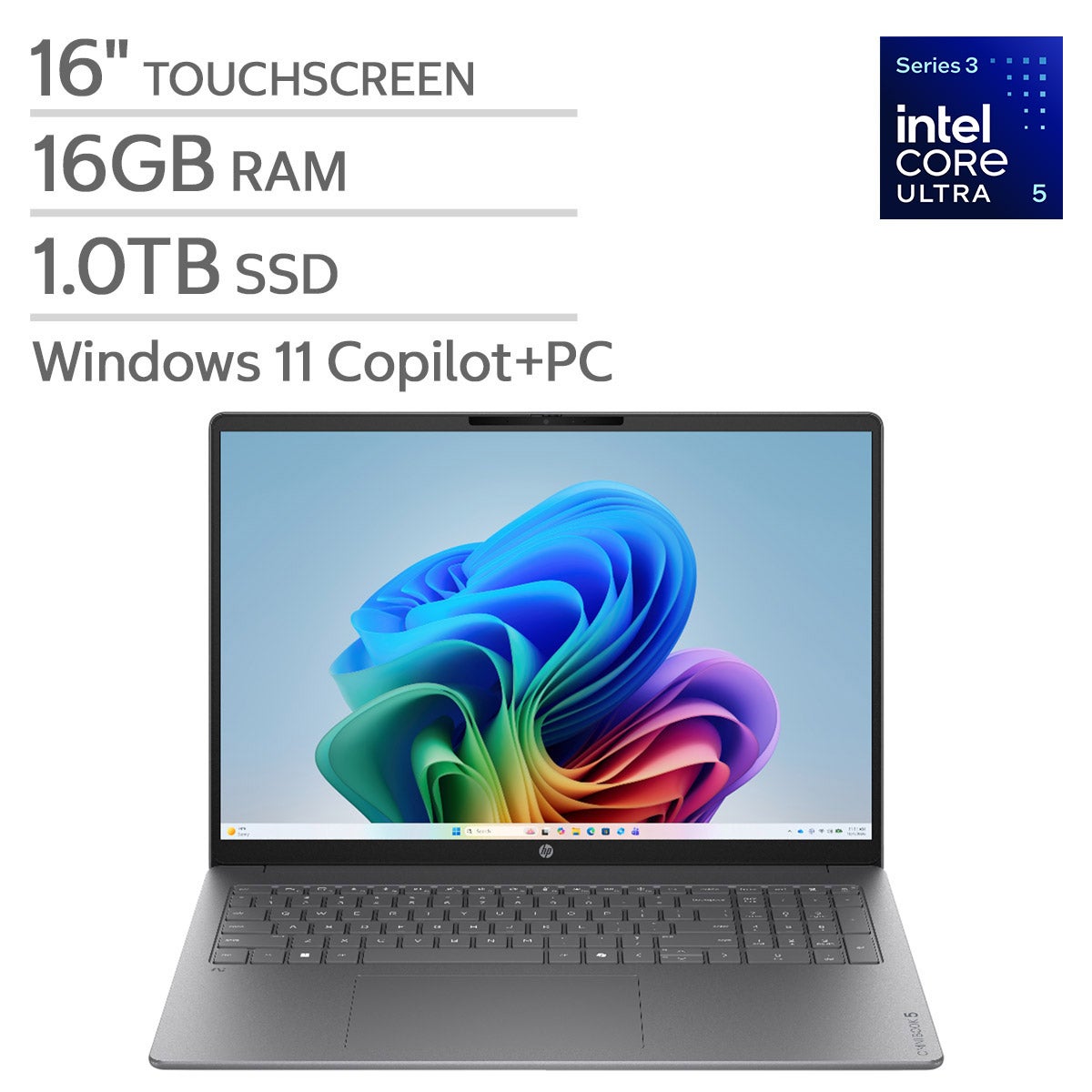
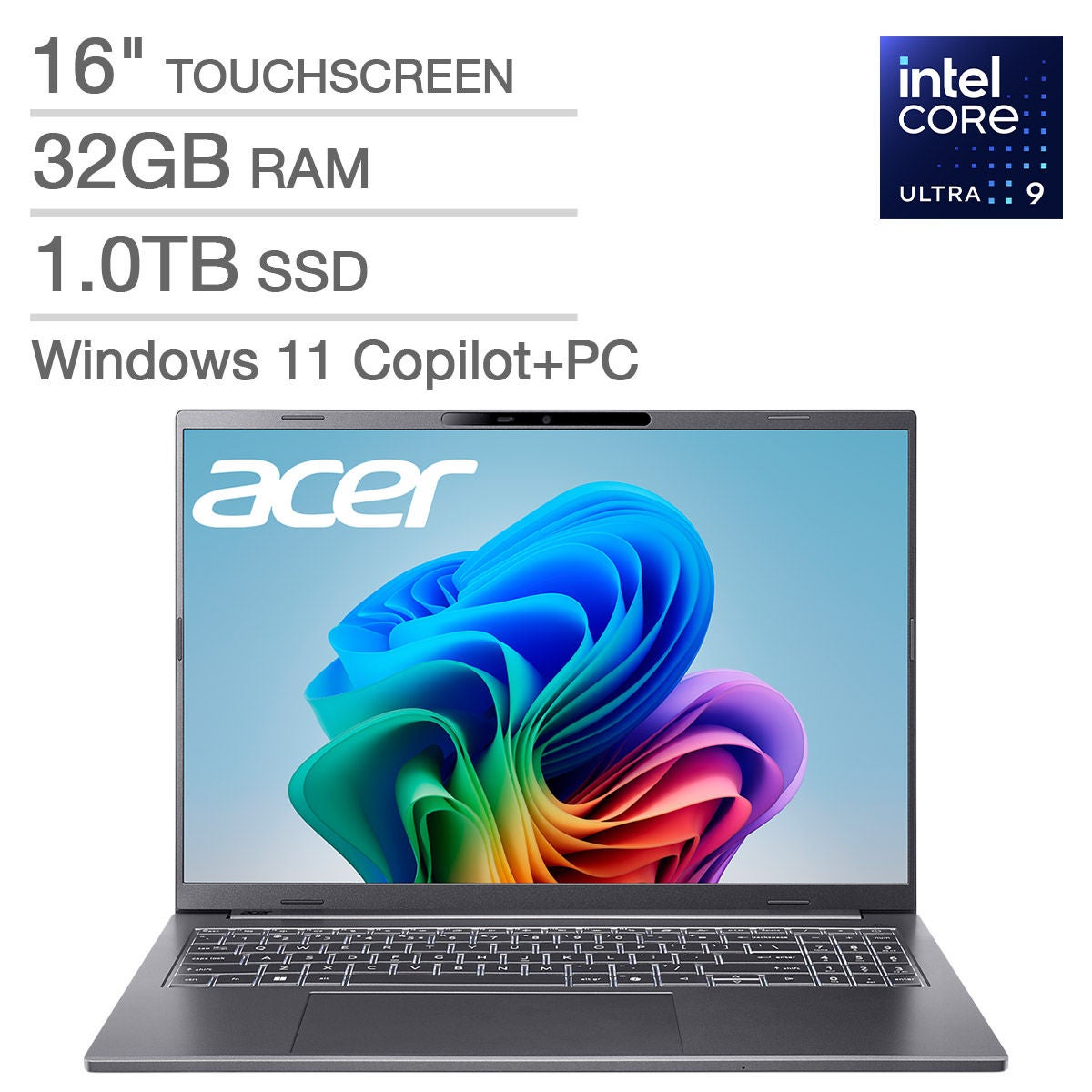
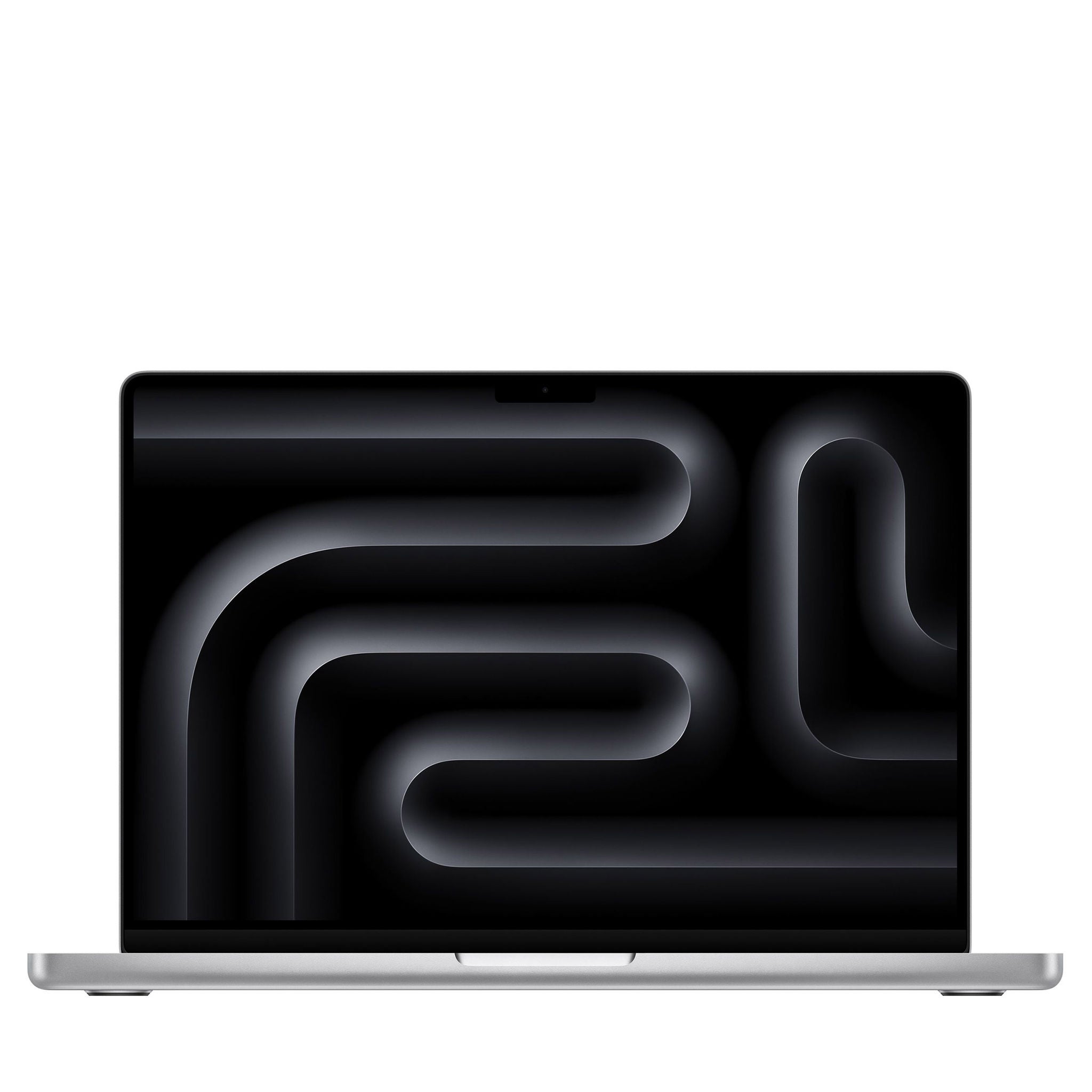

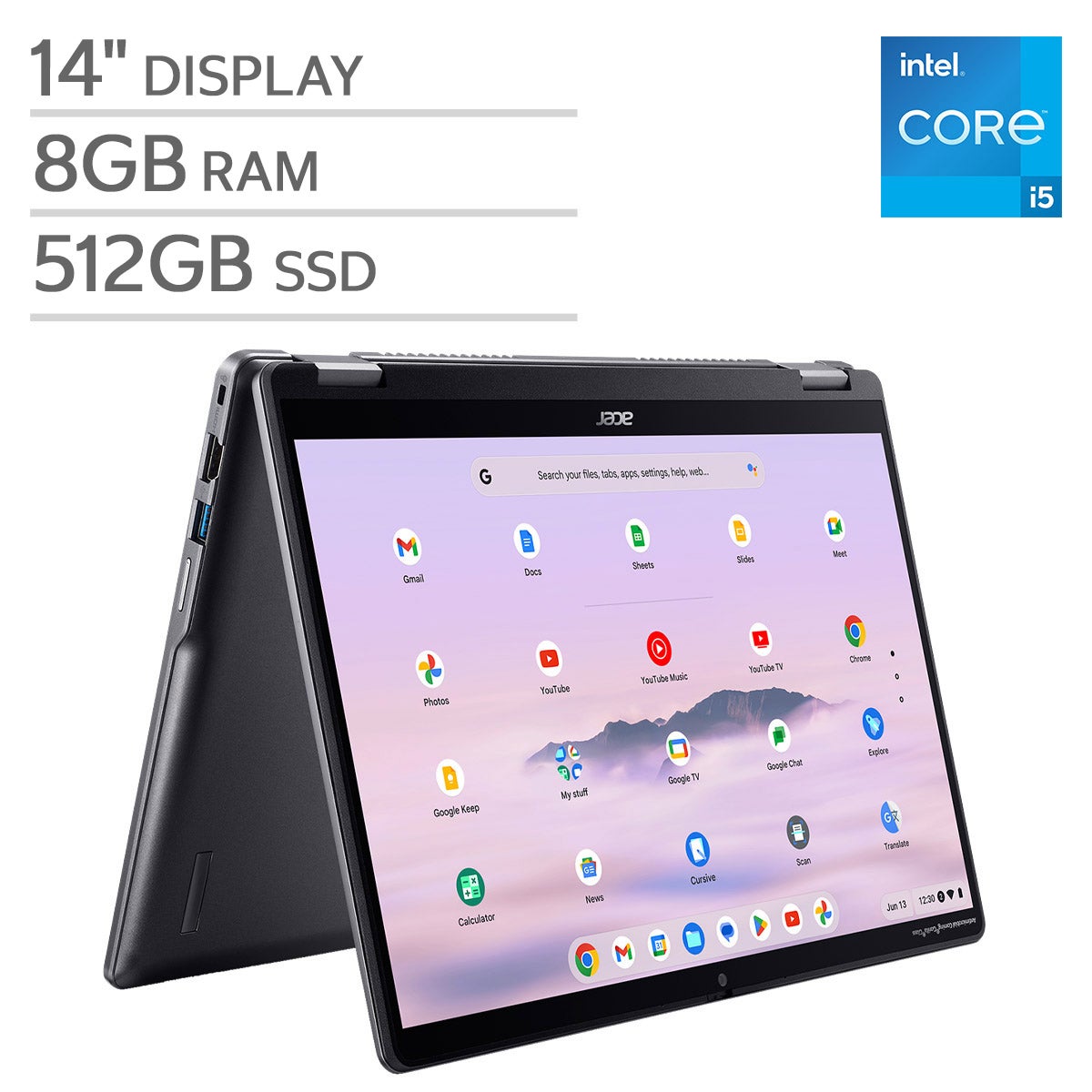
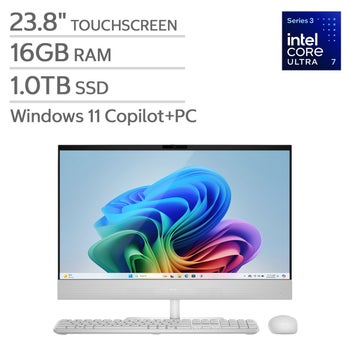
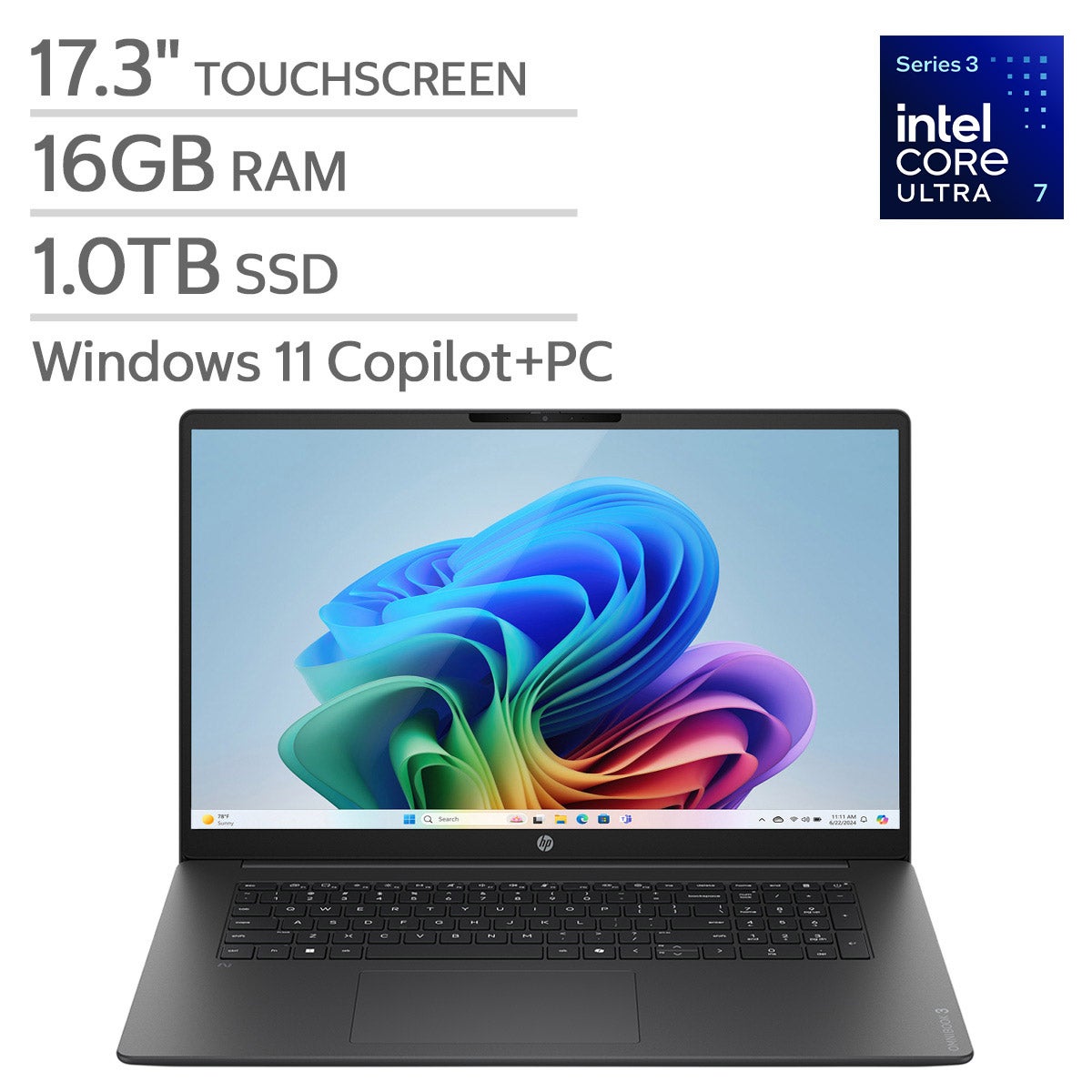
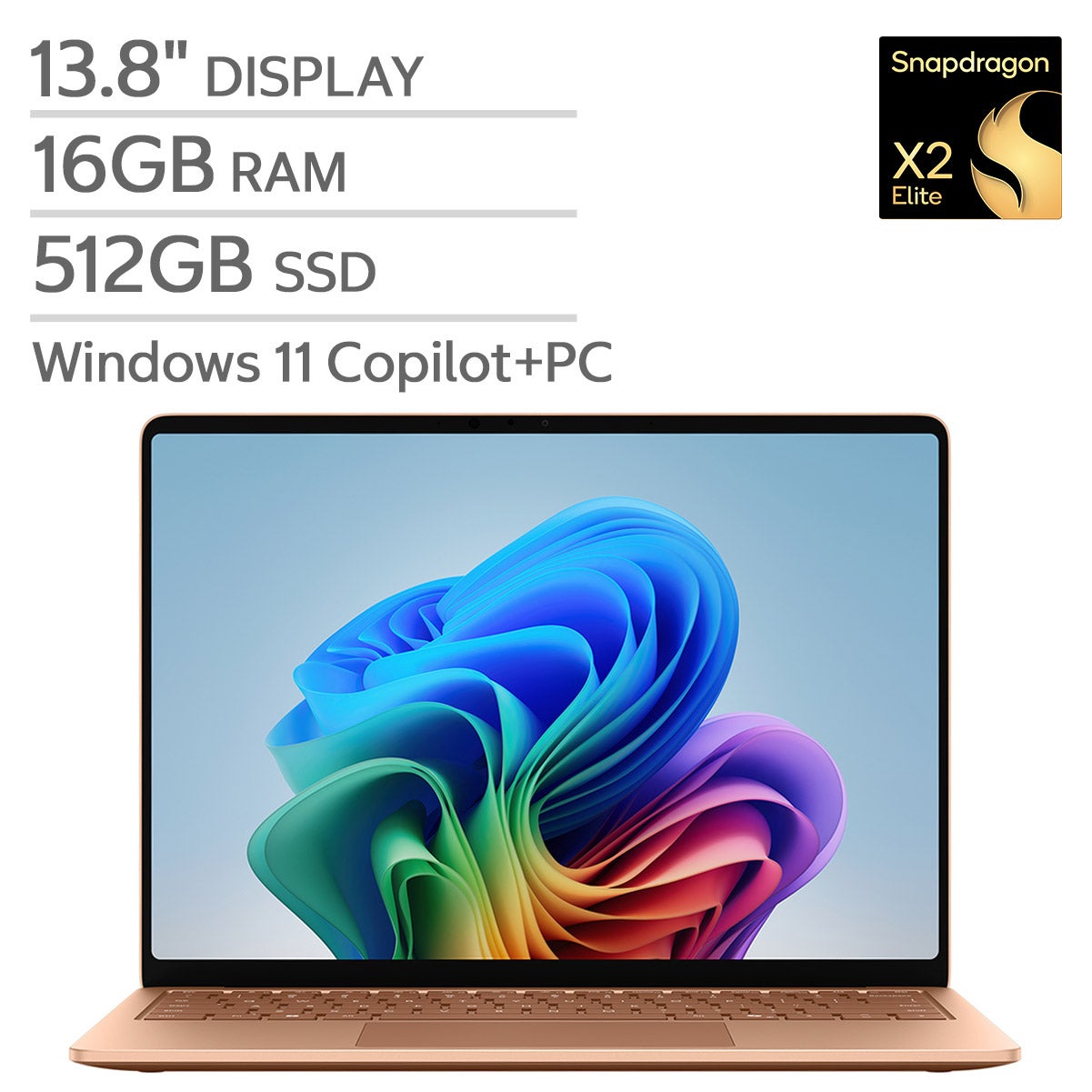

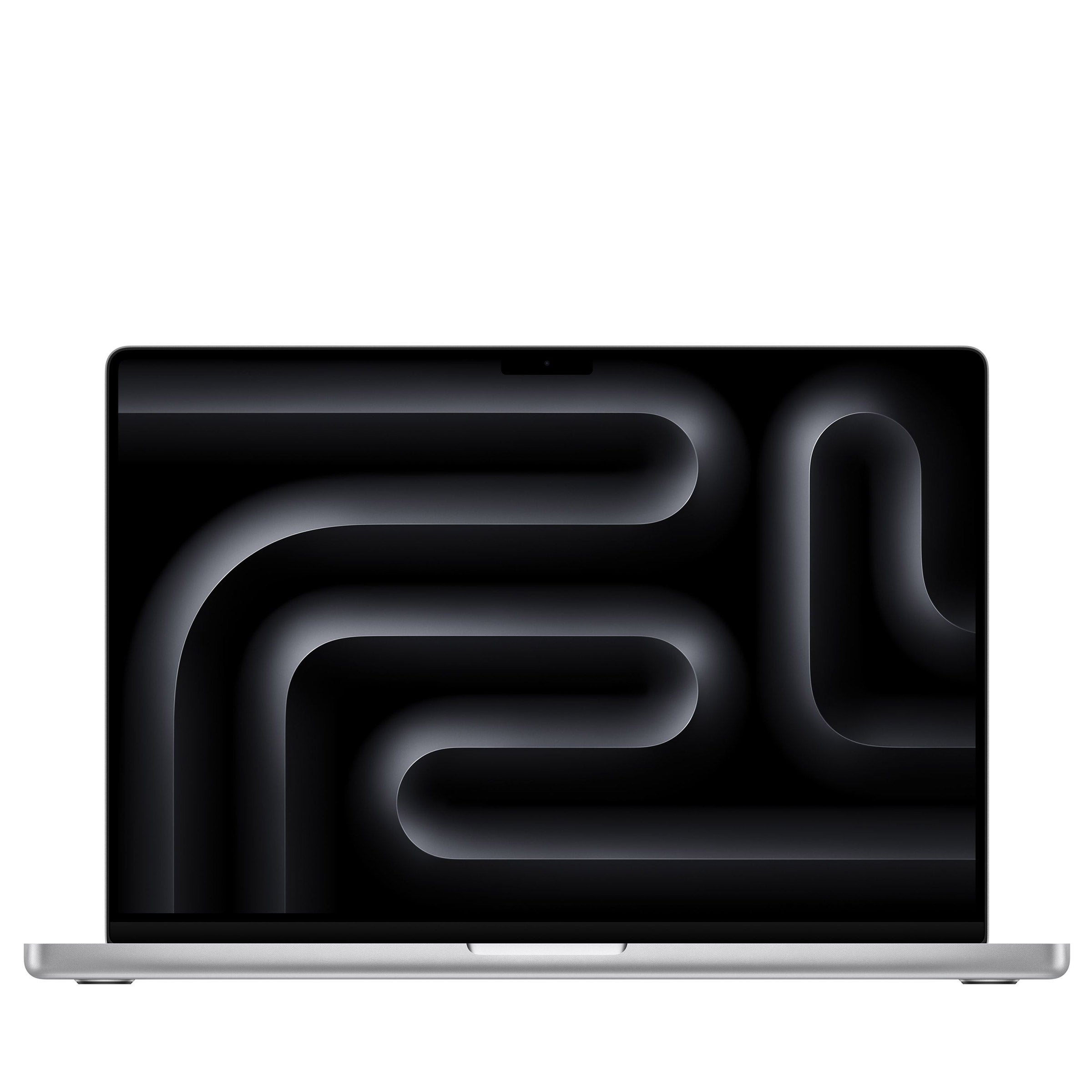
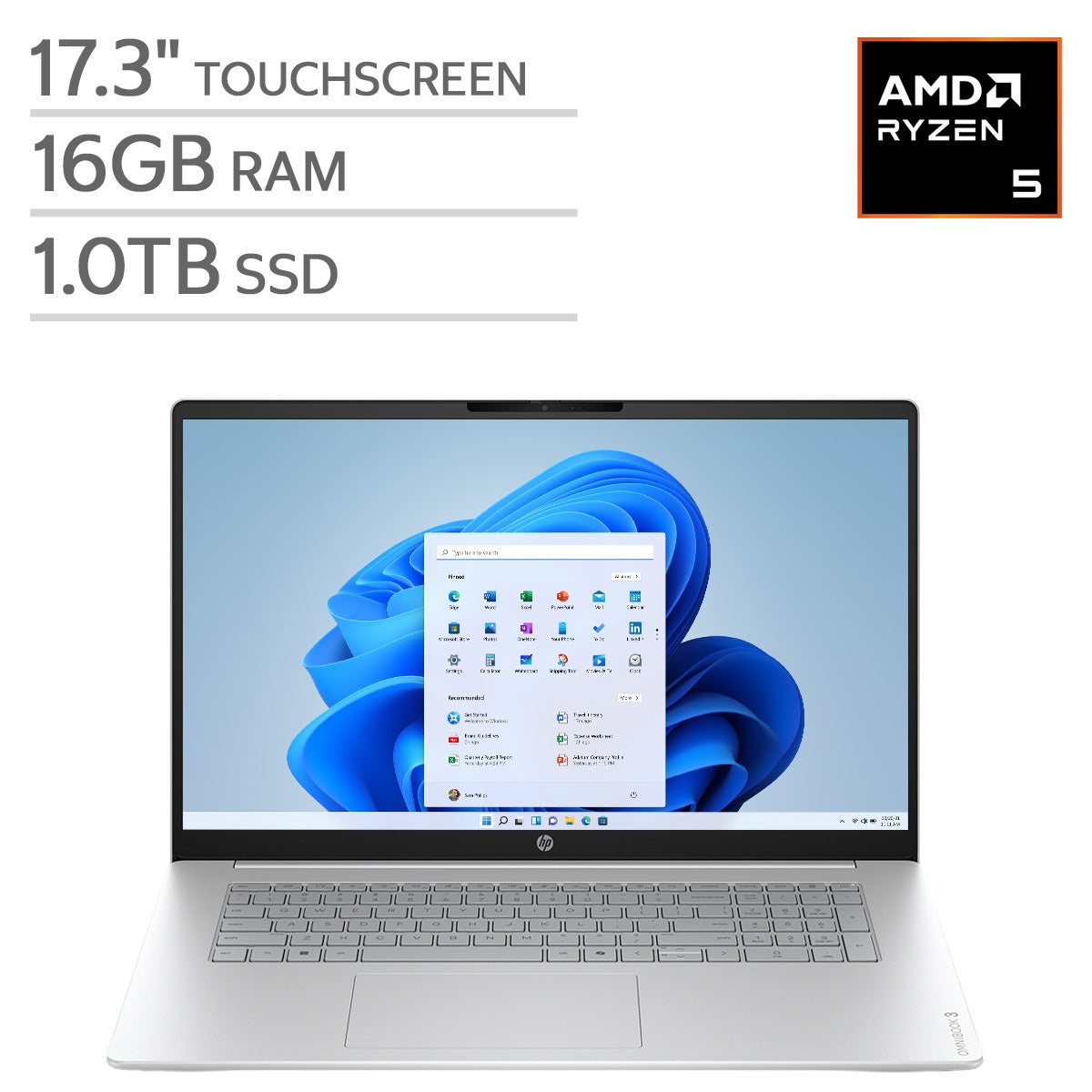
Top Rated Items

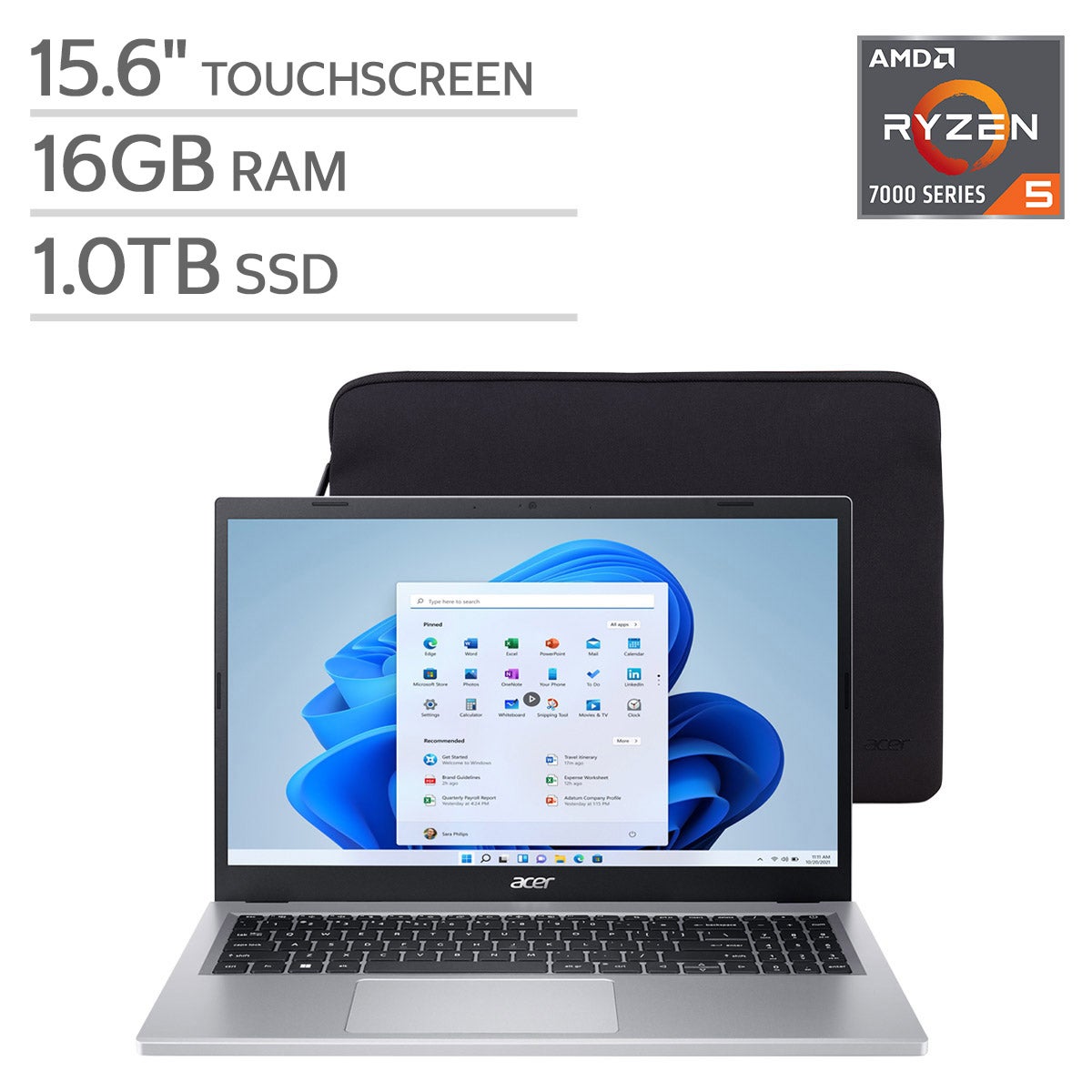
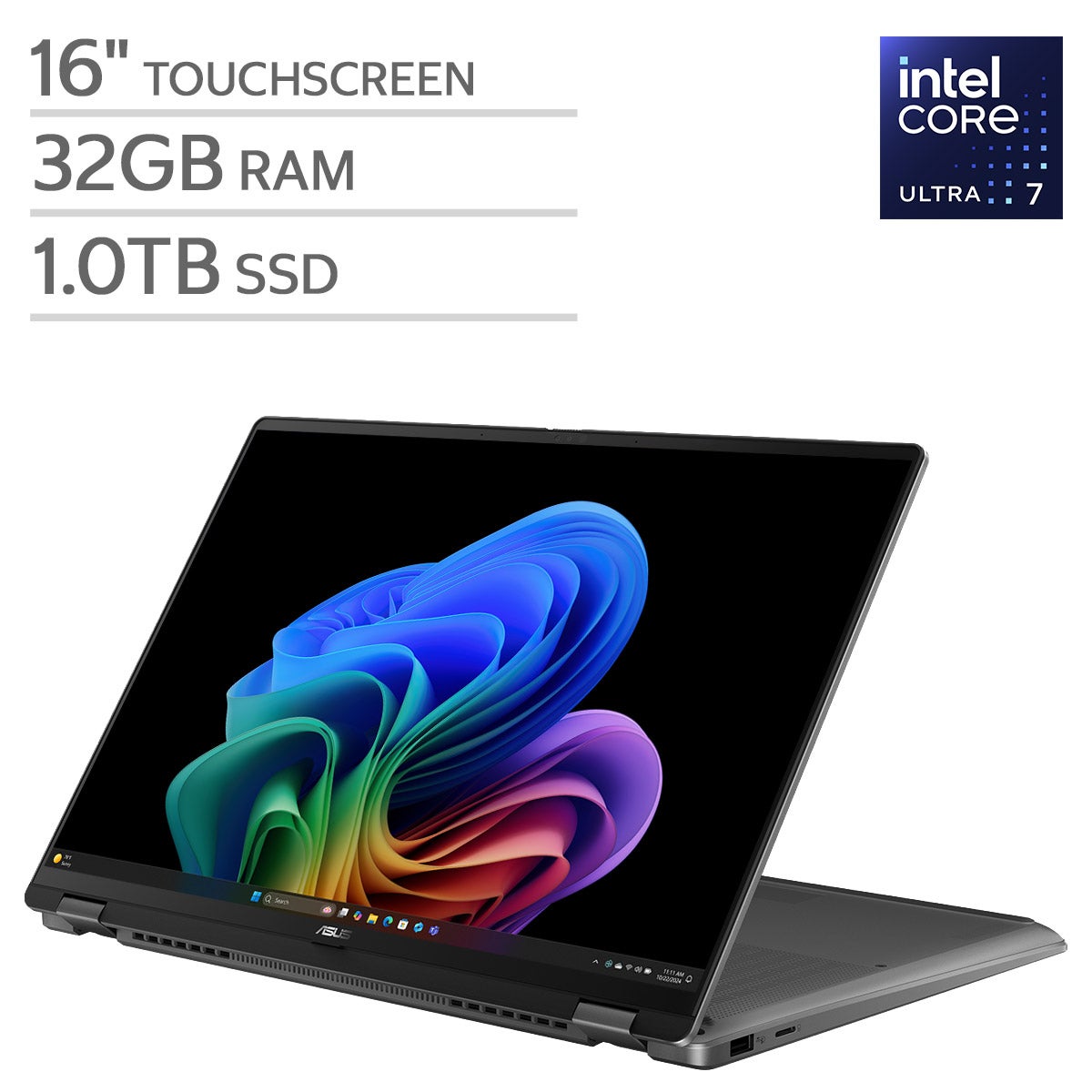

Computers For Photo Editing
FAQs
-
Compare your editing software's system requirements with the computer's operating system, processor, memory, and graphics specifications. Also check compatibility with any plug-ins, camera RAW formats, and accessories you use in your workflow.
-
sRGB and Adobe RGB are color spaces used in photography. sRGB is commonly used for web images, while Adobe RGB includes a broader range of colors and is used in some print workflows. Compare a display's stated color-space coverage with the requirements of your intended output.
-
Solid-state drives, or SSDs, use flash memory, while hard drives store data on spinning disks. SSDs generally provide faster access to applications, photo libraries, and working files. Either type can serve as a separate archive or backup drive.
-
Check for connections that match your camera, card reader, external drives, and display. USB-A, USB-C, Thunderbolt, HDMI, and DisplayPort are common options. Connector shape alone does not establish compatibility, so review the supported data and video standards as well.
-
Common options include external drives, network-attached storage, and cloud backup services. Keep separate copies of original photos, editing catalogs, and exported images. Automated backups can simplify the routine, and an additional copy stored elsewhere adds another layer of protection against data loss.