



Work From Home Computer Equipment
Find work from home computer equipment to build or update your home office setup. Explore options with your daily tasks, available desk space, and existing devices in mind, and compare specifications and connectivity to find equipment that fits the way you work.

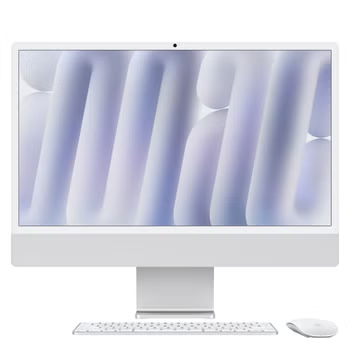
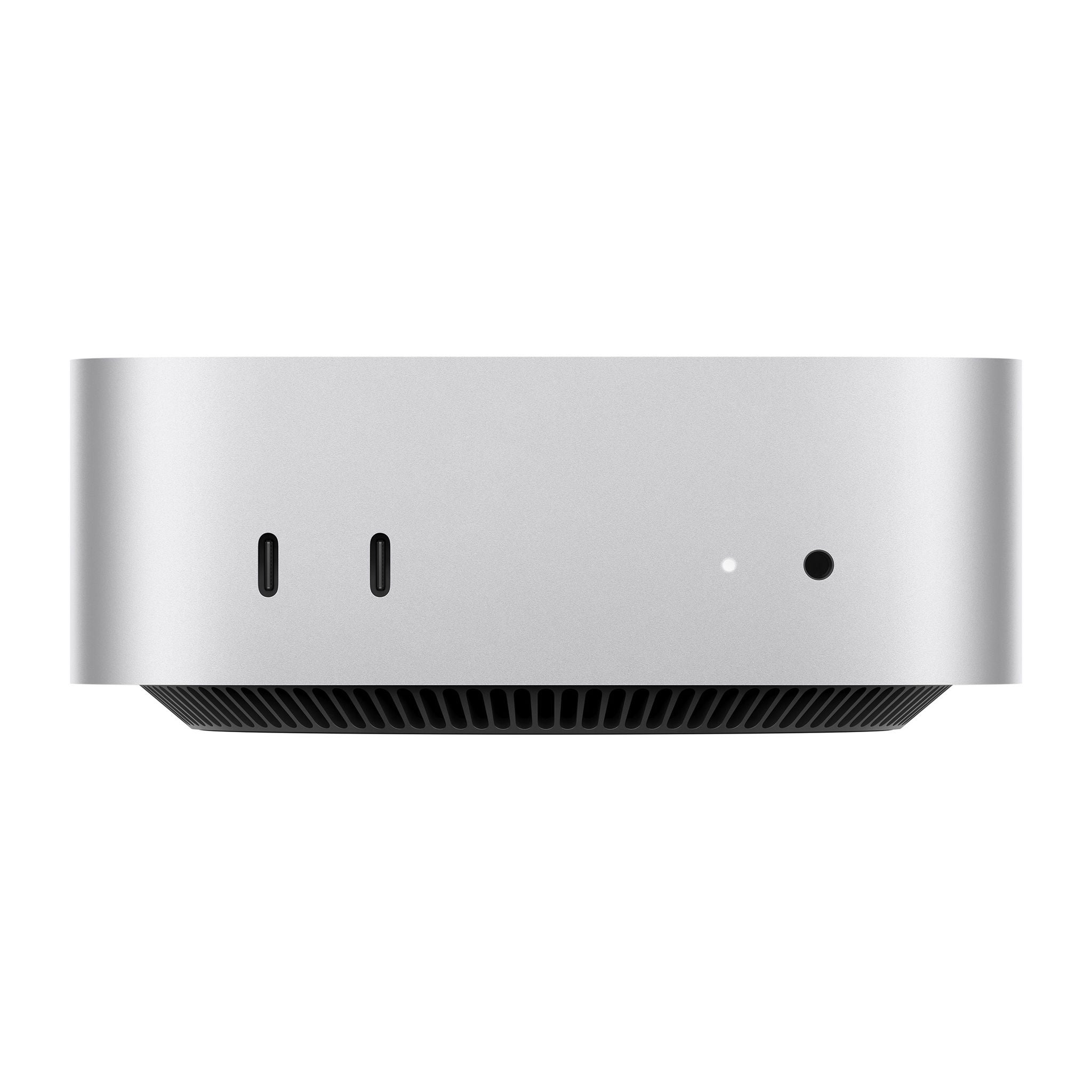
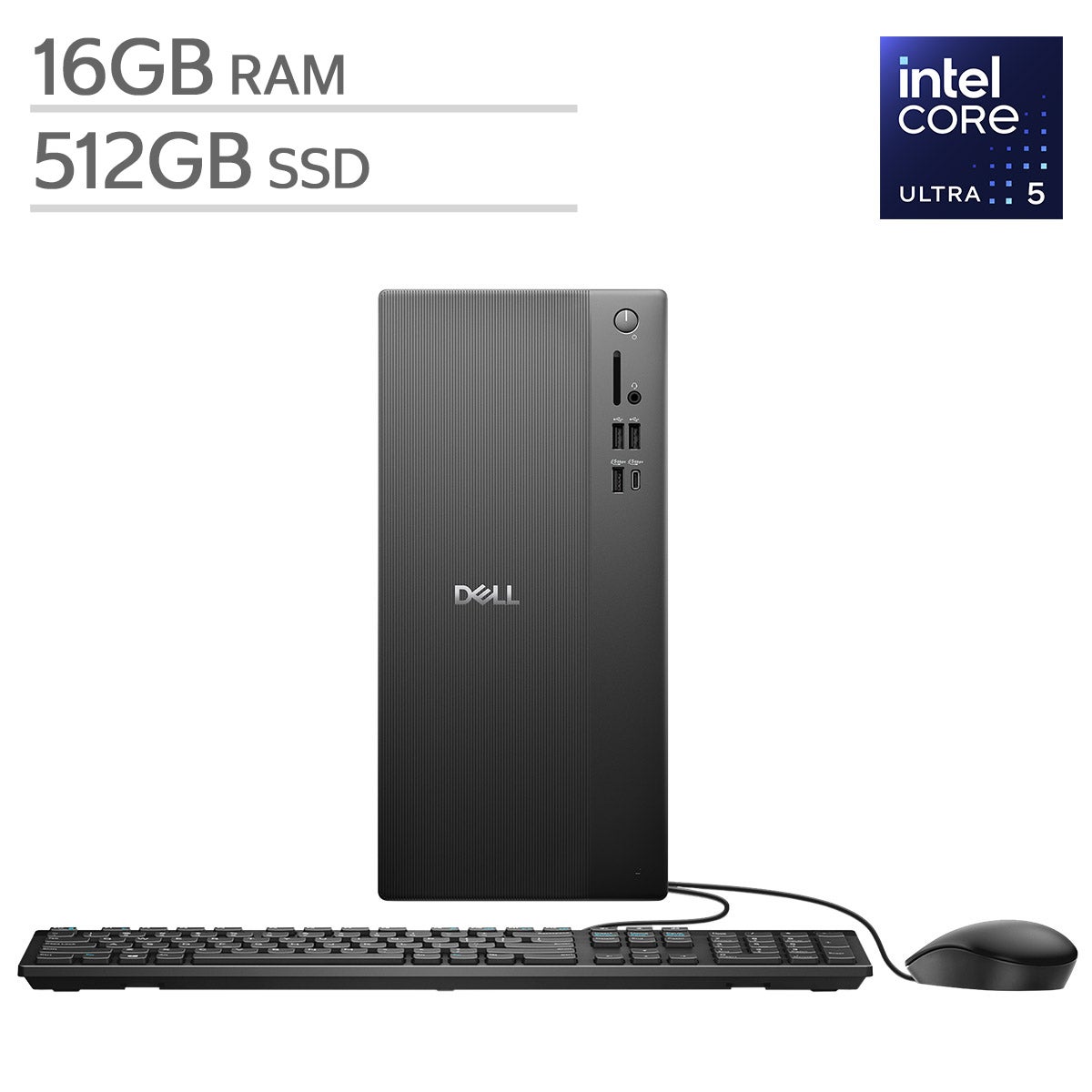
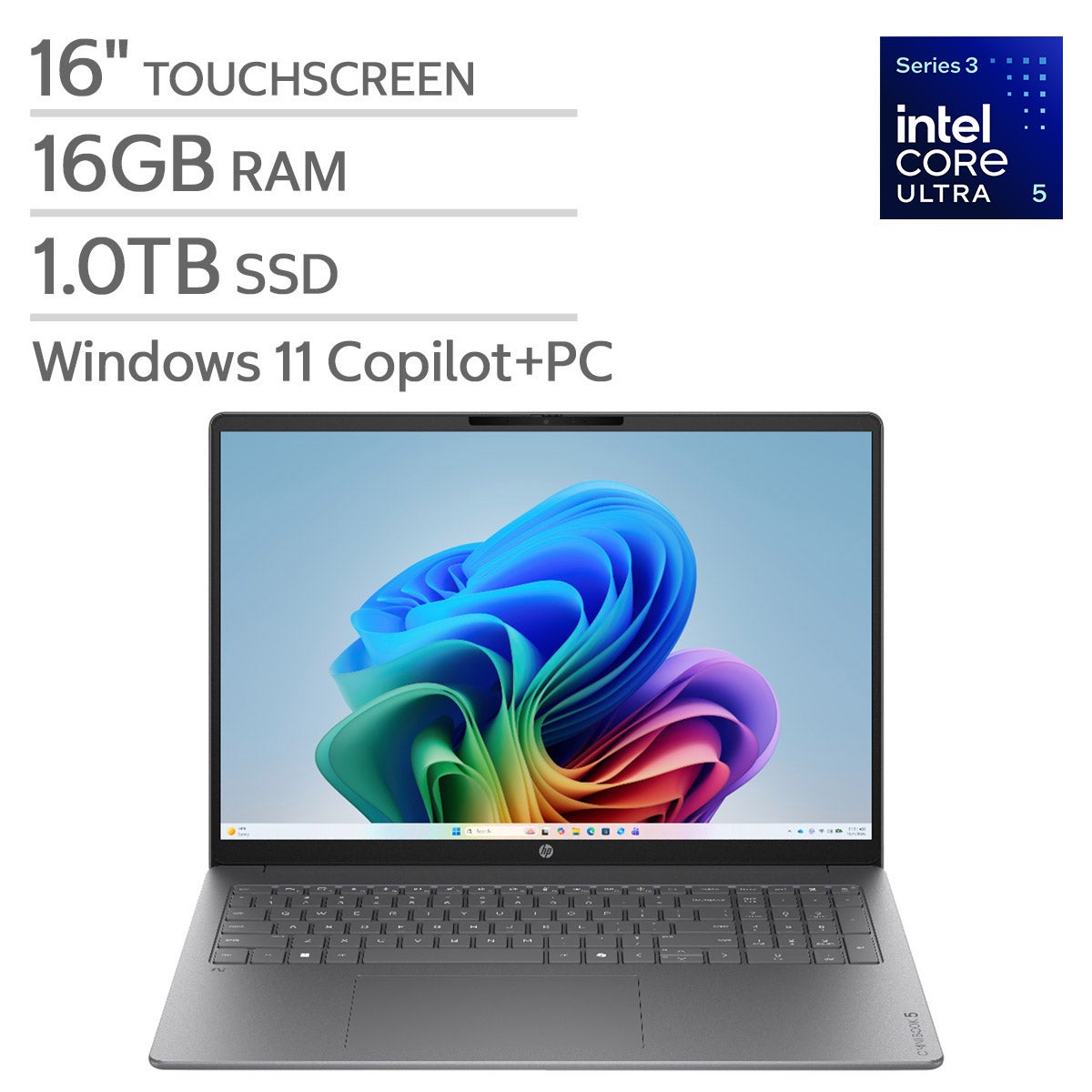
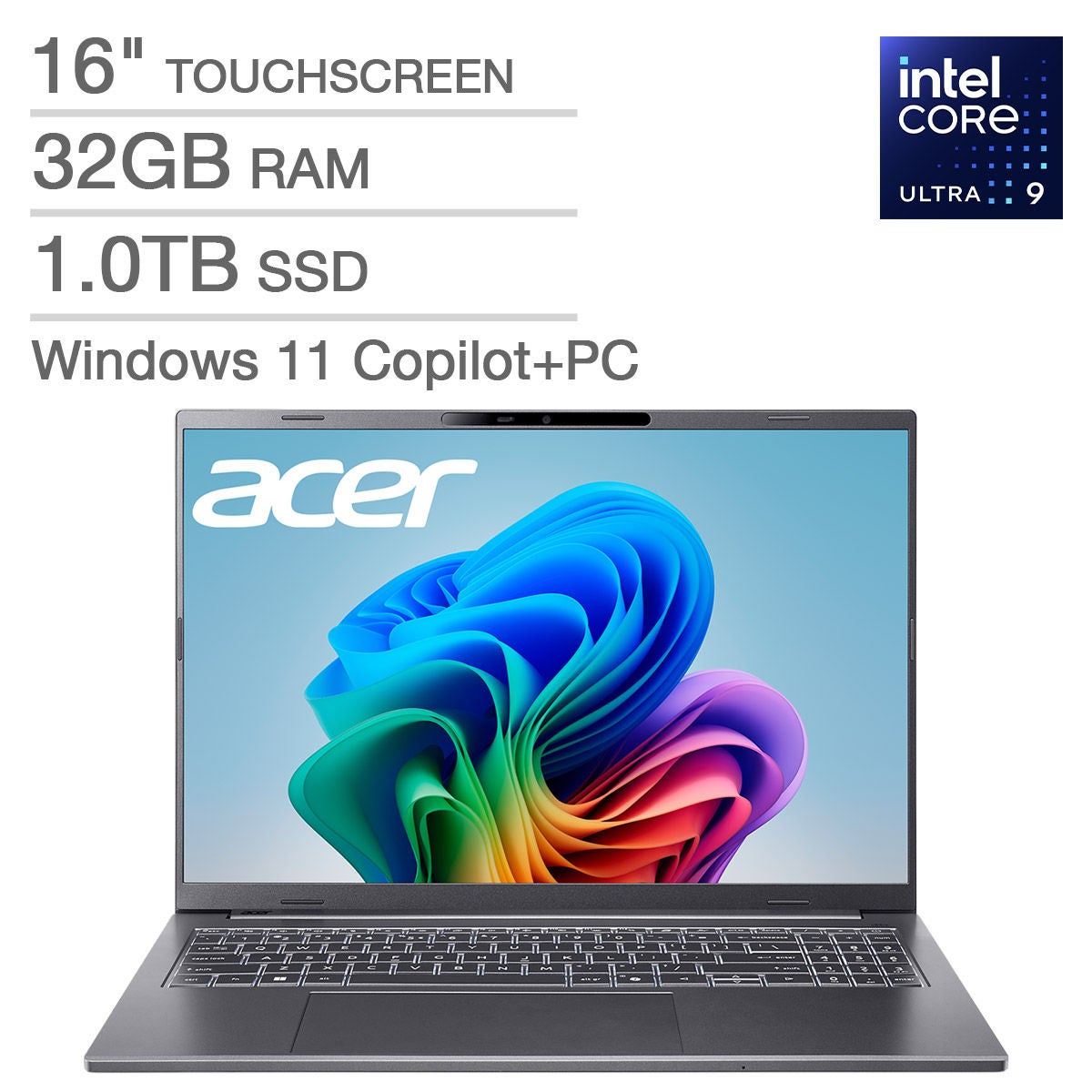
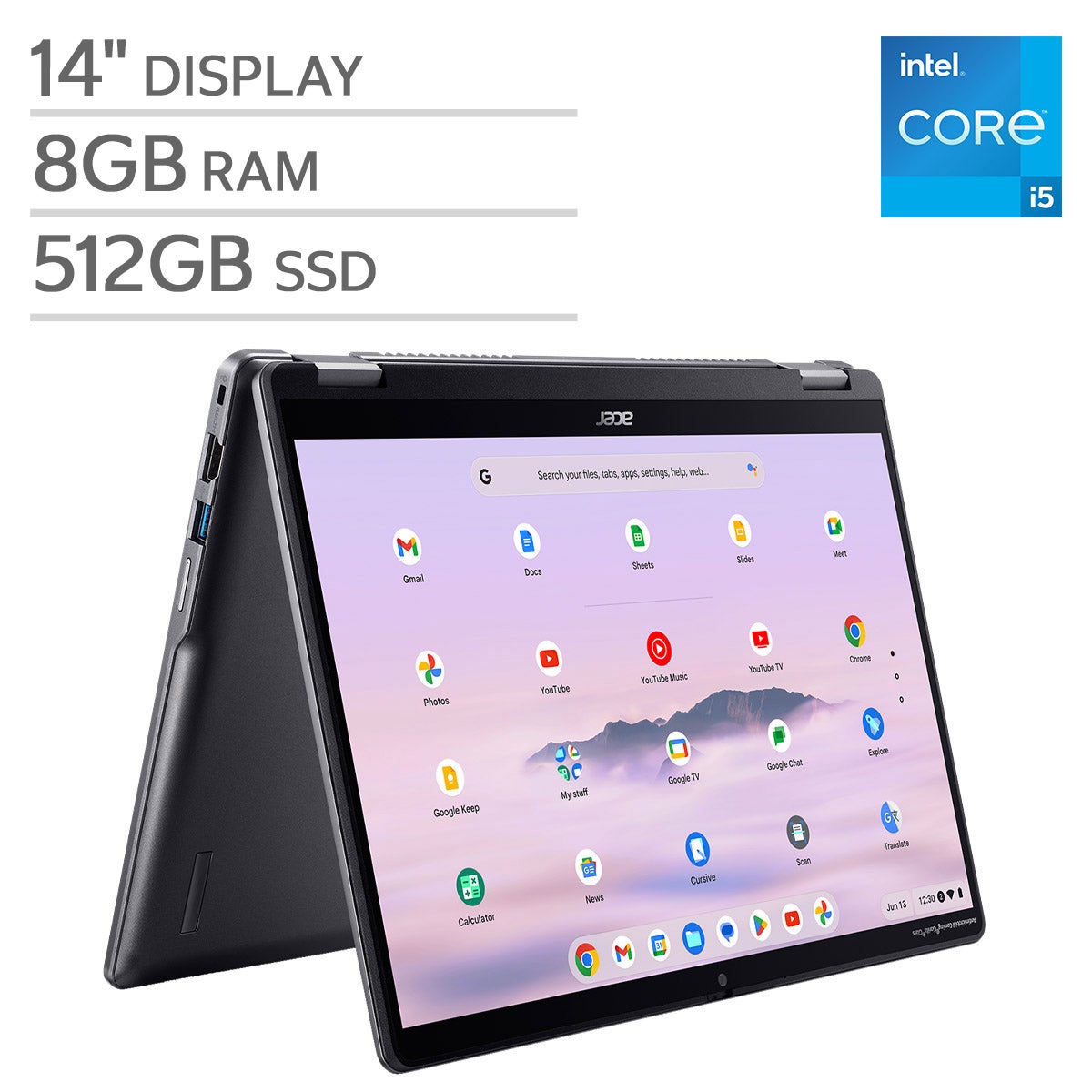


Top Rated Items


Work From Home Computer Equipment
FAQs
-
Start with a desktop computer or laptop, a monitor, a keyboard, and a mouse. Depending on your daily tasks, you may also want a webcam, a headset with a microphone, and a docking station. Choose equipment that supports the software and connections you use for work.
-
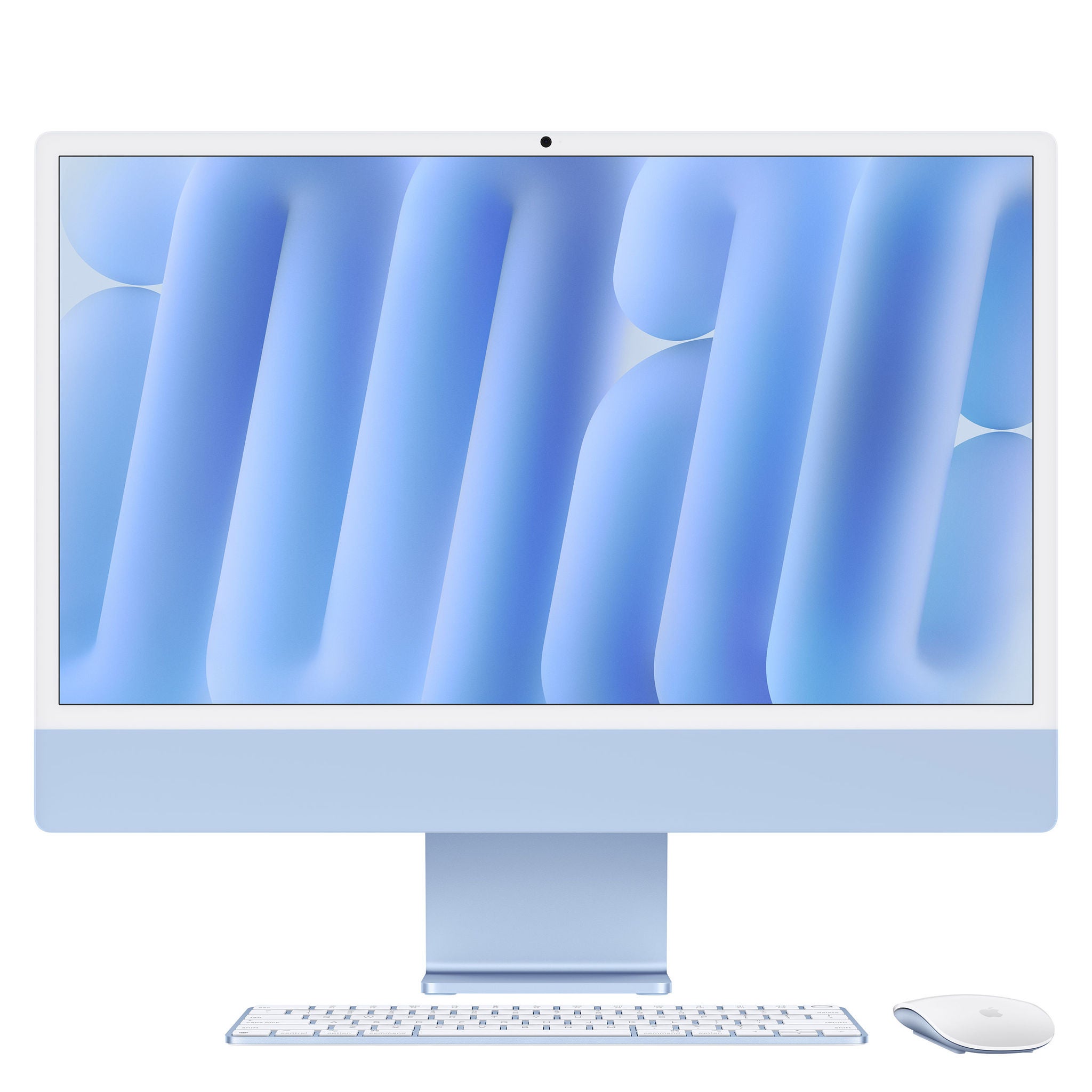
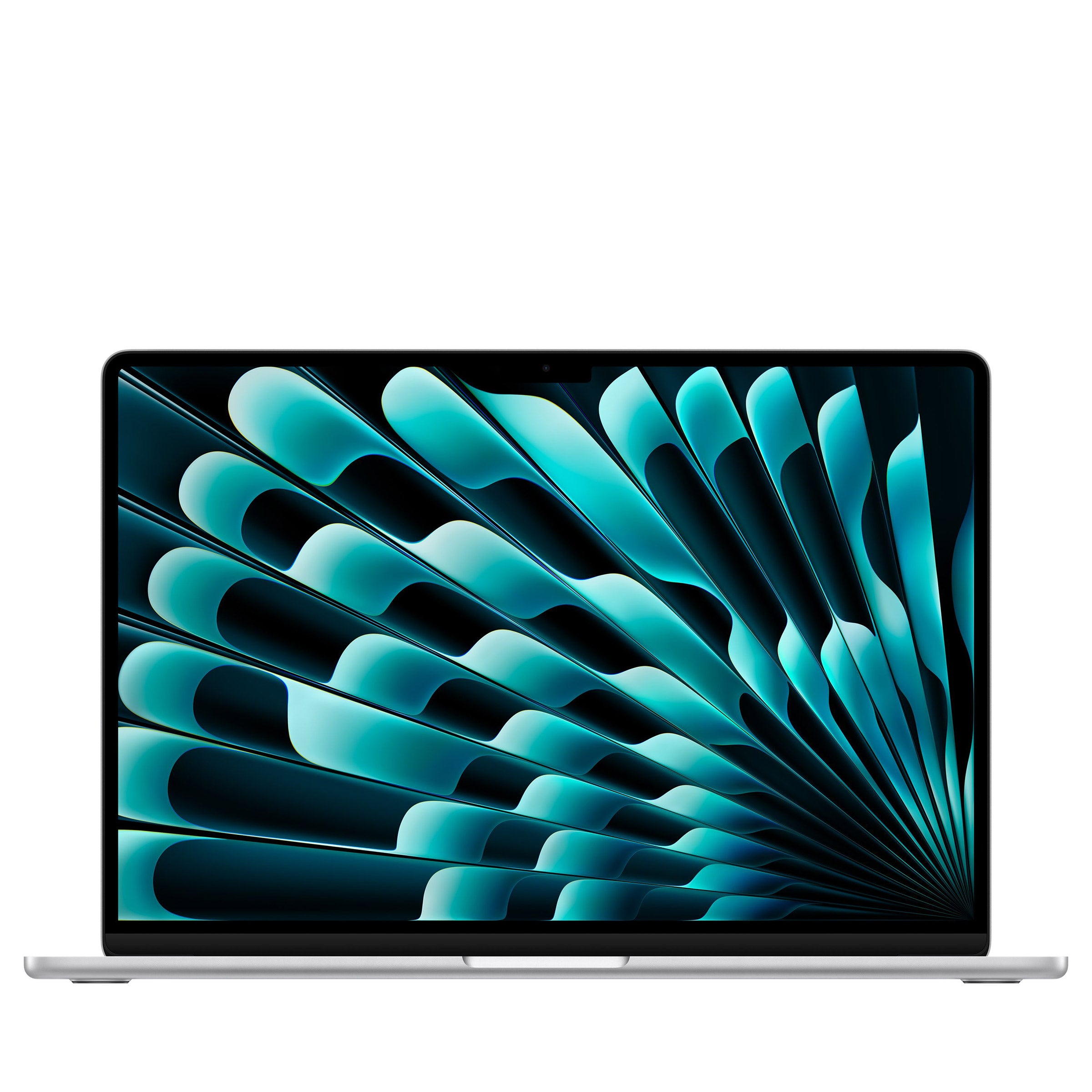
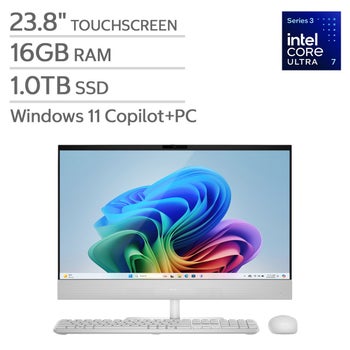
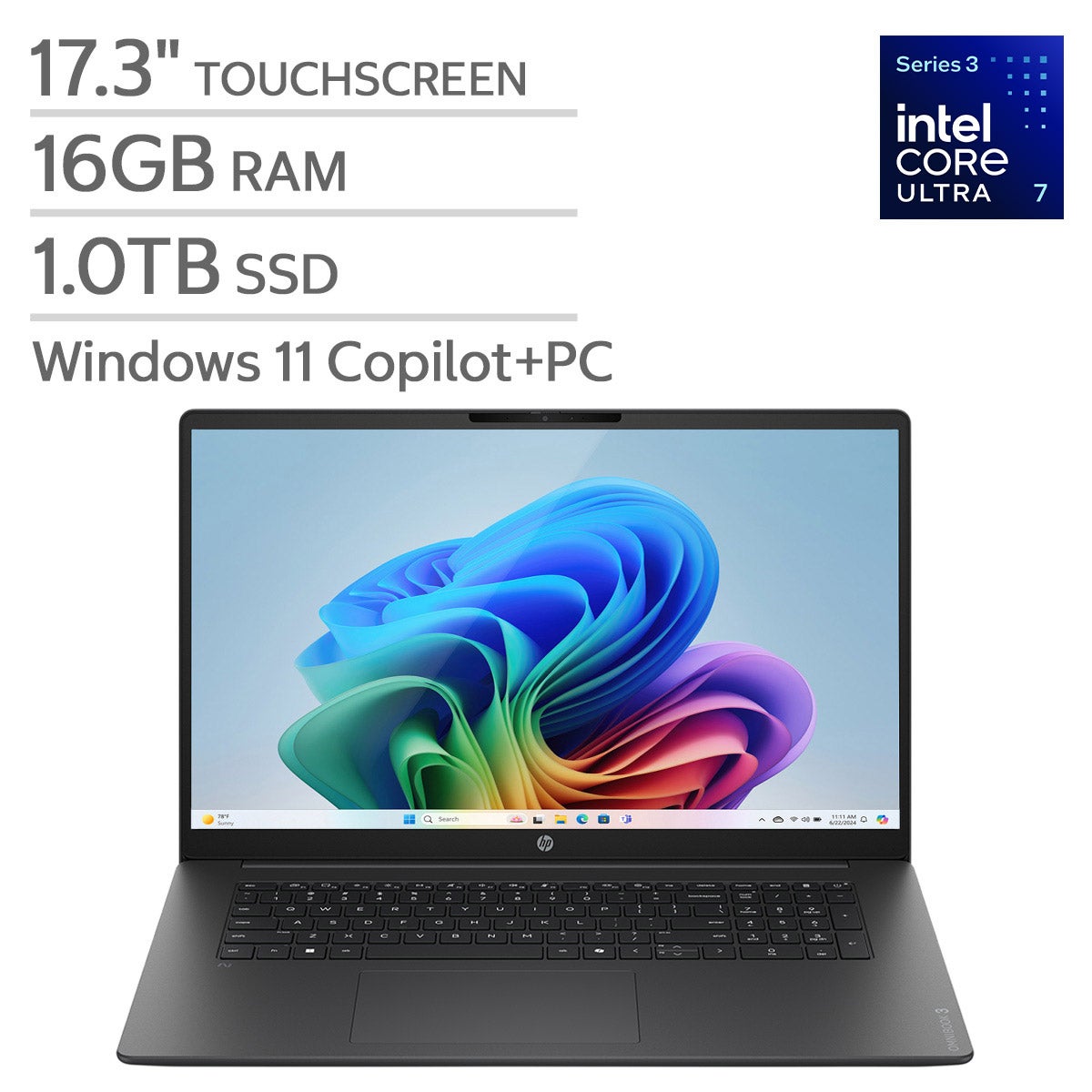
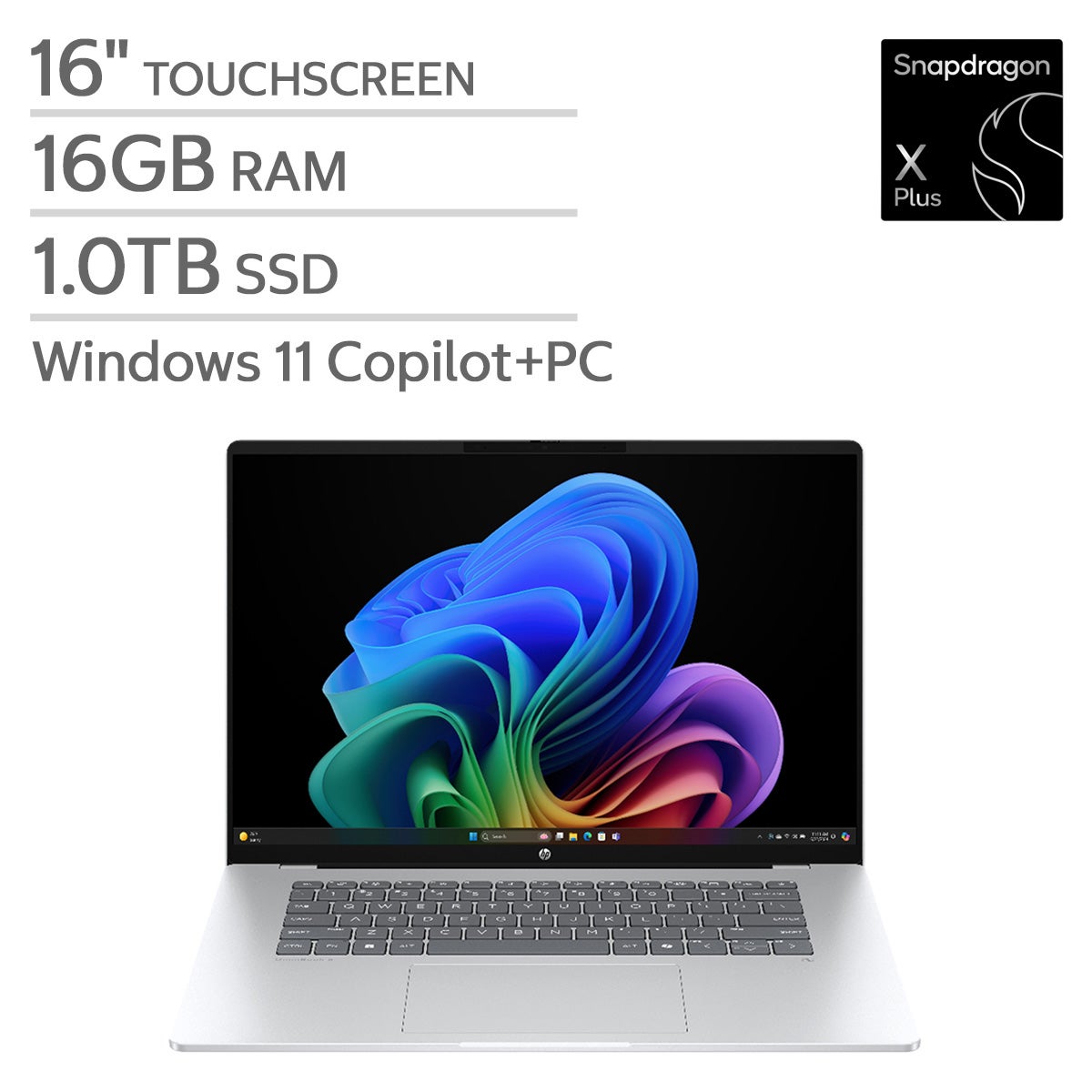
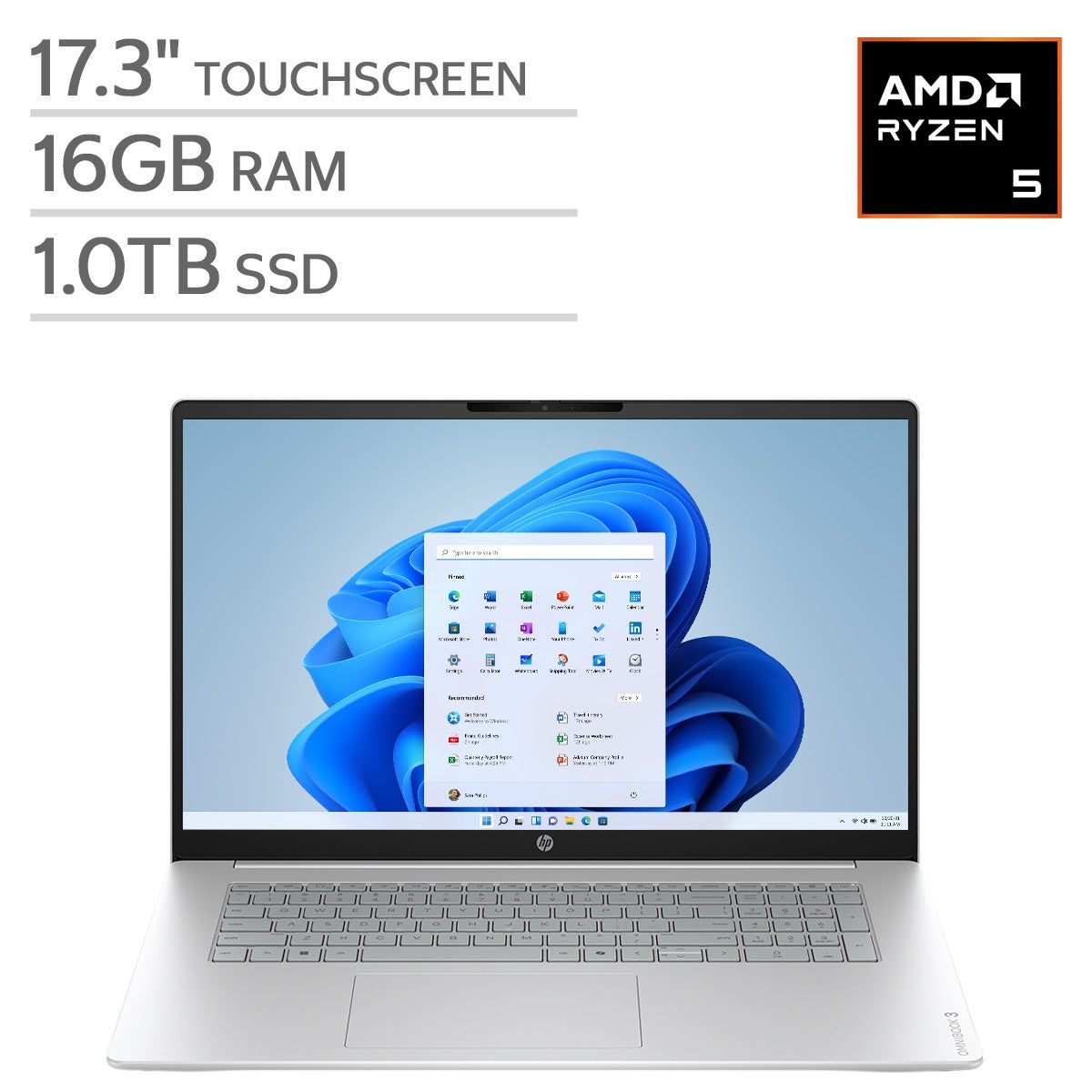
A laptop is convenient if you work in different locations or take your computer to an office. A desktop is suited to a dedicated workspace and may offer more options for upgrading components. Compare operating systems, processor specifications, memory, and storage based on your work requirements.
-
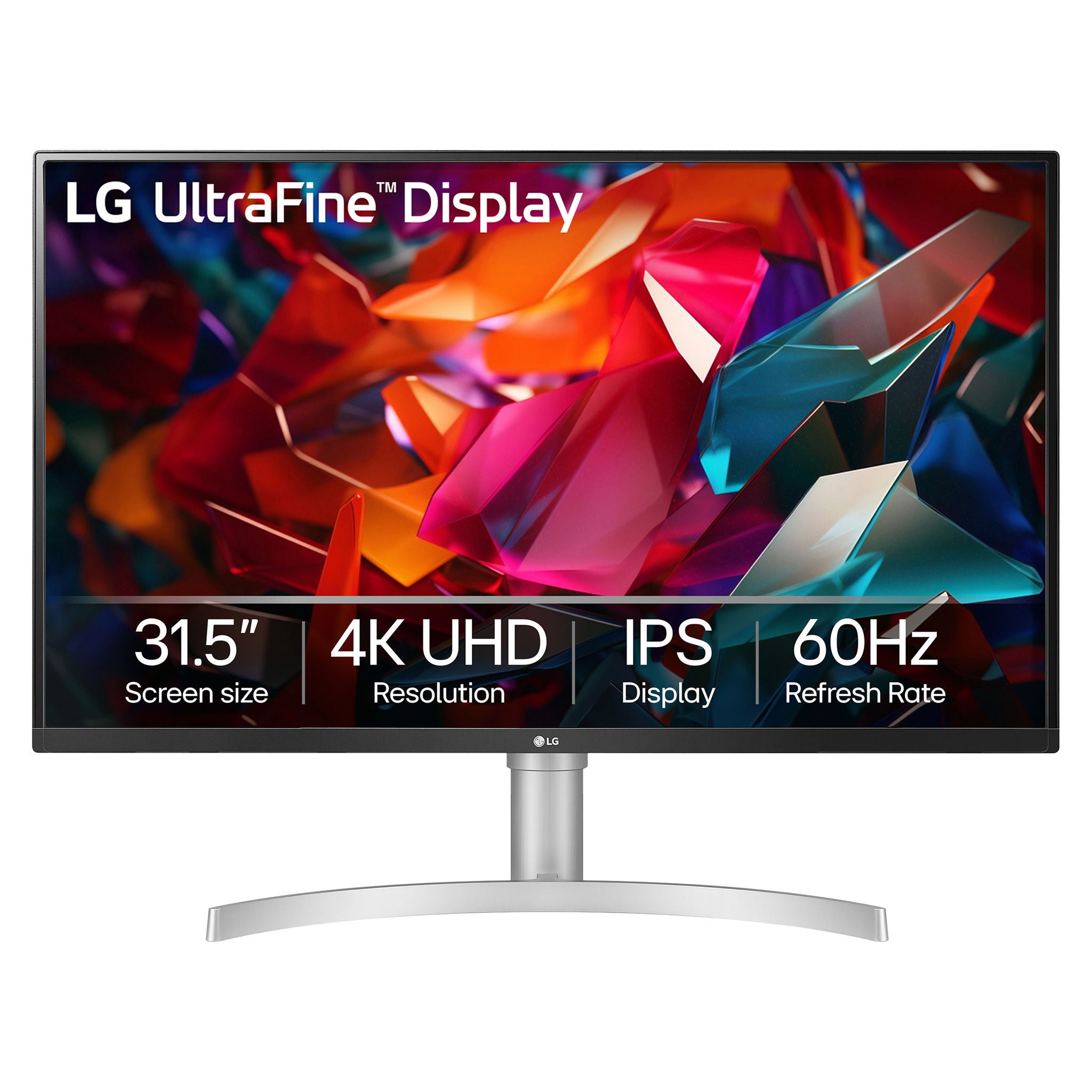
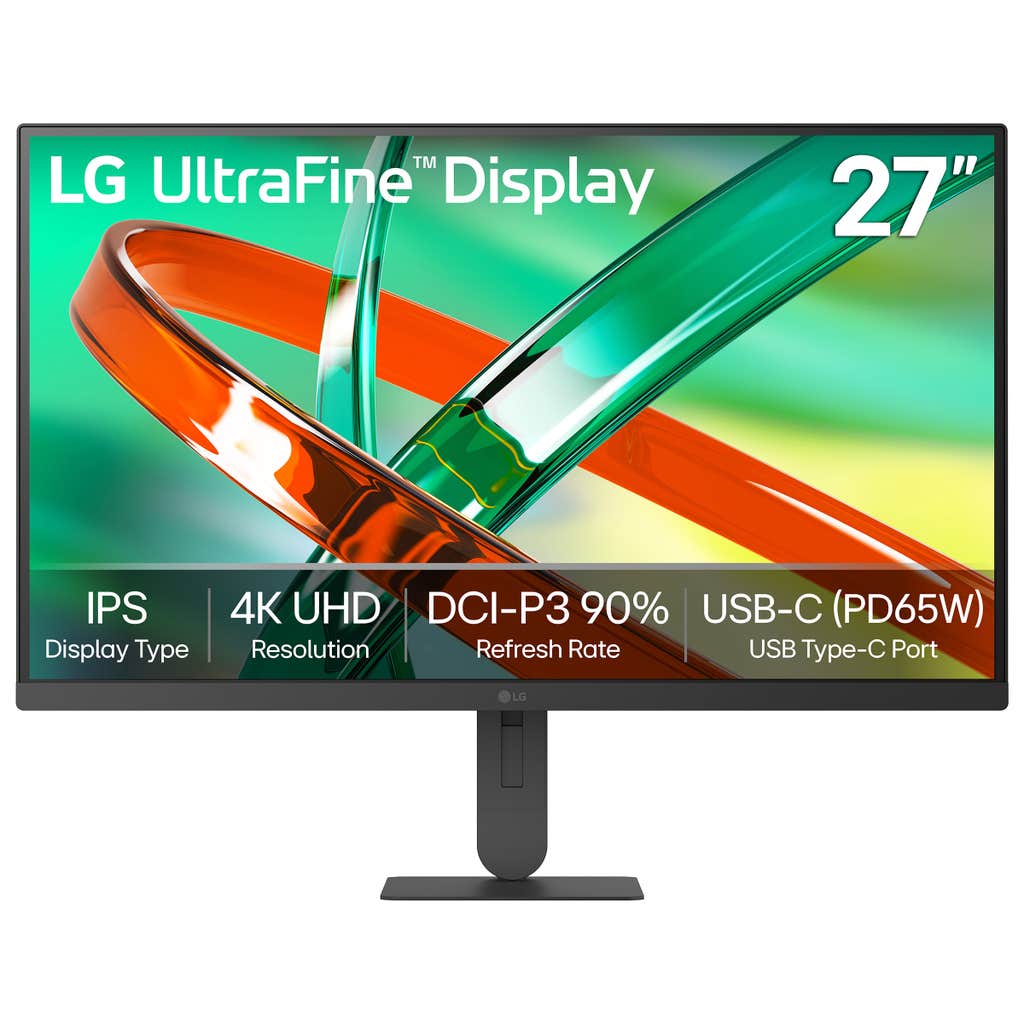
Consider resolution, display connections, stand adjustments, and compatibility with your computer. Text-heavy tasks, creative projects, and multitasking may call for different display features. If you plan to connect multiple monitors, check how many displays your computer supports and which cables or adapters you need.
-
A docking station connects accessories such as monitors, keyboards, mice, and Ethernet cables to a compatible computer through a central connection. Check the dock's ports, supported display configurations, and power delivery specifications against your computer's requirements. A USB-C connector alone does not guarantee support for every dock feature.
-
Common accessories include a webcam, a headset with a microphone, and speakers. Compare connection types, microphone controls, and compatibility with your preferred meeting software. Your computer's built-in camera and microphone may already cover your needs, so review those features before choosing separate accessories.