



VR Ready Gaming Desktops
Explore VR ready gaming desktops for a PC setup built around virtual reality gaming. Compare desktop specifications with your VR headset’s requirements, paying attention to graphics performance, processor, RAM, and available ports to find a compatible configuration.
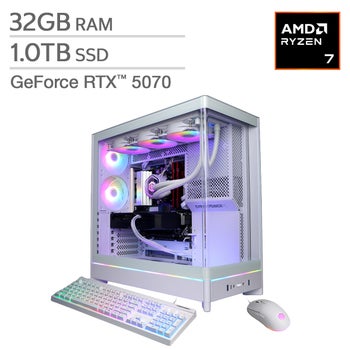

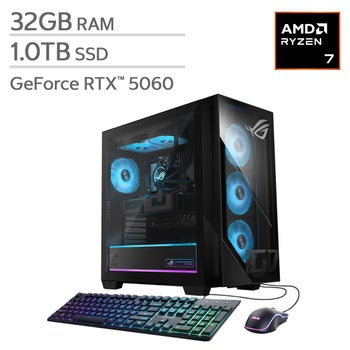

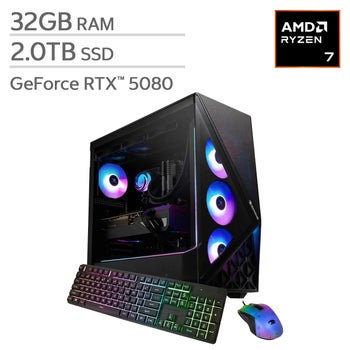
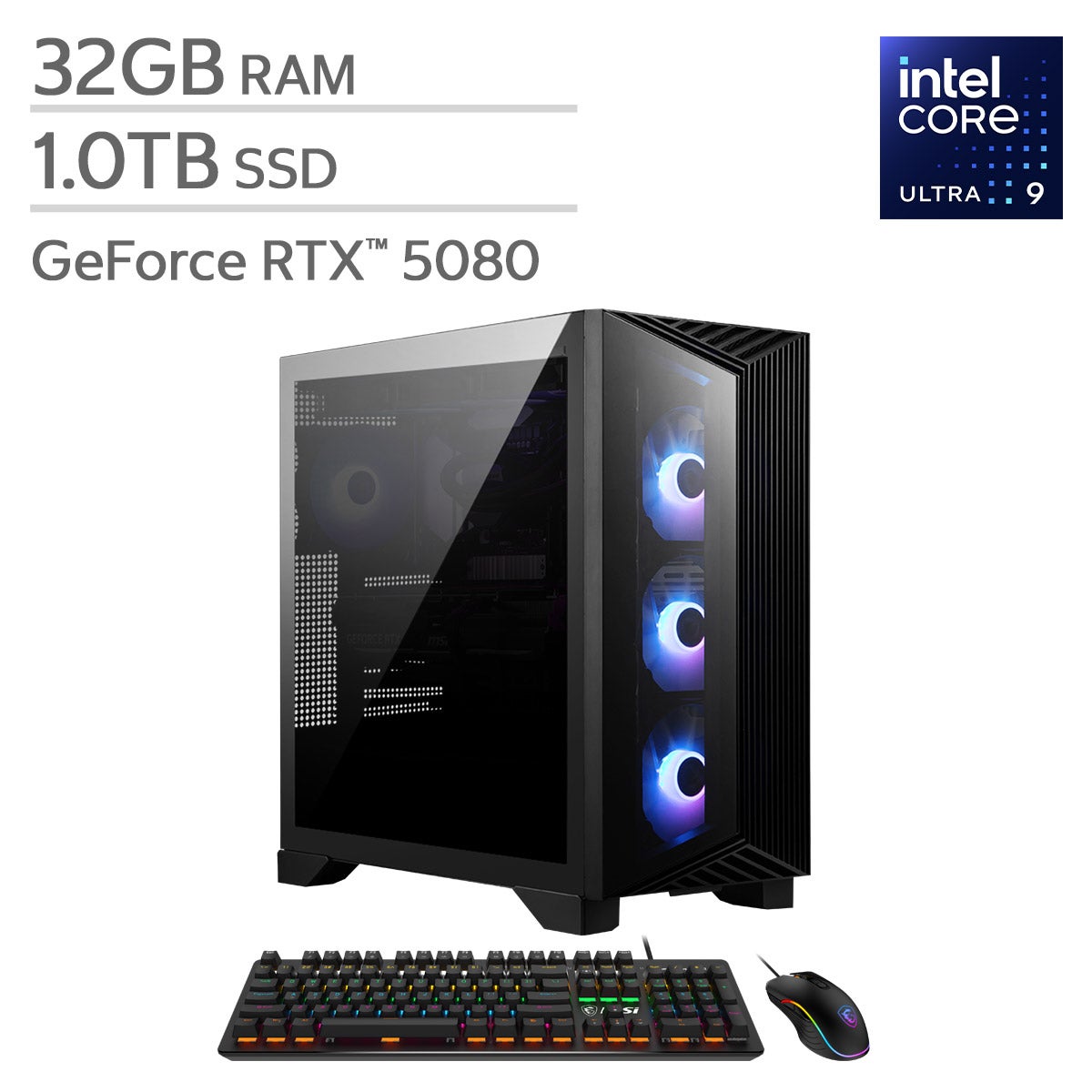
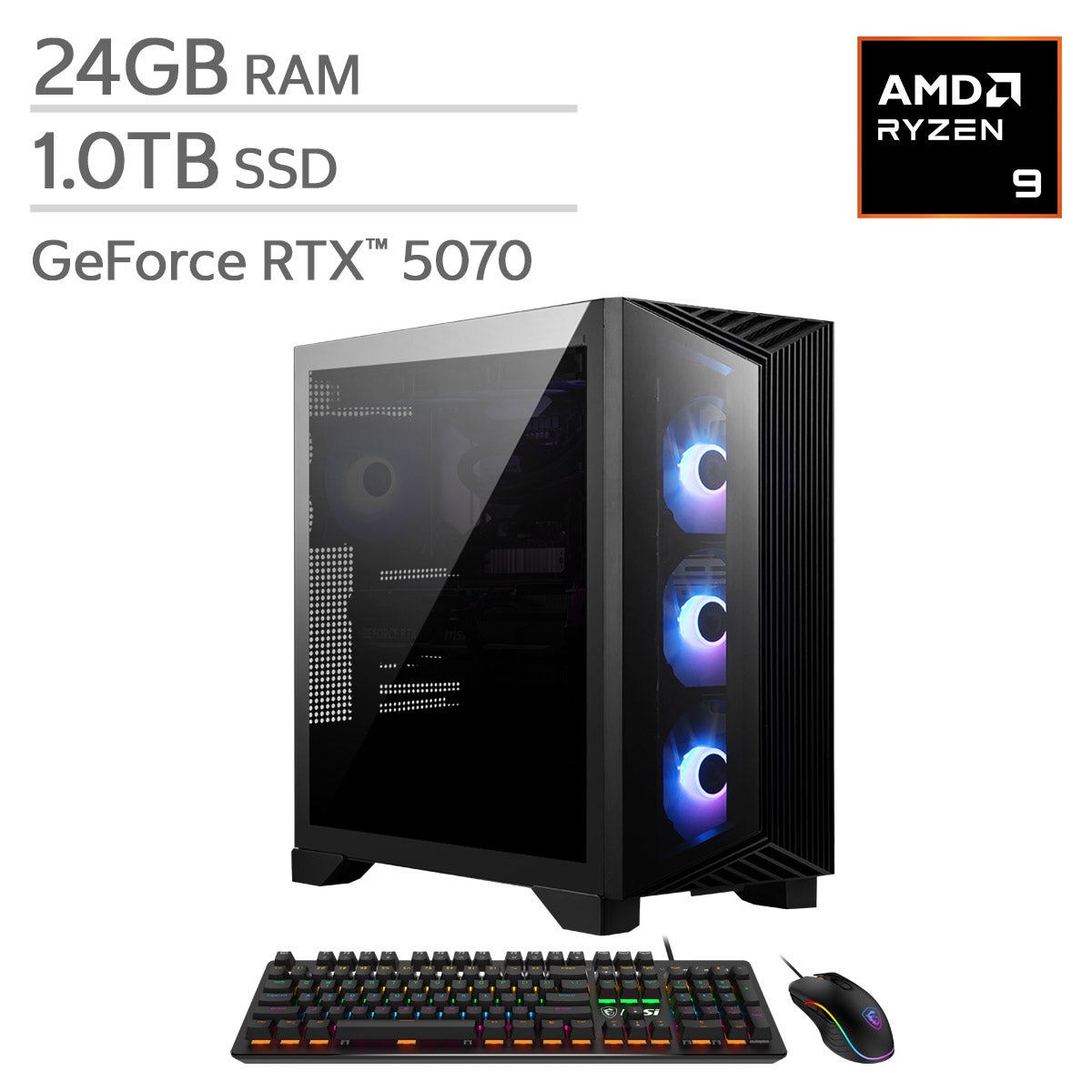
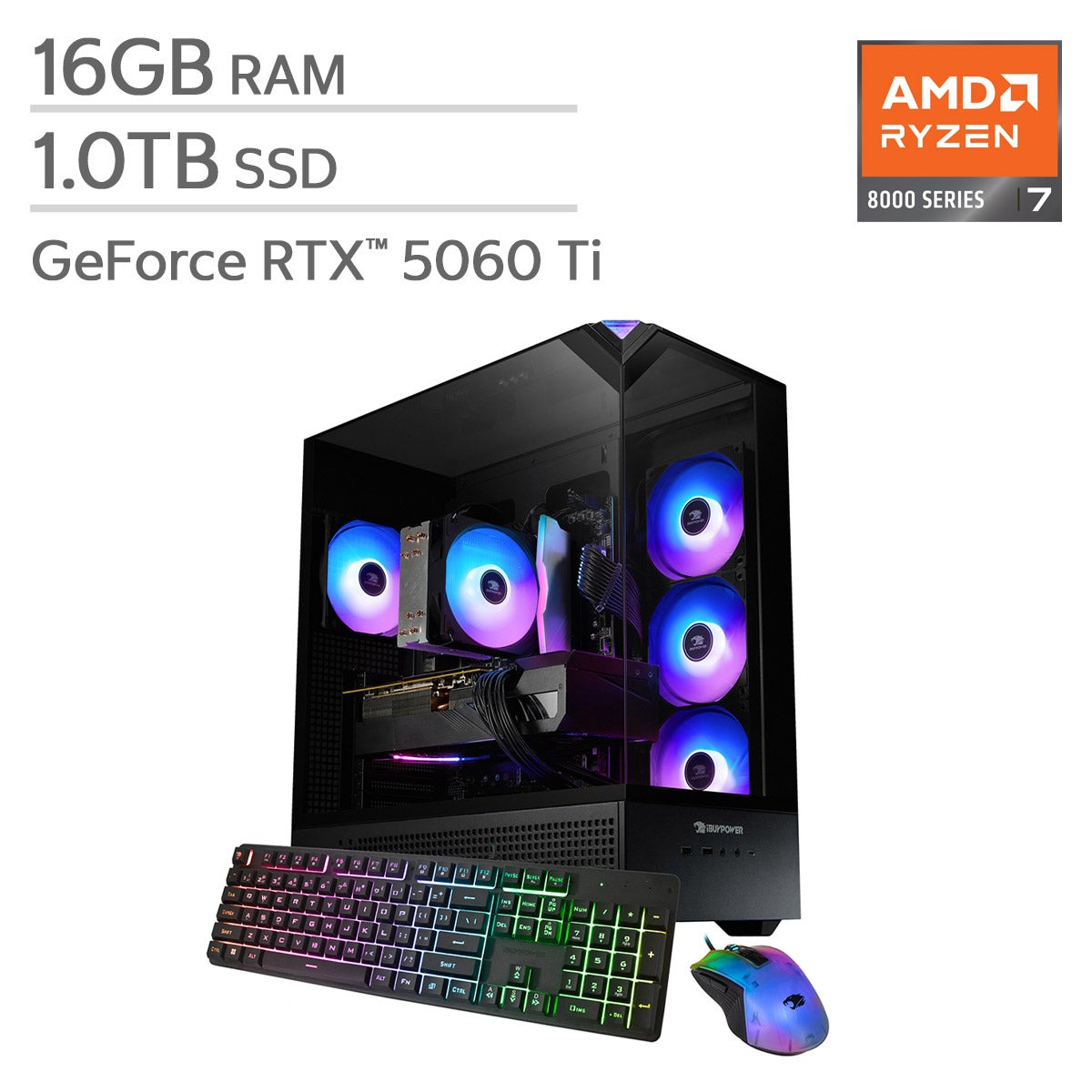
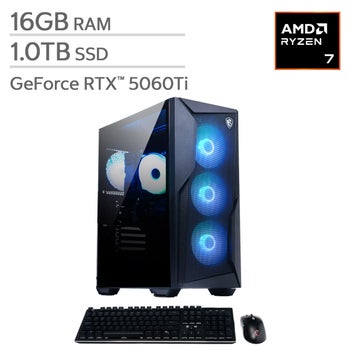
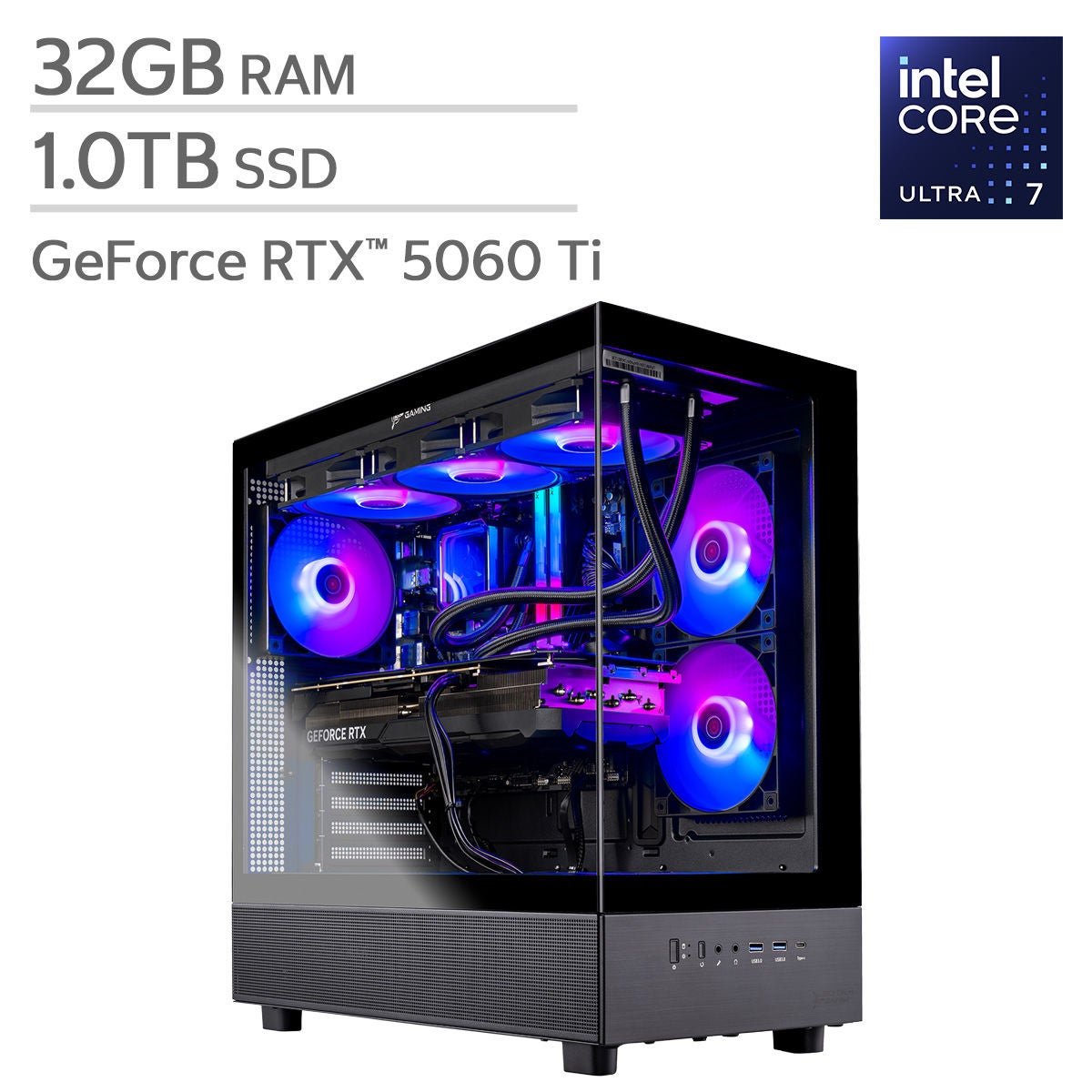
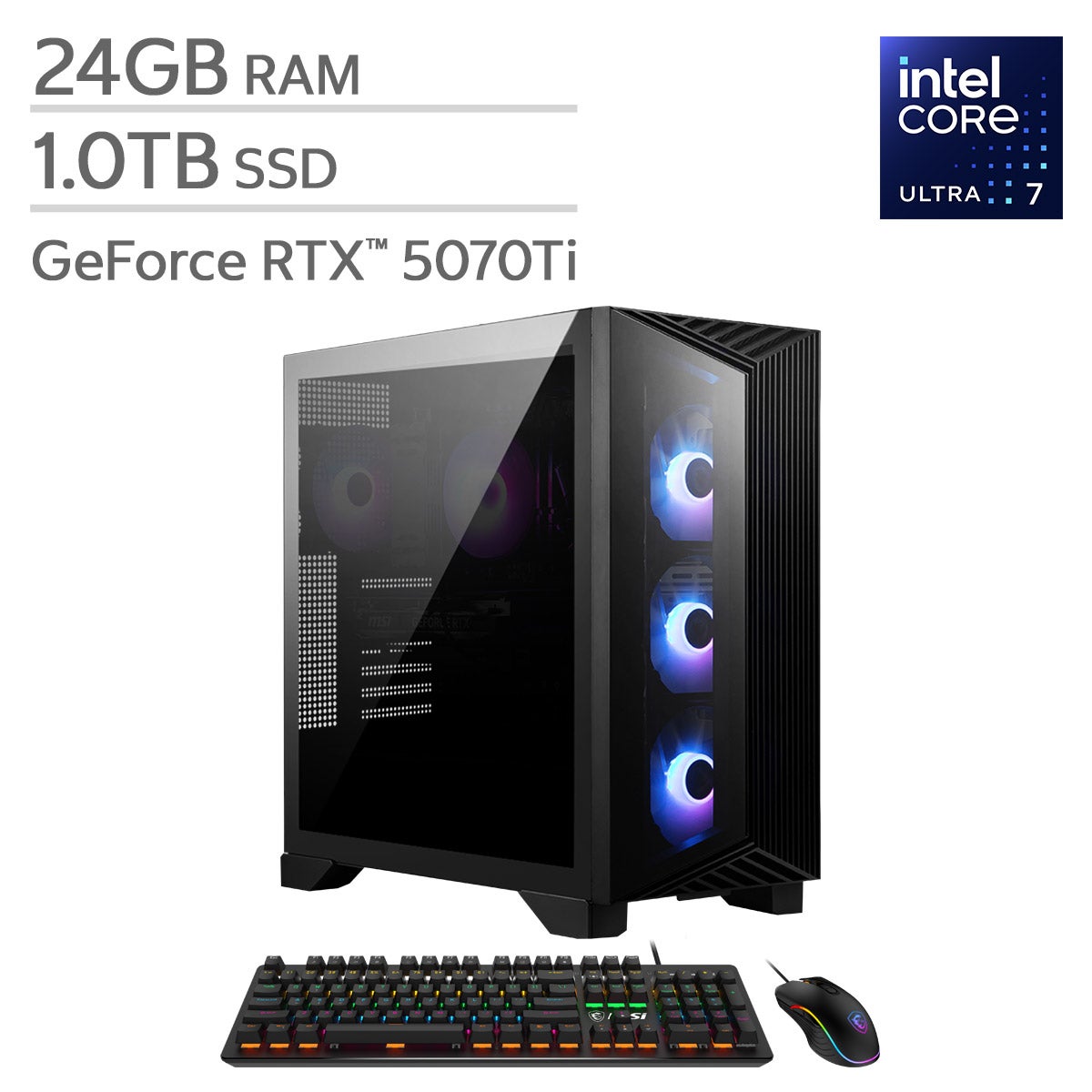
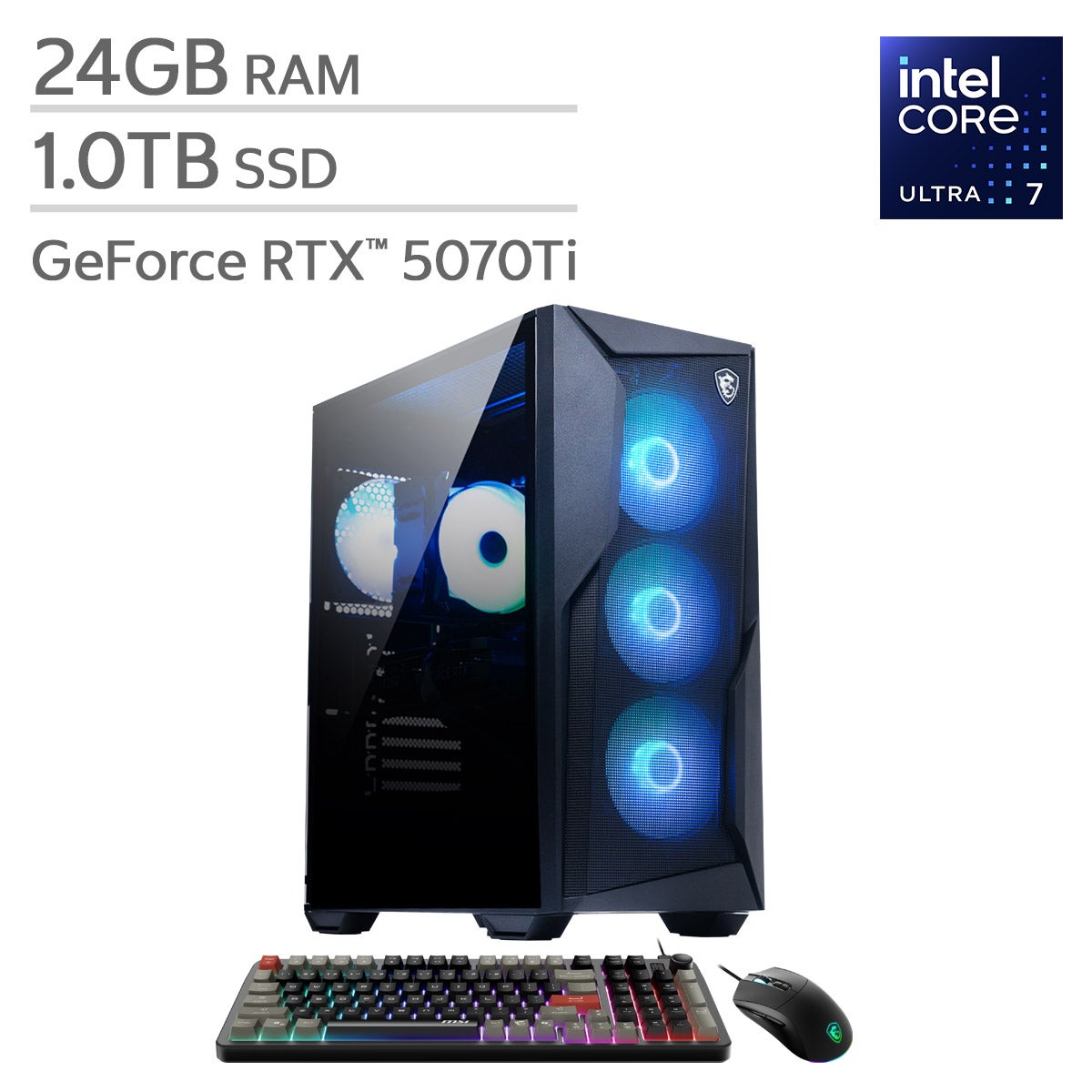
Top Rated Items
VR Ready Gaming Desktops
FAQs
-
A VR ready gaming desktop is designed with the graphics processing power, processor capabilities, memory, and connections needed to support virtual reality experiences. Requirements vary by headset and application, so compare the desktop's specifications with those published by your headset manufacturer.
-
Focus on a dedicated graphics card, a modern multicore processor, sufficient RAM for your chosen applications, and an SSD for storage. Check the recommended specifications for both your VR headset and the games you plan to play, rather than relying on the VR ready label alone.
-
Compatibility depends on the headset's connection requirements, supported operating systems, and software. Some headsets require specific DisplayPort or USB connections, while others support a compatible wireless network for PC VR. Check that the desktop supports your headset's connection method and that any required video connection is available on the dedicated graphics card.
-
Yes. A VR ready gaming desktop can also support standard PC gaming, web browsing, streaming, and productivity applications. Its suitability for tasks such as video editing or 3D design depends on the hardware configuration and the software's requirements.
-
Many gaming desktops allow upgrades to components such as RAM, storage, and graphics cards, but upgrade options vary by system. Before planning an upgrade, review the motherboard's compatibility, available connections, power supply requirements, and manufacturer documentation.