



Tablets For Web Browsing
Explore tablets for web browsing at Costco for everyday tasks like checking email, reading articles, and visiting your favorite sites. Compare screen size, storage, and connectivity options to find a tablet that fits how and where you browse.
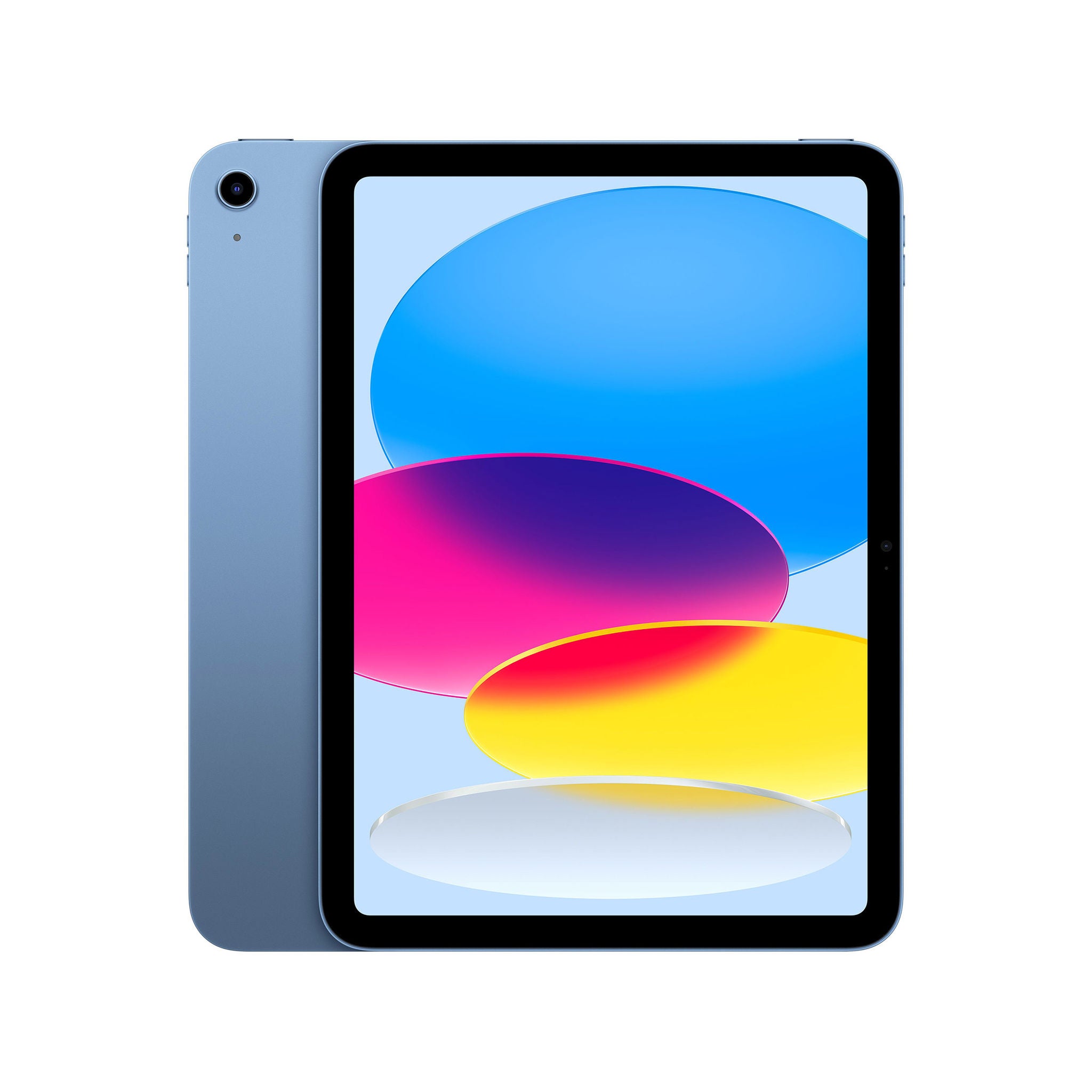
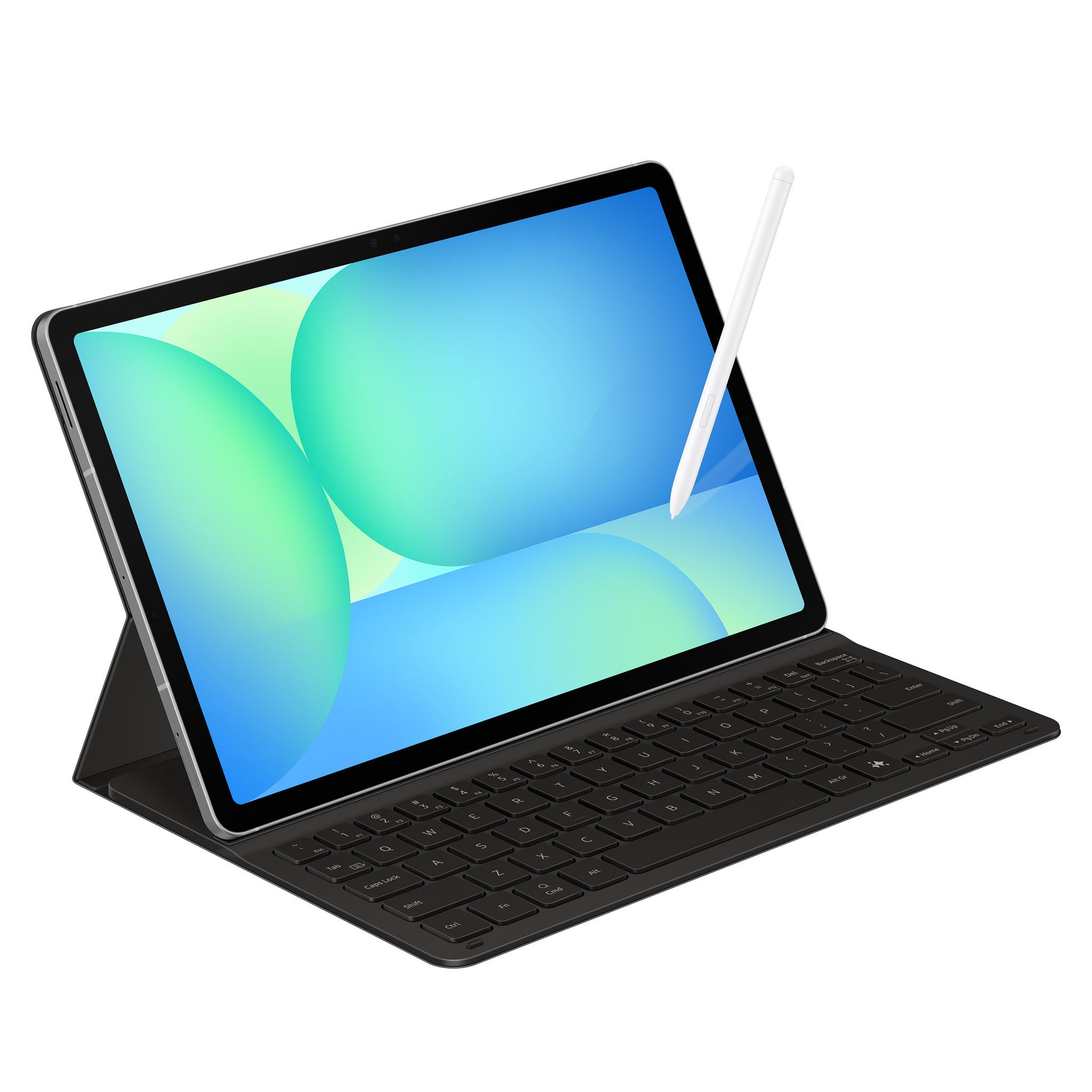
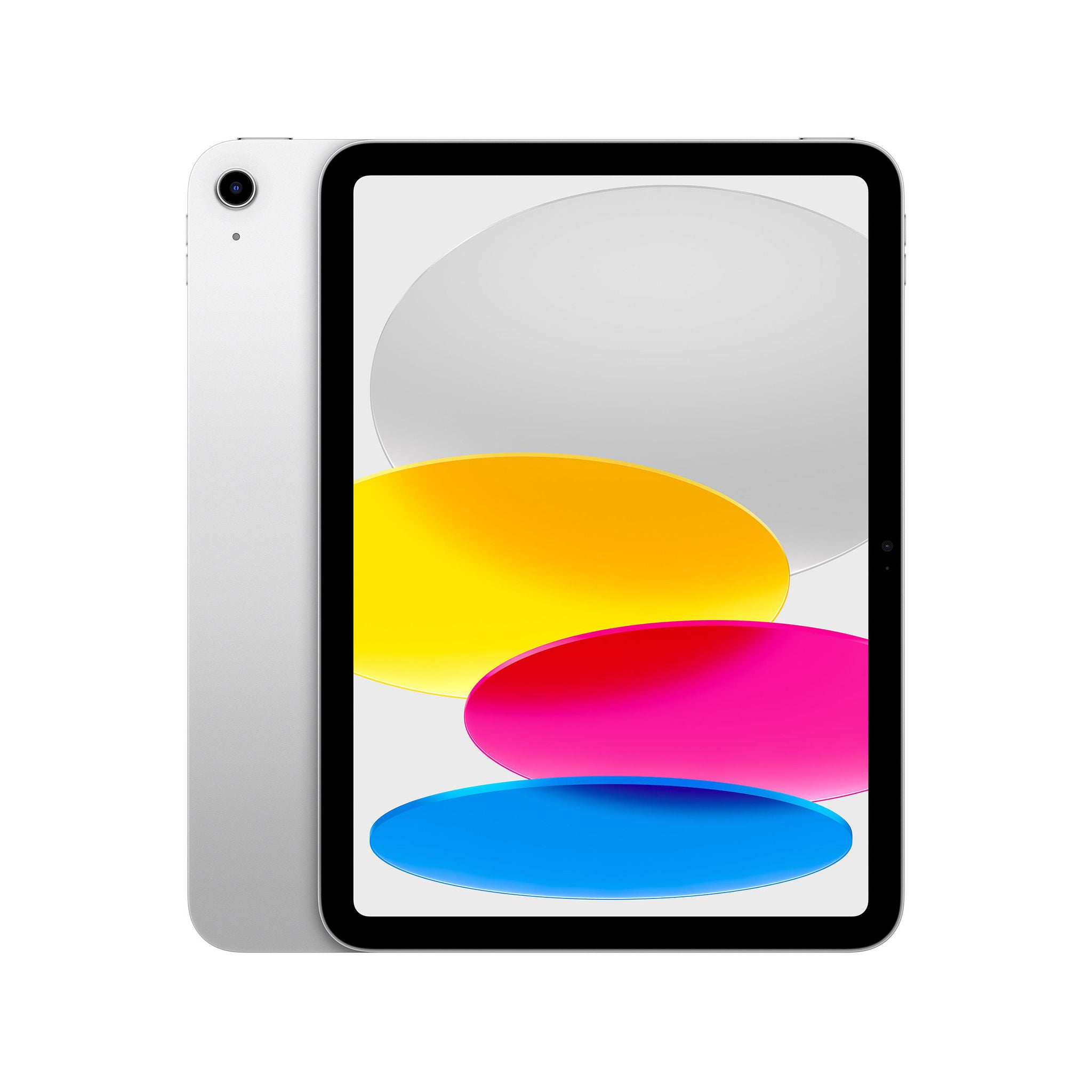



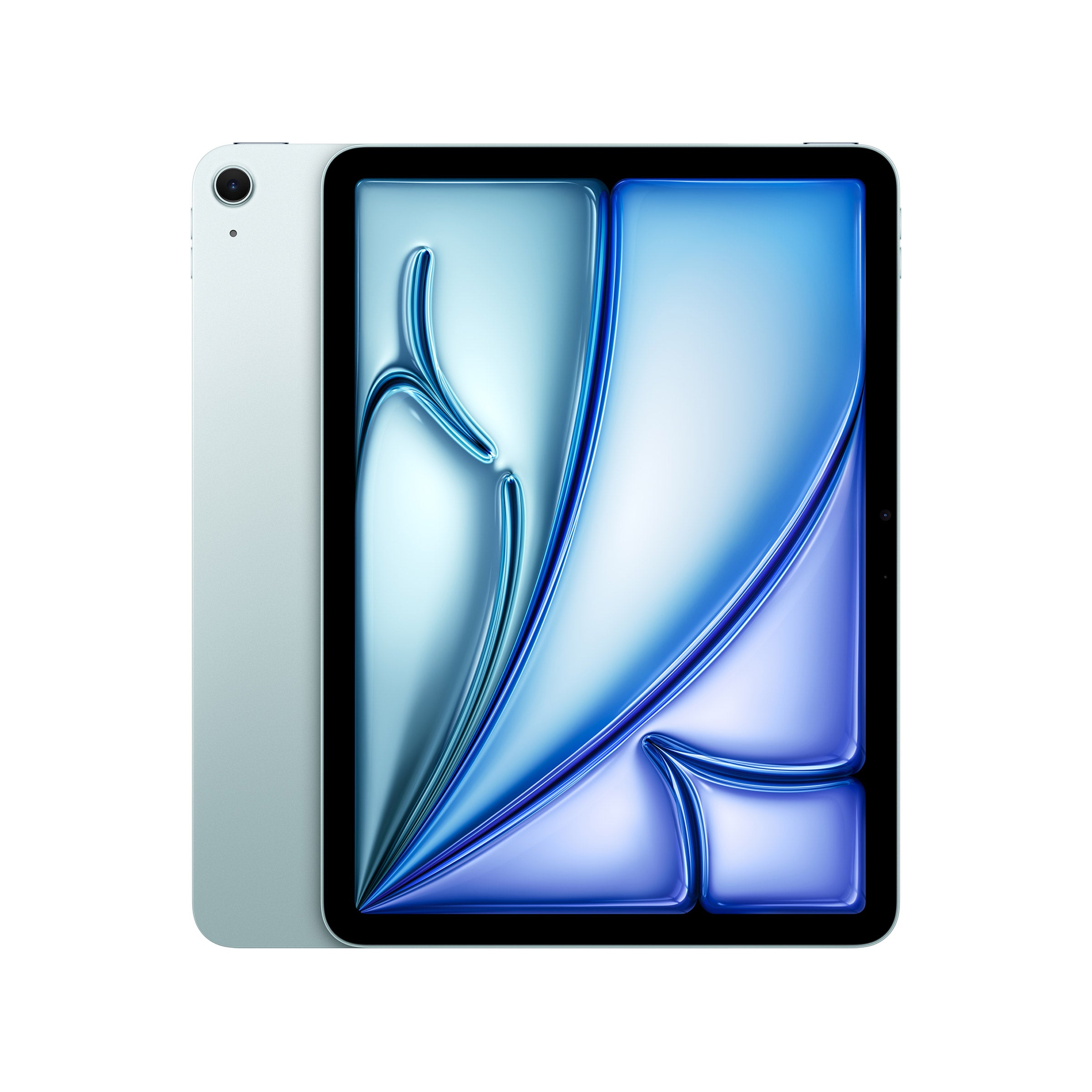

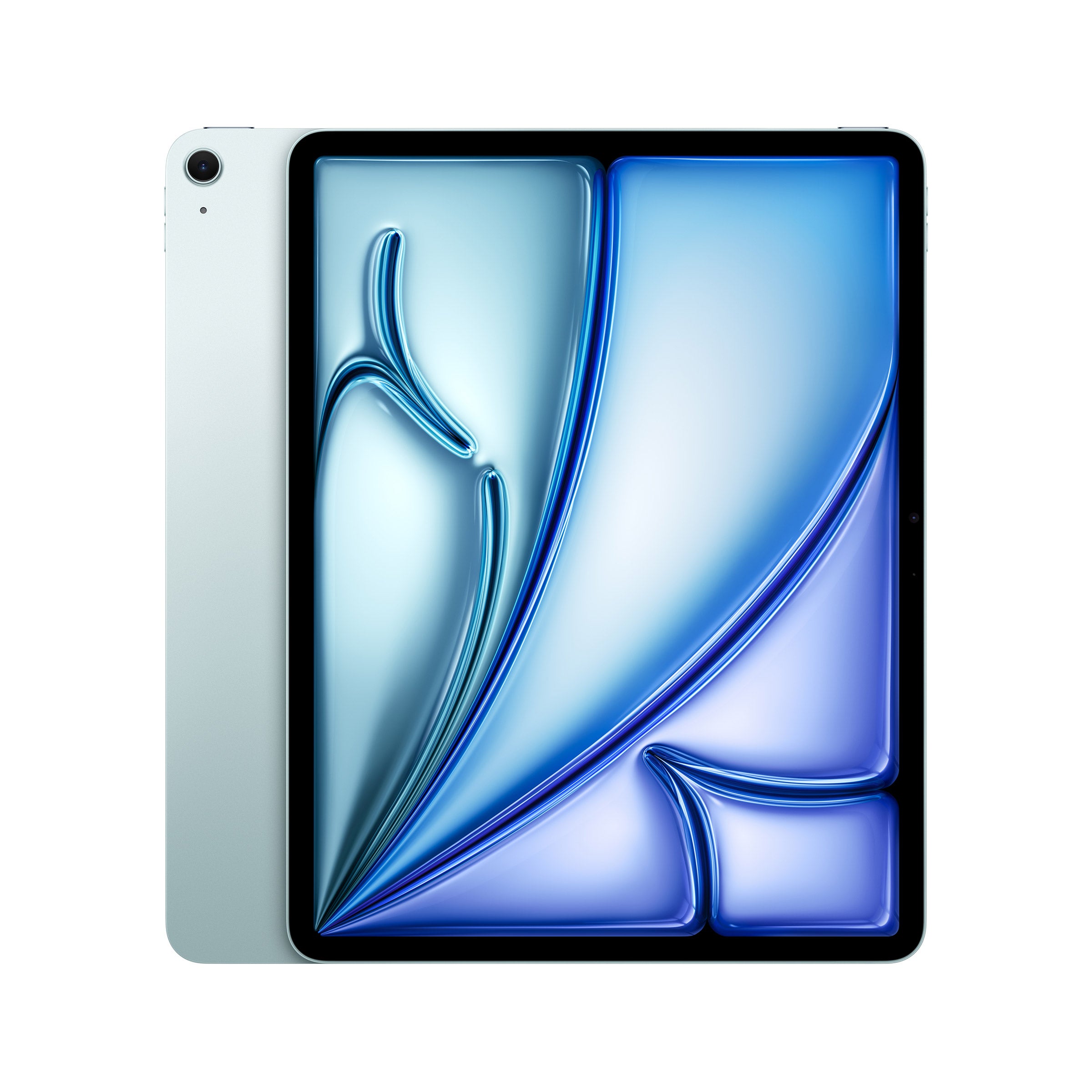


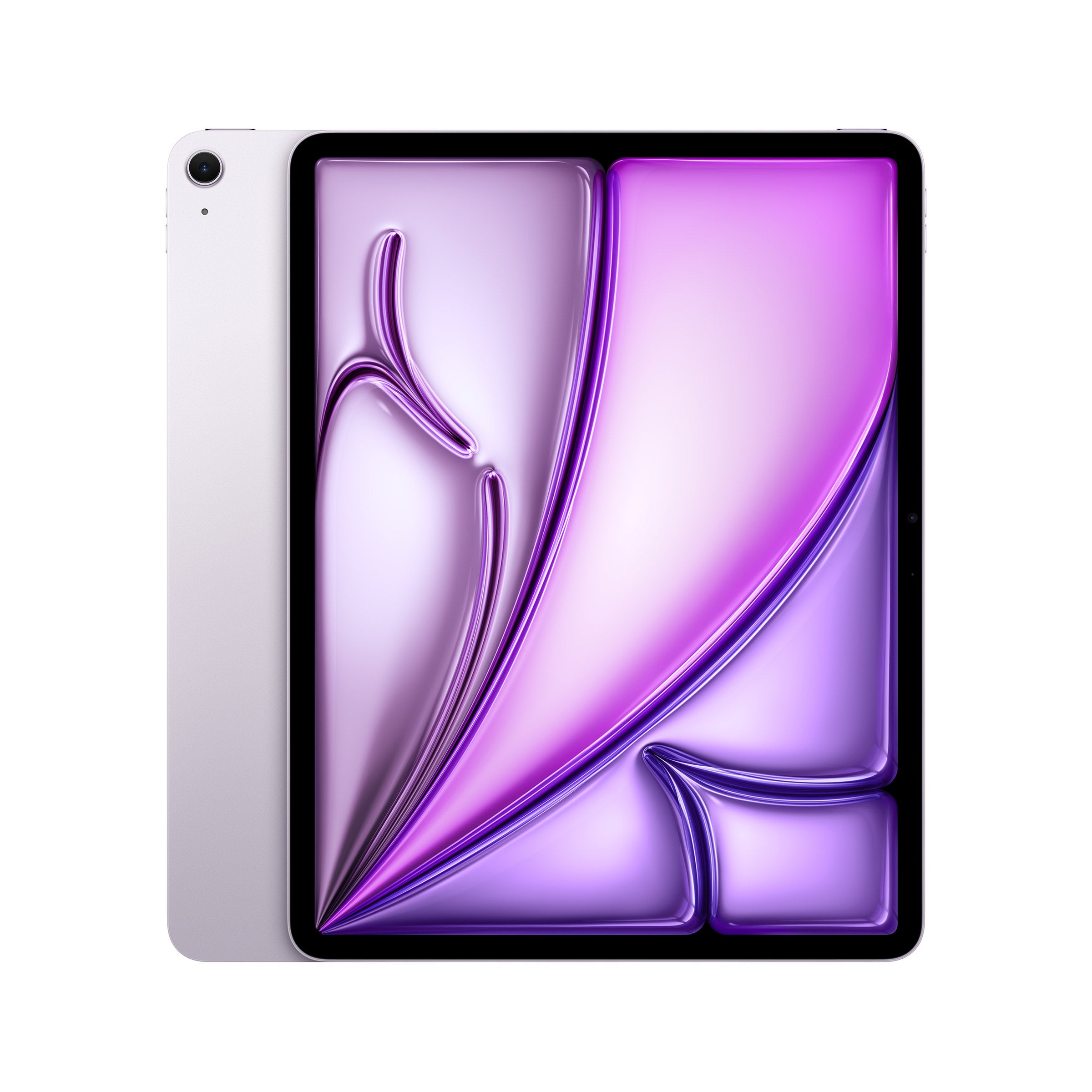
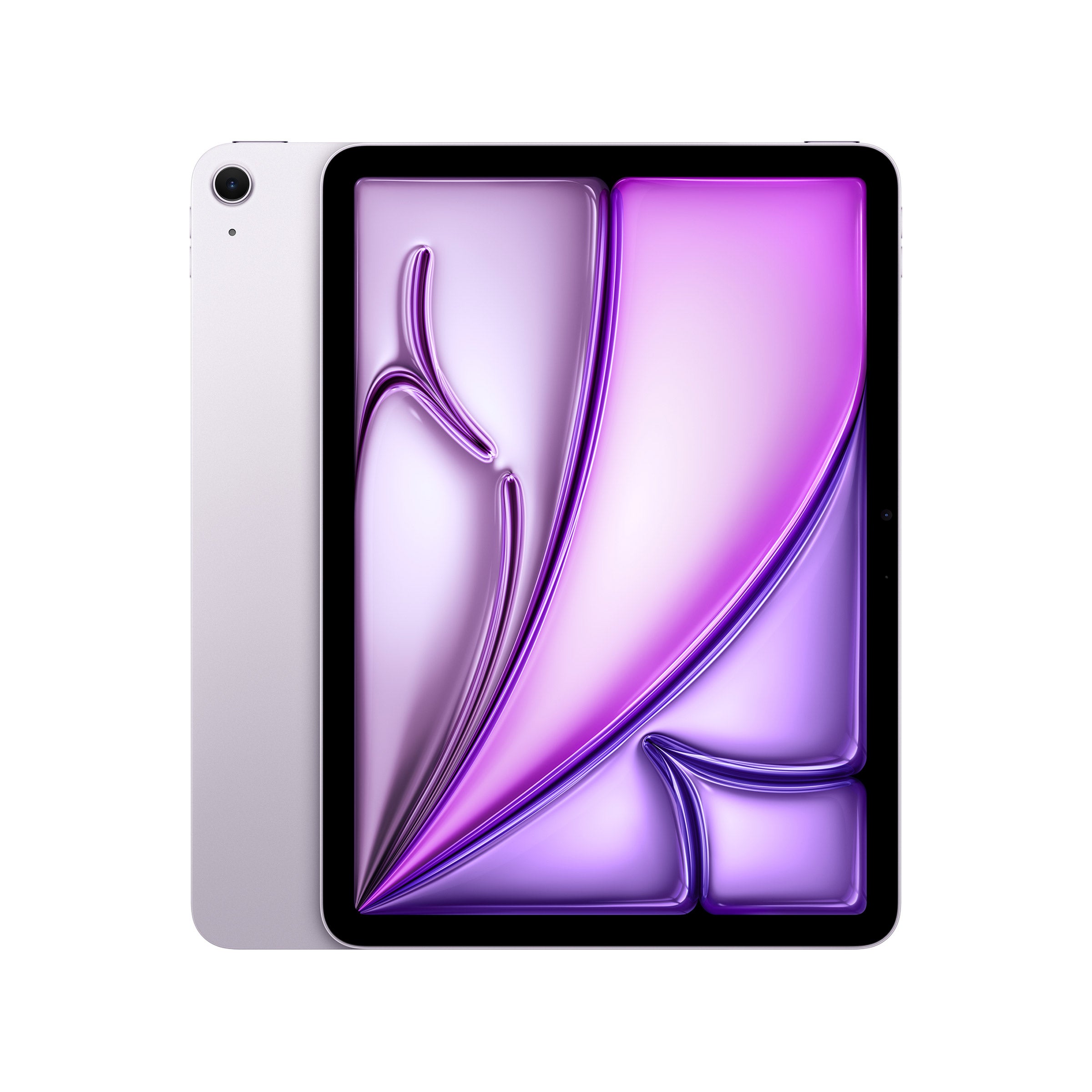
Top Rated Items



Tablets For Web Browsing
FAQs
-
Look for a responsive touchscreen, reliable Wi-Fi connectivity, and an operating system that supports your preferred browser. Battery life, display clarity, and multitasking features are also useful considerations for everyday browsing.
-
Many tablet browsers offer a desktop website option in their settings or page menu. This requests the desktop version of a site, though its layout and available features may differ from what you see on a computer.
-
Many browsers let you sync bookmarks, browsing history, and open tabs across compatible devices when you sign in to the same browser account. Available options depend on the browser and your sync settings.
-
A tablet can access the web through Wi-Fi without a cellular connection. For browsing away from Wi-Fi networks, options include a compatible phone hotspot or a cellular-enabled tablet with an active data plan.
-
Many tablets support compatible Bluetooth keyboards and mice, which can make typing searches and navigating websites more convenient. Accessory compatibility, pointer controls, and browser shortcuts vary by tablet and operating system.