



Tablets For Small Business Owners
Explore tablets for small business owners at Costco, with everyday tasks like managing email, reviewing documents, and joining video meetings in mind. Compare screen size, storage, battery life, and compatibility with your business apps to find a tablet that fits your workflow, whether you’re at a desk or on the go.







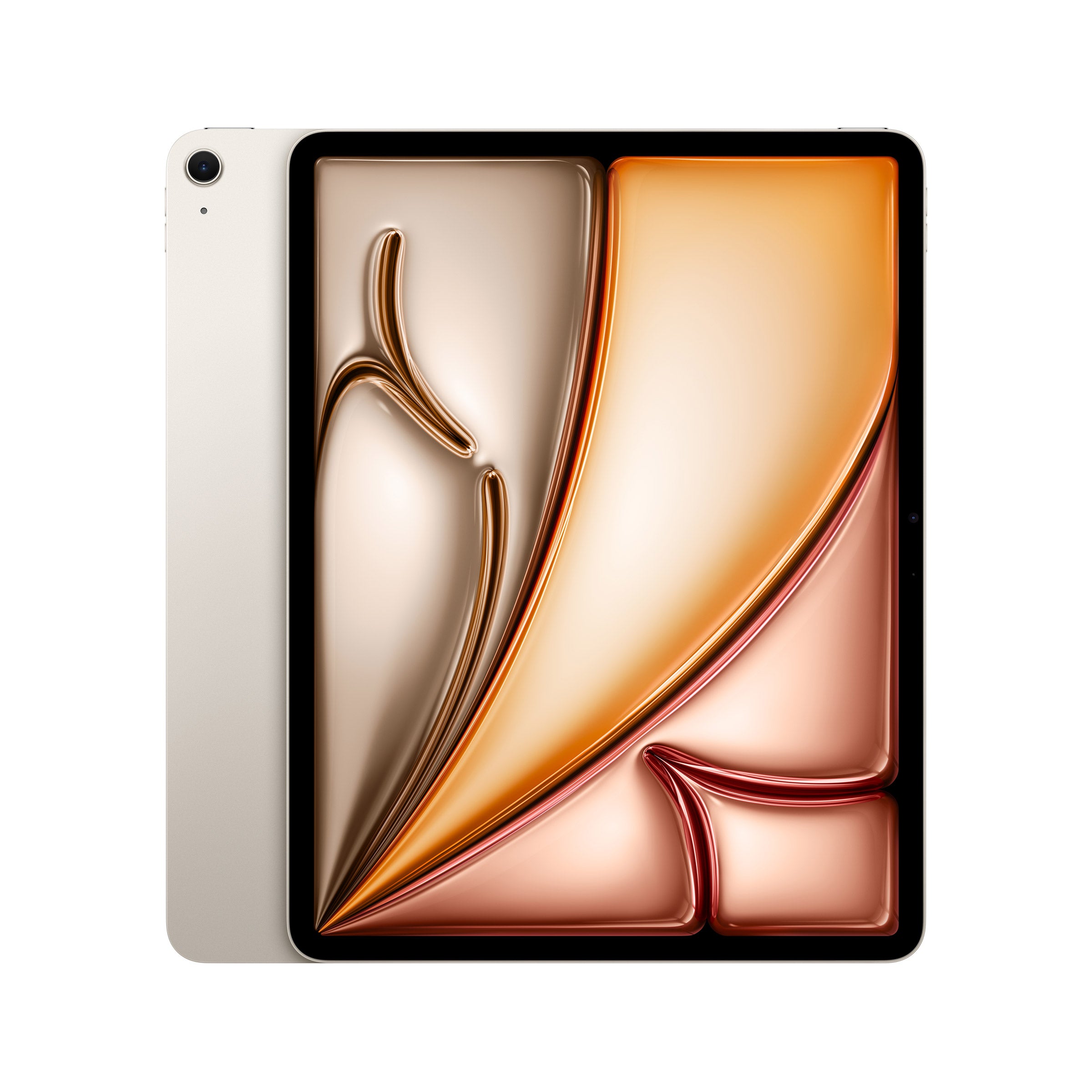

Top Rated Items




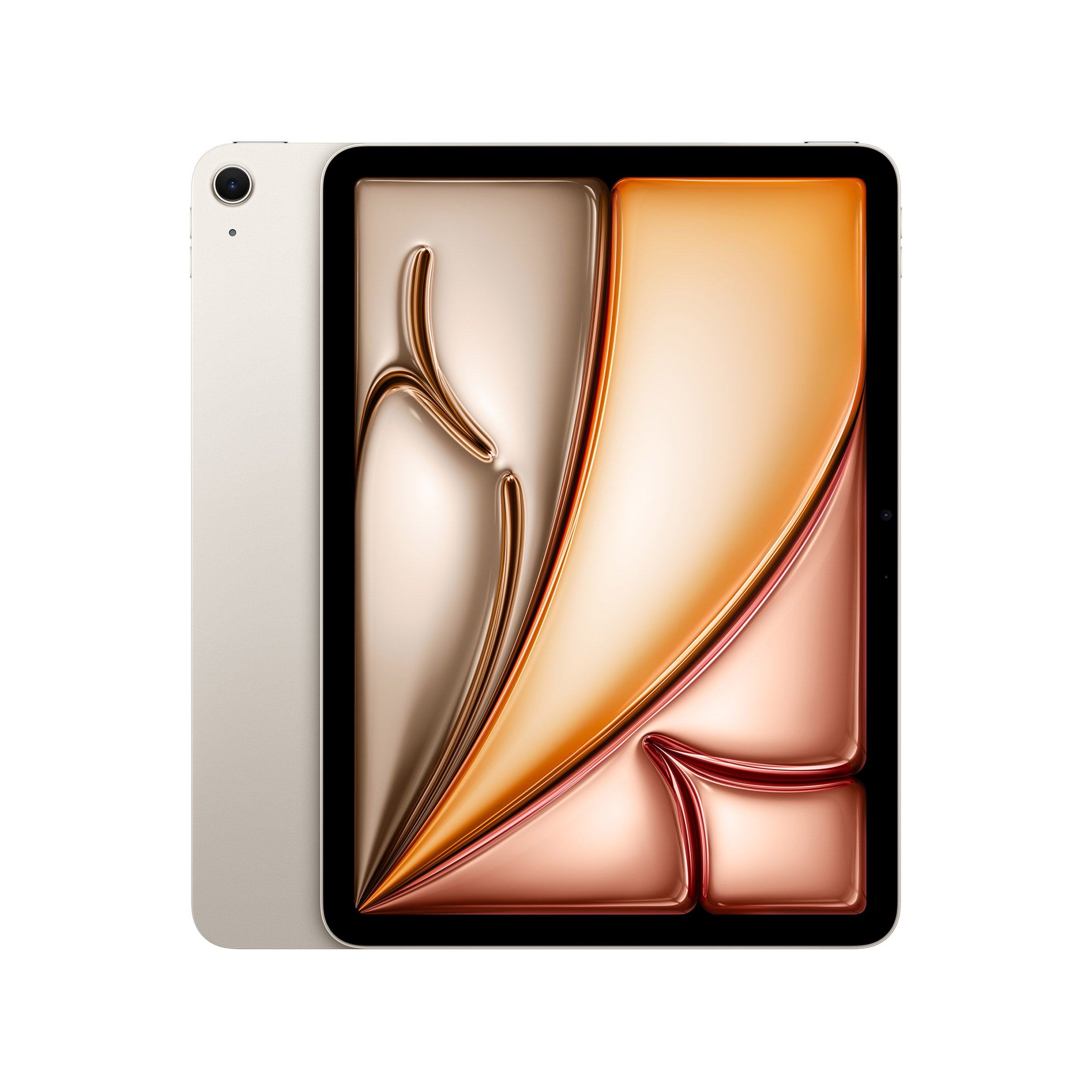
Tablets For Small Business Owners
FAQs
-
Tablets can support email, appointment scheduling, video meetings, presentations, and document review. Depending on the apps and accessories supported, they can also serve as tools for bookkeeping, project coordination, and customer check-in.
-
A tablet’s operating system determines which apps it can run and how it connects with other devices. Before choosing a tablet, check whether your business software supports its operating system and whether the mobile app includes the features you use on a computer.
-
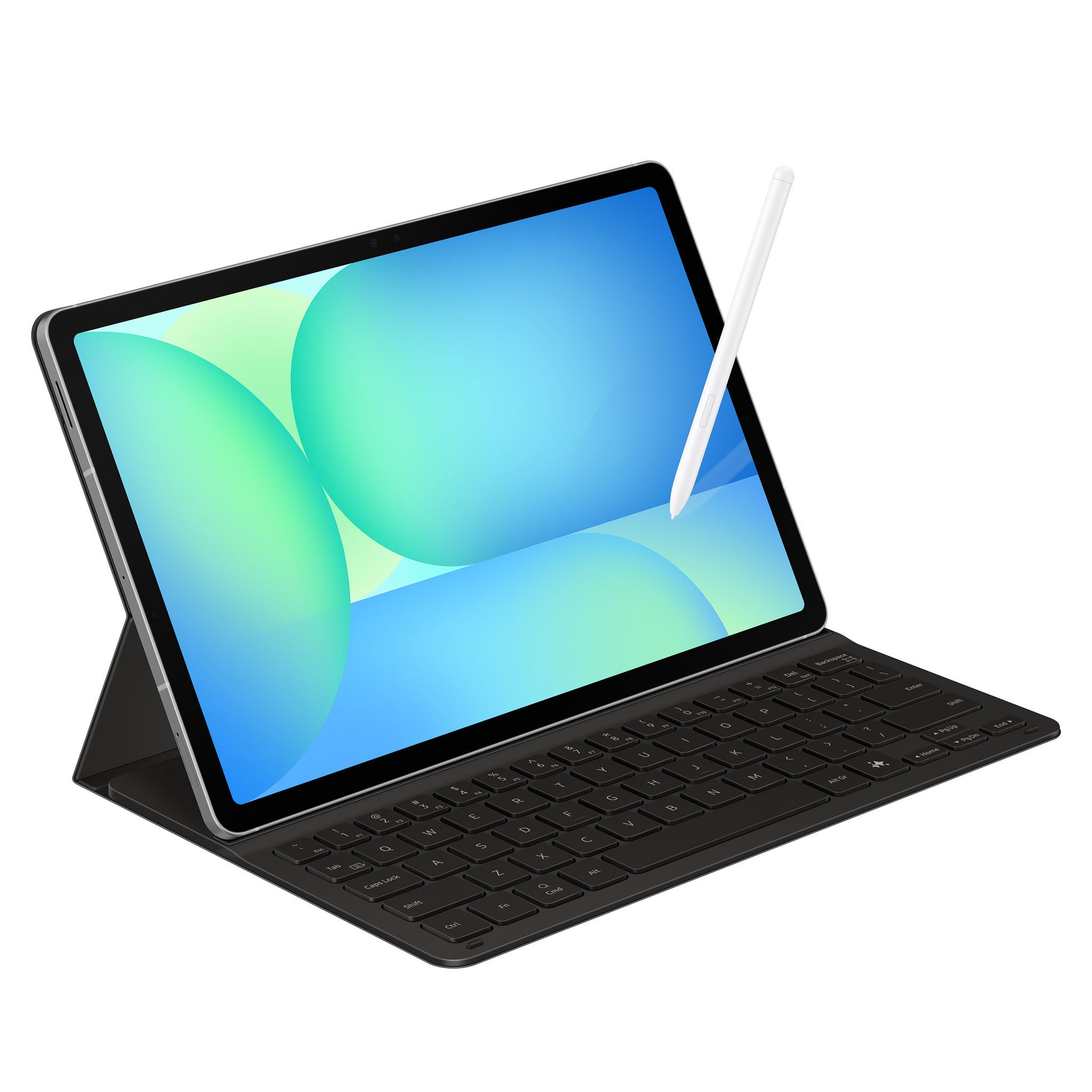
A compatible keyboard can support typing-intensive tasks, while a stylus can be useful for handwritten notes and document annotations. Stands offer hands-free positioning for meetings, and compatible hubs or adapters may provide connections for displays and other peripherals. Accessory support varies by tablet.
-
Wi-Fi connects a tablet to wireless networks, while models with cellular capability may offer internet access away from Wi-Fi with a compatible data plan. Bluetooth supports compatible wireless accessories. Check the tablet’s ports and connection standards if your workflow involves external displays, drives, or wired peripherals.
-
Cloud storage services and collaboration apps can make documents accessible across a tablet and a computer. Some tablets also support direct file transfers through USB connections or wireless sharing tools. Check file-format compatibility and whether your preferred apps support editing, commenting, and exporting the documents your business uses.