



Laptops With Privacy Shutters
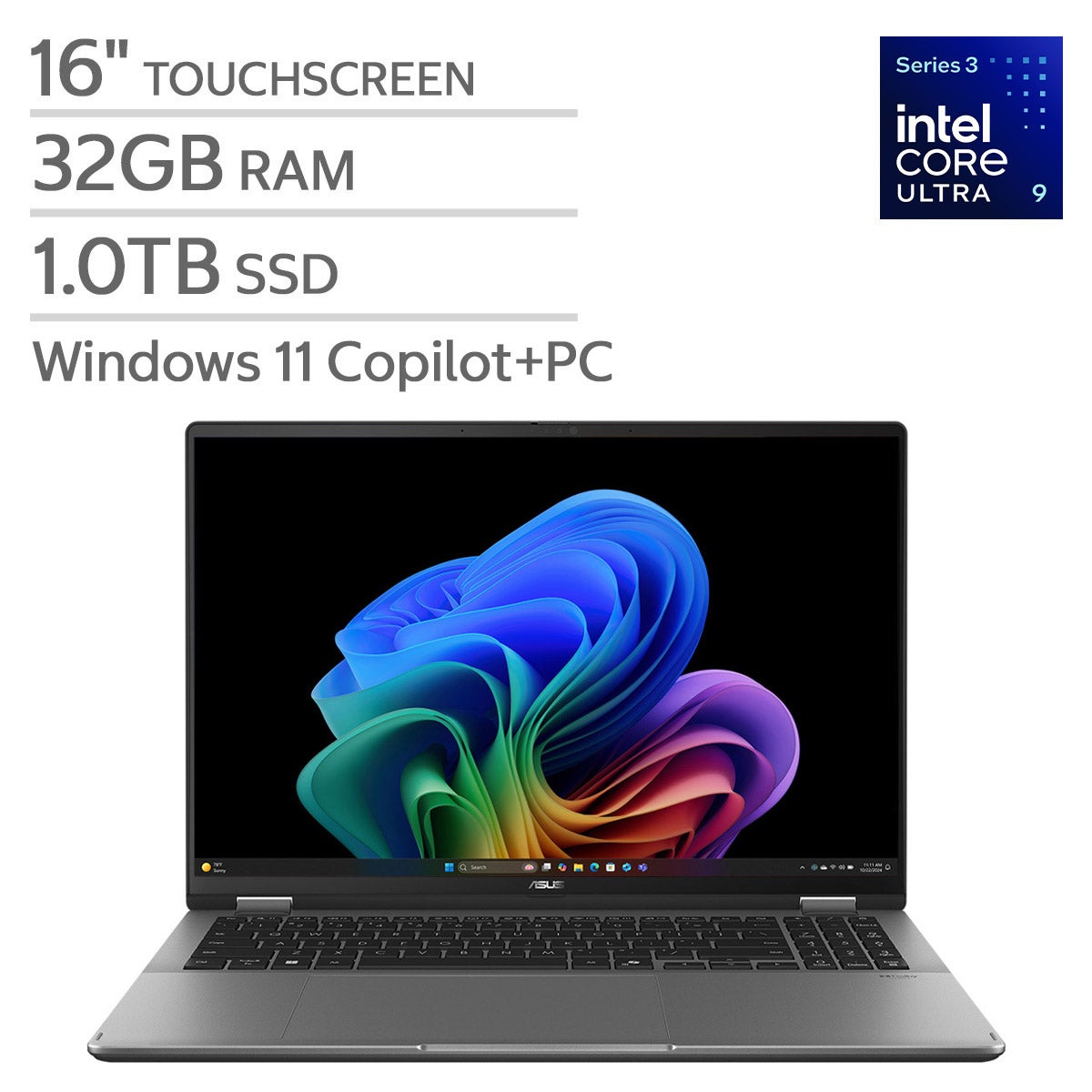
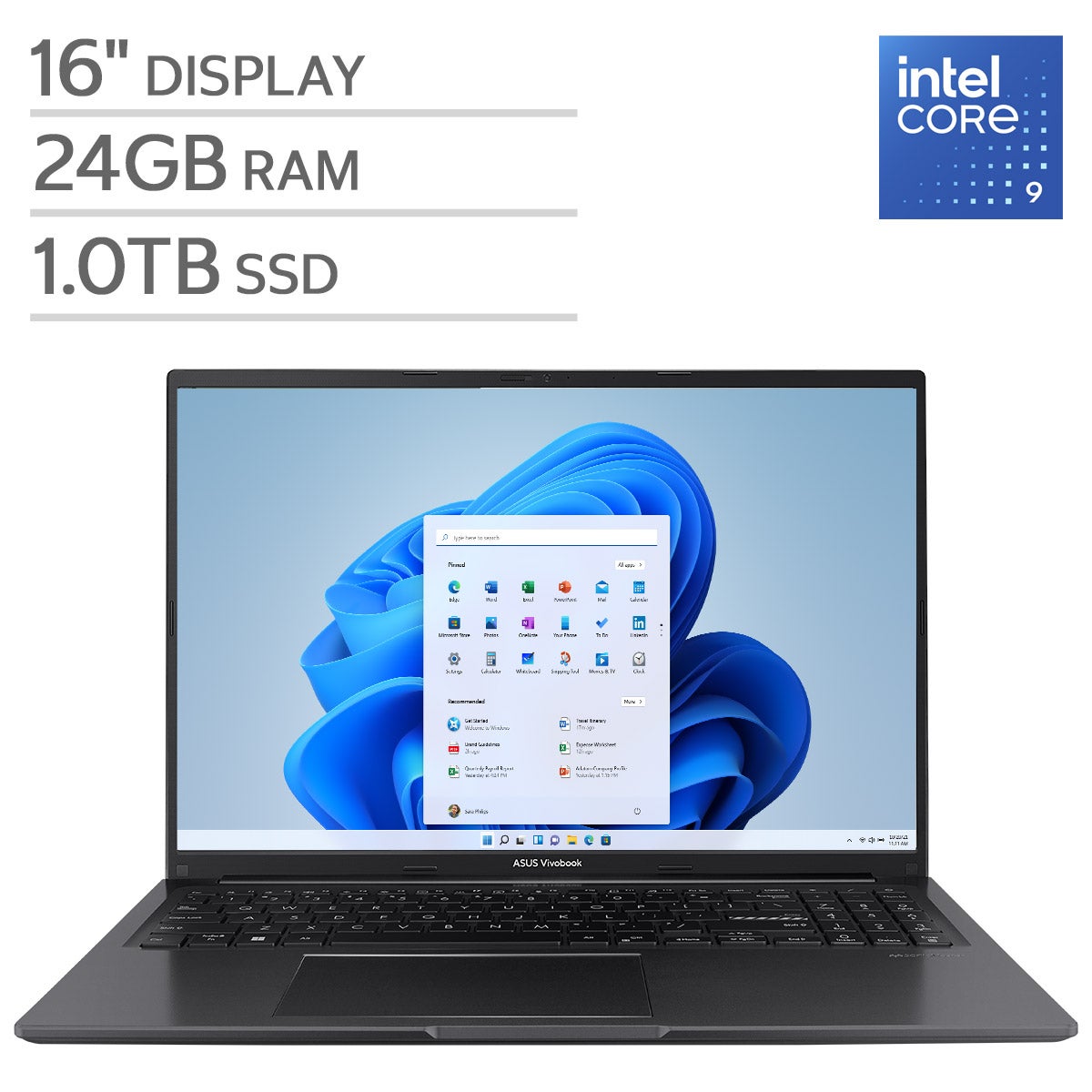
Laptops with privacy shutters offer an added layer of security and peace of mind for those who value their digital privacy. Whether you're working from home, attending virtual meetings, or streaming your favorite content, these laptops are designed to help protect your personal space. Explore a wide selection of laptops with privacy shutters that combine performance, style, and enhanced privacy features, making them ideal for both professional and personal use. Find the perfect device to suit your needs while enjoying the confidence that comes with greater control over your webcam access.
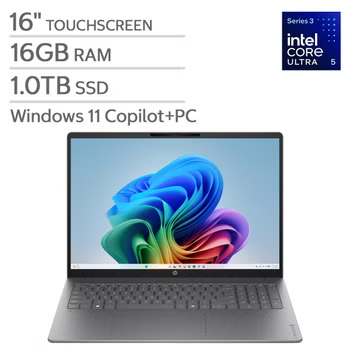
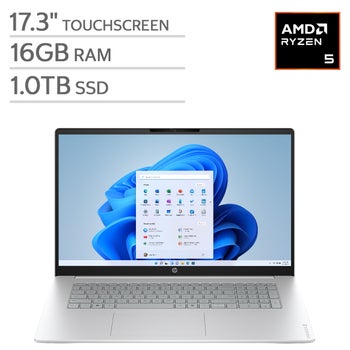
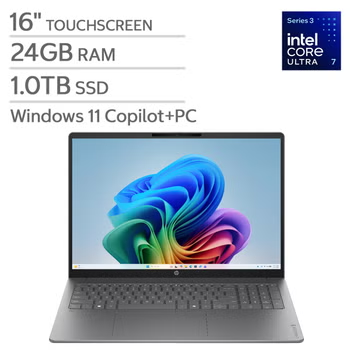
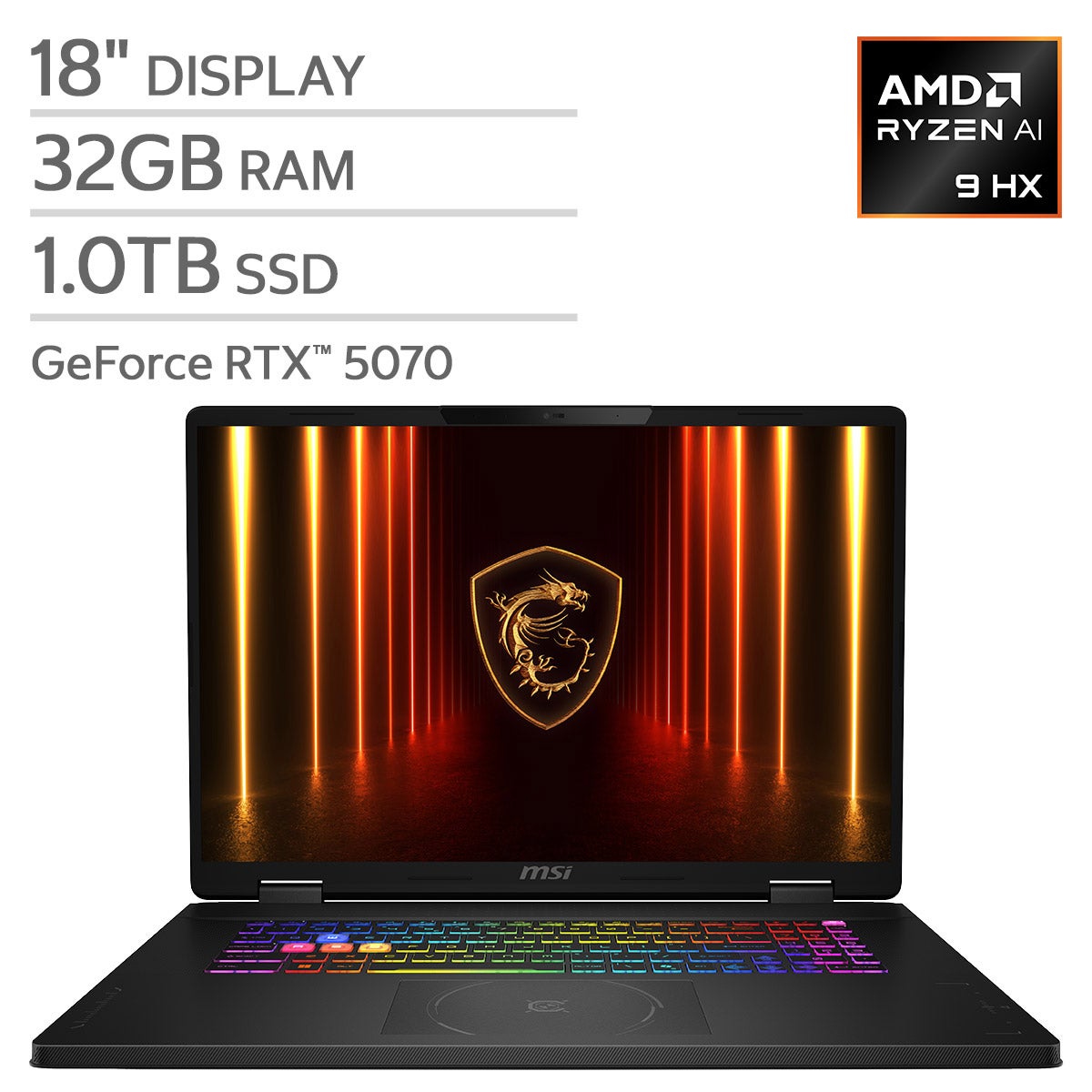
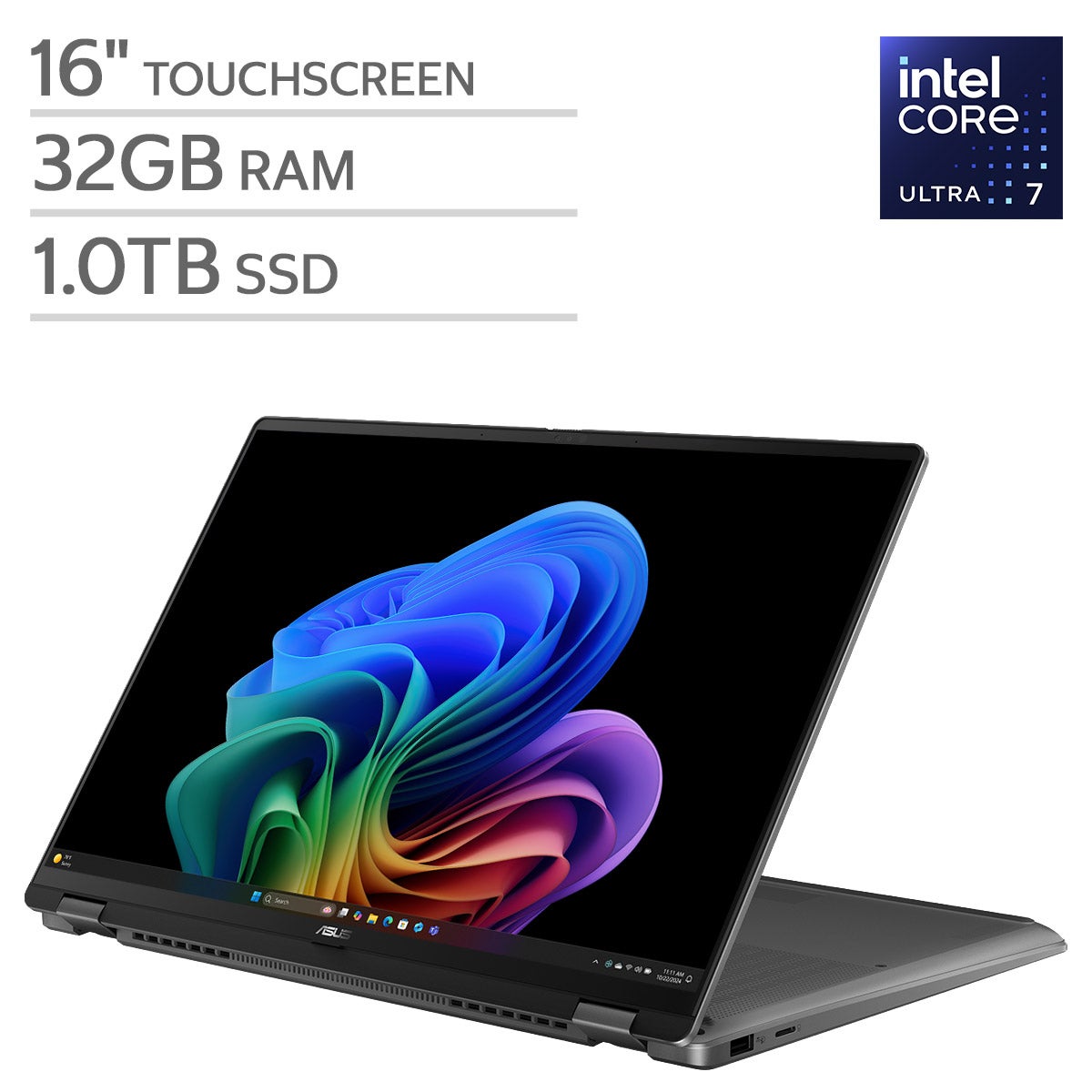
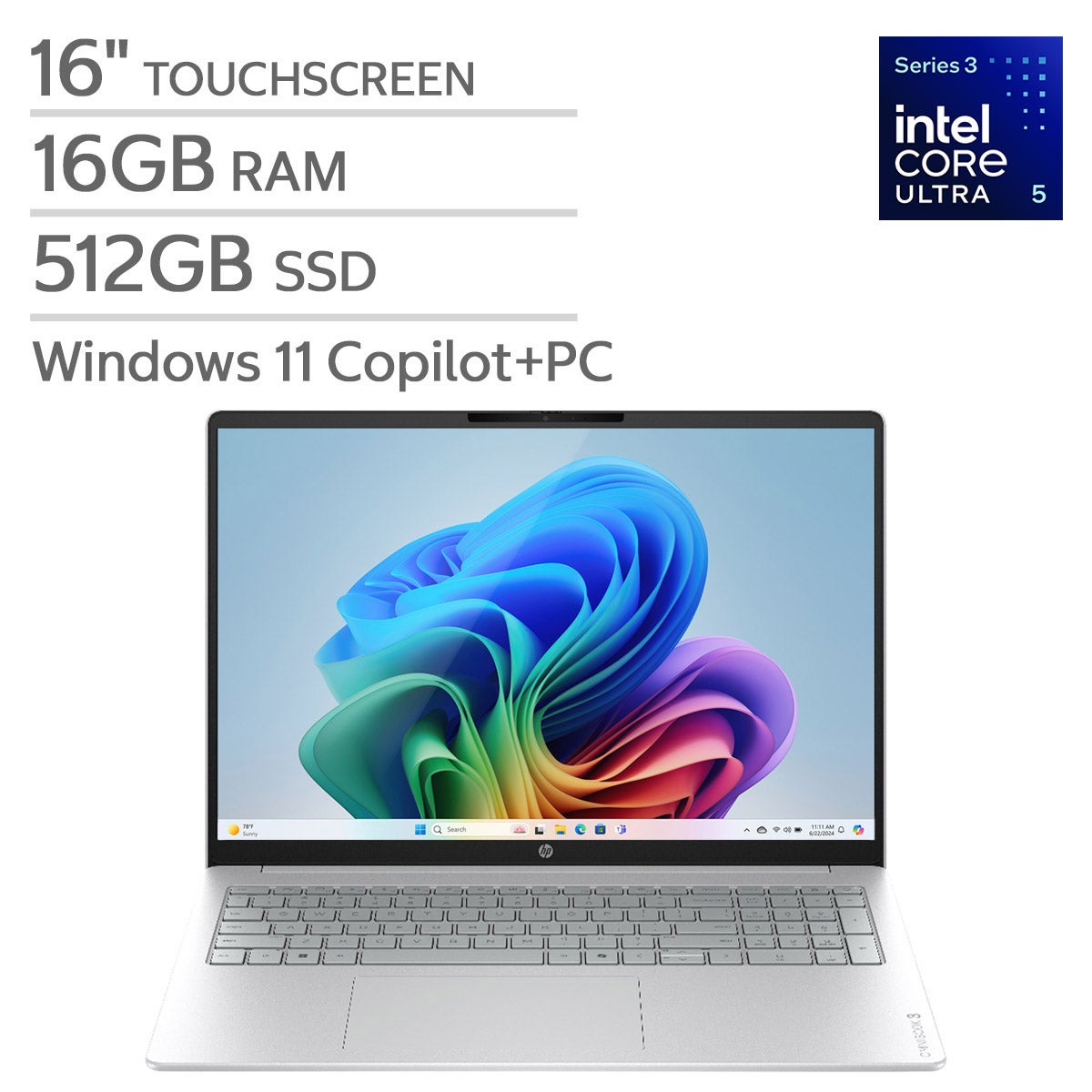
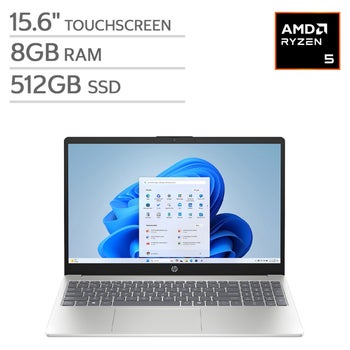
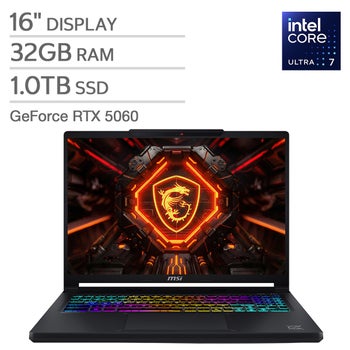
Top Rated Items

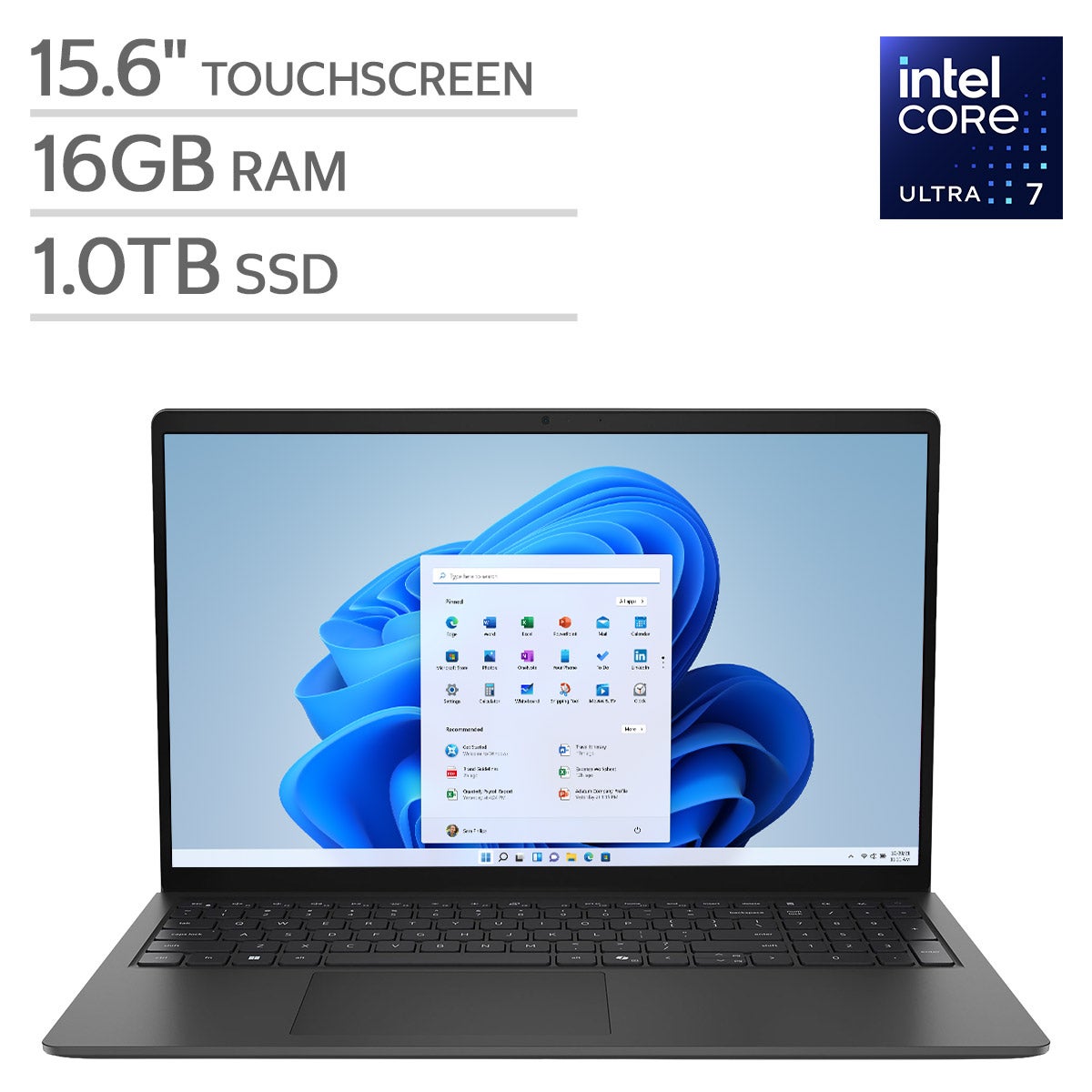
FAQs
-
A privacy shutter is a physical cover built into a laptop's webcam. It allows you to slide the cover over the camera lens when it's not in use, providing added privacy and peace of mind.
-
To use the privacy shutter, simply slide the cover over the webcam when you want to block the camera. When you're ready to use the webcam, slide the shutter back to uncover the lens.
-
Many Windows laptops come with built-in privacy shutters, and some select Mac-compatible laptops also offer this feature. Check the product specifications to confirm if a particular model includes a privacy shutter.
-
Yes, you can use all your favorite video conferencing apps. Just make sure to slide the privacy shutter open before starting your video call to ensure the camera is not blocked.
-
Privacy shutters do not impact the quality of your webcam as long as the shutter is fully open during use. When the shutter is closed, the camera is simply blocked from capturing video.