



Laptops With Haptic Touchpads
Explore laptops with haptic touchpads for tactile click feedback as you navigate, select, and scroll. Compare screen size, processor, memory, and storage alongside touchpad features to find a laptop that fits your everyday tasks and preferences.
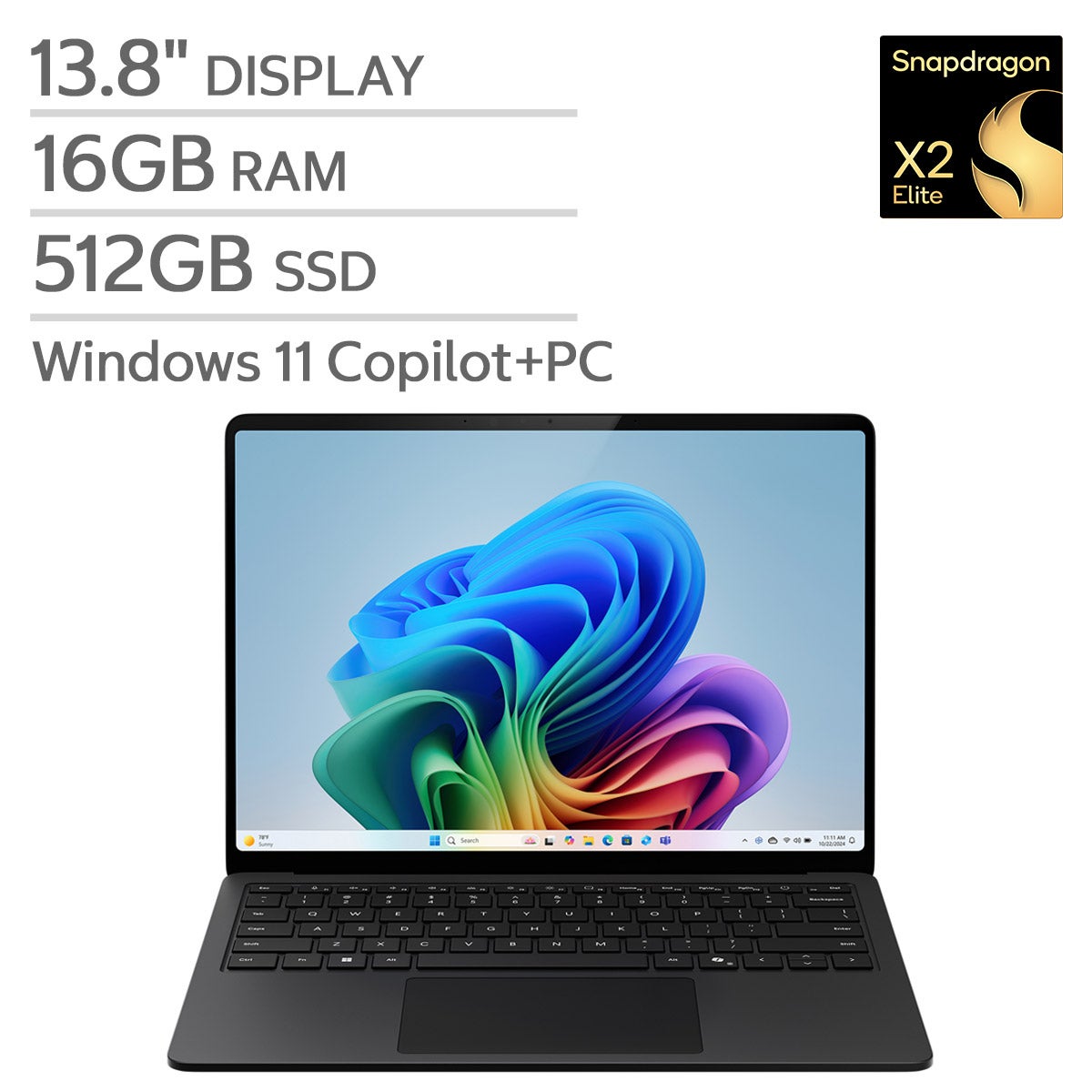

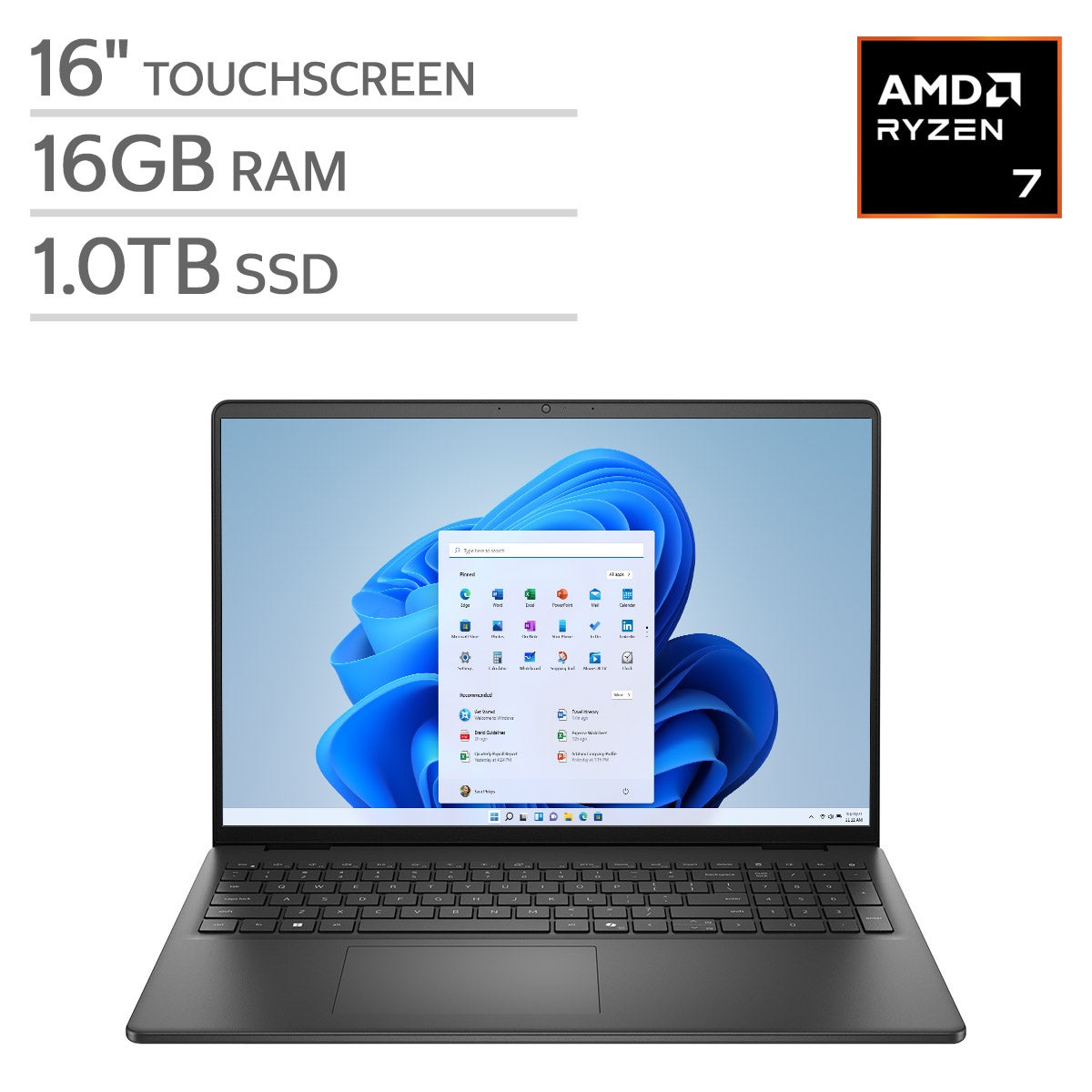
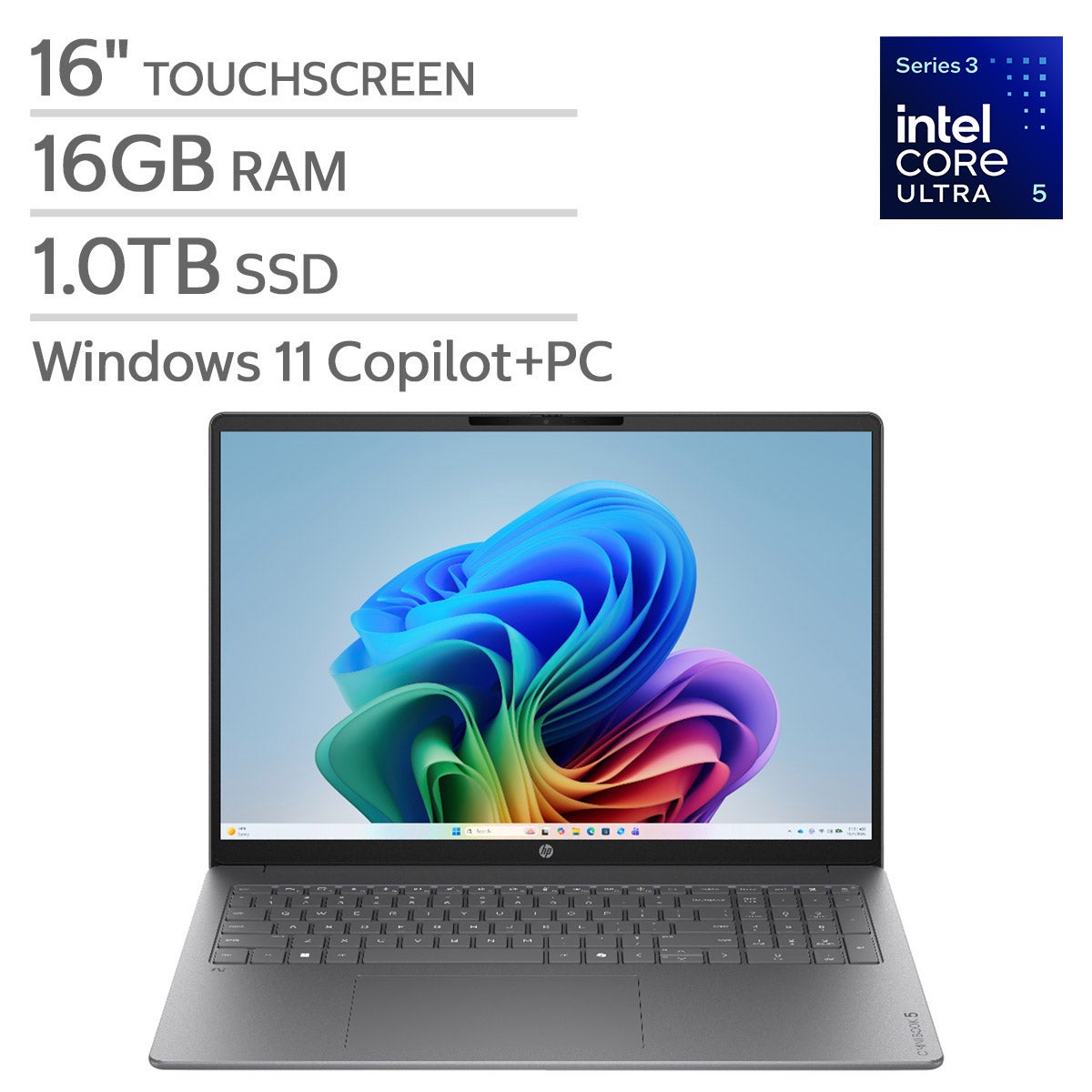
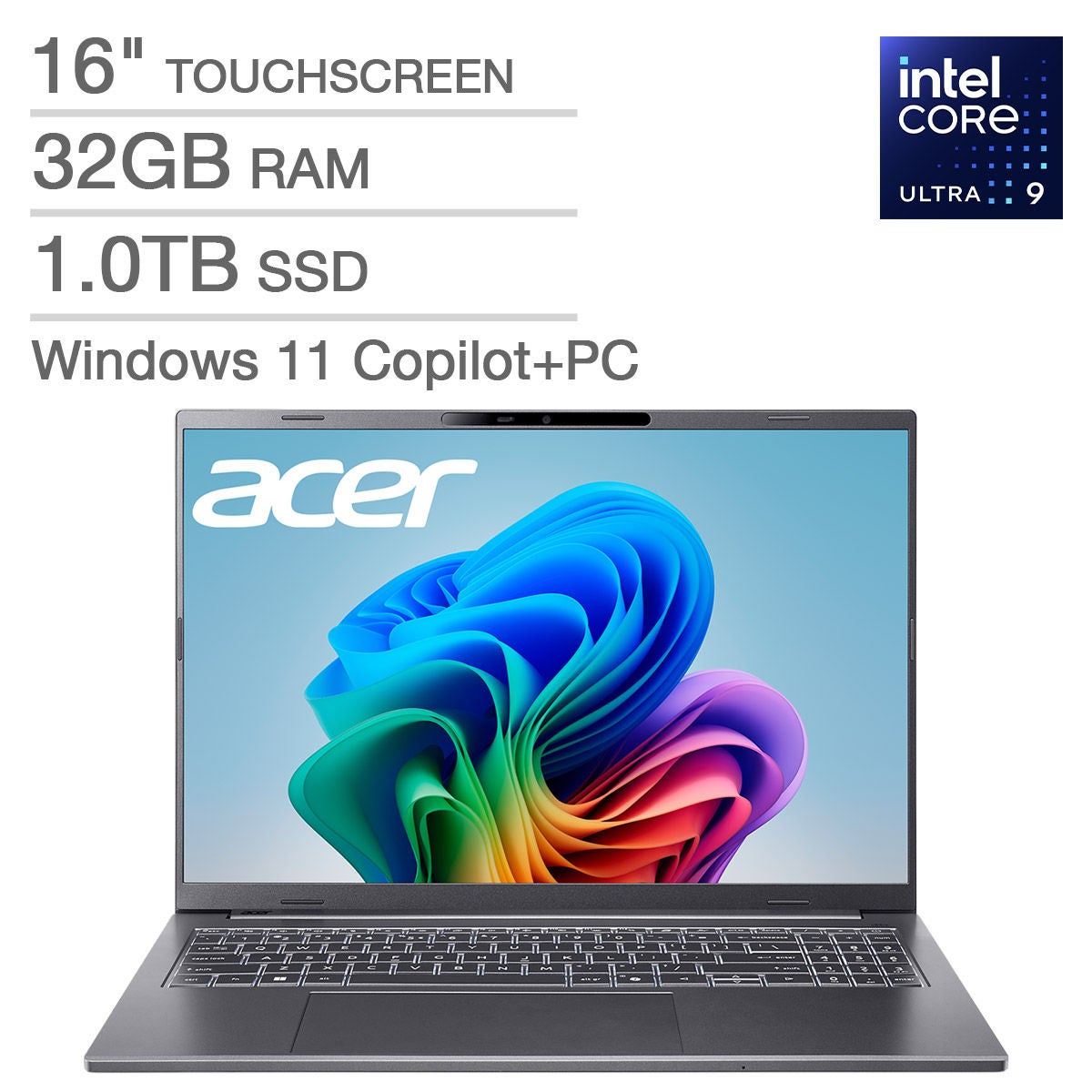
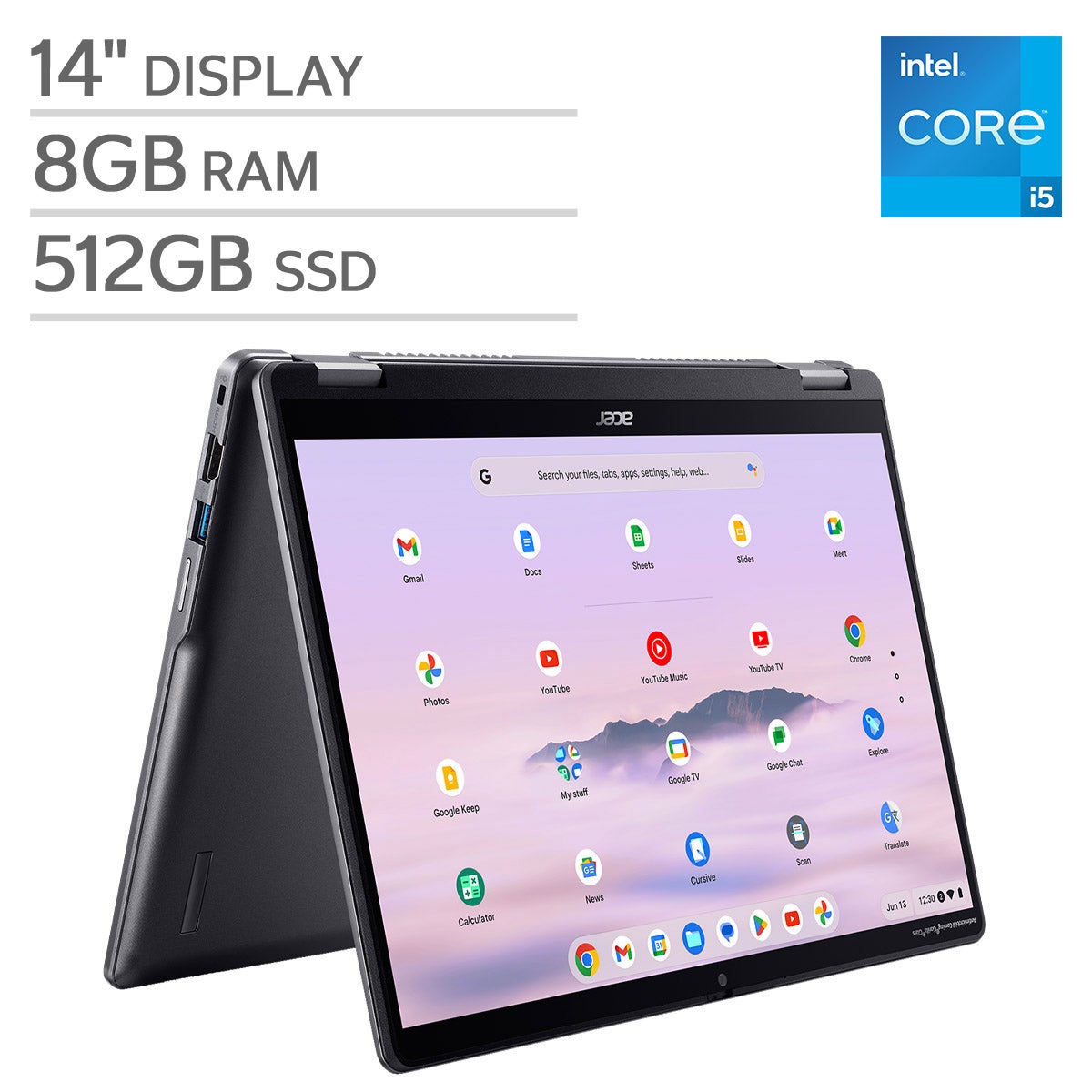
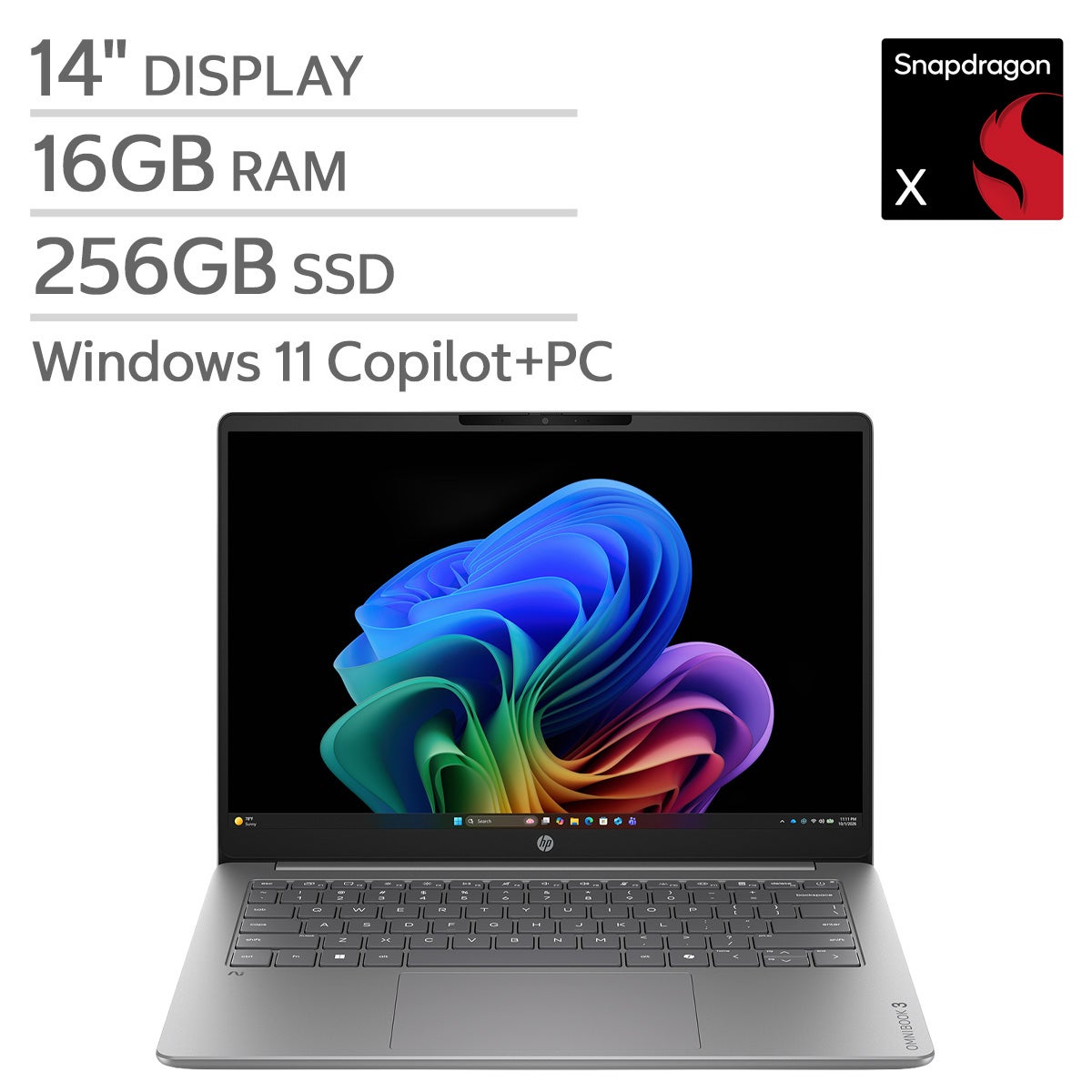
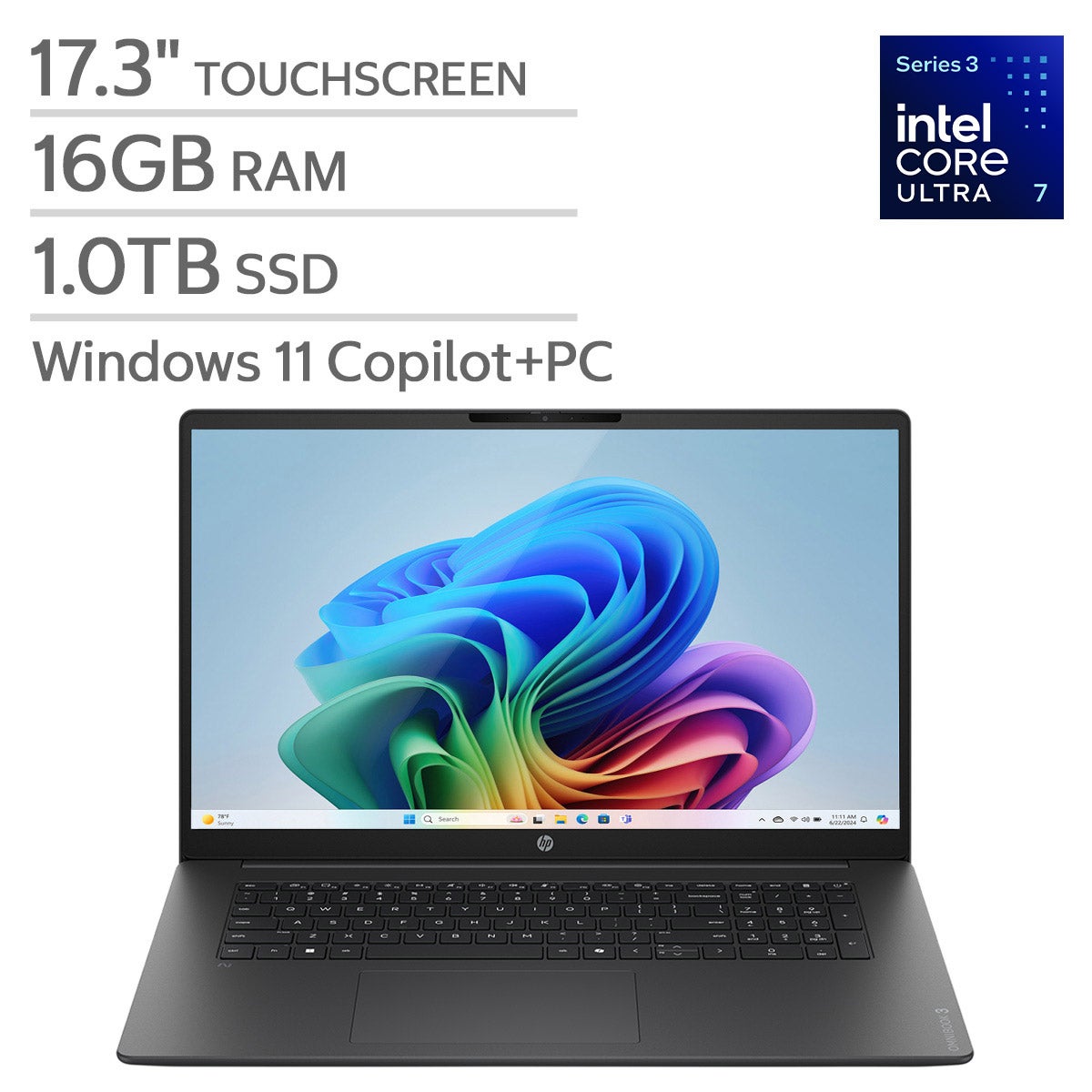
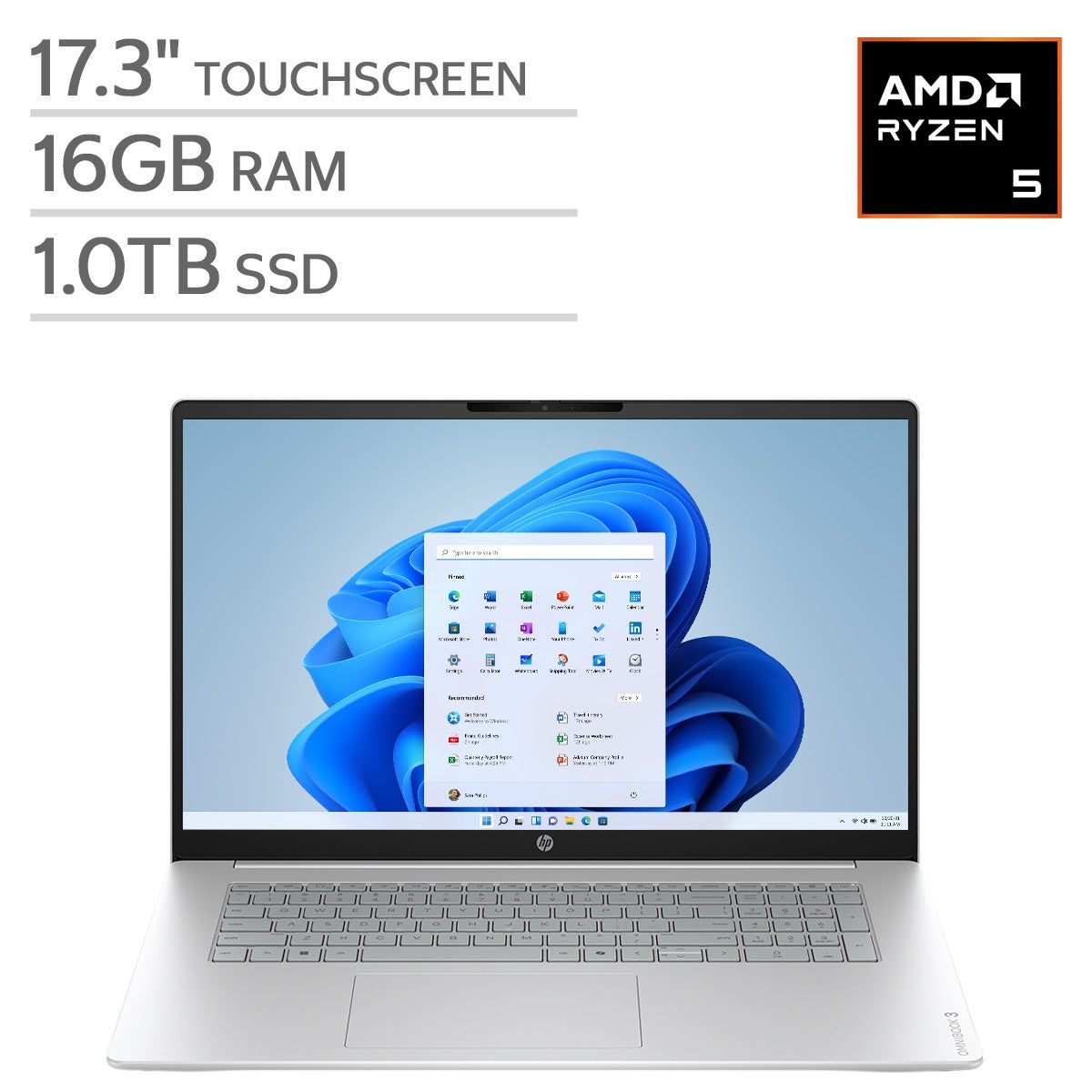
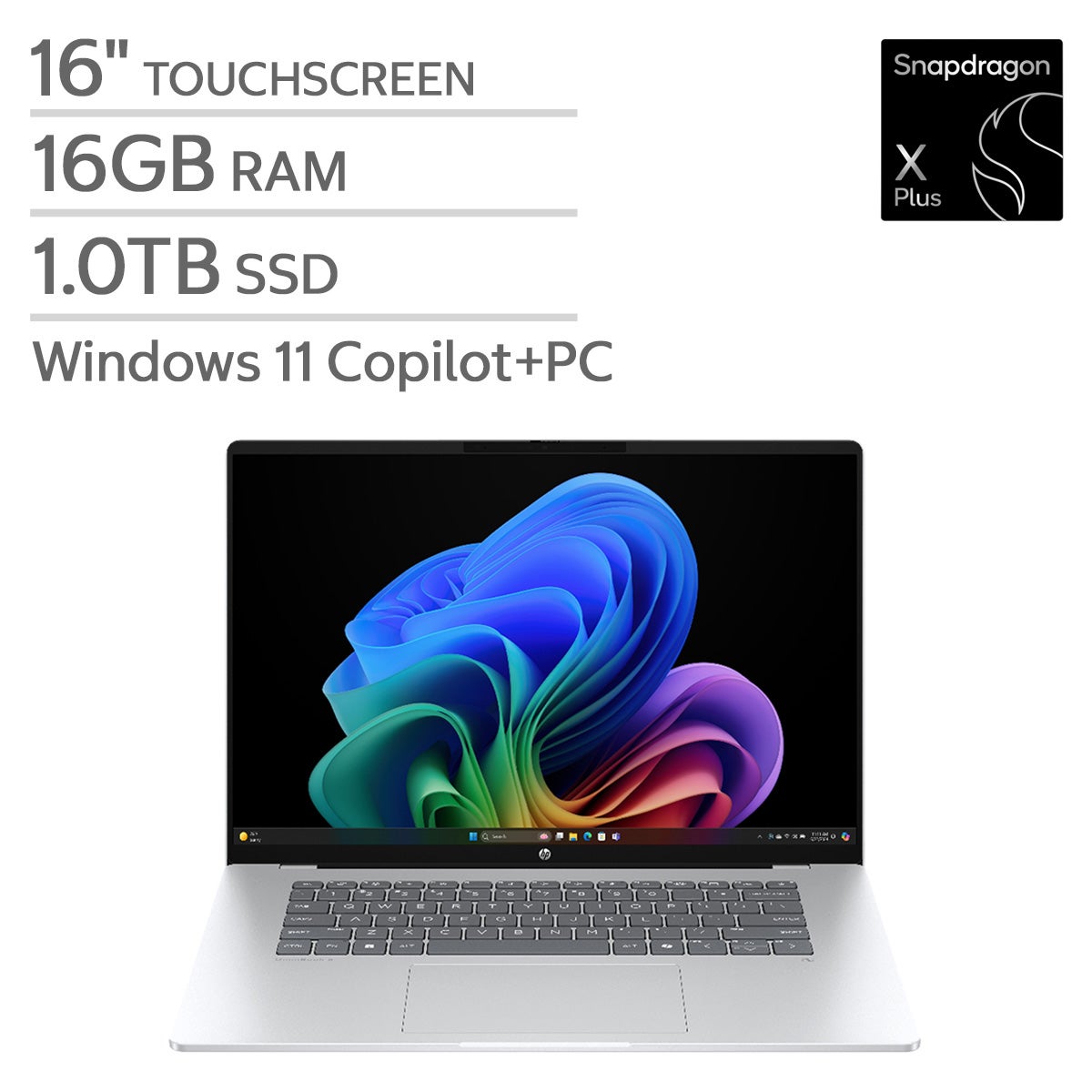
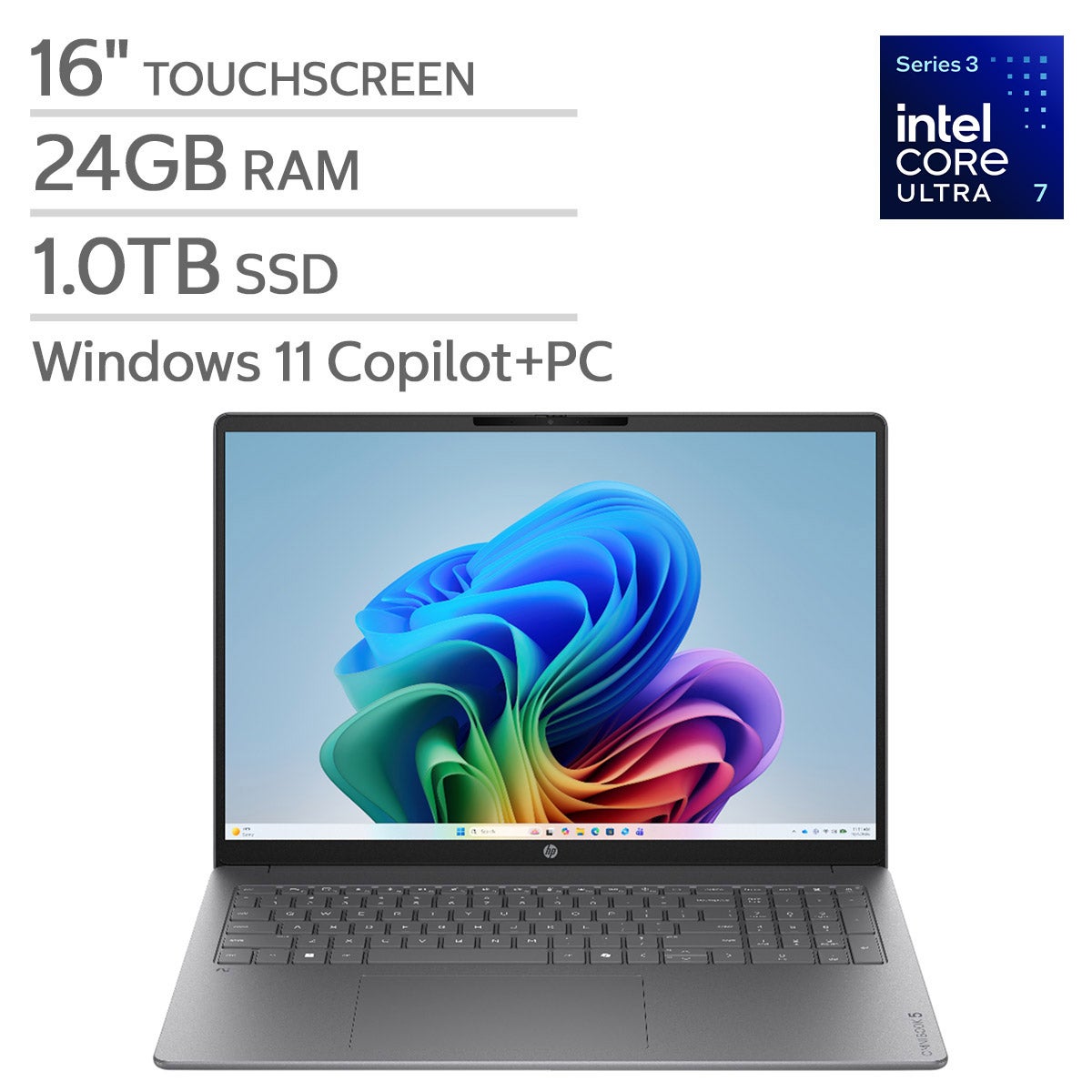
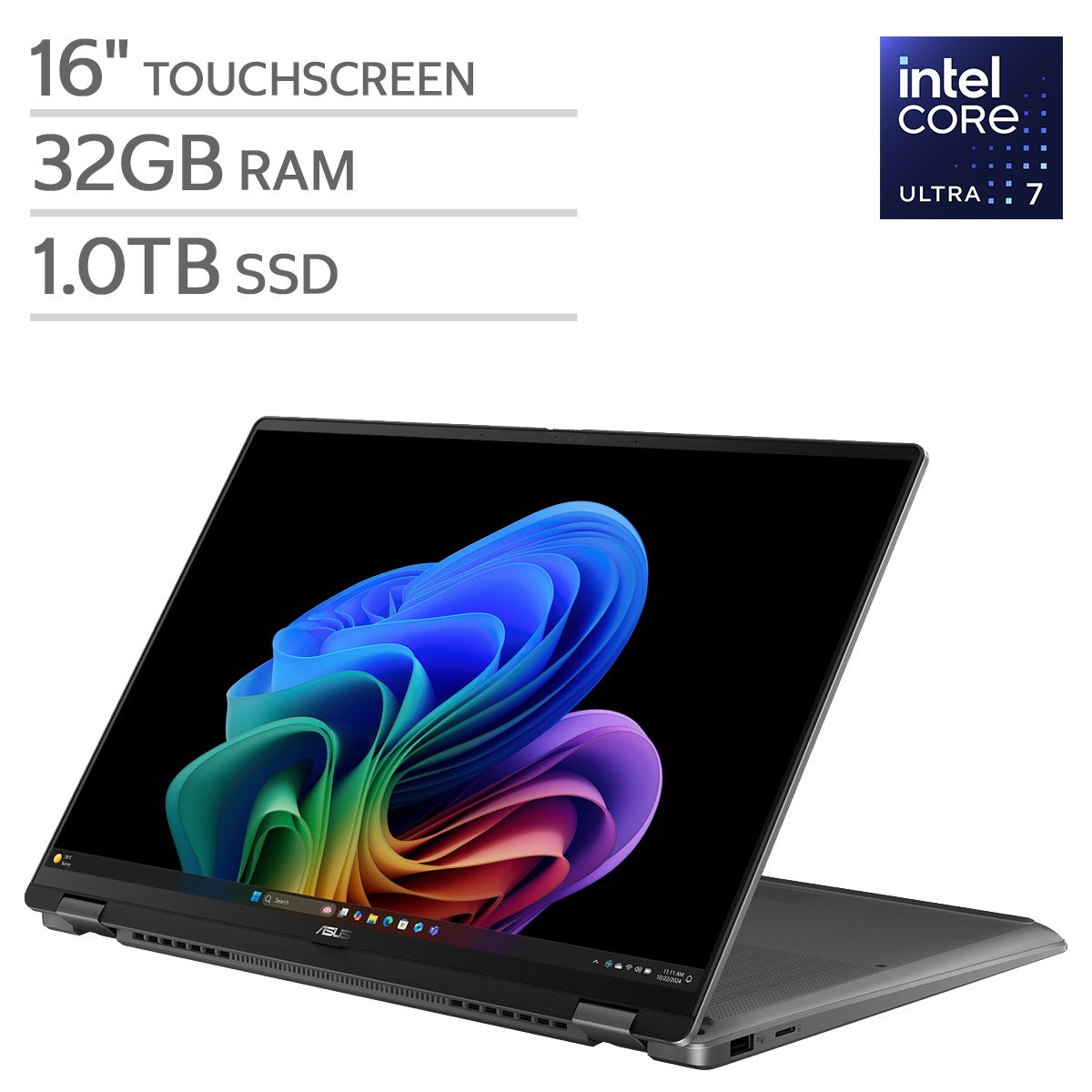
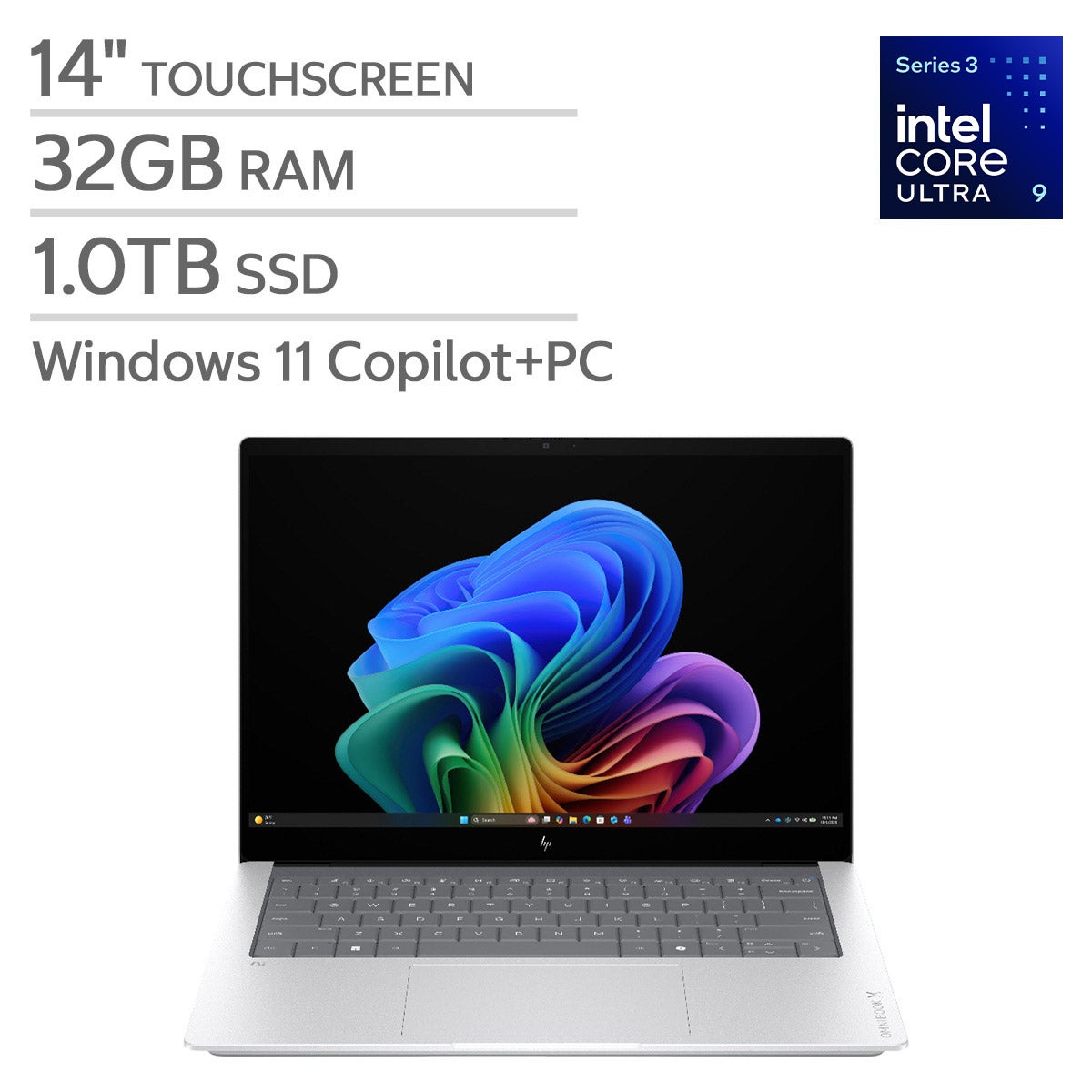

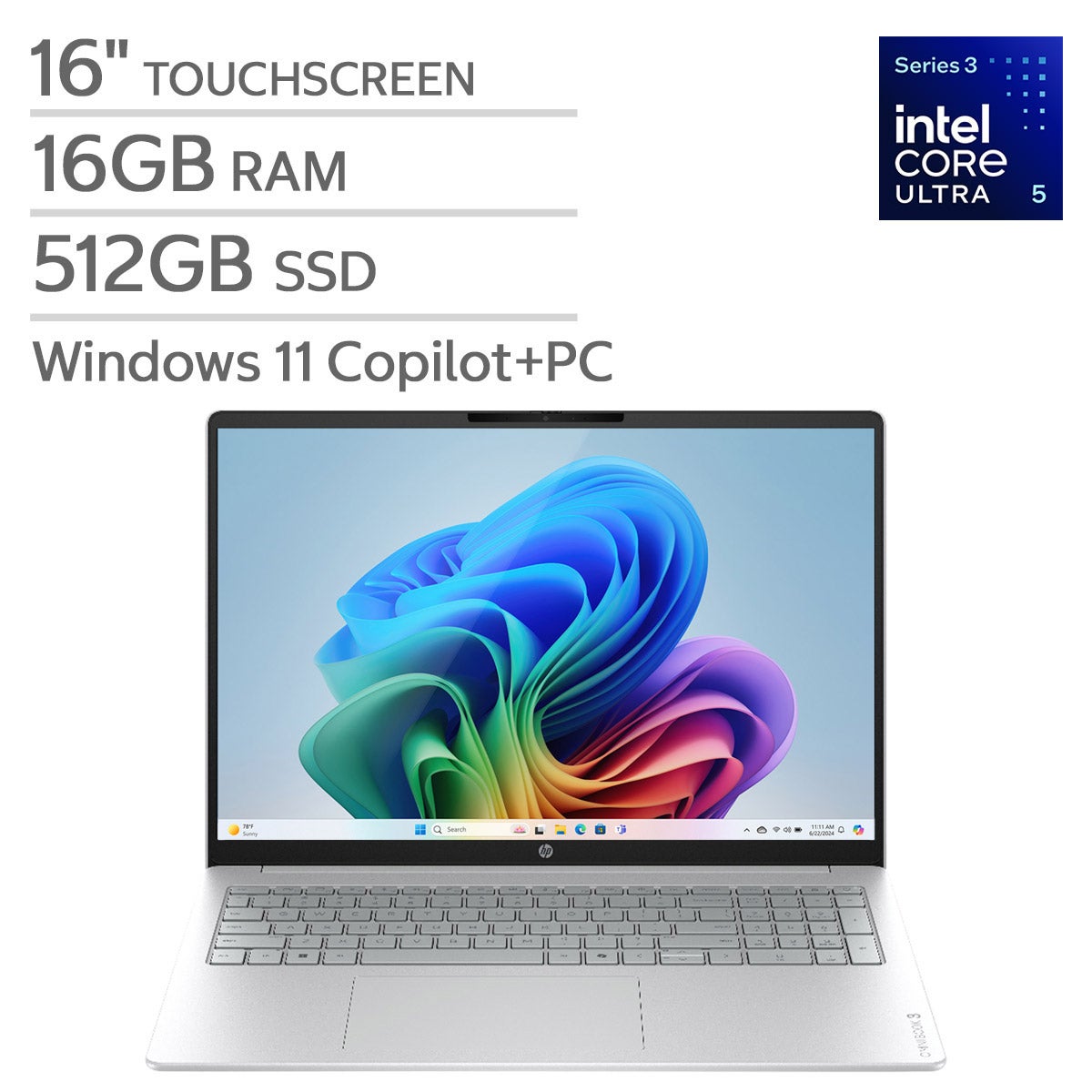


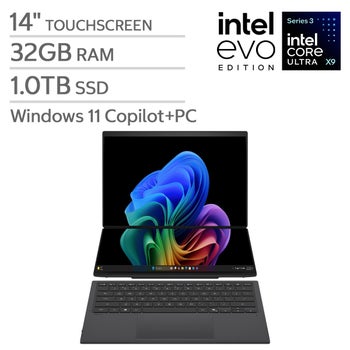
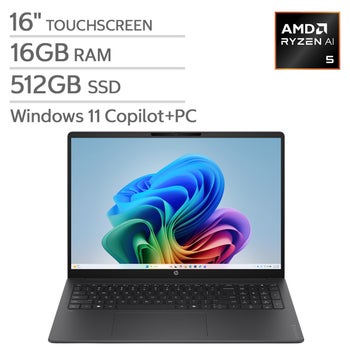

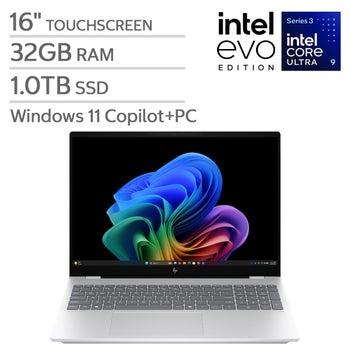
Top Rated Items
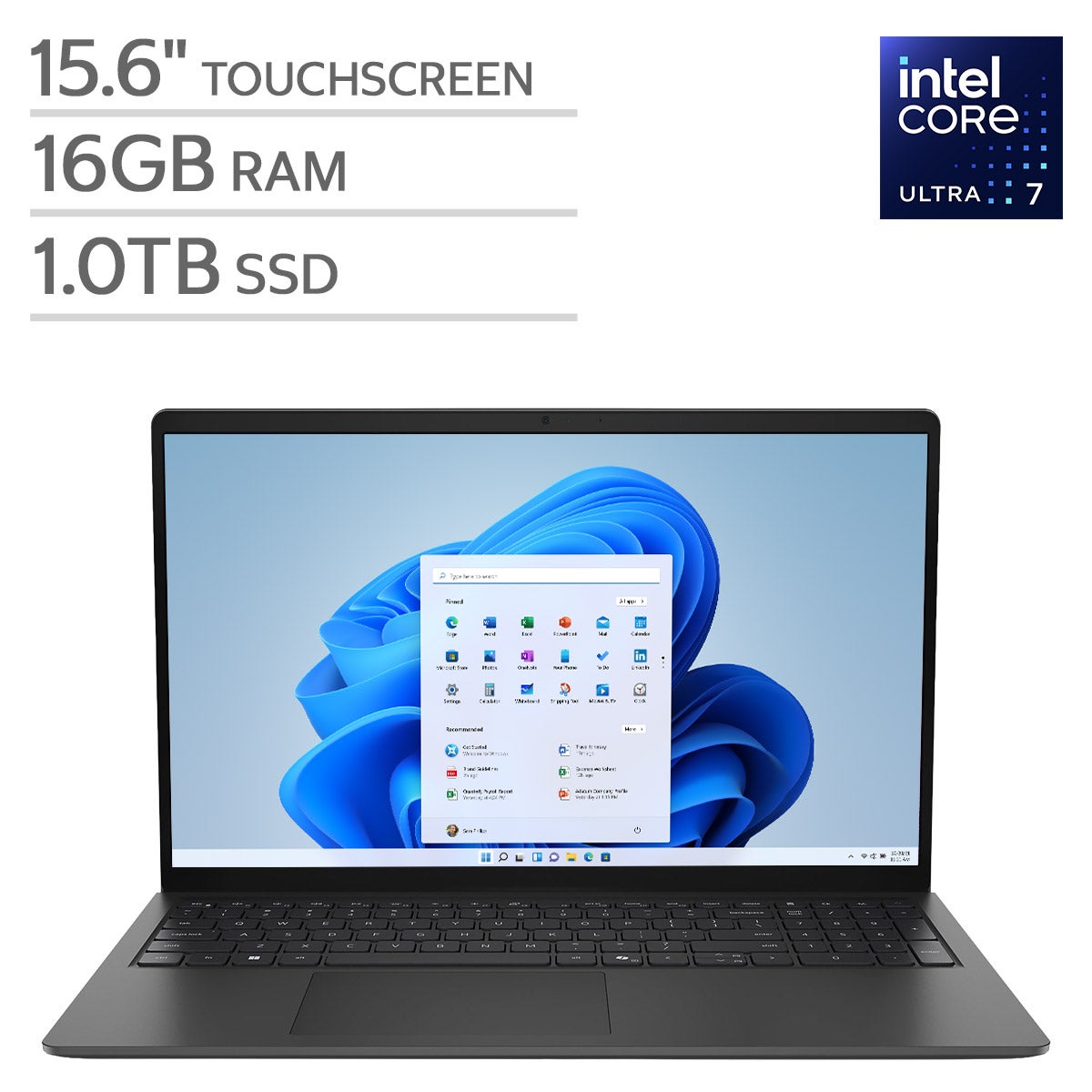

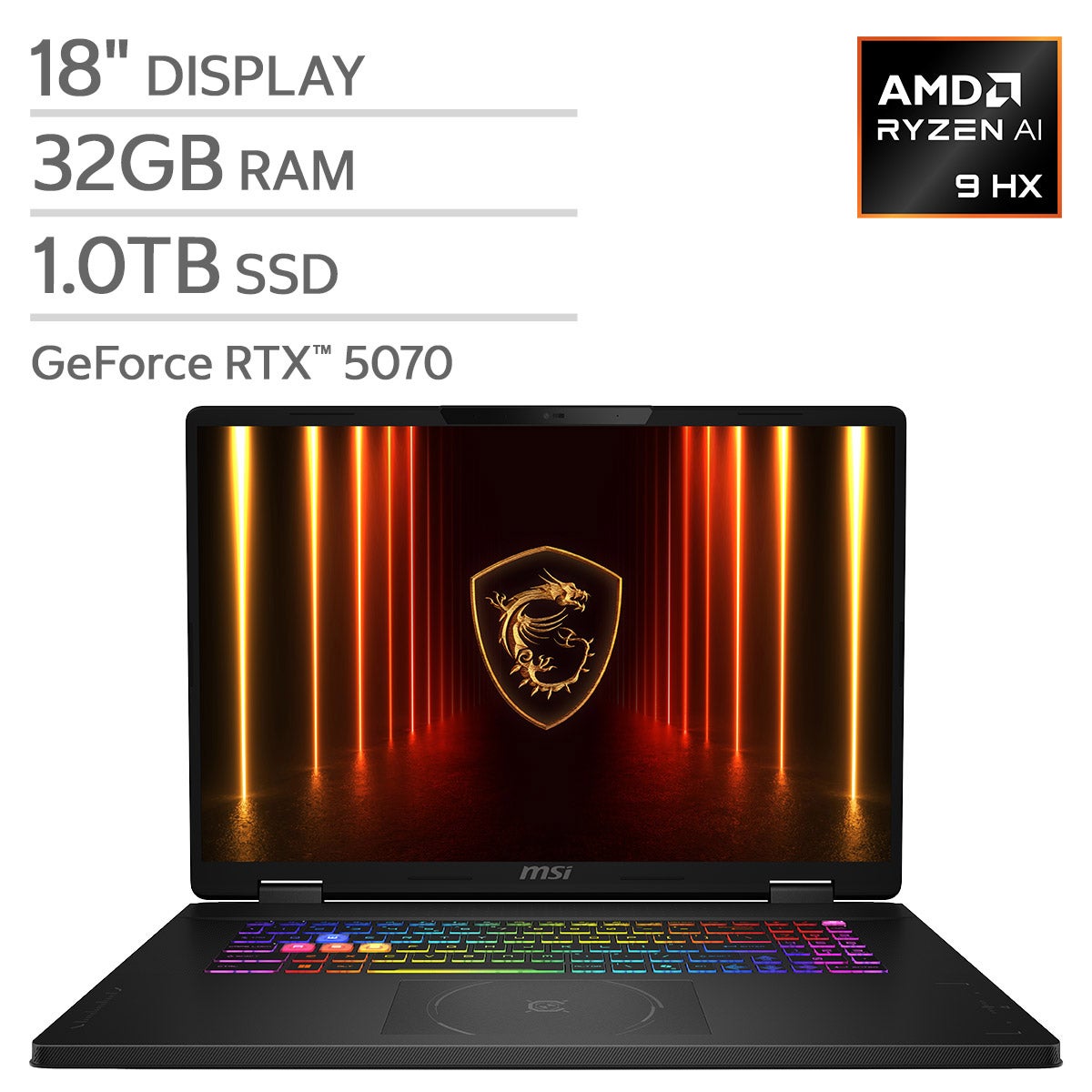
Laptops With Haptic Touchpads
FAQs
-
A haptic touchpad uses sensors and tactile feedback to simulate a click rather than relying on a traditional mechanical clicking mechanism. It combines a touch-sensitive surface with electronically generated feedback for navigation and selection.
-
A traditional clickable touchpad typically moves when pressed. A haptic touchpad creates the sensation of a click electronically, with little or no surface movement. Depending on the design, it can provide a consistent click sensation across more of the touchpad surface.
-
Some laptops let you adjust haptic feedback intensity, click sensitivity, or both through touchpad settings. Available controls depend on the laptop and operating system, so check the documented customization options when comparing models.
-
Haptic touchpads commonly support gestures such as two-finger scrolling, pinch-to-zoom, and swipes to switch between apps or desktops. The available gestures depend on the laptop, operating system, and software. Gesture recognition and haptic feedback are separate features, so not every gesture produces a tactile response.
-
Tap-to-click registers a light tap as a selection without requiring a press. Haptic clicking typically registers a press and provides tactile feedback that resembles a mechanical click. A laptop may offer both options, with settings to customize how each works.