



Laptops For Professionals
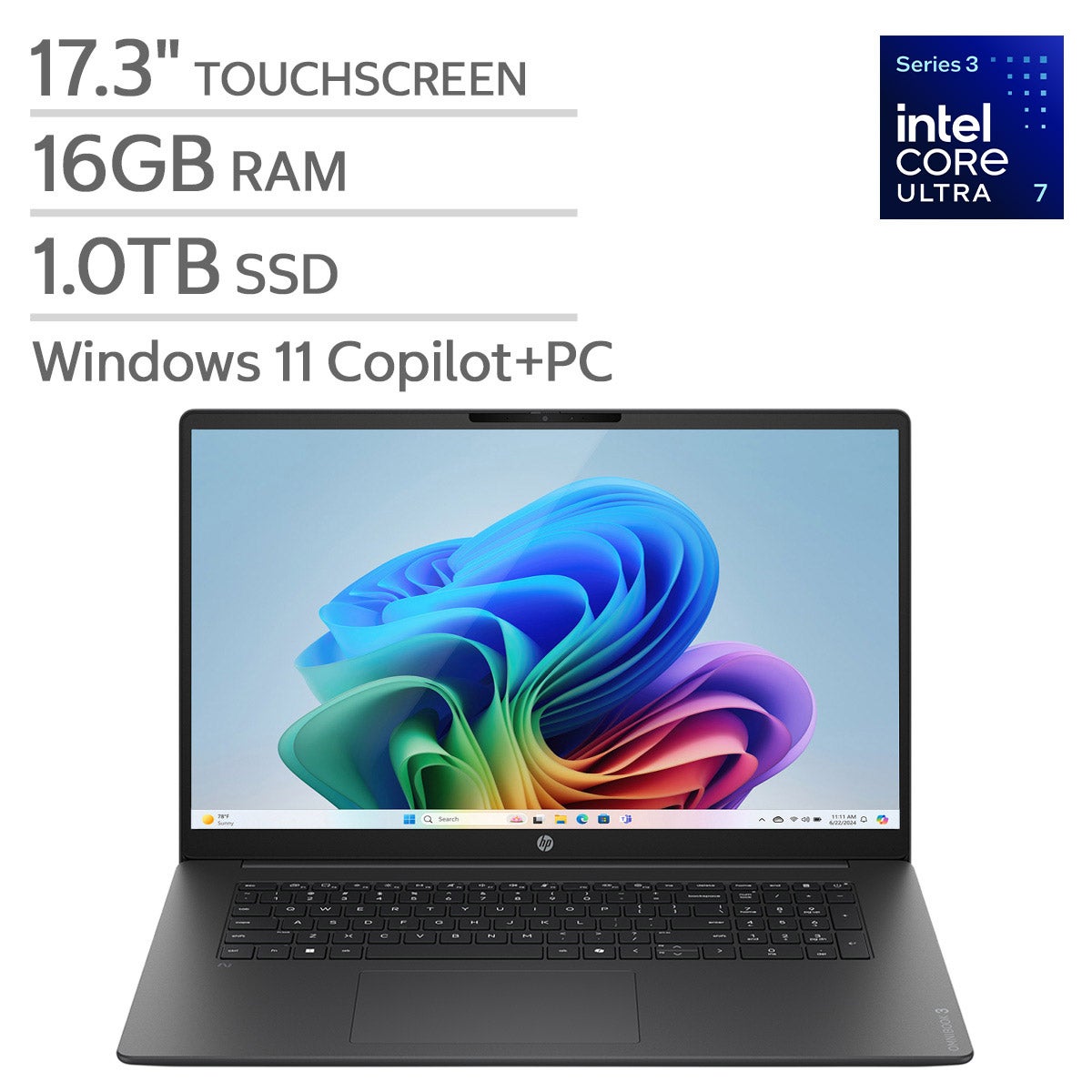
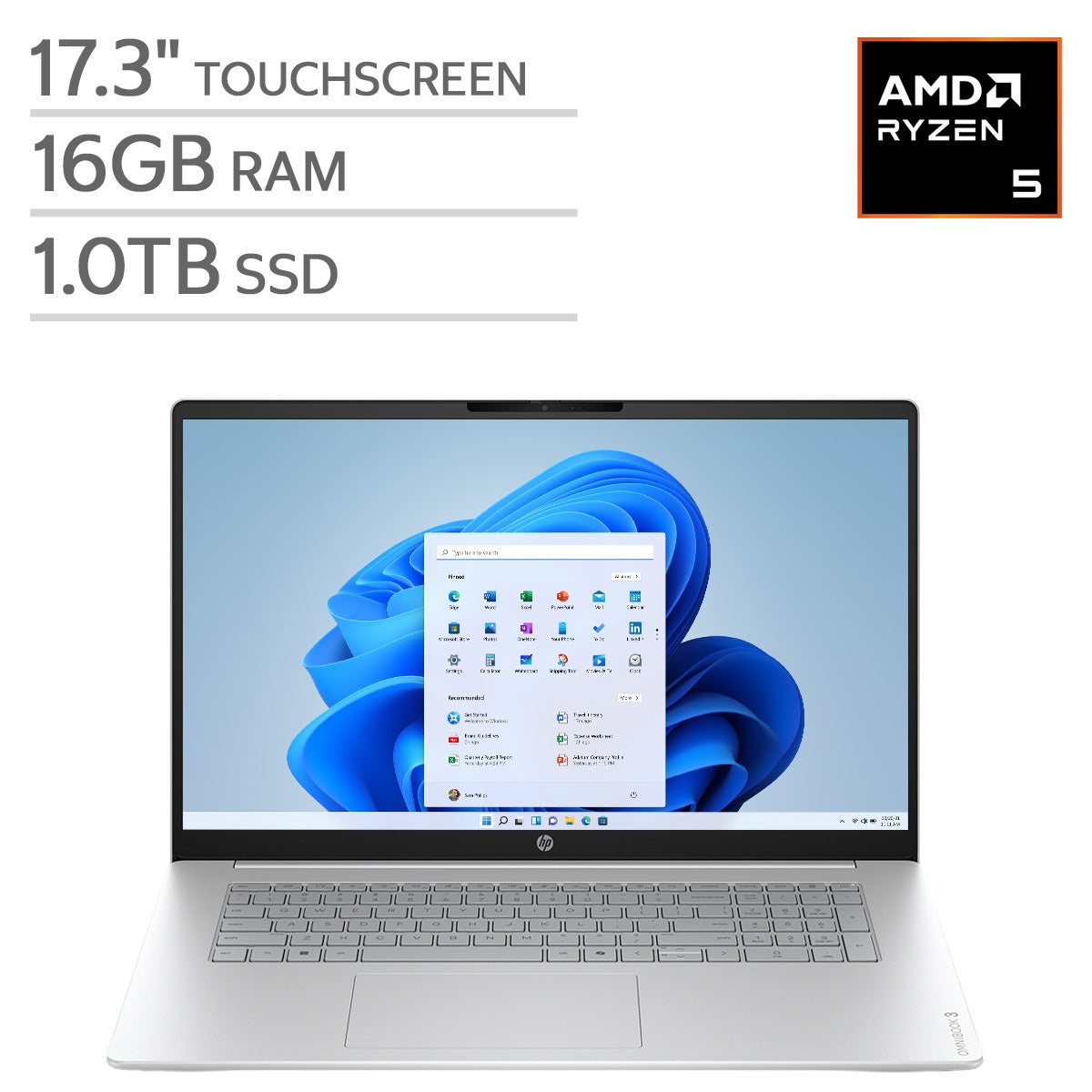
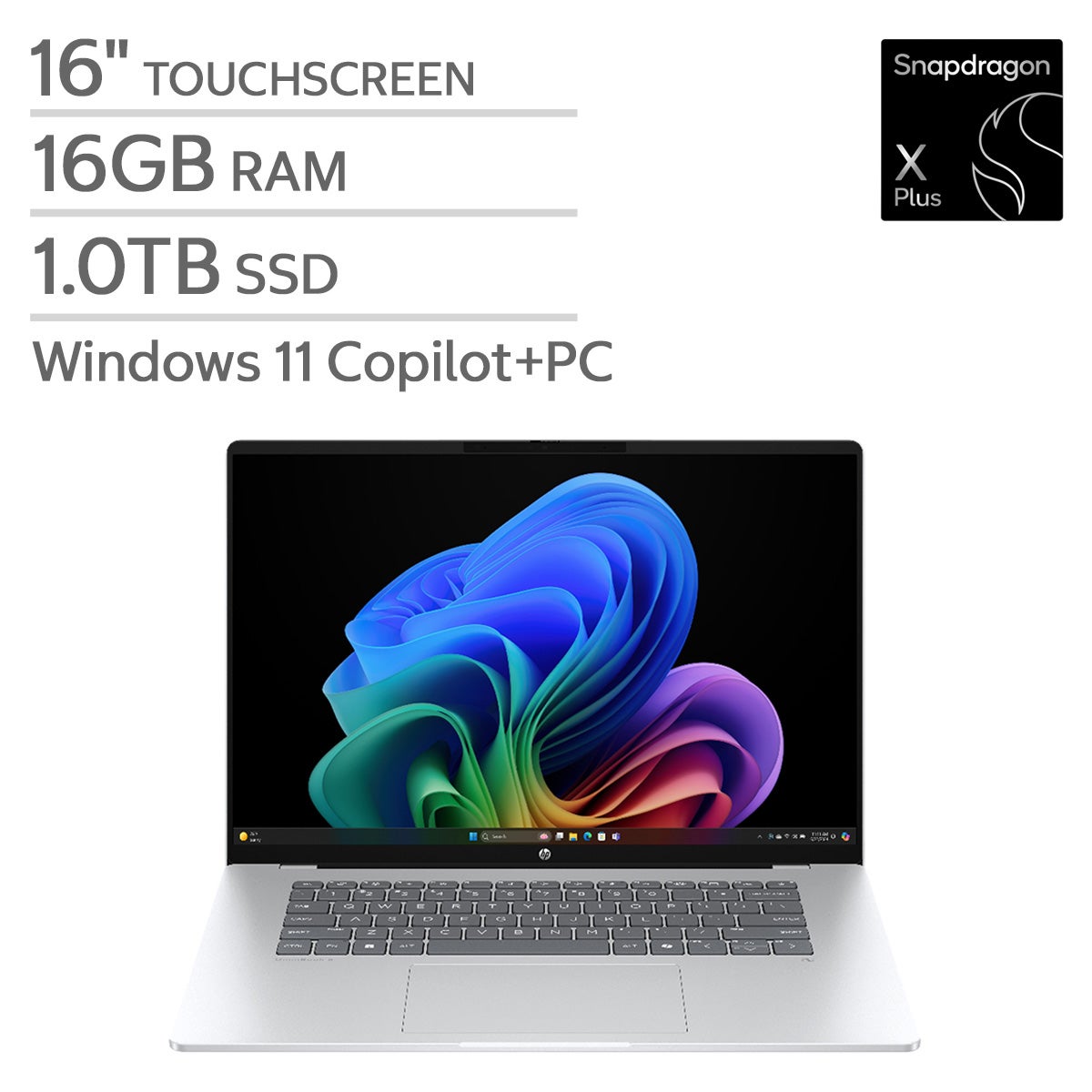
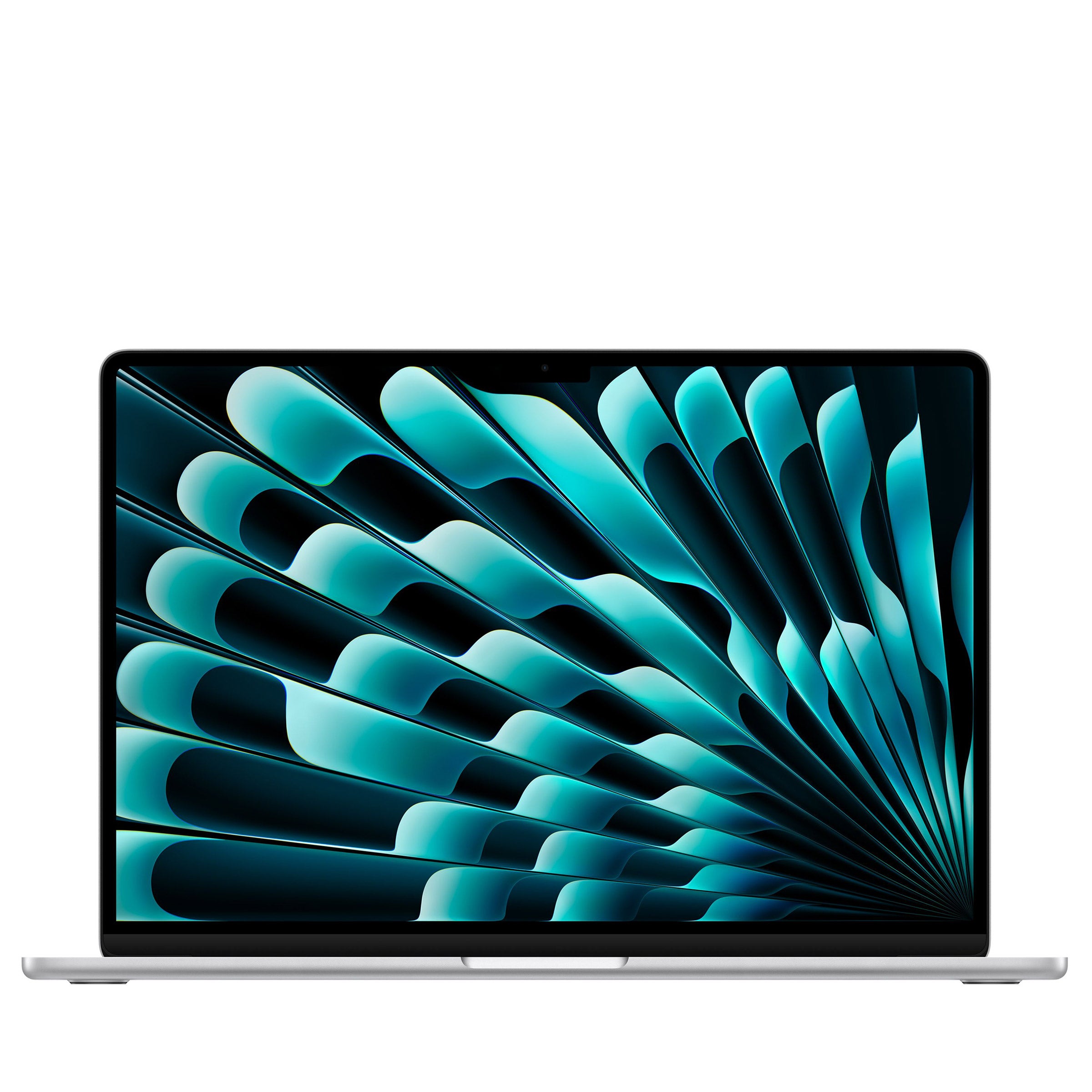
Explore laptops for professionals at Costco to find an option that fits your workday, whether you’re working at a desk or on the go. Compare processor, memory, storage, and display specifications with your everyday software needs in mind, and consider portability and connectivity for your workspace.
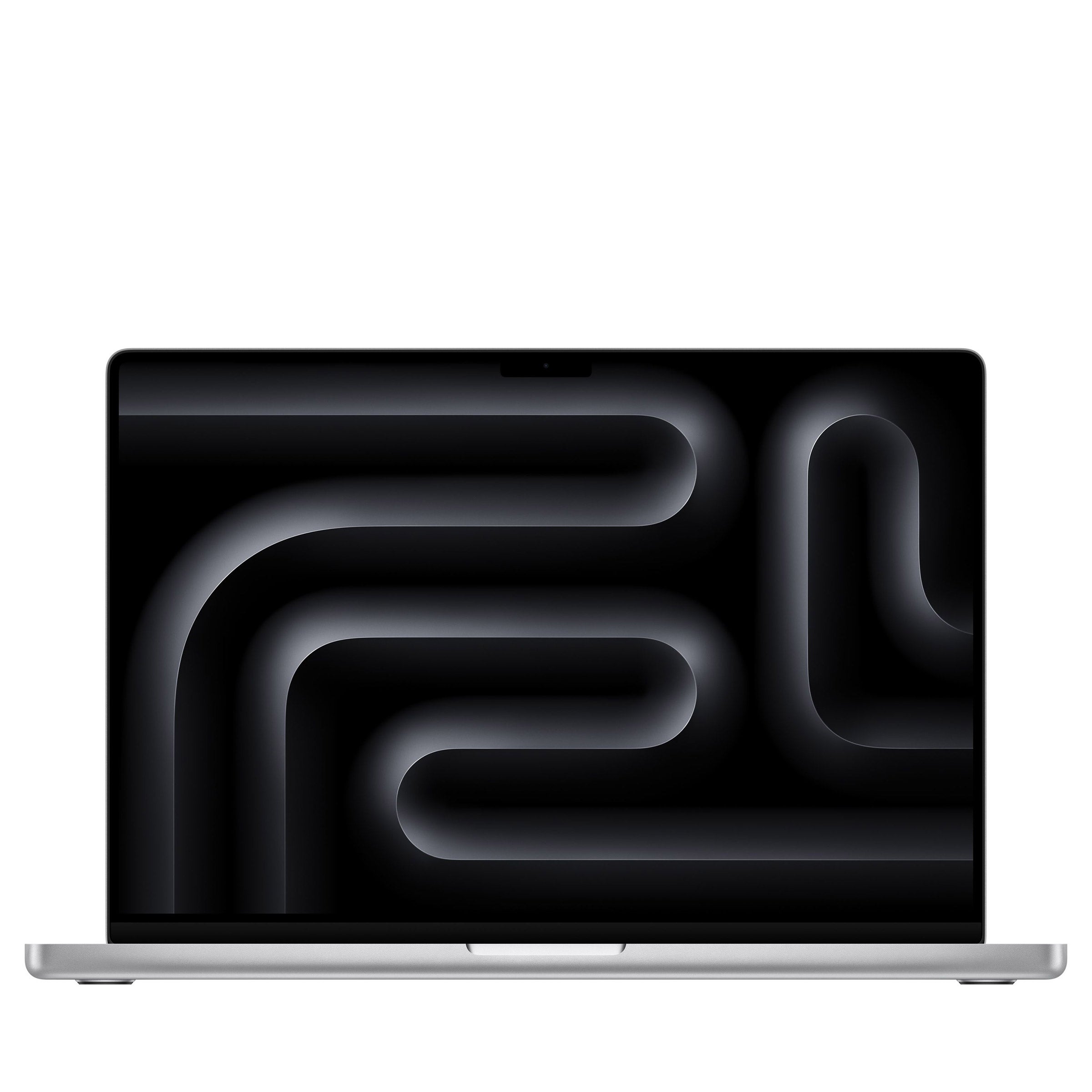
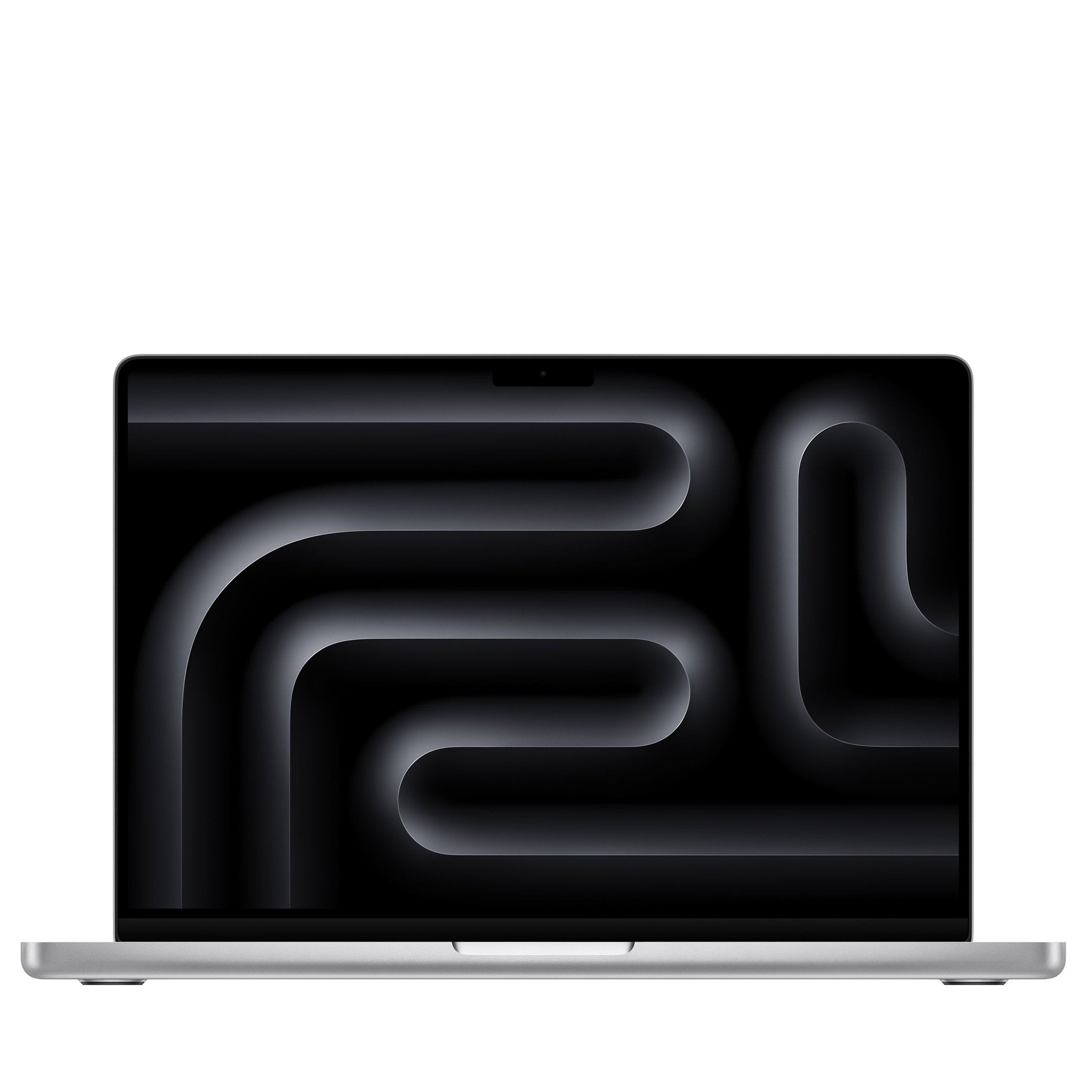
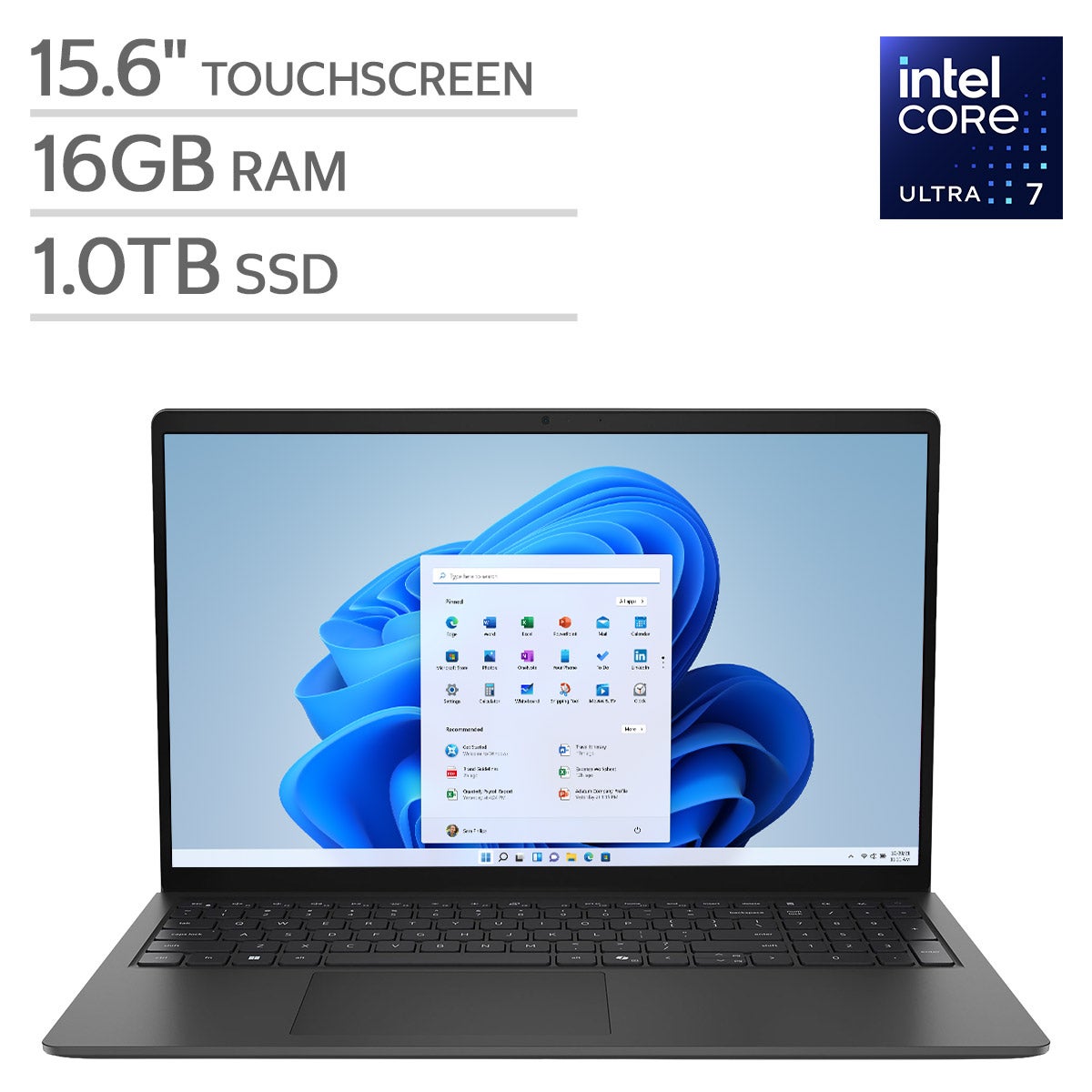
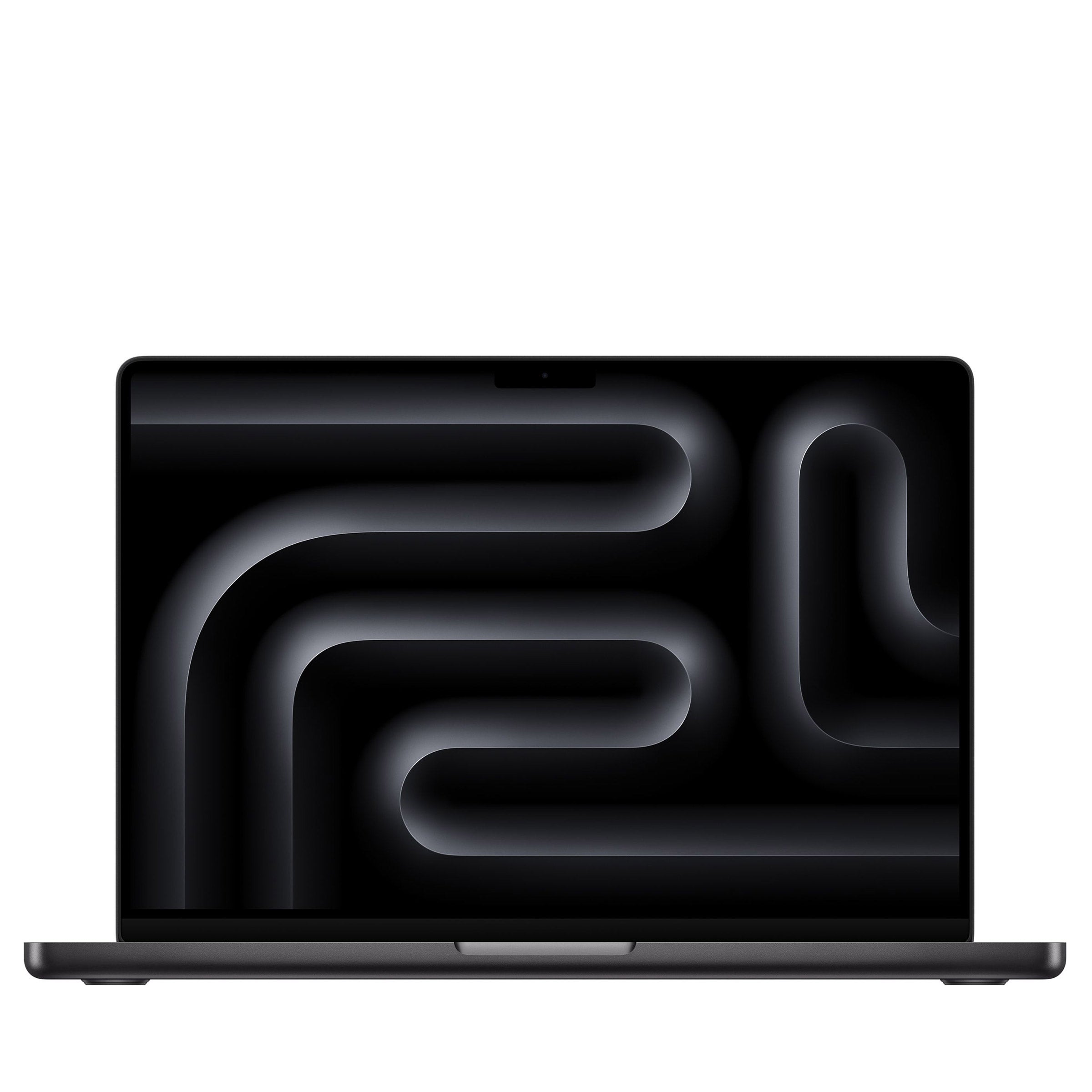
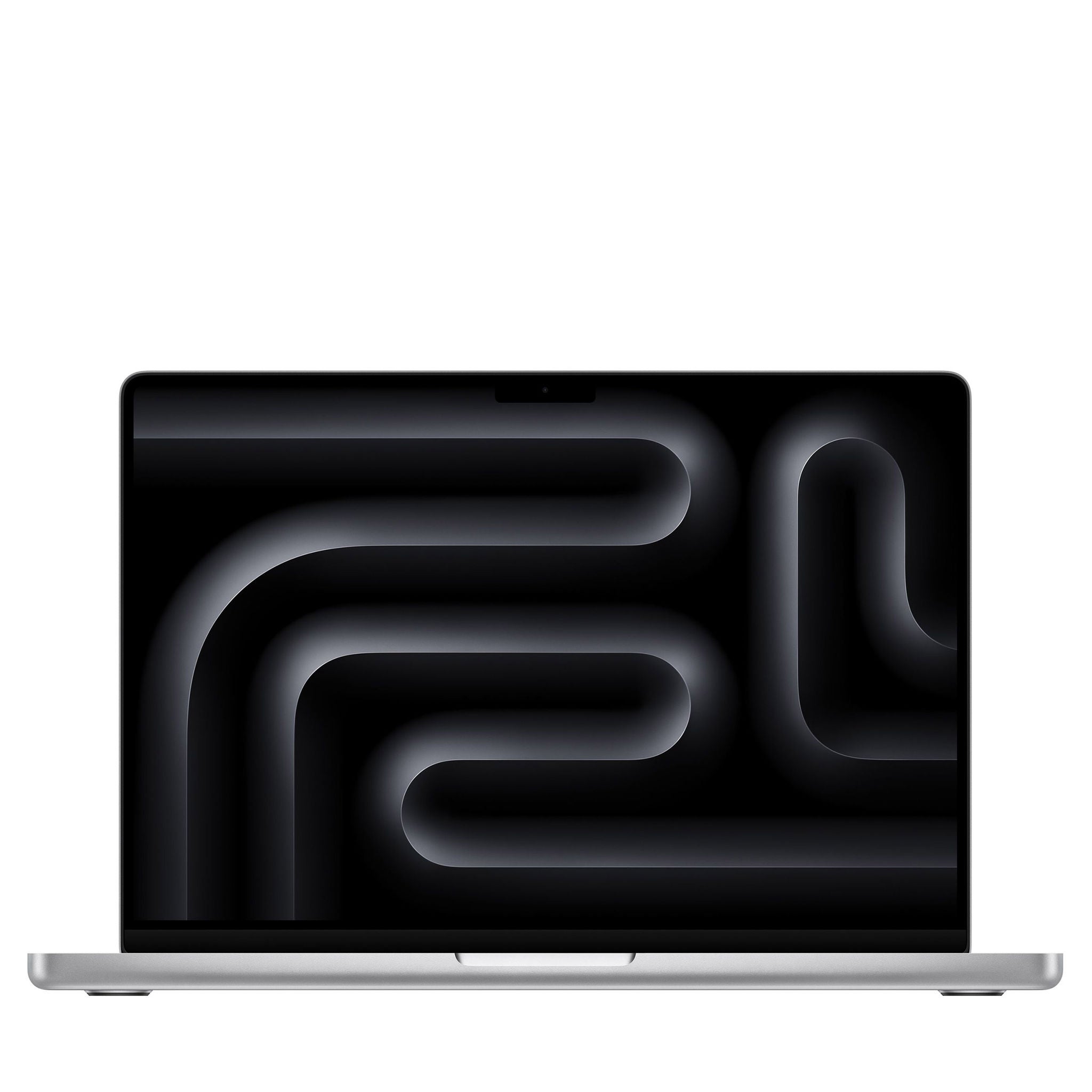
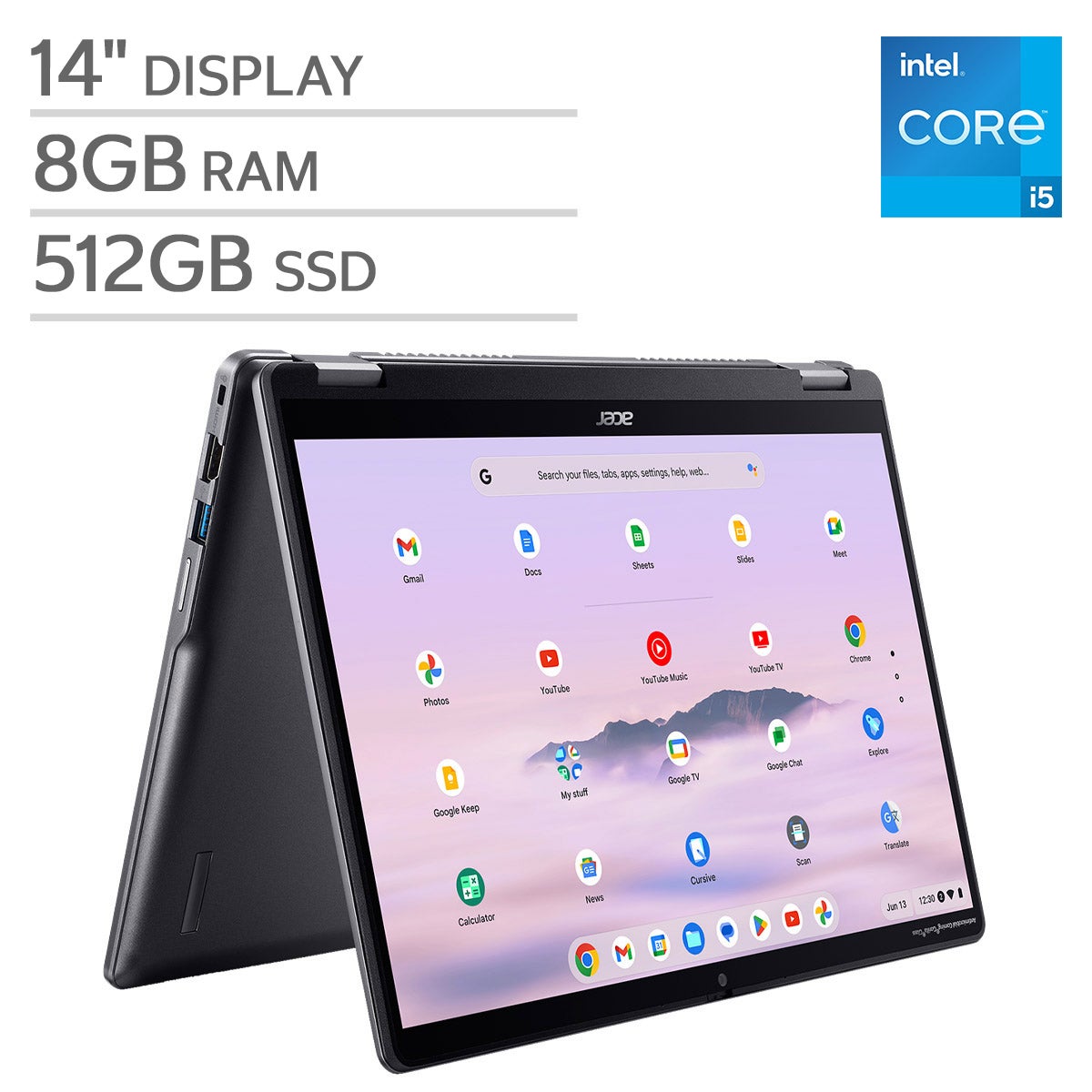
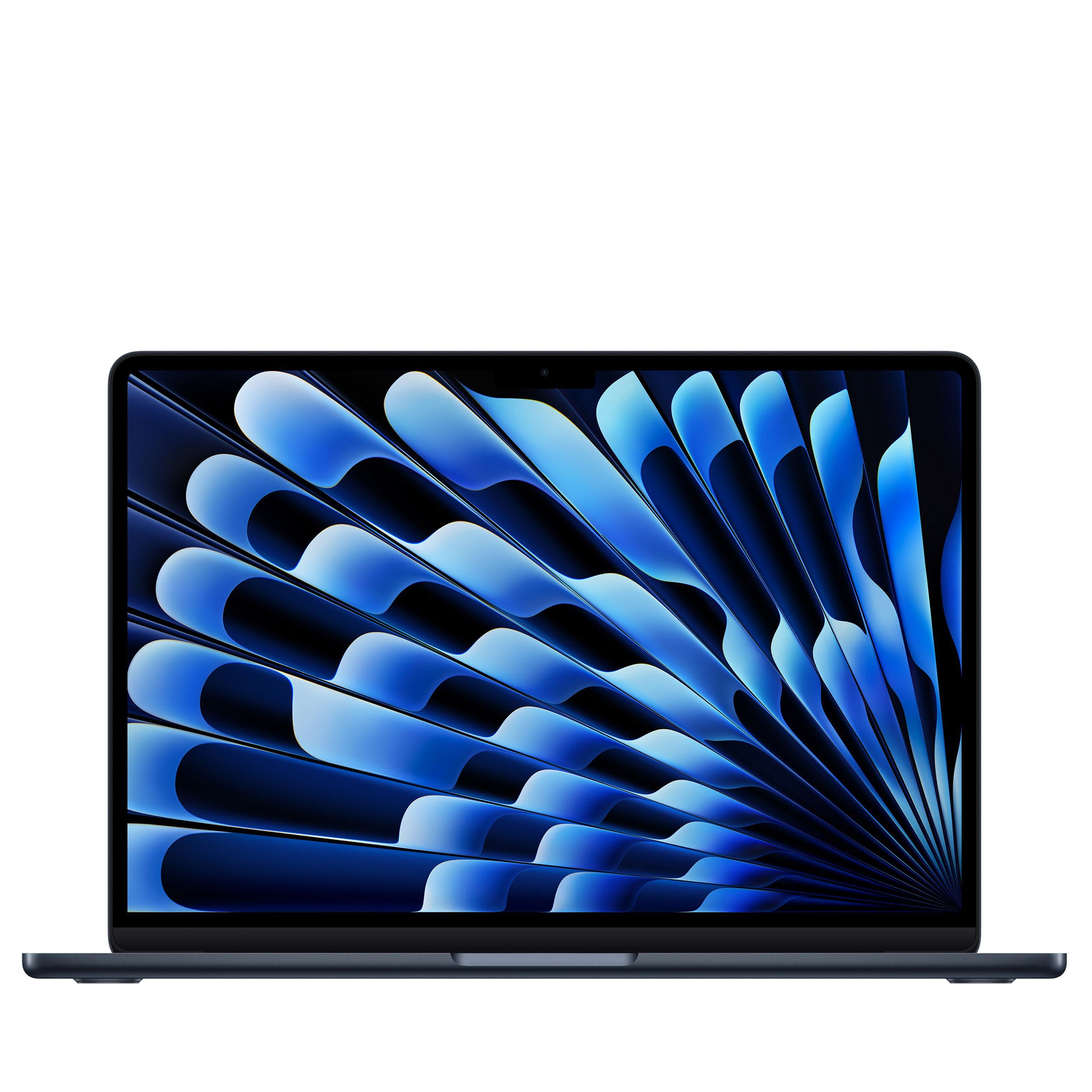
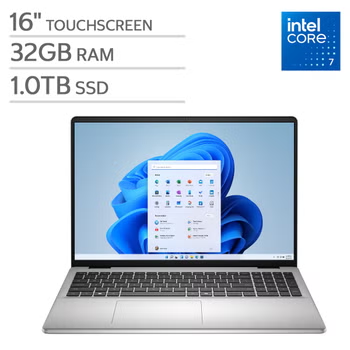

Top Rated Items
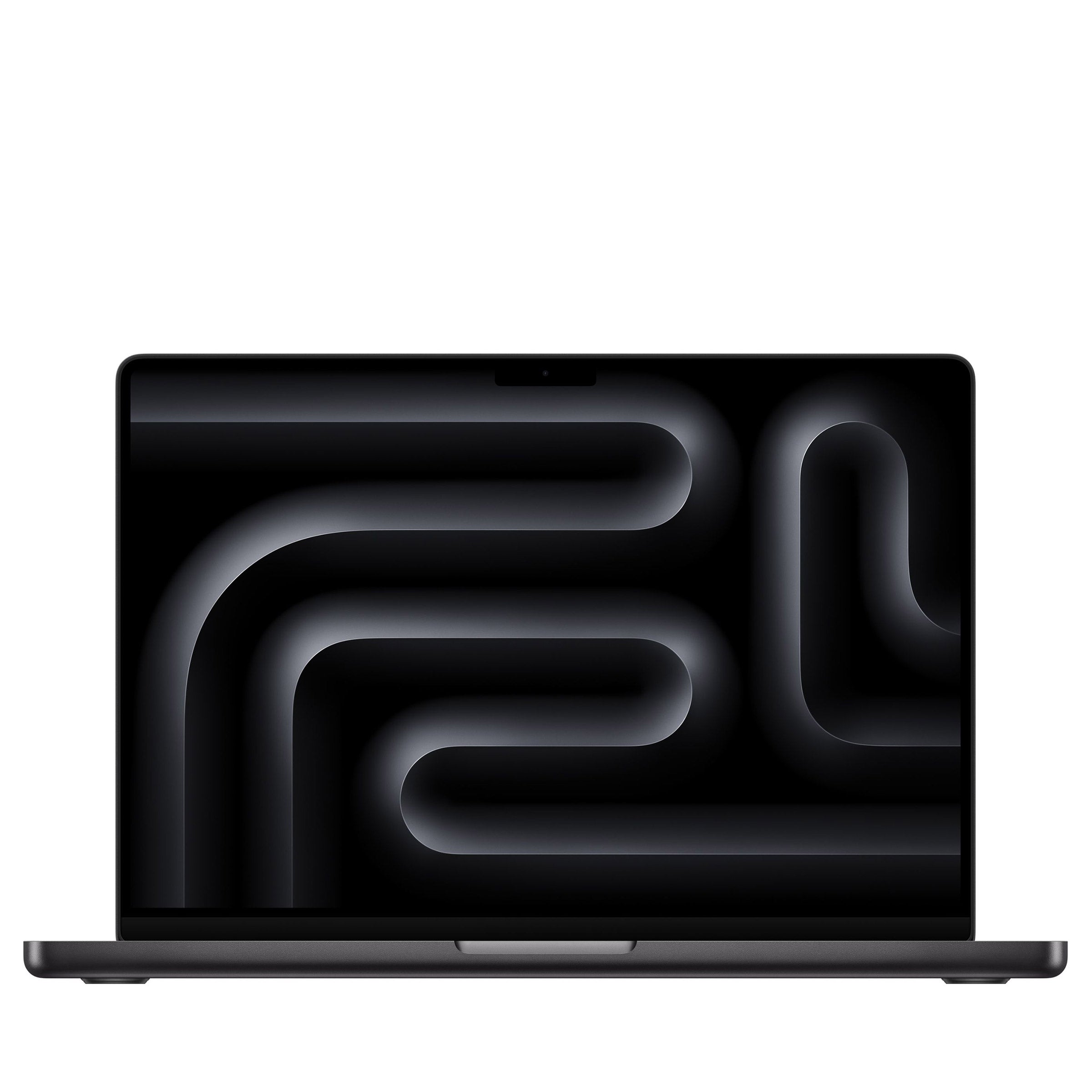
Laptops For Professionals
FAQs
-
Consider your everyday software, multitasking habits, and work environment. Processor performance, memory, storage, battery life, keyboard comfort, and connection options are useful comparison points. Check the system requirements for your essential applications before choosing a laptop.
-
The right operating system depends on the applications you use and your workplace's technology requirements. Windows, macOS, and ChromeOS support different software and workflows. Confirm compatibility with your essential programs, collaboration tools, and company systems.
-
Match the processor to your workload. Email, documents, and browser-based tasks generally require fewer computing resources than video editing, software development, or complex data analysis. Compare processor generations and application requirements rather than relying on model names alone.
-
Look for a built-in webcam, clear microphones, speakers, and reliable wireless connectivity. Headset connections and compatibility with your preferred conferencing platform also matter. Convenient camera and microphone controls can make it easier to manage meetings.
-
Many laptops support external monitors, keyboards, mice, and other accessories through built-in ports or a compatible docking station. Check the laptop's specifications for supported display connections and docking options. USB-C capabilities vary, so confirm whether a port supports video output, charging, or data transfer.