



Laptops For Non Gamers
Explore laptops for non-gamers at Costco for everyday tasks like browsing, working on documents, streaming, and video calls. Compare screen size, memory, storage, and portability to find a laptop that fits your routine without prioritizing gaming features.




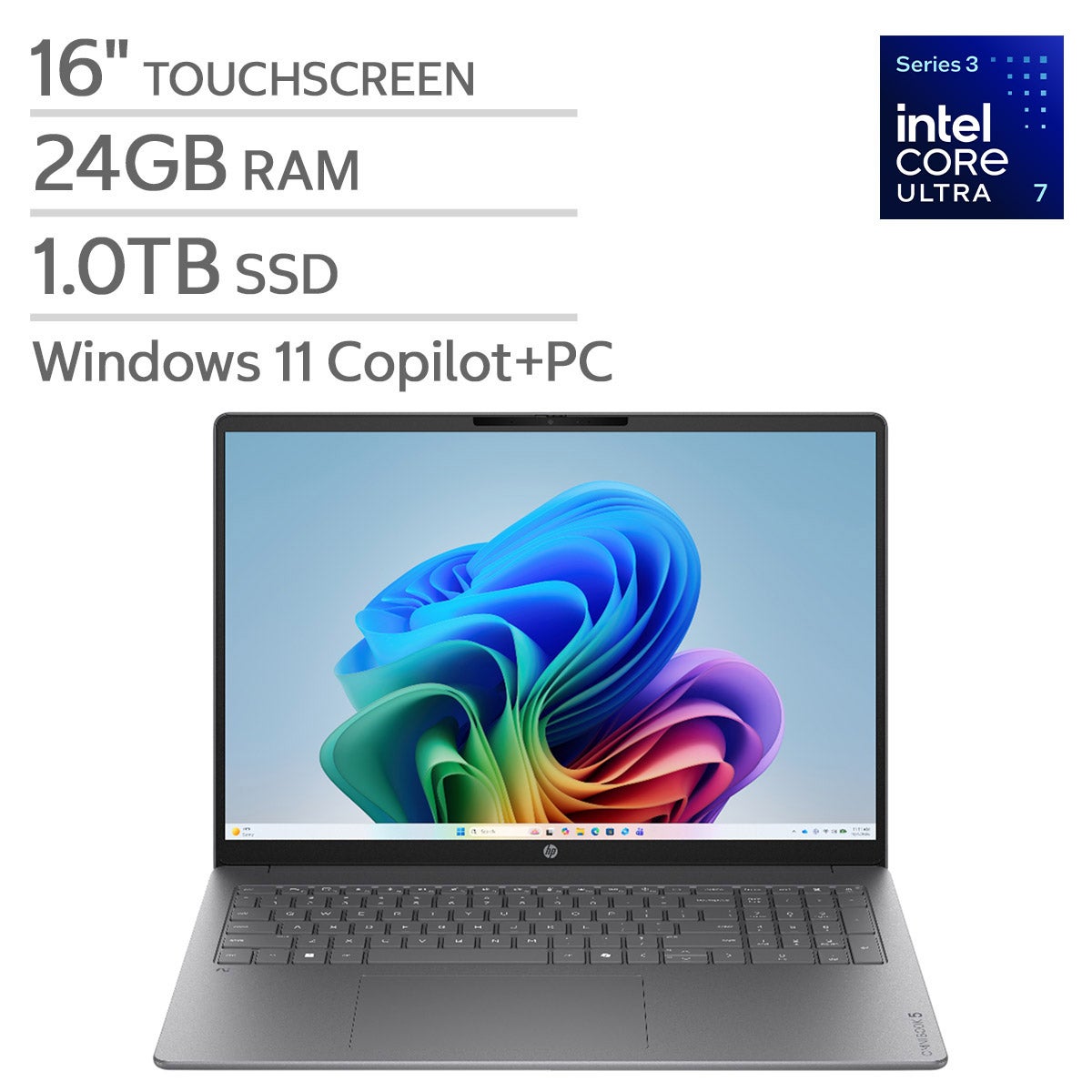
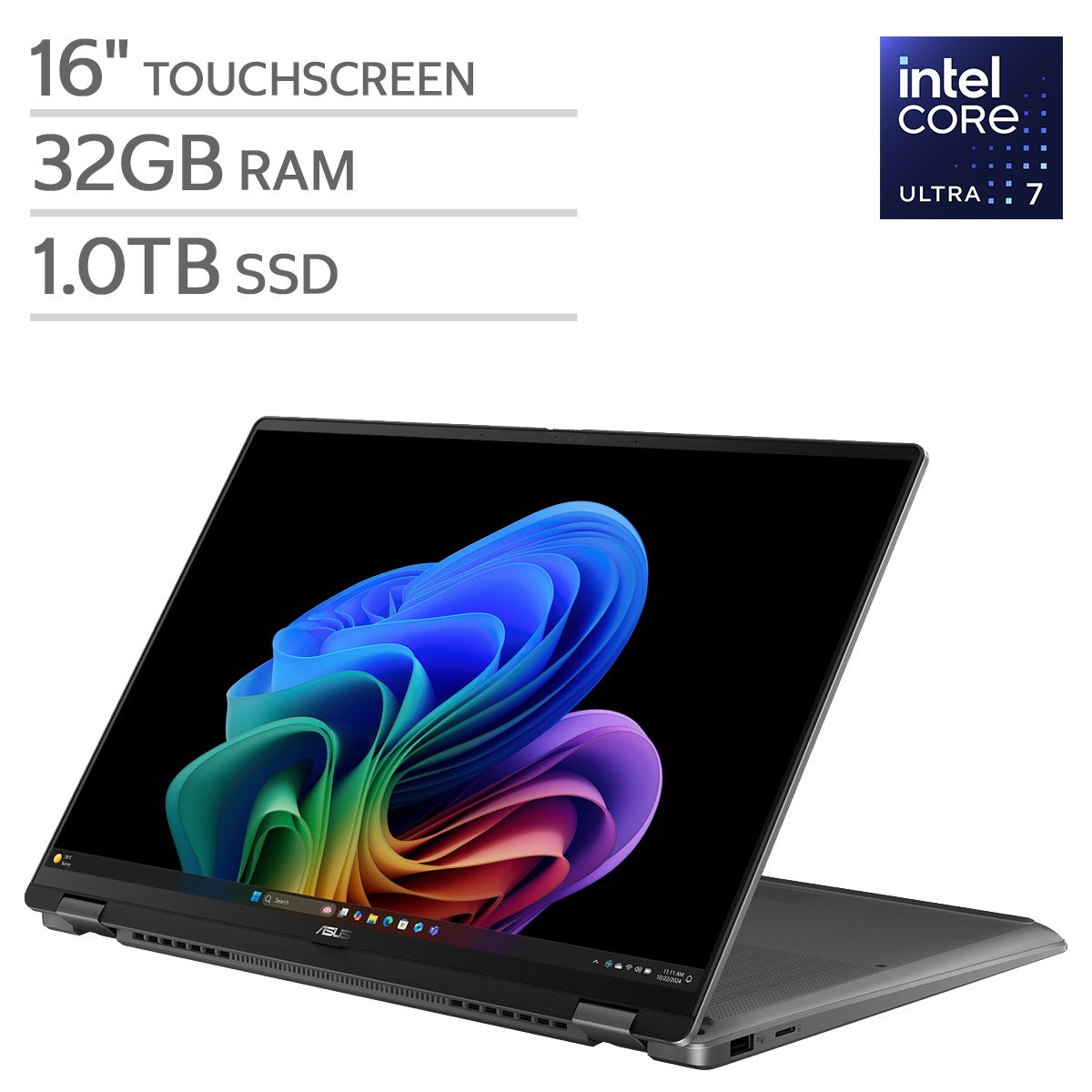

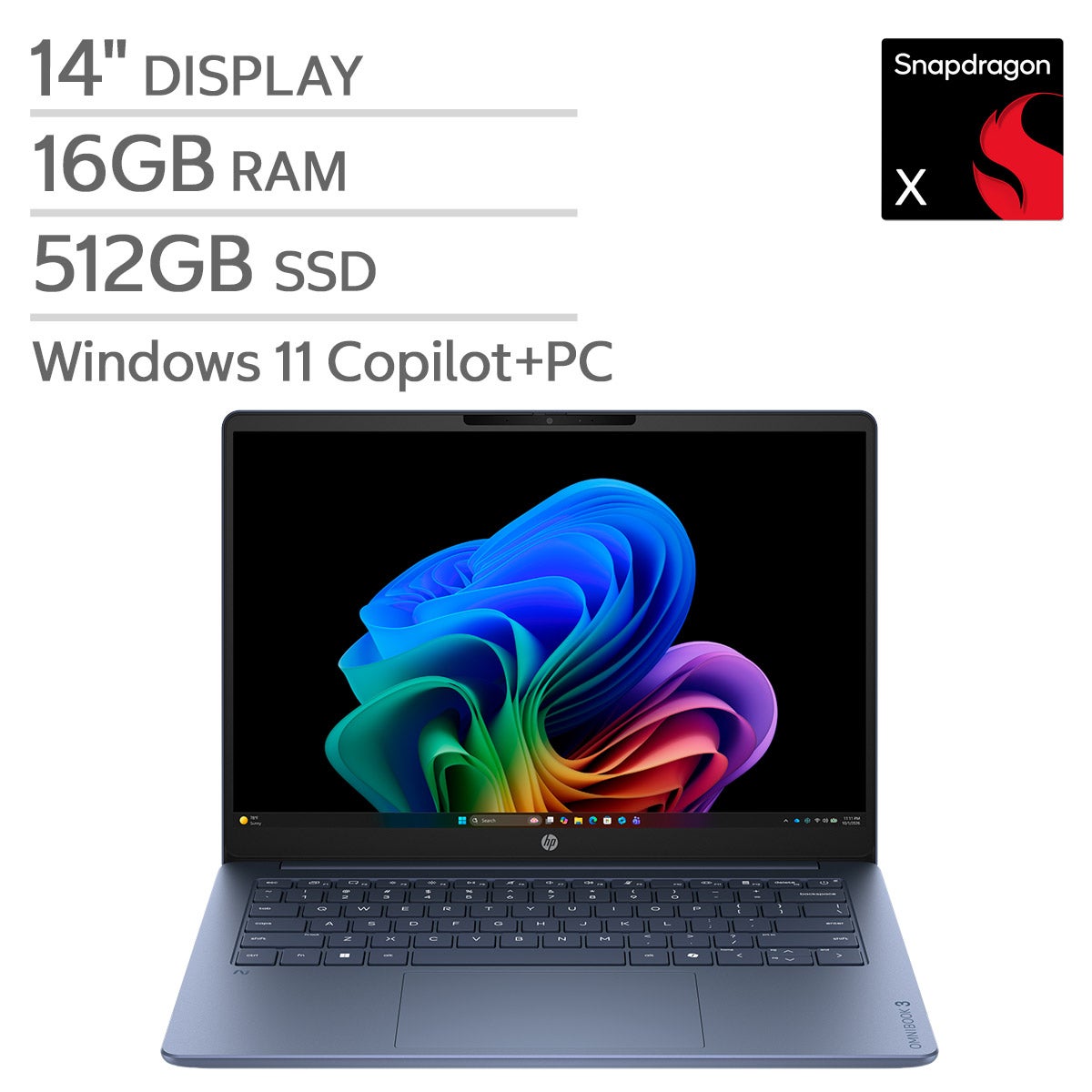

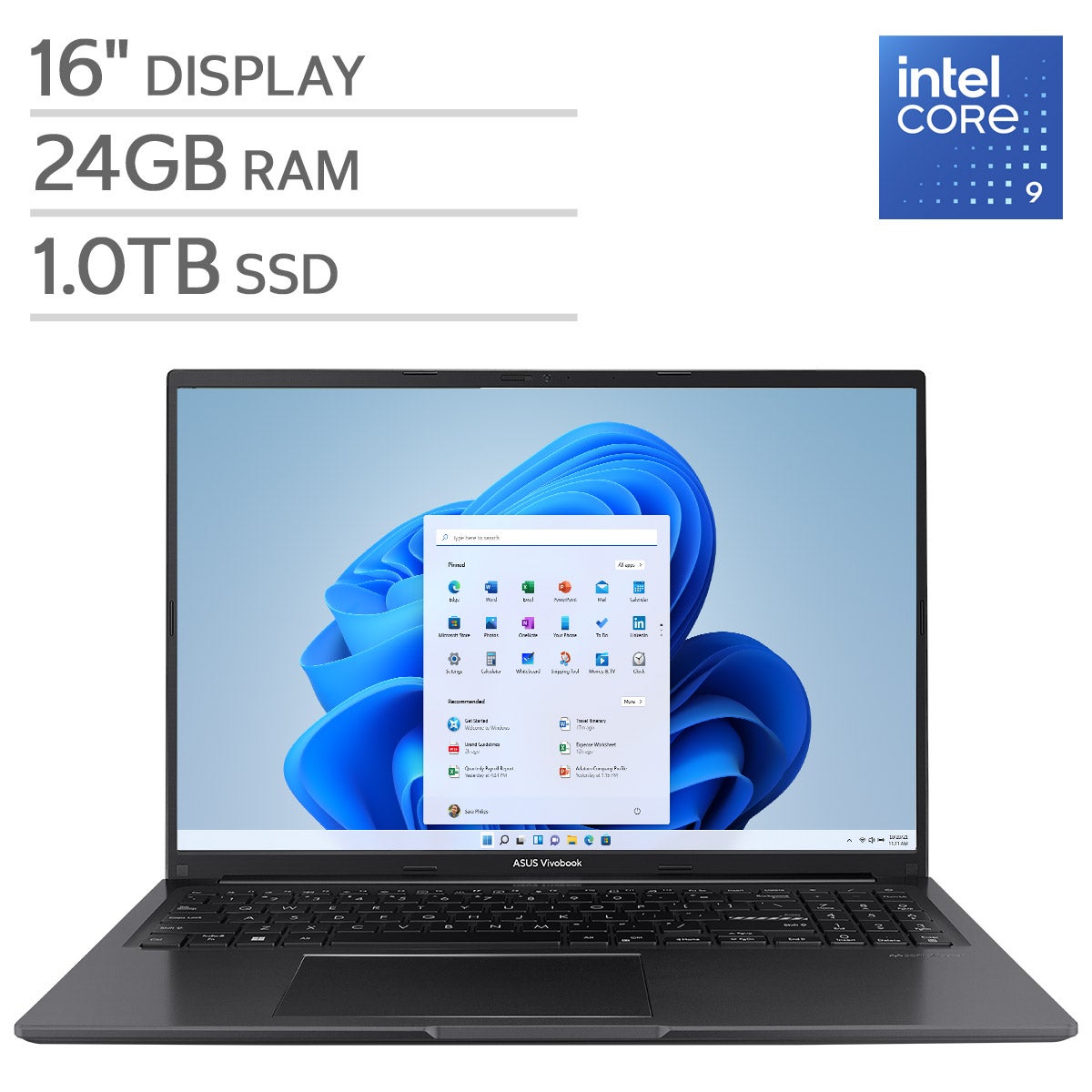

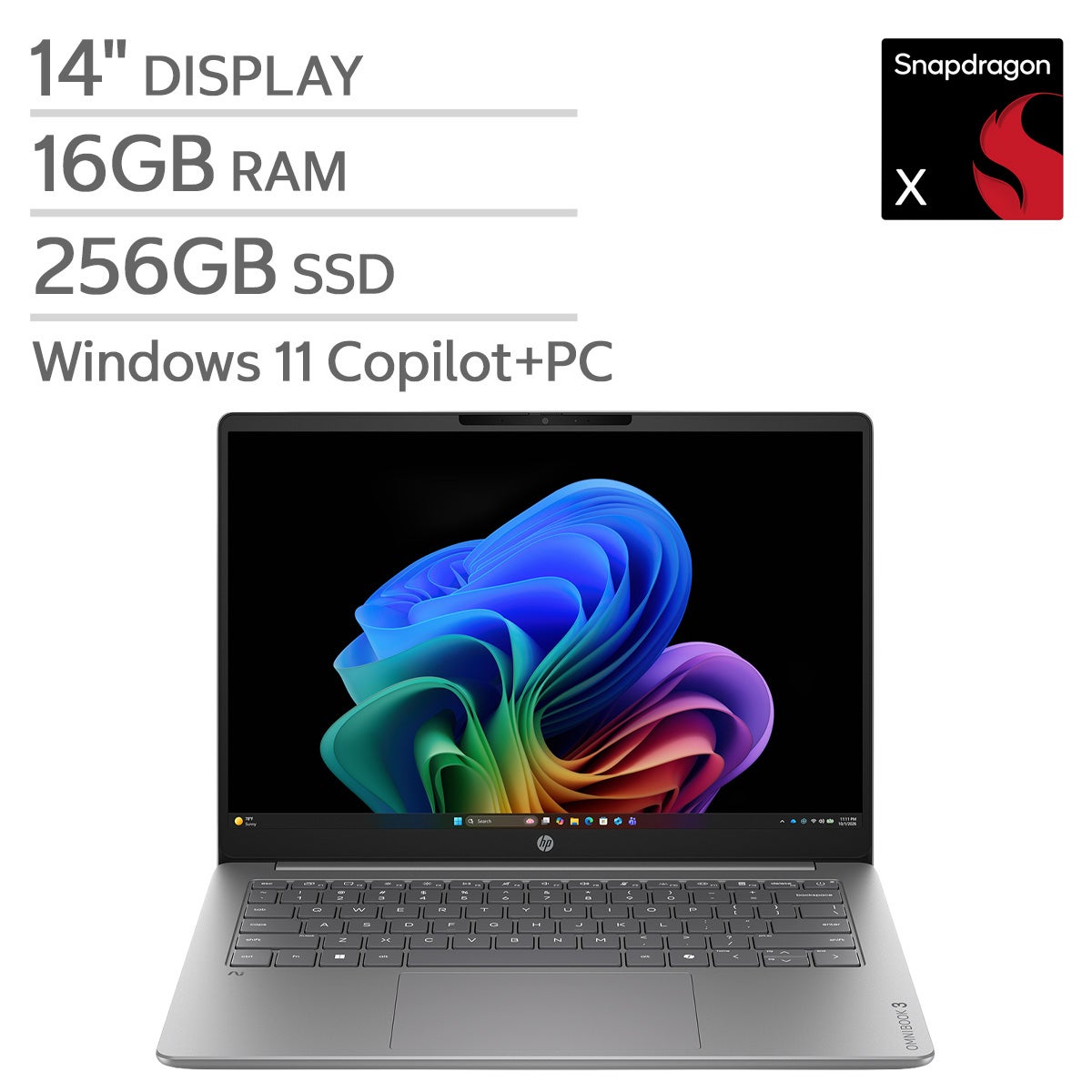
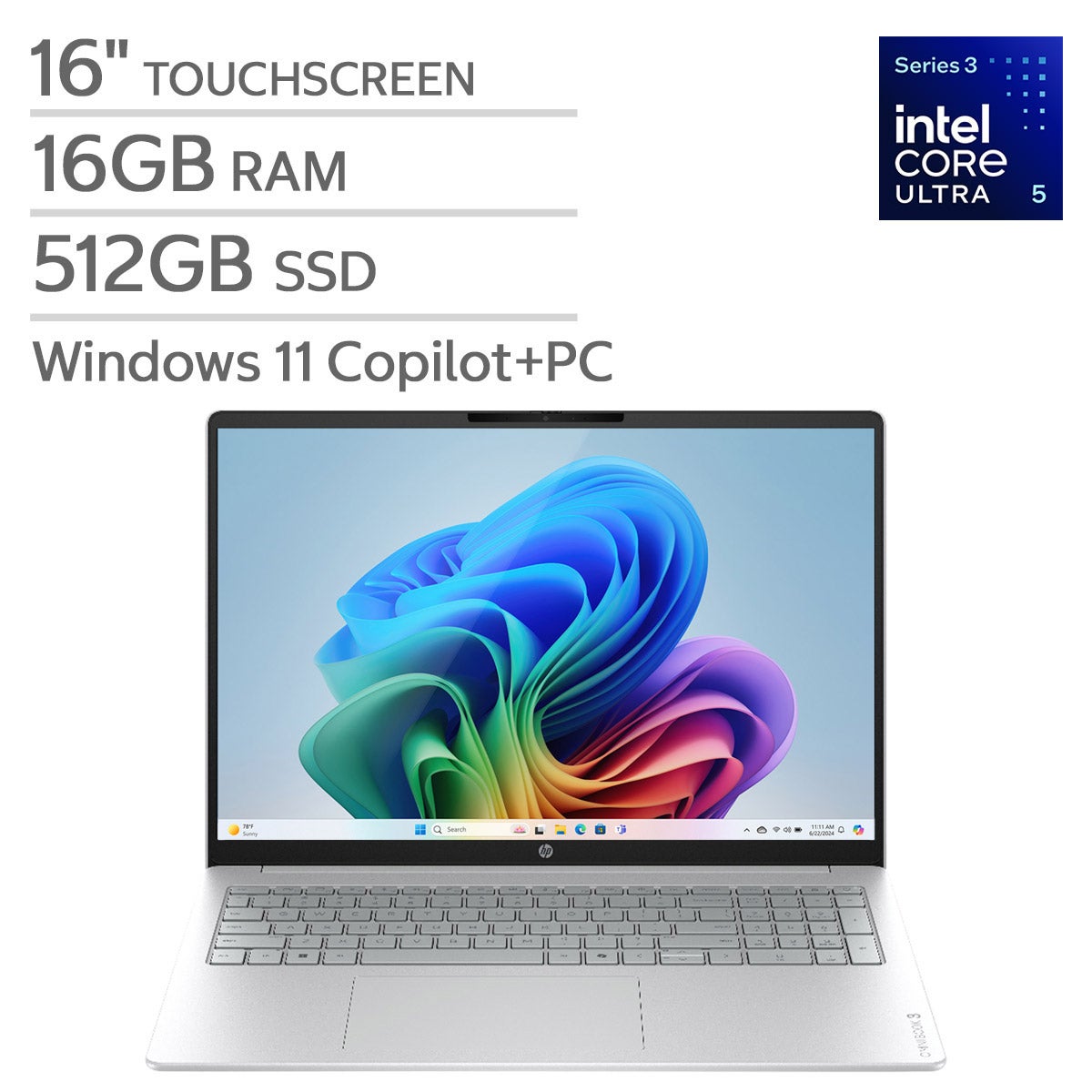

Top Rated Items

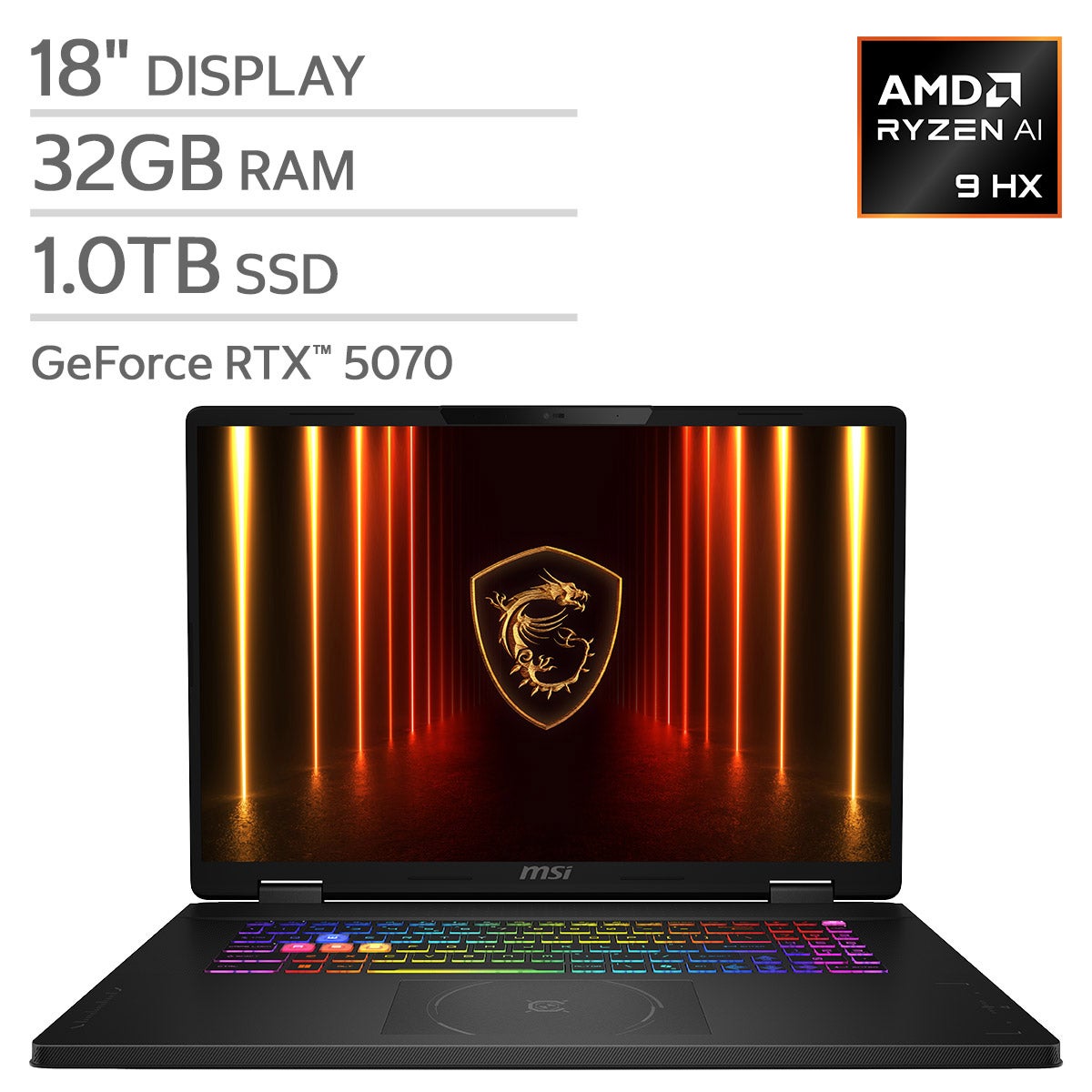
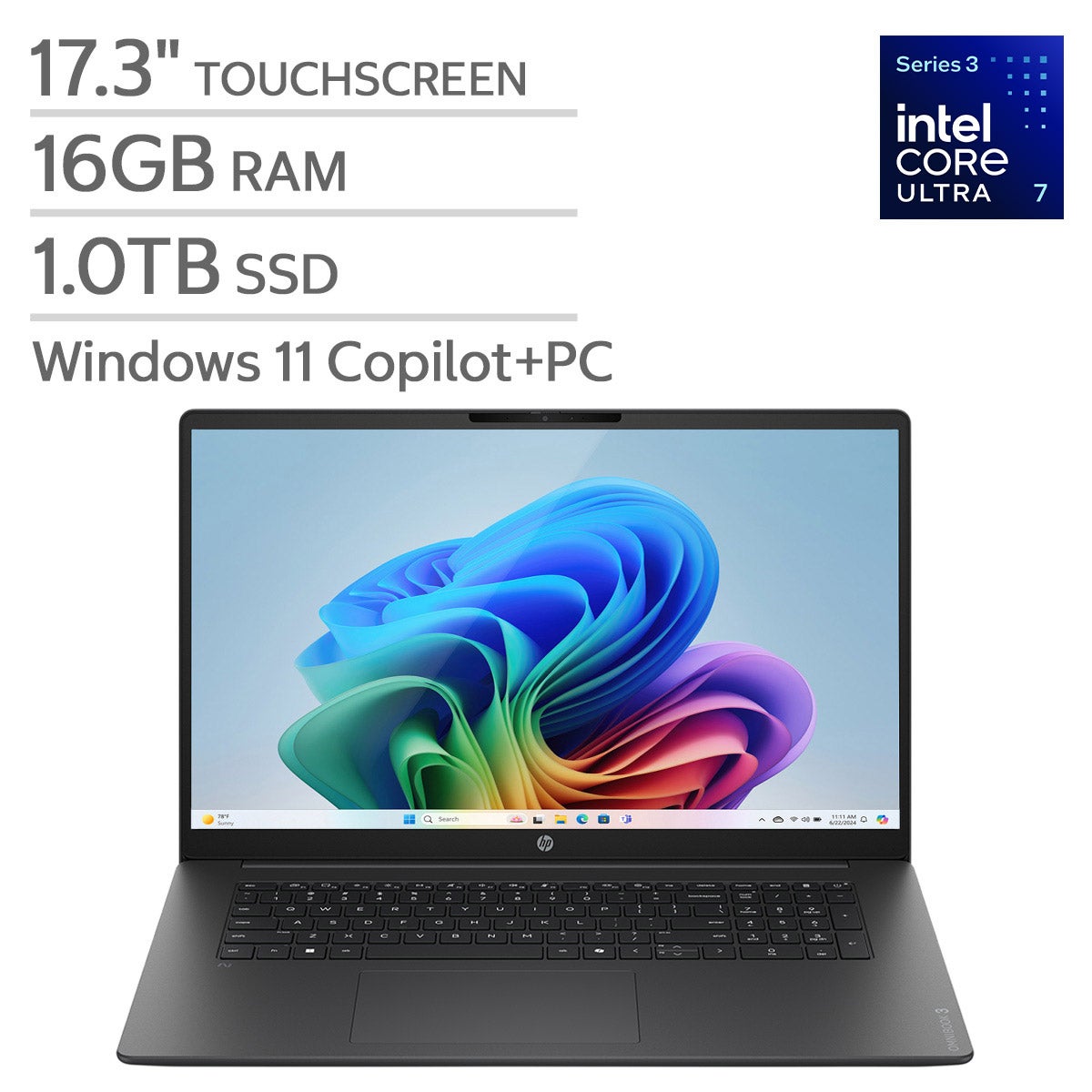
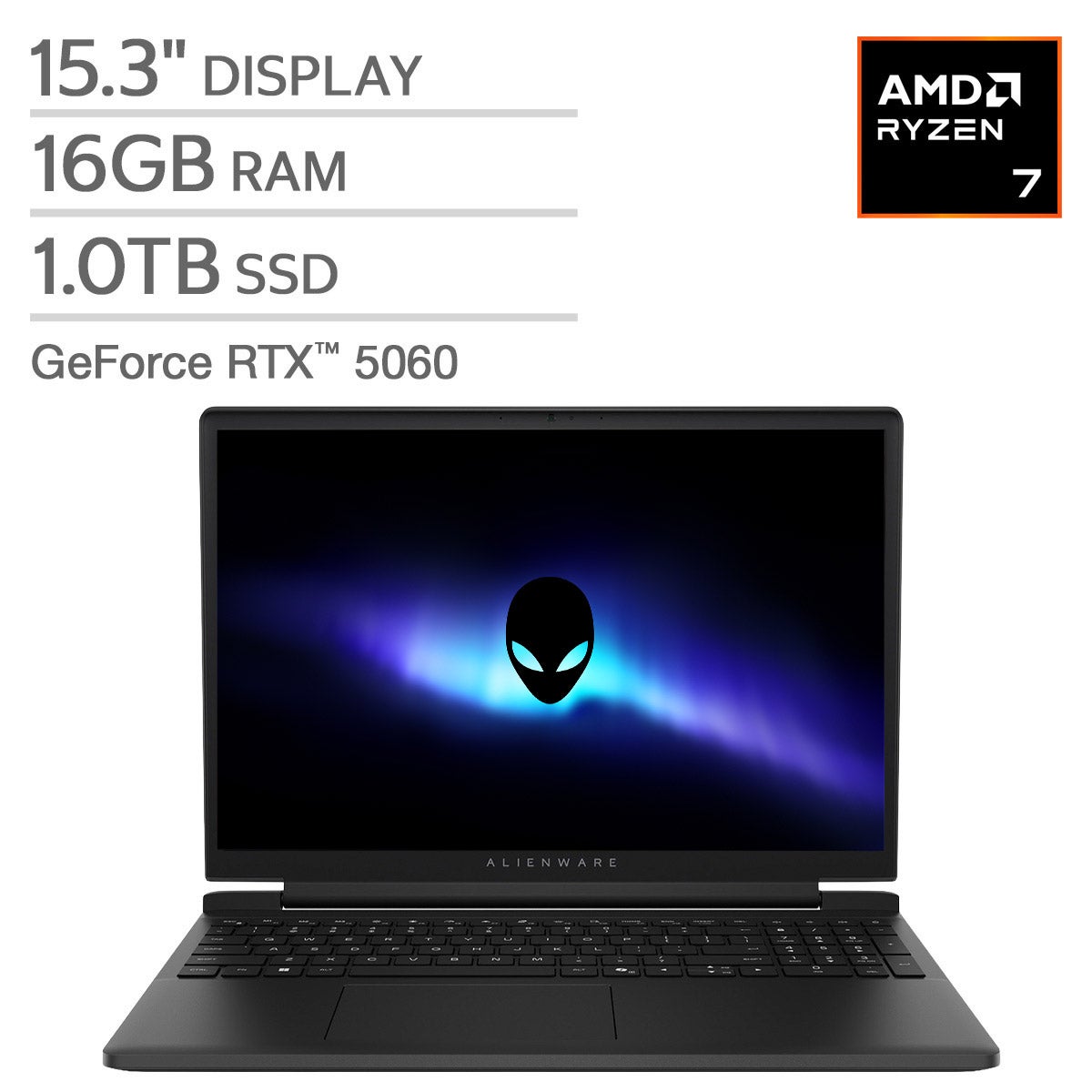
Laptops For Non Gamers
FAQs
-
For browsing, email, video calls, and document editing, prioritize a responsive processor, enough memory for multitasking, and solid-state storage. A comfortable keyboard, a clear display, and ports that work with your accessories are also worth considering.
-
Integrated graphics are generally sufficient for web browsing, streaming, spreadsheets, and video calls. A dedicated graphics card may be worth considering for demanding creative tasks, such as 3D modeling or advanced video editing, even if you do not play games.
-
For basic browsing and document editing, 8GB of RAM can support everyday tasks. If you frequently keep many browser tabs open or use several applications at once, 16GB offers more flexibility. Demanding creative software may call for additional memory.
-
The right operating system depends on the applications you use and your preferred workflow. Windows supports a broad range of desktop software, macOS integrates with other Apple devices, and ChromeOS centers on browser-based tasks. Check that your essential applications and accessories support the operating system you choose.
-
A solid-state drive, or SSD, uses flash storage with no moving parts and typically starts the operating system and opens applications faster than a traditional hard drive. A hard drive stores data on spinning disks. For everyday use, an SSD is a practical choice for responsive file access and quieter operation.