



Induction Cooktops With Touch Controls
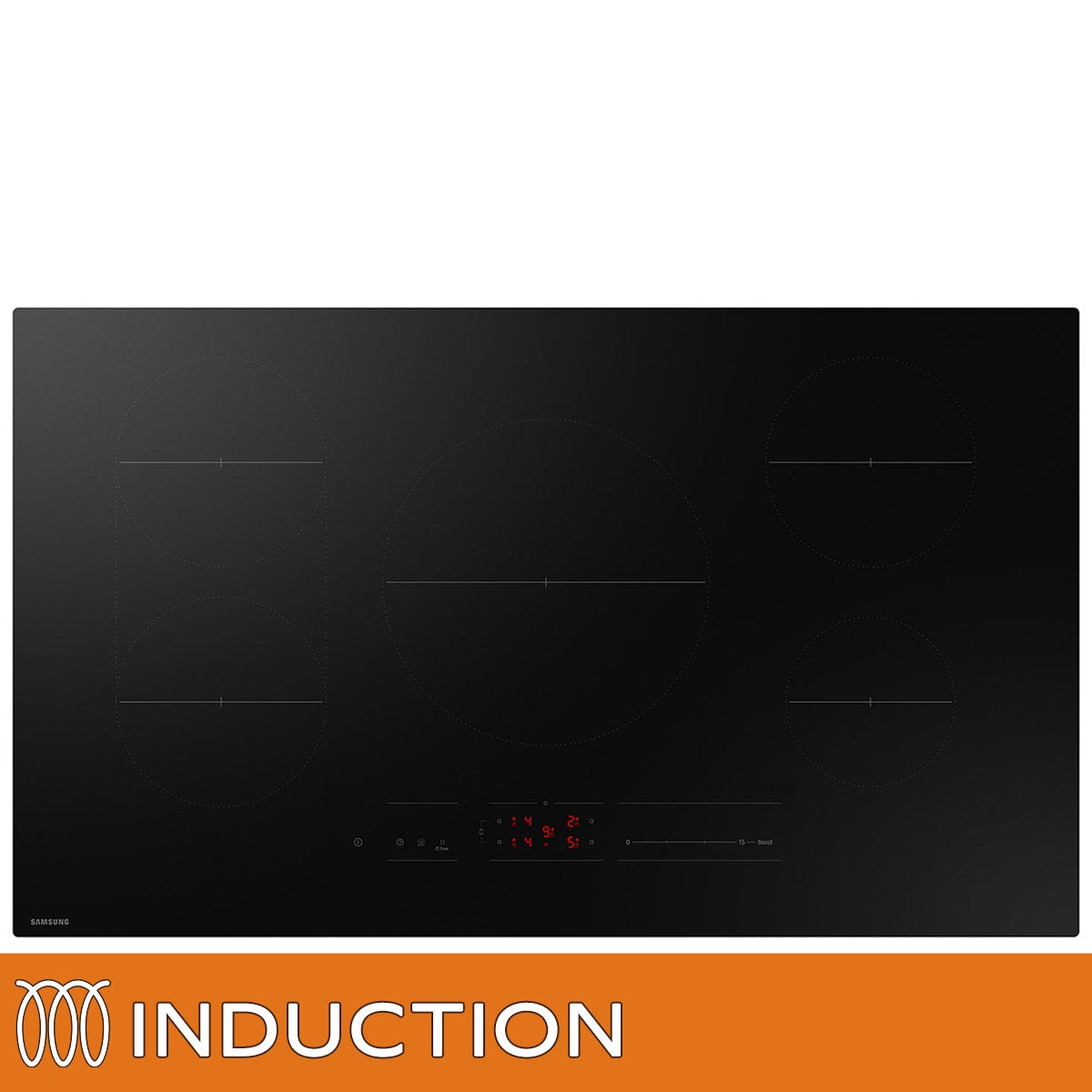
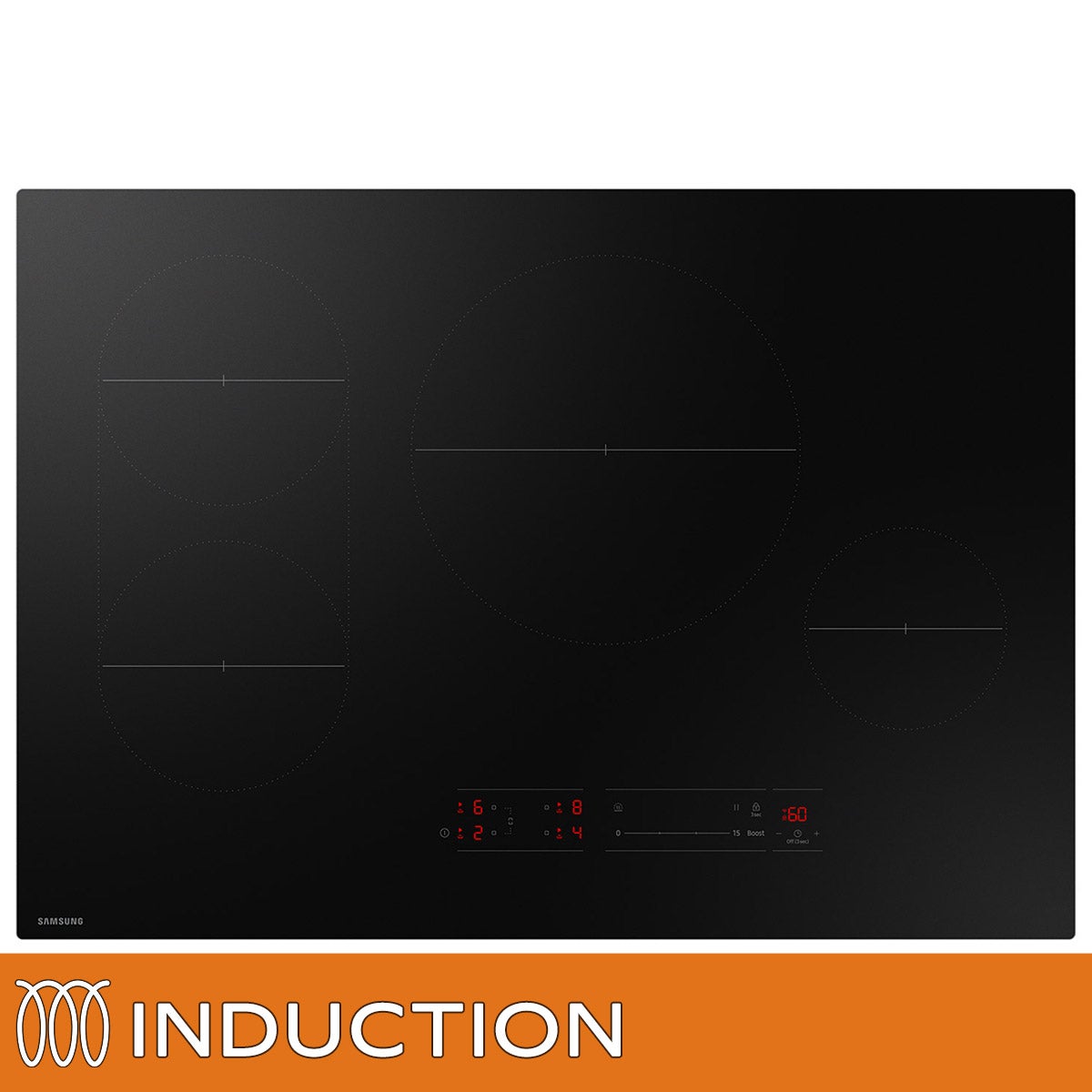
Explore induction cooktops with touch controls for a kitchen setup that puts cooking adjustments at your fingertips. As you compare options, check cooktop dimensions, cooking zone layouts, and installation requirements to find a fit for your space and cooking routine. Be sure to confirm that your cookware is compatible with induction cooking.
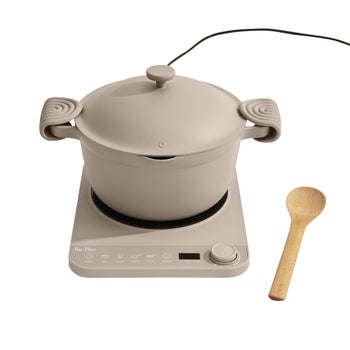
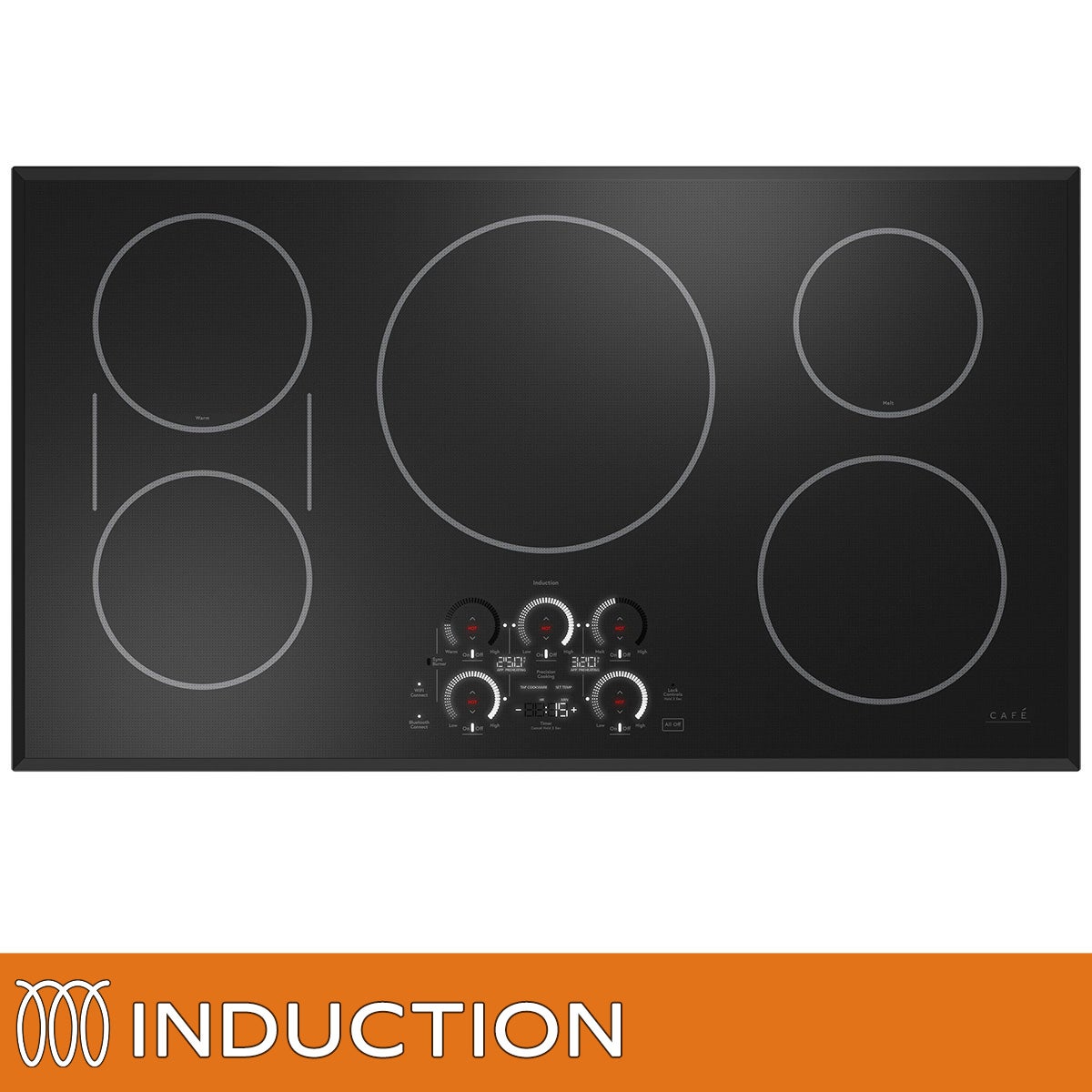
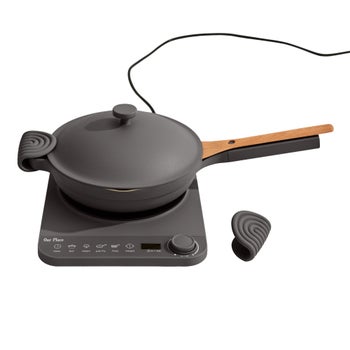
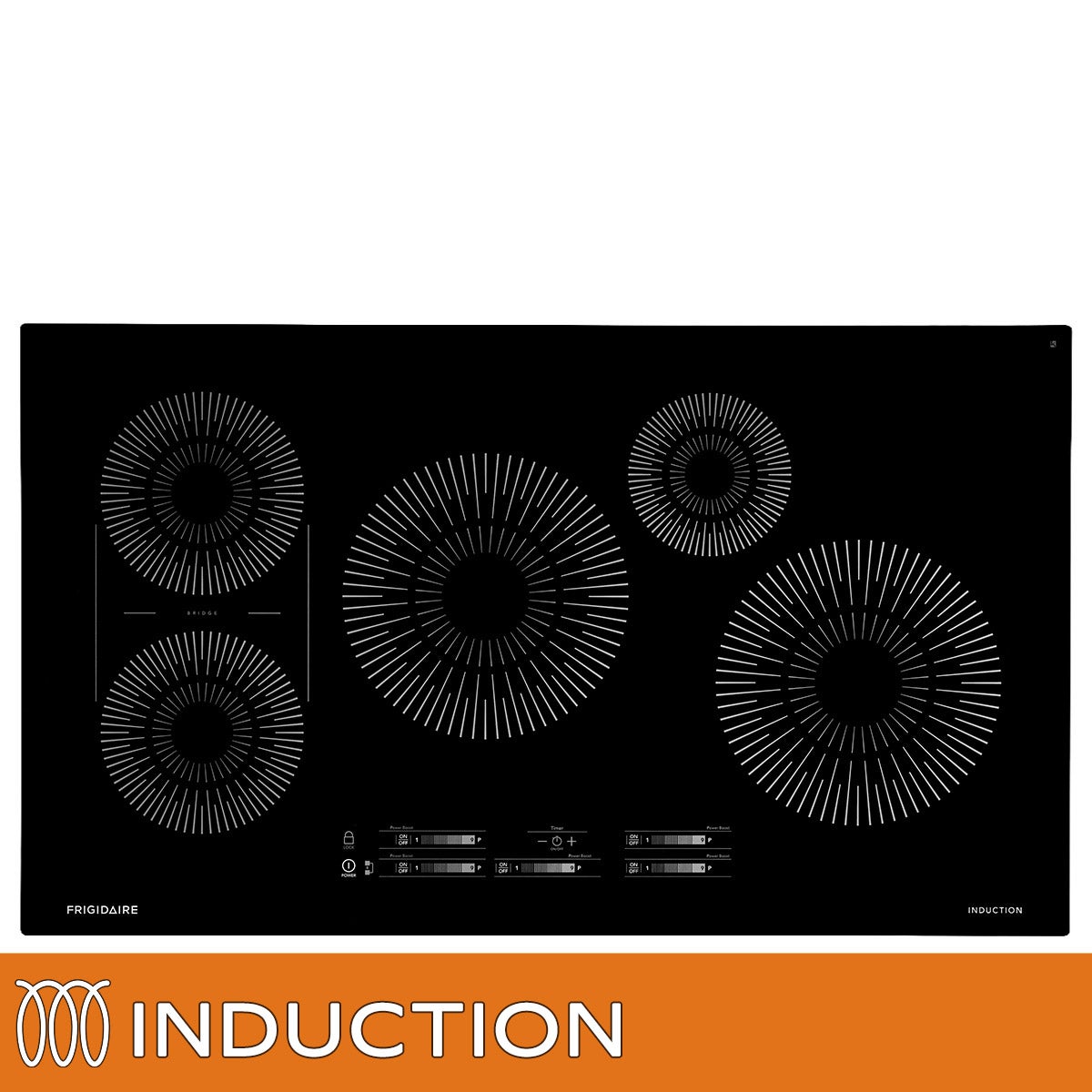
Top Rated Items
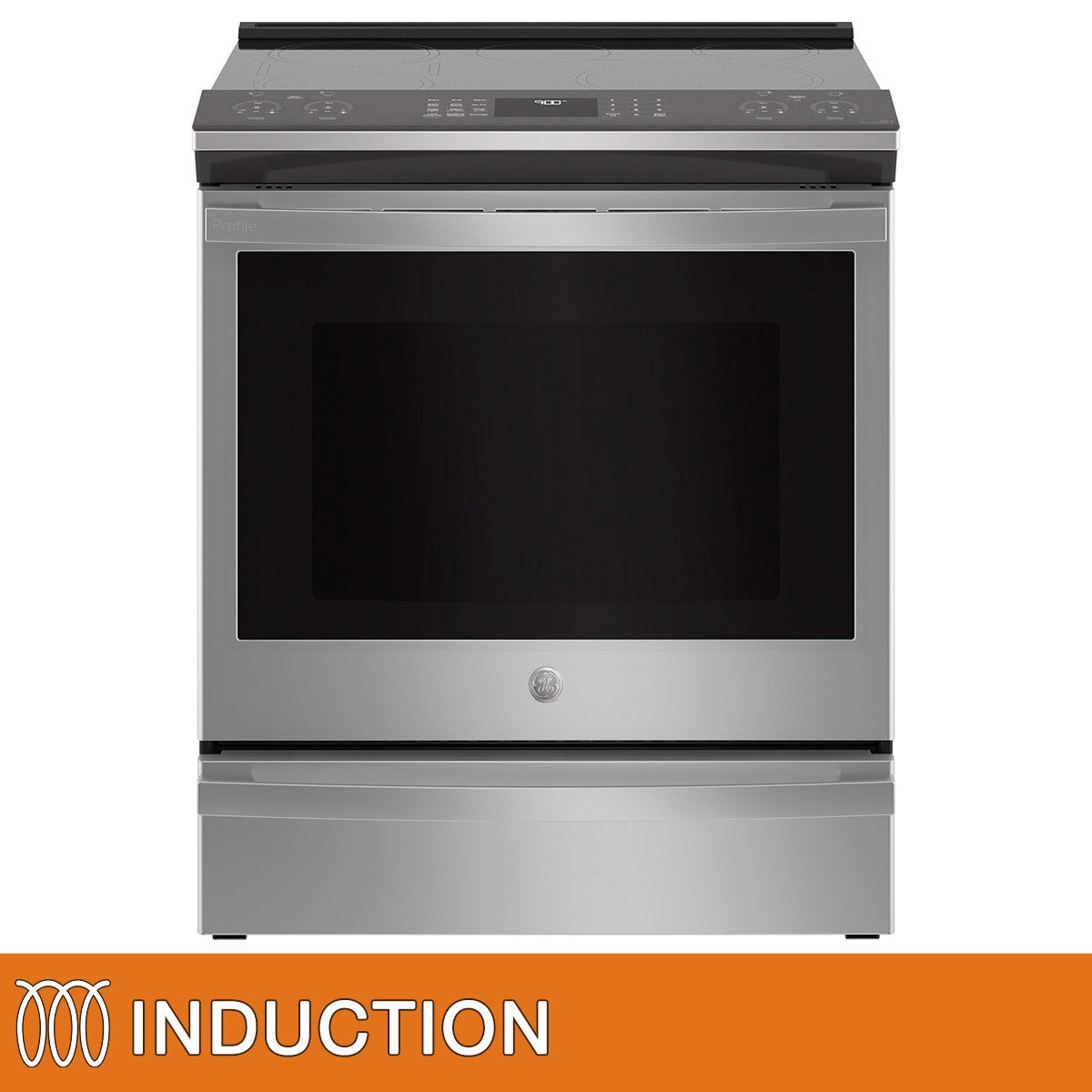
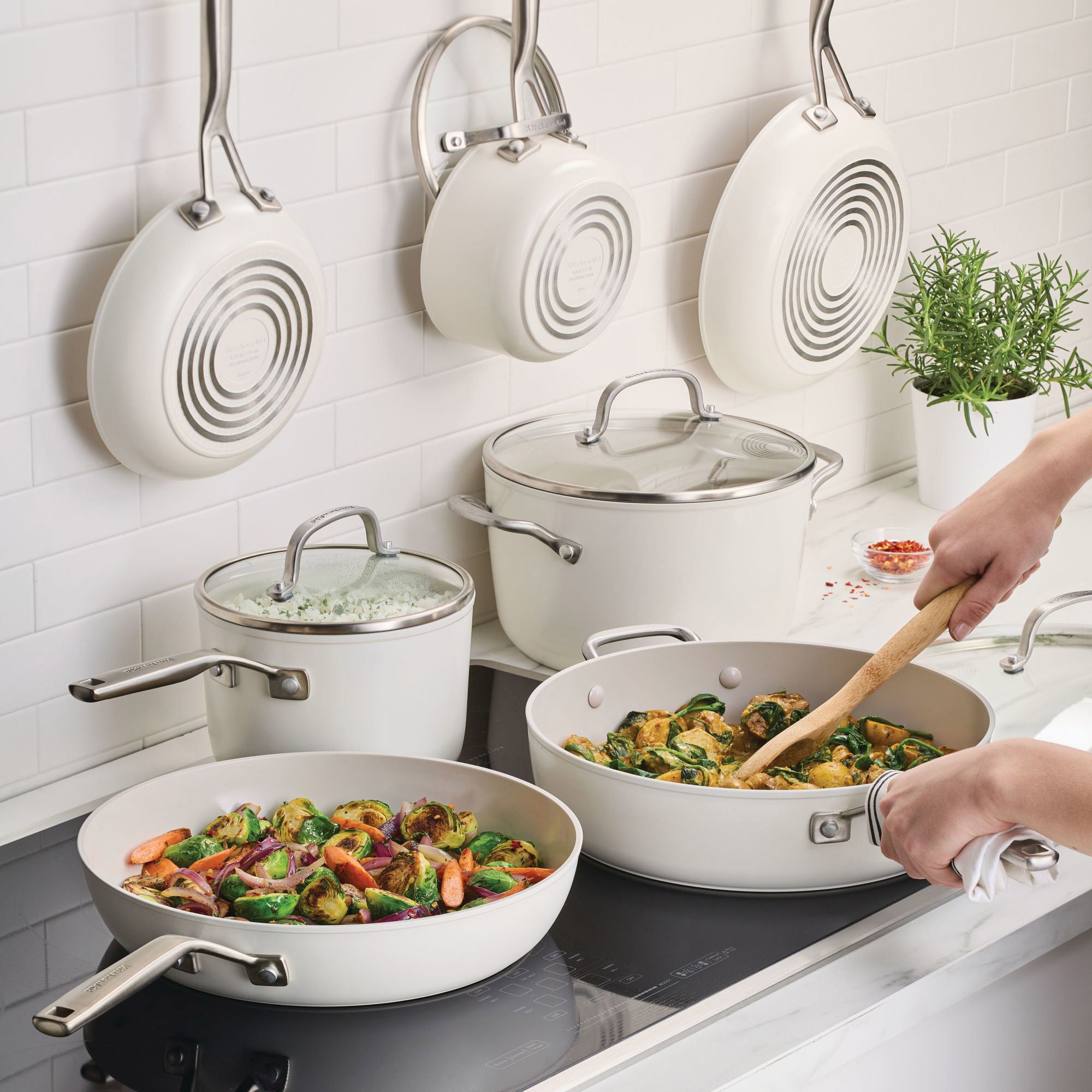
Induction Cooktops With Touch Controls
FAQs
-
Touch controls let you select cooking zones and adjust settings by tapping or sliding a finger across a control panel rather than turning physical knobs. The layout varies by model, with some cooktops offering individual zone controls and others using a shared panel.
-
Induction cooktops require cookware with a magnetic base. Look for an induction-compatible label or symbol on your cookware, and check the cookware manufacturer's guidance to confirm compatibility.
-
Slider controls let you choose a setting by moving your finger along a marked scale or tapping a point on it. Plus-and-minus controls let you adjust the setting in steps. Some interfaces combine both options.
-
Depending on the model, touch controls may include cooking timers, pause-and-resume functions, preset cooking settings, or options for linking cooking zones. Check the model's feature descriptions to see which functions are included.
-
Follow the manufacturer's care instructions and use a soft cloth with a cleaner approved for the cooktop's surface. Wipe away residue and dry the panel for a neat, streak-free finish. Avoid abrasive scrubbers that could scratch the surface or wear down control markings.