



HP Printer Ink
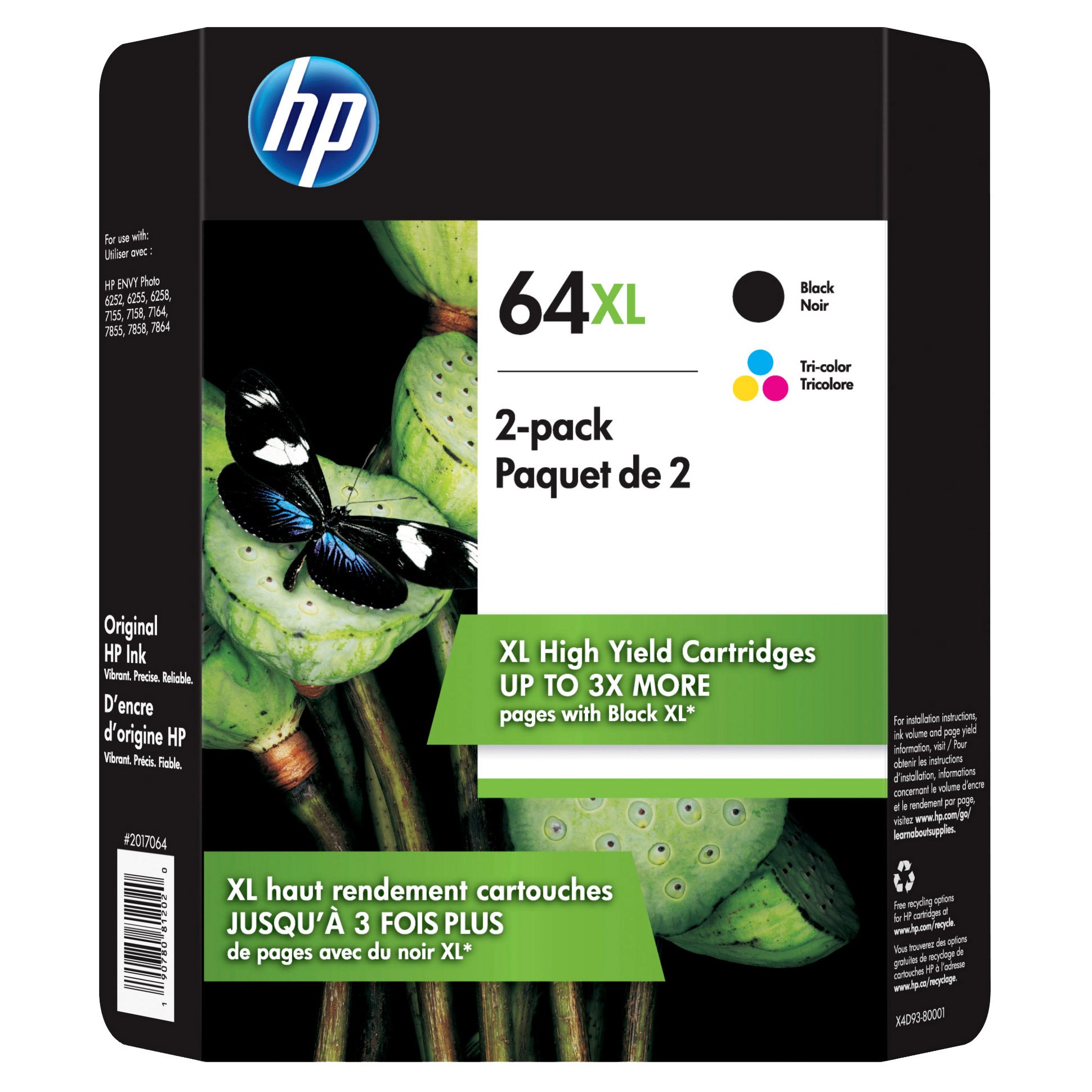
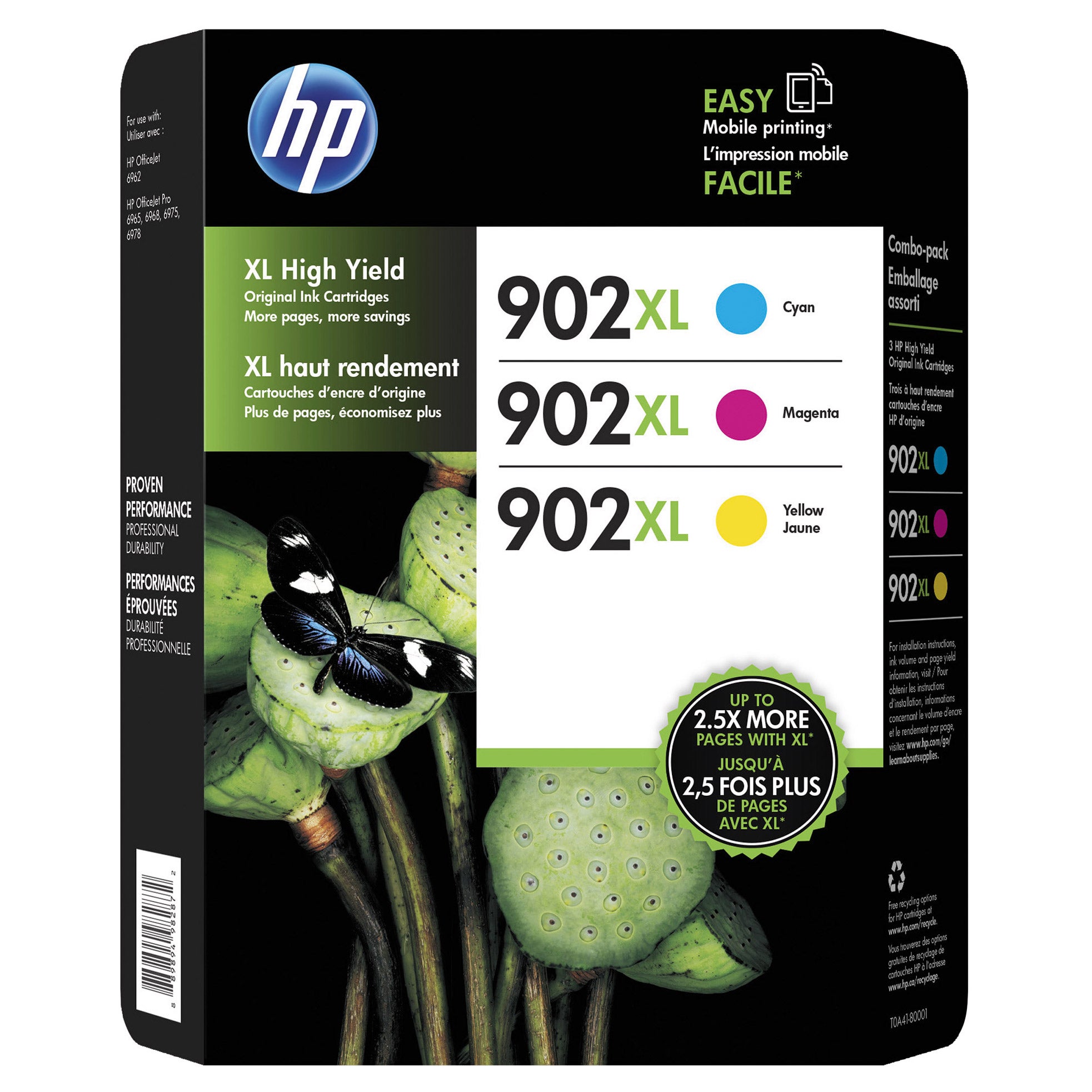
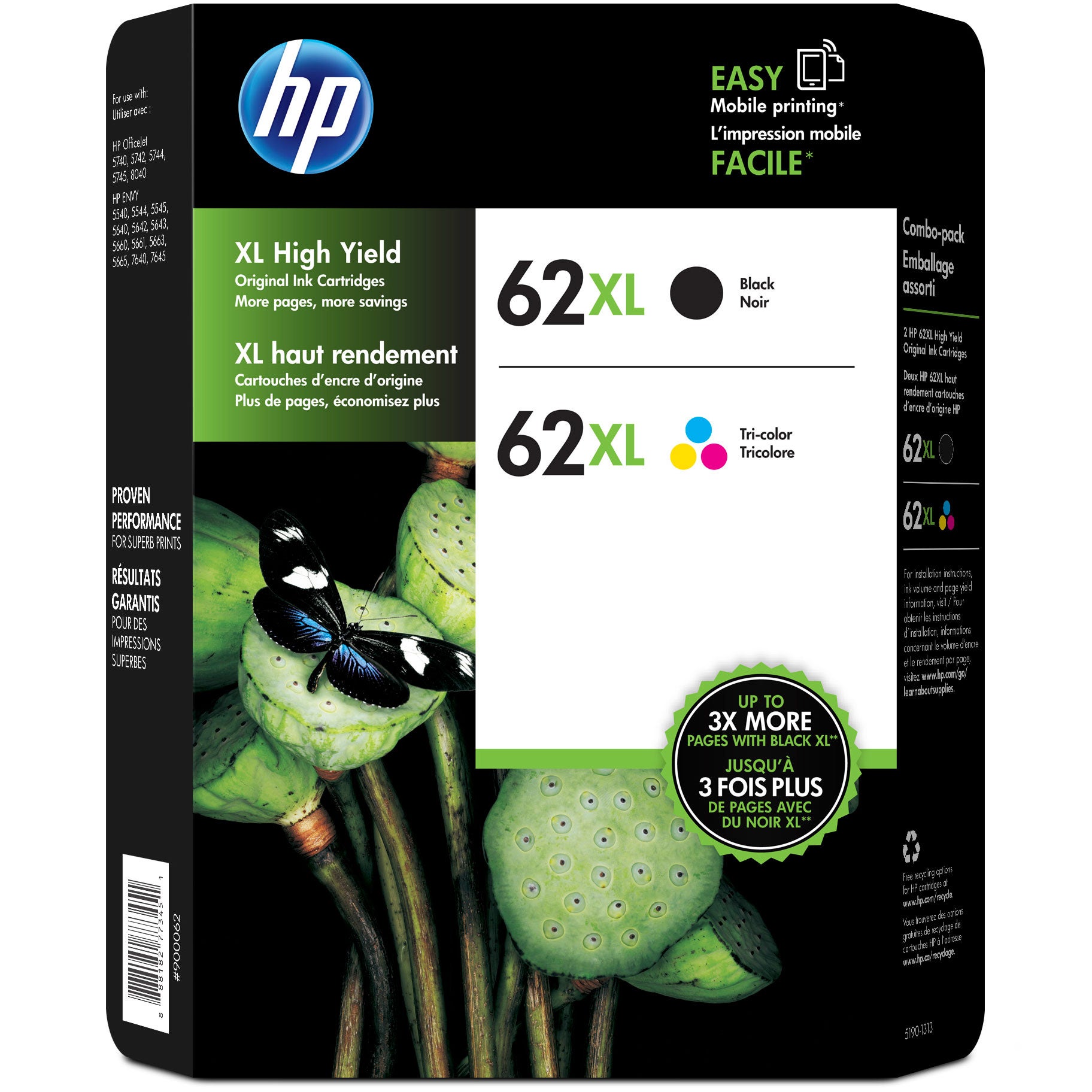
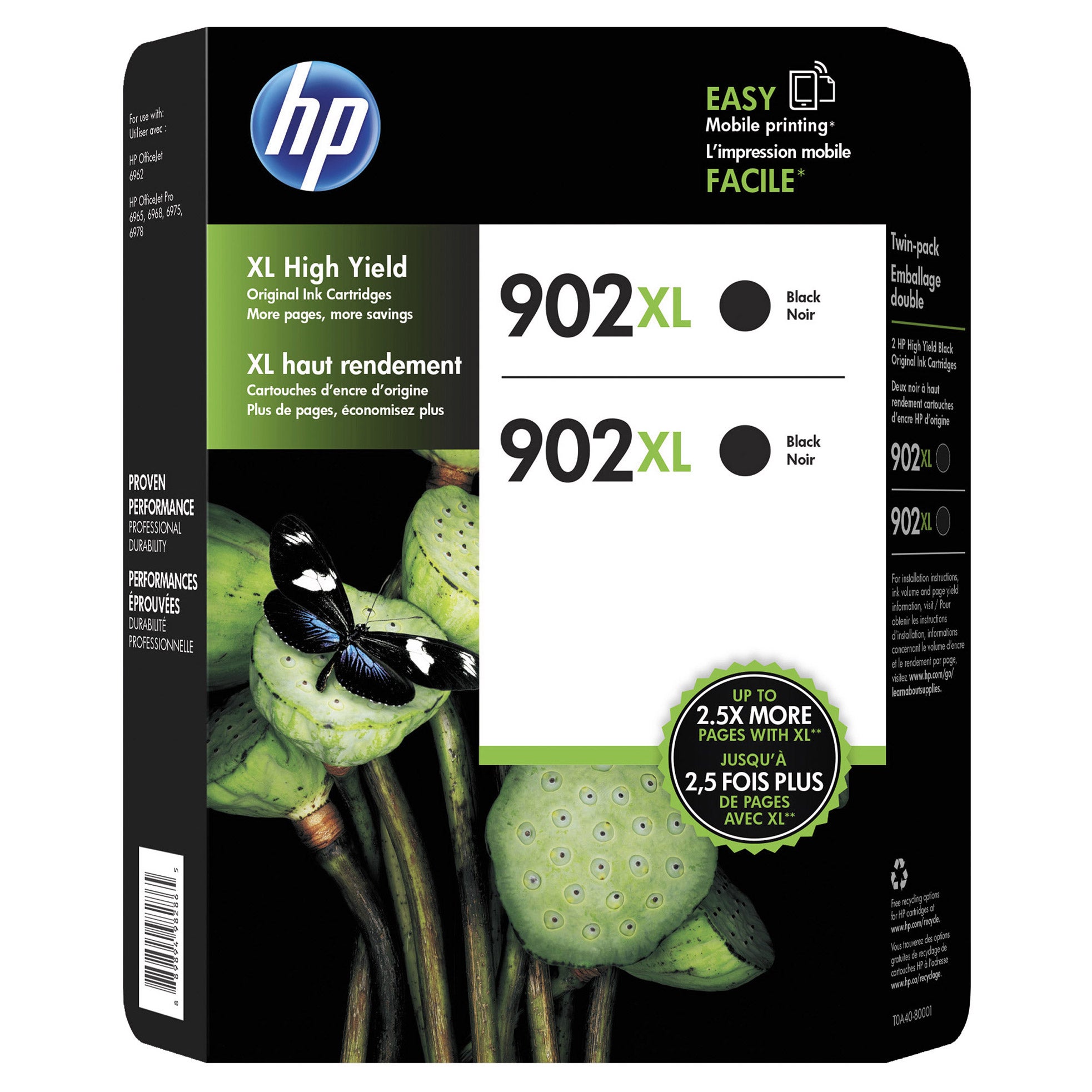
Find HP printer ink for your printer by matching the cartridge number and checking model compatibility. Browse the selection for your replacement ink needs, and review each listing’s cartridge contents and pack size before choosing.
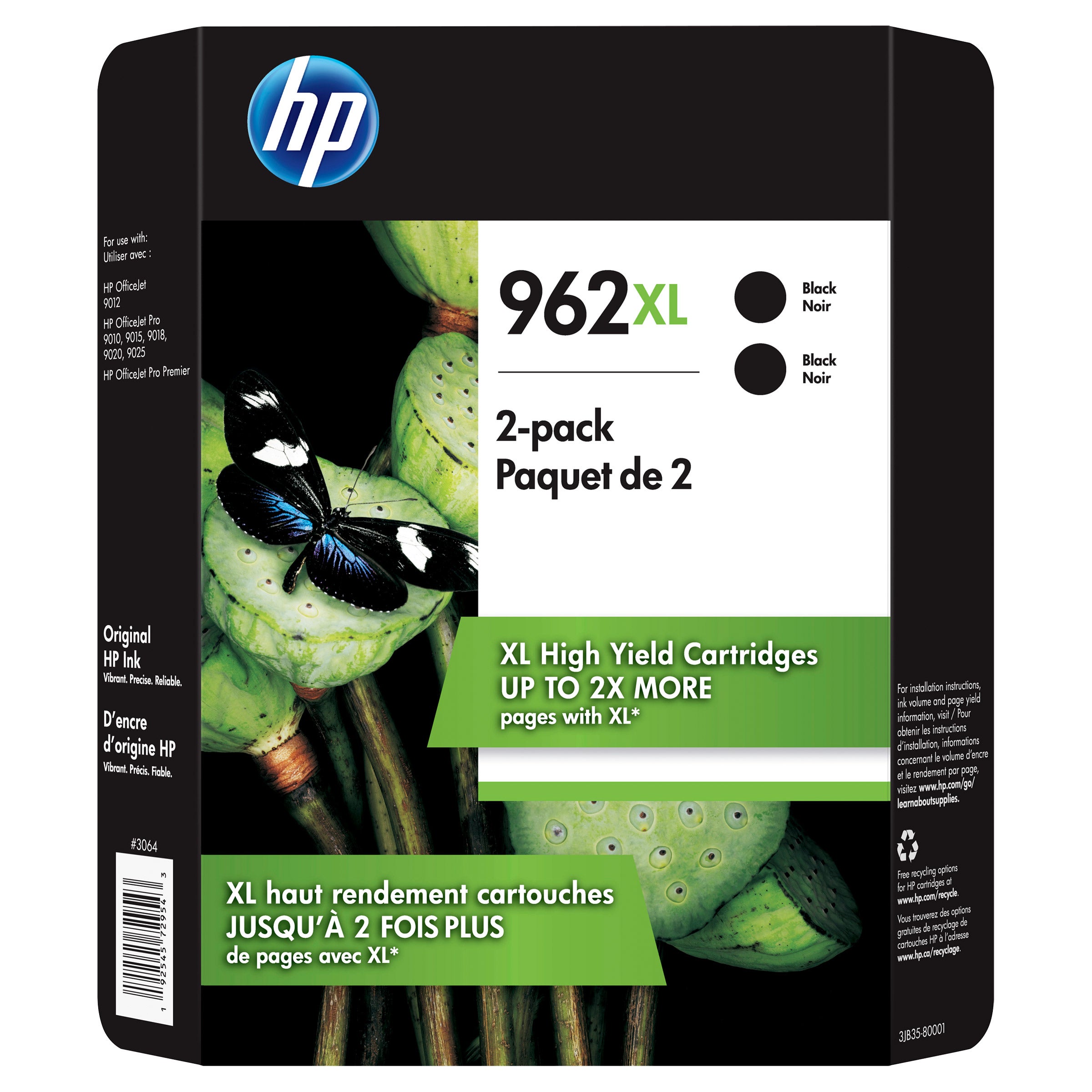
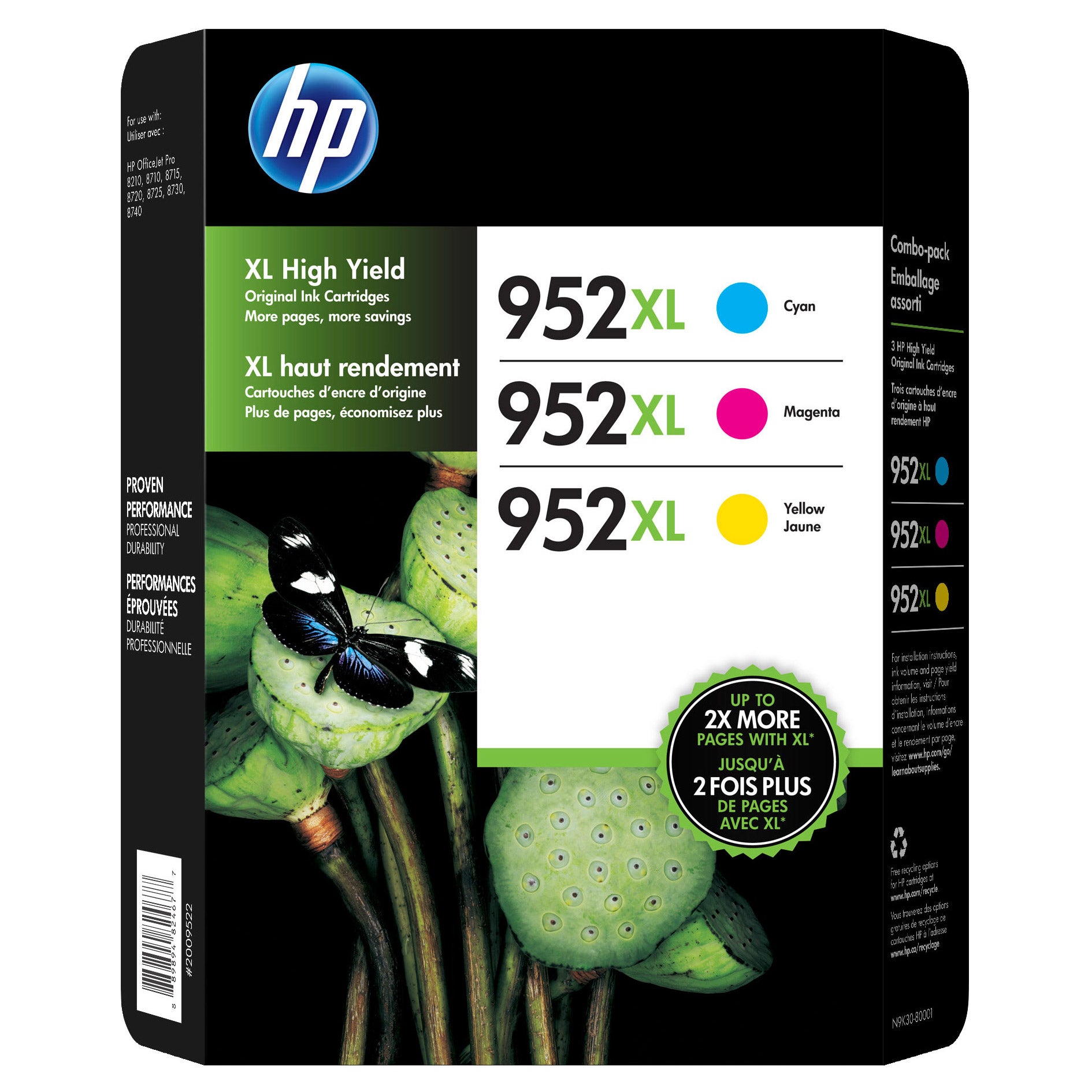
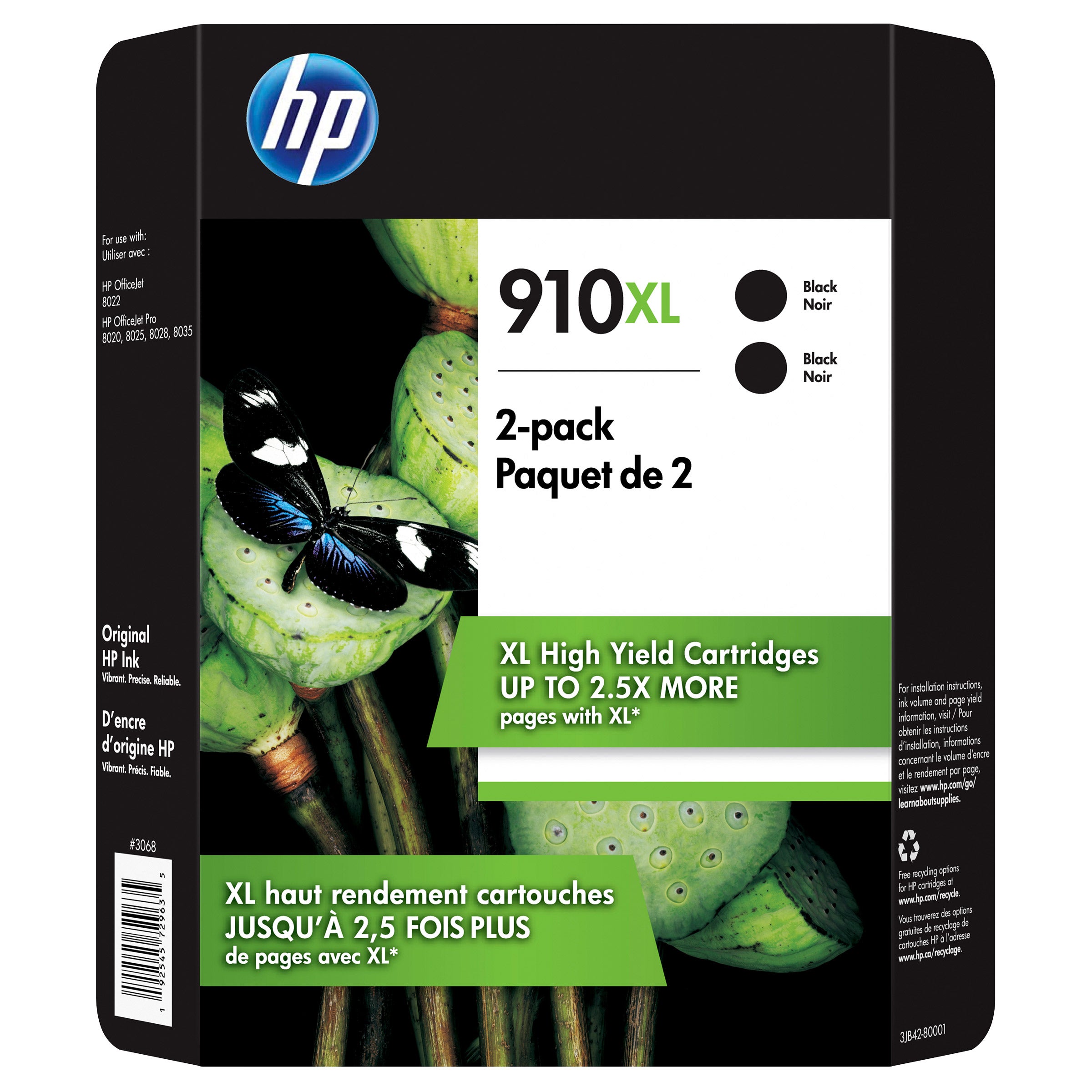
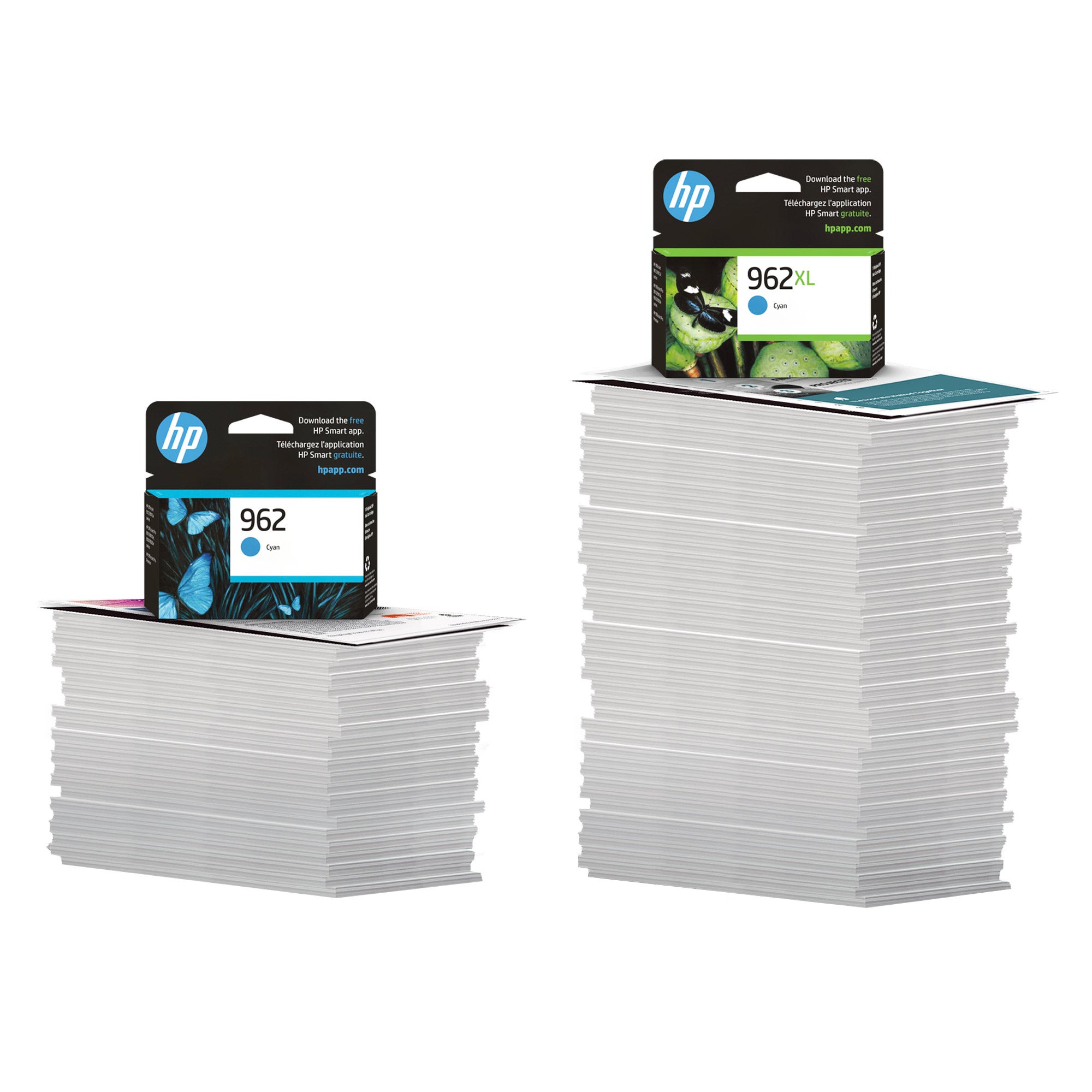
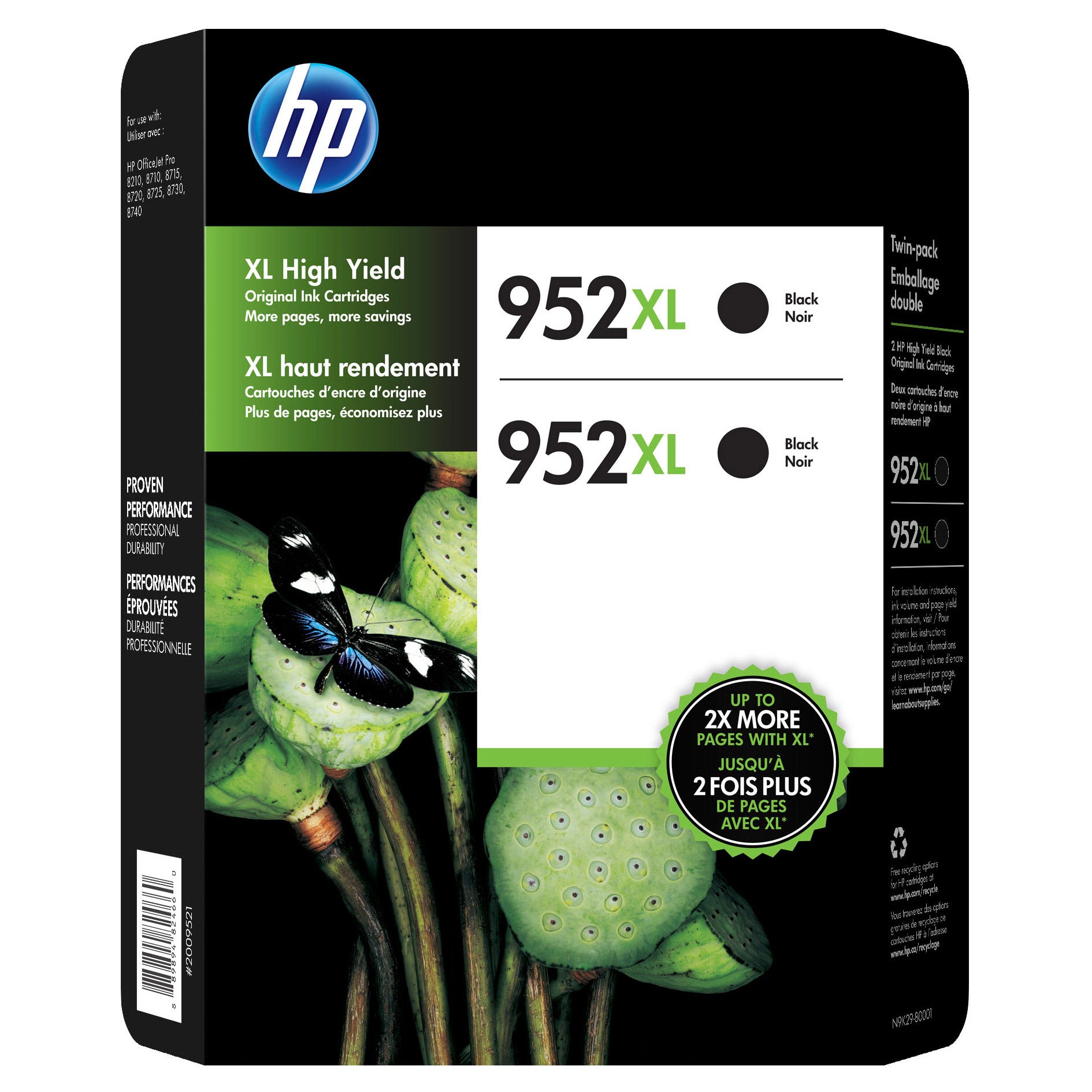
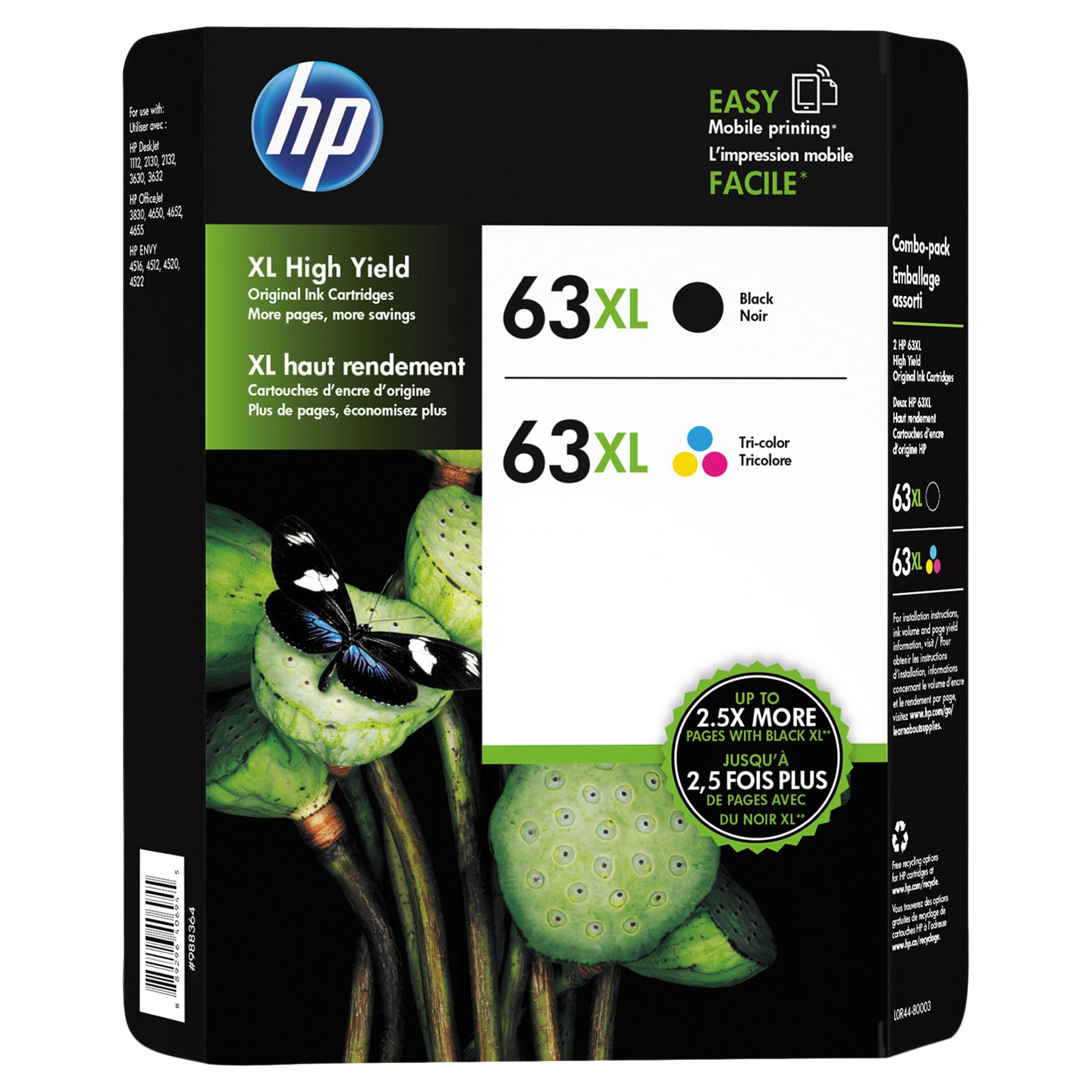
HP Printer Ink
FAQs
-
Locate your printer’s model number, then check its user guide or HP’s cartridge compatibility information for the matching cartridge number. Match the complete cartridge number rather than relying on packaging color or appearance.
-
Inkjet printers use liquid ink, while laser printers use powdered toner. These supplies are not interchangeable, so check your printer’s documentation to confirm which type it requires.
-
Common labels include black, cyan, magenta, and yellow. Some HP inkjet printers use separate cartridges for individual colors, while others use a black cartridge and a tri-color cartridge. Your printer’s documentation identifies its cartridge configuration.
-
Depending on your model, estimated ink levels may appear on the printer’s control panel, in its desktop software, or in an HP printing app. Check your printer’s user guide for the steps available for your model.
-
HP offers cartridge recycling through its Planet Partners program for eligible cartridges. Check the program’s current participation requirements and preparation instructions, or look for a local recycling program that accepts printer cartridges.