



Gaming Systems
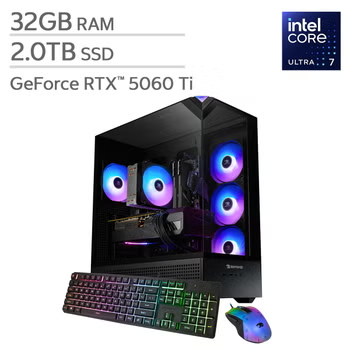
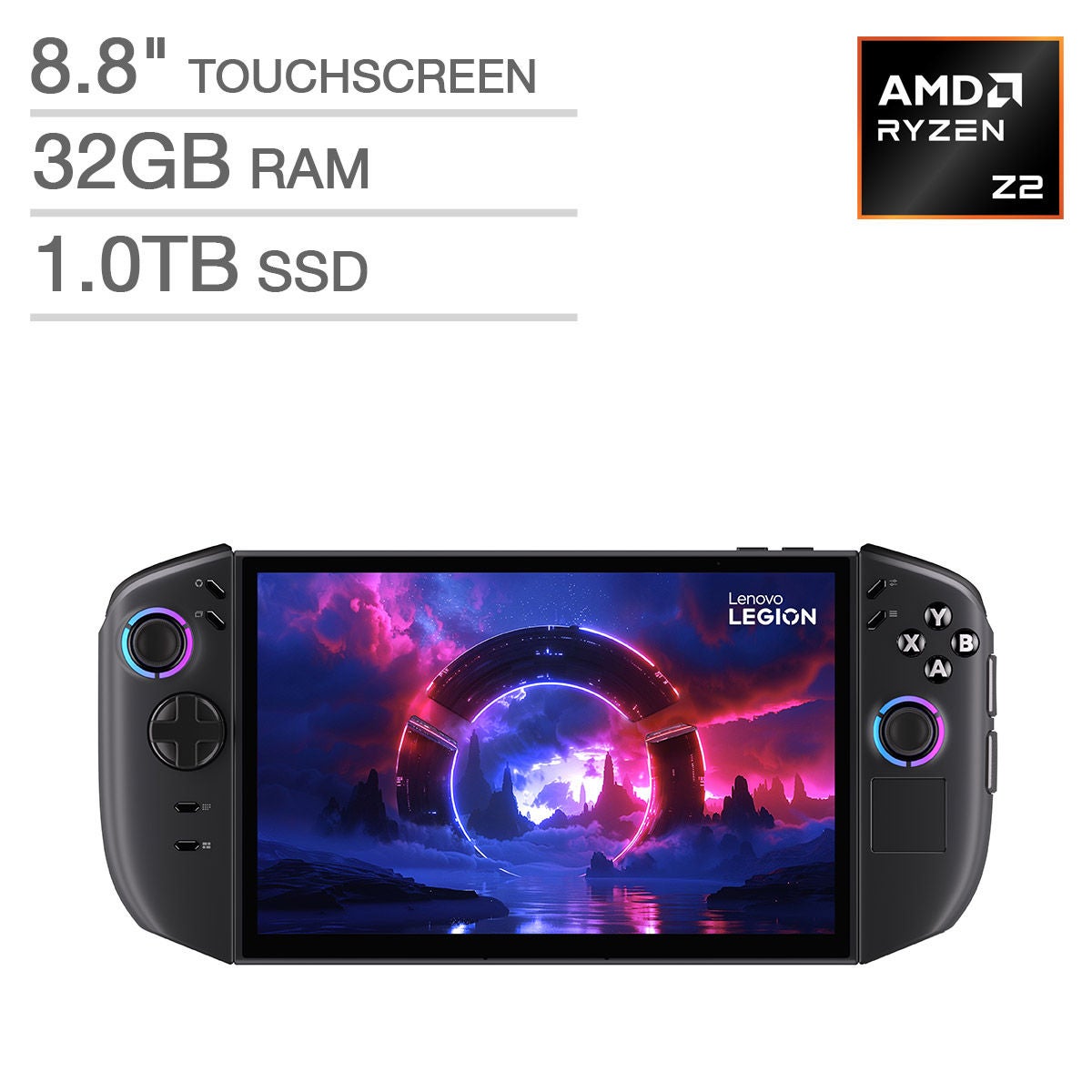
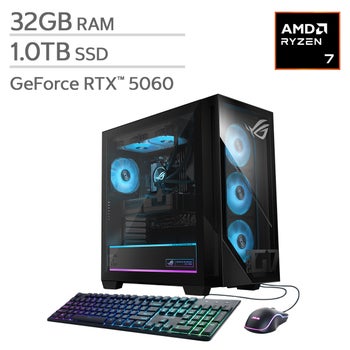
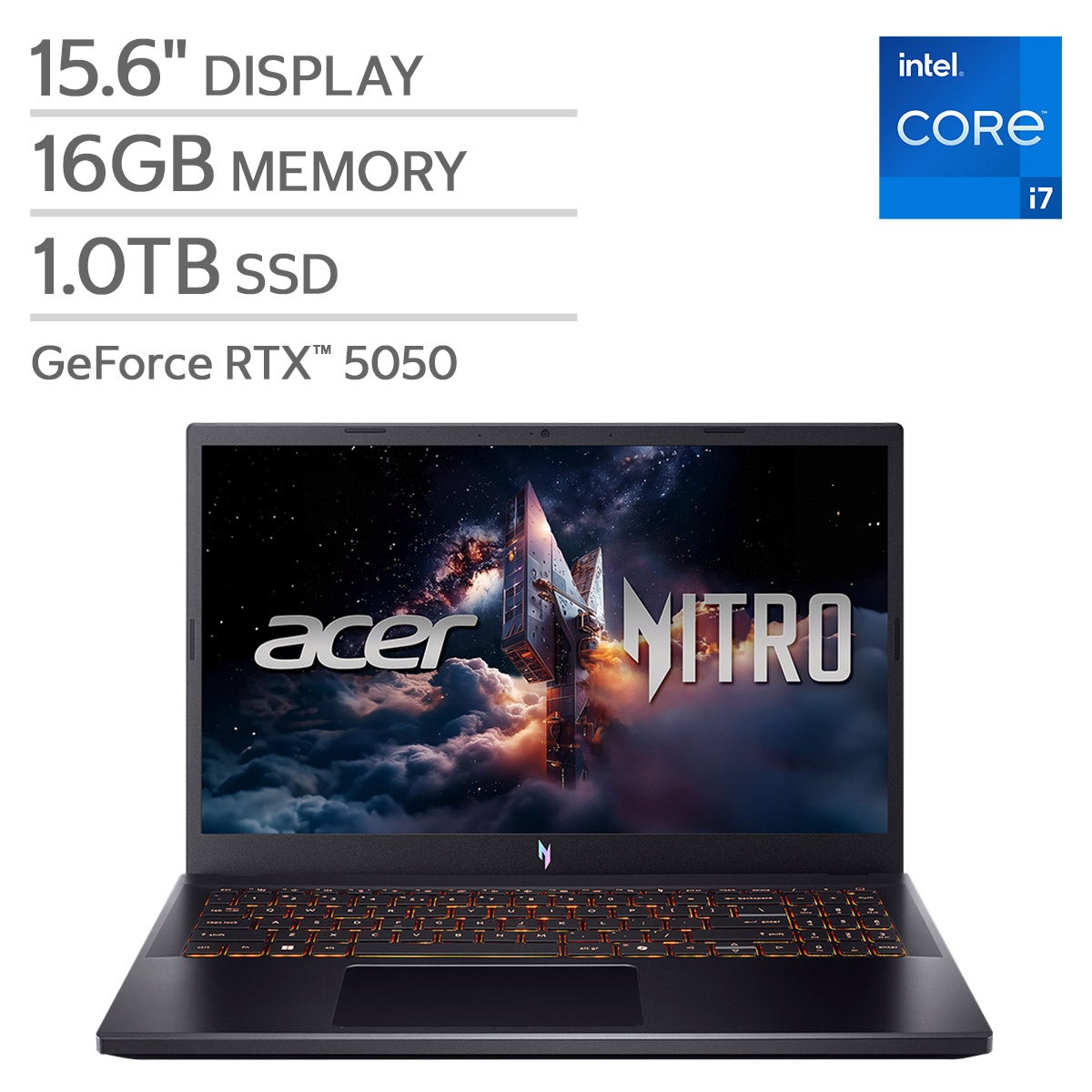
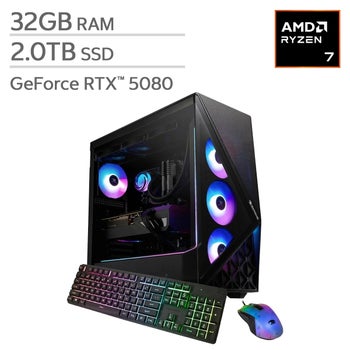
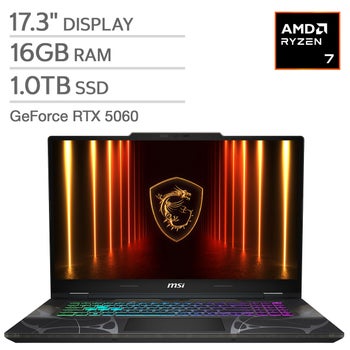
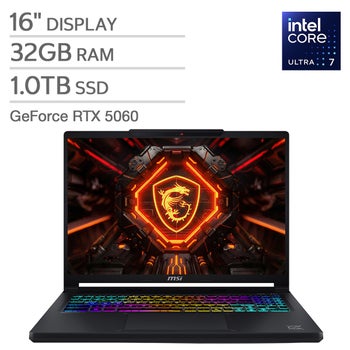
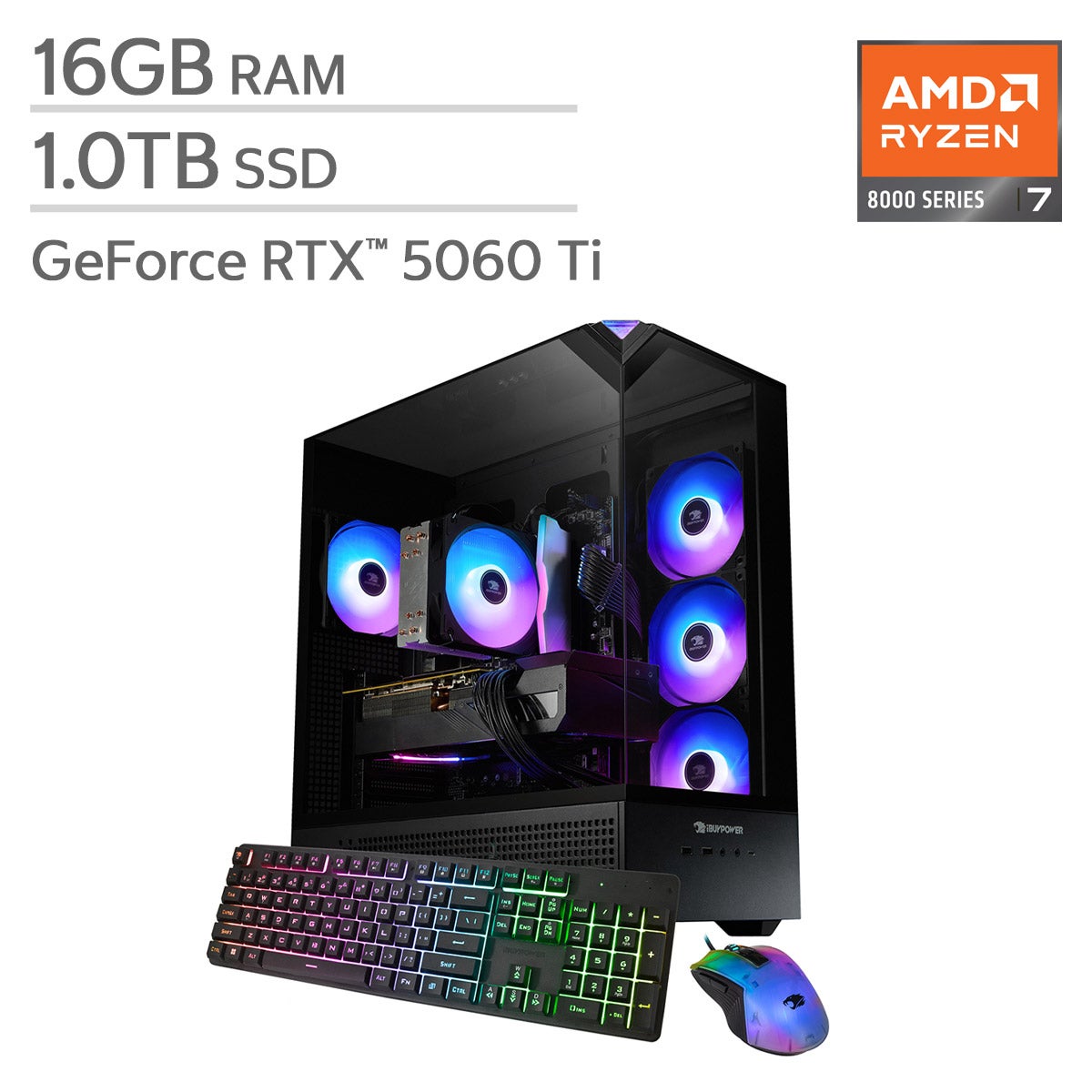
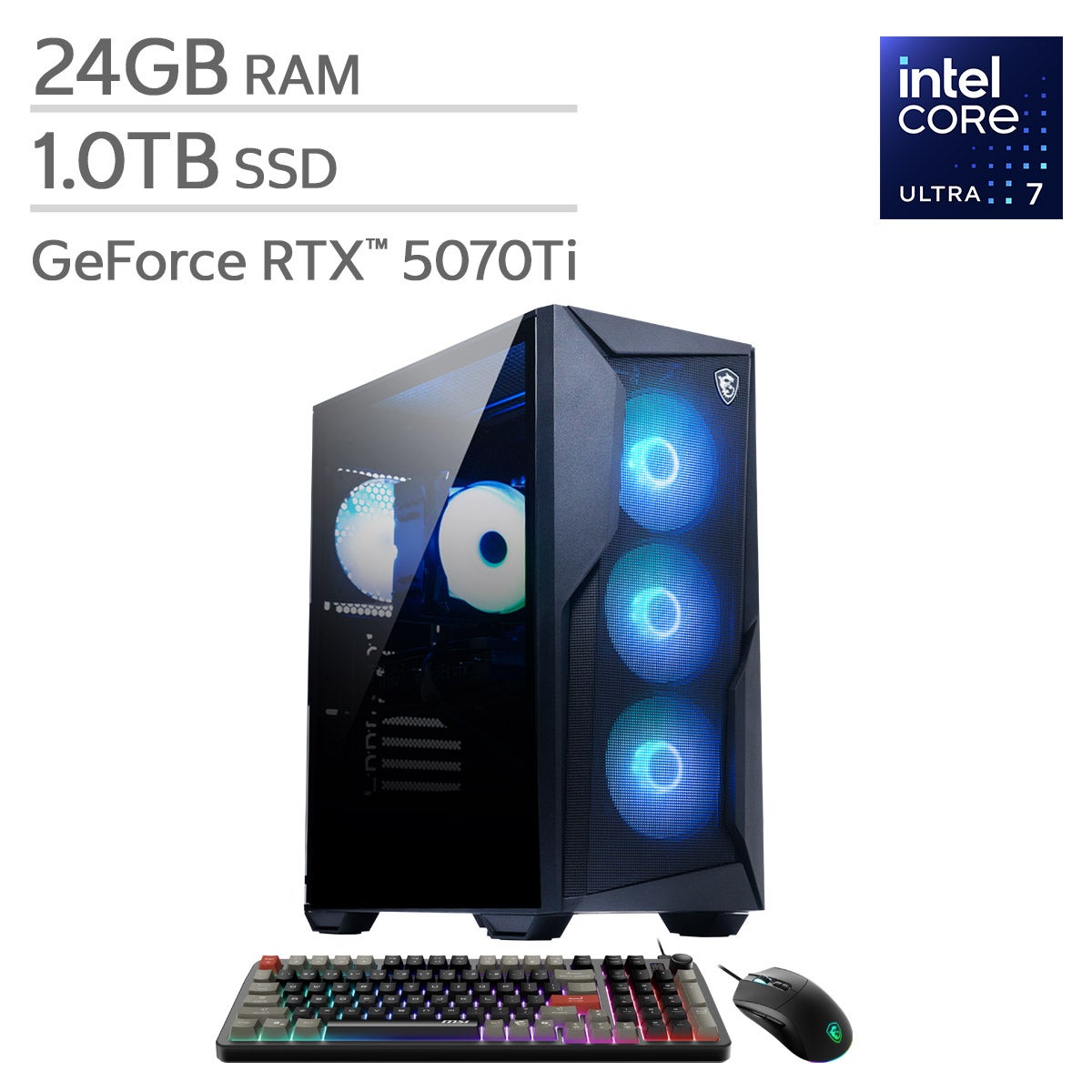
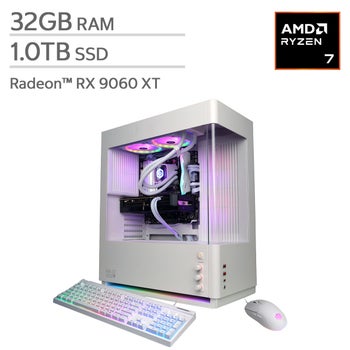
Explore gaming systems at Costco and compare options for your gaming setup. As you shop, consider compatibility with the games you want to play, storage capacity, and what’s included with each system to find an option that fits your preferences and budget.
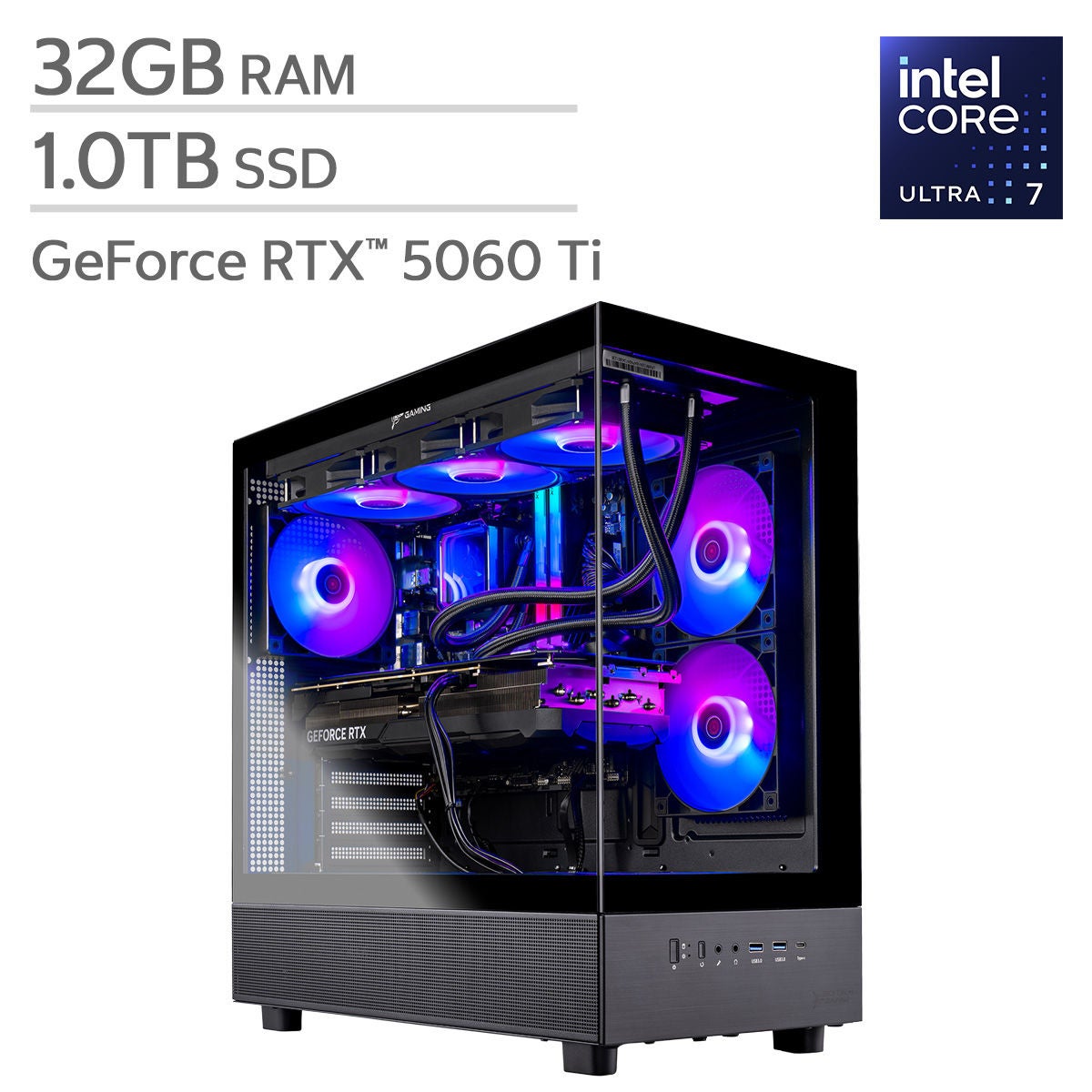
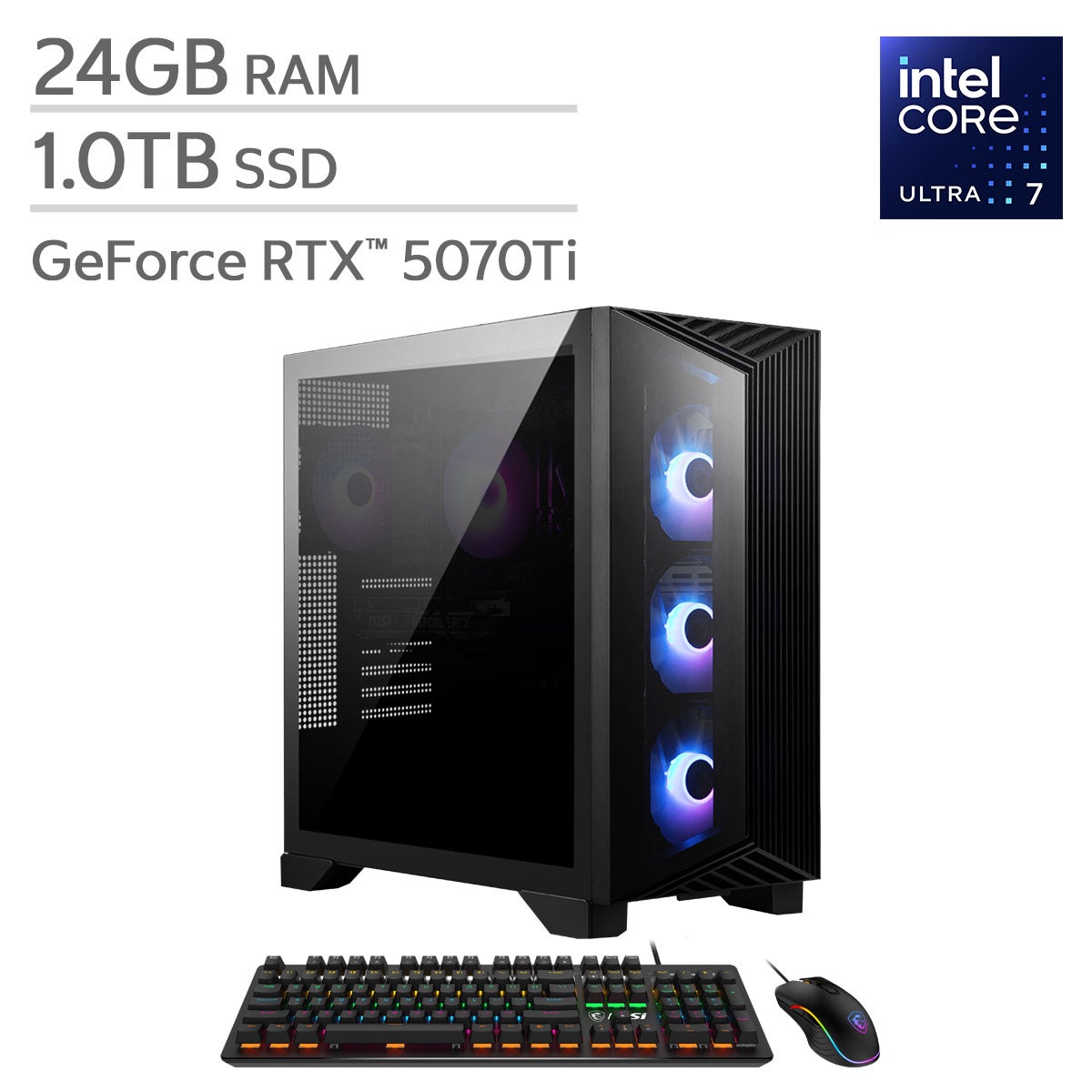
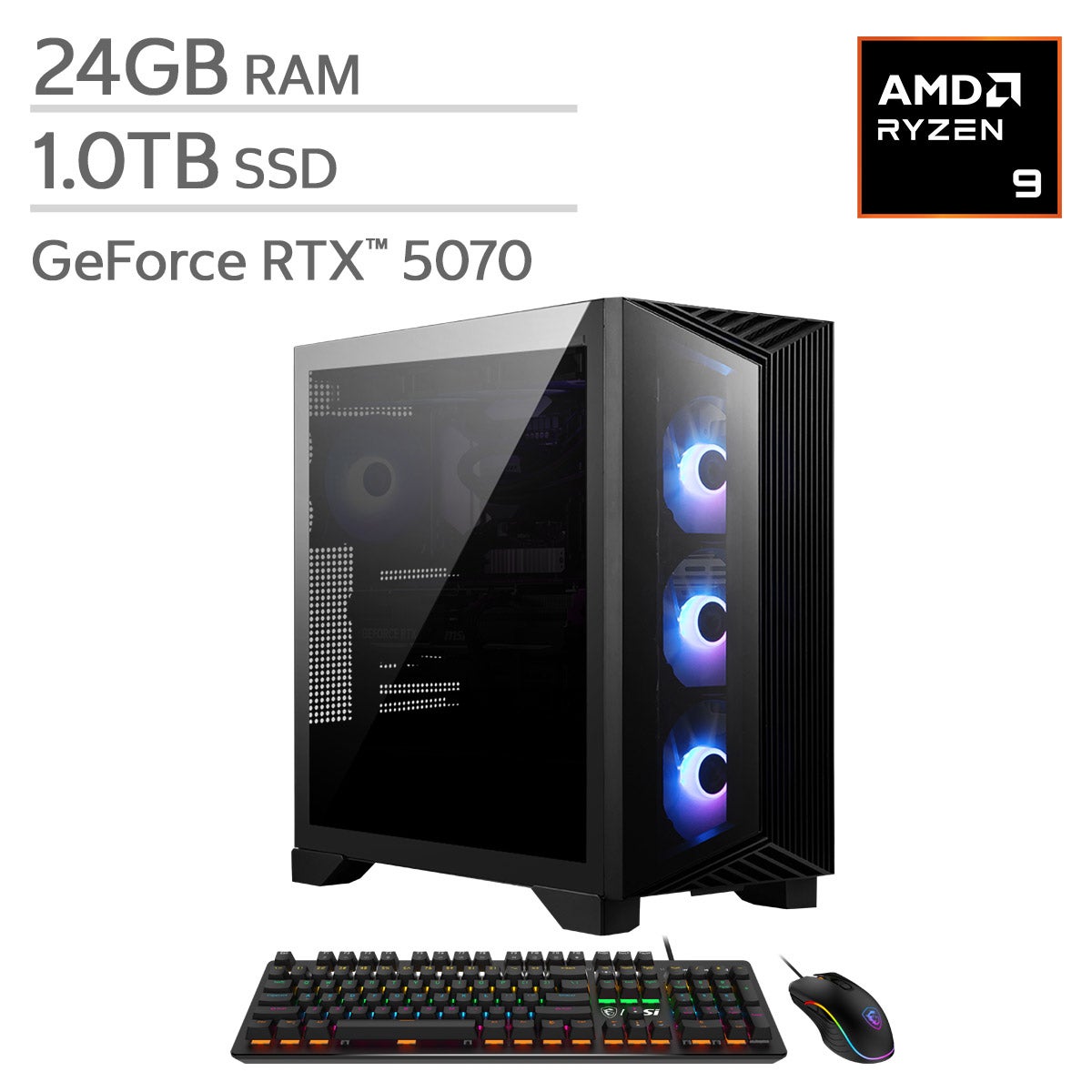
Top Rated Items
Shop Related Pages
Gaming Systems
FAQs
-
Start with the games you want to play, your preferred way to play, and the platforms your friends use. Compare game libraries, controller options, online multiplayer features, and compatibility with your TV or monitor. Some games are exclusive to certain platforms.
-
A gaming console offers dedicated hardware and a streamlined setup for playing compatible games. A gaming PC provides more options for hardware upgrades, graphics settings, and input devices, along with support for everyday computer tasks. Game availability varies by platform.
-
Support depends on the system. Consoles with compatible disc drives can generally play supported physical games as well as digital downloads. Digital-only systems use downloaded games rather than discs. Check the system's format support and each game's compatibility before choosing.
-
Many single-player games can be played offline after any required setup, downloads, or updates. Online multiplayer, digital purchases, cloud gaming, and some games require an internet connection. Requirements vary by game and platform, and certain online features may require a membership.
-
Common gaming accessories include additional controllers, headsets, charging docks, keyboards, mice, and racing wheels. Support varies by system and game, so check compatibility before choosing accessories. Extra controllers can be useful for games that support local multiplayer.