



Desktop Computers
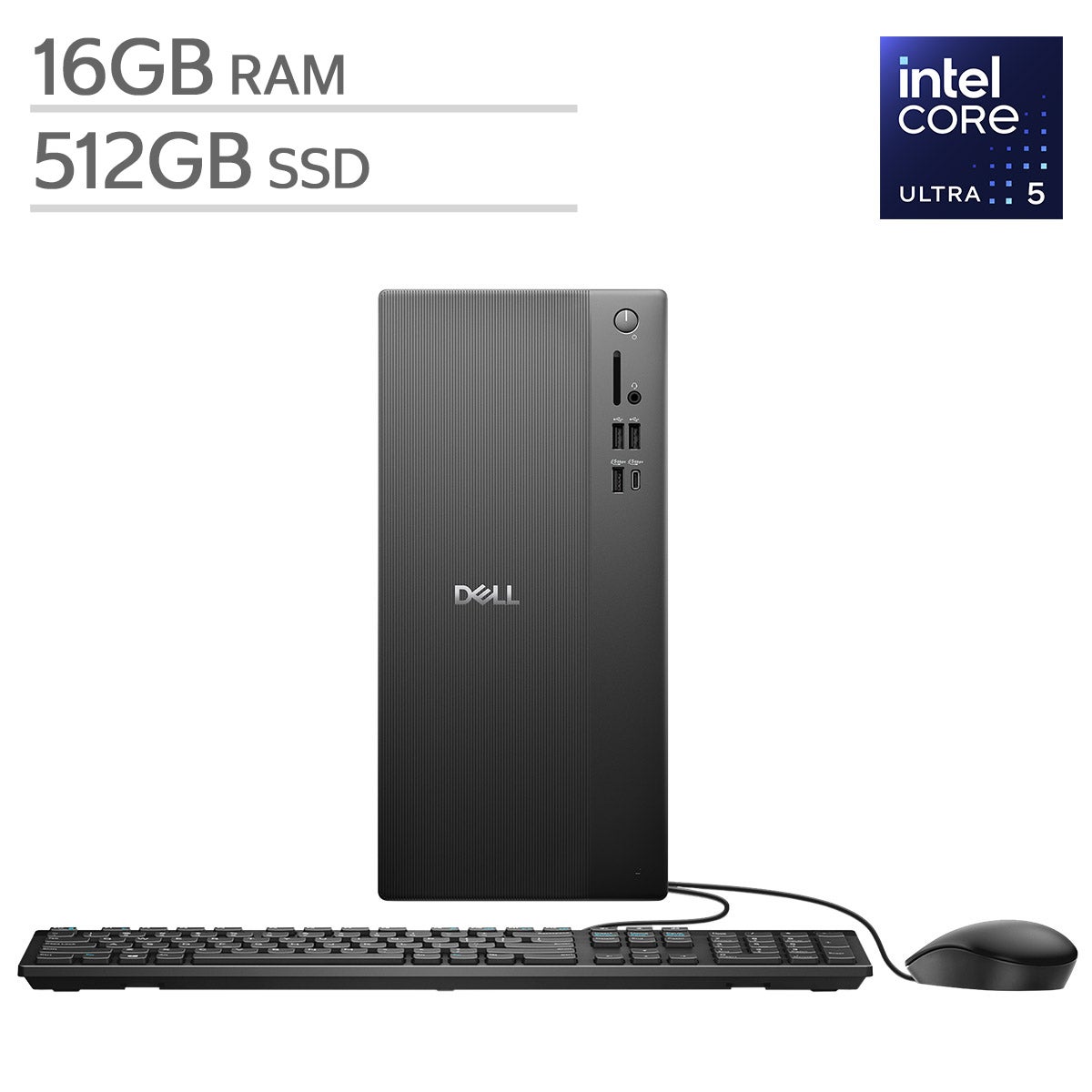
Shop desktop computers at Costco for work, school, and everyday tasks. Compare desktop PCs by processor, RAM, storage capacity, and available ports to find a setup that fits your workspace and the programs you use most.


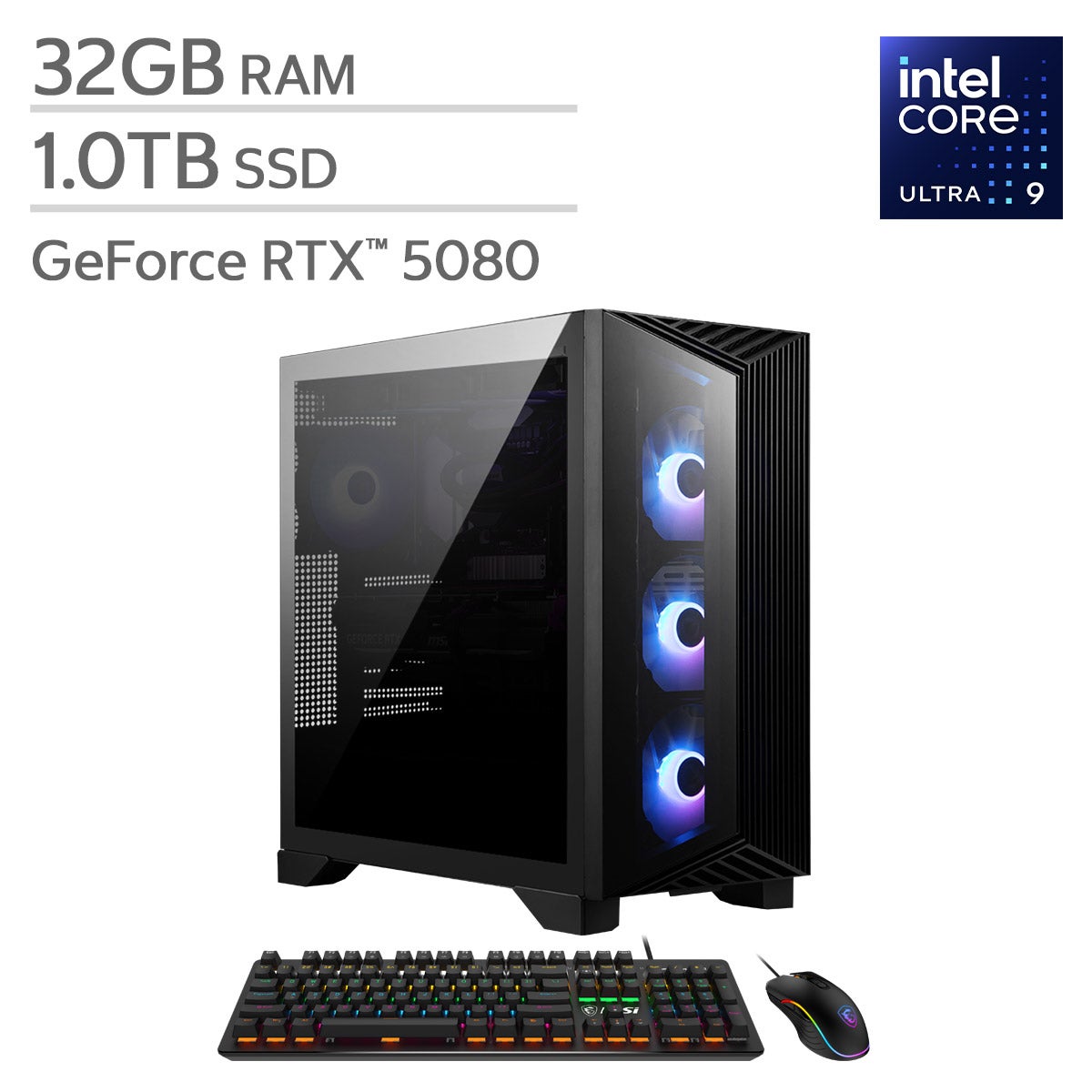


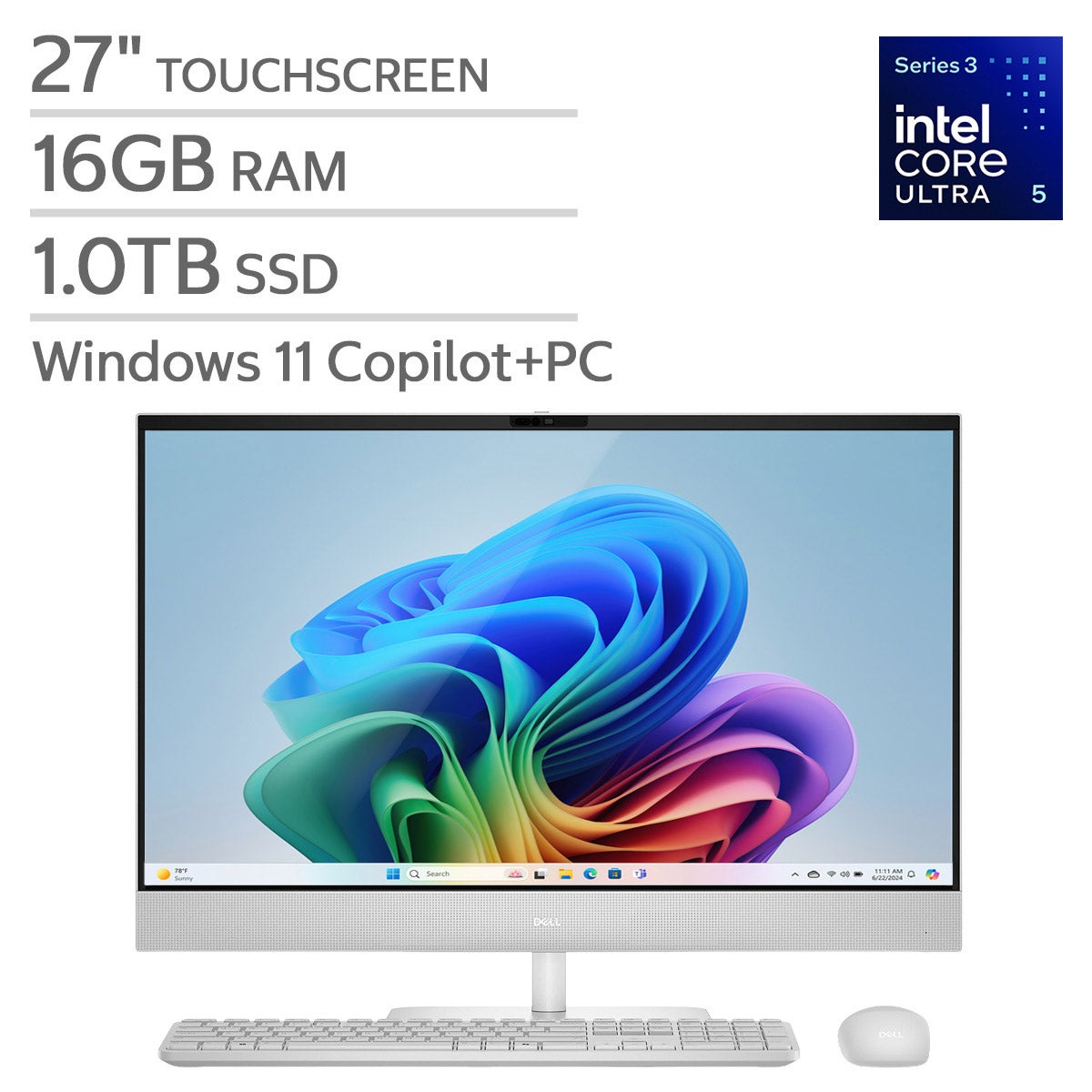
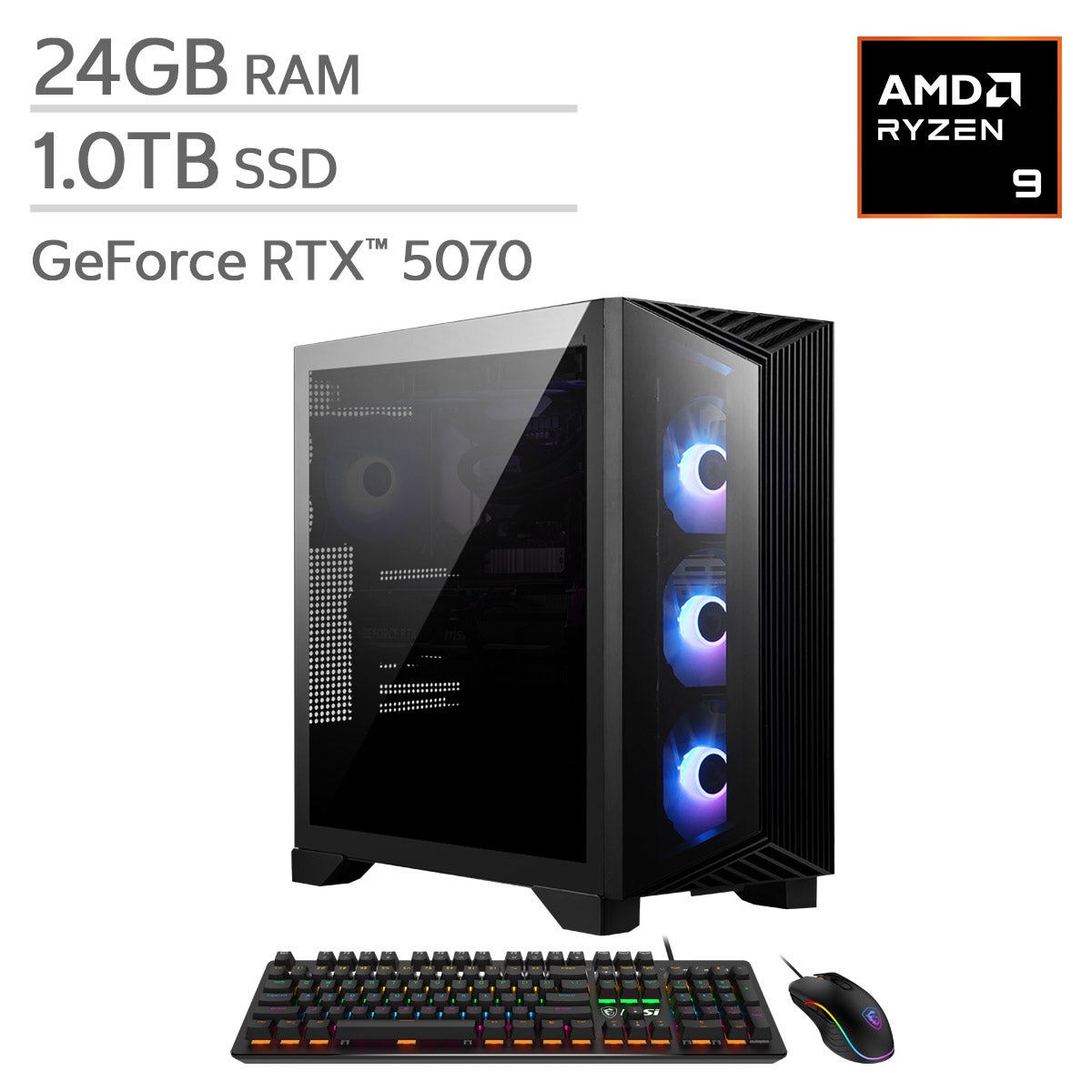
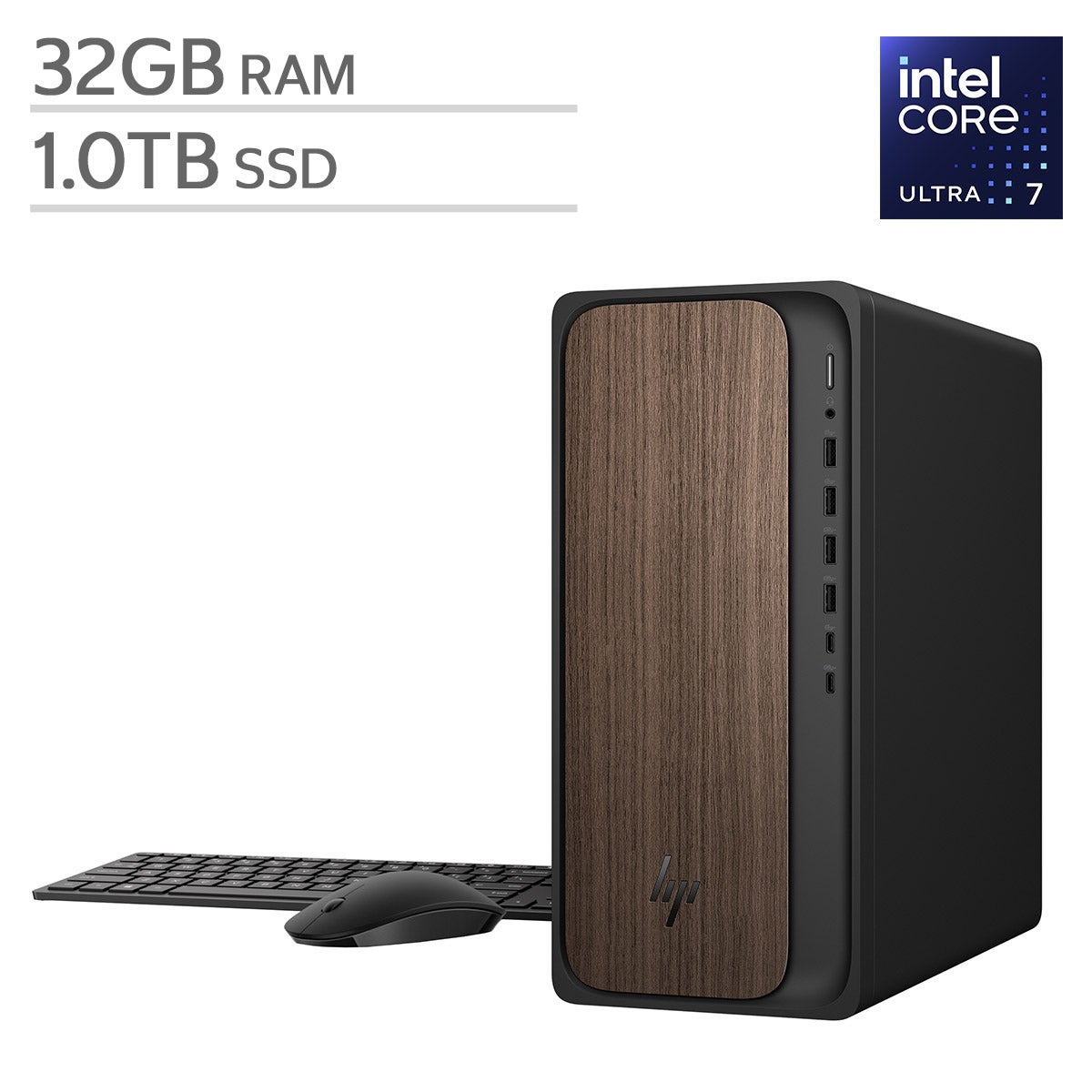
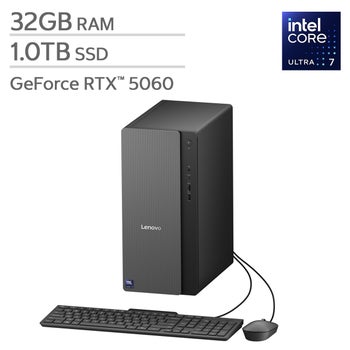
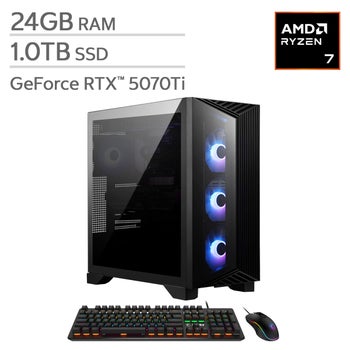
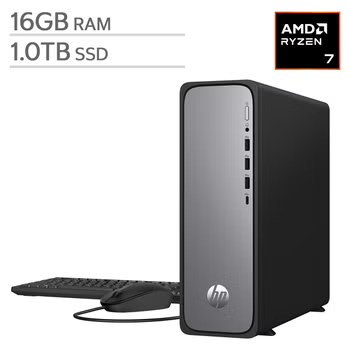

Top Rated Items
Shop Related Pages
Desktop Computers
FAQs
-
Start with how you plan to use your desktop computer. Web browsing, email, and document editing generally require fewer computing resources than video editing, gaming, or 3D design. Compare the processor, memory, storage, graphics capabilities, and operating system to match your everyday tasks.
-
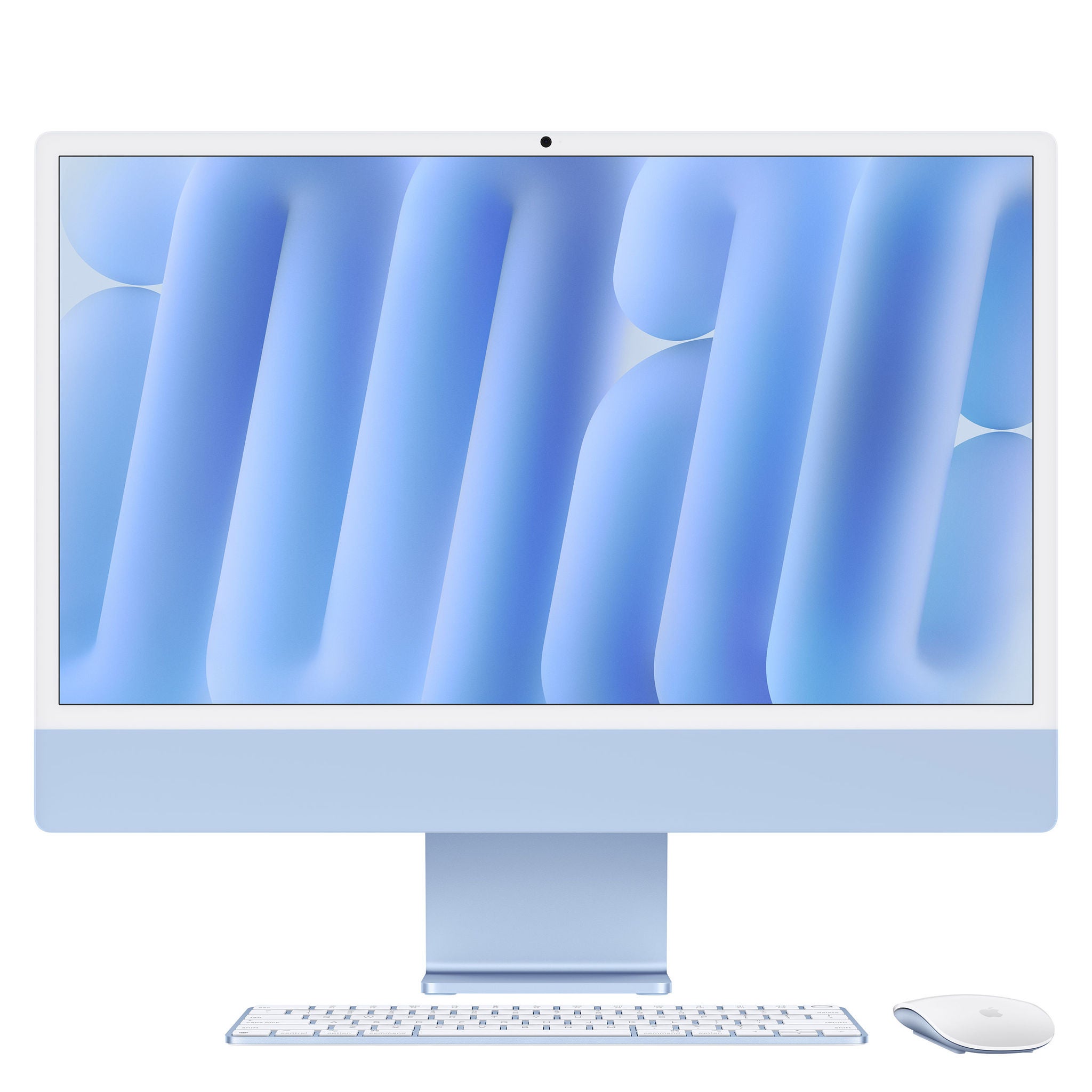
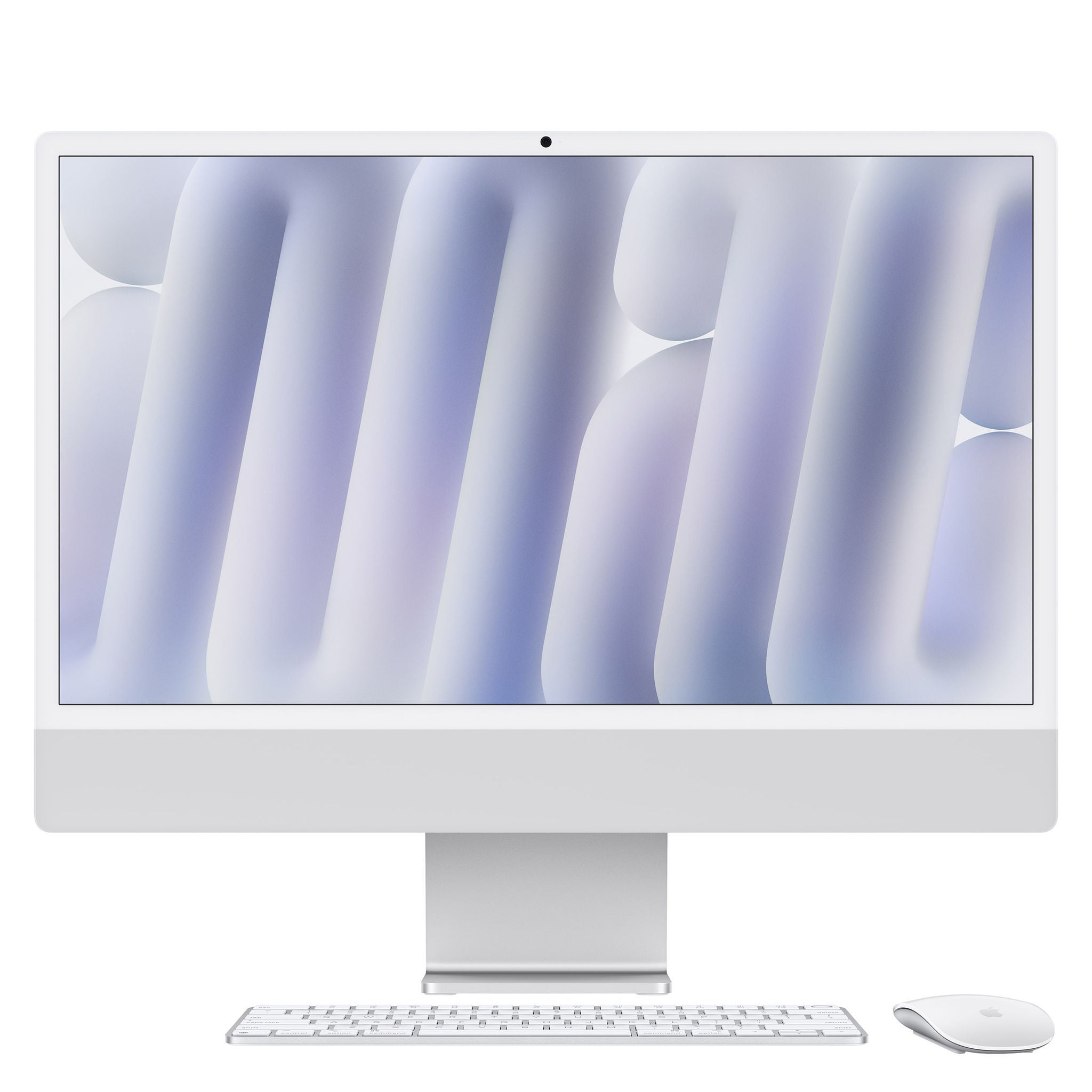
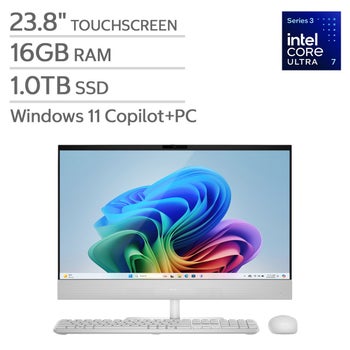
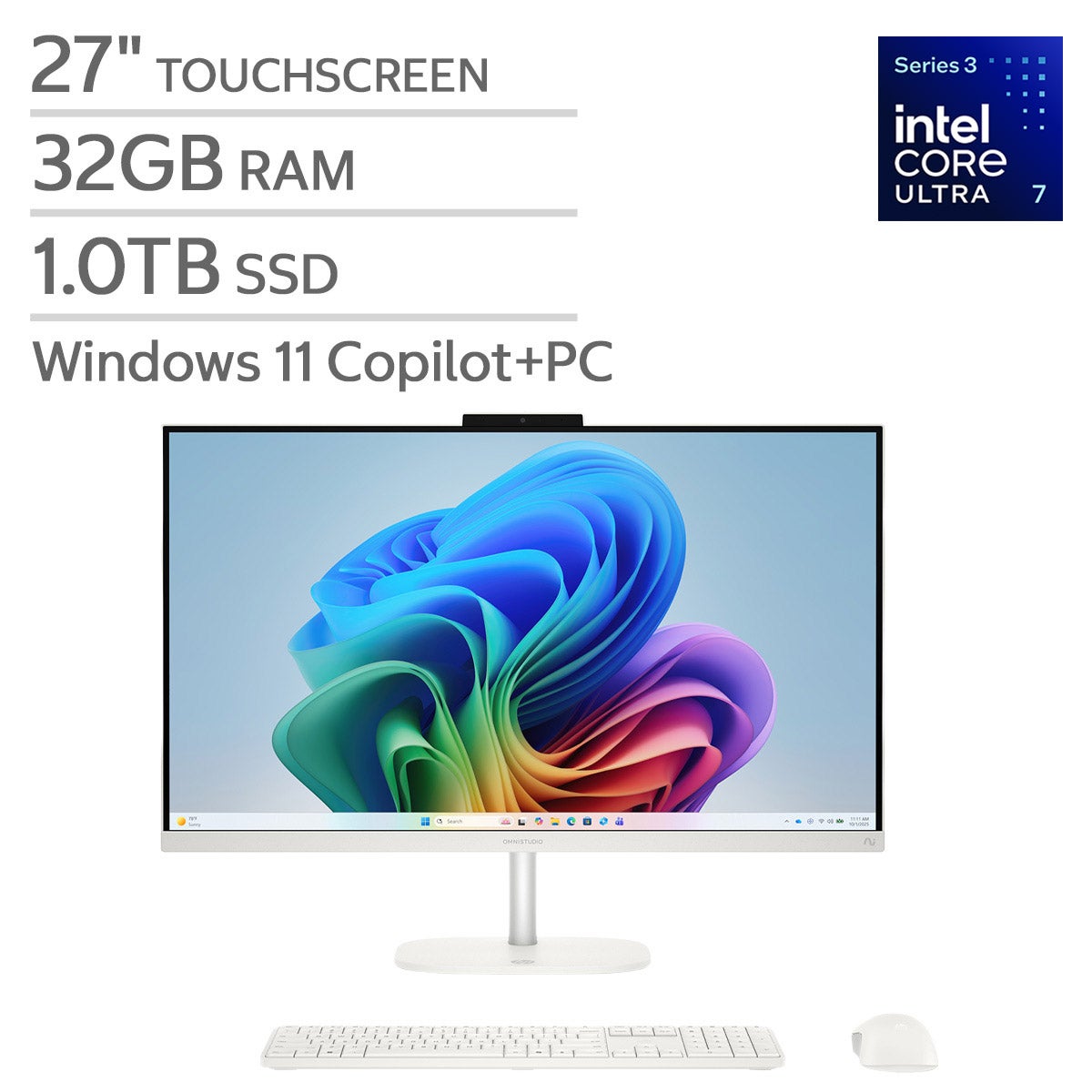
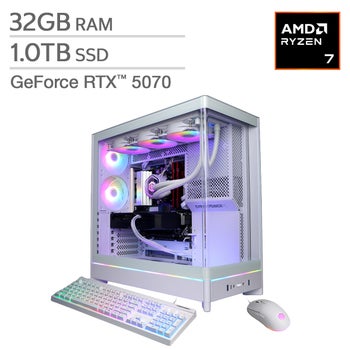
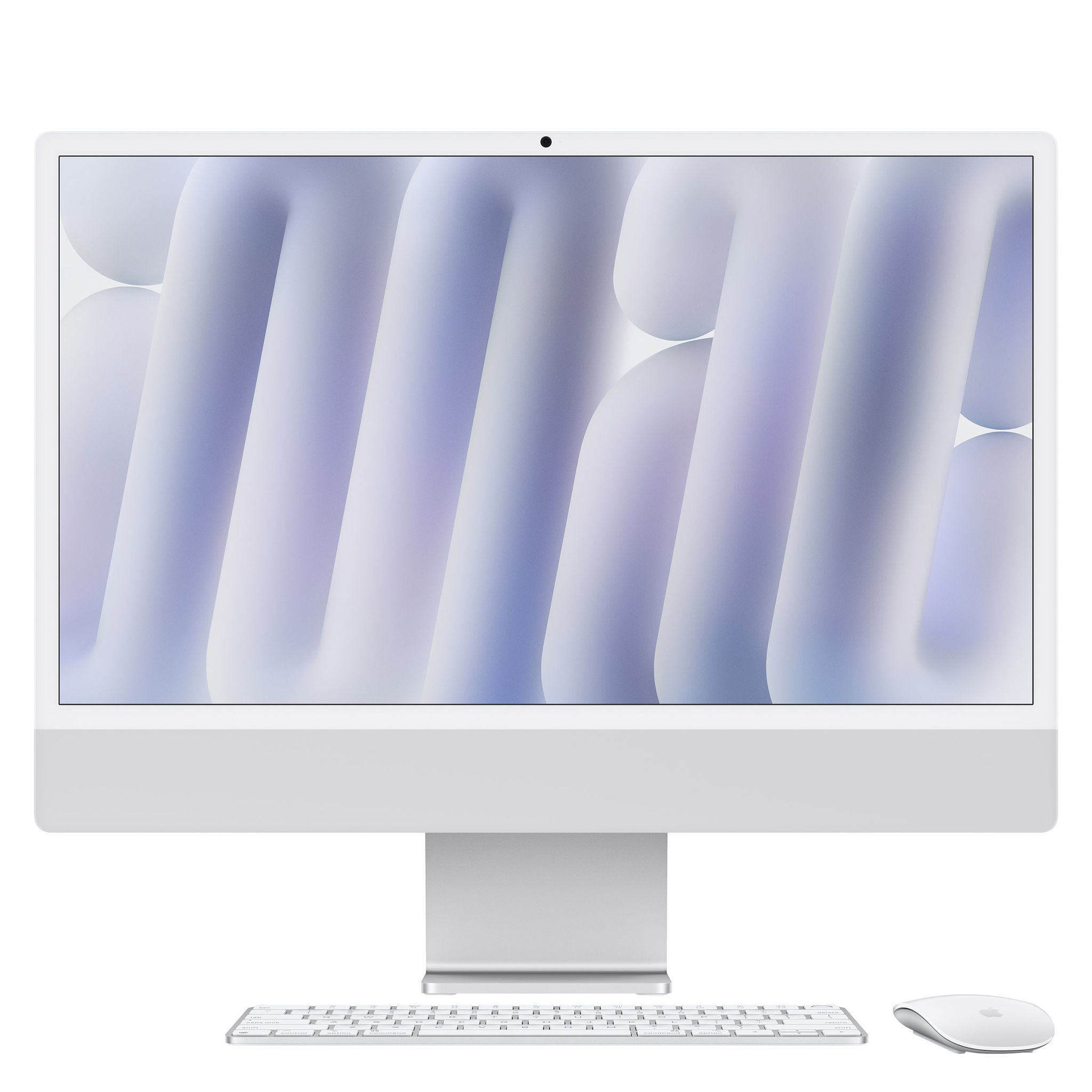
A tower desktop houses its main components separately from the monitor, giving you flexibility to choose your display and peripherals. An all-in-one computer integrates the main components into the monitor for a setup with fewer separate pieces. Upgrade options vary by model and are often more limited with all-in-one designs.
-
Memory, or RAM, holds information that active programs use, while storage keeps your files and applications after the computer is turned off. More RAM can help when switching between multiple applications. Solid-state drives typically offer faster startup and file access than hard disk drives.
-
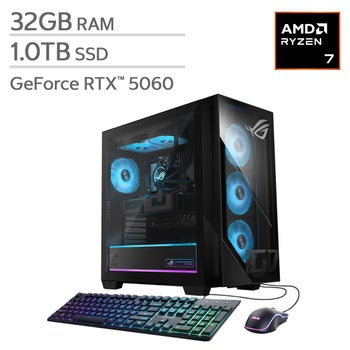
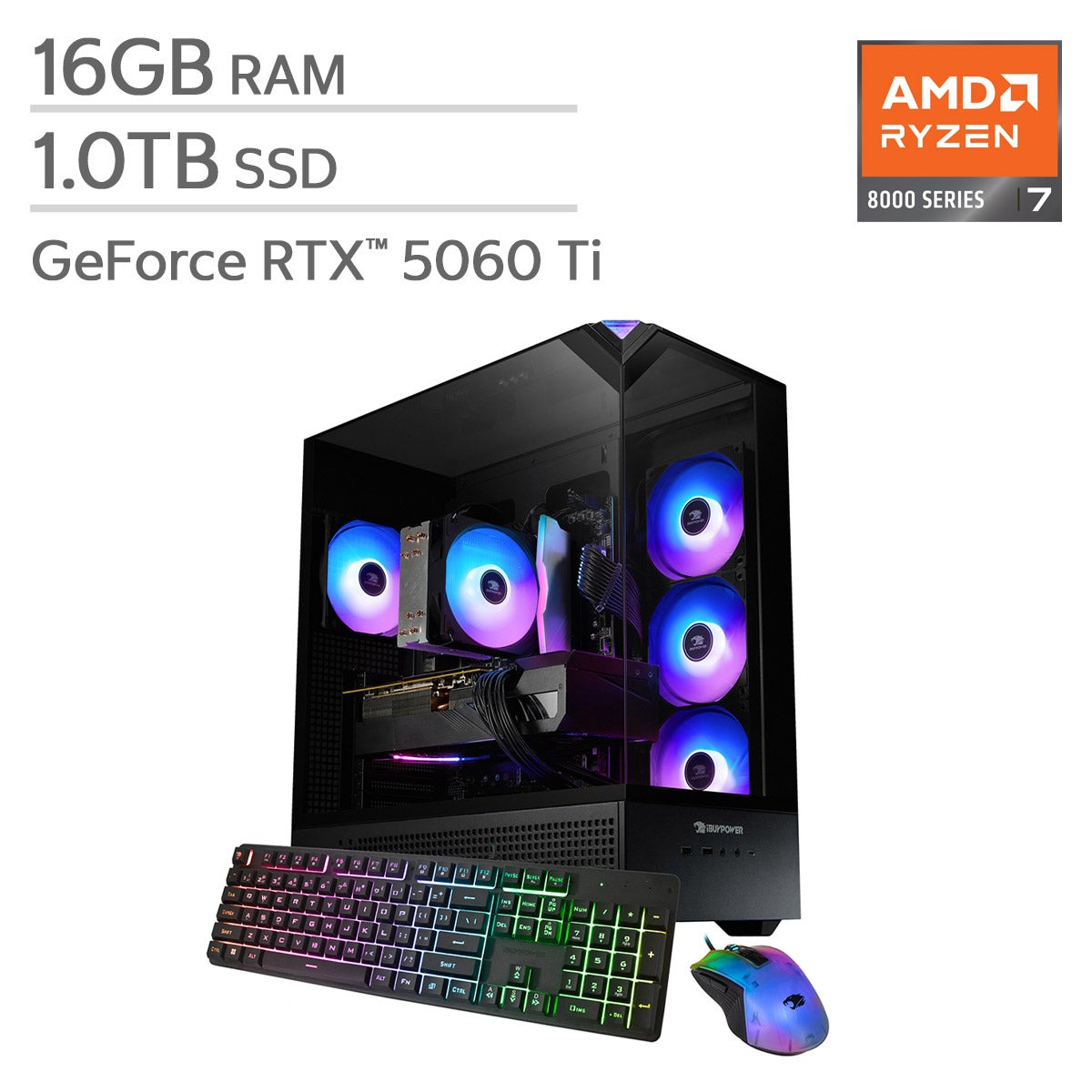
Integrated graphics are generally suitable for browsing, streaming, and everyday office tasks. Dedicated graphics can be useful for demanding games, video editing, 3D rendering, and other graphics-intensive work. Check the recommended graphics requirements for the software you plan to use.
-
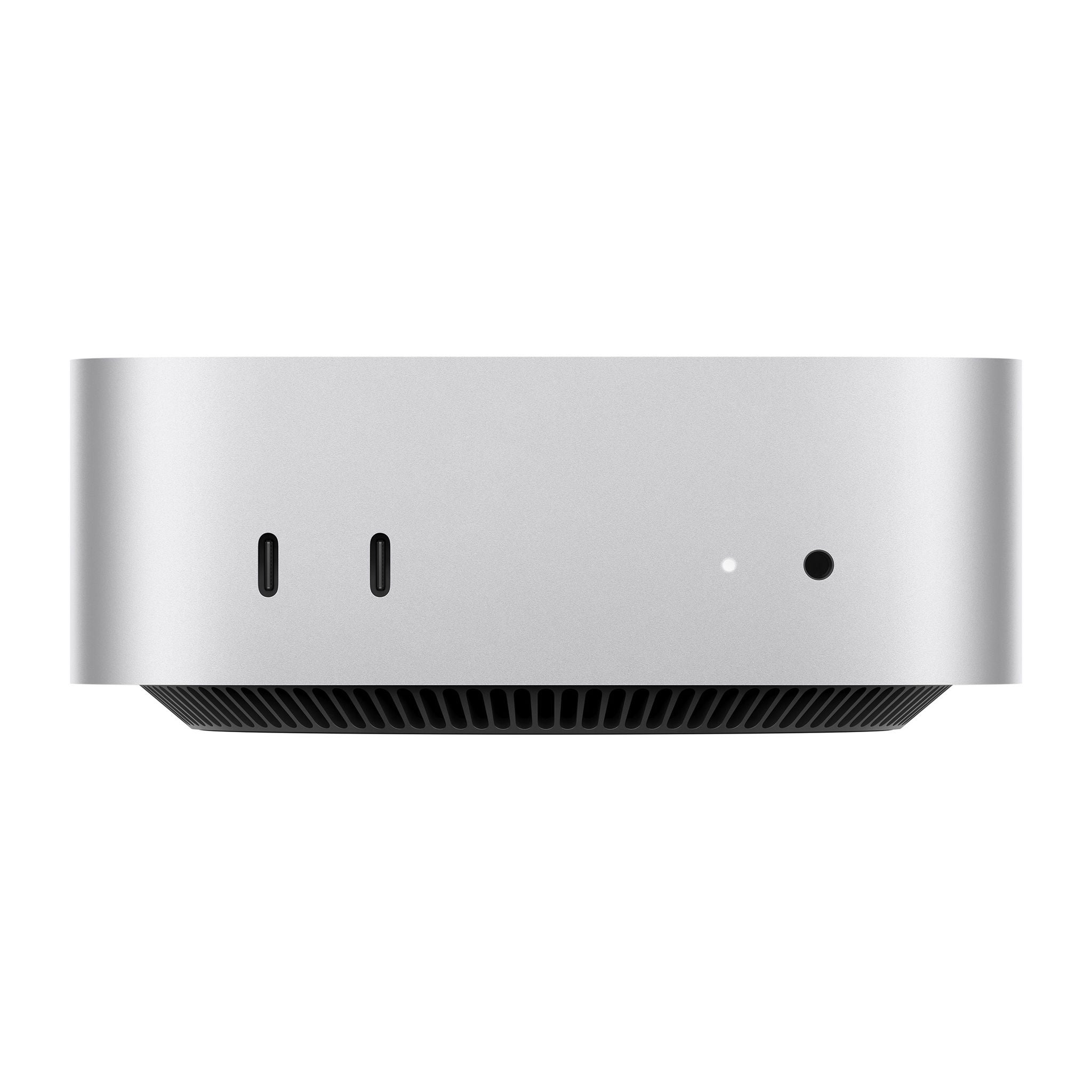
Look for connections that match your monitor, accessories, and network setup. USB ports connect many peripherals, while HDMI or DisplayPort connections support compatible displays. Ethernet provides a wired network connection, and built-in Wi-Fi and Bluetooth offer wireless connectivity when included.