



Best Tablets For Drawing
Best Tablets for Drawing offer creative flexibility and convenience for artists, designers, and hobbyists alike. Whether you're sketching, illustrating, or editing photos, choosing the right tablet can elevate your digital art experience. Explore a selection of top-rated options designed to help you bring your ideas to life with ease and precision. Find the perfect fit for your artistic workflow and enjoy seamless performance as you create stunning visuals on the go or at home.
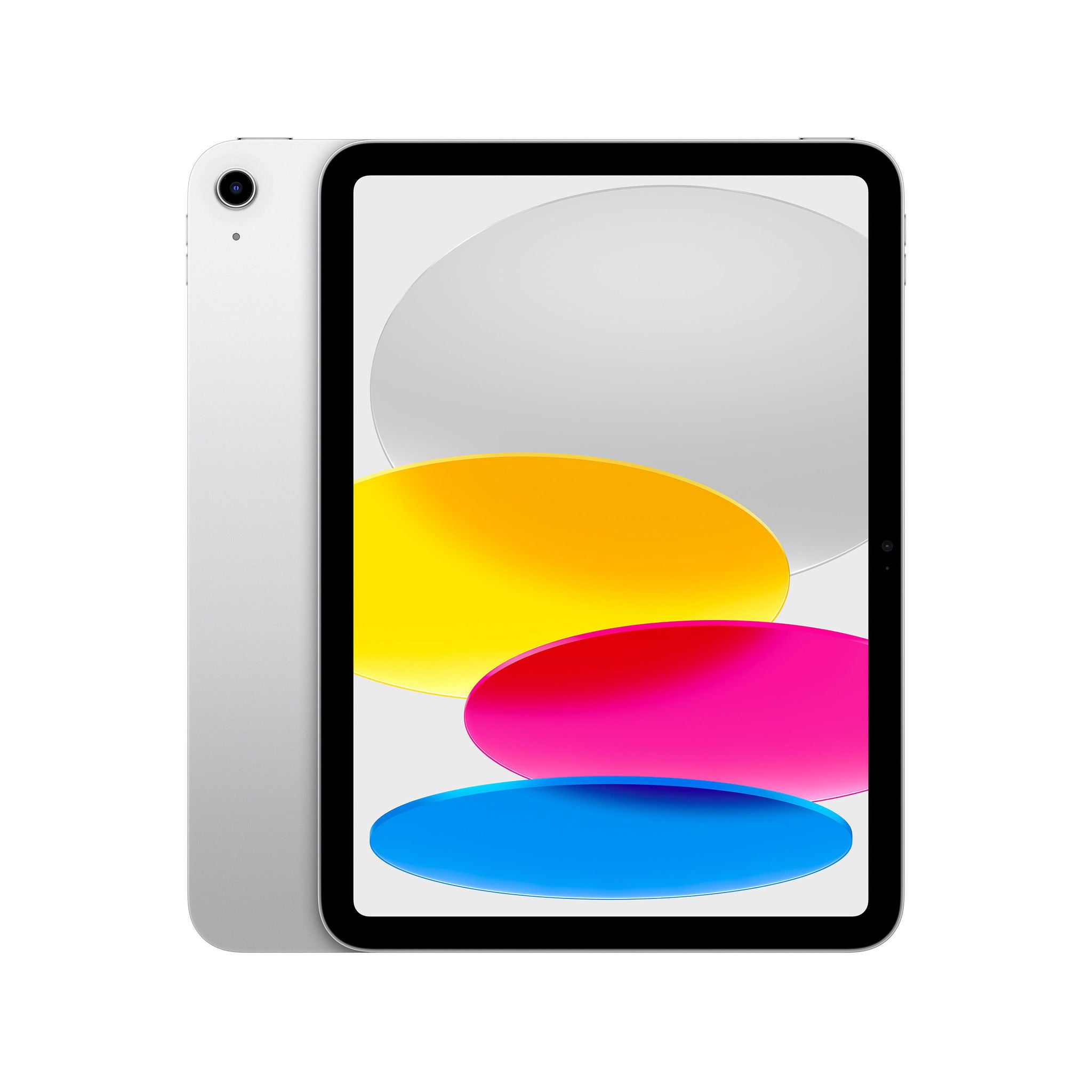
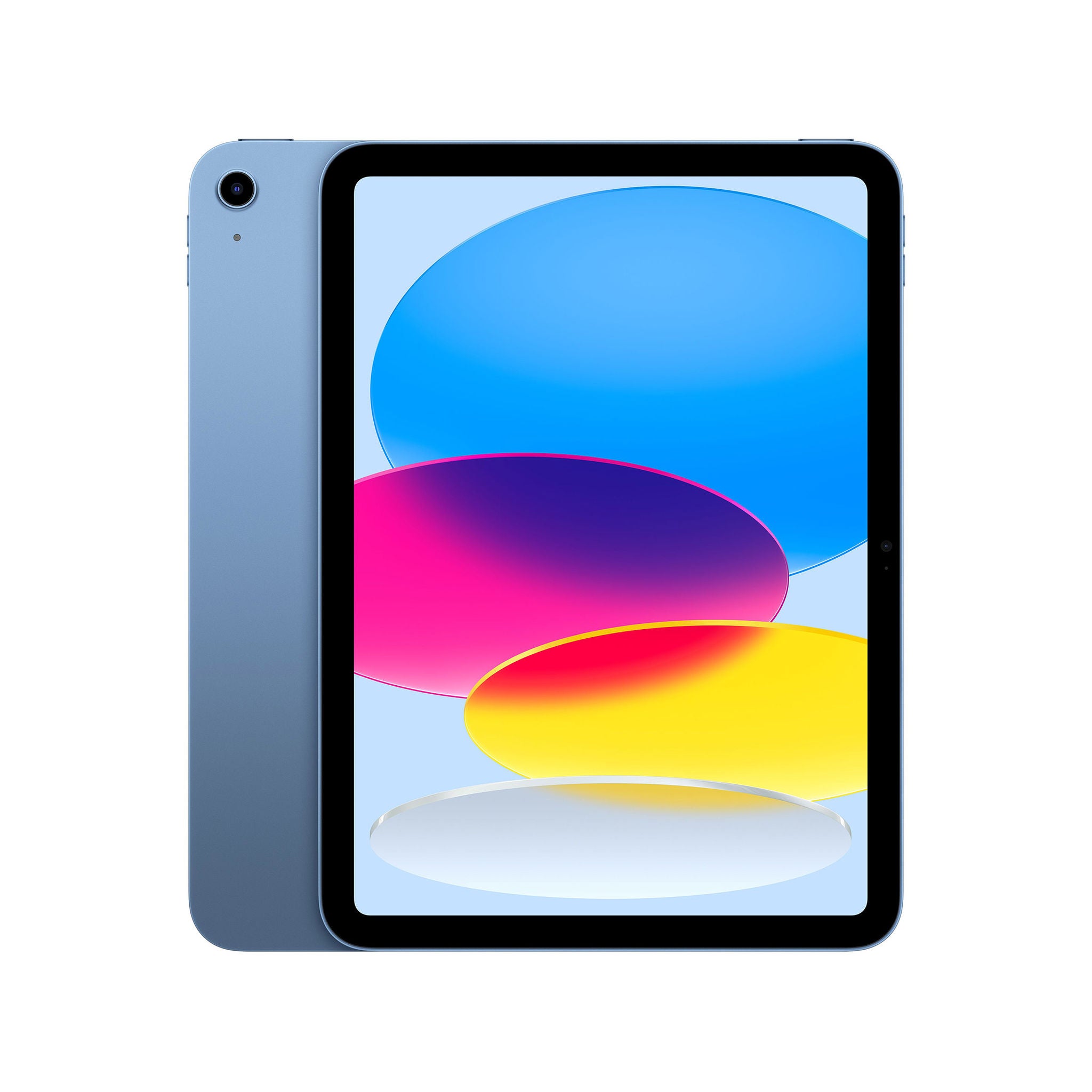
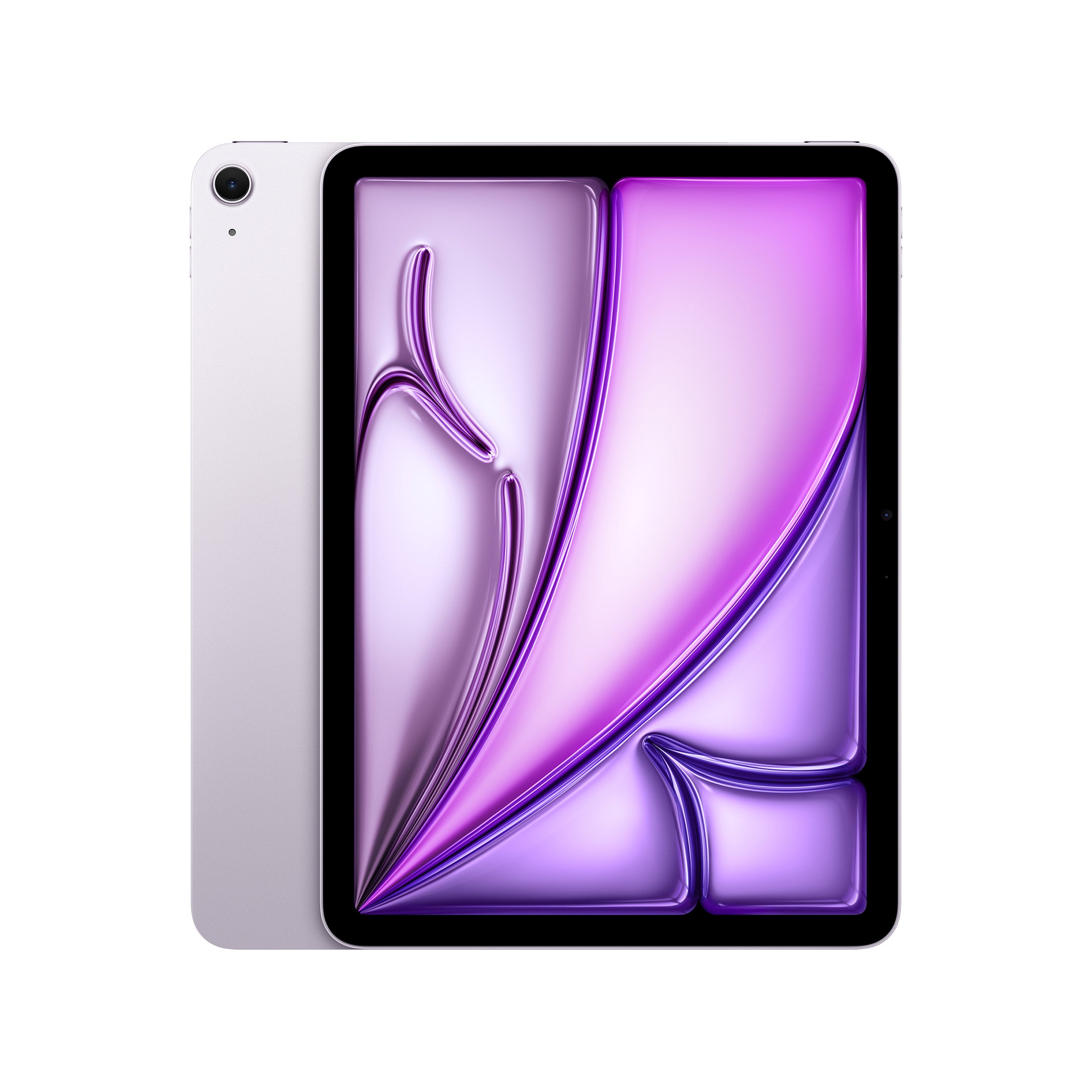
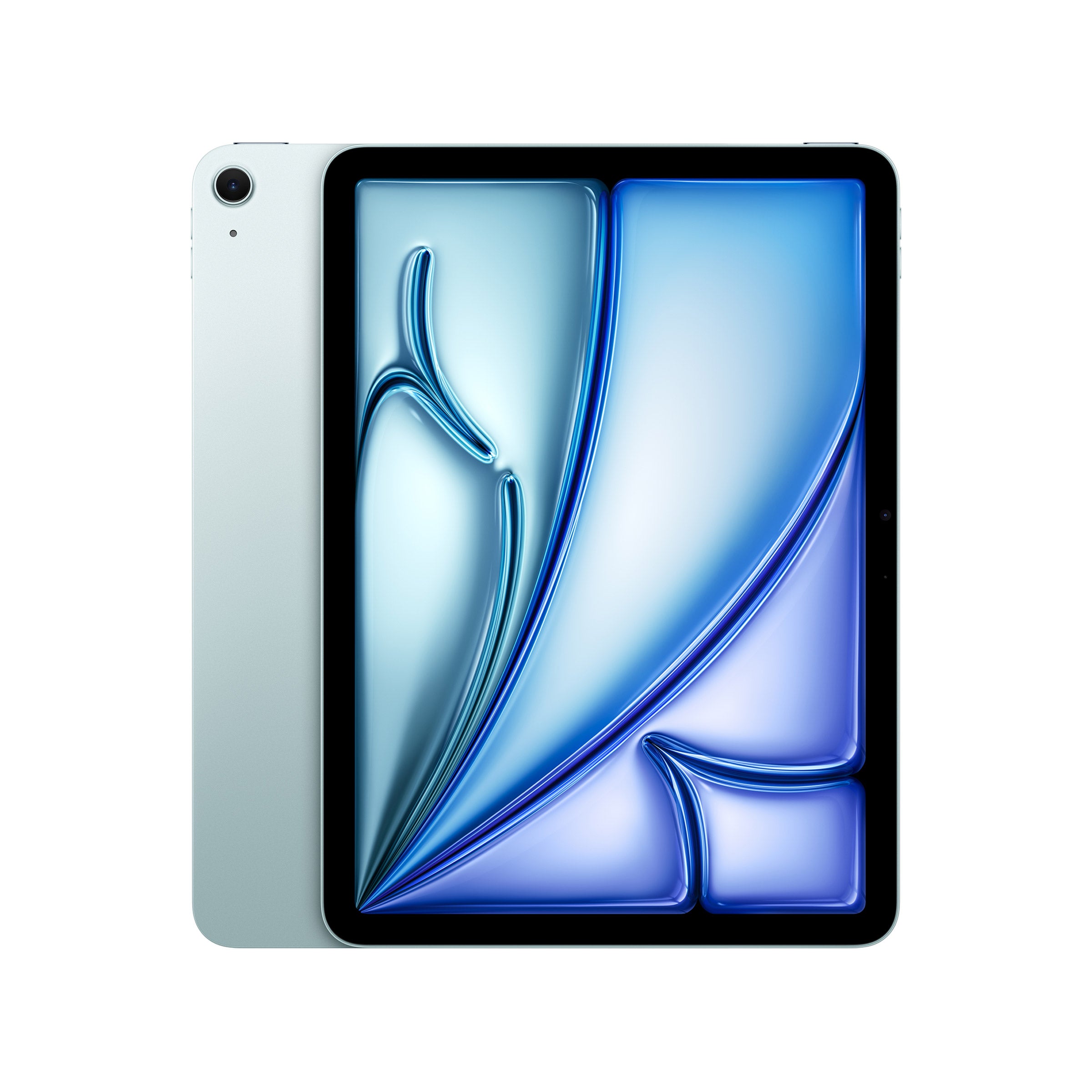
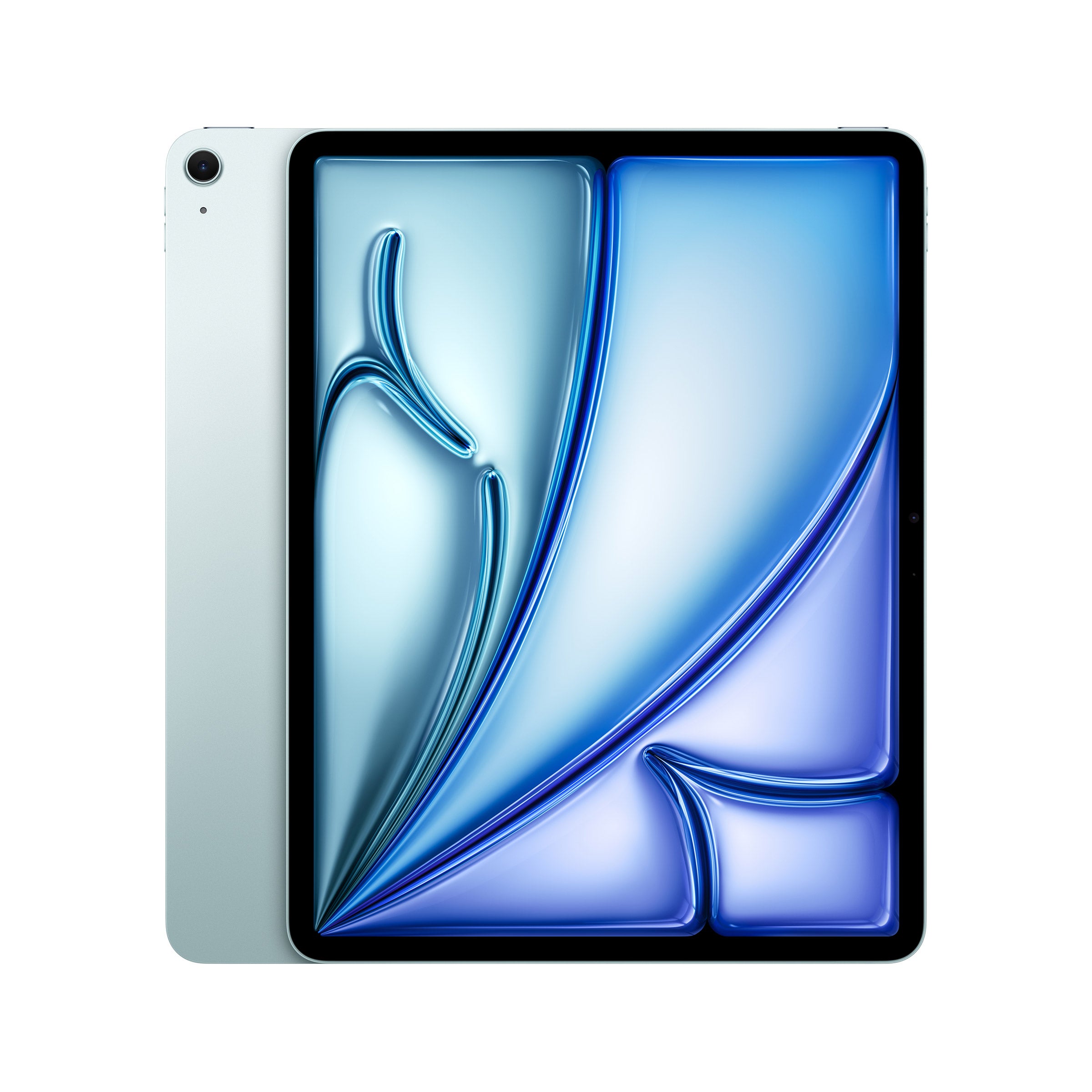
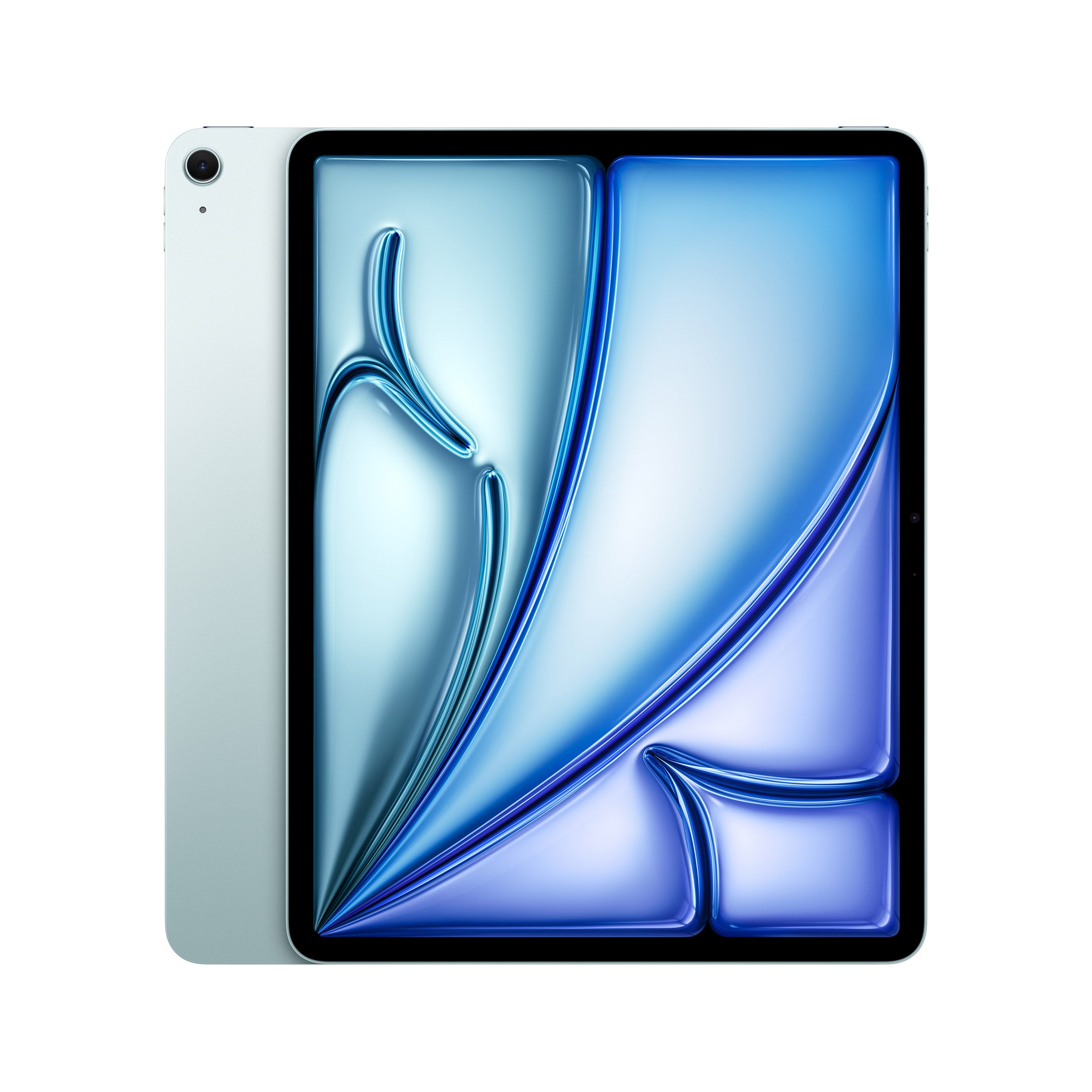
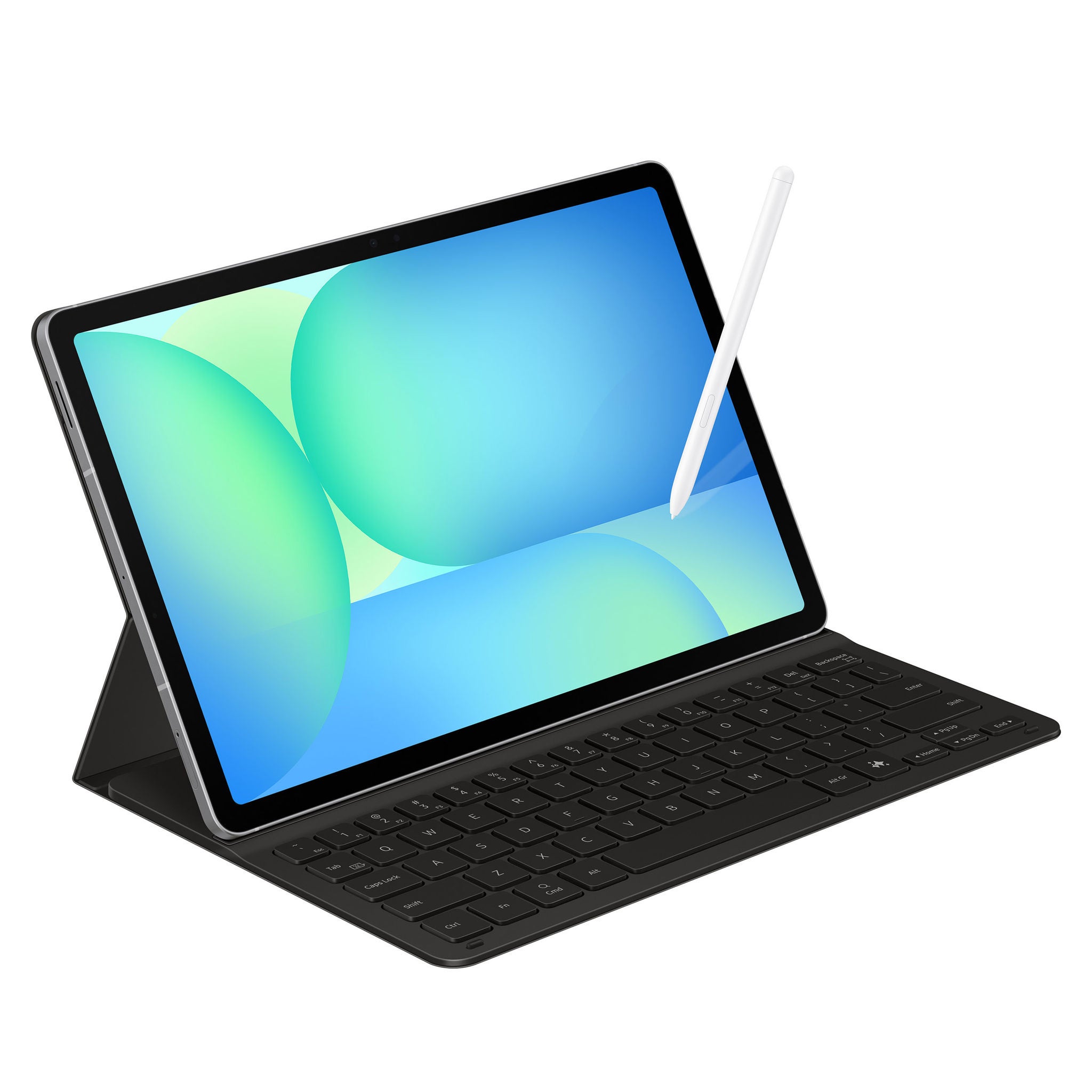
Top Rated Items
FAQs
-
When choosing a tablet for drawing, consider features like a high-resolution display, responsive stylus support, pressure sensitivity, and compatibility with popular drawing apps. A tablet with a smooth, accurate touch screen and a stylus that offers natural-feeling control can enhance your creative experience.
-
Yes, many tablets designed for drawing come bundled with a stylus. This can be a convenient option, as the stylus is often tailored for optimal performance with the device. Always check the product details to see if a stylus is included or if it needs to be purchased separately.
-
Most modern tablets support a wide range of popular drawing apps, such as Procreate, Adobe Fresco, and Autodesk SketchBook. Be sure to review the tablet's operating system and app compatibility to ensure it meets your creative needs.
-
Pressure sensitivity allows the tablet to detect how hard you're pressing with the stylus, enabling you to create lines of varying thickness and opacity. This feature helps mimic the feel of traditional drawing tools and gives you greater control over your artwork.
-
Yes, accessories like screen protectors, drawing gloves, and tablet stands can make drawing on a tablet more comfortable and enjoyable. These extras can help reduce glare, prevent smudges, and provide a better angle for your creative work.