



32GB RAM Laptops
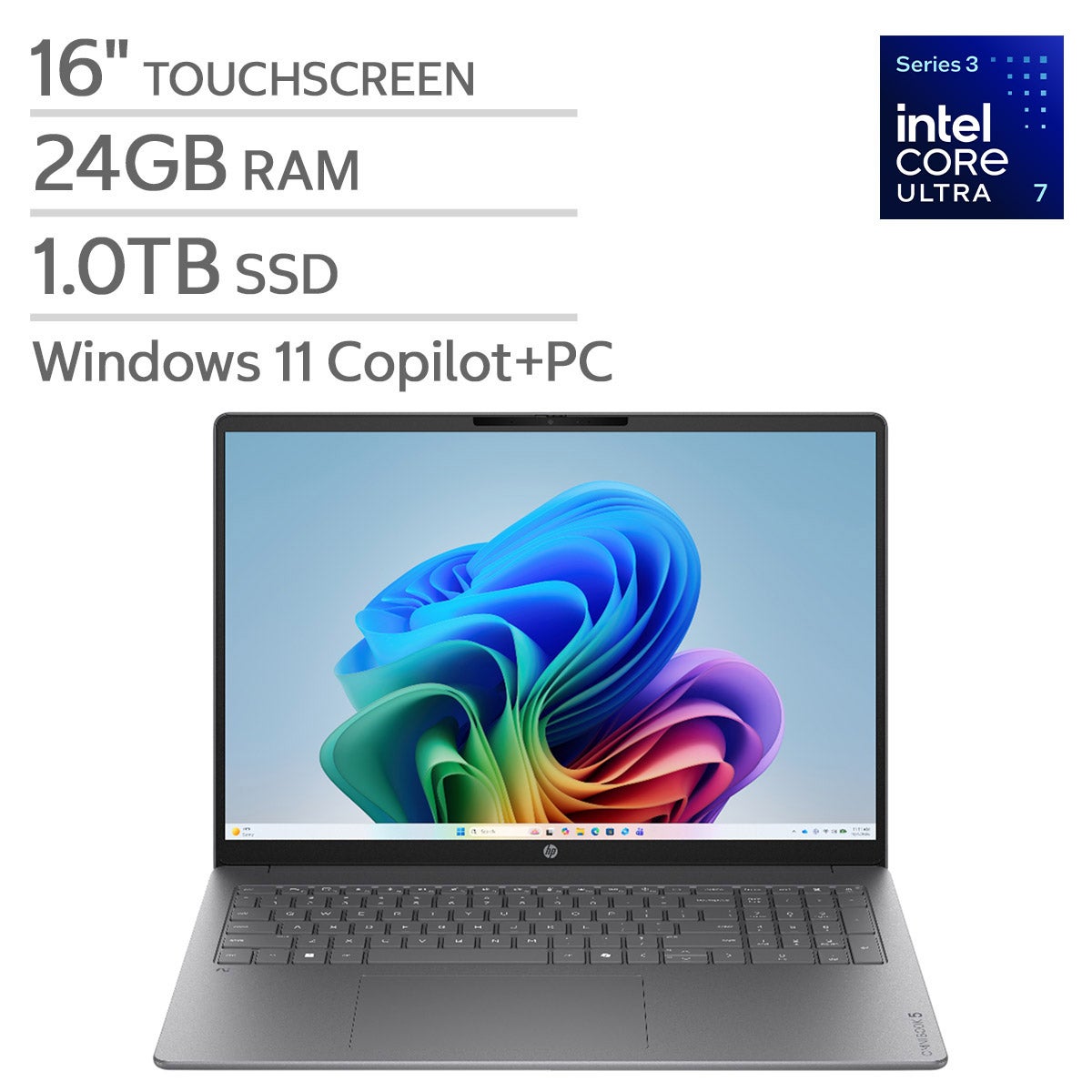
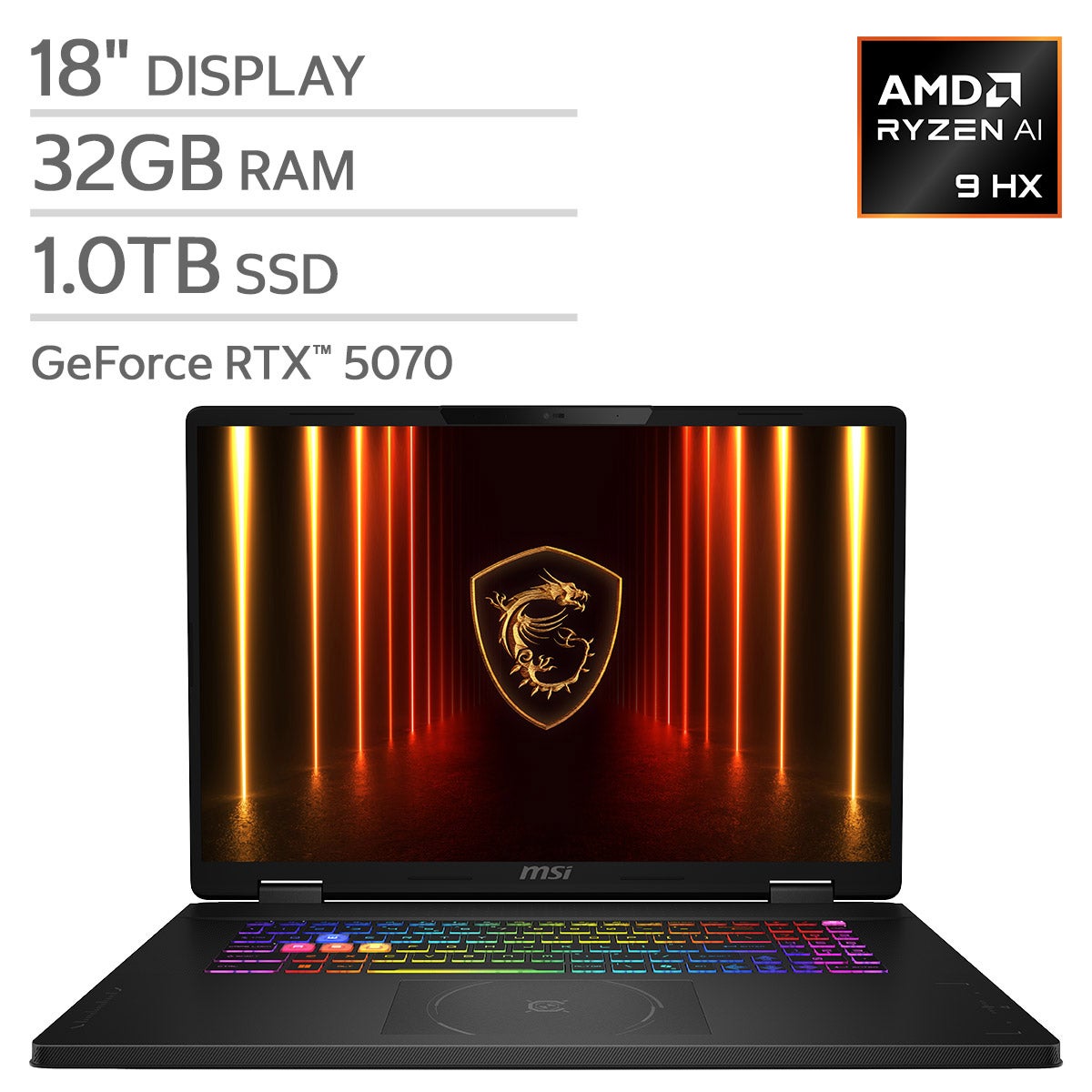
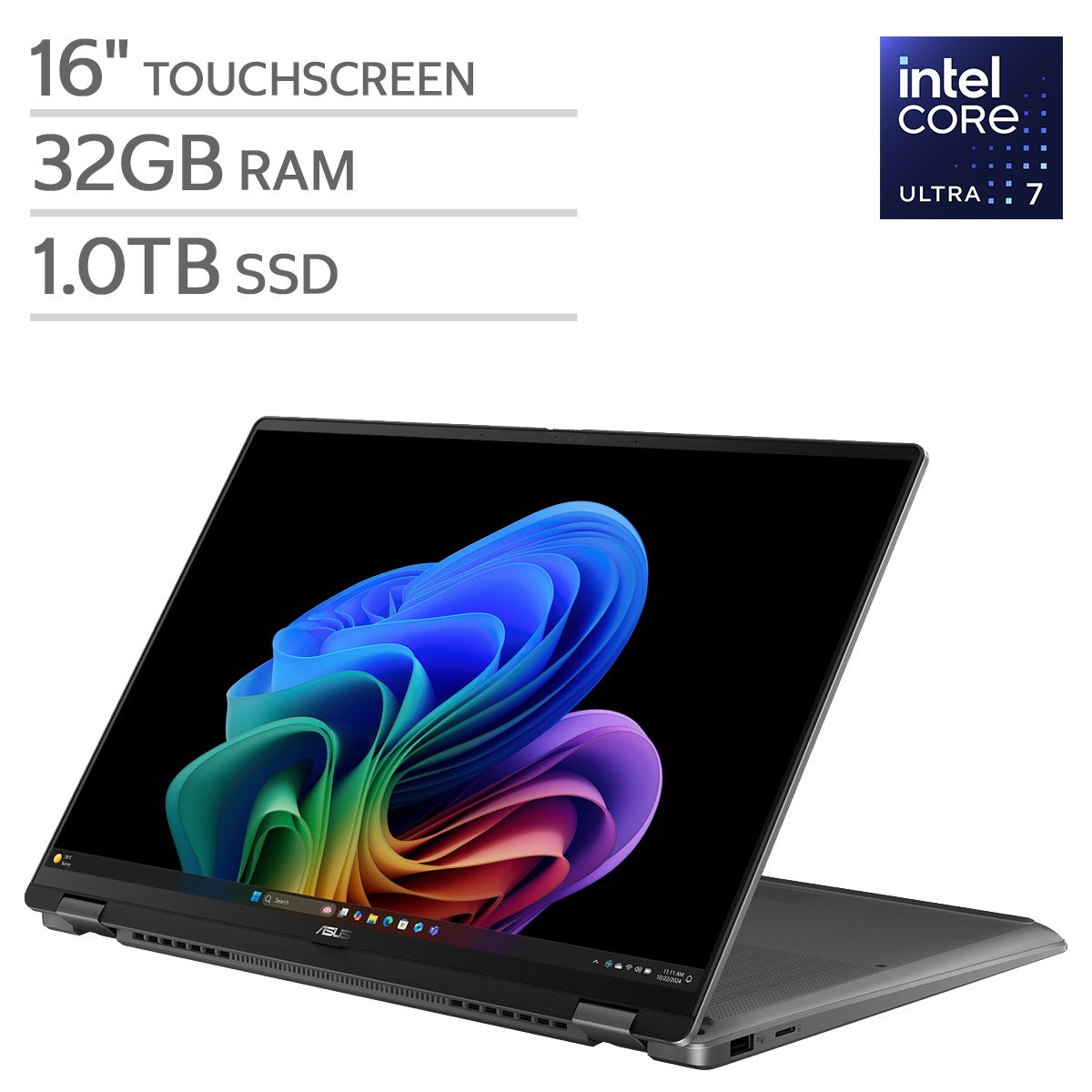
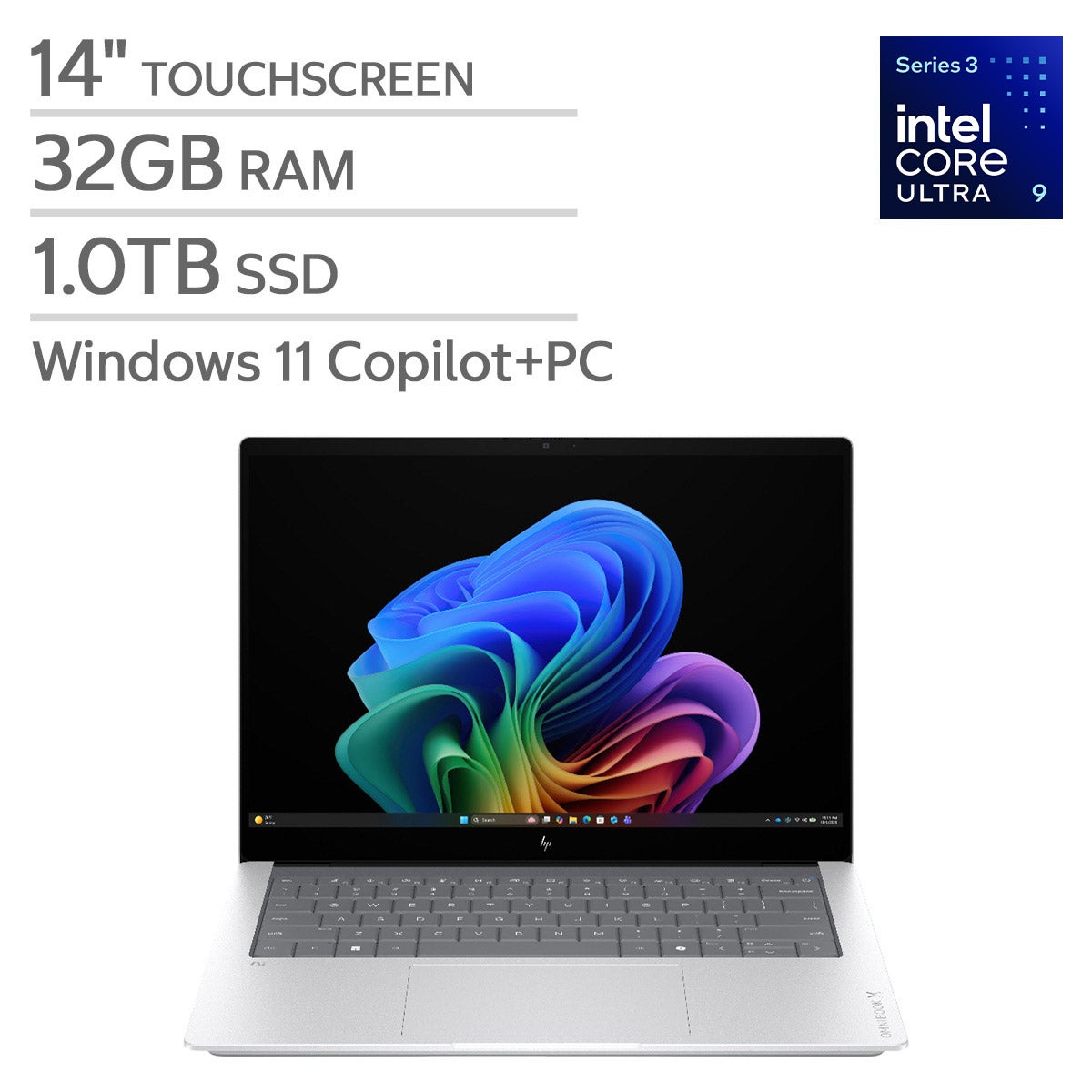
Explore 32GB RAM laptops for multitasking across work, creative projects, and everyday tasks. When choosing a laptop with 32GB of memory, compare processors, storage capacity, screen size, and graphics capabilities to find the right balance for the applications you use and how often you work on the go.
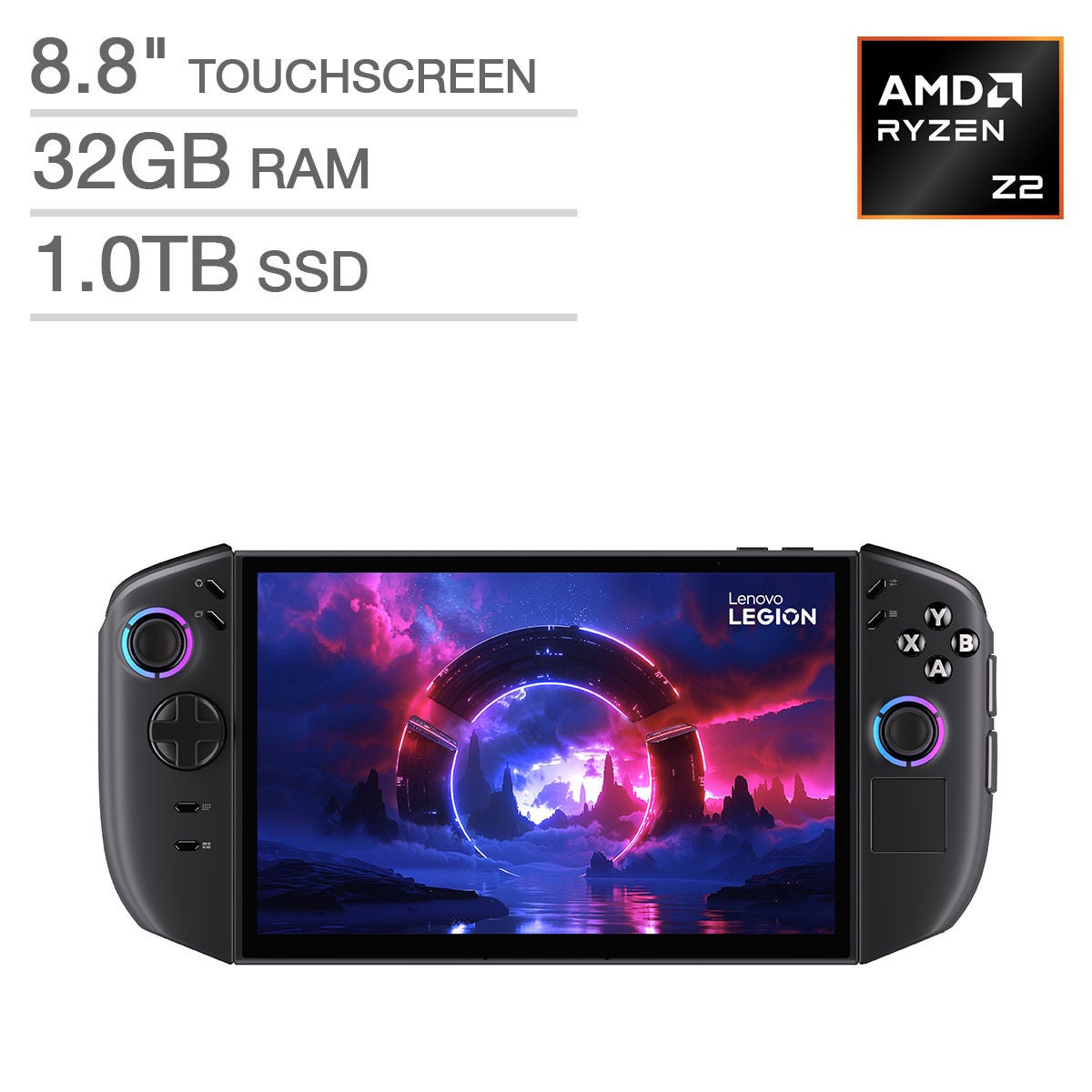
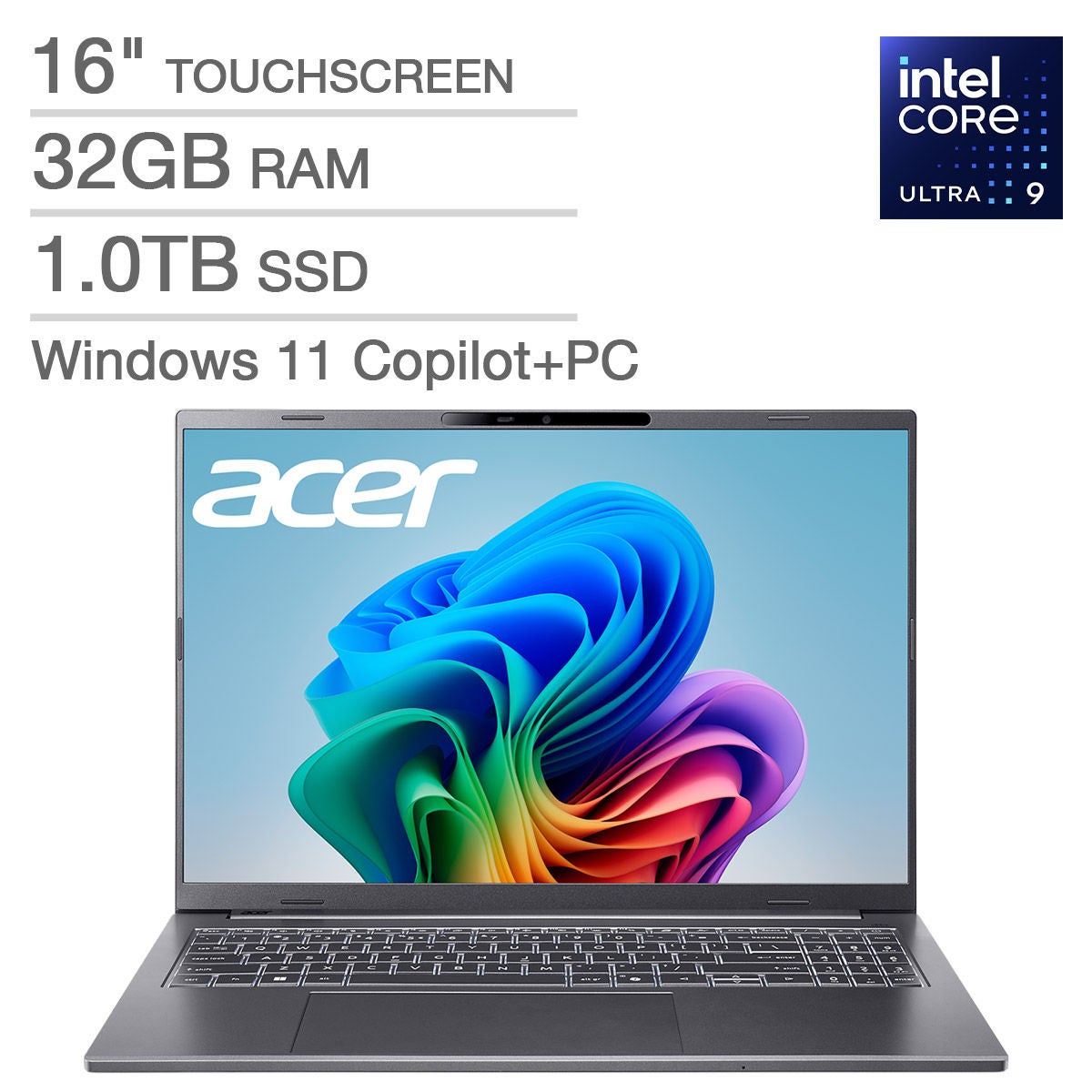

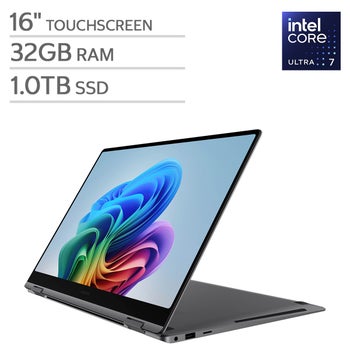


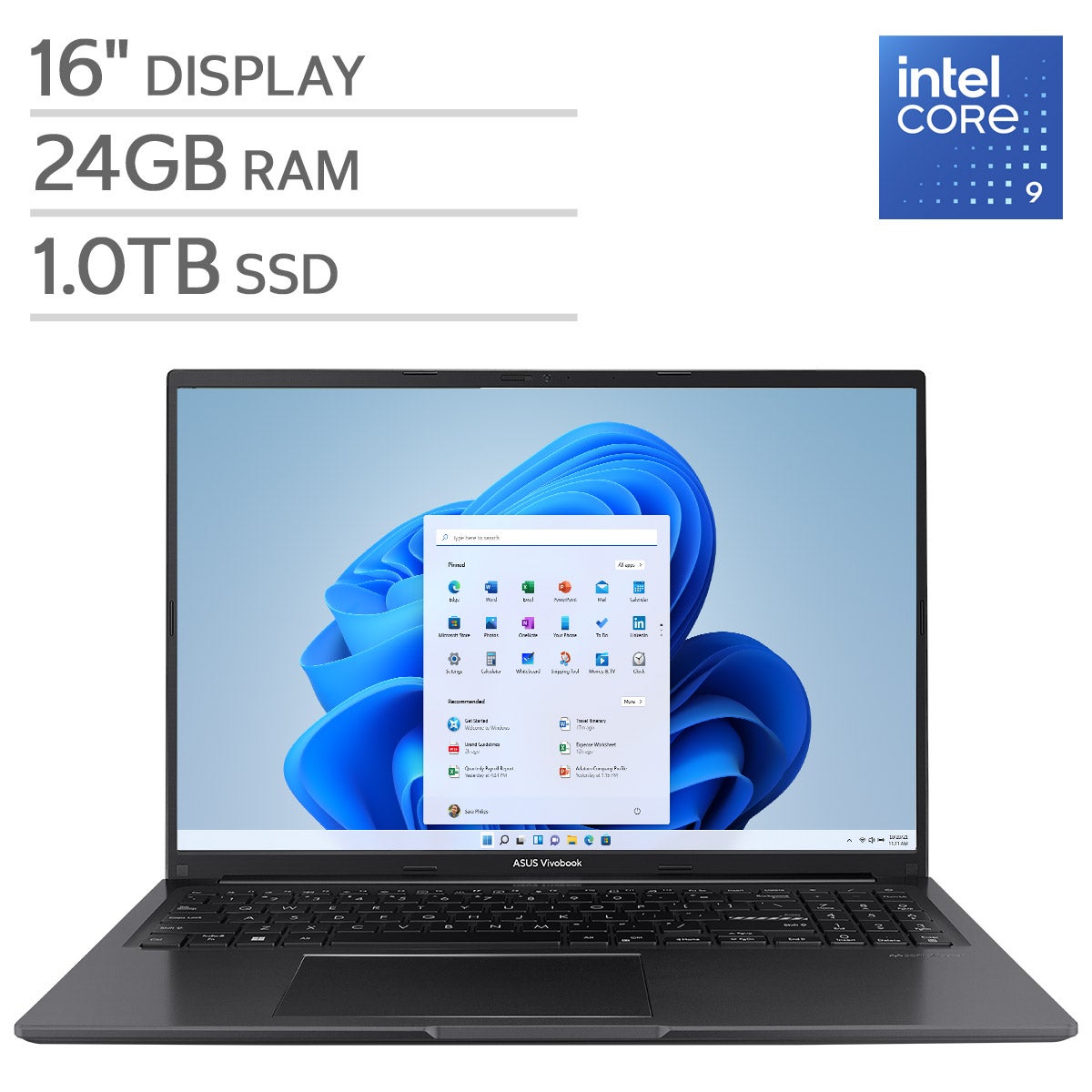

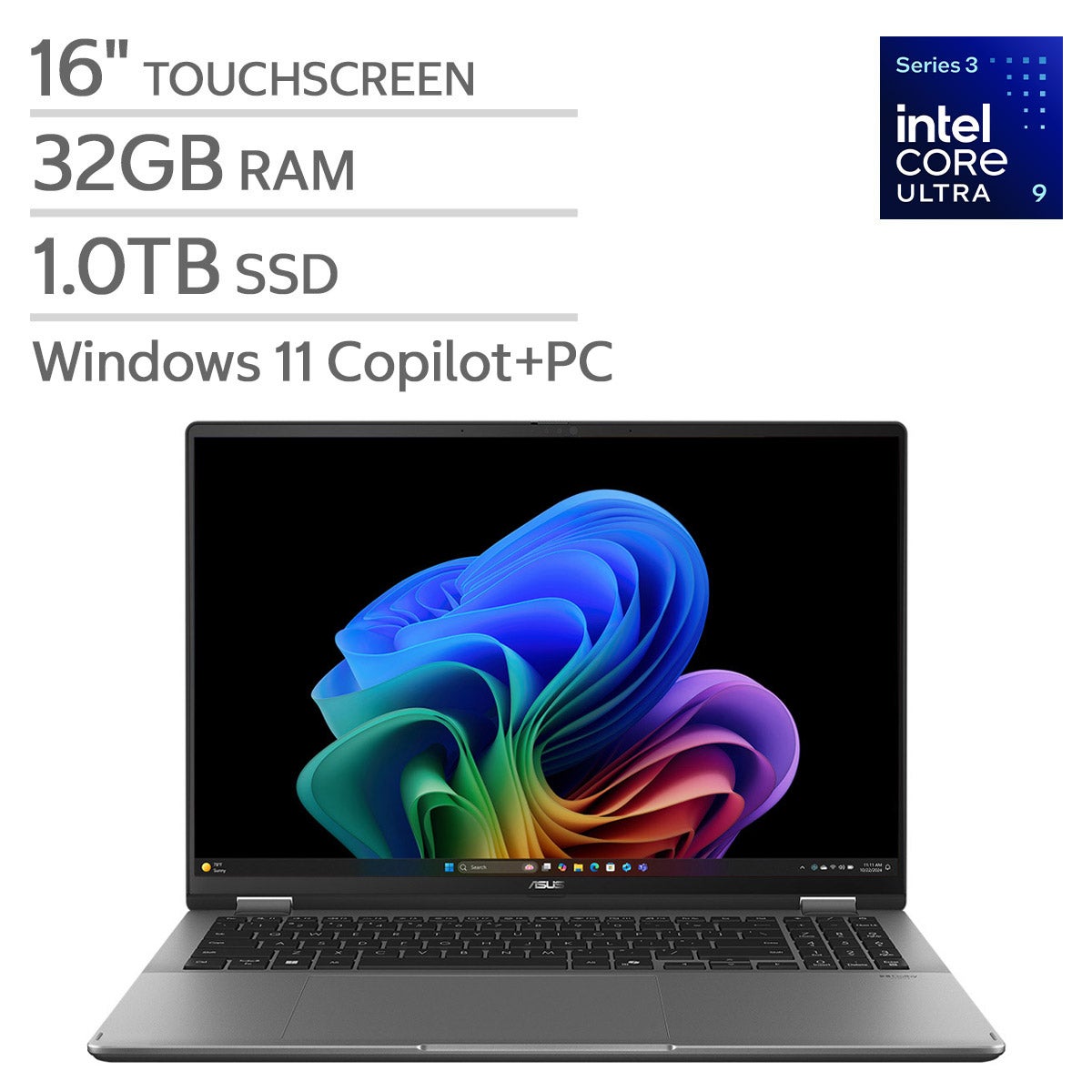
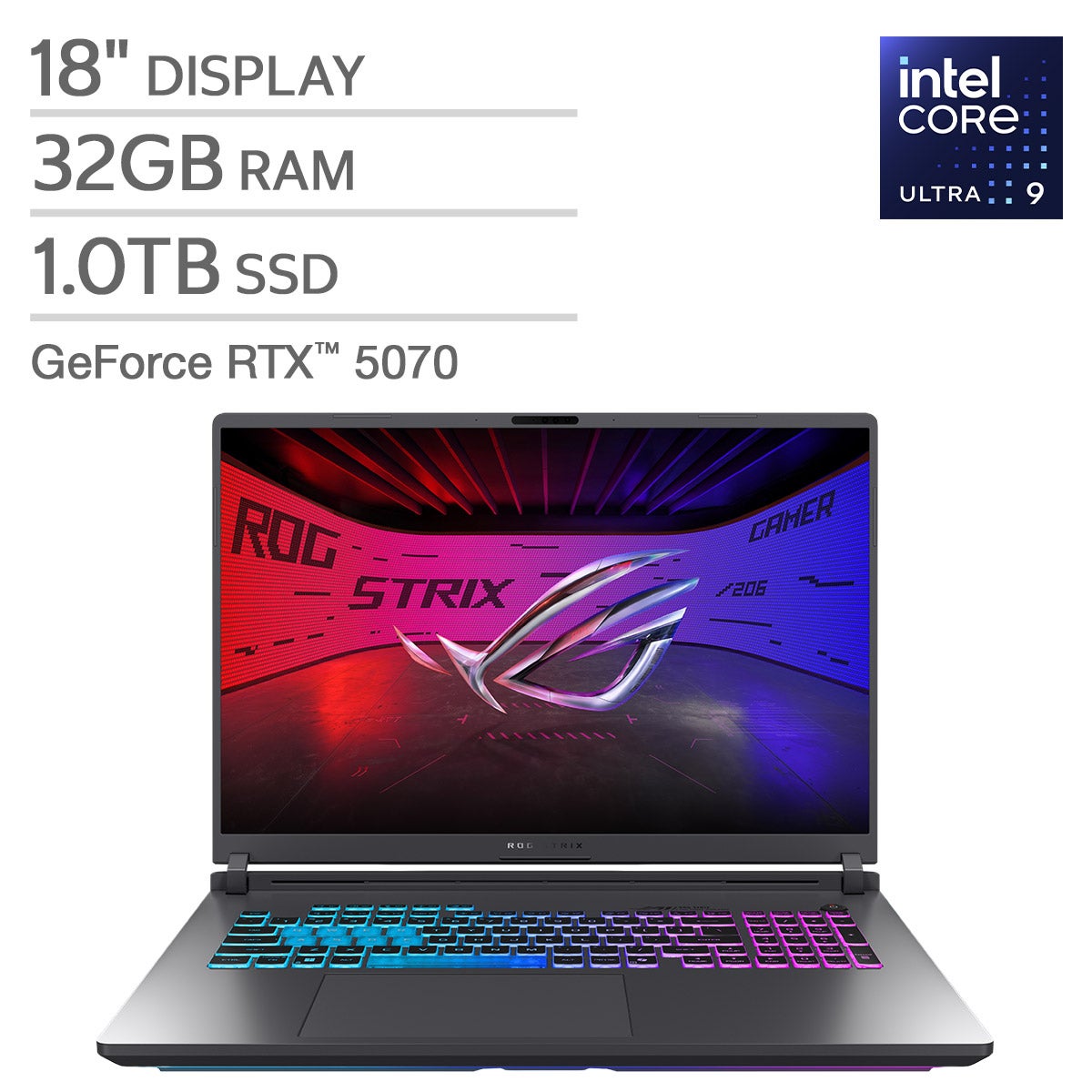


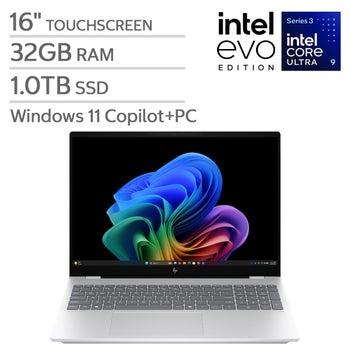
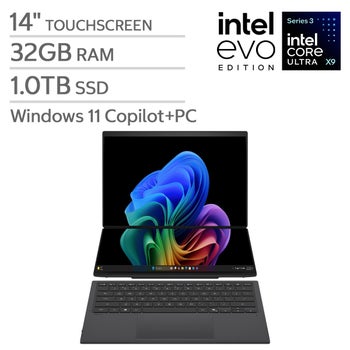
Top Rated Items
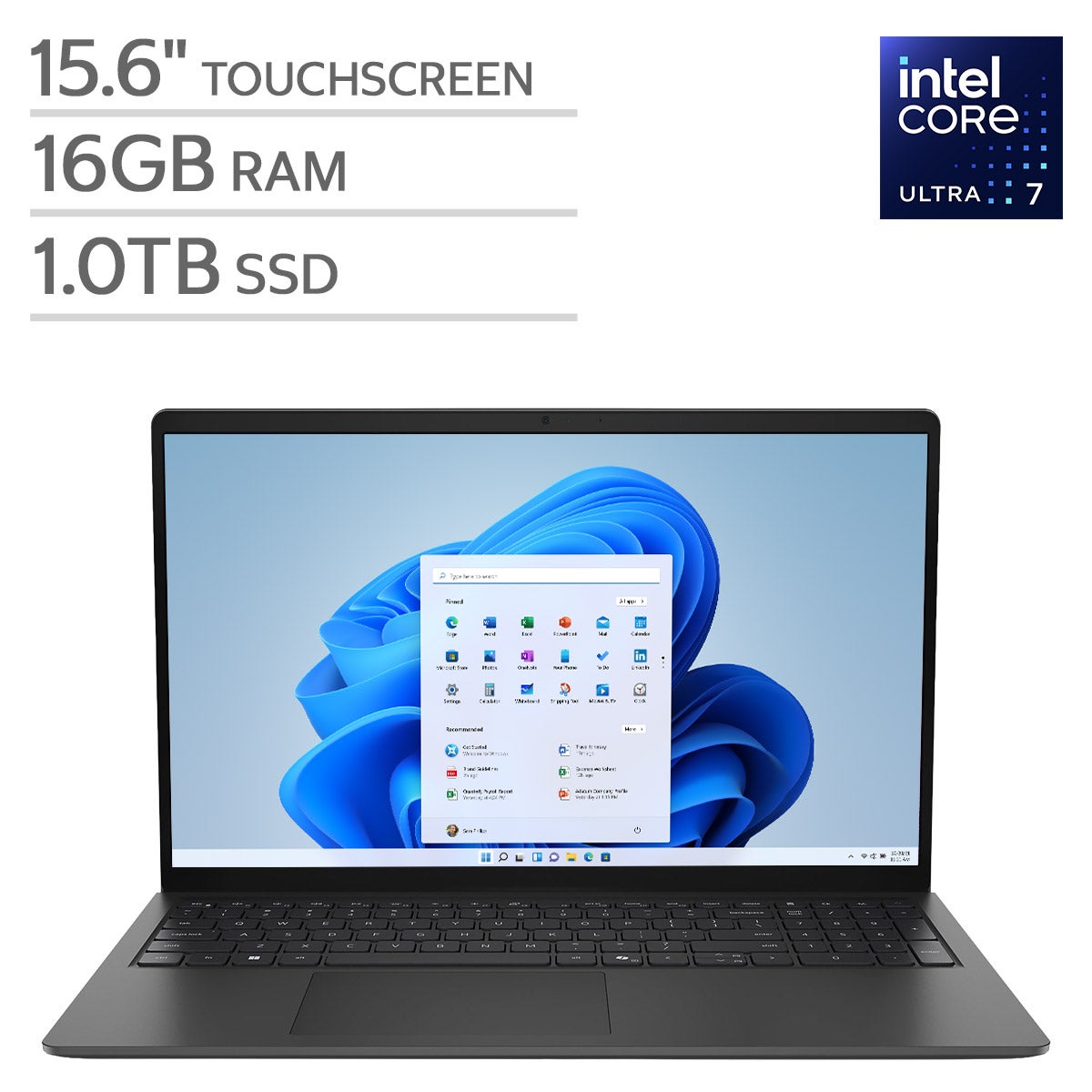
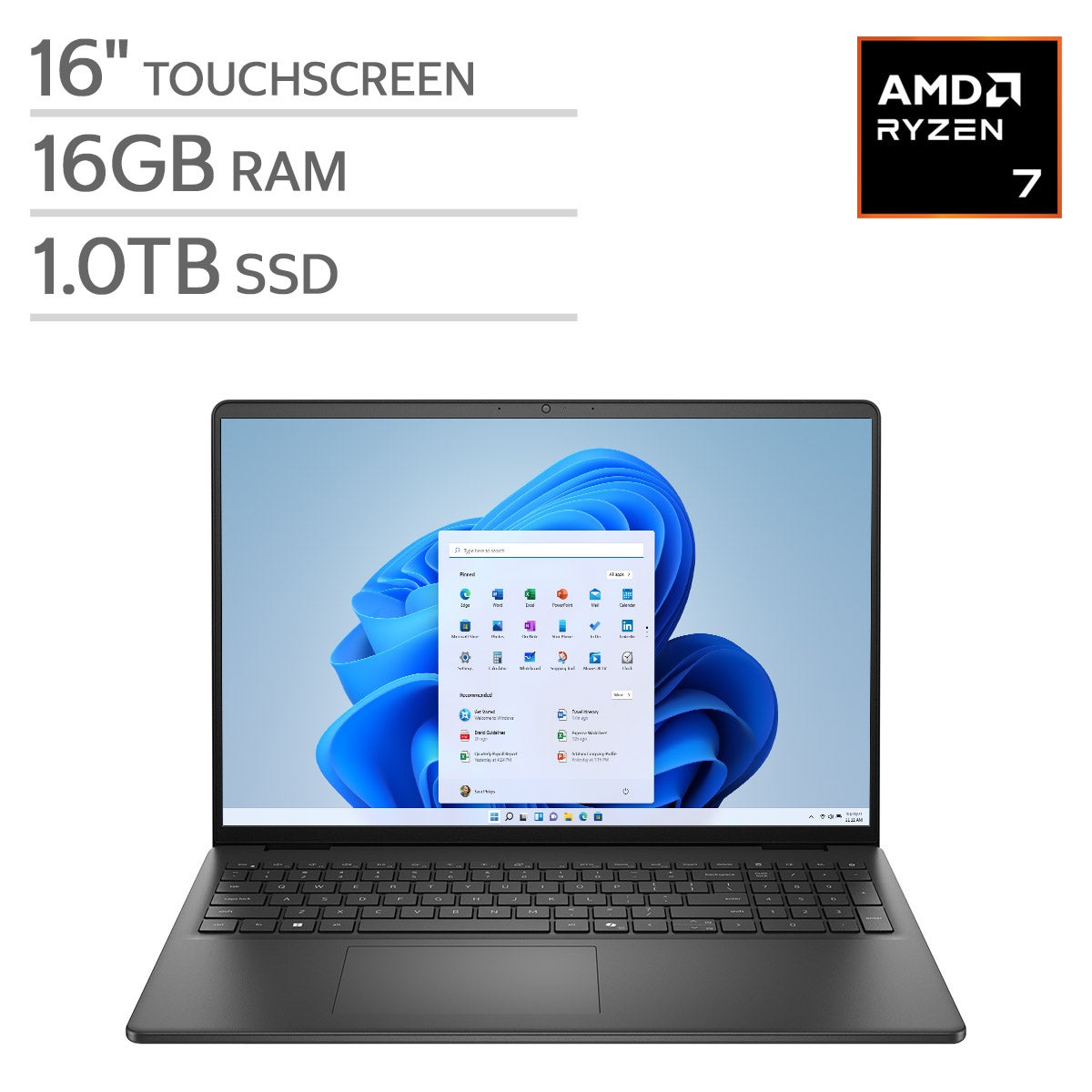

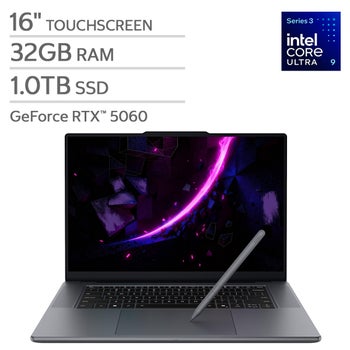
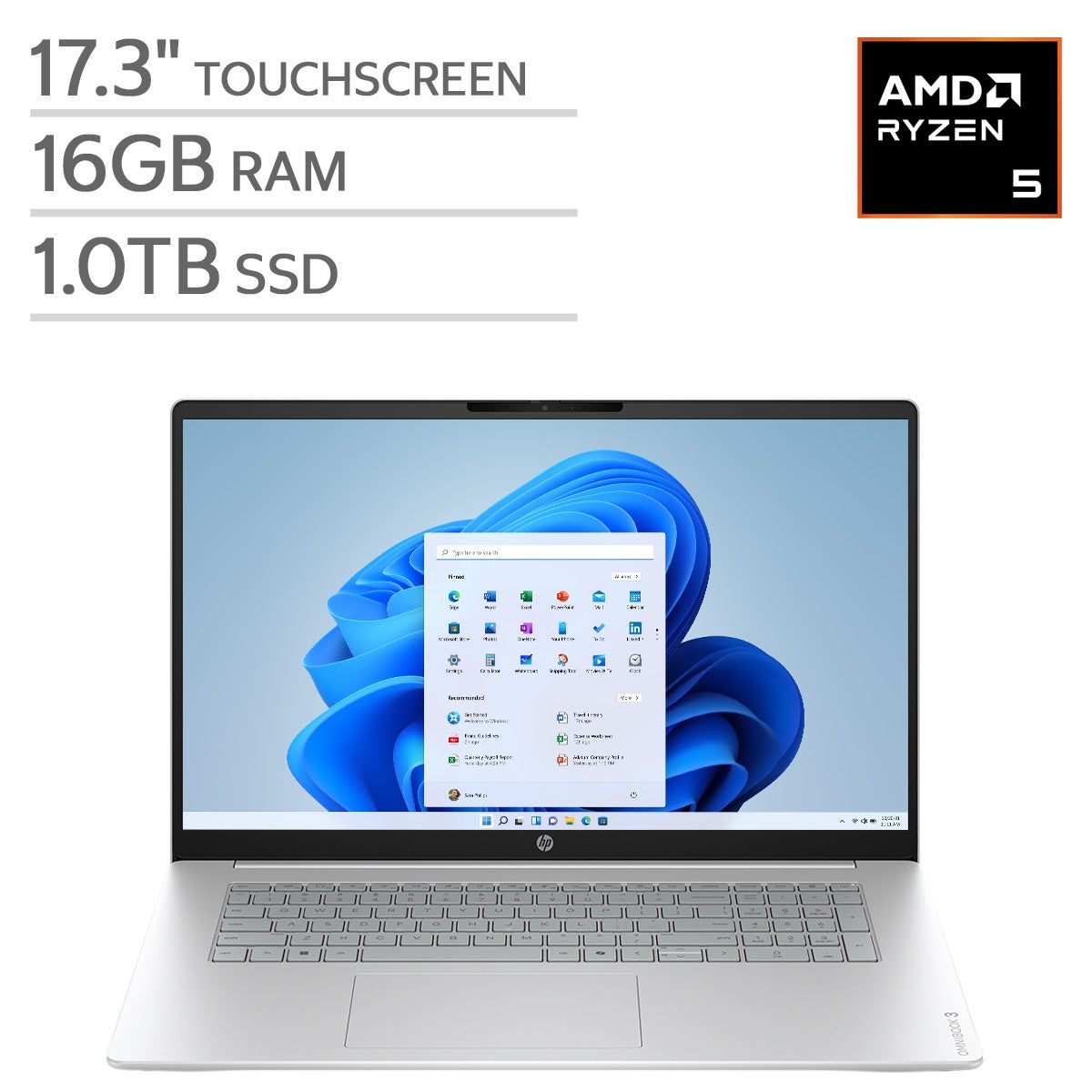
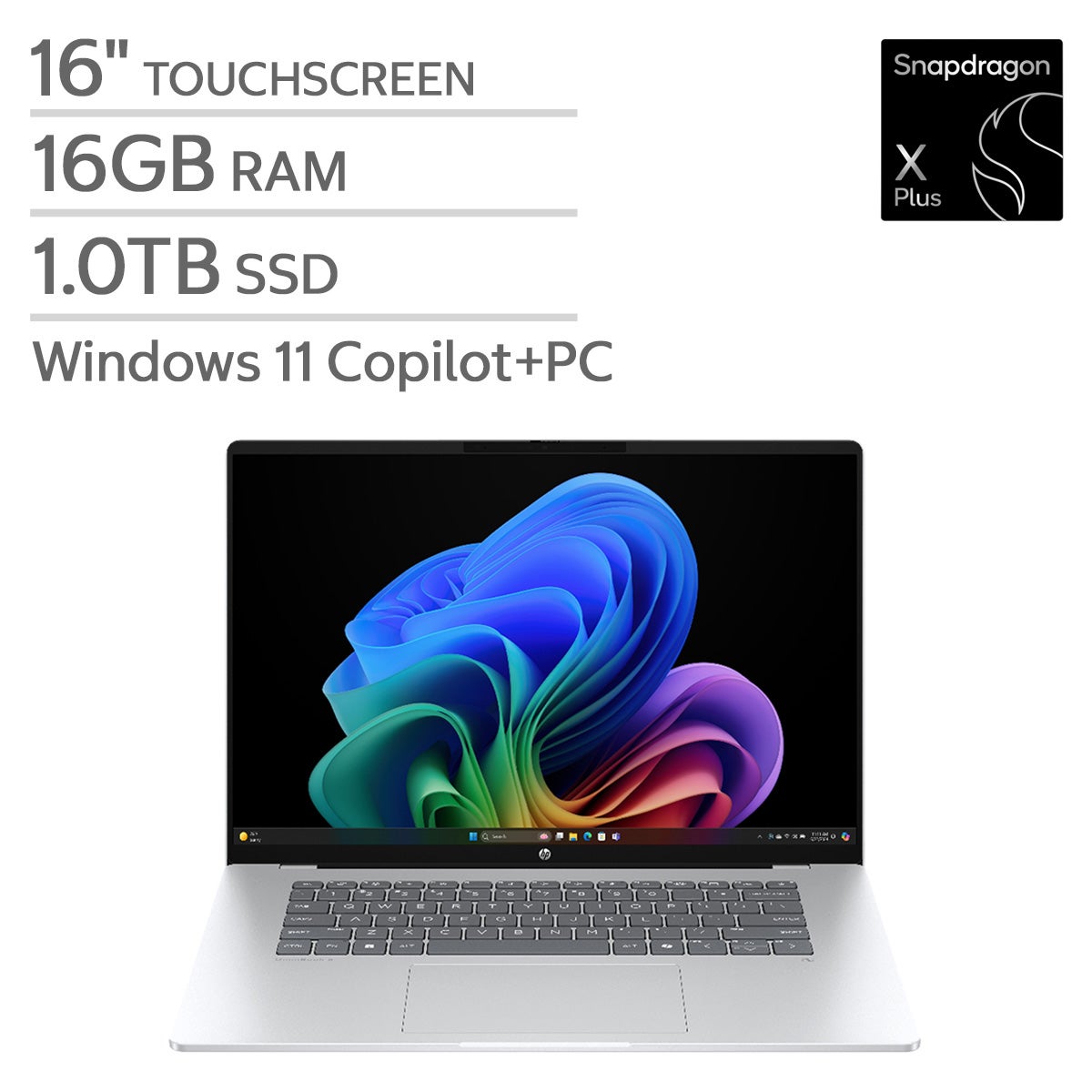
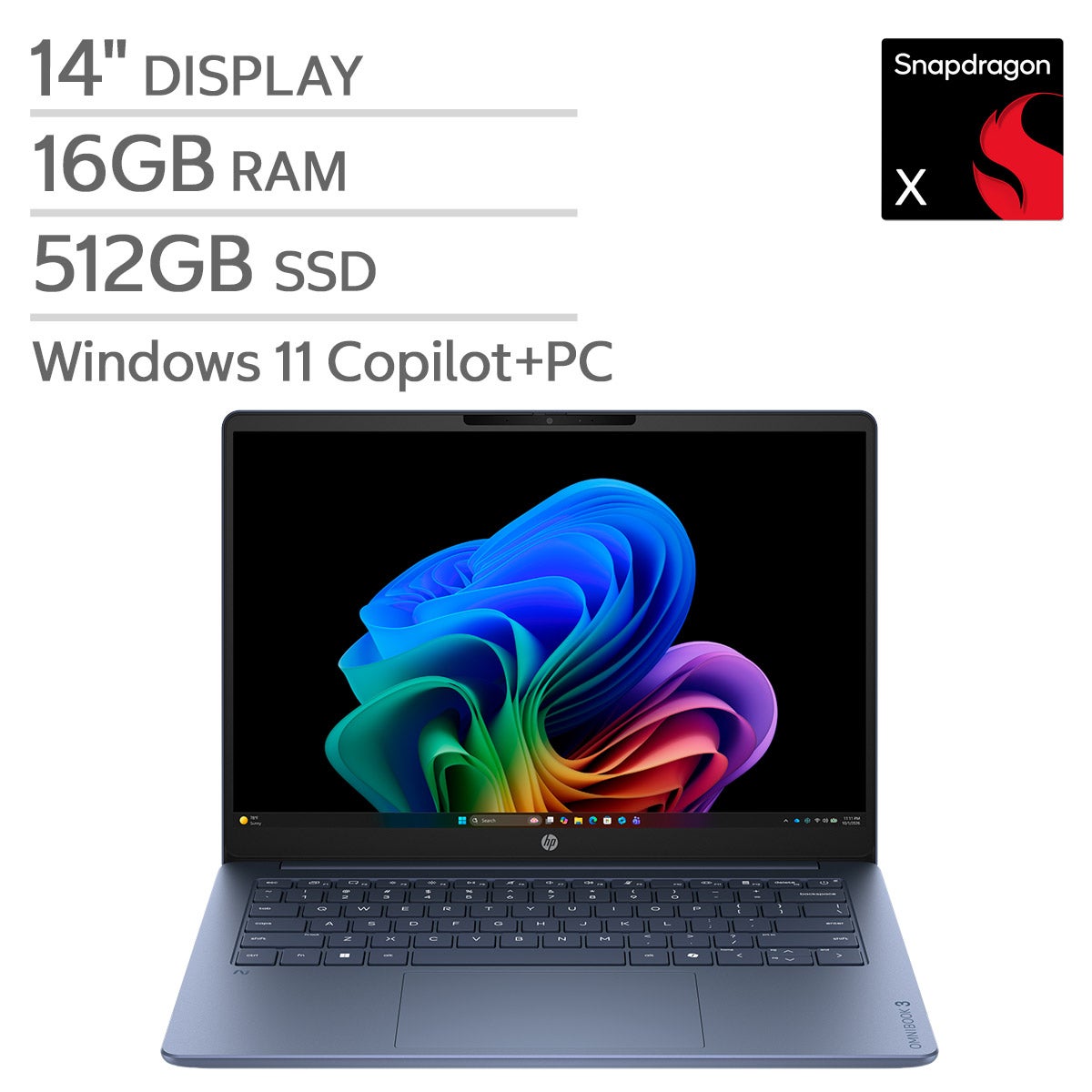
32GB RAM Laptops
FAQs
-
RAM holds information that open applications are actively using. Storage, such as a solid-state drive (SSD), keeps your operating system, applications, and saved files when the laptop is turned off. They are separate specifications to review when choosing a laptop.
-
DDR4 and DDR5 are generations of RAM technology. A laptop’s processor and motherboard determine which generation it supports, and the two types are not interchangeable. Check the specifications to identify the memory technology used.
-
Soldered RAM is attached directly to the motherboard rather than installed in removable memory slots. Some laptops use soldered memory, while others use removable modules or a combination of both. The manufacturer’s documentation can clarify the memory configuration.
-
Review the ports needed for your monitor, keyboard, external drives, and other accessories. USB-A, USB-C, HDMI, and memory card readers are common options to look for. USB-C features vary, so check whether a port supports charging, video output, or data transfer.
-
Integrated graphics typically share system RAM with the processor. Dedicated graphics generally use a separate graphics processor and their own video memory. System RAM and video memory are distinct specifications, so review both alongside the requirements of your preferred applications.