

Picture perfect
How to take better photos with your smartphone
by MARC SALTZMAN
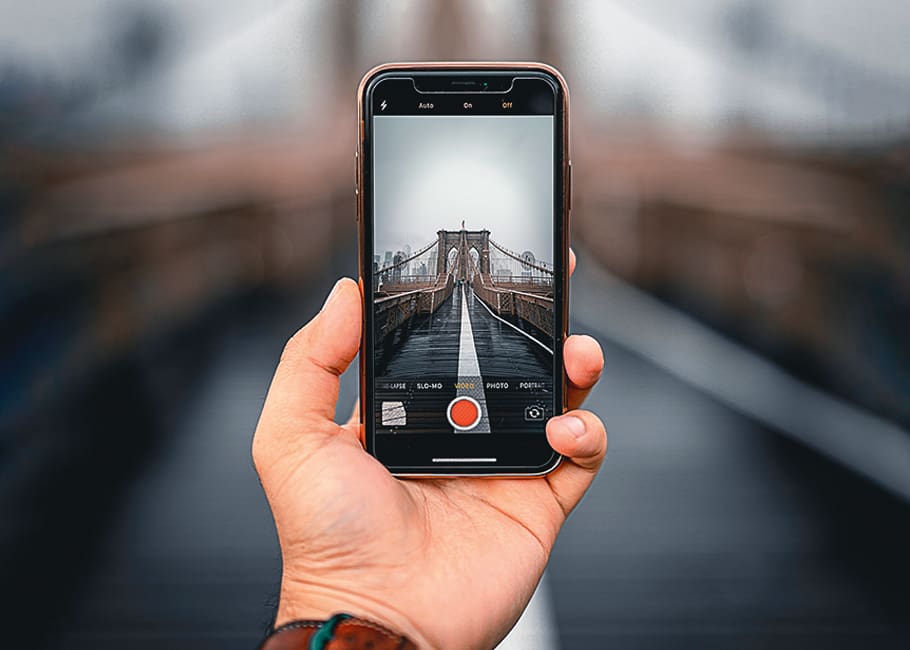
The best camera, they say, is the one you have with you. If that happens to be your smartphone, these pocket-size computers have seriously good cameras these days. If you want to level up your "phoneography" game, these tips can help.
Avoid digital zoom. Unless you're at a concert and need to rely on digital zoom, avoid it if you can, as it degrades the quality of the image. Get a better shot with your smartphone by walking up to your subject.
Built-in editing tools. Your smartphone has integrated tools to manually fix up your images, such as cropping and adjusting color or brightness. In a rush? Tap the "magic wand" icon (under Edit) for the phone to automatically fix photos.
Remove unwanted subjects. Is Billy giving Grandma "rabbit ears"? Many phones now let you draw around an unwanted object or subject (like a photo-bomber) to instantly remove it from the picture. The editing tool may be labeled "Object Removal," "Object eraser" or "Magic eraser."
Fun with filters. Your phone's built-in filters can let you turn photos into classic black-and-whites, sepia tones, '70s Polaroid-style images, impressionist paintings and more. Experiment away, but never overwrite the original image, in case you want to go back to it.
Photo apps, too. For both iPhone and Android devices, there are several free (and fantastic) photo touch-up apps devoted to editing and/or filters. Top picks include Snapseed, Prisma Photo Editor, VSCO and Adobe Photoshop Express. Social media apps, like Instagram, have plenty of filters, too.
Be sure before you dump anything. If you're looking at photos or videos you took on your smartphone, never delete unwanted ones until you see the image on a bigger screen (like a monitor), as it may be better than you think.
Keep'er steady. You don't want your photos and videos to be blurry, so hold the phone steady (with both hands) for a good, clear image. A simple trick is to pull your arms in to your chest or stomach to steady the shot. Or pick up an inexpensive tripod or selfie stick.
With these tips and a little experimenting, you can take stunning photos with your smartphone.